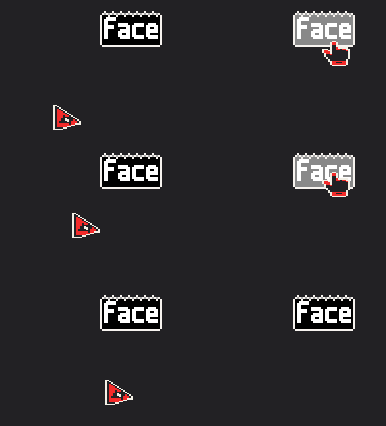
Cursors aren’t commonly visible on screen snapshots coming from Windows APIs, so screen recording software is usually drawing them on its own, possibly with some implementation caveats.
Can’t suggest much beyond trying standard sizes for the sprite (square, 32/48/64/128/256).
I tested a bit and it seems that the perfect size is 32x32.
I tried square images, 16x16, even 20x20, and I also tried 64x64, and it seems that they all get SCALED to be 32x32 on screenshots/recordings...
Looking into it more, it seems that this is rather an "issue" with the recording software themselves, since apparently what they mostly do is grab your cursor position, then grab the image it uses, and lastly, just draw it on top of the recording/screenshot. I read there are other methods to get your cursor on your recording/screenshot but it seems to be a very generic way that just works "fine" on multiple platforms and it's easy to do, so, that's something to consider when making the mouse sprites.