Indie game storeFree gamesFun gamesHorror games
Game developmentAssetsComics
SalesBundles
Jobs
TagsGame Engines

"Voices Of The Void" Alpha

Gather unknown signals from deep, silent space · By mrdrnose

Voices of the Void 0.8.1 Bug Reports Locked

A topic by mrdrnose created Nov 01, 2024 Views: 53,251 Replies: 366
This topic was locked by mrdrnose Jan 20, 2025
Viewing posts 1 to 20 of 202 · Next page · Last page
Developer (1 edit) (+4)(-1)

Report the bugs you find in 0.8.1 build
Include as much info you can gather so that i can fix stuff more efficiently

Or you can use the form: https://forms.gle/q8LsHK5xAJodse4bA

(2 edits) (+3)

So uhh, the game loads the main menu just fine for me but the sounds aren't working and when I try to open the tutorial it just plops me into a void, and while yes, I am able to move around, I can't move my camera and every setting is set to 0 for some odd reason, that includes the graphics as well as evey other possible setting.

Edit: I have managed to fix the issue, just go to the "game" tab on the settings menu and press "Regenerate Data.SAV"

(+3)

This fixed it for me thanks!

(+2)

The damage vignette appears over the HUD, making it hard or even impossible to see when heavily damaged.
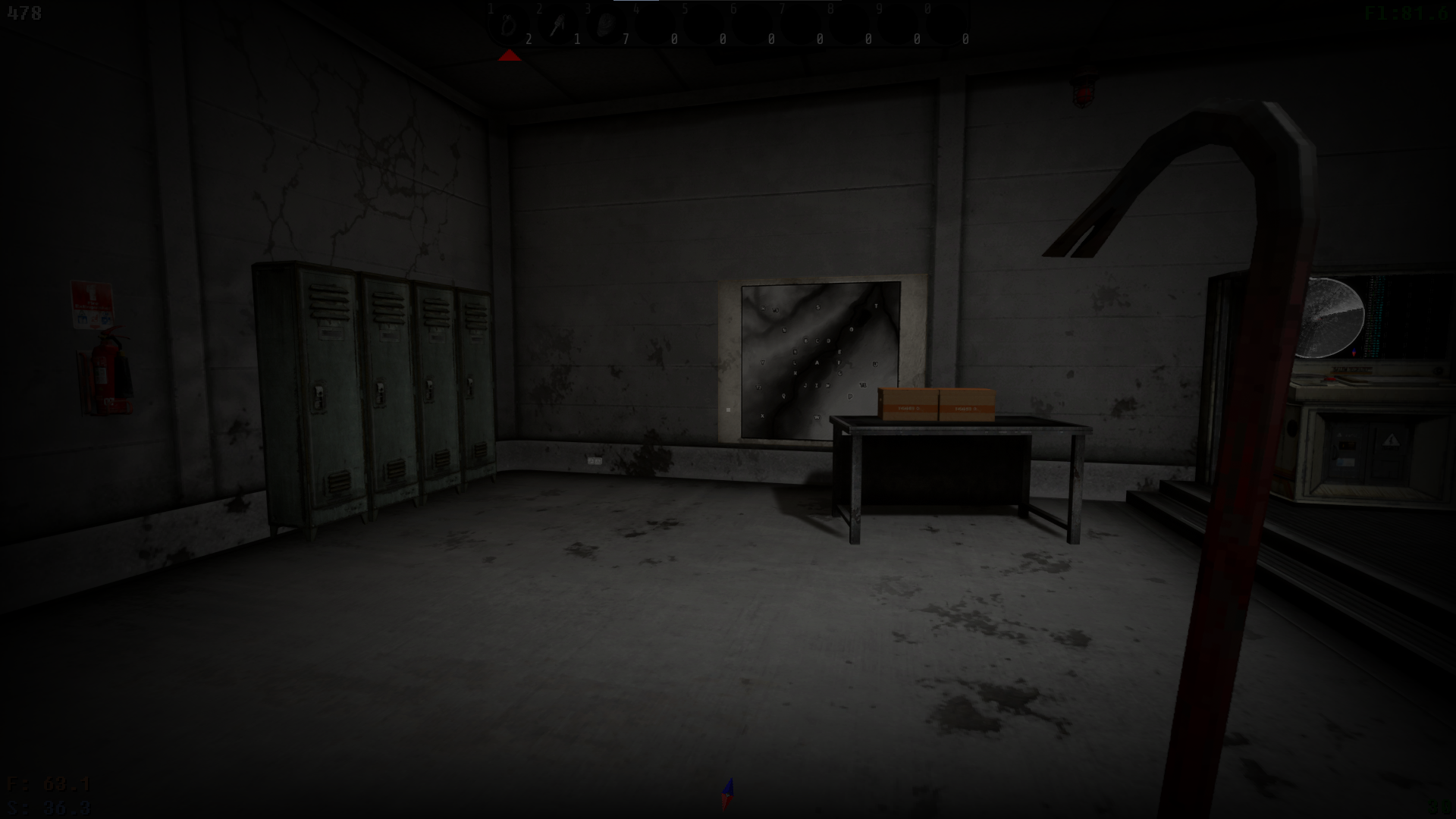
a LOT of terrain bugs. most noticeable is river near the base

Be a bit more specific in what you mean by "terrain bugs"

if you drive on ATV you camera and the transports shakes.

(2 edits) (+19)

Softlock when opening a paper sheet or notepad with 0 pages, seemingly no way to get out but Alt+F4.
Paper sheets and notepads do not vanish when they have 0 pages left (paper sheets when crumpled, notepads after all pages have been used up from tearing out or crumpling.)

I’ve got the same issue. It’s extremely disturbing as I couldn’t figure out how to differentiate papers that have 0 or papers that have 1 page. Advice: Don’t crumble papers, just erase what’s on those. Advice 2: Take the whole notebook on yourself and throw it when you’ve teared all the pages off.

Came to report this as well.

(1 edit) (+1)

kerfur omega recipe doesn't show up

It isn't in the manual anymore, look on the tables in the bunker for a notepad.

(+1)
found it thanks
(+2)

Orange kerfurs AI is like hes on crack, after a little while he will start spazzing out left and right violently. If he gets in water he cant get out, if he tries climbing an incline he cant get over it. Kel does a little jump after exiting the computer. And is KerfurO's crafting book supposed to be blank now?

(+1)

The new KerfurO recipe is in a notepad in the bunker, on one of the tables next to a battery.

(+3)

I probably have a related problem, the red kerfur moves left and right constantly for me and can’t get up on stairs to fix servers because of that. The actual recipe for KerfurO is now in a separate journal on the table in the bunker, which is hard to find because it’s the same color as the table

(+2)

Happens with pink kerfur for me too, it’s really annoying.

(1 edit)

if you crouch and look up you can see your own character, and the model clips throught walls if you walk close enought to a wall and look down

(+2)

The current visible playermodel is basically just a placeholder from what I know, it currently just has the animations of a Kerfur-O.

Is the witches broom supposed to be non-existent? I finally managed to buy it, but the crate that came was empty.

(+2)

При смятии бумаги с хэш кодами игра показывает лист которого нет то есть зависает полностью без возможности сохранения (если не ждать авто сохранение) 

При входе в сохранение не работает мышь. Пробовал переподключаться и заходить заново((((( (

Moreover, the mouse works in the menu and settings, but not in the gameplay itself.

(1 edit)

I had this issue maybe, do you mean mouse highlights stuff it's not on? Or cursor won't show up at all in game? 

If the former, while in the menu that works for you, go settings, video, turn off auto resolution then lower the screen resolution by one or two manually. Say down to 1280x800 if that works, in game raise it one at a time till it won't again then go back to main and lower it once, remember to apply after each change.

Or just leave it the first time it works.

Good luck

(+2)

Berries seem to visually stay on their bushes after harvesting after a reload, meaning you can't tell when they have regrown their berries.

When the games running it sends my GPU into 100% utilization and makes my pc sound like a turbine engine 

(+1)

I also encountered the same problem. I recently purchased a 4070 for the 7800X3D and set the graphics and video settings to maximum for my 144Hz monitor. The temperature went through the roof even with the CPU limit set at 70 degrees beyond 80. The solution turned out to be simple: I limited the FPS to 72 frames! Now the temperature does not rise above 60.

Same, I have a gtx 1650.

Turning the shadows off fixed the problem for me.

(+4)

Woodchipper doesn't accept wooden debri.

(+1)

Noticed in the tutorial selling your upgrades on the computer puts everything to max and allows you to sell the fully upgraded versions. Not possible in the main story as far as i can tell so not a huge deal and i know the tutorial is full of secret stuff so this could just be on purpose for an easter egg or something but i figured i'd post about it.

I ate one of the white berries and shit myself, leaving a decal on the floor. Unrelated later, I died and reloaded save. Coming back to base the decals were using the wrong texture (could still be washed off though)

(1 edit)

why mods doesnt work?

Deleted 1 year ago
(1 edit)

проблема в том что половина гвоздей всех типов при заходе перестают держать прибитые предметы после перезахода в игру

(1 edit)

ну, эта проблема была и в 0.8.0, по-крайней мере у меня) вывеска "Sorry! Out of order." упорно не хочет висеть над дверью в серверную после рестартов.

Normal kerfur plugs are bugged. They don't plug into walls and are stuck attached to the Kerfur. This is with the pink and orange kerfur, it also likely happens with other kerfur's as well.

(+3)

the physics have been removed from plugs to prevent clipping issues most likely. I have red kerfus and the plug doesn't actually plug in unless i let go of the interact key while the plug is next to the socket.

(+1)

так и есть, вилки переделали и теперь надо вилку отпустить когда она в притык к розетке, уже проверил на всех приборах и керфуса

I did do that though.. It just automatically went right back into the kerfur.

I'm not sure why. the plug needs to be right next to the outlet. then it should plug in when you let go of the plug.

(+1)

update: I was just stupid. I was THROWING the coord instead of letting go of the cord. It works now, thanks.
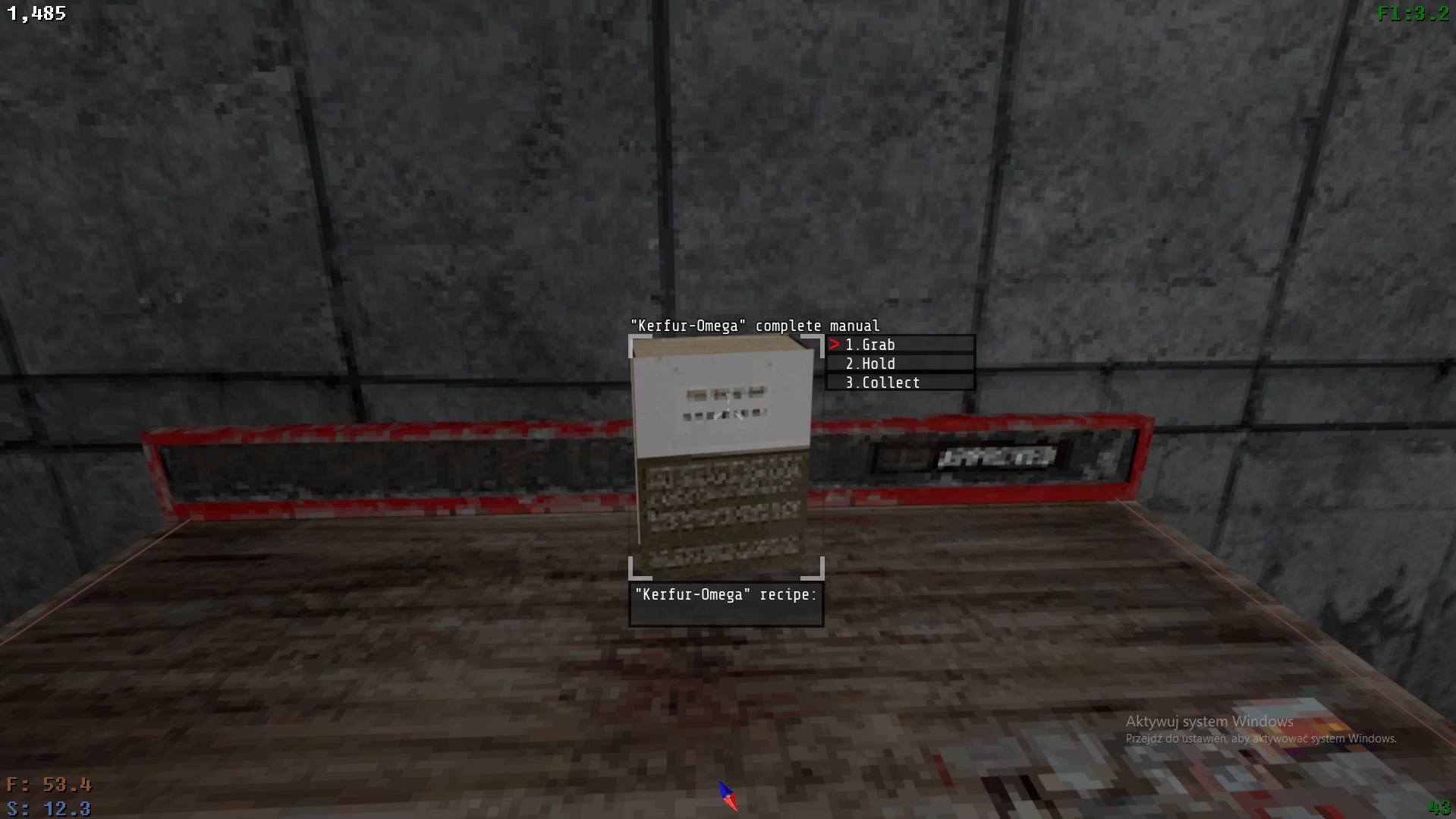
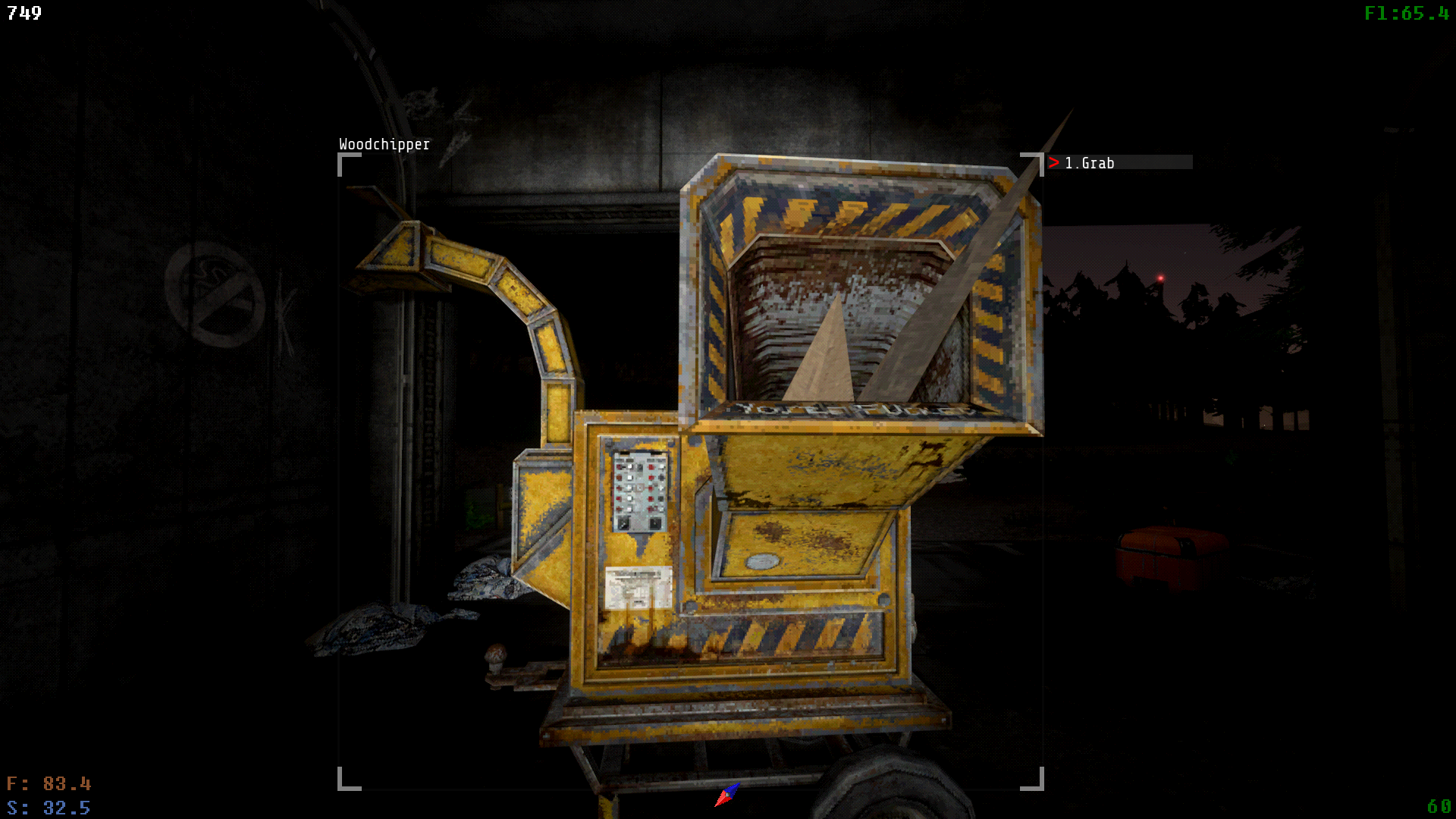
Most of the colors appear "inverted" for me, Yellow text on the screen is instead a REALLY eye-hurting blue, rivers appear red for some reason, tutorial overall seems bluer, even yellow textures at the start of the game are blue, why is everything blue!?

(+2)

Go to your video settings and change the color hue near the bottom of the settings.

WOW it was all the way at 183-....but ive never even touch the hue settings-

whatever, color is back to normal now, thanks lad!

Viewing posts 1 to 20 of 202 · Next page · Last page