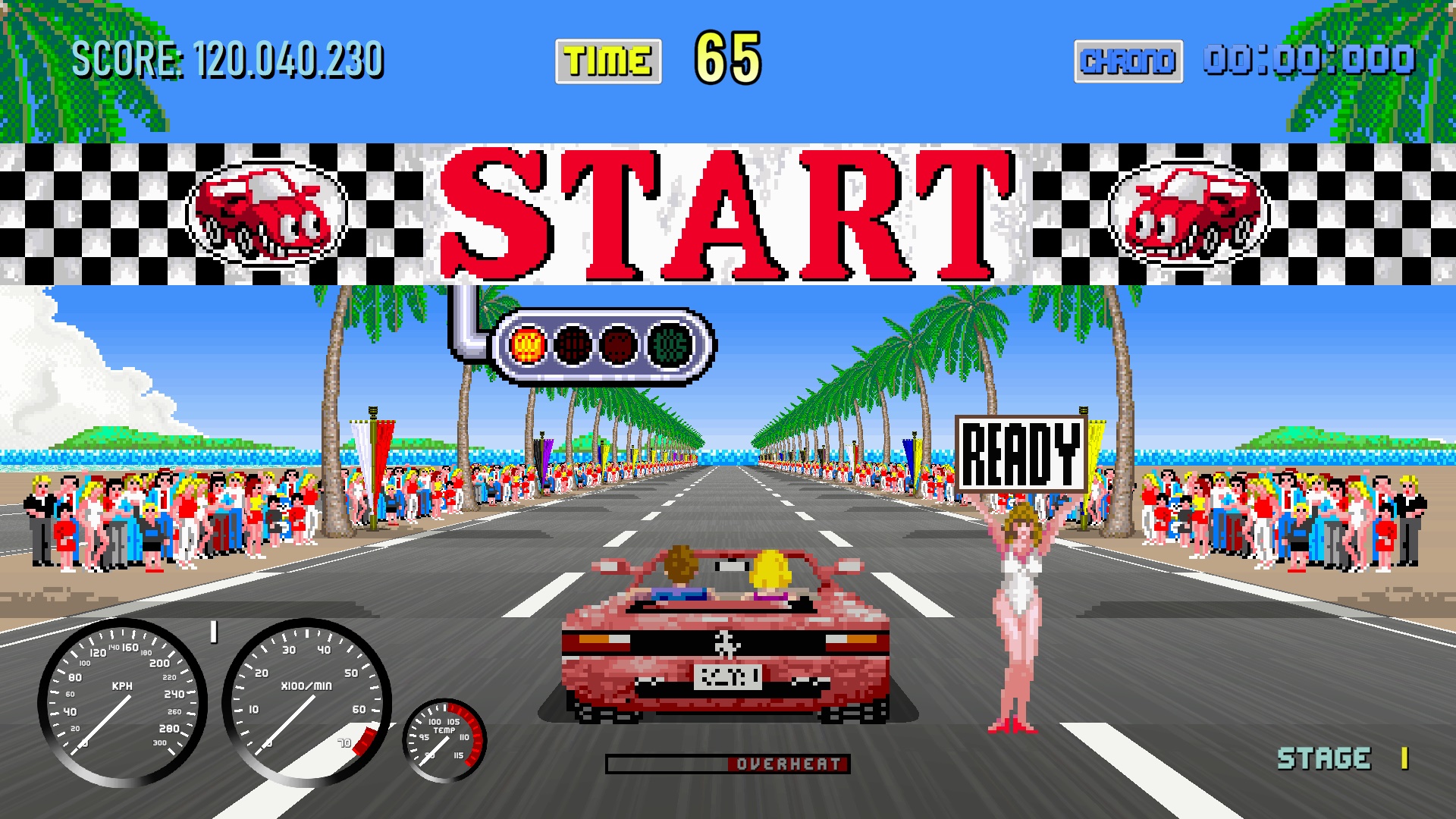
the screen resolution setting doesn't seem to do anything. No matter what I change it to it doesn't make my monitor switch it just stays at the same resolution
That's weird. And to what resolution do you want to set it?
I've just tried it on my system and it seems to work. Not sure why it doesn't work on yours.
Eventually I'm going to expand the low res mode where you can also choose a resolution. That way the UI stays sharp while the road and stuff becomes pixelated.
I'm afraid not. But you want to change the refresh rate? I believe changing the resolution merely changes the look of the game, not the actual resolution of the screen. So my best bet is to change it in your system settings for the moment.
I'll add an option in the future to actually change the resolution on a system level.
Are you using Windows? Or Mac?
Thanks! Yeah, the horn will be actually functional. Not only for challenging other cars in Cruisin' mode, but also for something else:
I've programmed the AI cars, especially traffic cars to not swerve into your lane when they want to overtake someone. It's something that I don't like about other games, where they intentionally seem to do that. But my system isn't watertight. That's where the horn will come in handy. When they swerve into your lane, blast the horn and they should go back where they came from. At least that's the idea. :D Now I have to program it... And add the sound effect.
By the way: I've just uploaded a b-version. It fixes some bugs here and there. For instance: with a controller you quickly had to release the a-button when you went to the upgrade screen in Turbo OutRun mode, or you accidentally chose the engine upgrade. Oh and that's when the mechanics walked backwards.
Oh, I get it. It looks like the rival is using the turbo more often. Usually, when easy or intermediate is chosen, the rival only activates the turbo on the long straights after passing a checkpoint. Now they’re also using it just before the end of a corner. Not sure why. That's something I’ll look into tomorrow.
I’m also experimenting with a new type of rubberbanding. I already had a rubberband mechanic that adjusts the rival’s max speed through corners: the farther ahead they are, the slower they go through corners, and vice versa. Now, I’ve added a rubberband that adjusts throttle. The farther ahead the rival is, the less throttle they use. When set to zero, they won’t get much more than 200 meters ahead of you.
Once I fix the turbo usage, I’ll upload the new version.
Yes and no. They follow the same rules as you do: overheat the engine and the turbo won't be available. But those bastards immediately start with an L3 radiator.
However, I've found the problem. It's something that I changed a while ago. I reverted it and now they only use the turbo on long straights.
I've also rebalanced the ai difficulty. Easy and intermediate are now easier.
With the "slow"car i drove?
gonna try it.
btw.someone mentioned on my last upload that the Car does not dip , nor ascend when going down/up hill.
Dunno if you knew it allready,also dunno if it takes lotsa work to add those animations to make the game even more Beautifull.
Here's what missing,still i see the nose of the car dip when switching to bumperview
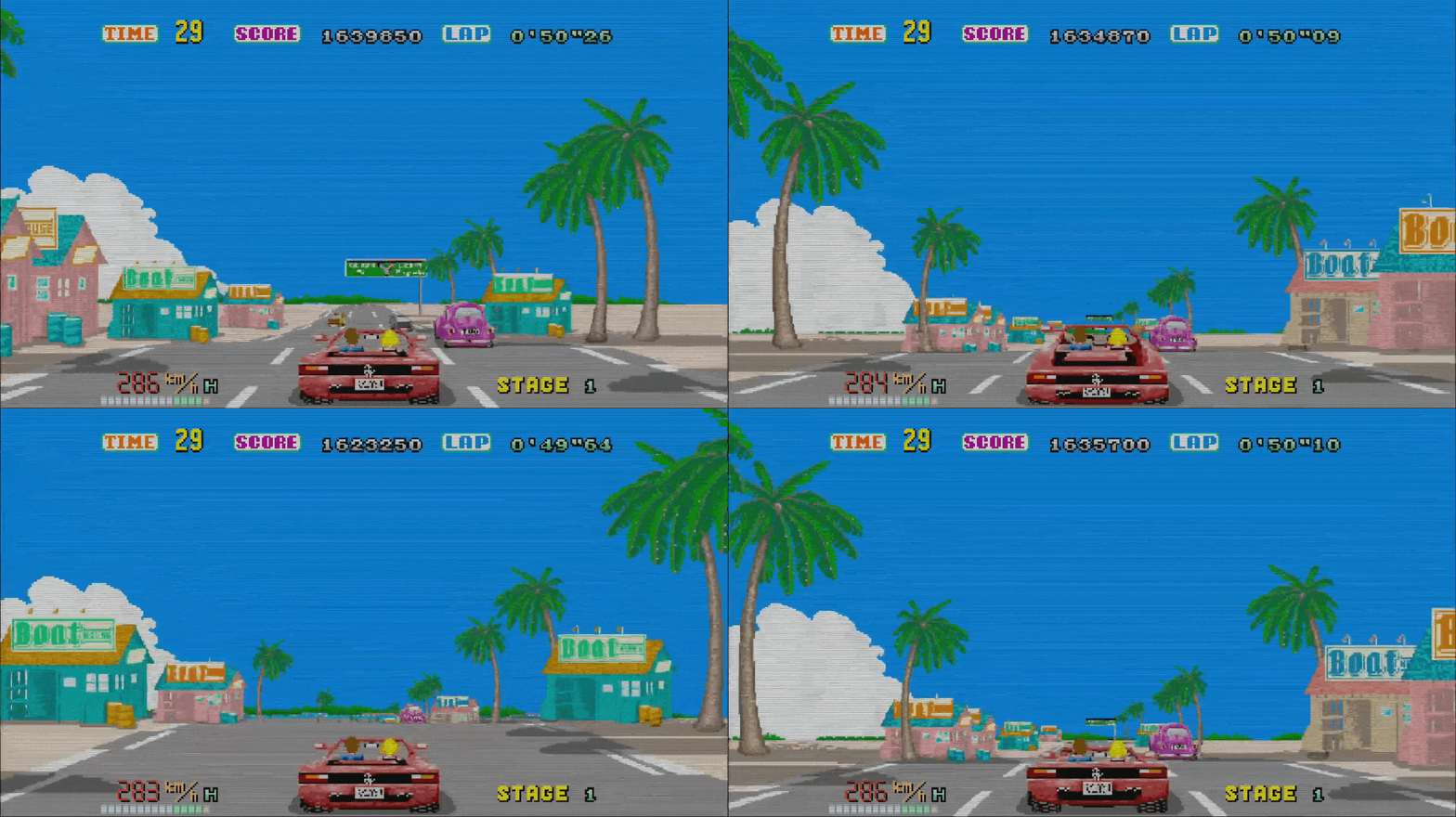
Yes, I know. The car animation itself shouldn't be too difficult. I've even experimented with it in the past, although I'm not entirely sure how I'm going to implement it. Should it stay in the upward position as long as you're going uphill, or should it only stay upward while the road is curving upward? Those are the questions I'm grappling with.
However, animating the occupants in the car is a real pain in the ass. xD
Ripping them is the easy part; positioning them in the car is the hard part. They're a separate sprite sheet with their own animation: the hair flowing in the wind. So I can't just stick them in the car—they have to be placed in via code. I believe I've already done most of the heavy lifting for the Redhead, so I might try tilting the car up and down.
For the DX40, there are separate sprites again because of that damned spoiler in the way.
Hah, this saves me a lot of work! I can't use the sprites directly, but I can use this as a reference when I want to set the coordinates for the driver and passenger. (Still a lot of work though.)
Thanks!
I see... the AI driver cannot handle the Madonna F1...
Time to practice then, Just got the bike with the Testa- oops! I mean the DX110. Also may I suggest a way to make the game run smoother on low end machines? A cousin of mine likes the game but he has a "meh" laptop for school and wants to play it during breaks but he has to lower the resolution way low and even then frame rate does not go over 40 fps. (I noticed on your to-do you want to lower road textures.)
Either way... I'm off to practice with the bike and beat the game with the other cars (On easy of course because I got the bike on Inter with the DX110)
Hah, in the next update opponents will recover faster after they hit another car, so they won't crash into roadside objects that often. Aaand I'm probably going to revert it for easy and intermediate settings because it makes the game much harder.
Not sure how I'm going to get more fps out of the game. Graphics-wise it's not that heavy, but code-wise there is a lot of stuff going on. I'll experiment with some stuff and I'll see what I can do.
Good luck with the motorcycle!
True. That's because of the way they get spawned. They get spawned with the idea of racing against 1 opponent. When the oppnent is in front, the police gets spawned in front of the opponent, so the police will see the leader first and start chasing the leader, not the player by default.
But with 29 opponents, they still get spawned i front of the leader. That's why you only started to see them when you were at the front.
I'm about to change that.
Thanks! I'm glad you like it!
- The 911 will be available in the future. 😉 It misses 2 sprites: the ones facing straight ahead. But I'm going to try to draw 1 of them myself.
- You can change the car color by pressing up and down in the car selection menu.
- I really would like to add a multiplayer mode, but it's going to be difficult. Not sure if it's going to be feasible. Maybe someday...!
- There is a radar detector in the upper right corner. 😉 It will start clicking when a police car is near you. The number in it is the amount of cops chasing you.
in latest update you can add all the music you want.
Here i added music from Outrun 2 on the first race: