Looks like having more than one character file open, then saving one of them, leads to the software getting stuck. The loading icon plays normally, and it won't let me do anything.

2D Character Portrait & VTuber Avatar Generator. · By
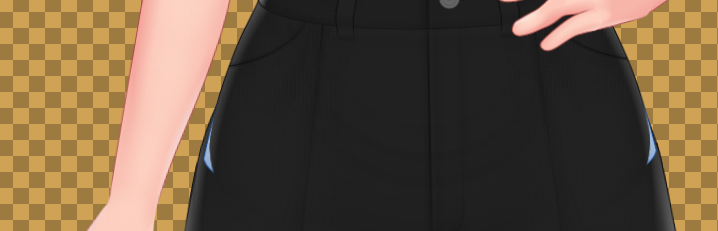
Hello! It looks like that is caused by tanktops instead of leggings. Tanktops are placed in a layer below other clothing (pants/t-shirts). To fix this problem, you can switch to the tucked variant of tanktops which are available. That being said, looks like we need to add tanktops that are placed in the same layer as t-shirts, so the untucked variant will properly show outside pants. Thank you for your information!
Two things to report. (Current Pro Build)
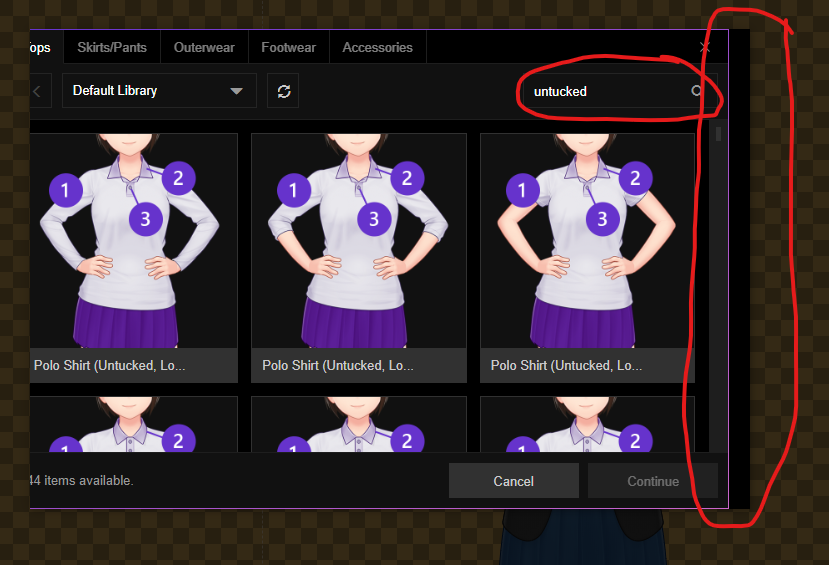
First: I've found that searching for a particular item causes the window to shift its displayed content to the left. That leaves the left side cut off and the right side with a black space about one vertical scrollbar's width wide.
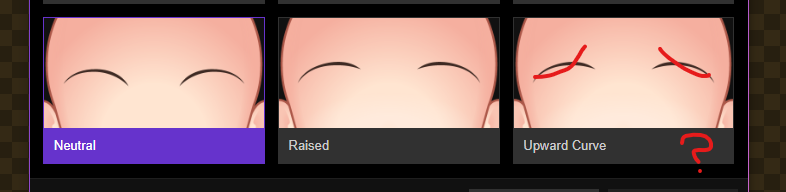
Second: the Raised and Upward Curve Eyebrow items share what appears to be the former item's graphic.
Hello! Thanks for your feedback. The search problem has been fixed in the current nightly build and will be there in the next stable build!
Thanks for the info! We'll try to find out the underlying cause of this, and optimize the app accordingly.
Thanks for the info! Is this behavior happened when launching from itch.io desktop app? If yes, then we might need to consult this further with the itch.io team. We'll try to re-read their documentation first to see if there's something that we can do but has been missed.
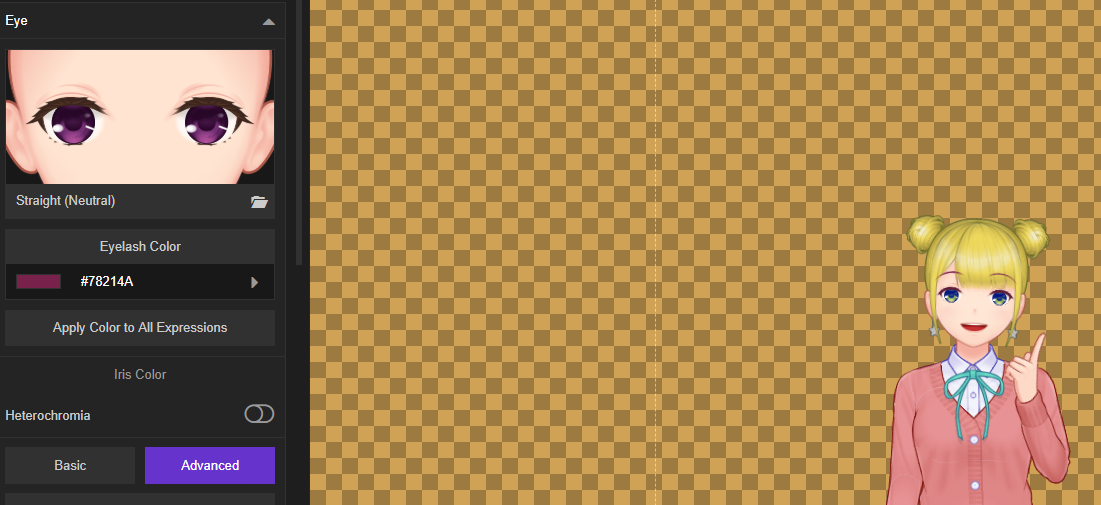
Is this from the stable build? If so, there's a high chance that the adjustment are not working for all face parts (not just the brow). A workaround to this problem is refreshing the preview canvas using the refresh button on the upper toolbar. This issue also has been fixed in the latest nightly build.
We'll check it out for the v-neck part, but for turtleneck the solution should be removing the shirt as the shirt part is covered completely. Thanks again for your feedback!
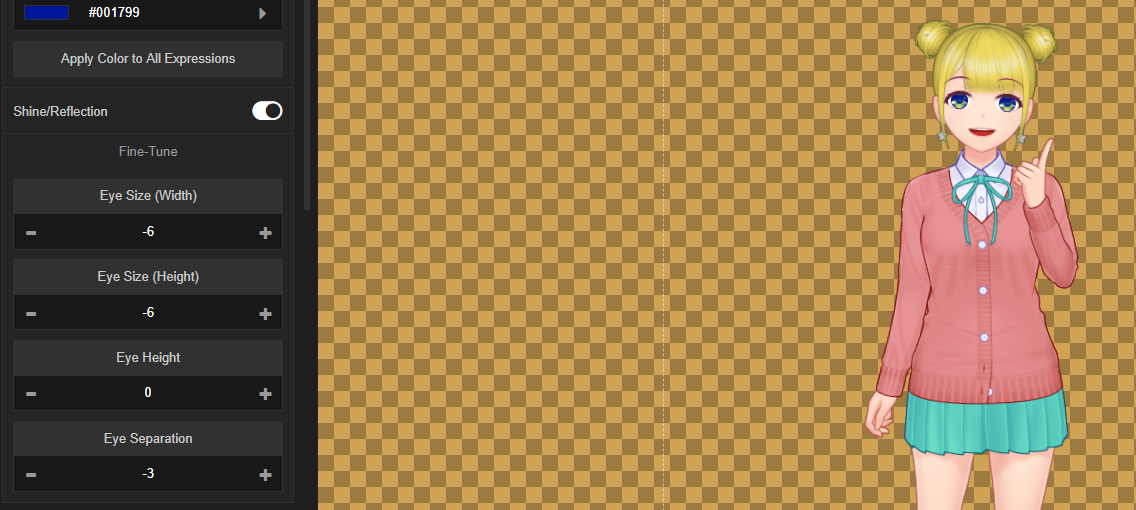
odd bug with some extra lines
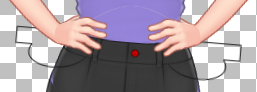
You see the extra lines this show up in final render too and on any pose.
I don't think I'm doing anything wrong here
After mores testing this exist with all poses beside the default pose.
also just on the female models
Found a really nasty incompatibility occurence. This character looks just fine as a PNG and SVG...
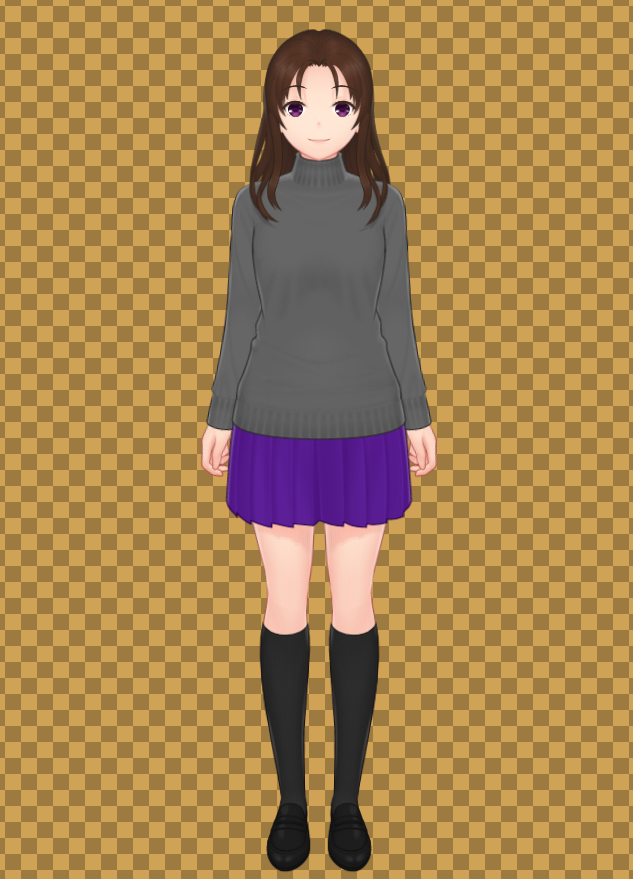
But when I try to open the exported SVG file with Affinity Designer (my current vector-graphic software), I get this:
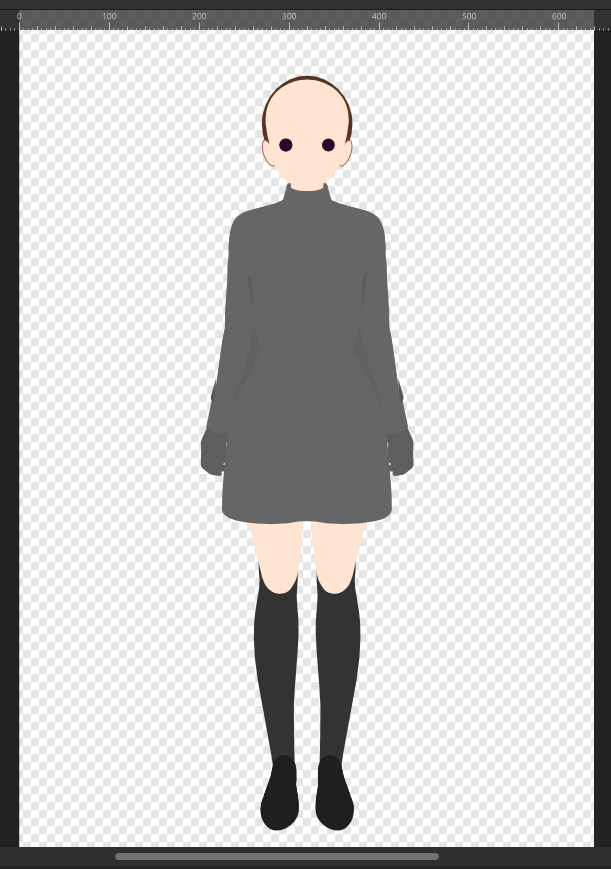
I have no idea why this happens. The exported SVG file has everything, judging by both looking at the Layer window in Designer and viewing the SVG in a web browser (both Internet Explorer and Microsoft Edge). So this is a puzzling occurence (not to mention rather scary).
Yeah, that's unfortunately not something that we can fix. Various apps read SVG files differently from each other, so we can only maintain compatibility with Illustrator, Inkscape, and web browsers. Even with those two 'pro' apps (Inkscape and Illustrator), we have to tailor the output file to maintain the best output possible while accommodating each apps' quirks when reading SVGs.
Edit: We won't say that Affinity Design compatibility is out of the picture forever, it's just that now we haven't investigated the quirks of the app enough to find out what workarounds that we can use to make our SVG files imported correctly.
For the time being Mac users have to use the itch.io desktop app to install and run Mannequin. Sorry for the inconvenience!
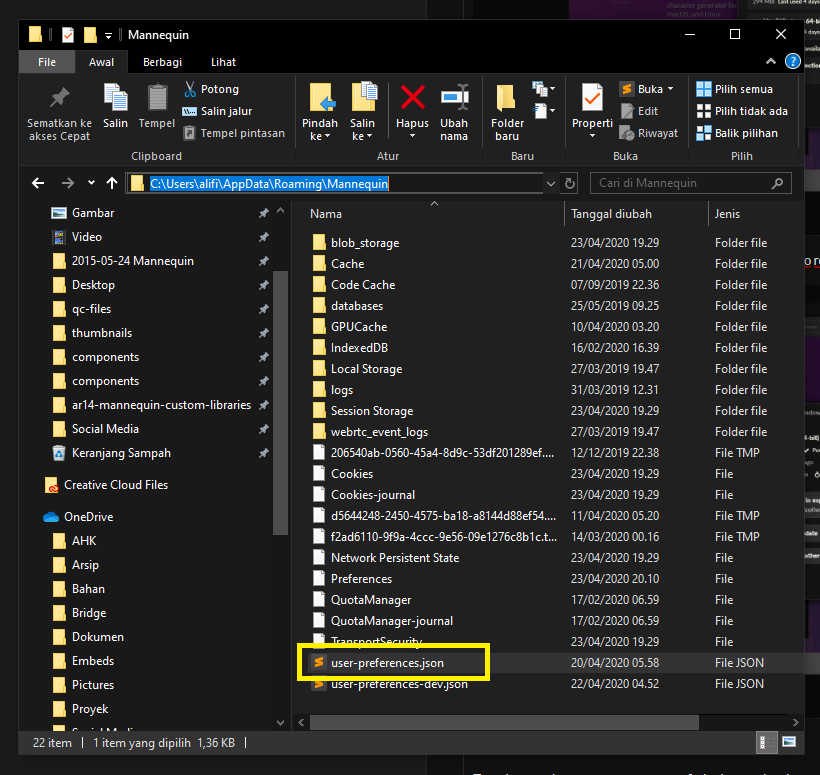
That's very strange indeed. We tried to reproduce this behavior in our test systems, but everything seems to be fine. Maybe you can try cleaning Mannequin's user preferences?
To do this, open C:\Users\[yourusername]\AppData\Roaming\Mannequin and then delete both user-preferences.json and user-preferences-dev.json (if this file also exists).
Let us know more if there's further problems.
Hello! We're really sorry for this problem. You can try reinstalling the app via the itch.io desktop app:
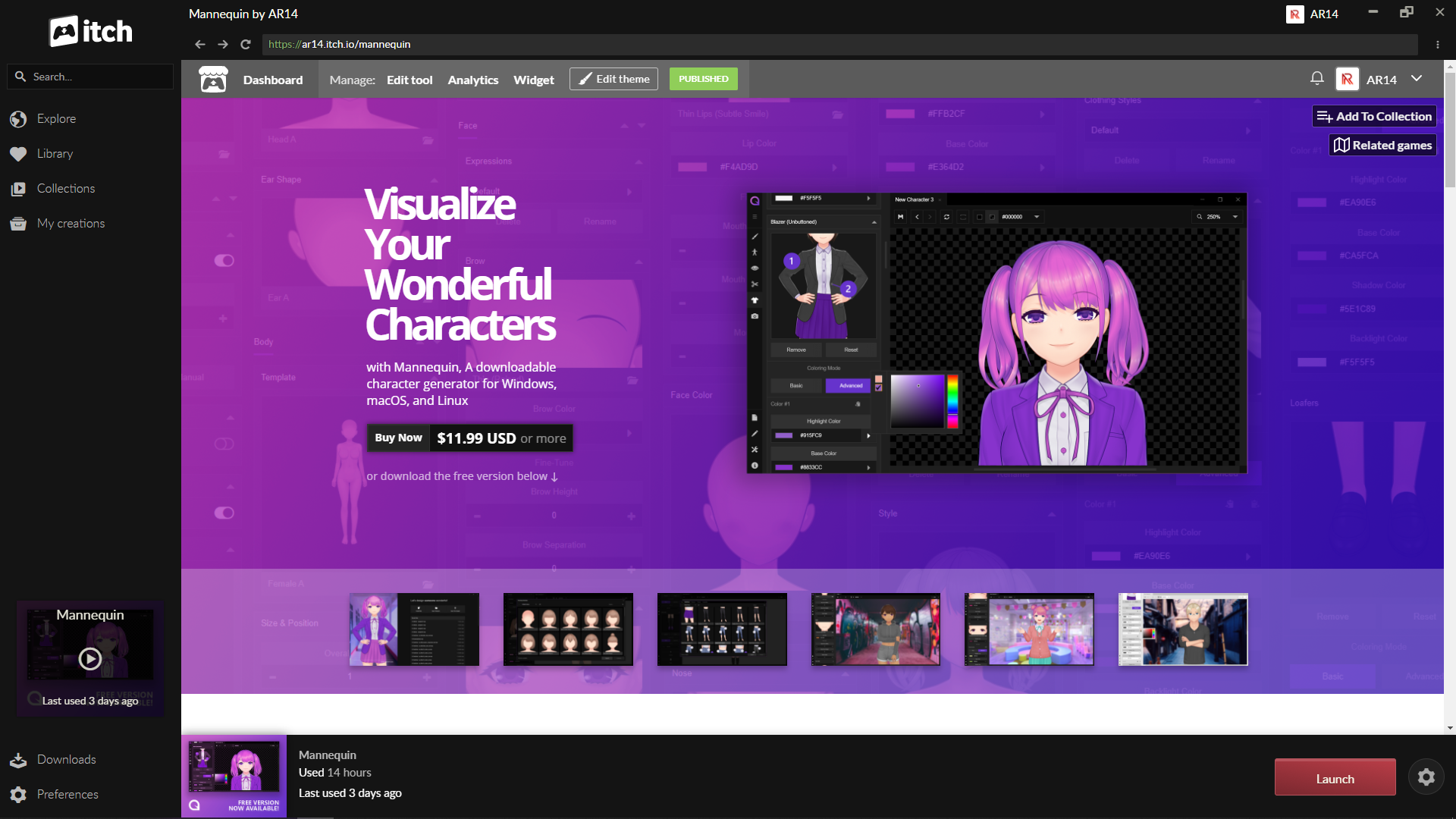
First, open Mannequin in your Library, and click the gear icon on the bottom right.
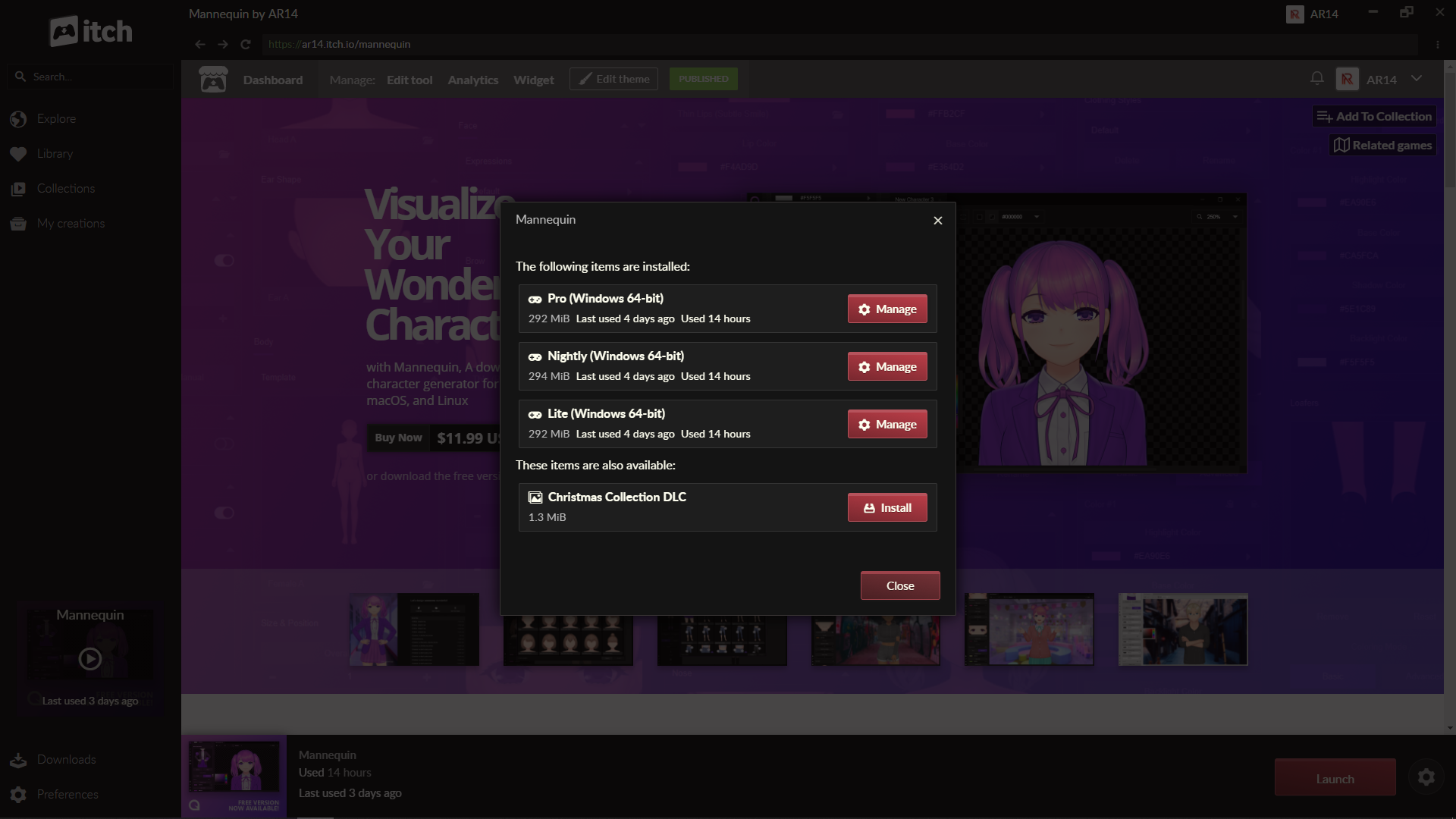
Then click the 'Manage' button of the version that you want to re-install.
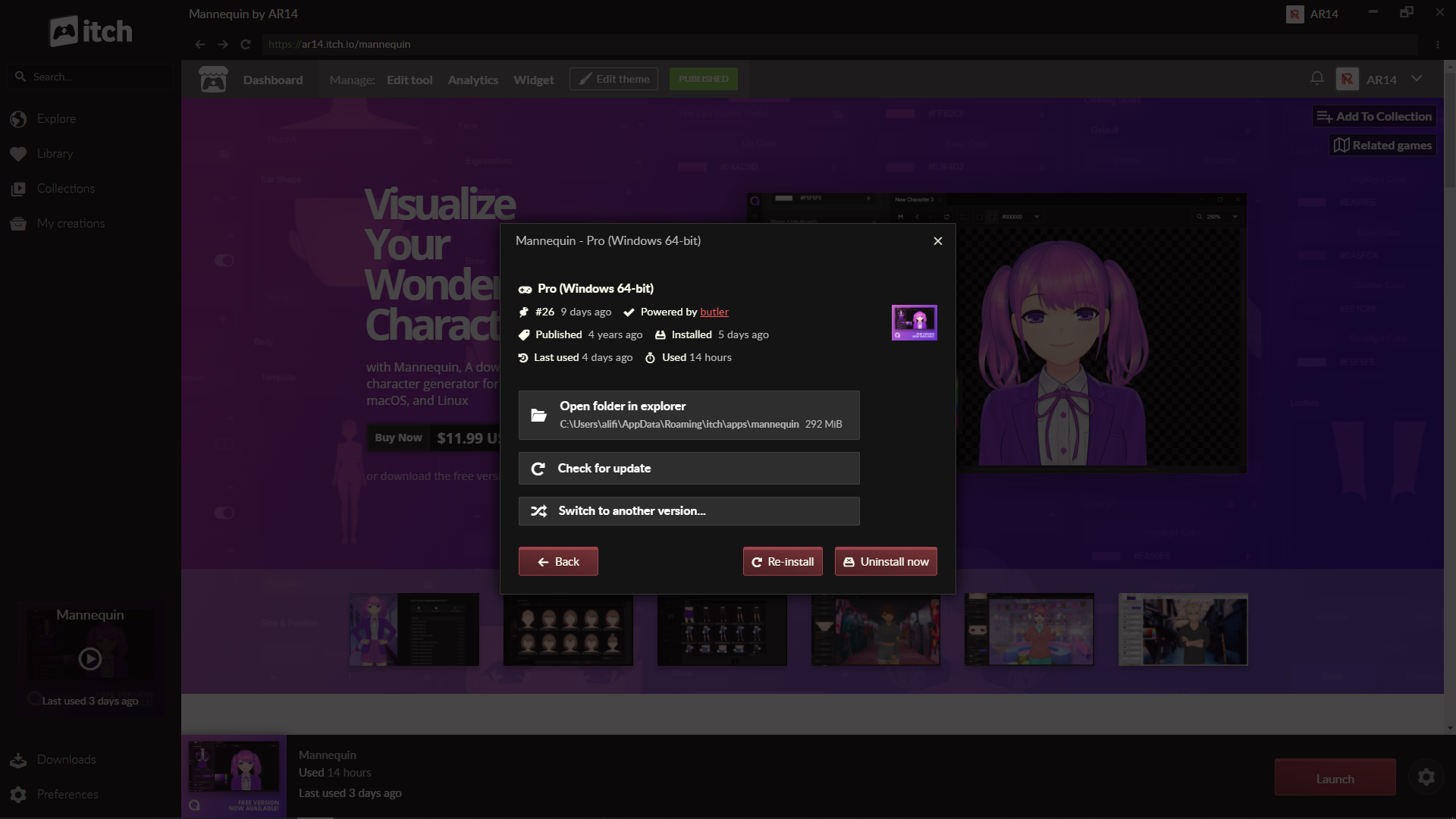
Click the 'Re-install' button.
To make sure that your current app config is also good and not causing the crash/freeze, you can try deleting it by opening 'C:\Users\[your user name]\AppData\Roaming\Mannequin' and deleting the 'user-preferences.json' file.
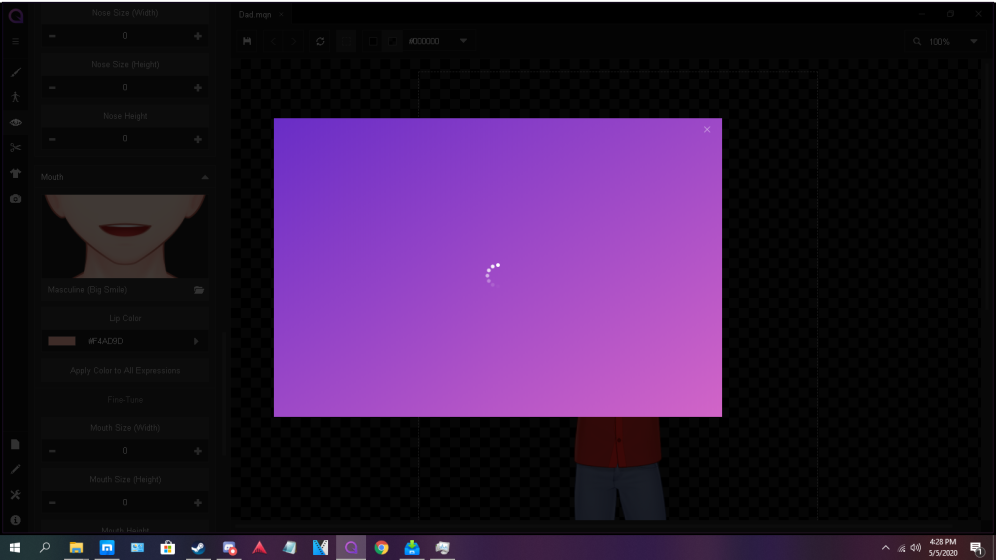 So im runing windows 10 x64 and after i've saved a character and reopend it to edit it, when i try to change something it just does this,
as far as specs go i've got a gtx 960, 16 gb of ram, and amd Athlon X4 850k quad core CPU.
Hello. Sorry for this trouble! If you don't mind, would you be able to send the character file to our e-mail: hello@ar14.works ? It will help us analyze the cause faster to provide a fix. Thank you for your feedback and cooperation!
Yes, that's just how the layering works with the template structure. We're currently planning to add another template for tanktops that will be displayed over skirts and pants soon in the next update. Thanks for the feedback!
Hello, thanks for your amazing software ! I have found three bugs. (I am using the last pro version with windows 10)
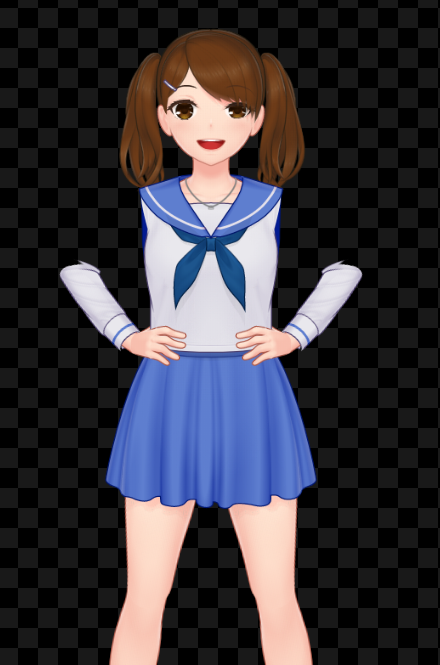
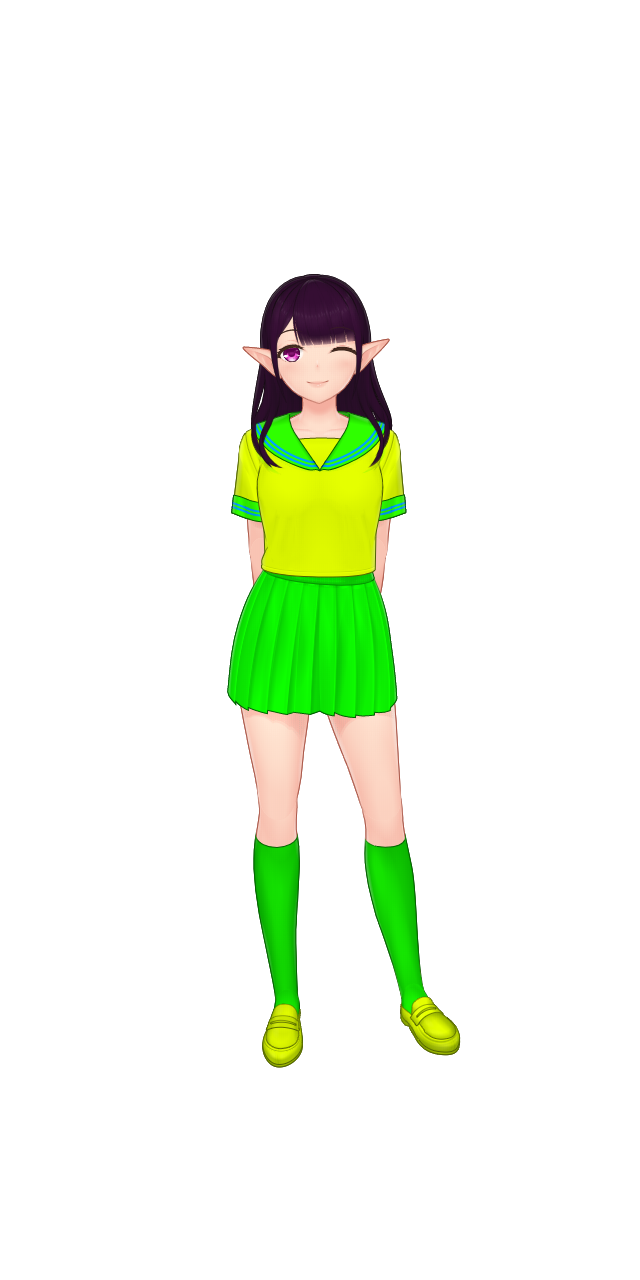
Got a bug report. I'm running Ubuntu 18.04.4 and tried to run the demo free version. However, there wasn't any .sh file to run so after looking up some posts I saw that you're supposed to run the "Mannequin" file. It is listed as Exacute as program in the properties. Alright, so I tried to execute it. It came up with an error, "Could not display "mannequin" There is no application installed for "shared library files." Do you want to search for an application to open this file?"
Any suggestions on what's wrong?
About 20 minutes later:
After reading on the Itch.io app, which I didn't know even existed until now, in this community I tried using the app. I was able to download the app and run it fine, so I tried downloading Mannequin through the app. I remembered reading something about it being the preferred method of installing and running. So, after installing it, wouldn't you know it ran just fine? I'm a Linux only user now, I've ditched Windows for good, so apparently it will only run through the Itch.io app and not on it's own apart from the app?? Anyway, I really like it and plan to buy it once it's on sale on steam. Happy it works because this is something that I really needed. Wow just look at those colors of the demo girl would you? LoL
Hello! Sorry for the confusion and glad that it cleared up for you. Just as an additional info, here is our reply to previous question regarding running on Linux: /t/692620/linux-help-mannequin
Using the itch.io desktop app is always the preferred way, though, since there is no self-updater built into Mannequin and we rely on itch.io platform (and Steam, when the corresponding version releases there) for managing updates.
Wonderful character there! Hopefully you'll find our 'Advanced' color option useful too; it will surely add more flexibility to match your entire game / artwork color style!
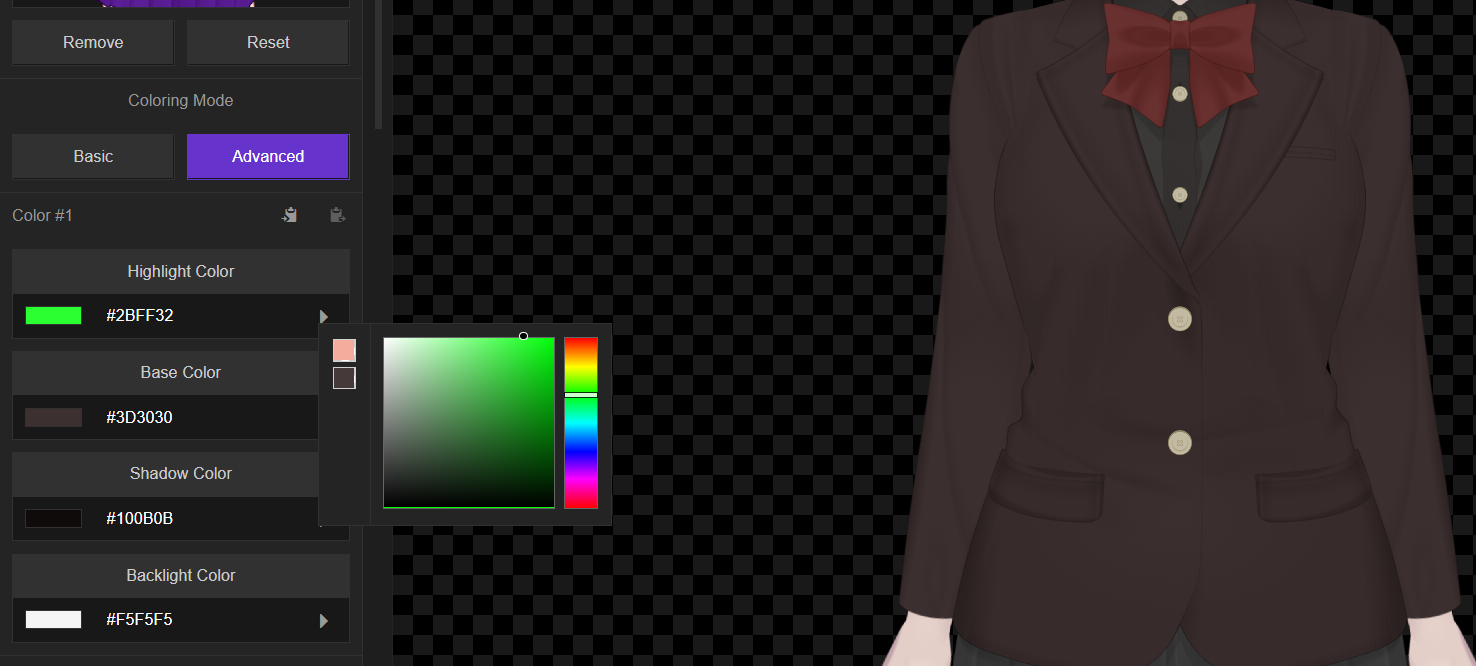
Do some outfits only have two colors being used in "Advanced Coloring"?
A lot of the new outfits are pretty flat looking as far as their shading, so I was trying to tweak the shadows and highlights to see if that couldn't help that a bit, and I noticed that the highlight just...doesn't seem to exist anywhere on this outfit- possibly for others as well?
Hello! We're not sure about what kind of blur on the edges that you've mentioned. We've tested PNG export in the latest build and everything is as sharp as it's intended to be. Most of the strokes are designed to have a gradient color so this might be what's troubling you? If you wanted a more defined outer strokes, you can try the 'Outline' feature in the 'Art Style' sidebar.
As for the DLC, the only DLC available DLC for now is the Christmas Collection Test DLC (which is added just for initial testing on the DLC functionality, so the content is very sparse). It is available for download via the store page or from the itch.io desktop app. Please note that DLC and custom-made contents overall are only available for Pro users.
Hope this helps!