On Sale: GamesAssetsToolsTabletopComics
Indie game storeFree gamesFun gamesHorror games
Game developmentAssetsComics
SalesBundles
Jobs
TagsGame Engines

You must be 18+ to view this content

California Strip Poker may contain content you must be 18+ to view.

The creator of this page has specified that it contains mature themes and content. Please enter your birthdate to verify you are 18 or older:

or Return to itch.io

Something for the weekend....

A topic by stripe6499 created Mar 28, 2025 Views: 532 Replies: 8
Viewing posts 1 to 5

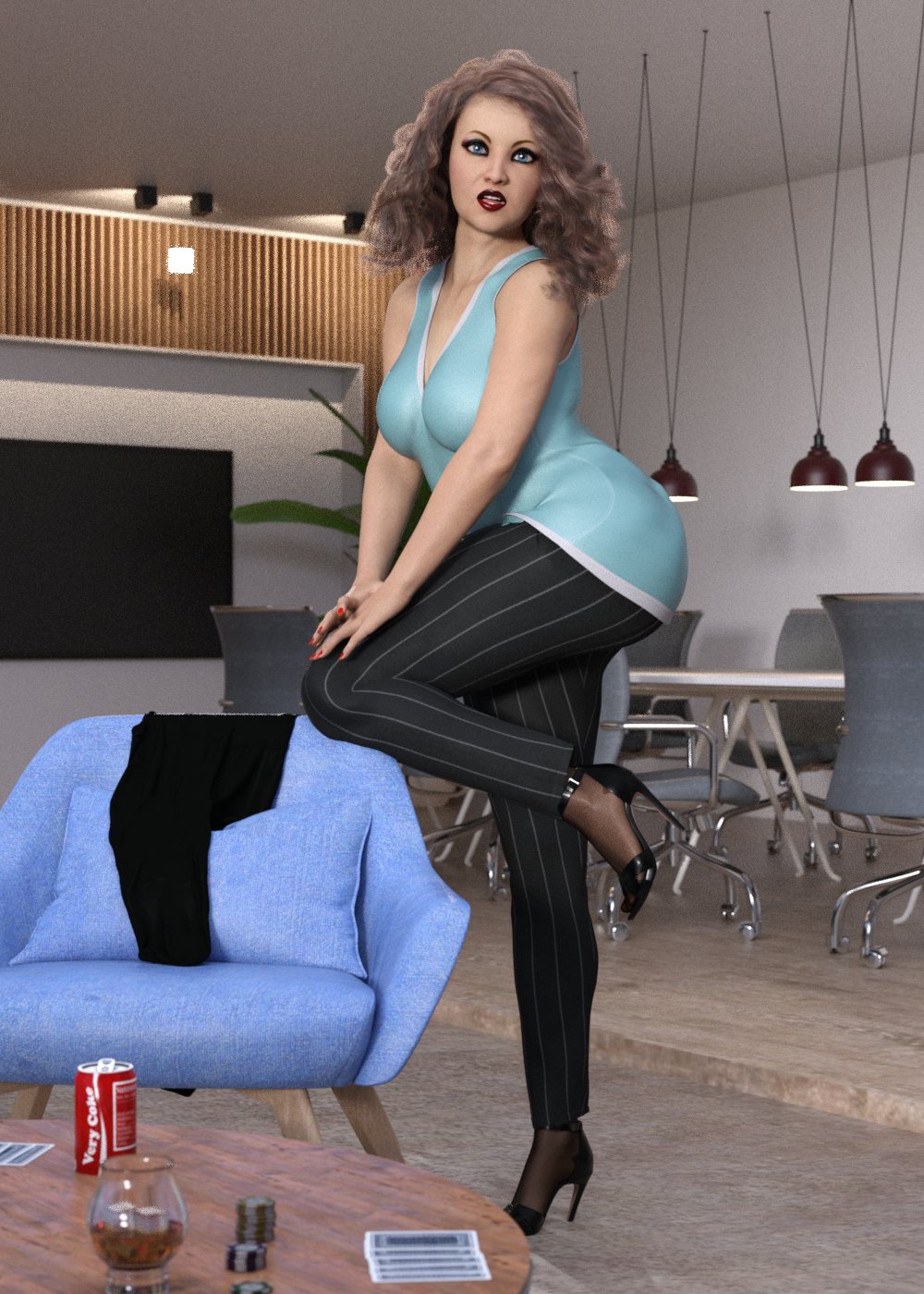
Well, I managed to get Mary finished... I think. I'm sure you'll be able to point out things that I missed though. With Mary done, I need to rebuild windows and fix that, and that's going to include reinstalling Daz,  I have no idea when Aubrey will be done for the office. See you on the flip side. Wish me luck.

https://mega.nz/file/KpYjlSYA#WAIF5ORcPr0zzXH4WuiXWjg6gOCC-sLZIMY1O_t5yzU

(1 edit)

Looks good for the most part, MaryOfficePlaying05_composite in 0000111, MaryOfficePlaying06_composite in 0000011, MaryOfficePlaying07_composite in 0000001 all look really grainy and washed out, they really stick out like a sore thumb when they pop up in the composite image. Other than that, everything looked good. Hopefully the reinstall process goes quick and painlessly.

Developer

Mary's composite shadows look a bit different than Candy's in the same spot, so you might have slightly different lighting going on too, but I'm guessing it's close enough to look right in the composed shot anyway.

If the composites are rendering quickly but coming out grainy, there's a few tricks you can use:

  • Make sure the rendering converged ratio is set really high (95% is the daz default, but 99.9 makes sense in an image where 95% of your pixels are blank)
  • Bump up the min-samples (for the office, this is my go-to trick)
  • Double the resolution, then shrink the image by 50%. Wasteful but effective
  • Set the spot-render tool to render in a window, and select the part that came out grainy. Then photoshop that back into the original grainy image.  Don't ask me why that works better than the converged ratio trick. Used this one a lot in the inn.
Developer

Woohoo! Sadly i have a busy weekend but looking forward to trying it out

I'll try those ideas as soon as I have a working computer. It's not going well.....

Developer

my daz install is showing signs of trouble as well. might have to reinstall soon too

Mixed news... my pc still isn't fixed. MS customer support have conceded that the 24H2 update likely corrupted the win 11 files, but something in my hardware is preventing them from fixing. Attempts to reinstall win11 give the report that my pc doesn't meet the win 11 system requirements... and yes, my pc is running win 11 already. On the brighter side, I have migrated Daz to my D drive, and I still have all my smart content tags and no 'missing file' errors when I load up and old scene... so woo me for that. 

Fuuuuuuck. Does it at least say why your computer suddenly isn't Windows 11 compatible? Is it the TPM chip?

Nope. It gives no clues. My computer is still working though. It's a little twitchy but usable, running that Win 11 that it's not supposed to support...

And I've redone those grainy composites. I'll include the updated files in a megapack when I finish Aubrey and round out my office staff. Currently running a few Miku cospplay renders for that set.