
Indie game storeFree gamesFun gamesHorror games
Game developmentAssetsComics
SalesBundles
Jobs
TagsGame Engines

Flickgame update

A topic by increpare created Apr 03, 2025 Views: 334 Replies: 9
Viewing posts 1 to 5

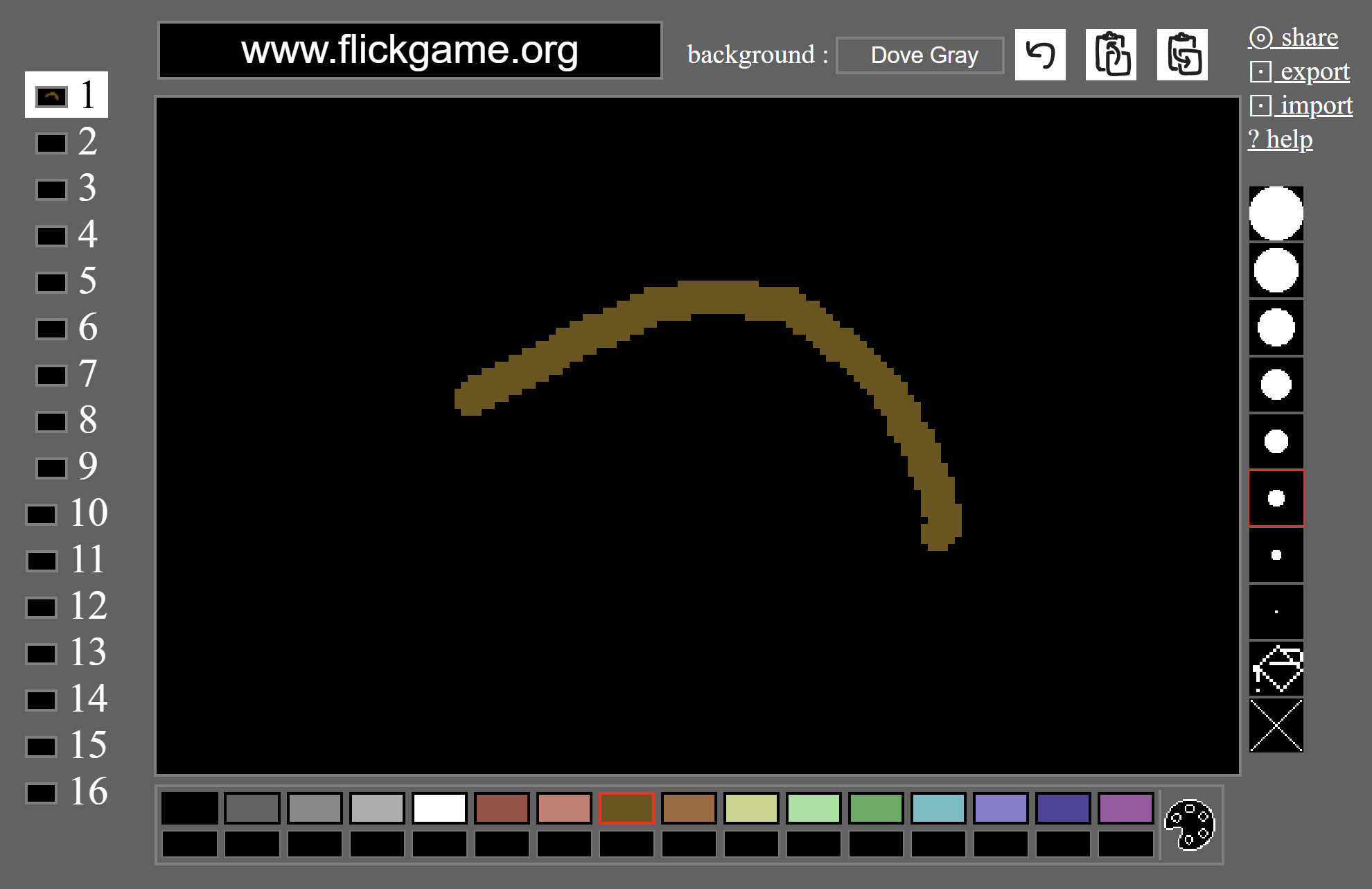
update, now with choice of colour-palette! (also things like mousewheel to change brush size, better touch-screen support, and lots of minor tweaks/fixes).
I might have broken things - let me know if something's borked and I'll fix it asap (actually asap!)

Submitted(+1)

Awesome!  Thank you so much for such an amazing little engine!

I present our first Flickgame creation: Rating Sponges

As far as I know, it's the first sponge rating game in history!  馃槀

Submitted (1 edit) (+1)

Hey, I tried importing my previously exported HTML file and it didn't work. :(

Was the previous palette "dawnbringer-16"? I tried importing it while having this palette selected but it didn't work either.
I submitted an entry for the jam but I noticed an error that I want to fix, but the import function seems to be not working ATM.

(1 edit)

Sorry.  I'll look into it later today - I have an idea what the probable problem is...

Submitted (1 edit) (+2)

Thanks! It's working now. :D
Also thanks for this fun little engine that could.

(1 edit)

should be working now - reload and retry and let me know if it works/doesn't work!

>Was the previous palette "dawnbringer-16"
yes

Submitted(+1)

Oh, this is exciting! Thank you for the update!

Submitted(+1)

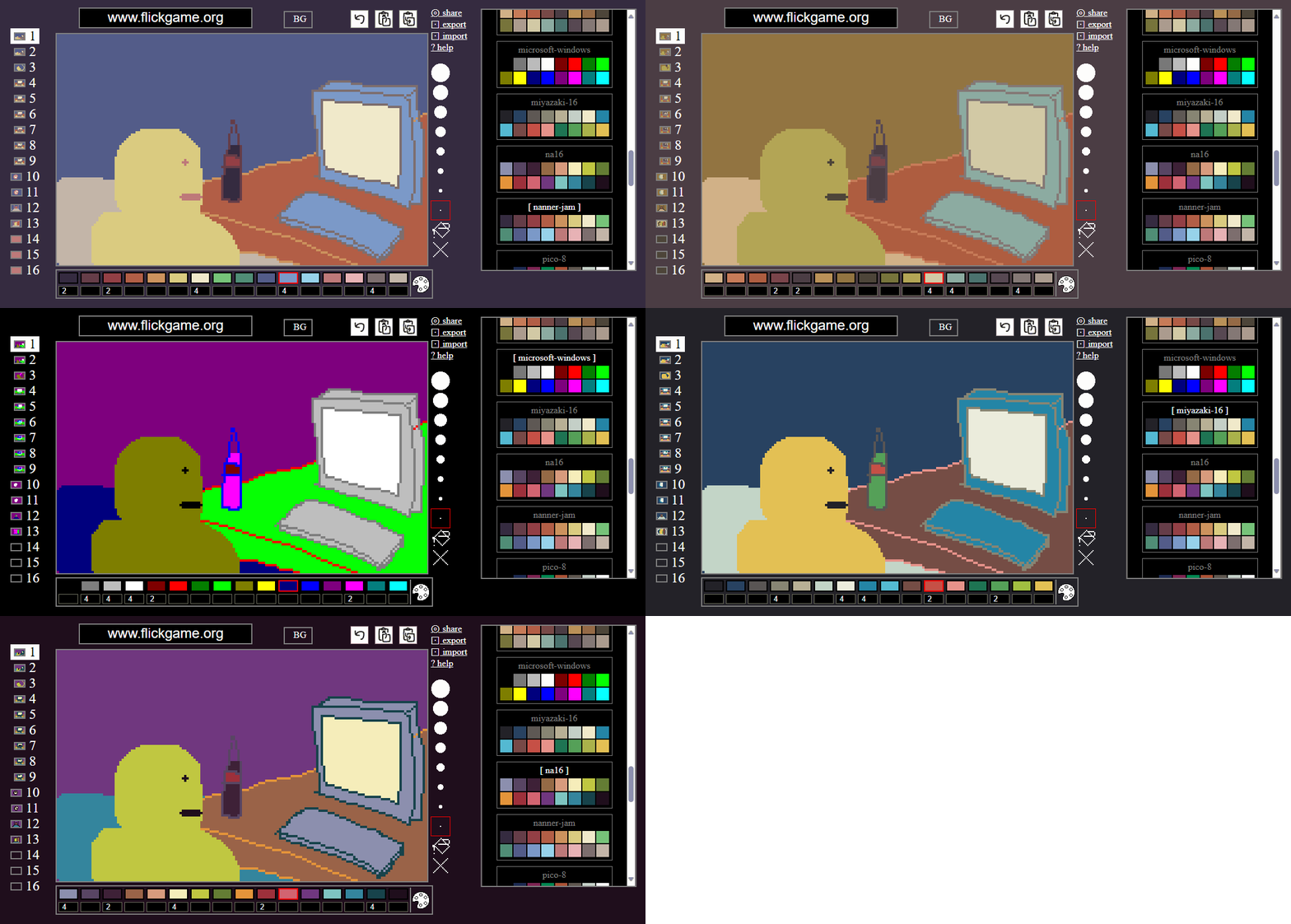
I tried fiddling with the new color palette a bit, but for some reason the export doesn鈥檛 match the editor. image.png image.png

(3 edits)

could you get the wrong exported file to me somehow (email analytic@gmail.com)?  I wonder if might not just be due to something not reloading properly - browsers are often pretty recalcitrant about reloading things!  If you hit reload a few times that might fix the problem, if that be the problem (or test with a different browser if you have one).

(if you share it instead does it work?)

Submitted(+1)

Sharing works as expected. Just in case, I cleared everything in the browser storage, and it looks like it鈥檚 really a cache issue. Using the same browser profile gives me a wrong export, but on a Guest profile it exports correctly. You can close this issue :D