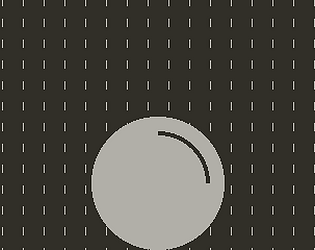
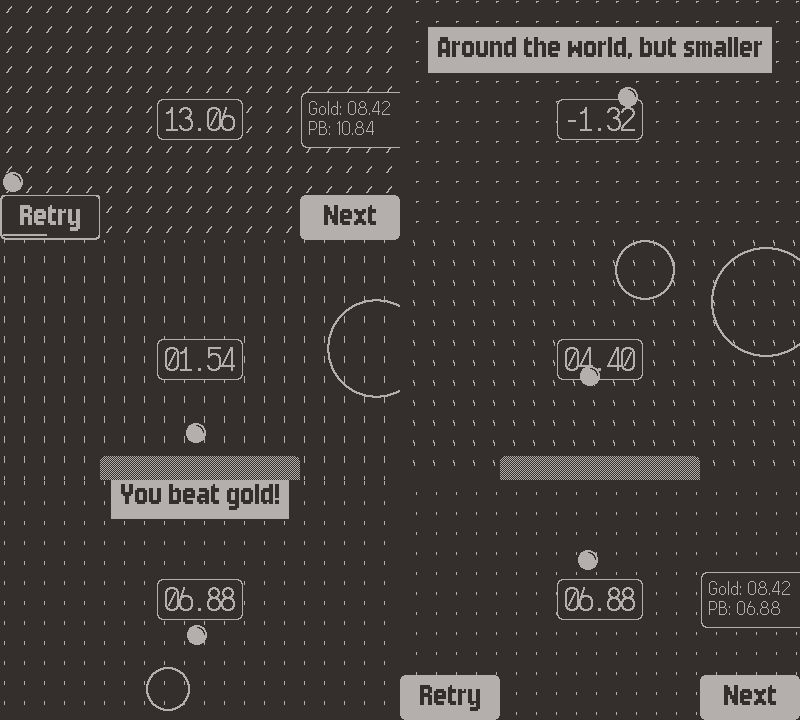
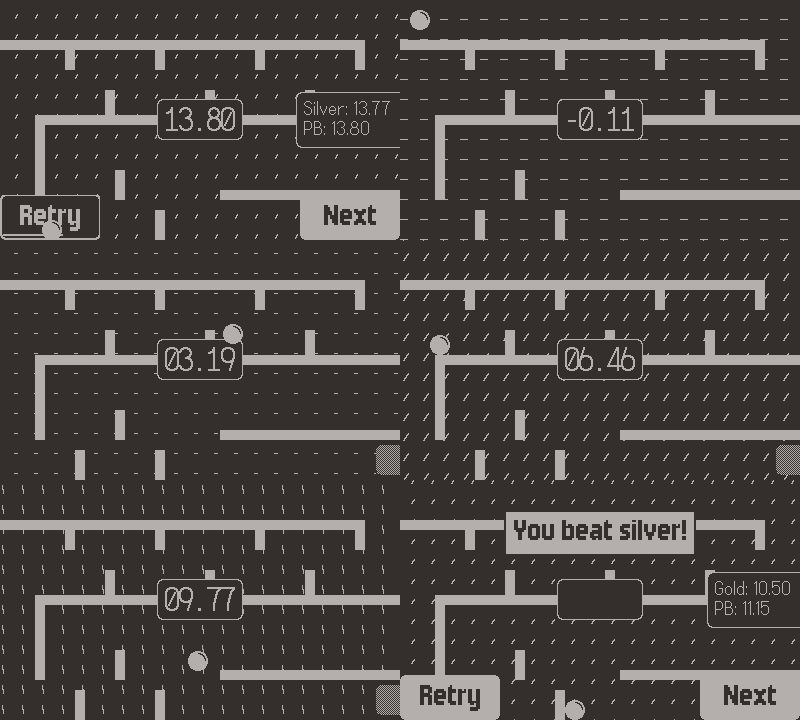
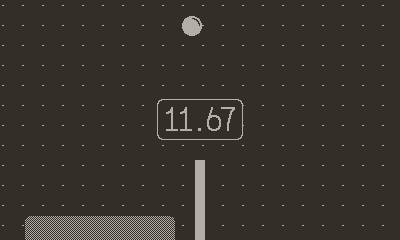
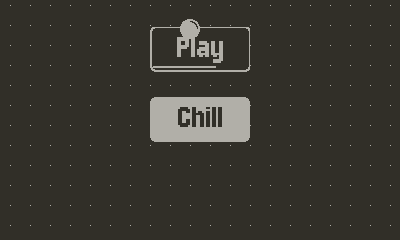
I really enjoy this! The way the ball rolls feels pretty spot on to me. The initial "ooooh I select buttons by rolling the ball!" realisation was very neat :) I really like the different level ideas and their names. And I like the way the "ball hits paddle" sounds make a melody that fits with the music :)
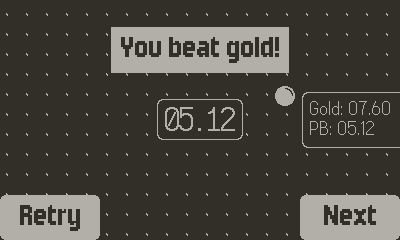
I think selecting buttons by rolling the ball is v neat... but I find it quite difficult keeping the ball over the button long enough for it to trigger. I'd like to press "A" to confirm, rather than wait - but perhaps that's me being impatient / keen to get to get to the paddles part. (But perhaps this is just me.) And could the "Play" and "Next" buttons be larger, to make selecting them a bit easier?
I pressed "A" and recalibrated by accident a few times. Could it recalibrate only when "A" is held for a while? And perhaps explain / confirm what has happened by showing "Calibrated" on the screen briefly?
Thank you for the detailed feedback! I can make the buttons a bit larger - this is a classic case of developer blindness. For me the selection is pretty easy but I probably spent ten hours more practicing controlling this little ball than someone just checking out the game :)
Nice! There's not a lot of accelerometer games on the playdate. This is a nice clean idea. The sound and music is nicely done too. A slick piece of work - impressive.


Comments
I really enjoy this! The way the ball rolls feels pretty spot on to me. The initial "ooooh I select buttons by rolling the ball!" realisation was very neat :) I really like the different level ideas and their names. And I like the way the "ball hits paddle" sounds make a melody that fits with the music :)
I think selecting buttons by rolling the ball is v neat... but I find it quite difficult keeping the ball over the button long enough for it to trigger. I'd like to press "A" to confirm, rather than wait - but perhaps that's me being impatient / keen to get to get to the paddles part. (But perhaps this is just me.) And could the "Play" and "Next" buttons be larger, to make selecting them a bit easier?
I pressed "A" and recalibrated by accident a few times. Could it recalibrate only when "A" is held for a while? And perhaps explain / confirm what has happened by showing "Calibrated" on the screen briefly?
Thank you for the detailed feedback! I can make the buttons a bit larger - this is a classic case of developer blindness. For me the selection is pretty easy but I probably spent ten hours more practicing controlling this little ball than someone just checking out the game :)
Holding to calibrate is also a good suggestion.
Nice! There's not a lot of accelerometer games on the playdate. This is a nice clean idea. The sound and music is nicely done too. A slick piece of work - impressive.