Indie game storeFree gamesFun gamesHorror games
Game developmentAssetsComics
SalesBundles
Jobs
TagsGame Engines

Powered by Monsters - a hand painted monster collection game

A topic by Augustinas Raginskis created Jan 21, 2025 Views: 12,613 Replies: 101
Viewing posts 21 to 40 of 81 · Next page · Previous page · First page · Last page
(+1)

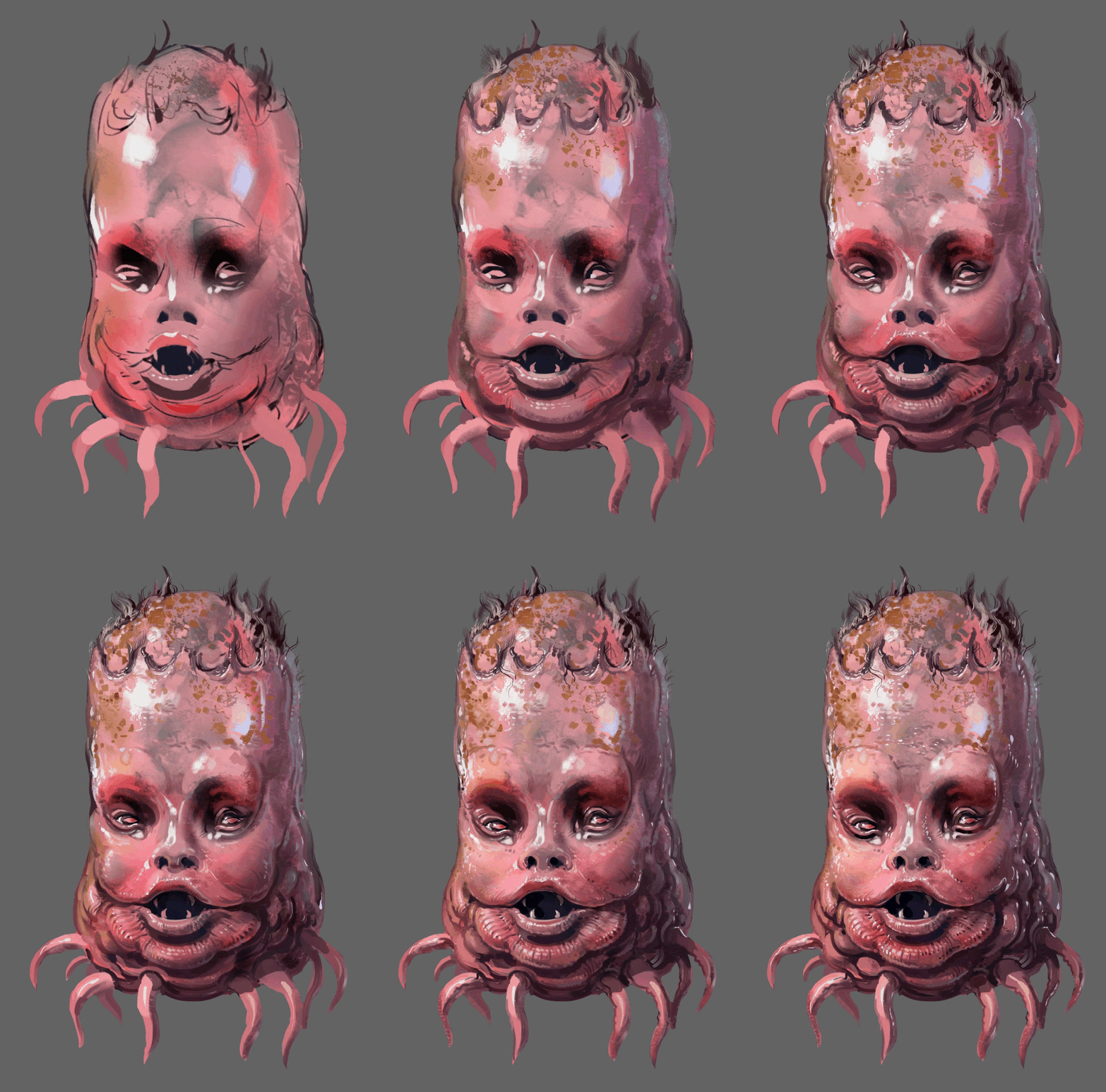
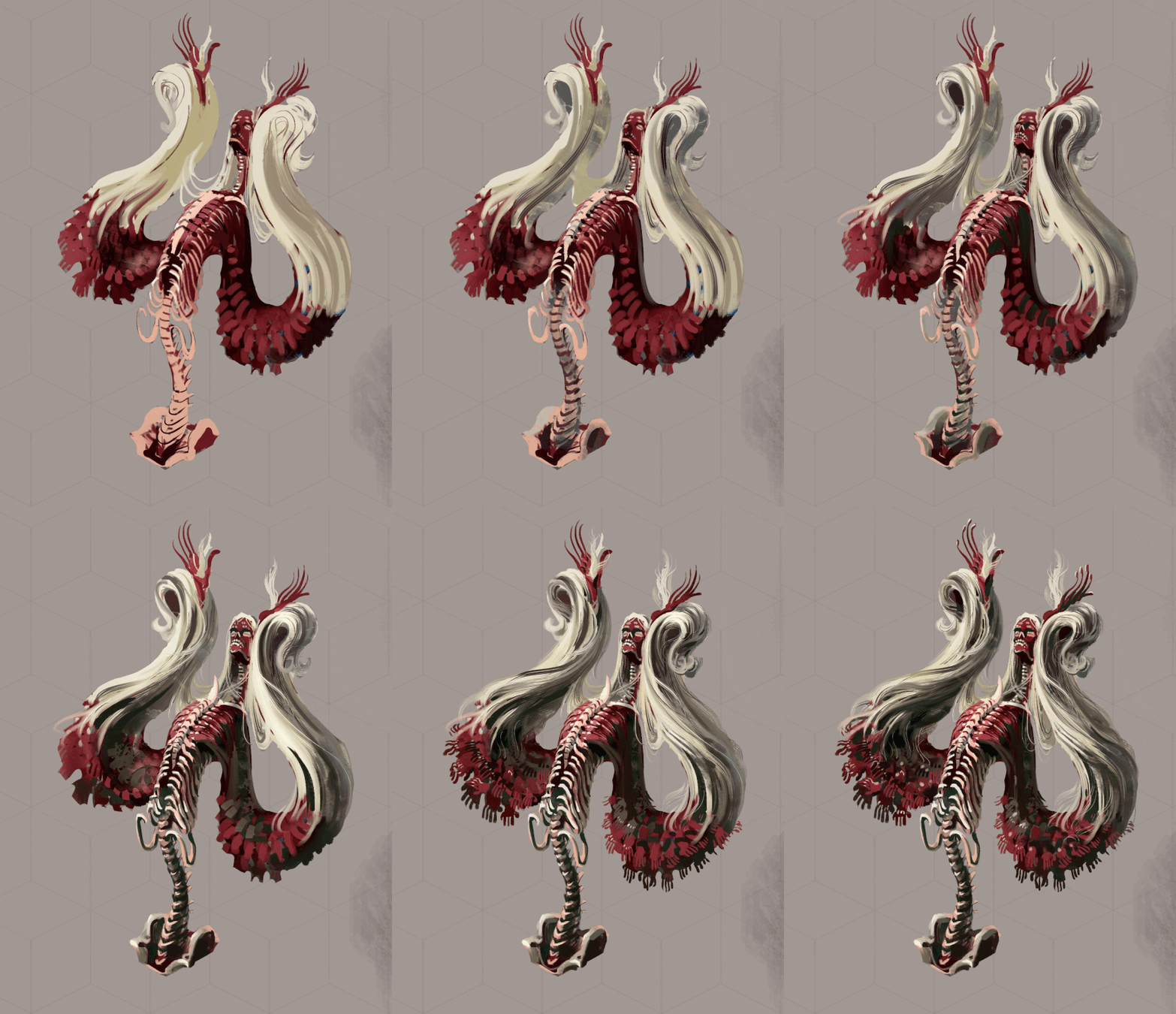
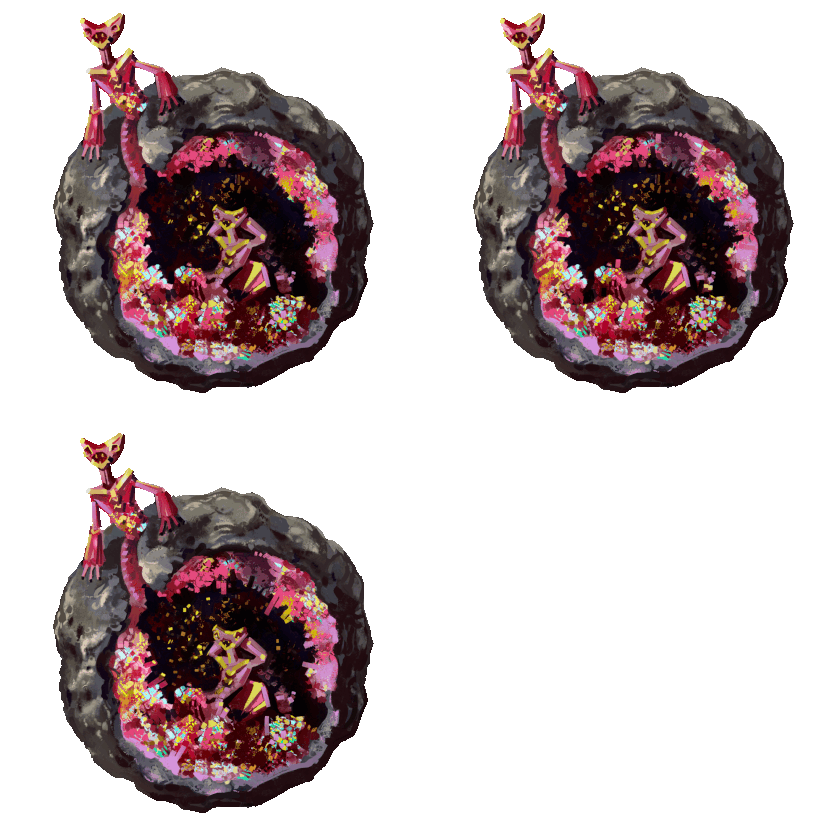
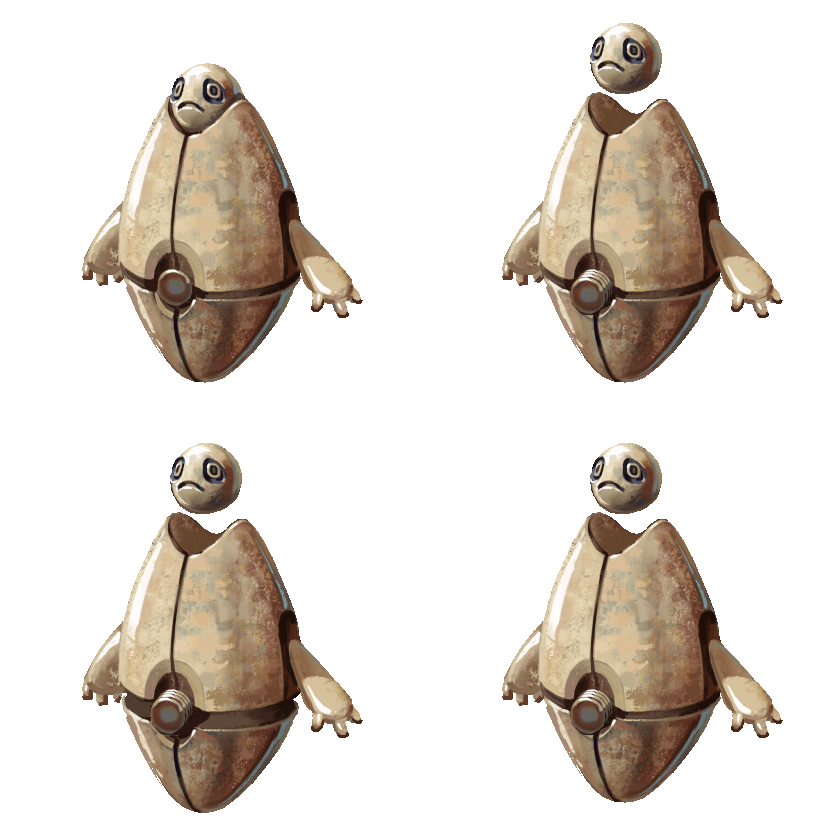
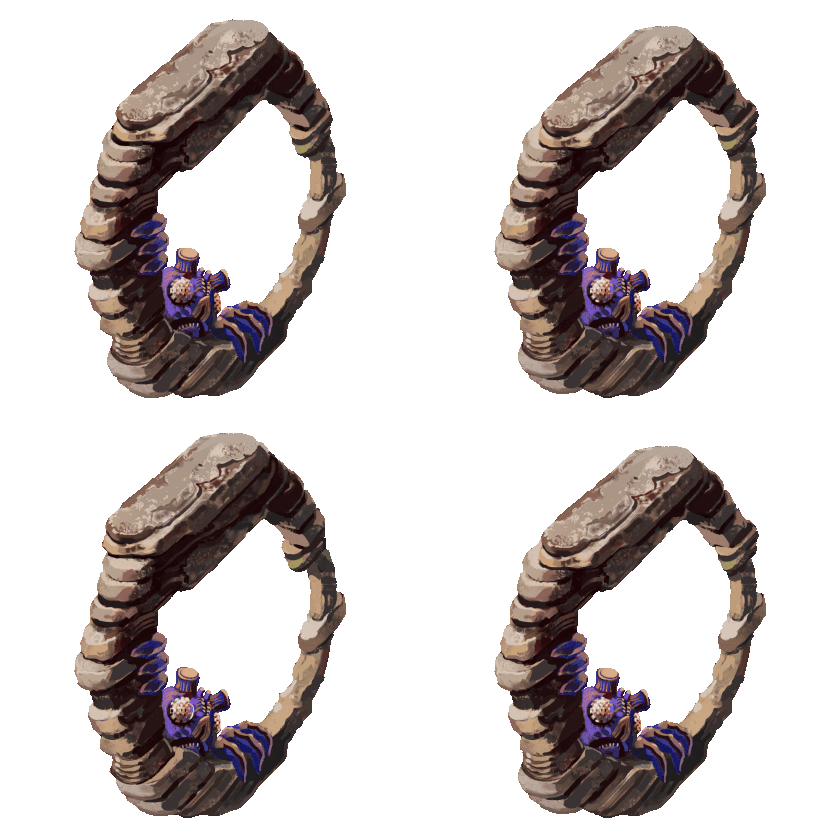
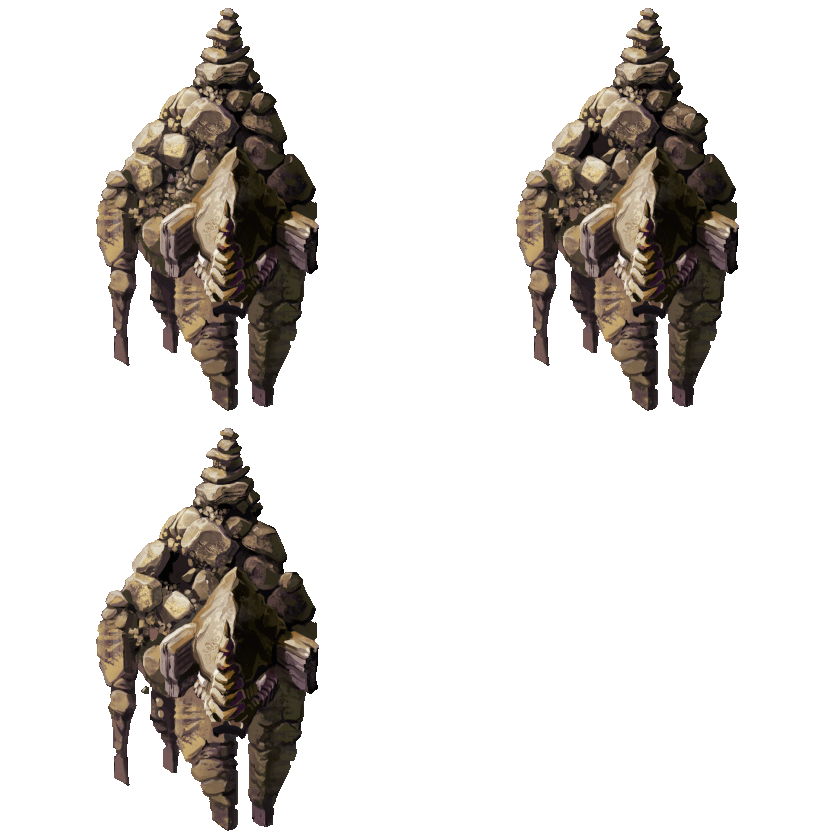
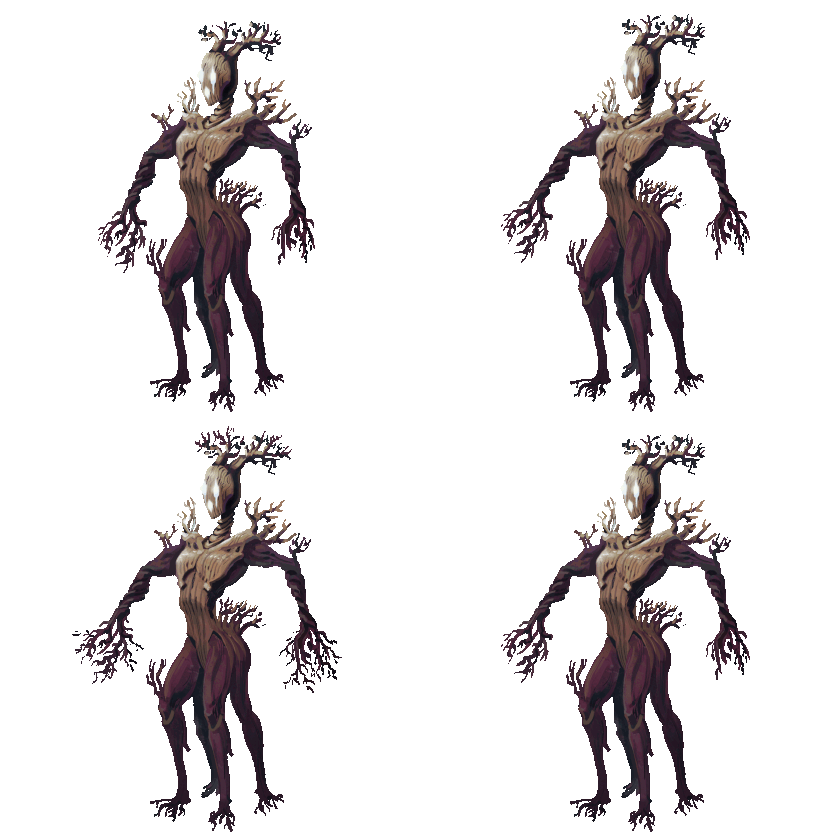
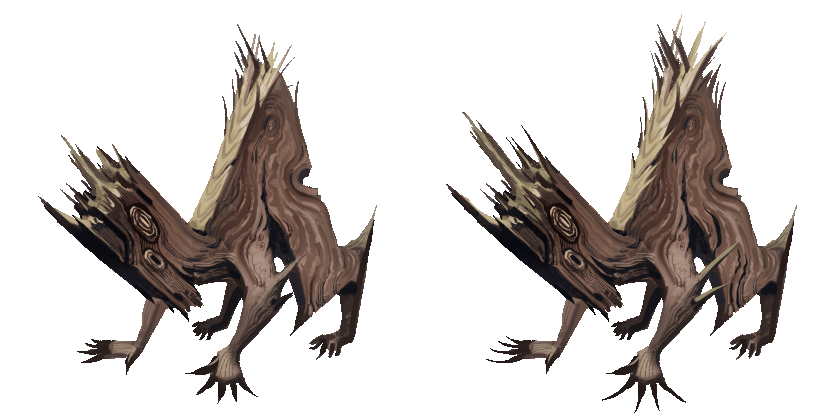
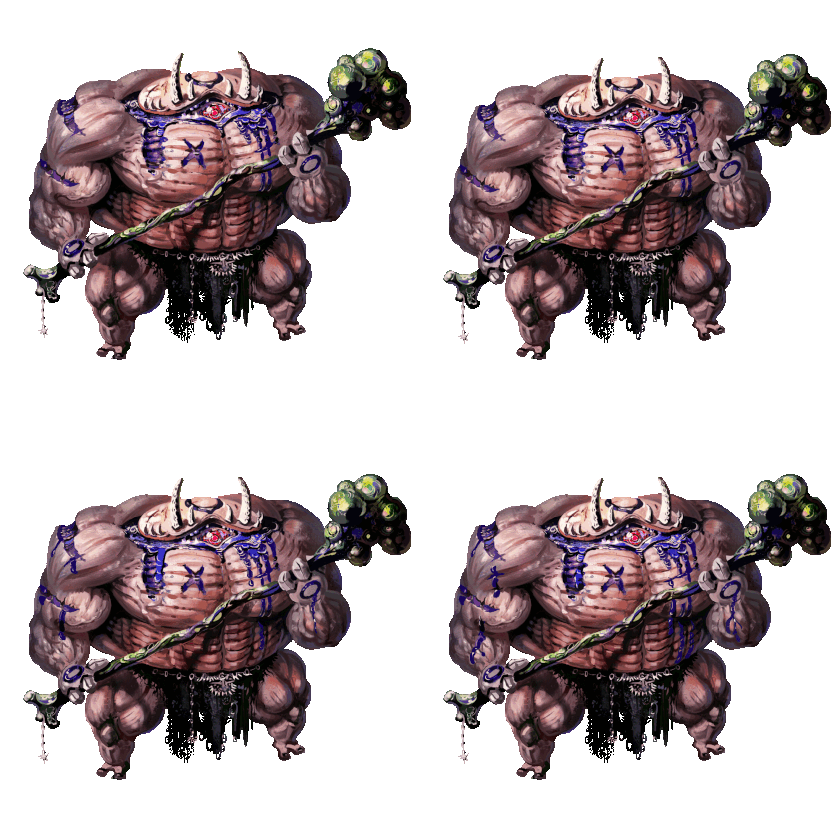
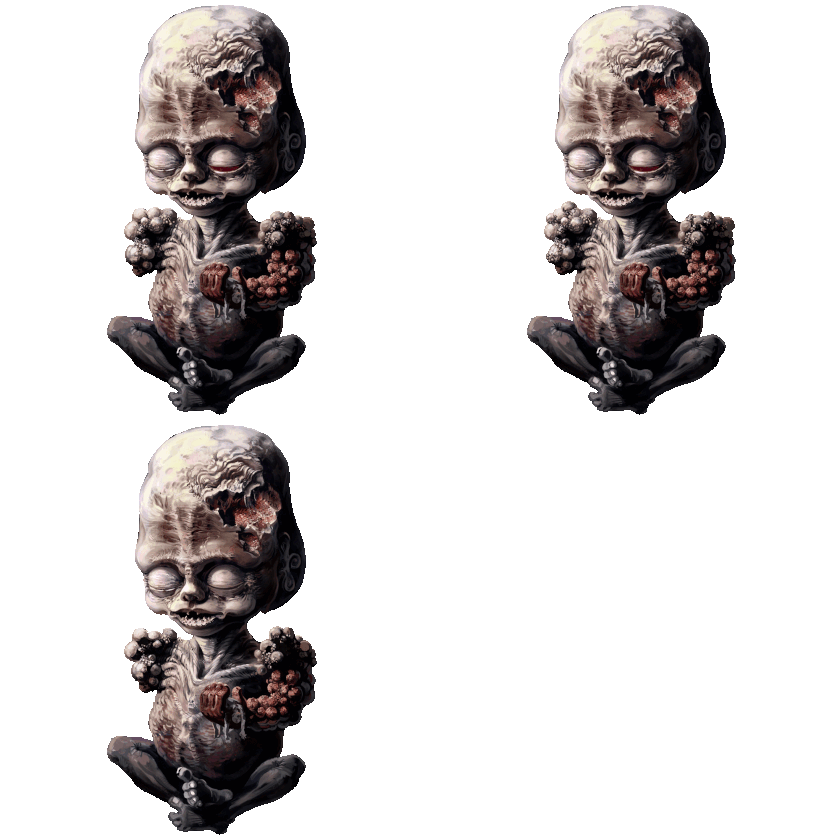
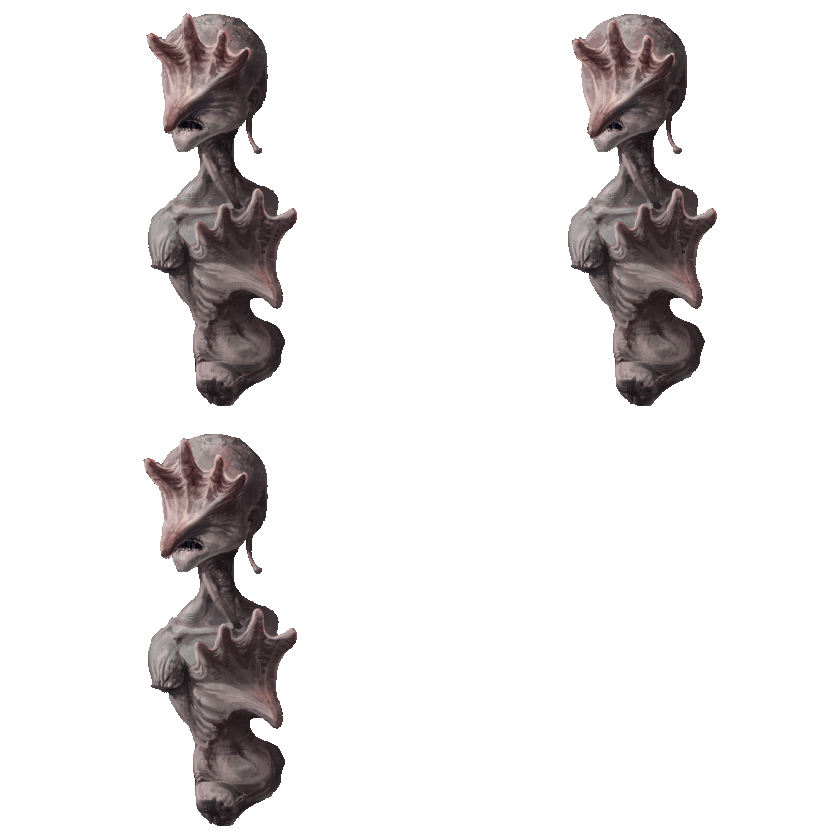
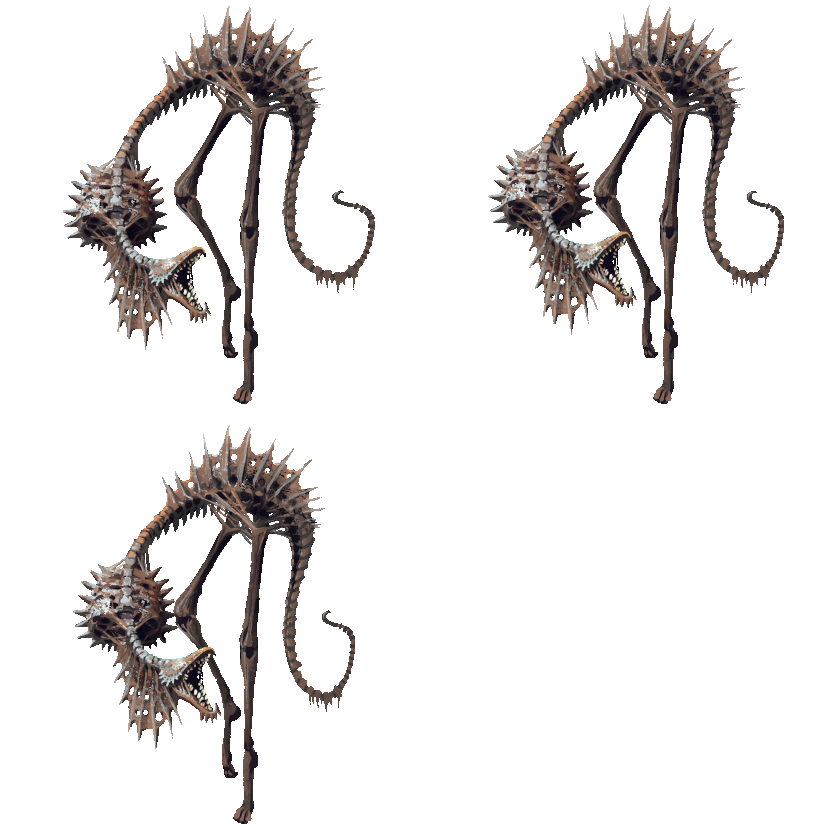
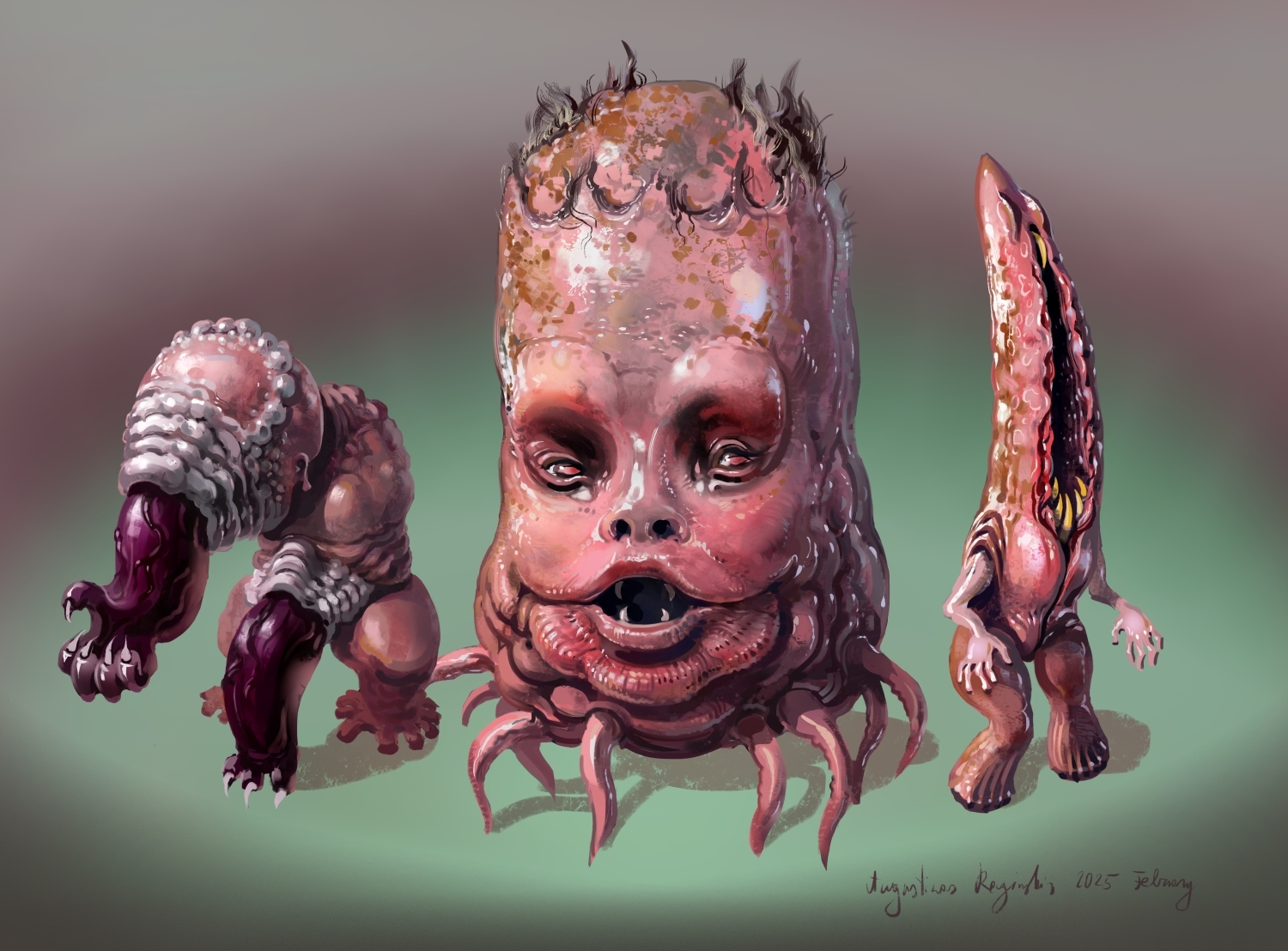
And here are some more finished creepy monster art. I think I did enough horror themed ones for now. I will likely move to more fantasy monsters when I continue on that part of the game. I had paper, wood and stone elementals and I will probably make some crystal themed ones next.

(+1)

This looks amazing! The head is really disturbing looking.

Thanks. I think it will be interesting to be able to catch these sort of creepy creatures, as well as the more normal fantasy ones

Guiding the Cave Drone


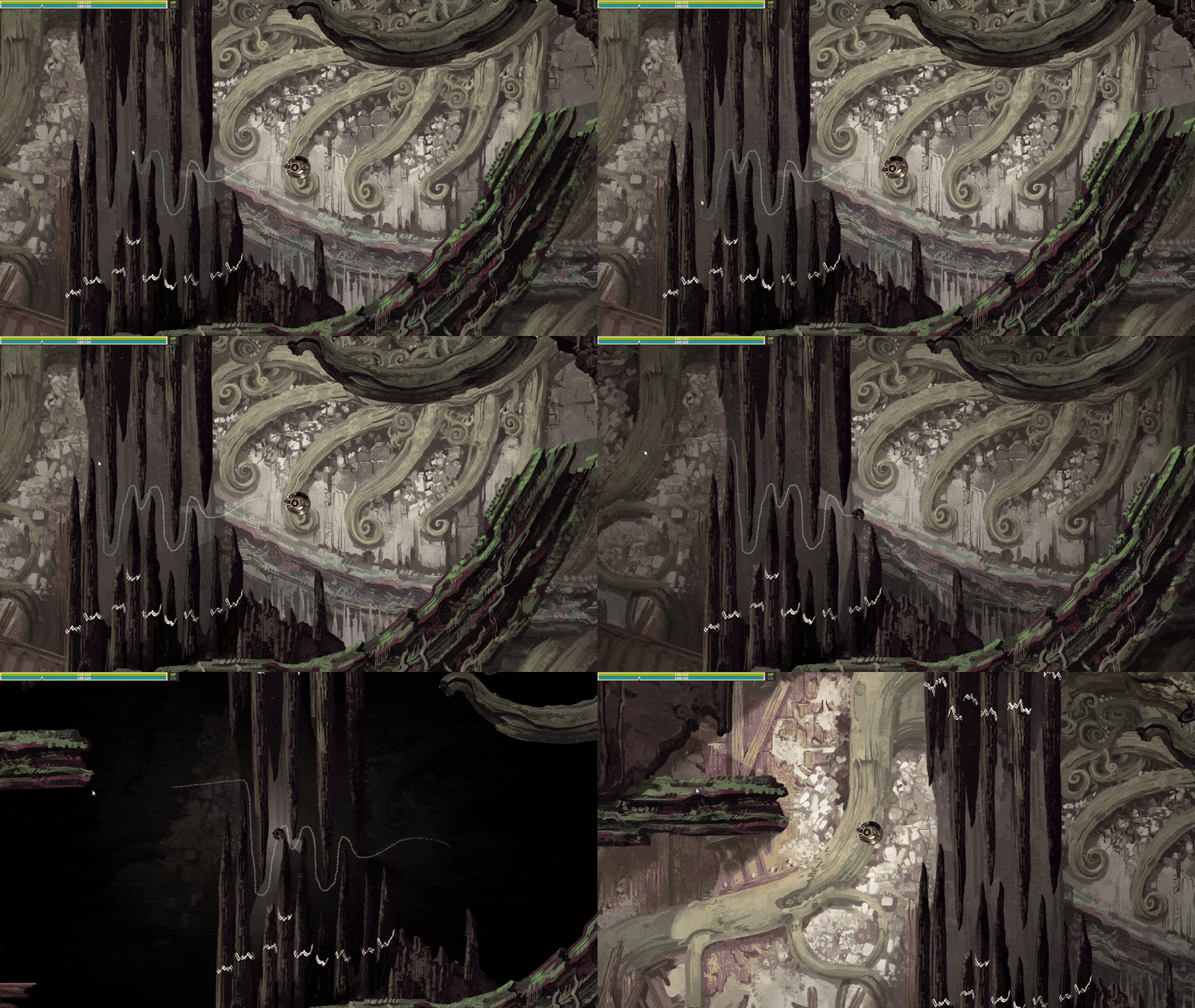
So I have this mechanic in the game where you can draw a path using the mouse to guide the Cave Drone through narrow passages or past monsters, but I wasn’t happy with how it looks. The Drone doesn’t take damage from the monsters while following the path( it does at the end, if you touched a monster while drawing the path, which stops the drawing), and allows it to squeeze through narrow gaps. So to help with that I made two changes:

1. Now the drone sprite is reduced in size and darkened while on the path. I think it makes much more sense visually to show why the drone might fit though those gaps.

2. The lighting starts darkening and shadows intensify when you start on the path and in one second it goes to max darkness where you can see in only a small area around the Drone. It jumps back to normal lighting right away as soon as you stop.

Some UI stuff

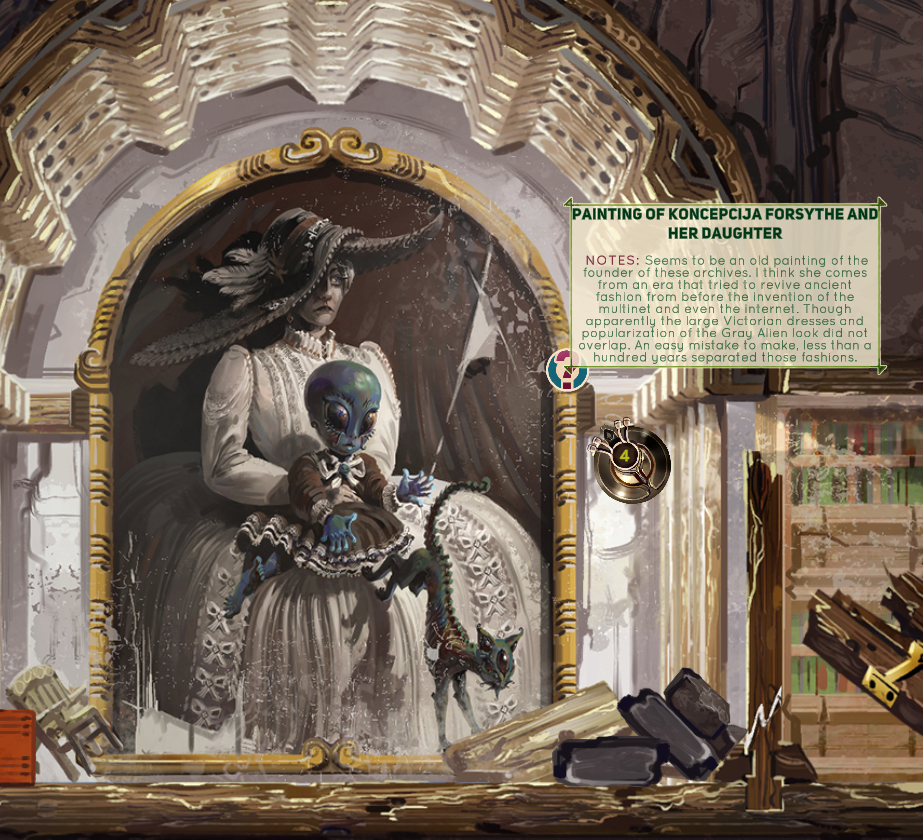
I mentioned before that I wanted to add text bubbles to some areas in the game to show some info about objects found in the caves, to add some world building details and such. So I finally got a round to including that properly and I’m pretty happy with how clean it looks:


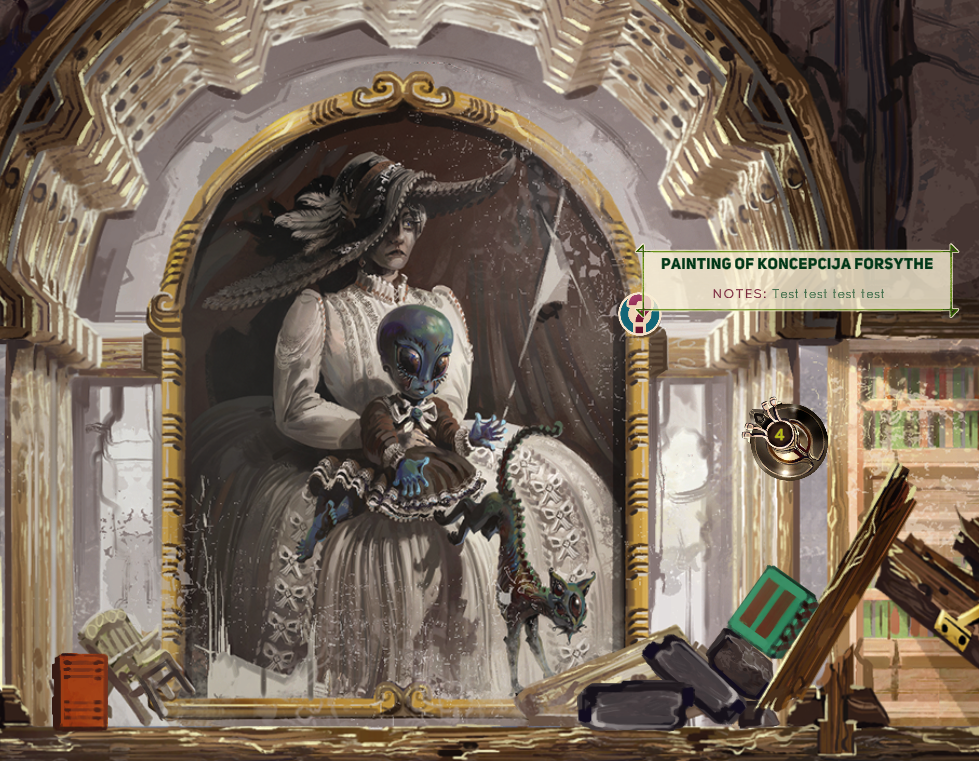
I often go too detailed with UI, so I wanted to keep it simple this time. If you mouse over the question mark icon for around half a second( I added a slight delay, so it doesn’t flicker in and out if you happen to move the mouse pointer around that area), the text bubble will appear. It resizes automatically without stretching out the green UI border and is separated into headline and NOTES text, which supposed to represent what your character thinks about whatever object you encounter.

I had to learn how to change the font colors and add special symbols within the string itself to get this effect. For example, this is how the NOTES text looks from my side of things:
<br> <b><color=#630021>NOTES:</color> </b>Seems to be an old painting of the founder of these archives. I think she comes from an era that tried to revive ancient fashion from before the invention of the multinet and even the internet. Though apparently the large Victorian dresses and popularization of the Gray Alien look did not overlap. An easy mistake to make, less than a hundred years separated those fashions.
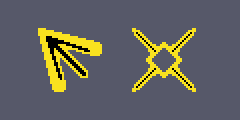
Also I made custom cursors, which I’m pretty happy with too. The arrow serves as a base cursor instead of the boring white default windows cursor and the cross-hairs cursor is activated when the drone is able to shoot, so it also helps as a nice indicator for that too.  Here they are at 200% size:


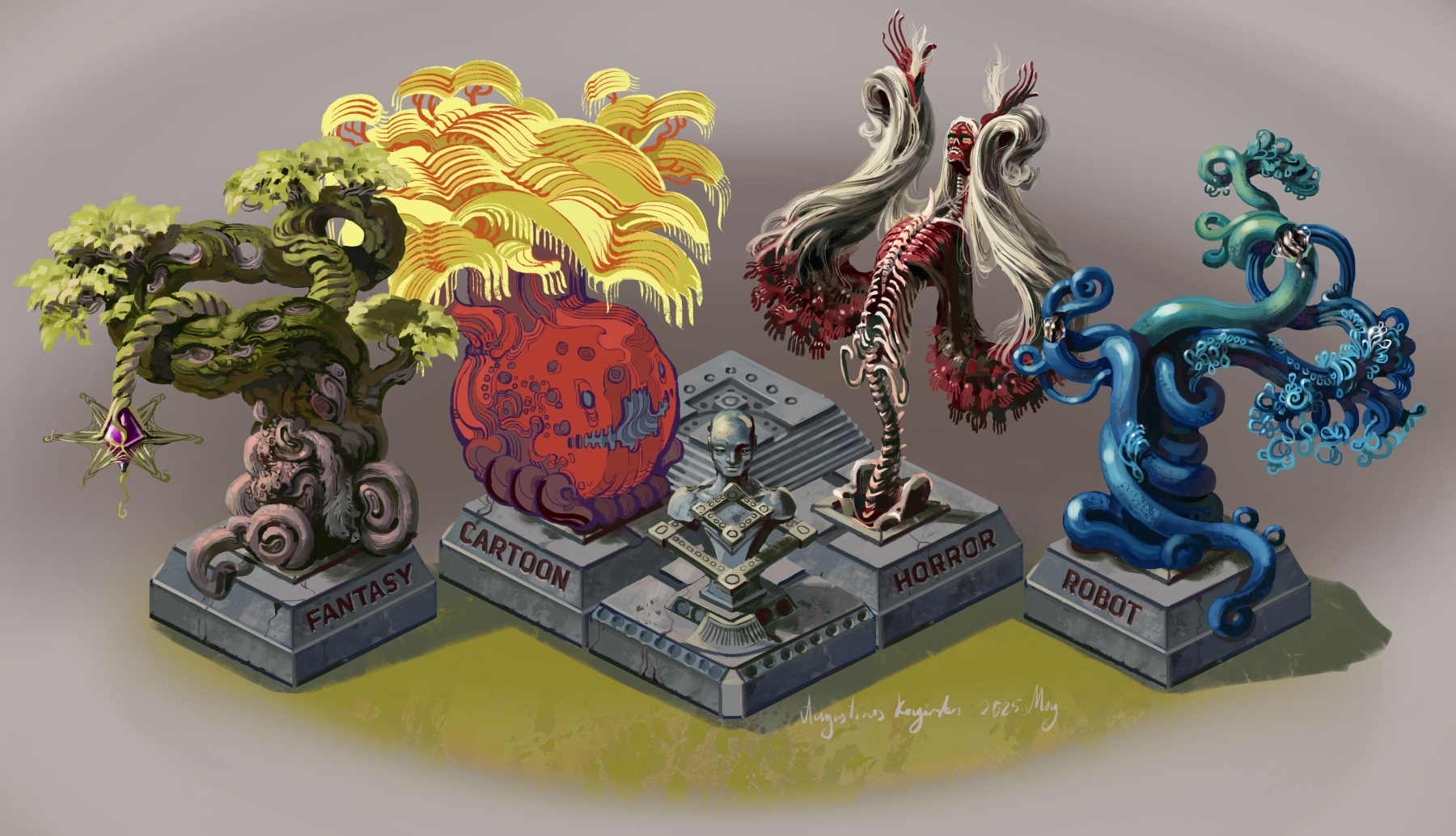
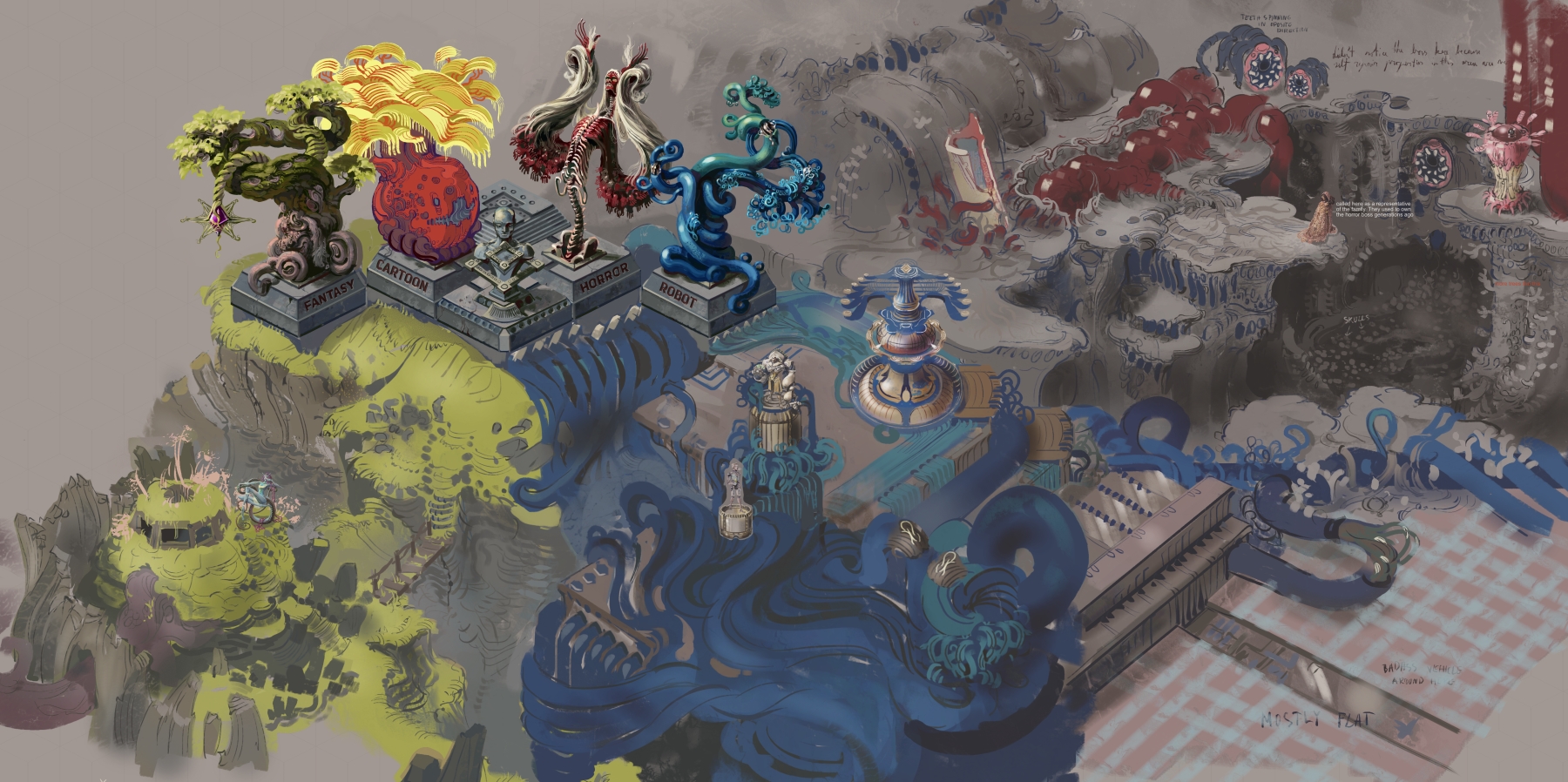
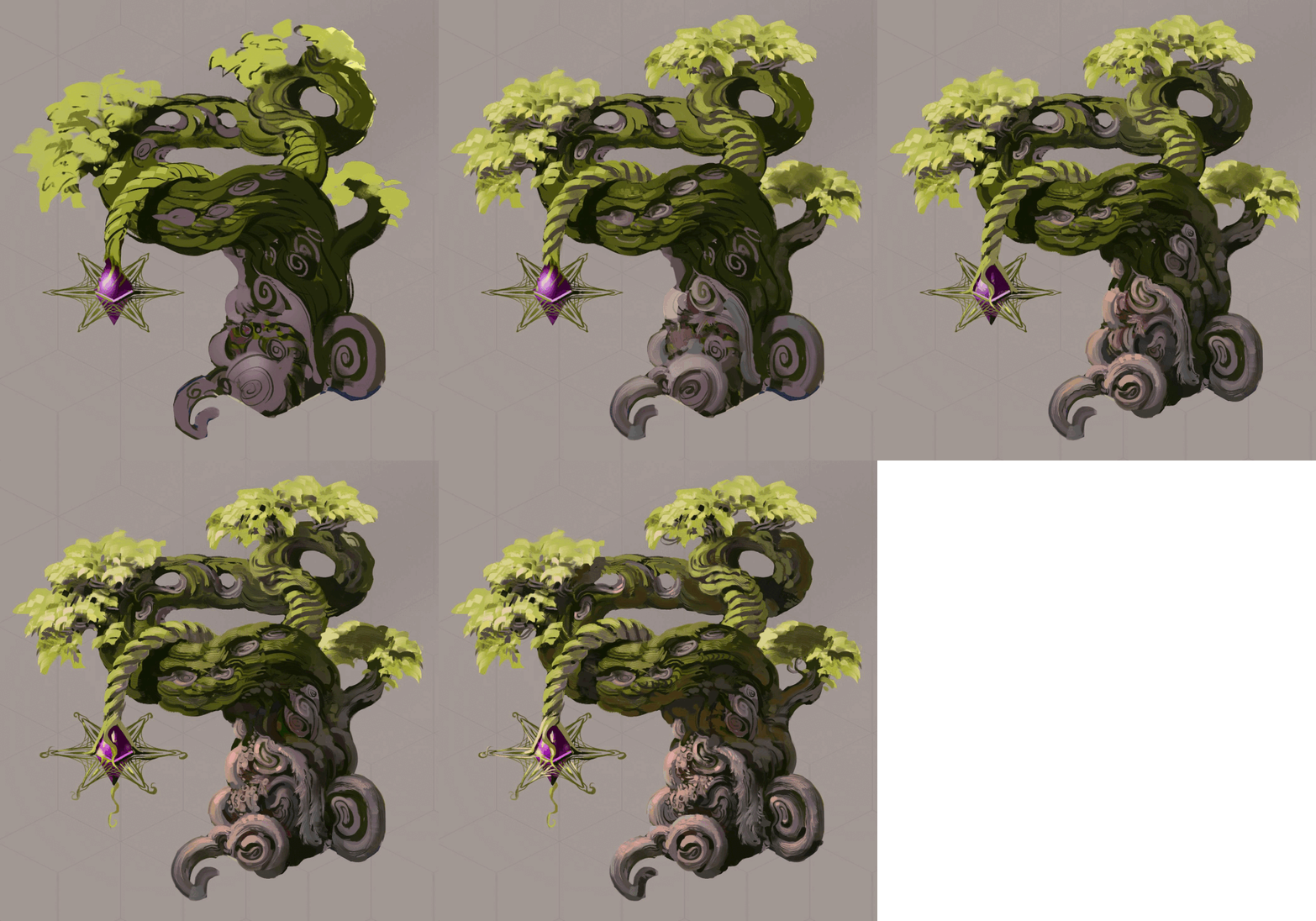
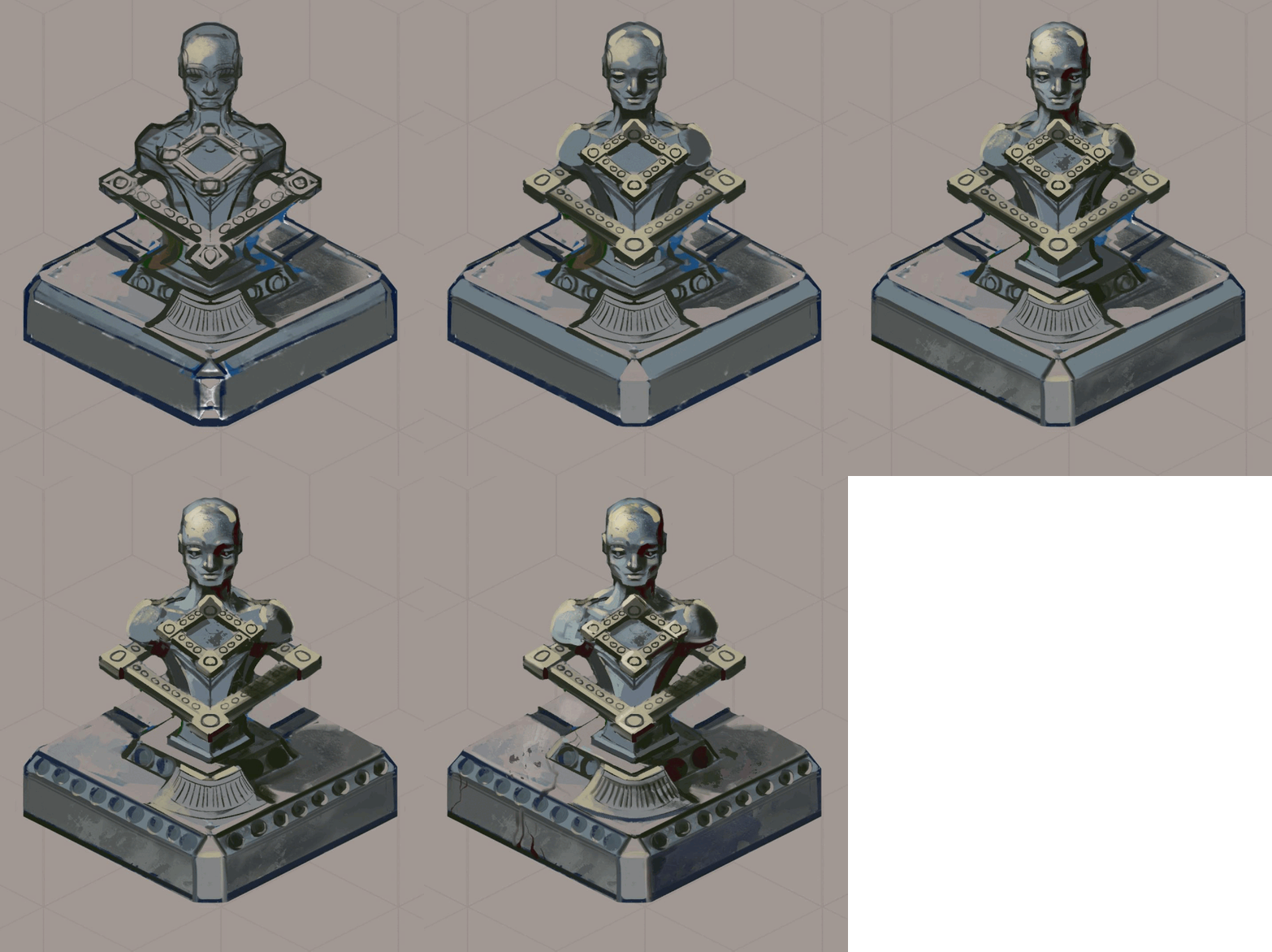
I painted this mishmash of themed "trees" for a hub area. This sits in the center of that hub, where 4, differently themed areas meet, each corresponding to a tree.

Strangely, the cartoon tree was probably the most challenging to draw. I wasn't entirely sure how I should go about the linework for it, because I have the least made for that part of the game, so I ended up completely redrawing that tree after I was finished with the first version. I had a sketch version of these in my game files for months and I'm glad I finally finished something for the hub area.


Crystal Elementals

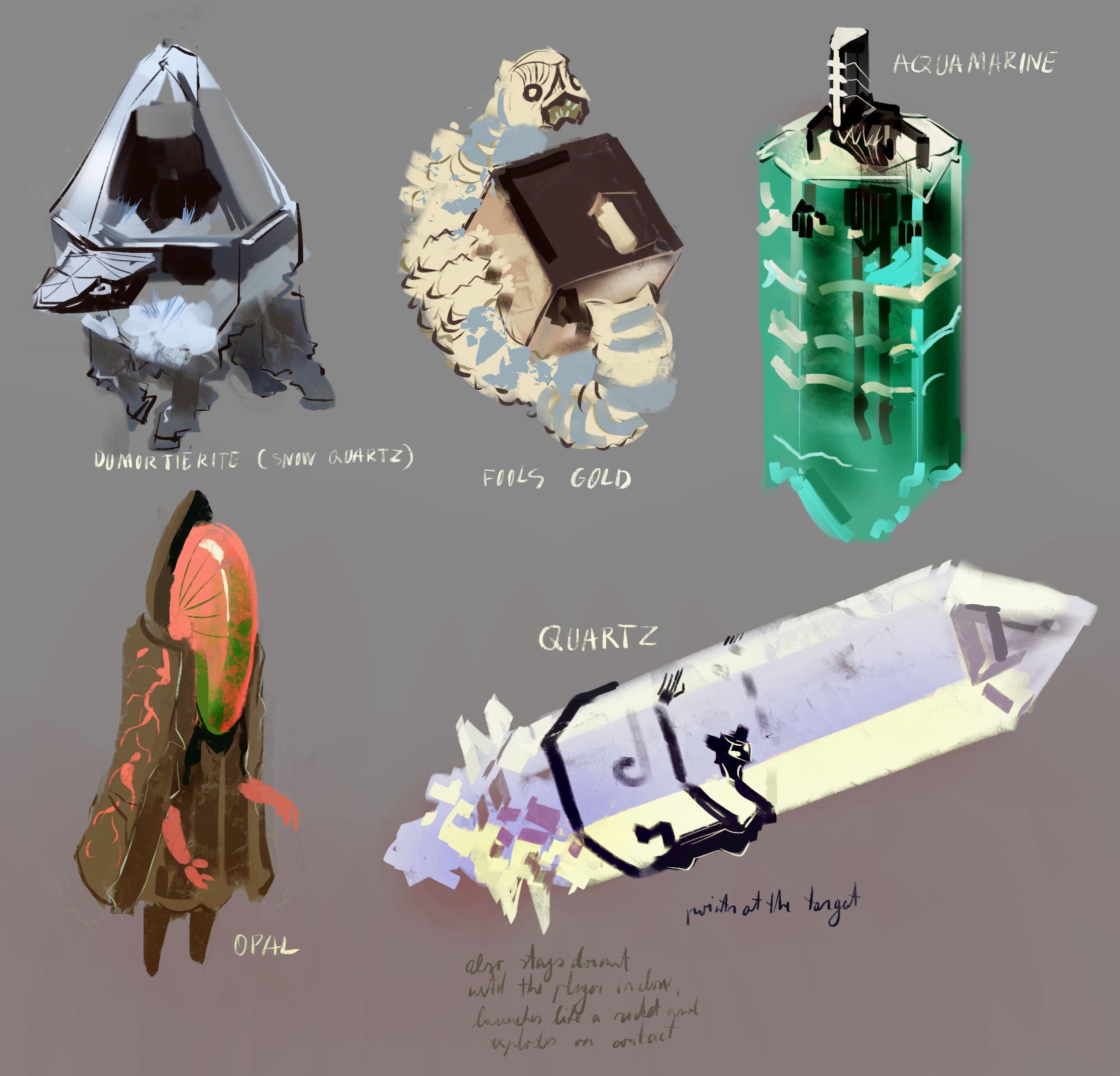
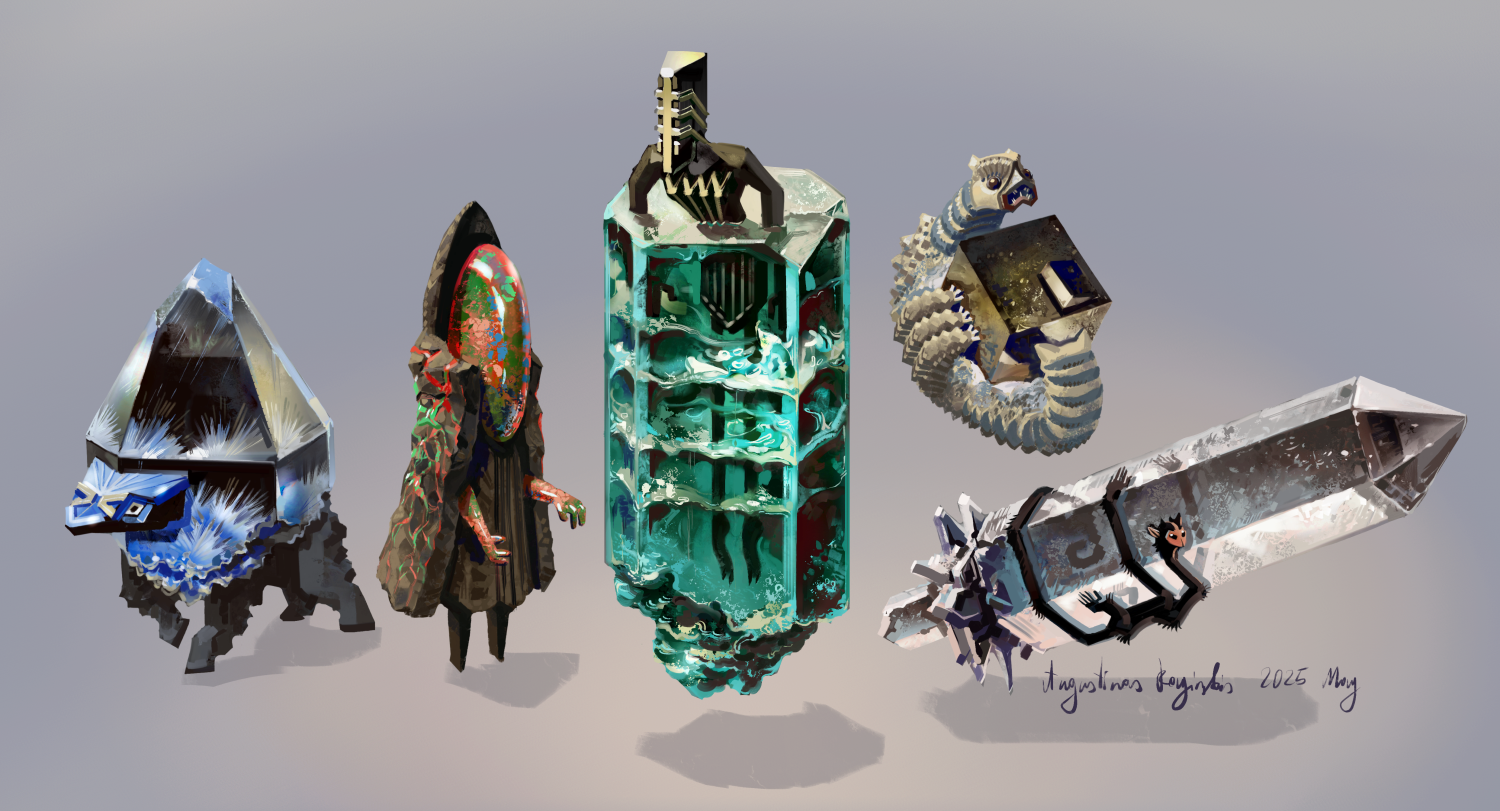
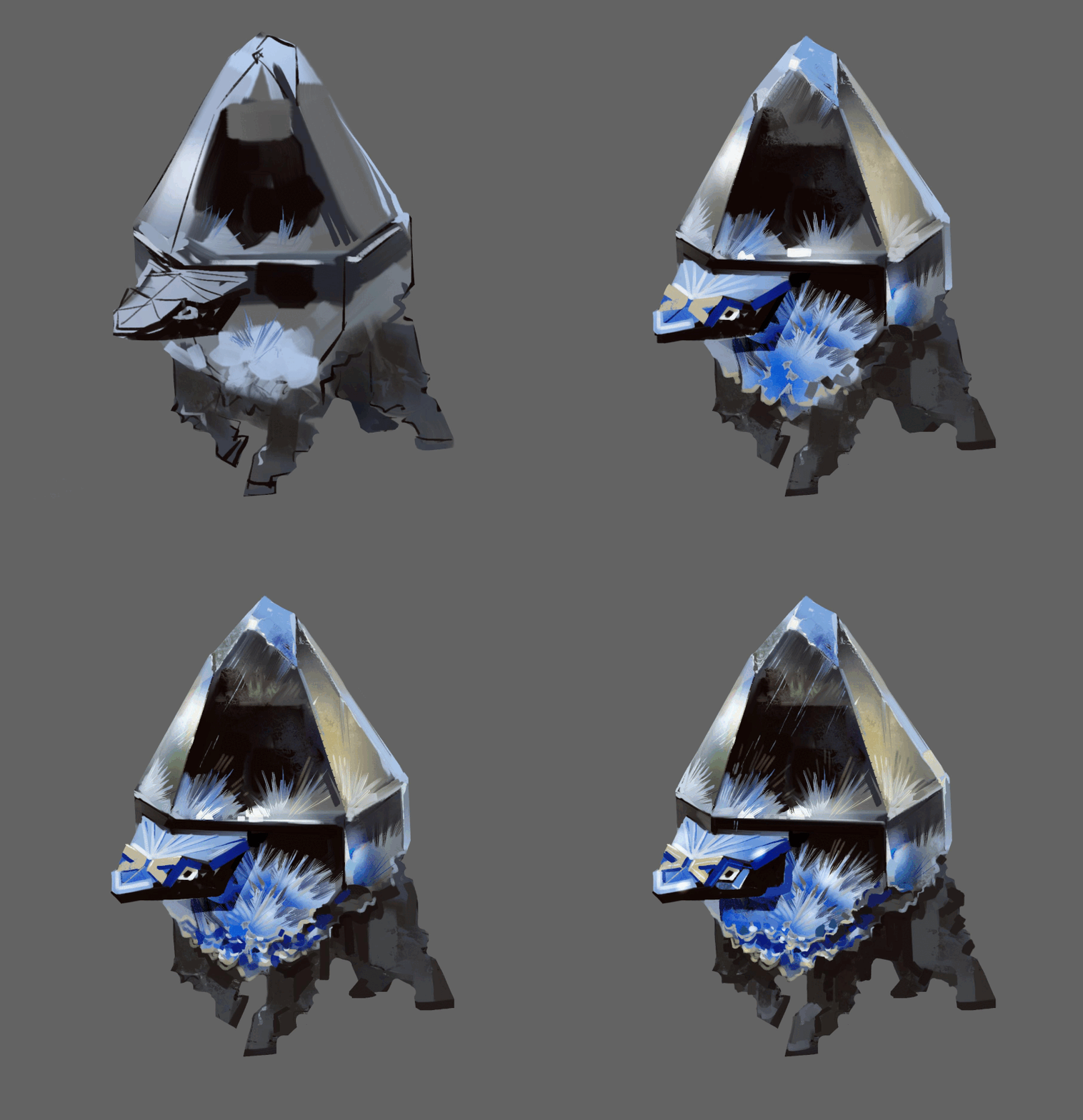
Just a very quick update. I’m working on a few crystal elemental monsters. Here are the sketches for these lovely shiny boys and I already started painting final versions of these. It’s also a good opportunity to study some material painting for me, crystals and similar shiny objects have always been a bit difficult and I’m usually not super happy with the results when I paint something like that.


I think I have enough fantasy monsters/elementals for the area I’m working on now, so the next big task will probably be to integrate all these creatures into the game, work on additional monster behaviors and such.

(1 edit)

And the artwork for Crystal Elementals is finished

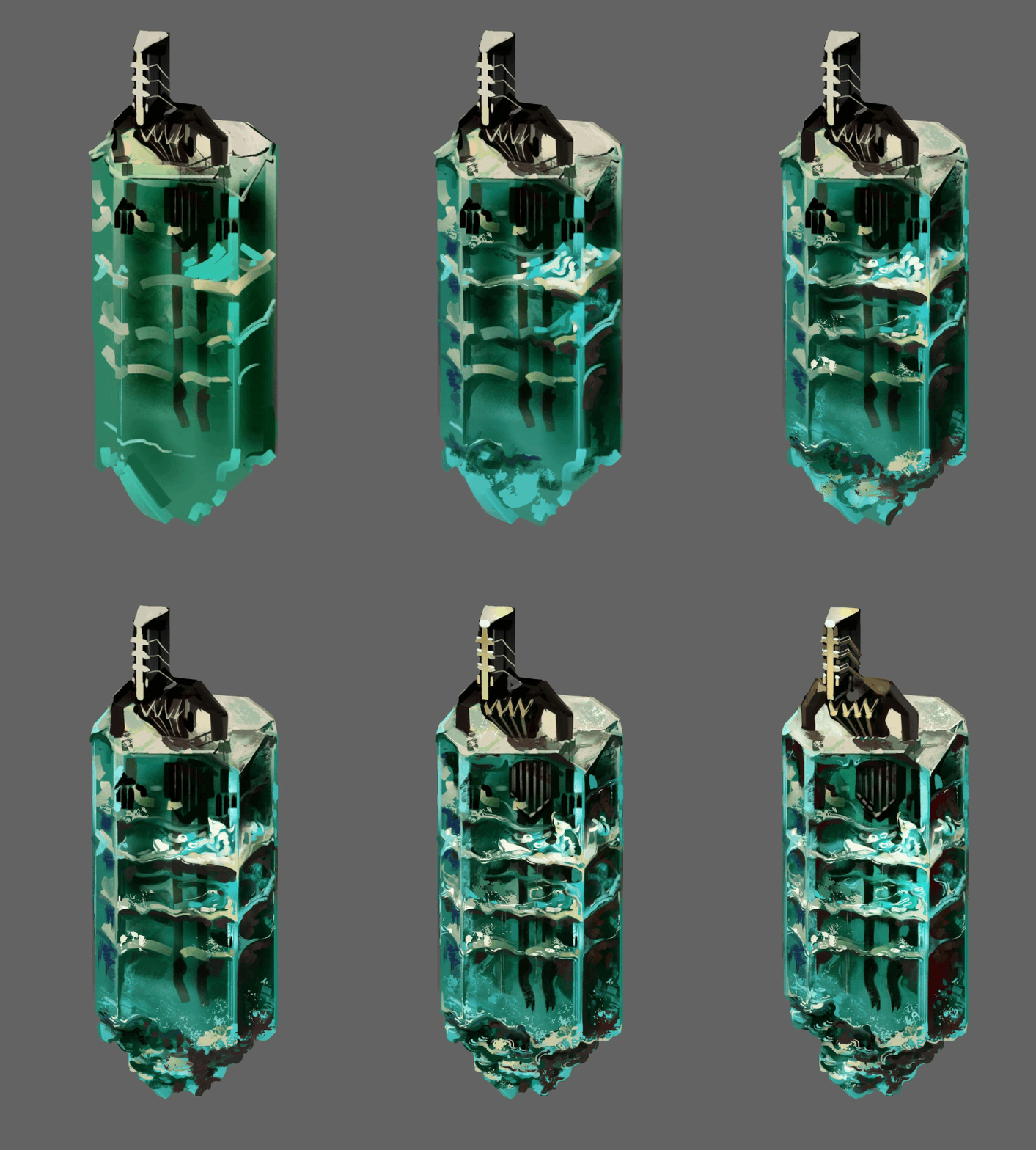
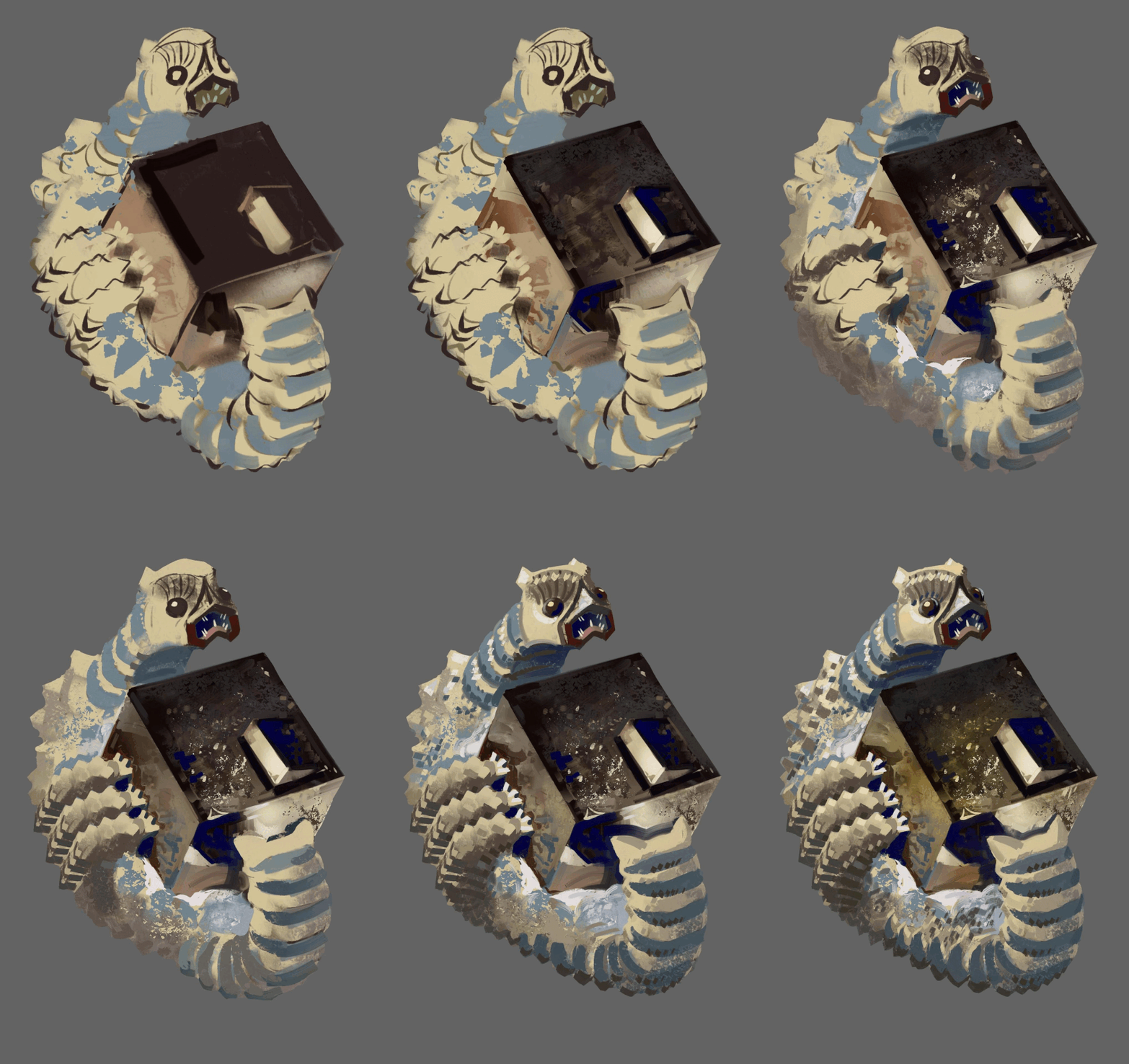
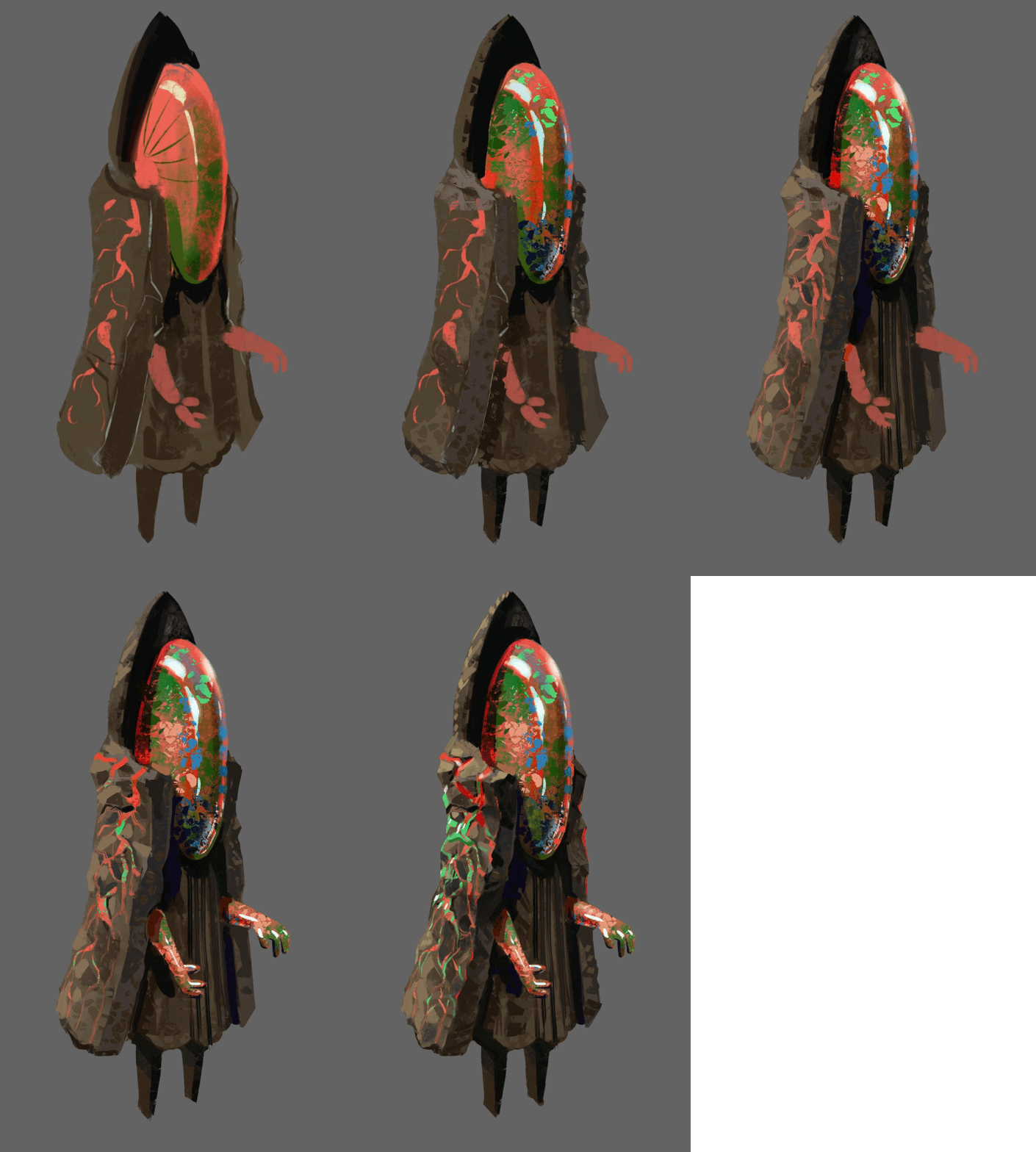
 These are based on real crystals, from left to right: a type of quartz that looks like it has ice inclusions, an opal, aquamarine, fools gold, which sometimes form into very precise cube shapes and good old fashion basic vanilla quartz.


I forgot so save progress images for the fifth creature unfortunately.

Making minimalist animations for my monsters

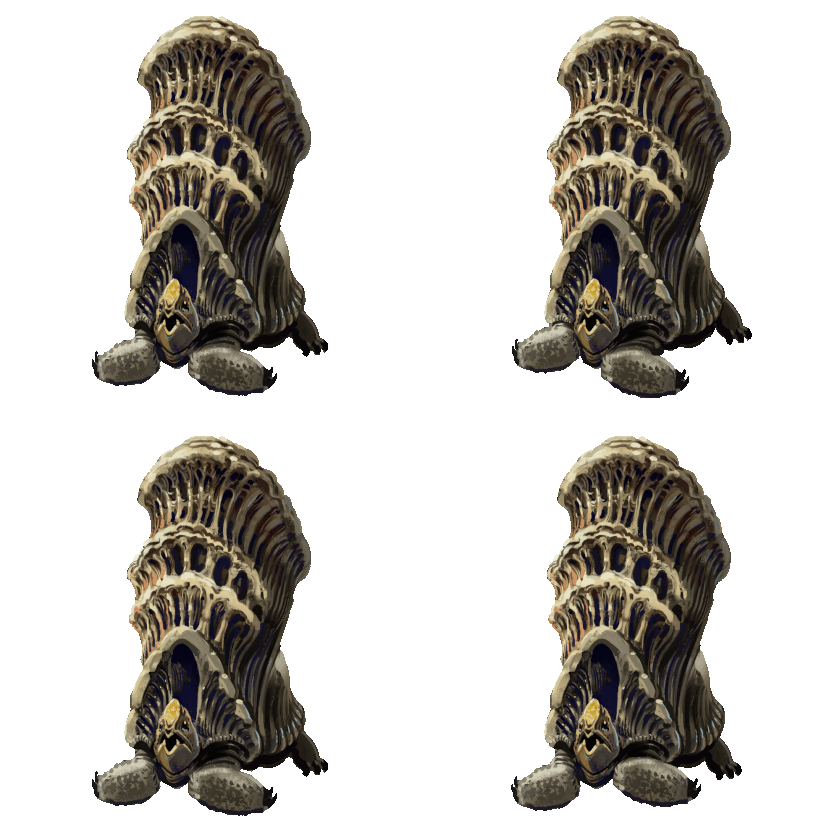
I would die if i would have to animate anything fully and my sort of detailed painted artwork doesn't work too well with animation to begin with, but i still wanted to add some very simple animations. I think the difference between a static png and almost static png is still huge, haha. Here is what I did with the rock elemental monsters:


And here are some more simple monster animations. This time for the wood elementals:


(+1)

Bro, this looks amazing. The artwork is really killer. Would you like some help on the coding and story side of things? 

Thanks, I'm really glad you like it so far.


And thanks. I'm not on the same level in coding and writing as I am in artwork department of course, but this is my baby, haha, so I kinda want to do as much as possible myself. The only part I'm definitely not doing myself is the music, but luckily there is quite a bit of free or cheap music available for these sort of projects, some of it on this website.

(+1)

That's cool. I totally respect that. I don't want to be pushy, but maybe I can provide an observers perspective on it and give you a few tips or ideas. I think this game could be something really special. You don't have to take anything you don't want to.

Thanks. I could definitelly use some feedback once I have a little more done. It would be really cool to hear your thoughts once I have a working demo, but that' still a bit away.

Are you open to changing the design at all?

The sooner you can get feedback and shape the direction of the project, the easier it's going to be on you in the future. I like that you want to keep this game to yourself, that's honestly better for me. I think it should be yours, but I worry you are setting up for a game that needs a full team so that you have to be a full team.

You aren't doing a bad job on the coding or writing or anything, but the art is the star here. I want to chat with you about focusing this game to make the art the backbone and only using the gameplay and story to enhance that for players.

We can chat more on discord if you want. No pressure. RootNeg1Reality

I am open  to changing specific mechanics, I have done some of that before based on feedback. I am very unlikely to change the big stuff like what's the game about, the main stuff about worldbuilding and such. This is my project afterall, and it is the way it is because that's what's interesting for me.

I have been working on this for over a year now and it's finally shaping up into something. i don't even know how much I would need to explain to someone else to have the same context, so that's why I want to leave that for when the demo is ready.

And yeah, I know I need to choose some part where the majority of my focus goes and that is of course the art in this case. I'm gonna do minimal storytelling, it's mostly worldbuilding, a lot of it is in the form of artwork.

(+1)

You can let the art do the work for you there. You have something amazing here, no shame in letting that do the heavy lifting. There are game mechanics that push the art forward and storytelling that uses art to invoke the narrative.

It's up to you. I can tell you more if you want.

And even more simple monster animations. This time for some of the horror monsters


Brother, what app you use to paint this? 

(+1)

Corel Painter, but it' no magical app, the specific program doesn't matter much. I originally learned traditional art and I like that program because it's quite good at mimicking real art tools. I've been seriously studying/ working as an artist for over 15 years no I think

Broliukas to kalbi lietuviskai? 

Jo. Atspejai is vardo?

Taip :D

Lietuviu neisvengsi, ju visur pilna

Tentacle Attack

I’ve been adding quite a few monster behaviors and attacks into the game, so it’s time to talk about some of them. Here is a tentacle attack with some variations:


The way it works is like this:

1. Monster stops moving around when you enter range, higher tier monsters have larger range.

2. The attack aims and the a red indicator is briefly shown. You’d better get out of the way now. If monster has multiple tentacles then they will start at a slightly randomized delay instead of all at once.

3. The tentacle or tentacles quickly snap to indicated spot and retract slower.

4. Repeat cycle or stop it once you exit range.

I also made sure to code it in a way that makes it easy to add different tentacle sprites to make sense with whatever monster has this attack and to be able to add any amount of tentacles to a monster easily without extra code. That was a bit of a mess with my limited coding finesse, but it works and I saved myself some future headache, I’m sure. This adorable monster has 6 tentacles for example:


Each tentacle only deals 1 damage by default, but I added an override I can adjust if I want to add a beefier tentacle to deal extra damage, and I can easily mix and match these if I want, by simply slotting in different tentacle prefabs, so I’m pretty happy with how that works.

There was some headache involved, because some unexpected mistakes and interaction always come up. Mainly I wanted the tentacle to stop if it hits a wall and to slowly retract from there but if kept not registering collisions and going through walls! This should be a fairly easy and standard thing so what the hell. After way too much time and going through some gameplay a frame at a time I figured out I made a mistake in the corroutine that controls the quick tentacle snap and it would start properly, but then move immediately to it’s end location. The collider would effectively teleport through the wall and only register when coming back slowly. Luckily I only needed to tweak a single variable to fix that. This is how it looks after:


Bramble Attack

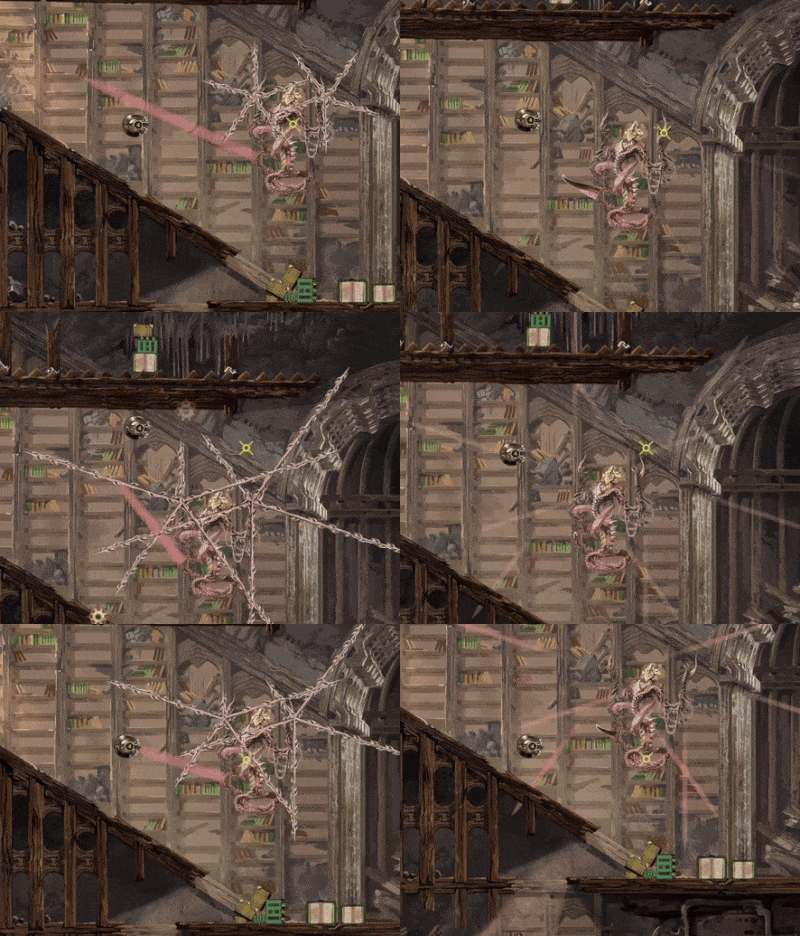
Continuing from the tentacle attack from the last devlog, I made a variation of if where the tentacle ( or in this case bramble) attack doesn't aim at you, but always shoots in a set direction. Simple stuff really, but adding multiple of these to the same monster and mixing with the aiming version really does give a different feel. Like for example this attack pattern for my Bramble Stichija monster:

I added 10 small brambles that always shoot out in a preset pattern, but also a much larger, aiming bramble that deals more damage and forces you to move to try to dodge and potentially run into the smaller attacks. This is meant to be a higher tier monster, so the more difficult to dodge pattern makes sense to me. Also small brambles still deal only a single point of damage( you start with 100 without upgrades) so I think it still feels fair.


Currency Drops

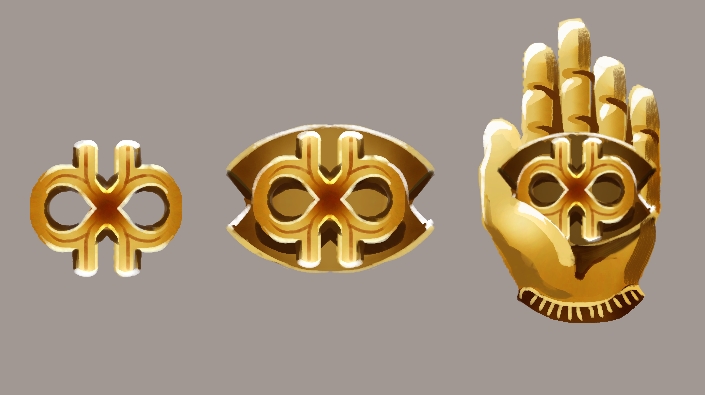
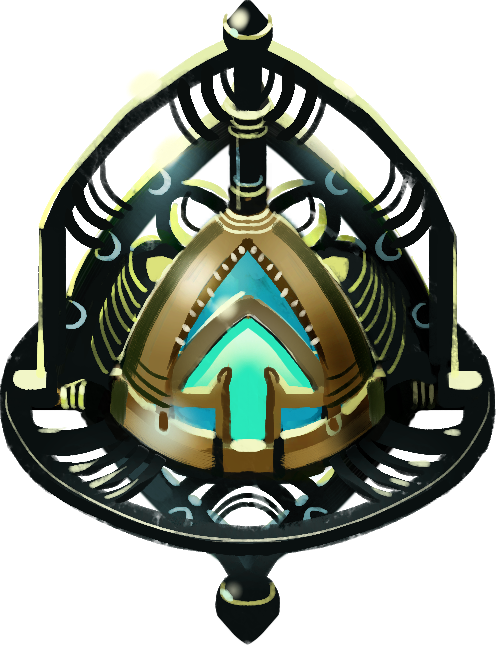
I have this currency in the game called Infinibucks and the symbol for it looks like this:


Why this name? Because it amuses me. Recently I added currency drops from the various monsters when they are killed. Other drops are possible if you capture the monster, but a certain amount of Infinibucks drop if you annihilate it. The amount is calculated based on the tier of the monster and it has a bit of randomness to it. I have three levels of these currency drops as of right now: the smallest one gives 1 to 2 Infinibucks when collected, the middle one gives 3 to 5 and the large one gives 6 to 10. Also I added a little piece of code to overwrite that if I want, for example to make some specific monster always drop a large amount of currency. I might add to it or change numbers around later, but here is how those pieces of currency looks like when dropped:


The Infinibucks act as physics objects when dropped in the game until you pick them up, meaning they can drop to the floor, role down inclines etc. I took inspiration for that from the game Noita, but in my case the currency doesn’t disappear after a few seconds. Normally a monster drops a fairly small amount of Infinibucks, as I don’t want to encourage always killing monsters instead of capturing them, but I also added a tiny chance to receive triple amount of Infinibucks, just for fun. The first is an example of a regular drop, and the second of a monster that drops a bit more, with that triple drop:


Secret Monster

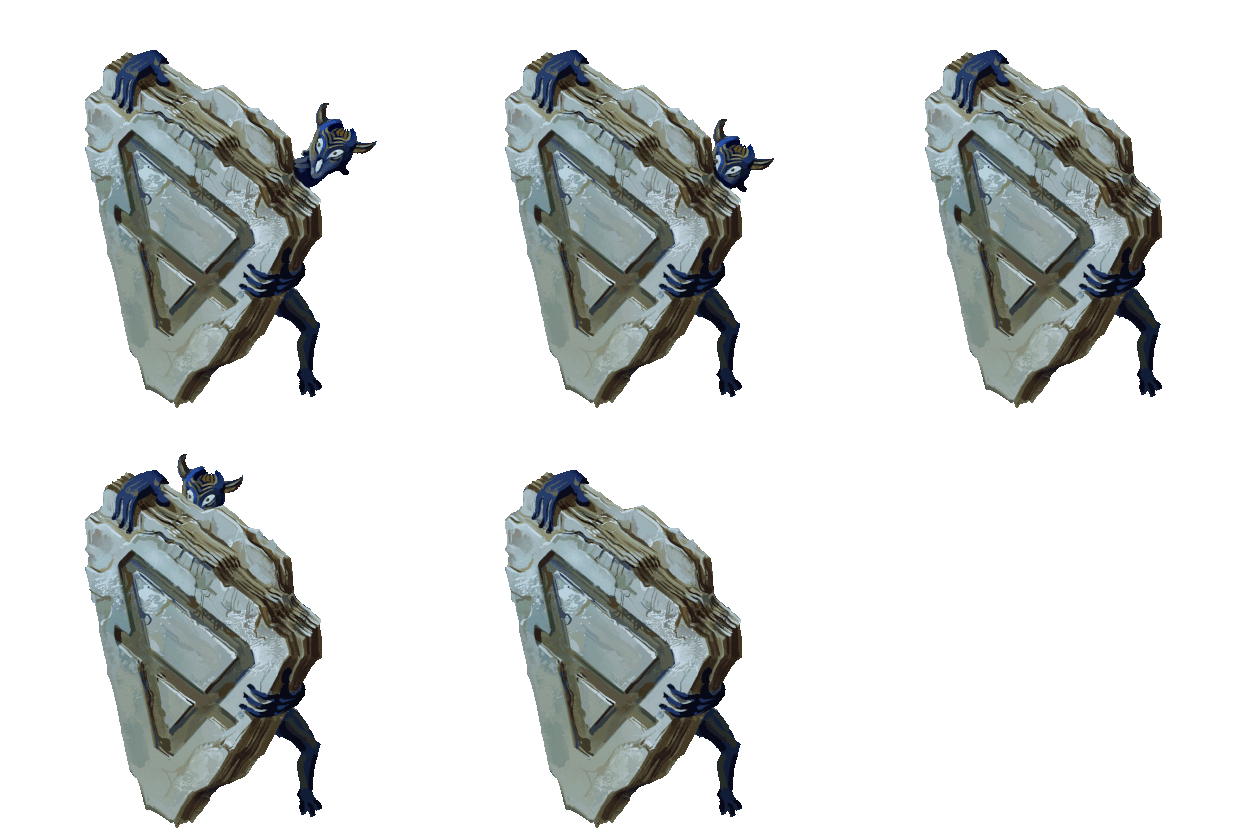
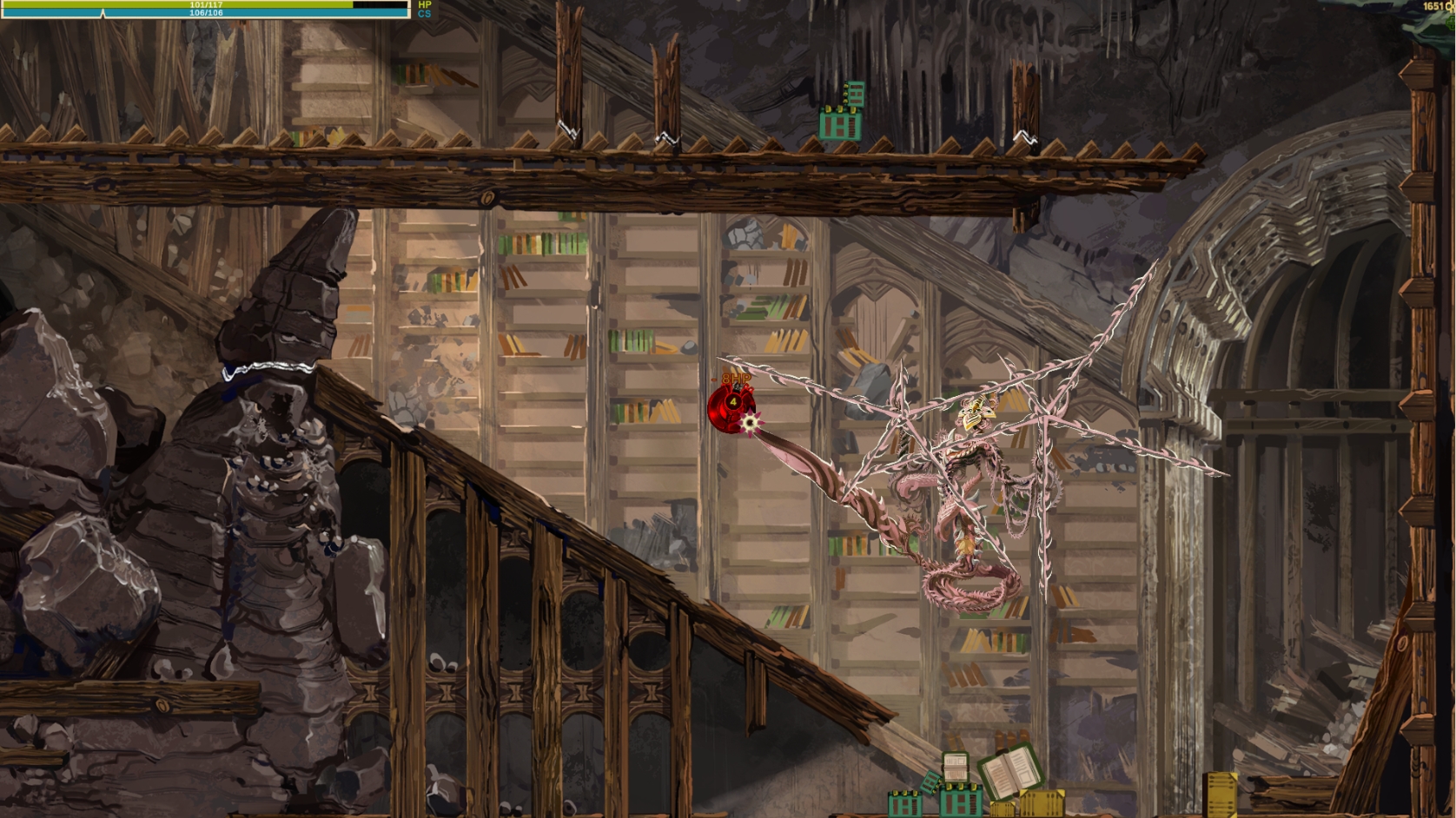
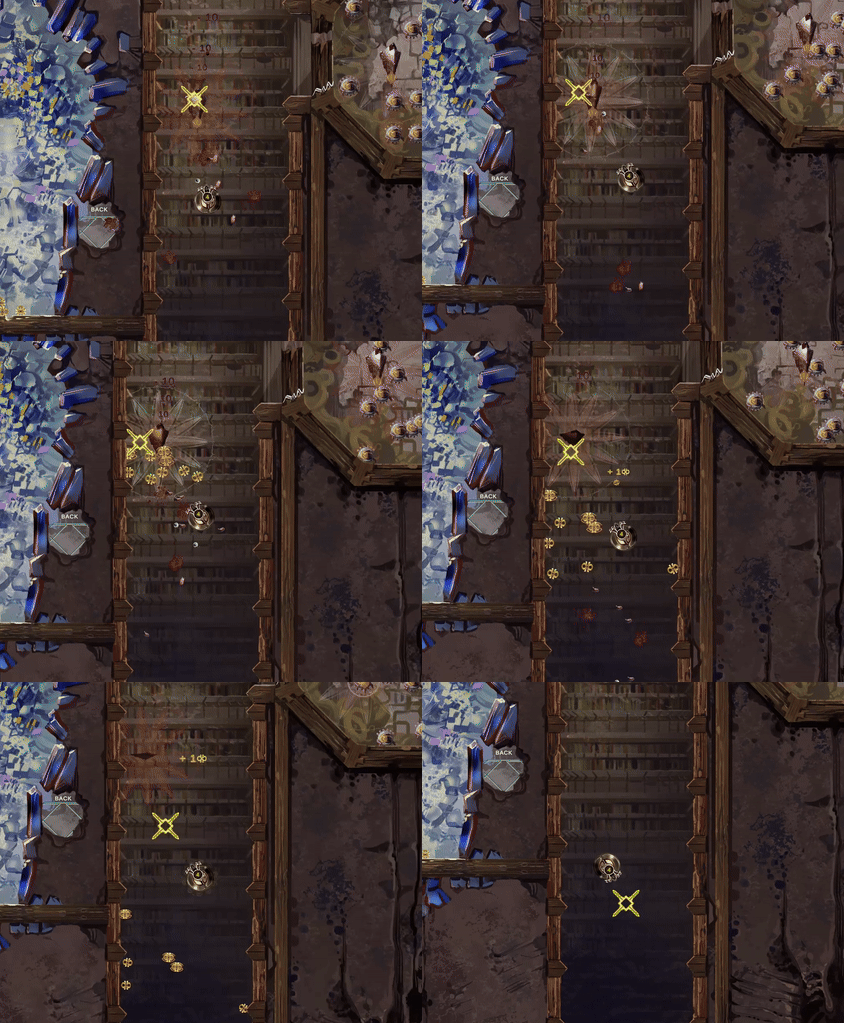
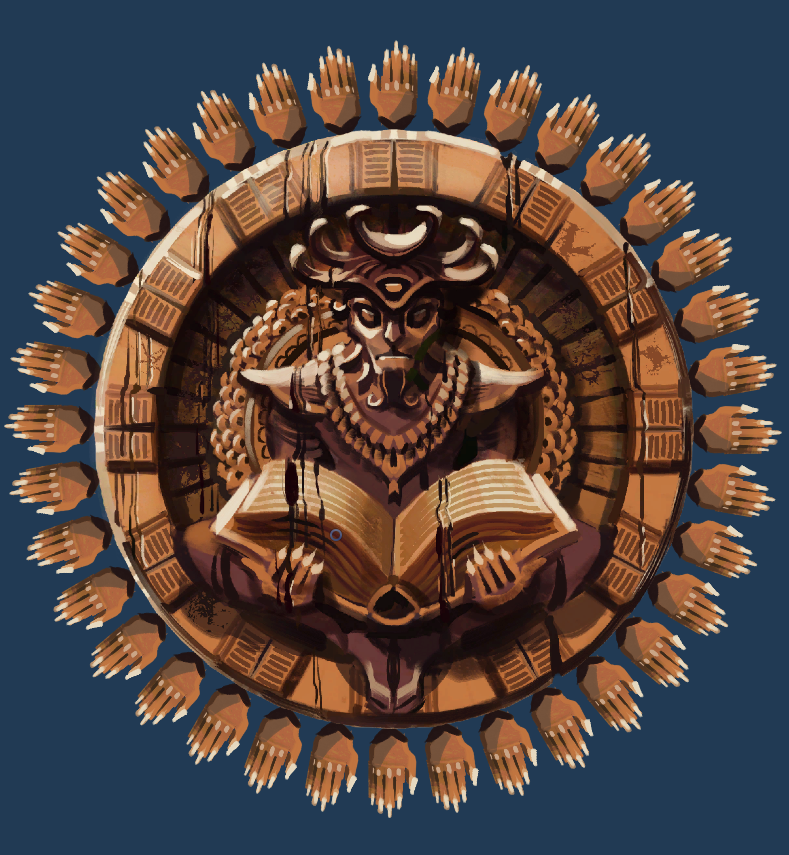
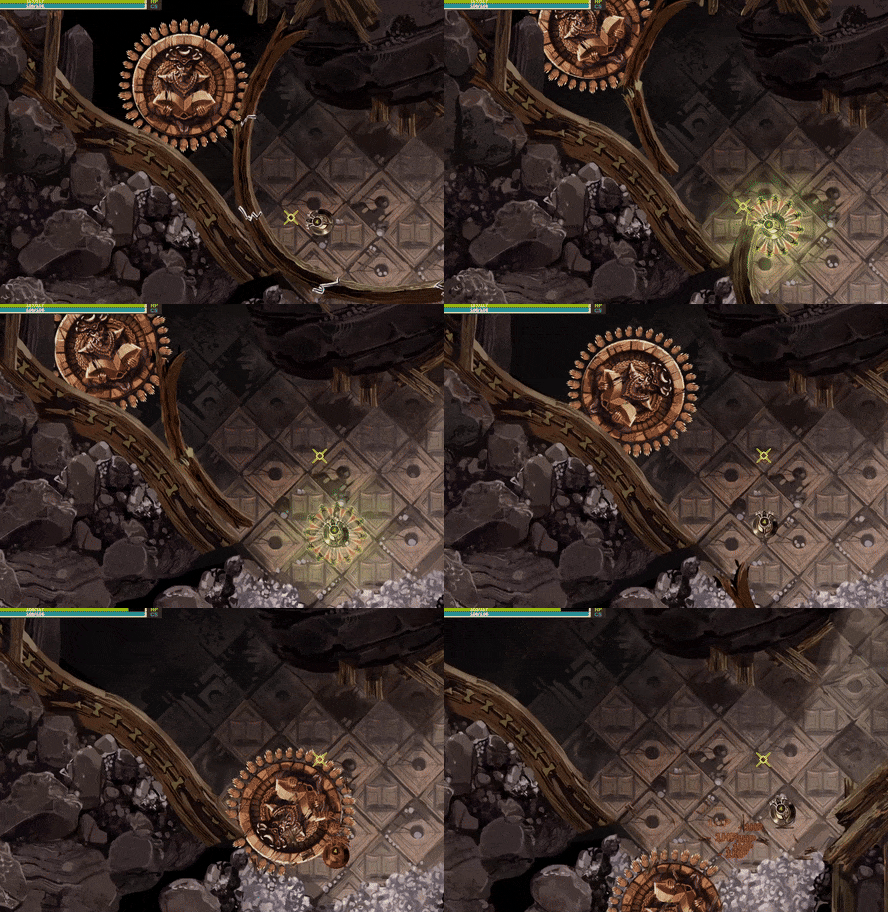
So I added an environmental obstacle into the game, a large rolling statue, Indian Jones style. It’s a statue of a devil-like creature with a large open book that can roll over you.


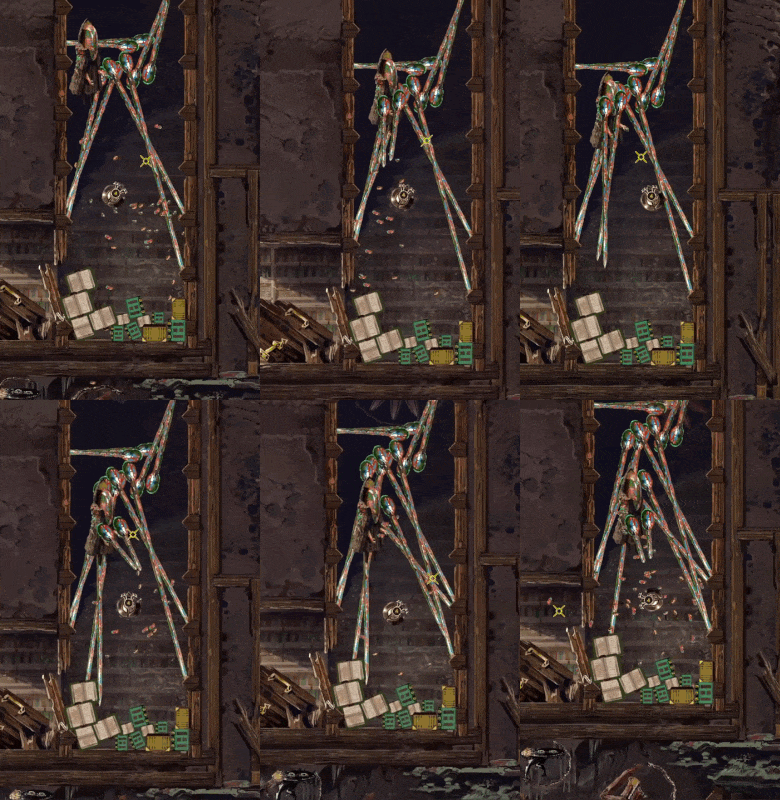
The statue itself does no damage, besides possibly pushing you into enemies or such, but each of it’s 36 hands does a little bit of damage, before breaking if you touch them.


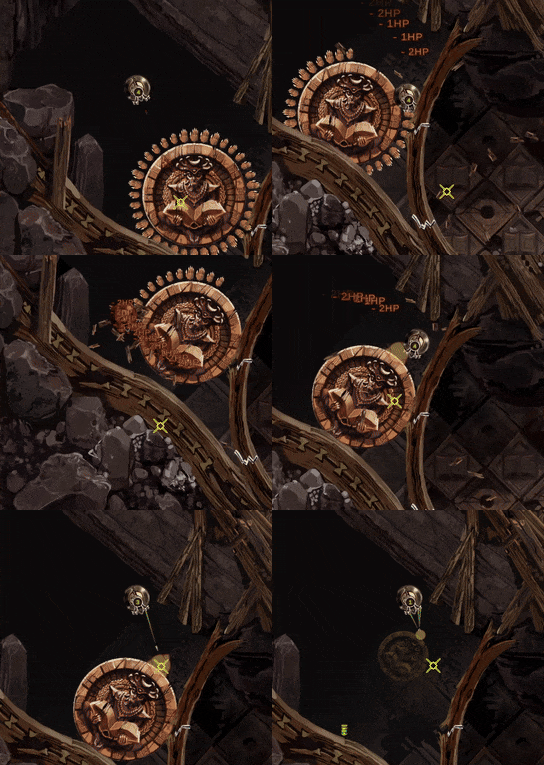
Only that’s not all, there is a little secret. If you are exceptionally bad at dealing with this obstacle, or decide to tank all the damage and destroy every single hand in the process for some reason, the statue will display a weak point, count as a monster and be easily capturable. Alternatively, it’s possible to lure some other monster into the statues’ way and the statues’ hands will also break on contact with that monster.


The statue will always drop a heal item on capture and will appear in the monster collection as the Devil’s Knowledge Statula( statue in Lithuanian).

Crystal Attack

I wanted to add an attack to some enemies that fires a projectile that turns into a wall/obstacle after hitting. I implemented that in a couple ways actually but the main area where I used that is for several crystal elemental monsters. It seemed to make sense thematically, crystals can grow in real life, so let’s make that process a million times quicker and turn it into a projectile.

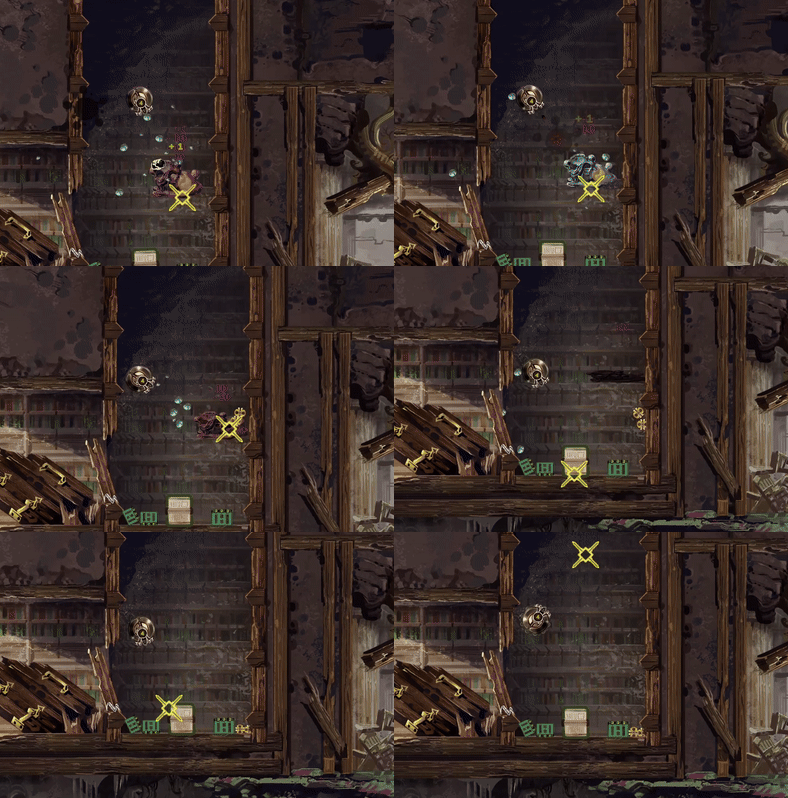
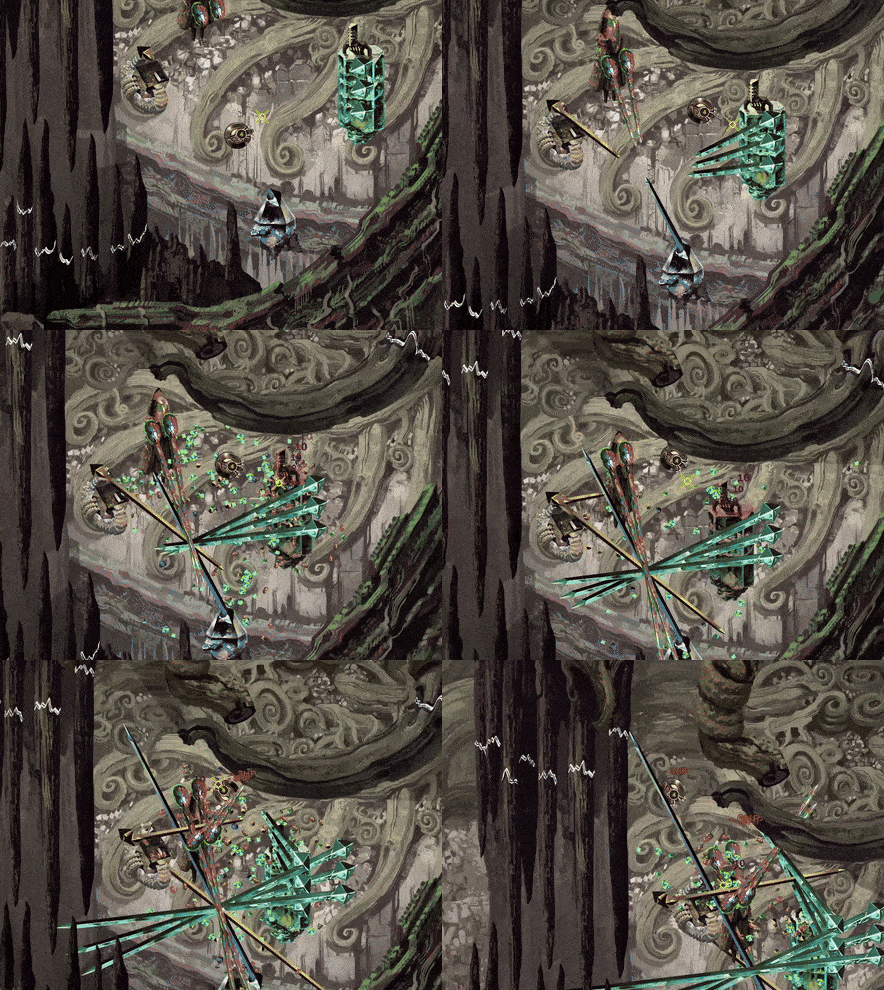
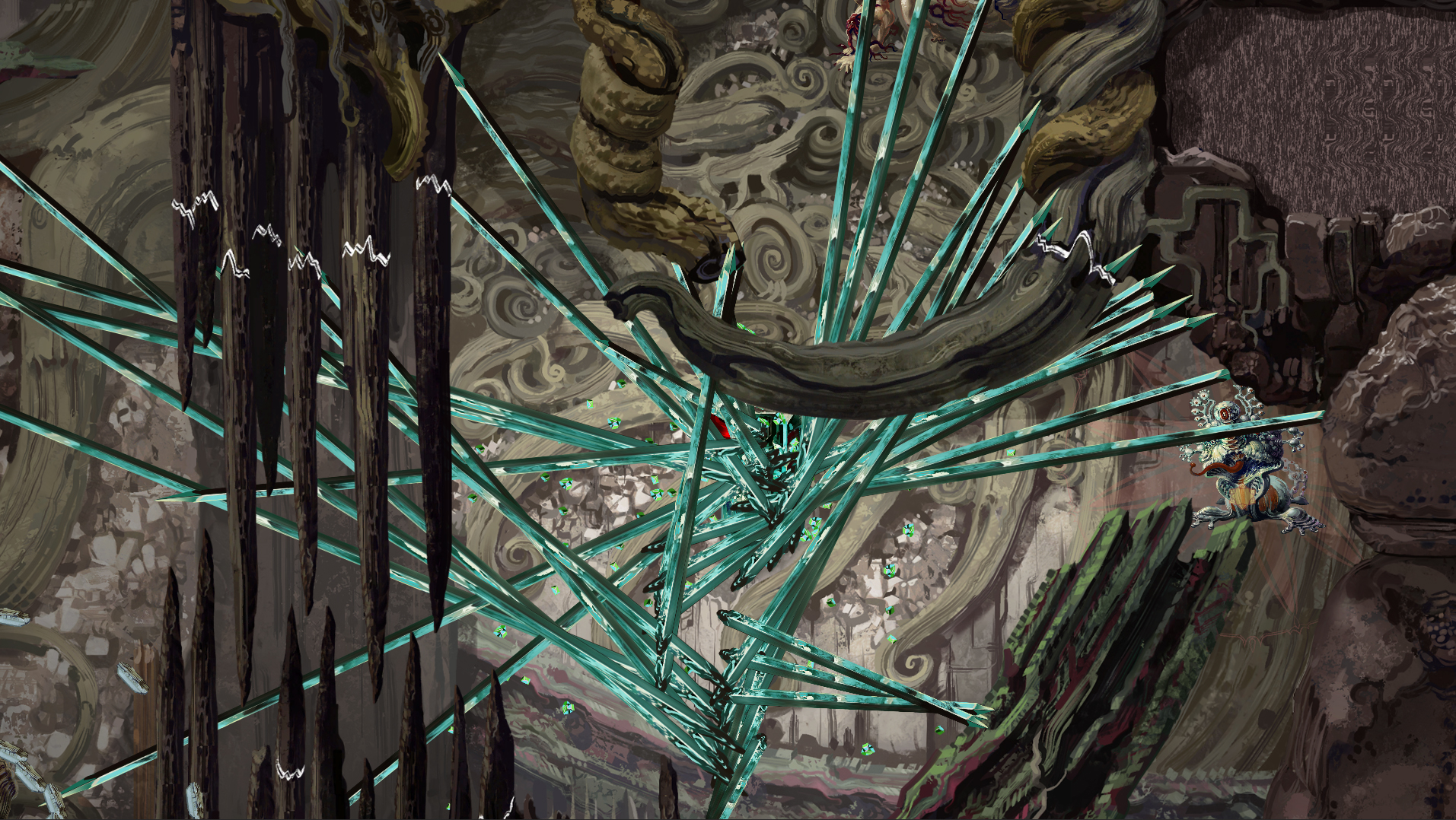
It works like this: when you approach one of these crystal monsters, it will instantiate one or more crystal bases and start rapidly growing crystals in your direction. Crystals will deal a bit of damage if they hit the player and they can’t be destroyed until they finish growing. If they hit a wall, they stop and turn into obstacles which deal no damage, but block the path and take three hits to destroy. This is how it looks in action if you encounter a single crystal monster: 


I don’t plan to place too may of these monsters close to each other, but they will follow you while firing crystal projectiles, so theoretically you might end up in a mess like this, surrounded by 4 different crystal monsters:


I made the crystals grow slow enough so that they are fairly easy to dodge, but you could end up with a bunch of them blocking you, if you don’t destroy some of them as you go along. Here are a couple screenshots of me testing how it works:


Heals of all kinds

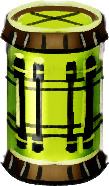
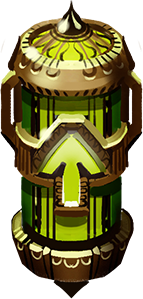
I wrote a couple updates earlier about currency that killed monsters drop - the Infinibucks. Naturally there are some other necessary drops: HP heal item and CS heal item( cave stability). Both of these can sometimes be dropped by captured monsters, all of them have a small chance to do so and I added a higher chance, in some cases a 100% for one of these to drop from certain enemies. The green one is for health points and the blue one is for cave stability:


The green thingy restores 25 HP( out of 100 at the beginning of the game) and the blue one restores a random amount of cave stability from 15 to 35, at least for the moment( also out of a 100).

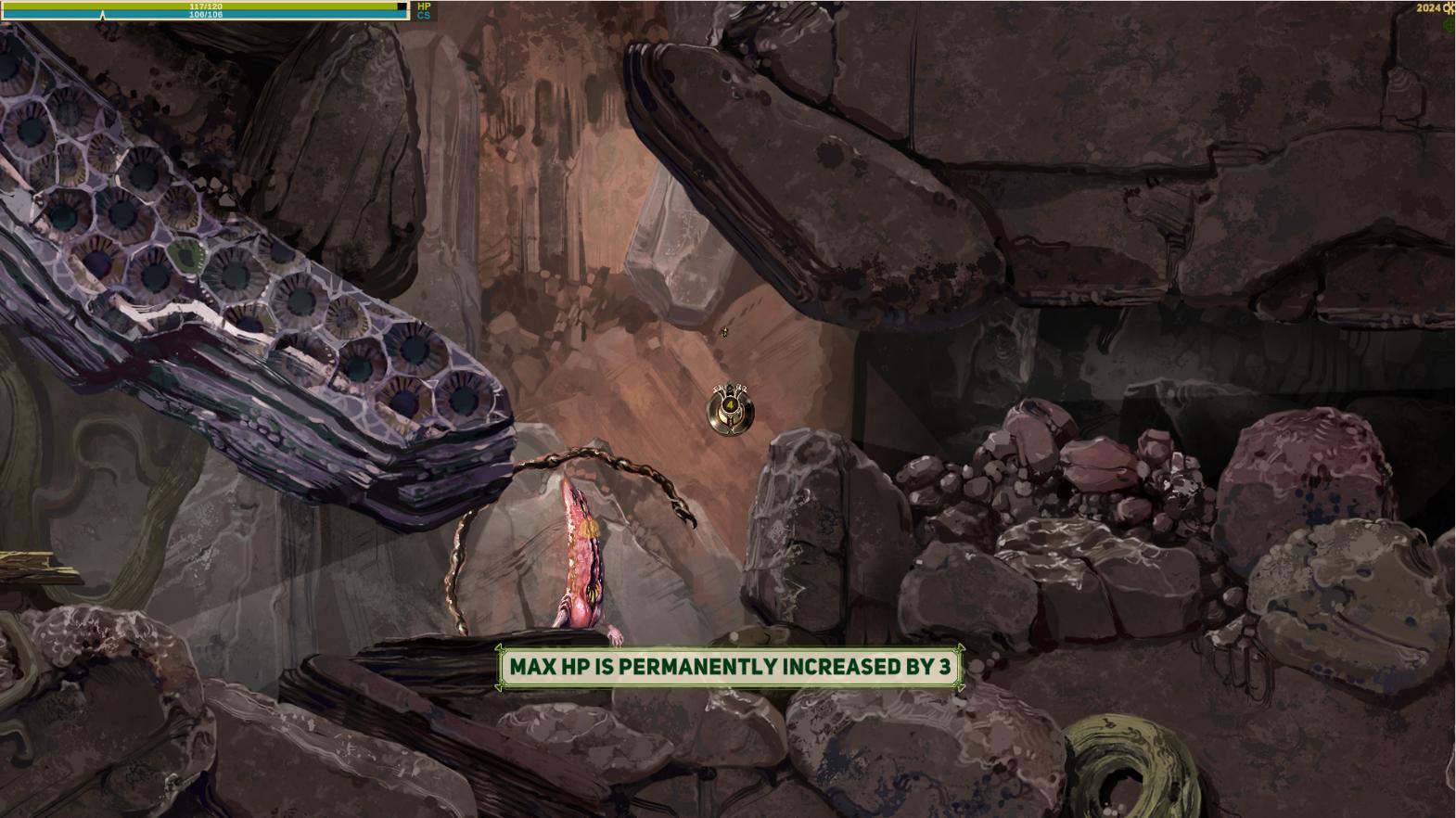
Also I'm adding special heal items that add 1 or 3 points to HP or CS on first discovery. These can be found in some harder to reach places and I will probably add them as a reward for the first capture of some higher tier monsters. They spawn regular heals instead after the first time. I coded it in a way where I don't need to do any extra adjustment, on the first pick up it just saves the unique name for each heal and replaces itself automatically with a regular version later. So as long as I don't make duplicate names, it's very easy to spread these around( with my memory I will need to double check that though). Also these permanent ones display a large bright message for a few seconds, so hopefully it's obvious what these do in game.


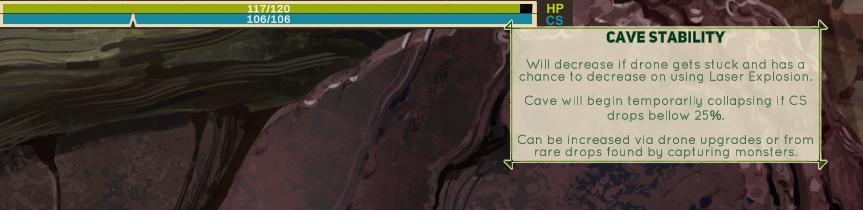
Also I added messages to explain how things like cave stability work, when you mouse over the cave stability UI bar at the top left. I want this sort of basic game mechanics info to be available if you pay attention. I personally get annoyed when I have to google and find out how a certain game mechanic works because the game doesn't tell you anything( yes, I have been playing Elden Ring way after it's release), and of course this little game of mine is unlikely to have wiki pages dedicated to it.


Crystal Rocket Attack

I showed how some of the Crystal enemies work before, but I had a special attack for a single specific crystal monster in mind - the crystal rocket attack:


It works like this:

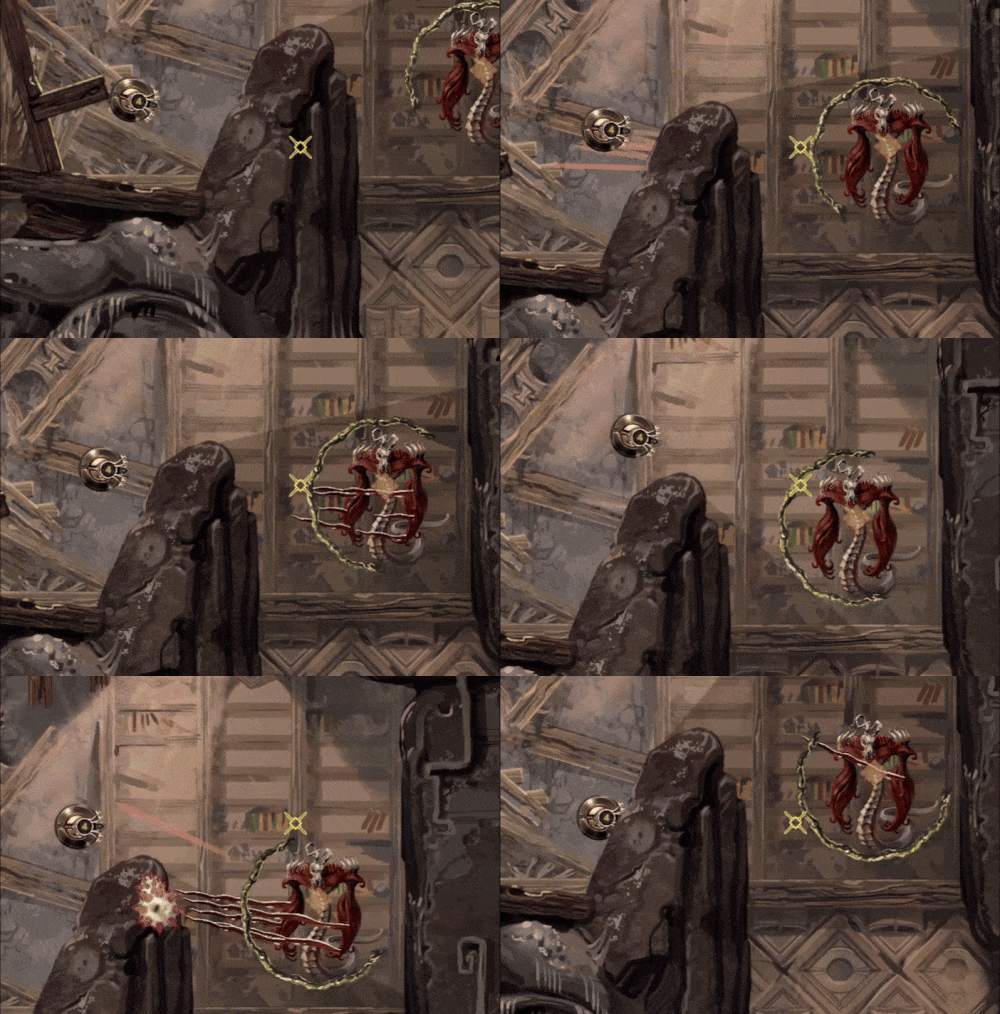
This enemy, the Quartz Raketa( rocket in Lithuanian), is stationary and keeps spinning with a white indicator in front of it. If you wander into the white indicator, it will turn red to warn you and then you have around a second to gtfo because this enemy will start growing a crystal on it's back side. The crystal then explodes rapidly propelling the whole enemy towards the location you were when it locked on you and explode in a bright white light. It will do some damage and can also break some walls and reduce Cave Stability as well.

Unlike most monsters, this one doesn't notice you behind obstacles, because the indicator you need to avoid is ray casted and is stopped by walls, random debris, other monsters etc. I actually never used ray casting for anything somehow, so it was a nice tool to add to my belt.

Stunning designs. Absolutely love it. Now, I realise I'm late to the party here (as you've been working on this for a while now), and you mention earlier that you may be using some free music :( But if you ARE ever looking for a composer and something which fits the game perfectly, then I'd love to be involved. Here's my latest reel, and there's more examples and some sound design over on my site fracturesmusic.com 


Viewing posts 21 to 40 of 81 · Next page · Previous page · First page · Last page