


Play game
The Lost Car's itch.io pageResults
| Criteria | Rank | Score* | Raw Score |
| Fun | #870 | 1.833 | 2.750 |
| Creativity | #873 | 2.000 | 3.000 |
| Overall | #898 | 1.889 | 2.833 |
| Presentation | #914 | 1.833 | 2.750 |
Ranked from 4 ratings. Score is adjusted from raw score by the median number of ratings per game in the jam.
Preferred Name
Alex
Newbie?
Newbie
Yes - I'm new to game jams!
How does your game fit the theme?
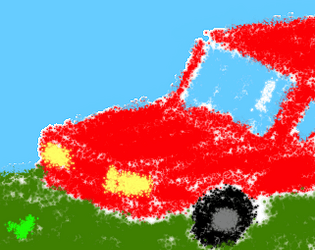
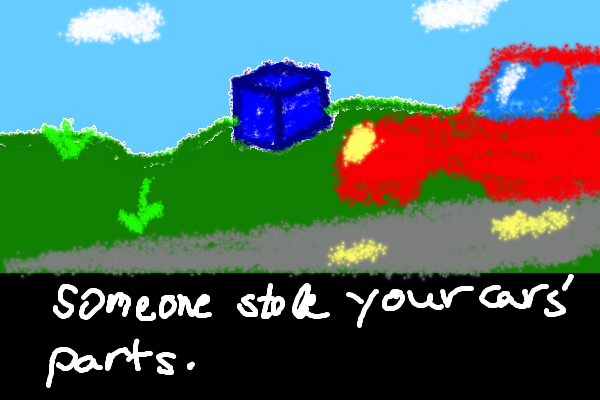
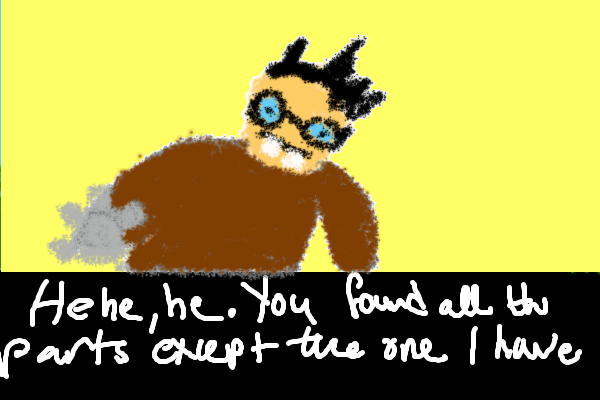
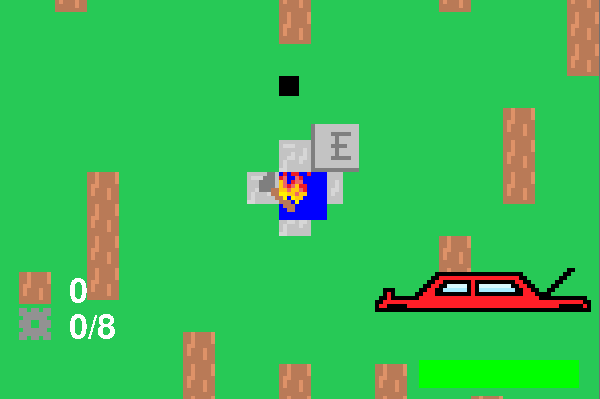
You have to fight to get the car's parts and start the car
Leave a comment
Log in with itch.io to leave a comment.
Comments
This was a fun little game with a nice premise! Congratulations on your first game jam, keep up the good work!
Thanks!
fun game :)
Thanks for playing!
Great game, but u should be more acive in the community
Thanks for playing!
Hey there !
I wanted to try your game but sadly starting it threw some errors
File "main.py", line 10, in <module>
File "<frozen importlib._bootstrap>", line 983, in _find_and_load
File "<frozen importlib._bootstrap>", line 967, in _find_and_load_unlocked
File "<frozen importlib._bootstrap>", line 677, in _load_unlocked
File "PyInstaller\loader\pyimod02_importers.py", line 385, in exec_module
File "scripts\boss.py", line 21, in <module>
boss_img = load_img('imgs/nerd.png')
File "scripts\boss.py", line 17, in load_img
img = pygame.image.load(path).convert()
FileNotFoundError: No file 'imgs/nerd.png' found in working directory 'C:\WINDOWS\System32'.
I tried to adjust the filepath, but since I haven't worked yet with pygame, I don't know if the working directory is set by the framework.If you have a quick fix for it I'll check it out.
Hi, for a quick fix, Try to install the python 3.10 and make sure to add it to path when installing. And i'm sorry for the errors, this is my first time compiling to exe