




Play game
License to loop's itch.io pageResults
| Criteria | Rank | Score* | Raw Score |
| Audio | #7193 | 1.861 | 3.000 |
| Artwork | #7768 | 1.985 | 3.200 |
| Enjoyment | #7892 | 1.861 | 3.000 |
| Creativity | #8335 | 1.985 | 3.200 |
| Narrative | #8502 | 1.364 | 2.200 |
Ranked from 5 ratings. Score is adjusted from raw score by the median number of ratings per game in the jam.
How does your game fit the theme?
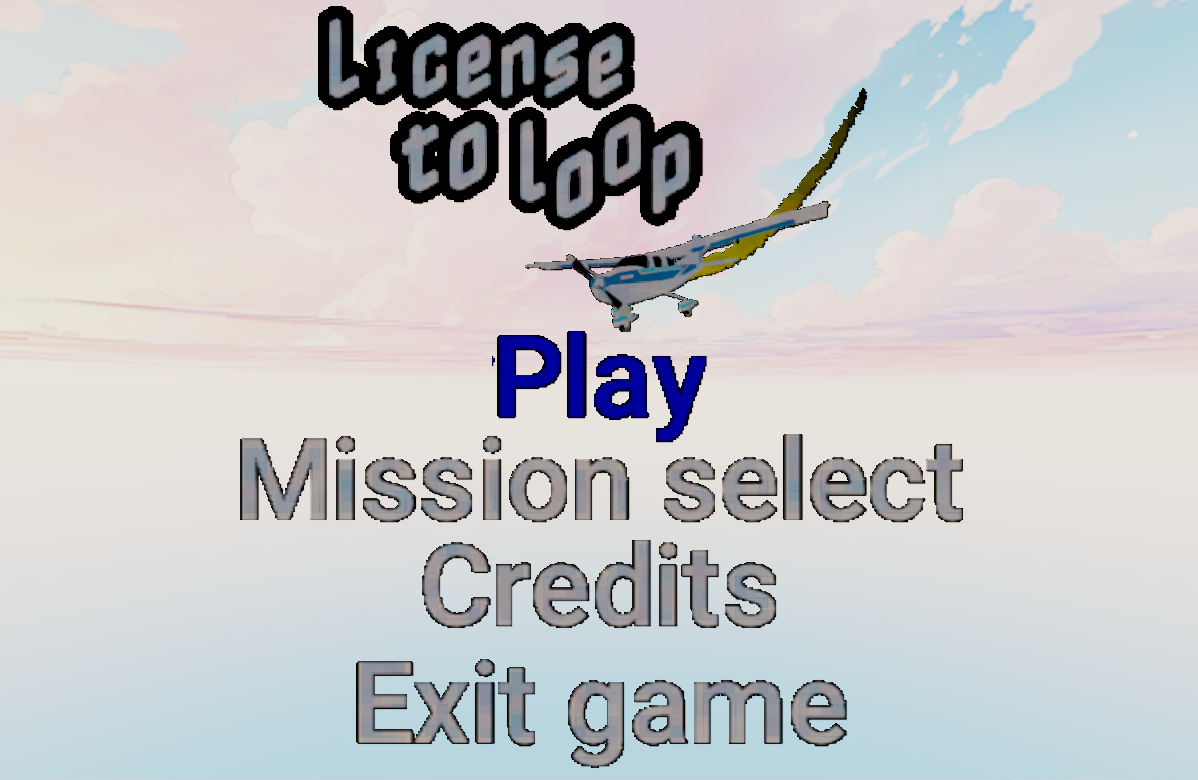
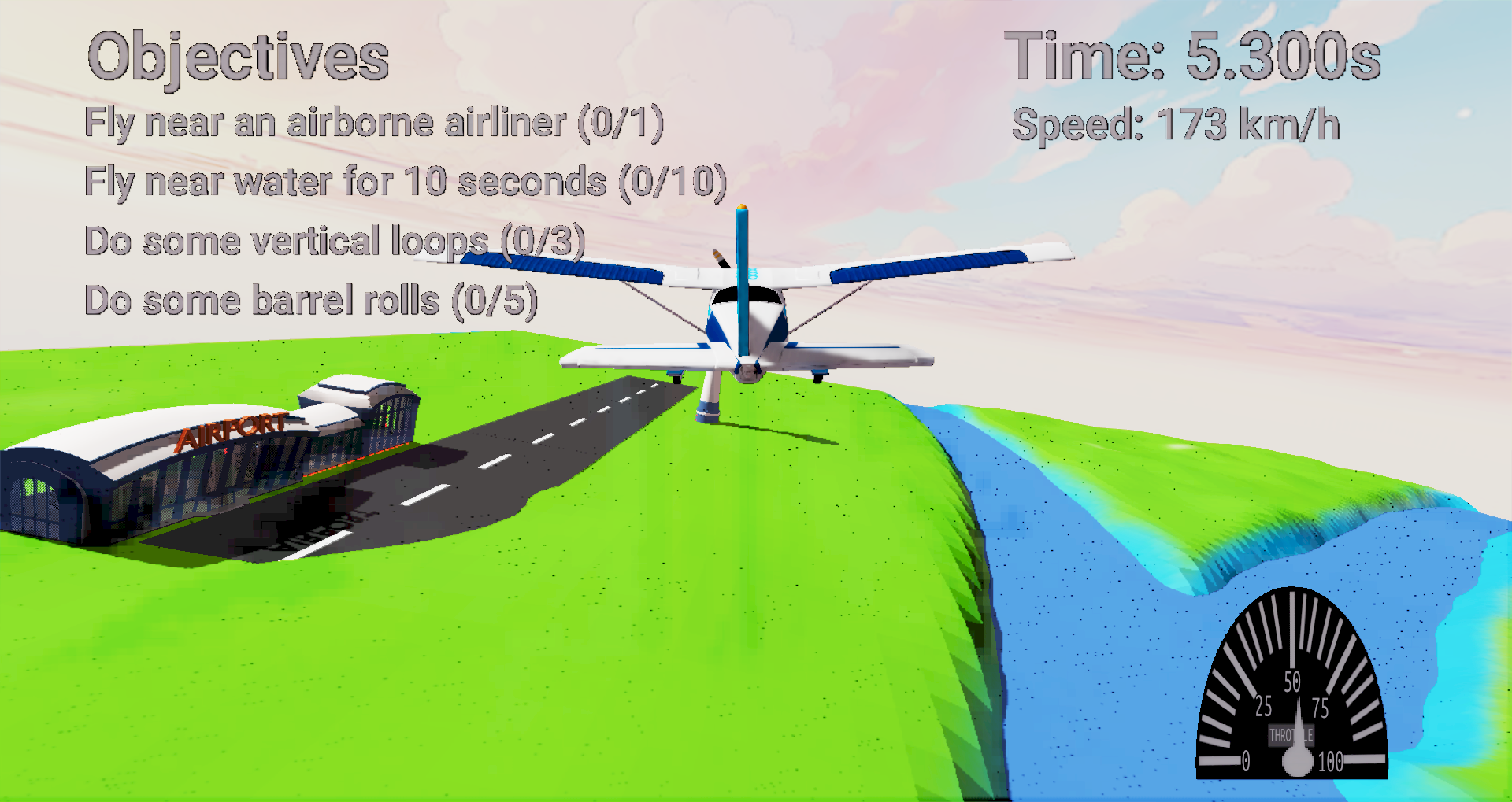
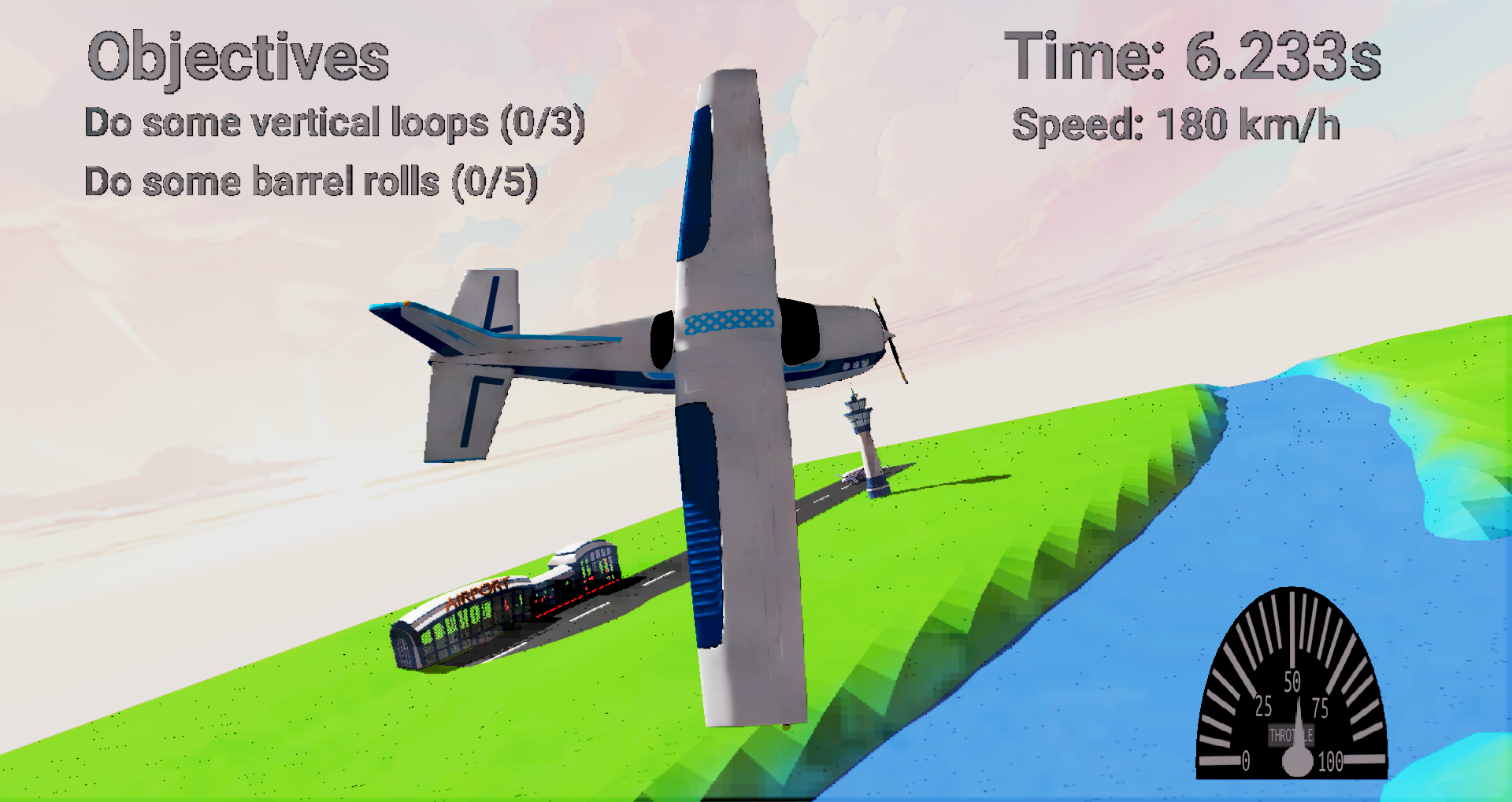
The goal is to do dangerous stunts in a plane, such as Loop the loops!
(Optional) Please credit all assets you've used
Ring model:
https://kenney.nl/assets/racing-kit
Skybox:
https://freestylized.com/skybox/sky_34/
Plane model (CC with Attribution) by Grapic_artplay:
https://sketchfab.com/3d-models/plane-low-poly-6f41d5adee2f4c71a3dca8c943829b7f
Bridge model (CC with Attribution) by xplanepilot:
https://sketchfab.com/3d-models/railway-stone-bridge-00df164503d14ef6ba42b39dc827dd33
Airport Pack Total (Free) by assetfactory:
https://sketchfab.com/3d-models/airport-pack-total-ad40f27ecd5e492c8149cde6a5dd56d1
FlightModel code:
https://www.jakobmaier.at/posts/flight-simulation/
Music (Funky Chunk) by Kevin MacLeod:
https://incompetech.com/music/royalty-free/music.html
(Optional) What would you like to be called if GMTK features your game?
Xavier "jglrxavpok" Niochaut (pronounced like 'ji jey el air xav pok', Xavier Niochaut is enough if pronunciation is an issue)
Leave a comment
Log in with itch.io to leave a comment.
Comments
Really impressive for such a small time frame!
:O
A friend had the same issue, and had to install libktx manually.
Alternatively, this build has a version of libktx inside, in 'thirdparty/KTX-Software/libktx.so.4' (which I hoped that would have been enough), you might be able to run the game with LD_PRELOAD pointing to the .so file.
Couldn’t find it in the AUR, but the LD-PRELOAD fixed that error… It isn’t the only library though (and afaik LD_PRELOAD is only for a single library):
I also tried LD_LIBRARY_PATH, but that ain’t workin’ neither sadly.
Maybe with openxr-loader-git through AUR?
Everything related to slang should not be necessary to run the game.Neither my friend nor I had the issue, so there might be a *few* missing libraries :/
FYI LD_PRELOAD="libA libB" should work for multiple libraries (or using a semicolon).
Just in case I looked for .so files inside my engine build folder, here's the list:
I want to already thank you for your patience!
I thank you for your will to fix it! So, the issue is even more complicated. I found the openxr package on the AUR, but it doesn’t install for some mysterious issues
I did do the LD_PRELOAD with multiple files - which works with semicolons (I forgot how environment variables worked smh), thing is… I assumed it’s also in the thirdparty folder, so this is what happened:
So, I got the same libktx error again, and another (I have honestly no idea what it means with “shared object file”), but so I looked for the file in the first place, but it doesn’t seem to be shipped :o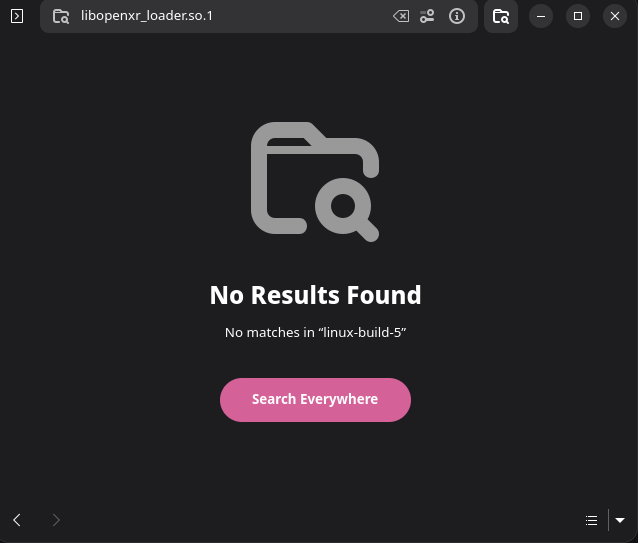 So maybe - I either need that file / those files, and / or LD_PRELOAD has an issue with multiple libraries or something - actually, I just tried again, using space instead of semicolon, and the issue changed again, I think now it just means that libopenxr_loader.so.1 is missing:
At least that’s what I think it is… Don’t take my word for it though.
Yes I forgot to ship some libraries :/
The Windows version can be launched via Steam, with the following configuration.
However it takes a long time to load, probably due to the console spam.
Hmm… I tired with no compatibility tools selected, SLR 3.0, SLR 1.0, Proton Hotfix and Proton 9.0-4, but nothing - the button just returns to “Play” again in a short time, and my PC is not crying, not showing any sign of anything happening. This is the setting: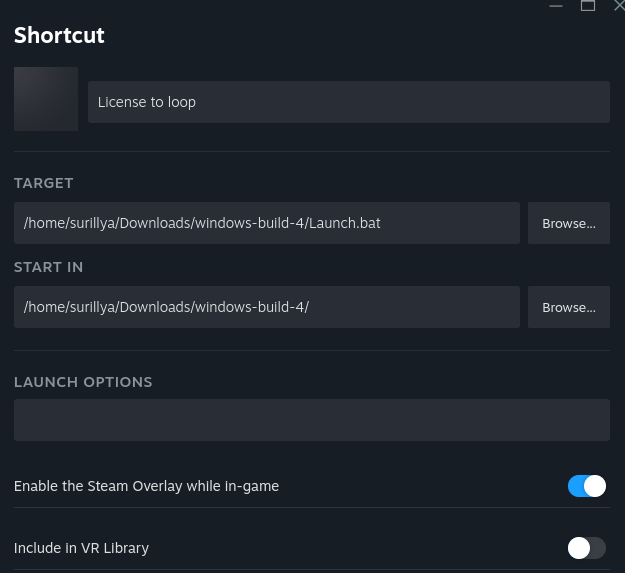 So that doesn’t seem to work? What Proton do you use? I also tried both soda and syswine in bottles, not giving anything at all, so I tried the wine shell, giving me this:
Yeaaah… I don’t know if you want to continue error fixing, or just say it doesn’t work for me… But maybe you have some special proton version?
I tried with Proton Experimental.
If it still does not work for you, I don't know what else to try...
Naww, I tried again with syswine, but yeah, this is not gonna work. No mesh-shader (am on vacation, and don’t have my real PC here):
Thanks though. But I sadly can’t try it, apologies.
Unfortunately requires mesh shaders to run which my GPU doesn't support
The game does not use it but the engine requires it by default, sorry I forgot to disable it for this release :/
By curiosity, which GPU do you have?
Still on my old GTX1060 which is about 9 years old now but still works lol. I think it's the last nvidia generation that can't do mesh shaders yet.
How do you install/play it? I didn't see an .exe file in the downloadable zip (I'm on windows).
There is a Launch.bat file inside the zip which runs the exe inside RelWithDebInfo with the correct folder and arguments to run the game.
Yeah I tried that and it didn't work... I wonder if it's my computer that's the problem (it's from 2015)
It's possible your GPU is too old. Aruseus has posted that their GTX1060 does not support mesh shaders, which are another requirement for the engine (even if the game does not use them). I've updated the game description to mention mesh shaders, but sadly I don't think you will be able to play the game :c
What GPU do you have?
It's been a while since I last flew a plane in a game. The plane feels good and the music sounds nice. I had fun completing the levels. Good variety of challenges.