


Play game
Greed's itch.io pageResults
| Criteria | Rank | Score* | Raw Score |
| Artwork | #4598 | 2.843 | 3.091 |
| Creativity | #5305 | 2.927 | 3.182 |
| Enjoyment | #6814 | 2.174 | 2.364 |
| Narrative | #8025 | 1.505 | 1.636 |
| Audio | #8216 | 1.505 | 1.636 |
Ranked from 11 ratings. Score is adjusted from raw score by the median number of ratings per game in the jam.
How does your game fit the theme?
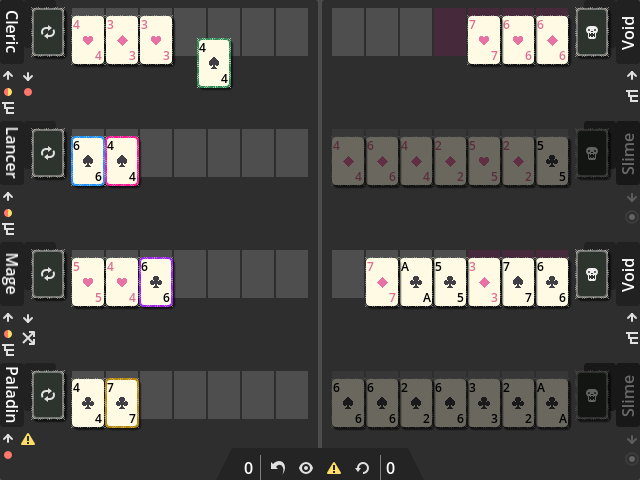
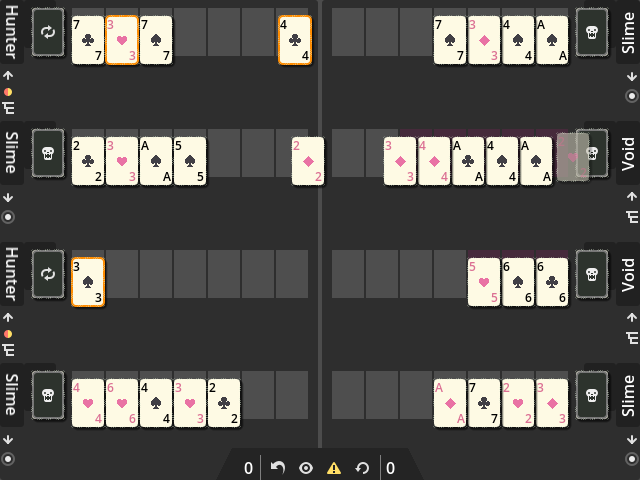
Looping style card draws and card passing
Leave a comment
Log in with itch.io to leave a comment.
Comments
The game looks honestly really good, but I'm not the target audience and couldn't understand sh*t ^^'. I might save it to try later with more neurons activated :D
😅😅 sorry I'm still new to game jams... with these short development cycles, I'm realizing that I should dedicate more time to making sure everything is understandable and more intuitive...
Thanks for the feedback and checking out the game though! 😁
Hey! I had fun trying out the game (played a few rounds until I sorta got the hang of it) But I’ll admit I don’t think I understood all of the rules?
Could you maybe explain them to me? 🙏🥺 I’d love to go back and give em another shot :).
Specifically, what I’m wondering is: How do you customize character classes? And what are the different class abilities? If it’s relevant, I couldn’t figure out how to use any of the buttons in the menu bar in the bottom middle.
The game did become sort of trivial once I realized that (Writing in Rot13 because SPOILERS): Vg vf rabhtu gb nggnpx rnpu rarzl bapr, fvapr jurarire gurl nggnpx zr, V pna vzzrqvngryl tvir gurz gurve pneq onpx. Guvf xrrcf zr fnsr naq riraghnyyl biresybjf nyy rarzvrf.
Anyways, would be glad to hear about what else I can do with your game :).
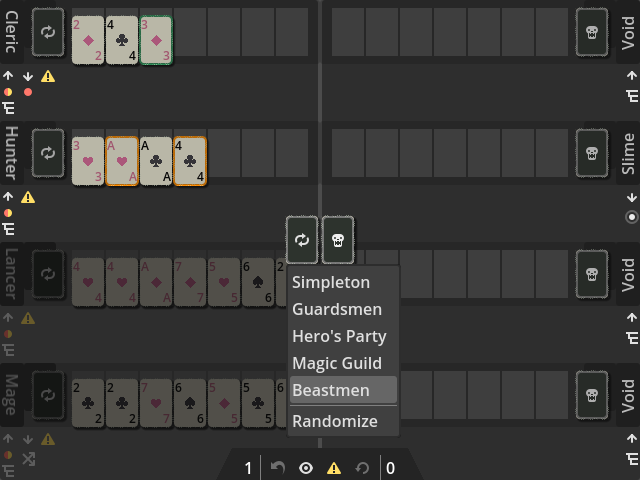
Hey! Thanks for checking the game out! Sorry for the confusion and lack of explanation in the GUI, I'll try to clarify:
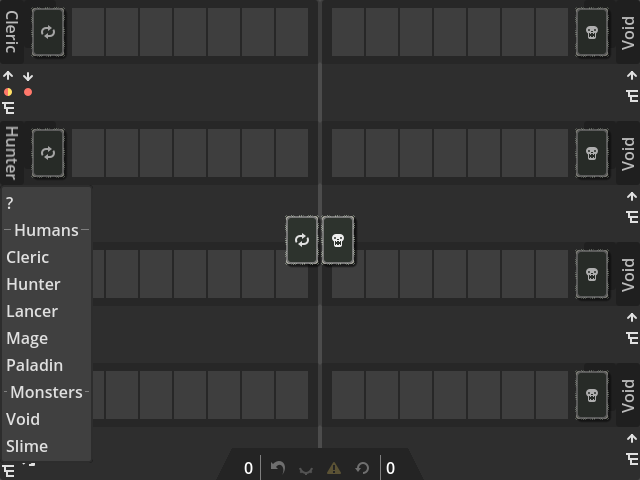
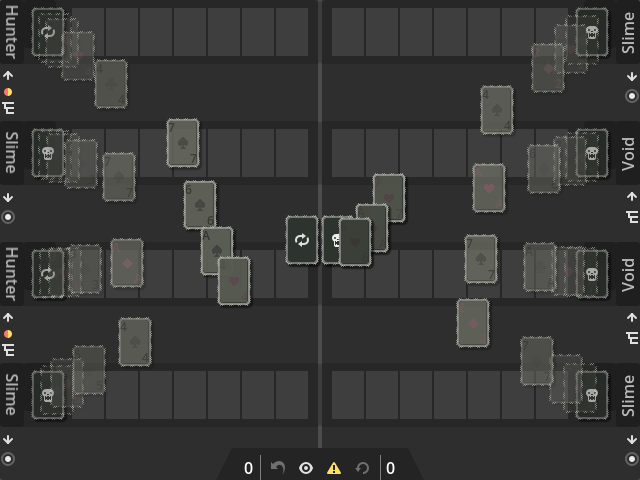
At the "selection screen" (two decks present in the middle):
Once you have dealt the deck, you can't change classes until you bring up that screen again by winning/losing or clicking the restart button at the bottom menu bar.
*I've added notes in the game's description
If you hover over the icons below the character name, some tooltip text will appear so you can see the different class abilities/restrictions.
If any moves don't match up with the "move assist", it's probably a bug.
*I've added notes in the game's description
Good point about your spoiler! I was noticing that as well while I was testing but didn't take enough note of it. I think I could fix it by doing a card draw for that lane first, that way the second card is dropped instead... or I might just redesign some stuff in general...
I kind of just implemented as much functionality/classes as I could for this jam, and tried to leave enough customization open for the player to experiment with it.
Hope that helps explain the game rules/functionality better!