

Hiya!
If you run into any bugs and issues don't hesitate and let us know here!
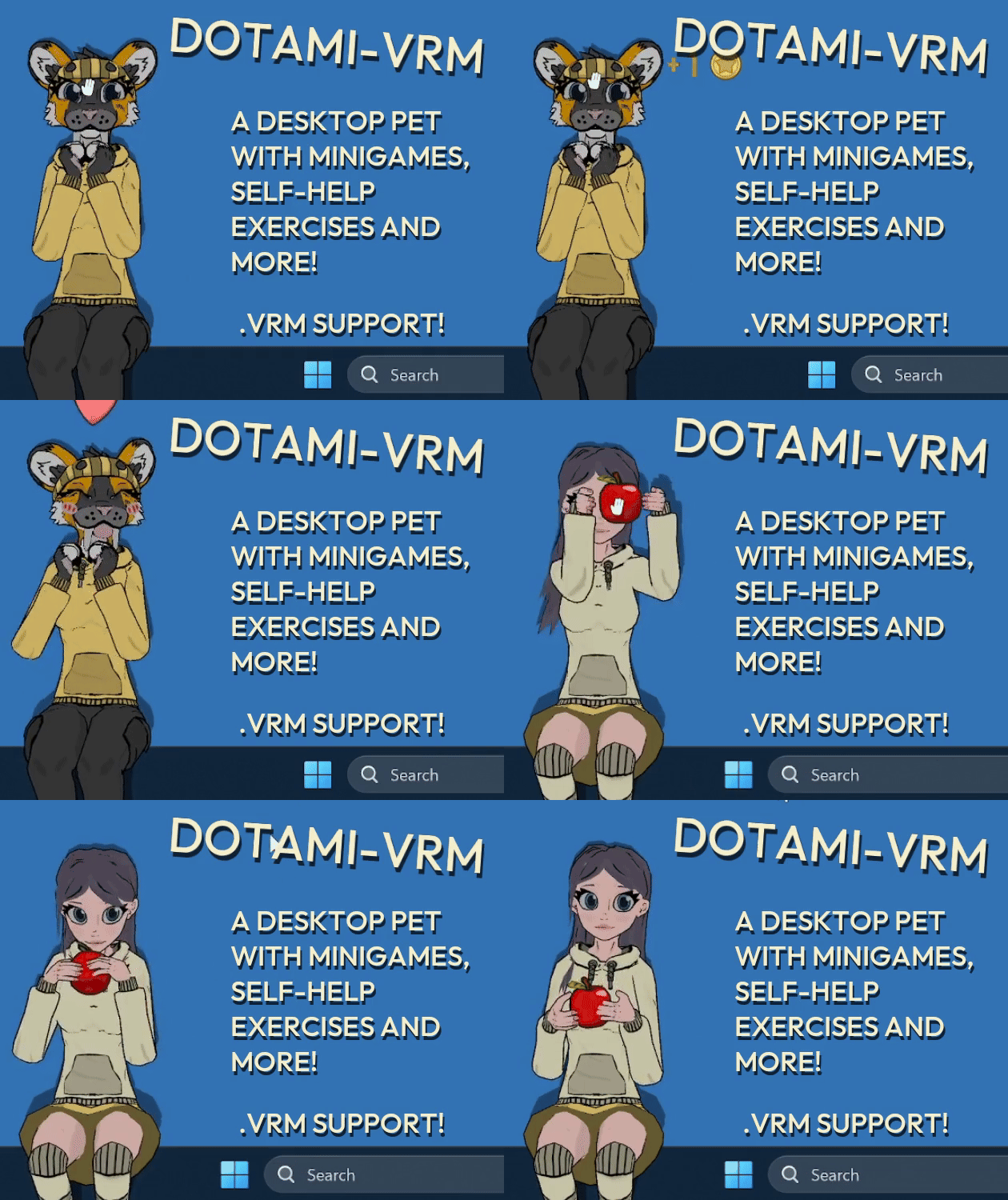
(Free Demo!) Desktop pet with vrm models, self-help, minigames and customization · By
Hello! I just tested it and while WIN + shift + left/right arrow moves the game window to the second monitor, for some reason the background becomes black when i move it back to the main one. Also the sit height gets messed up if there is a difference in resolution between the monitors... I'll try to fix this in the next update! Thanks a lot for the feedback!
No problem! Your app is really fun and cute. I found a high quality VRM of Link from Legend of Zelda that I'm really enjoying. I think it would be cool if you could add a male voice option, but Link's voice is kind of high pitched anyway so I don't mind using the default with him.
We tested the game only on LTS versions, but from my quick search it appears KDE 6.3 is using Wayland by default, which the game does not support properly for now, but thanks a lot for feedback! It behaves like this because Wayland does not allow mouse access to apps outside of their windows.
If you would like to you could try and switch session to x11, but i can see how it could be problematic. Wayland is still experimental and a lot of programs and especially games work better on x11. There should be an option during login, a gear icon or something similar in bottom corner.
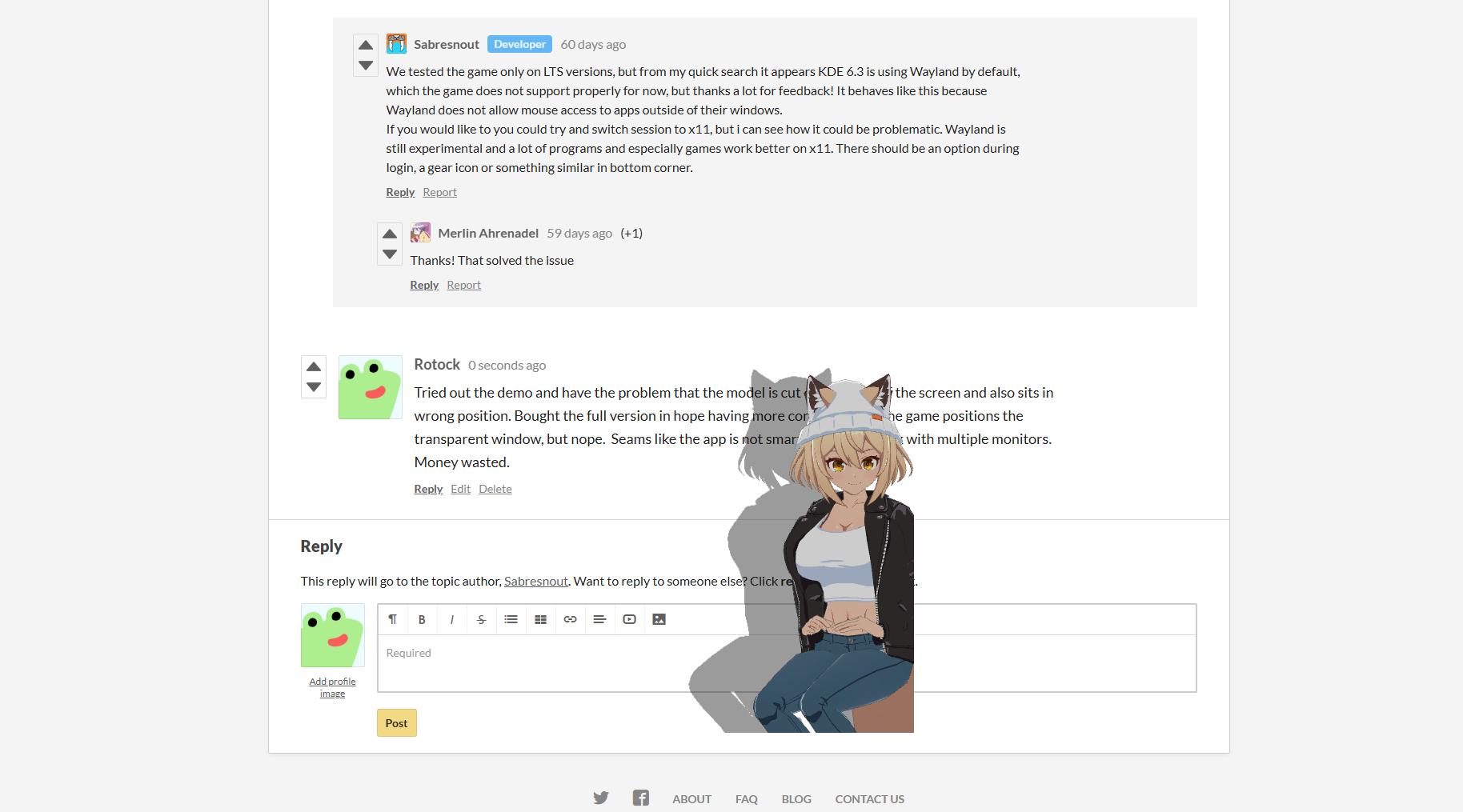 Tried out the demo and have the problem that the model is cut of in middle of the screen and also sits in wrong position. Bought the full version in hope having more control of how the game positions the transparent window, but nope. Seams like the app is not smart enough to work with multiple monitors. Money wasted.
We are aware of the issue when using multiple monitors - it works on some, but one person reported similar issue recently when using 3 monitors, do you have 2 or 3 monitors? Could you provide their respective resolutions? Are you using Linux or Windows build?
I will add this to known issues in game description as i discovered it only recently. Game is still in early access, it is stable in general but some issues will pop up and we try to fix them along the way. The demo works the same as the full version minus activities and minigames that's why we released a free demo to test before purchasing full version. I will update the description to provide more specific details about contents of the full version to avoid confusion.
If you are really dissatisfied with the game you can issue a refund with the support team. (edited to handle this through dedicated method: with itch support team)
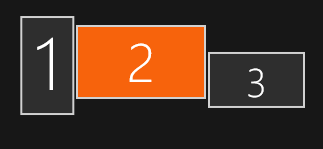
#1: 1080x1920 | #2: 2560x1440 | #3: 1920x1080 | OS: Windows | Mode: Extended Desktop
And whats going wrong is: Game uses dimensions of Monitor 2, because thats primary main monitor under windows settings, but game pulls position from first monitor number 1 and puts the game window position in topleft corner of monitor 1.
solution: make your game pull position coordinates not from first monitor in the array, instead check what is the main monitor. For dimensions your game allready does this, but for some reasons not for position.
solution 2# maybe: just make a big transparent window and always put character in the middle of that window. And then you drag and move char you also move the window with it, so chars stays always centered in that window, this way you not fixate on making an overlay on only just 1 monitor, atleast that is what MateEngine does, tho with a smaller window around char, but you guys probably need bigger window for extending the draw range for the items and minigames.
Thanks for the feedback!
I will look into it, and try to replicate the issue, it should use main monitor's position and dimensions but for some reason it does not in this case.
Solution 2# would work, the game worked this way in early builds but we had to change it to allow Linux support (it handles windows differently and would not allow moving the window outside of display boundaries which basically prevented larger character size and ability to move around significantly) and yeah, also minigames and activities, especially planned ones.
Hello! I've updated to the latest version and whenever it's running it makes the taskbar vanish.
I'm running on Linux Mint Cinnamon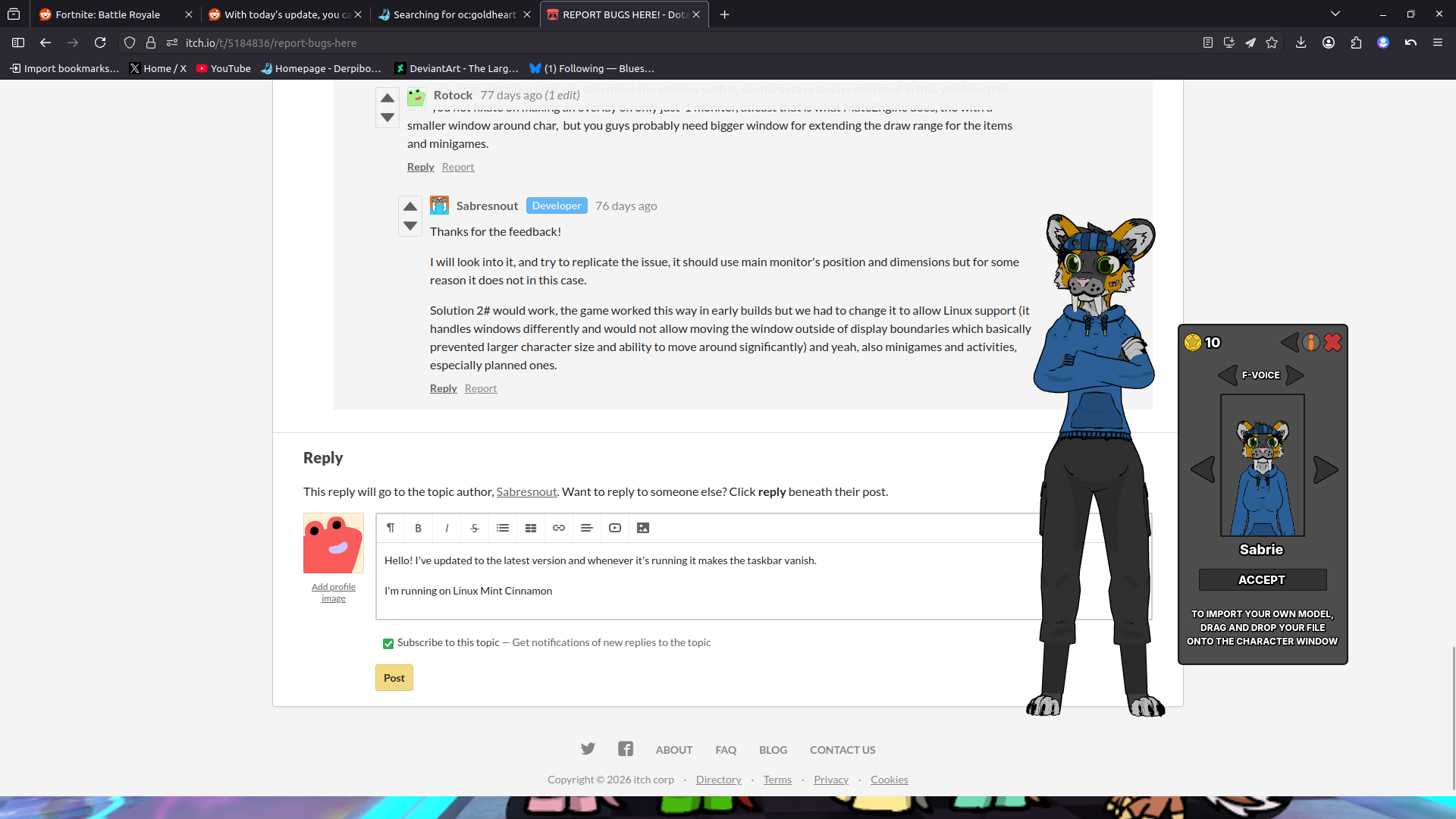
Hello! Could you provide the resolutions of your screens? We tested it on Linux cinnamon and the character was covered by the taskbar but was visible, try changing taskbar positions to top, and then back and let me know if the problem persists, I will test it again and try to replicate the issue.
The app behaves this way if it somehow started working in fullscreen mode instead of a borderless window, try to toggle fullscreen mode and let me know if it helped.