


Play game
Furrball Siege's itch.io pageResults
| Criteria | Rank | Score* | Raw Score |
| Audio | #155 | 1.736 | 2.800 |
| Theme | #158 | 2.357 | 3.800 |
| Fun | #171 | 1.488 | 2.400 |
| Originality | #175 | 1.612 | 2.600 |
| Graphics | #175 | 1.488 | 2.400 |
| Overall | #176 | 1.506 | 2.429 |
| Accessibility | #179 | 0.868 | 1.400 |
| Controls | #180 | 0.992 | 1.600 |
Ranked from 5 ratings. Score is adjusted from raw score by the median number of ratings per game in the jam.
Godot Version
4.4.1
Wildcards Used
All
Game Description
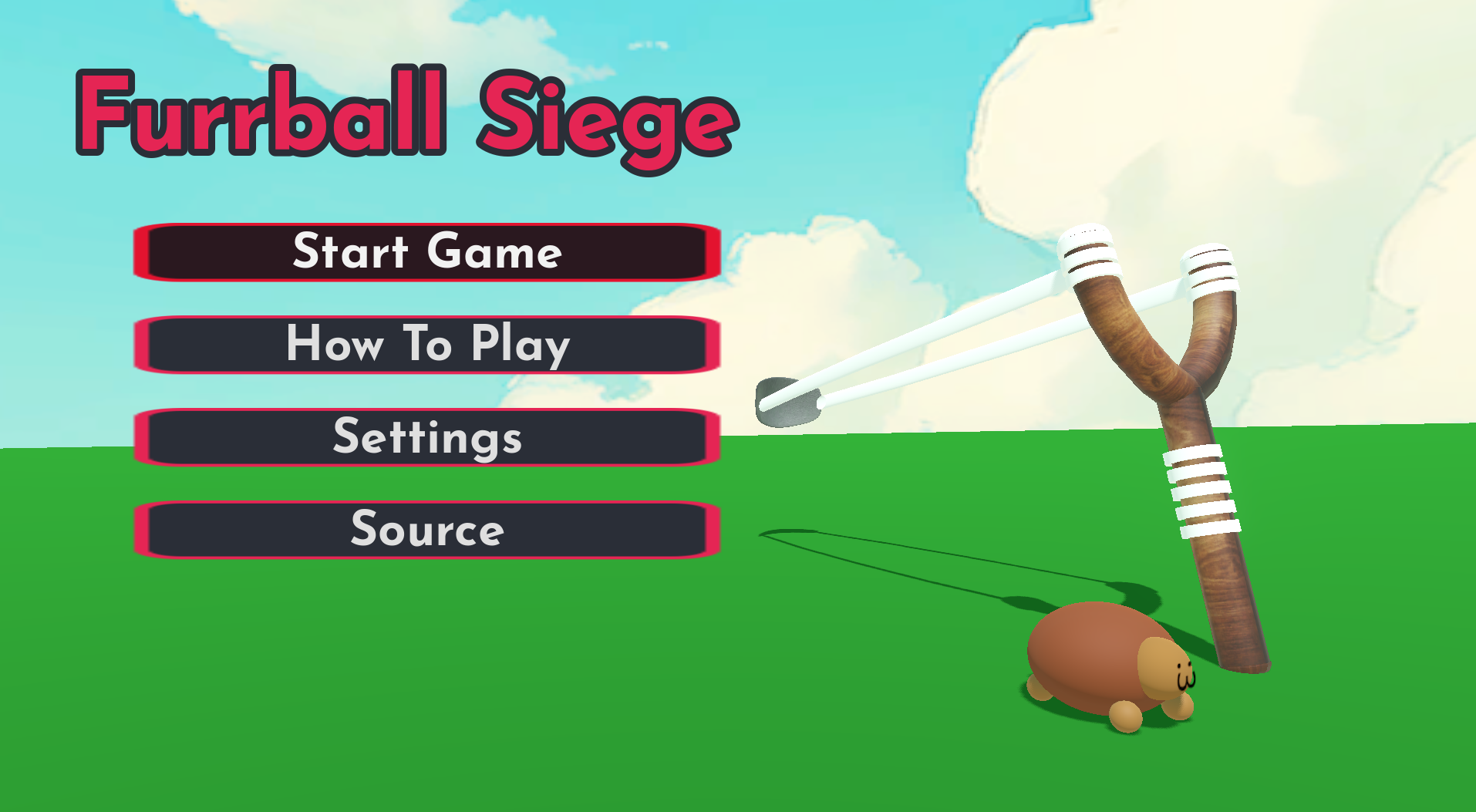
use a Slingshot to launch yourself into enemy forts
How does your game tie into the theme?
You play as a little Hamster and Destroy forts of small evil Garden Gnomes.
Source(s)
https://github.com/6ajmon/Furball-Siege
Discord Username(s)
luznygosc
Participation Level (GWJ Only)
1
Leave a comment
Log in with itch.io to leave a comment.
Comments
First of all congrats for finalizing a game in a week! It's quite a challenge for anyone, from novices to experts, so be proud that you actually finished a game!
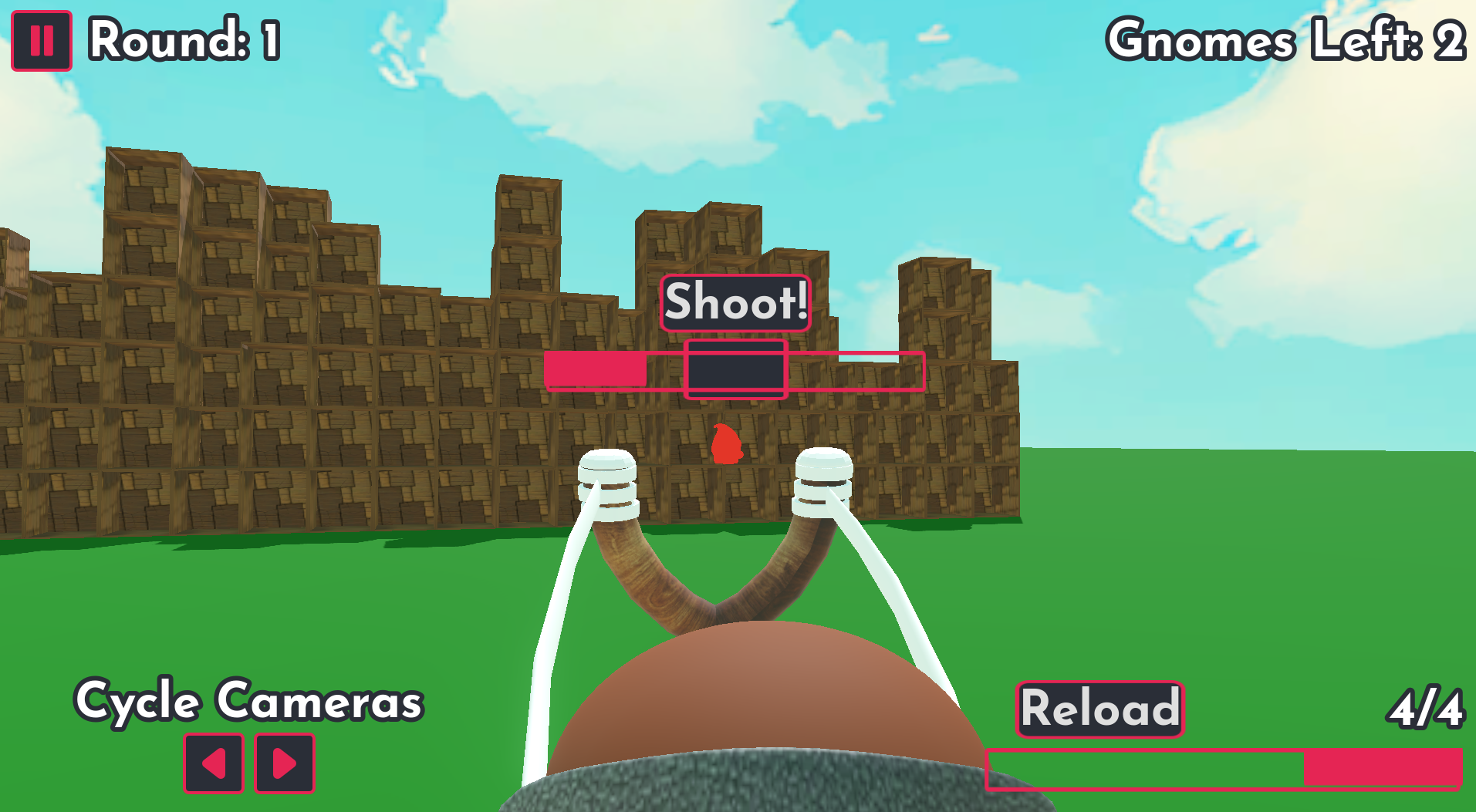
The game loop is there and it's actually solid. The thing that makes people frustrated (me included) while playing your game is the UI and lack of clear readability of it.
And I don't blame you! If you are mainly a programmer, there's a big chance you had little care for the UI in your projects. I was there too, belive me.
The best UI is the one the user is not aware of.
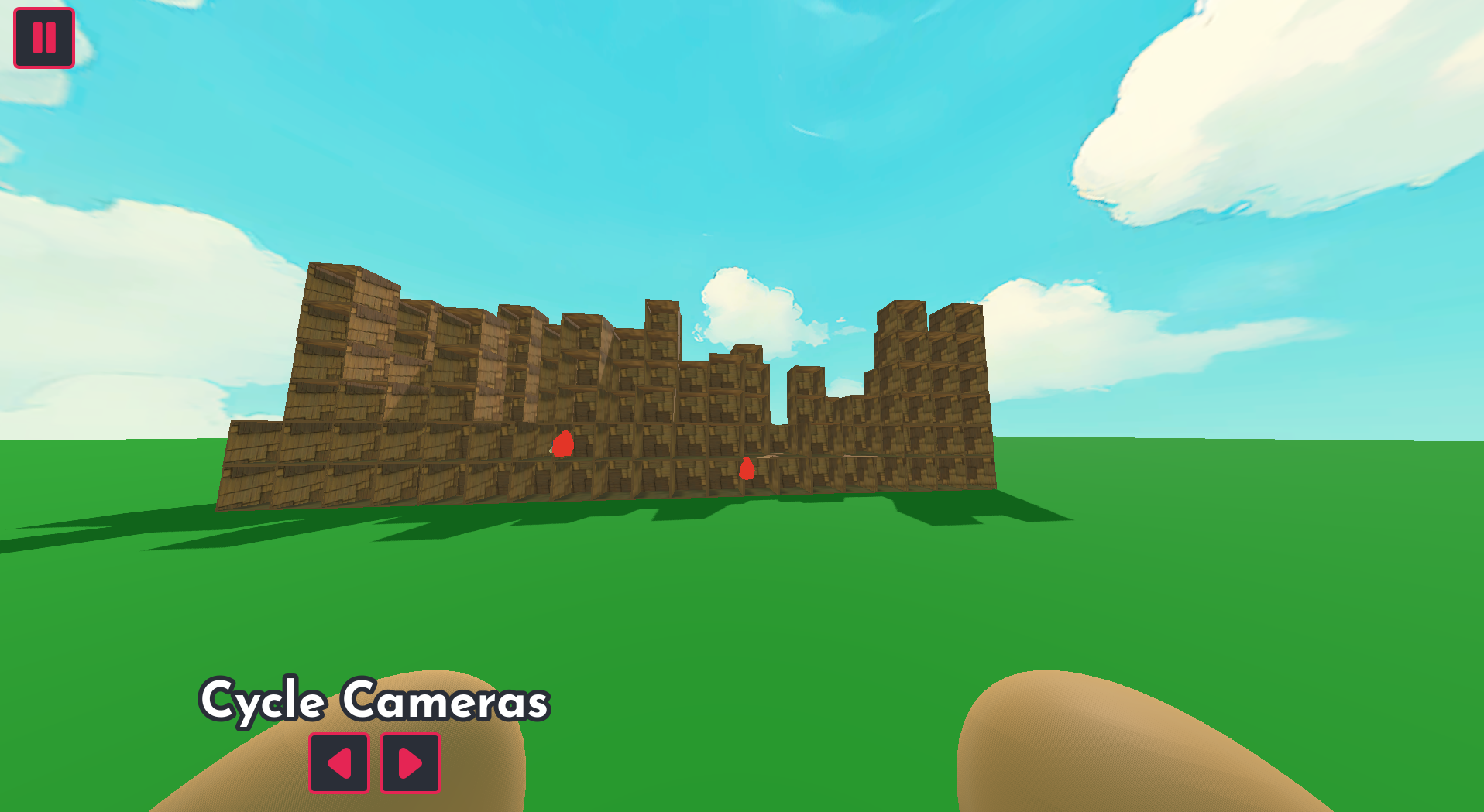
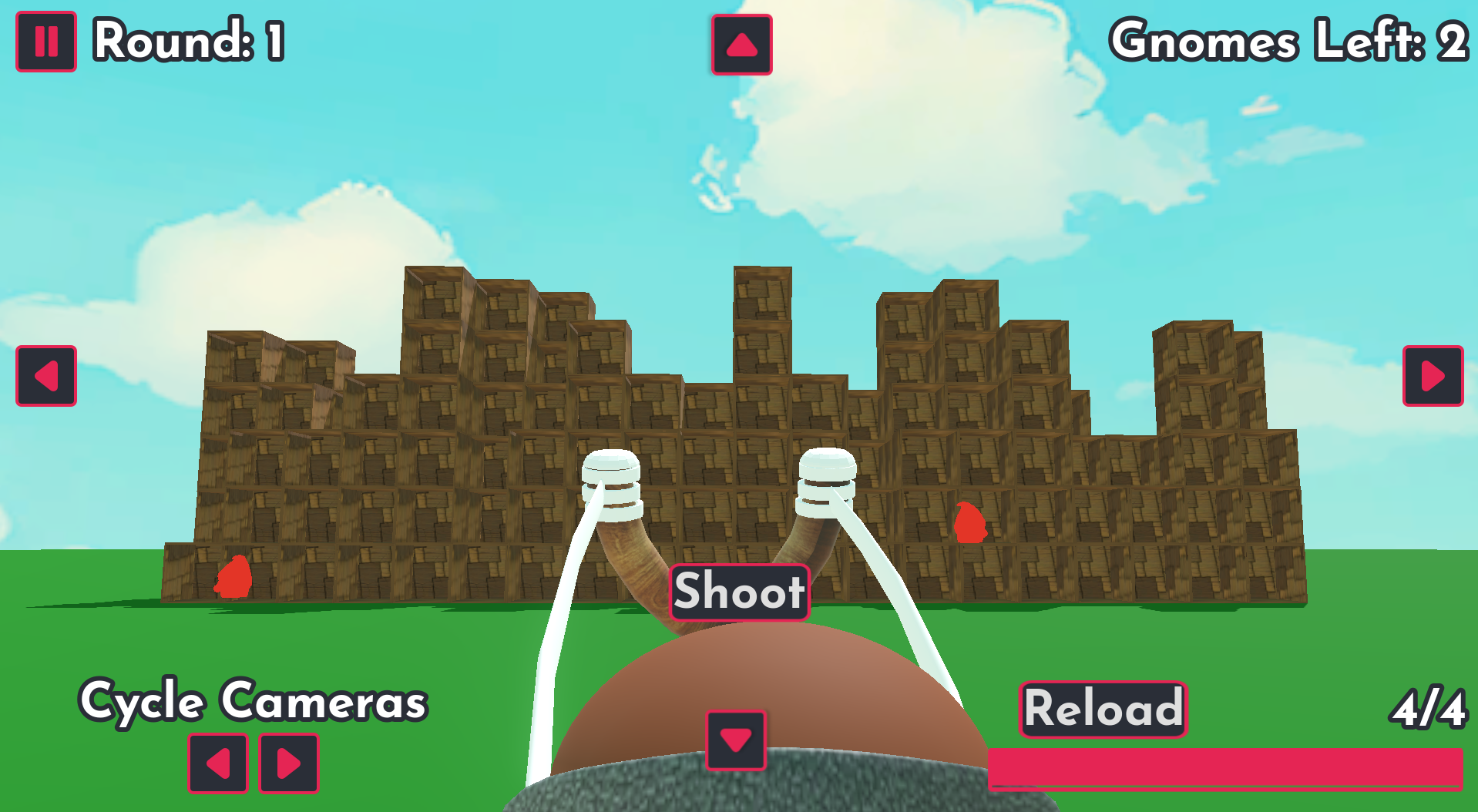
In case of your game's HUD - it's cluttered.
Are the texts need to be this big? Try to make them smaller, compare them to texts in the games you play. After you make them smaller, the HUD would not feel so crowded anymore.
There are also some elements that are not really needed. Like the whole reload ui with a big "reload" button and the bar - you could've just reload the slingshot automatically and then the button and the bar would disappear from the screen.
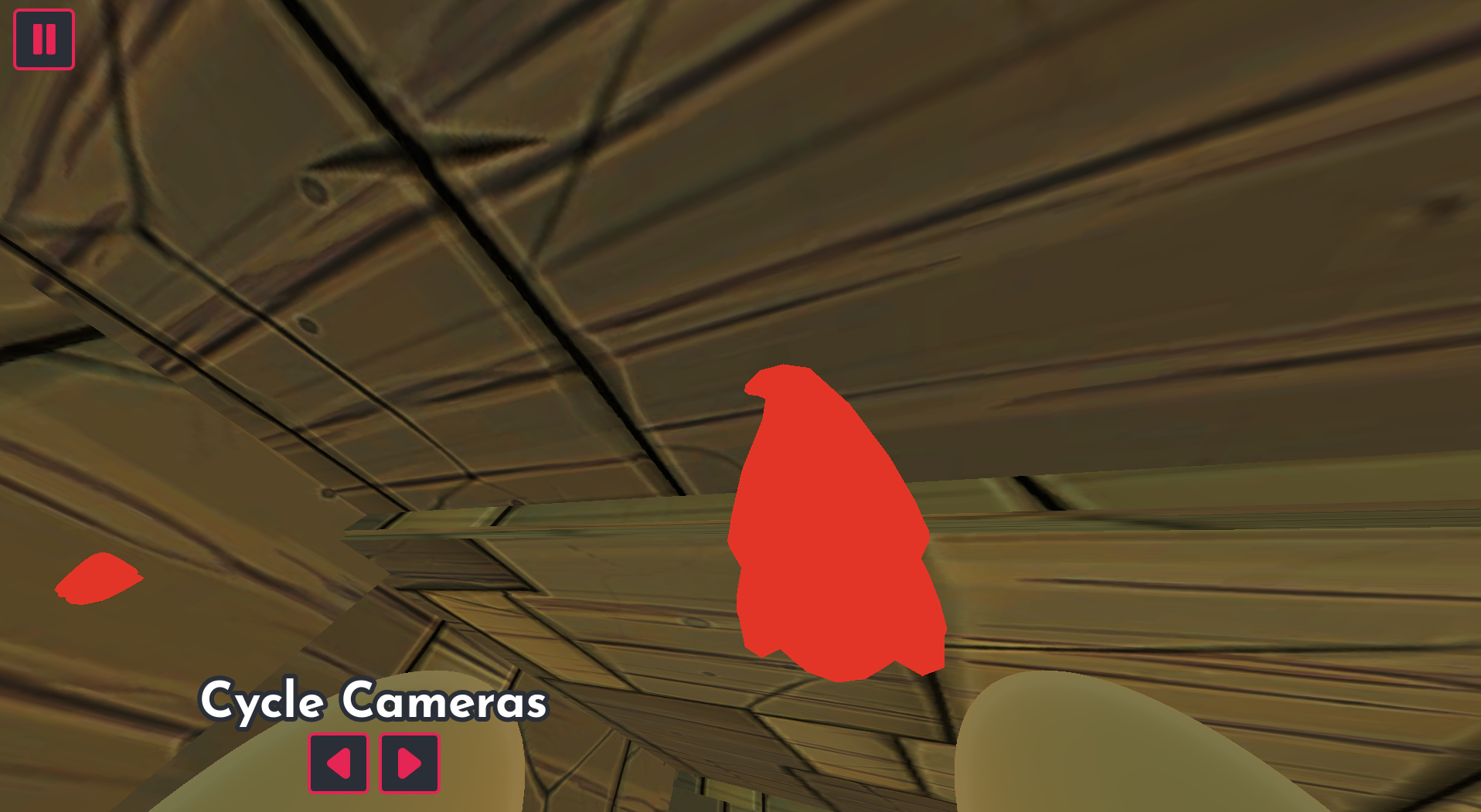
I would also remove the camera changing buttons, why not make the camera change to TPP of a hamster while it is flying?
And just like that - you can remove 2 UI elements, freeing the space on screen.
There are probably more solutions like this for your project, but I'll leave you to figure them out :)
Oh and also, the main tip I would give any gamedev is: write a Game Design Document for every game you make - it's a game (pun intended) changer.
Lastly, I'll leave you some sources to learn from. Relax, they are youtube vids so you don't have to read whole books and whatnot.
Making GDD:
Game UI database, for research: https://www.gameuidatabase.com
Fundamentals of UI design for games:
More on power of UI in games:
Do not lose hope dude!!! Cytując wielkiego Polaka, POLSKA GÓRĄ 🇵🇱🇵🇱🇵🇱🇵🇱🇵🇱🇵🇱🇵🇱
Thanks a lot for such detailed feedback! You’re absolutely right, UI isn’t really my strong suit and your points make perfect sense. I’m trying to design UI myself to get better at it, so your advice is super valuable. Thanks for sharing the resources too, I’ll definitely check them out! I’ve heard about GDD before, I’ll make sure to create one for my next project. Once again, thanks a lot for the feedback and the learning materials!
Hi! This game has a huge potential that isn't used. The issue is that the game is SOOO buggy. It's also bad that you didn't explain the shooting system properly. Luckily, I managed to figure out that I needed to shoot when the bar was about half-full. Once I figured out the game mechanics, the game started to be fun! The physics are so nice and the possibility of view from the hamster is brilliant! Such a shame that this game is so unpolished... Polish the game after the end of the jam and it will become an excellent piece of work.
Thanks a lot for the feedback and the kind words! The game will definitely be polished further - I plan to fix the bugs I’m already aware of and improve the tutorial so it’s clearer how the shooting works. You mentioned the game is quite buggy, do you have any specific issues in mind that stood out to you? That would really help me improve it.
Some serious bugs that I spotted:
1) When you lose, the "Game over" screen won't go away if I press "Try again". The game must be restarted afterwards.
2) If you shoot (using the spacebar) while being in the hamster's camera, you can't see the shooting bar.
3) The arrows to switch cameras don't work properly.
I think that especially the 1st bug can be considered game-breaking. Maybe you should contact the jam mods and ask them to allow you to fix it.
Thank you for taking the time to list these bugs! I really appreciate the detailed feedback.
I am sorry to say, but due to the confusion of the controls as well as a screen lock when attempting a retry, it could not pass muster.
The Shoot Power minigame seemed to not work correctly. I think you're supposed to get a certain amount of power based on the fill of the bar, but the hamster appeared to shoot with the same power whether the bar was full or empty.
Ambitious to run a physics-dependent system for your first run. You will go far as you get more practice.
Thanks a lot for playing my game!
The controls are listed both on the itch.io page and in the game itself under the Tutorial button in the main and pause menu. I could have mapped more buttons or even added key rebinding if I had more time.
About the power bar: it’s not about clicking when it’s completely full, but rather about hitting the right moment when the marked area appears (around 40–60% of the bar). If I understood correctly, that’s the part you meant. I realize it’s not very clearly communicated in the game, so that’s something I should improve.
Now I see what you meant about the screen lock… you’re talking about when switching to the Hamster camera, right? You’re correct — that overlay is broken, and the buttons don’t work (I forgot to test them). As a workaround, you can still switch the camera with Q or E on the keyboard, which works fine.
Thanks again for the feedback — I’ll add this to the known bugs list! There will definitely be fixes after the jam!