



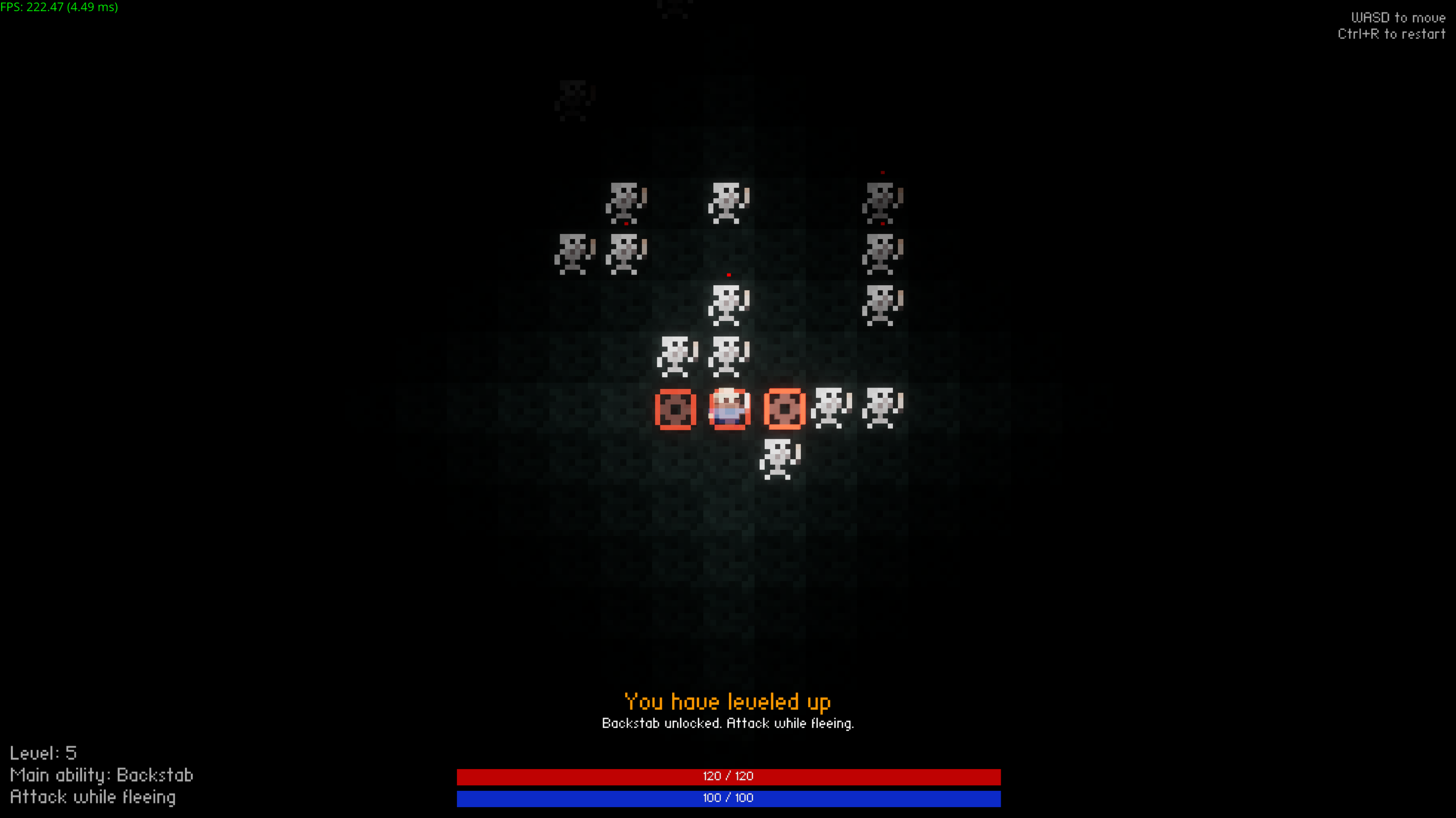

Play game
Graveyard Clash's itch.io pageResults
| Criteria | Rank | Score* | Raw Score |
| Best Visuals 🎨 | #1 | 3.833 | 3.833 |
| Best Gameplay 🎮 | #1 | 4.083 | 4.083 |
| Overall | #3 | 2.933 | 2.933 |
| Best Sound Design 🔊 | #5 | 3.083 | 3.083 |
| Best Interpretation of Theme 💡 | #11 | 2.083 | 2.083 |
| Scariest 💀 | #12 | 1.583 | 1.583 |
Ranked from 12 ratings. Score is adjusted from raw score by the median number of ratings per game in the jam.
What 3rd party assets did you use?
Audio, music, and font were the only assets not made by me. See the game's page and the game's Content folder for more details.
What are your team's usernames on Discord?
exanite (me)
Leave a comment
Log in with itch.io to leave a comment.
Comments
Very fun :) the different levels/abilities were a good choice
Very fun and interesting combat! I ran it on Linux with my RX 7800XT and it worked fine with a few graphical artifacts. My GPU fans spun up quite a bit since the framerate appears to be uncapped. (The terminal was printing ~2700 fps lol). Well done and props to you for using your own engine.
Oh wow, 2700 fps is way higher than I was expecting. I’m getting around 500 locally with the Linux build and an RTX 3060 TI. I’ll limit the framerate or add a toggle in the future.
Also, good to know that there are some graphical artifacts. I’ll have to look into them when I get the opportunity.
It doesn't launch for me. I can extract the zip, but the exe does nothing.
Can you try running it from the command line? That will let you see the logs that the game outputs.
Alternatively, the game also saves the logs to %appdata%/../Local/Exanite on Windows. The full path would look something like: C:/Users/USERNAMEHERE/Appdata/Local/Exanite
I can take a look at the logs if you send them to me on Discord (Exanite is my Discord name, but in the DevLUp servers I go by William).
I got it working. I updated my drivers and it works well now.
It's a cool game! I got caught off guard a few times when my ability changed without me noticing, but it was cool to figure out the different attacks and how to use them!
Ayy, awesome! I’m glad you were able to get it to work.
Just for reference, what graphics card were you using? I’m especially interested in AMD since it’s the company whose graphics card I have not tested my engine on.
I've got an RX 7900 XT
Oh interesting. Was this with the v1.0.1 build or the v1.0.0 build?
I think I saw your comment before I uploaded the update so I’m guessing this was the original version I uploaded. From what I know, this shouldn’t have worked since my engine was enabling a Vulkan feature that wasn’t supported by AMD cards. That being said, maybe the reports I’m looking at are outdated.
If you’re curious:
Windows: https://vulkan.gpuinfo.org/displayreport.php?id=41236
Linux: https://vulkan.gpuinfo.org/displayreport.php?id=37130
Under Features -> Core 1.2 -> vulkanMemoryModelAvailabilityVisibilityChains is the unsupported feature in question. This has been false for all of the reports I’ve checked. You can check for your card by downloading Vulkan Hardware Capability Viewer program from the site.