


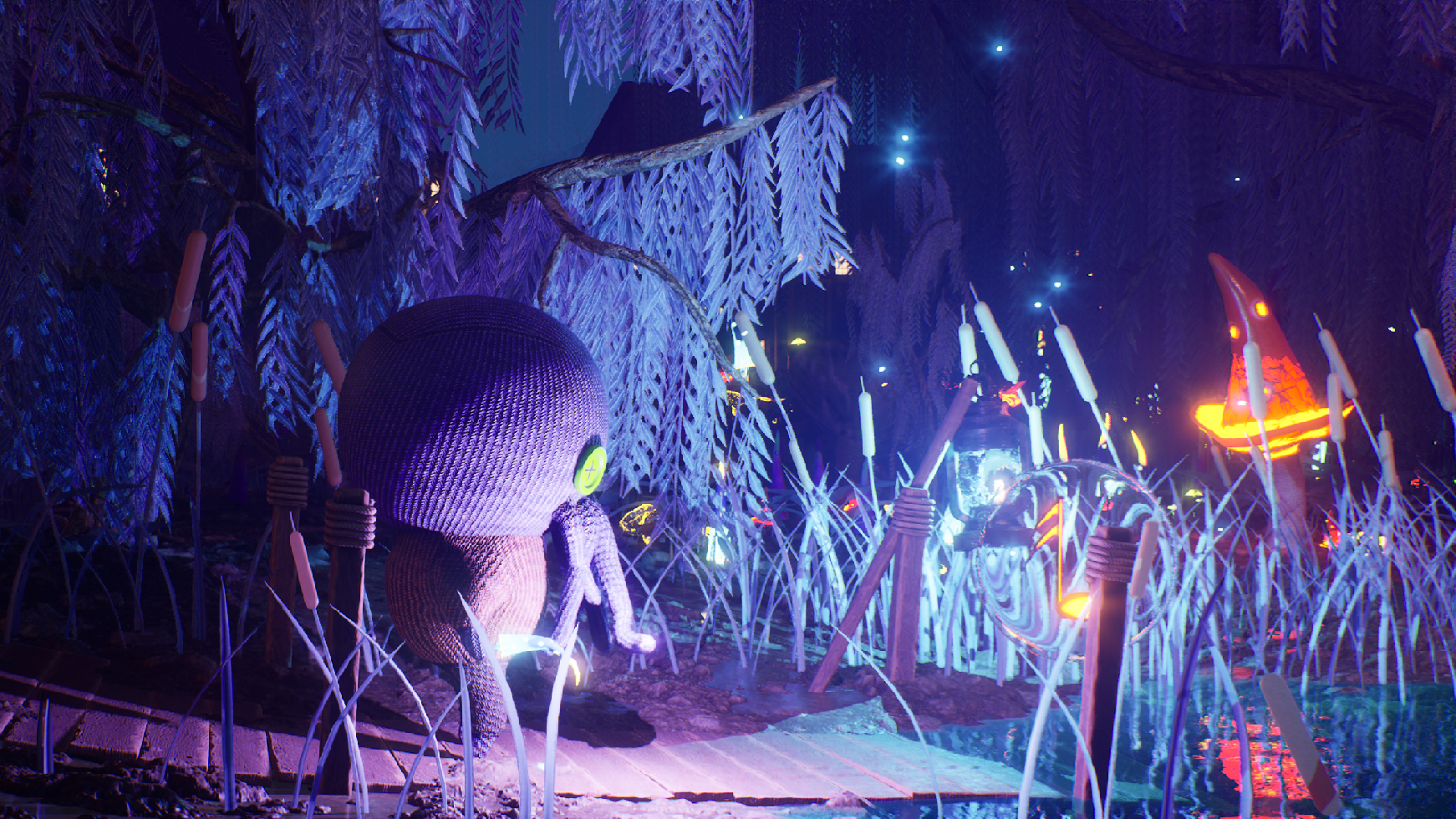
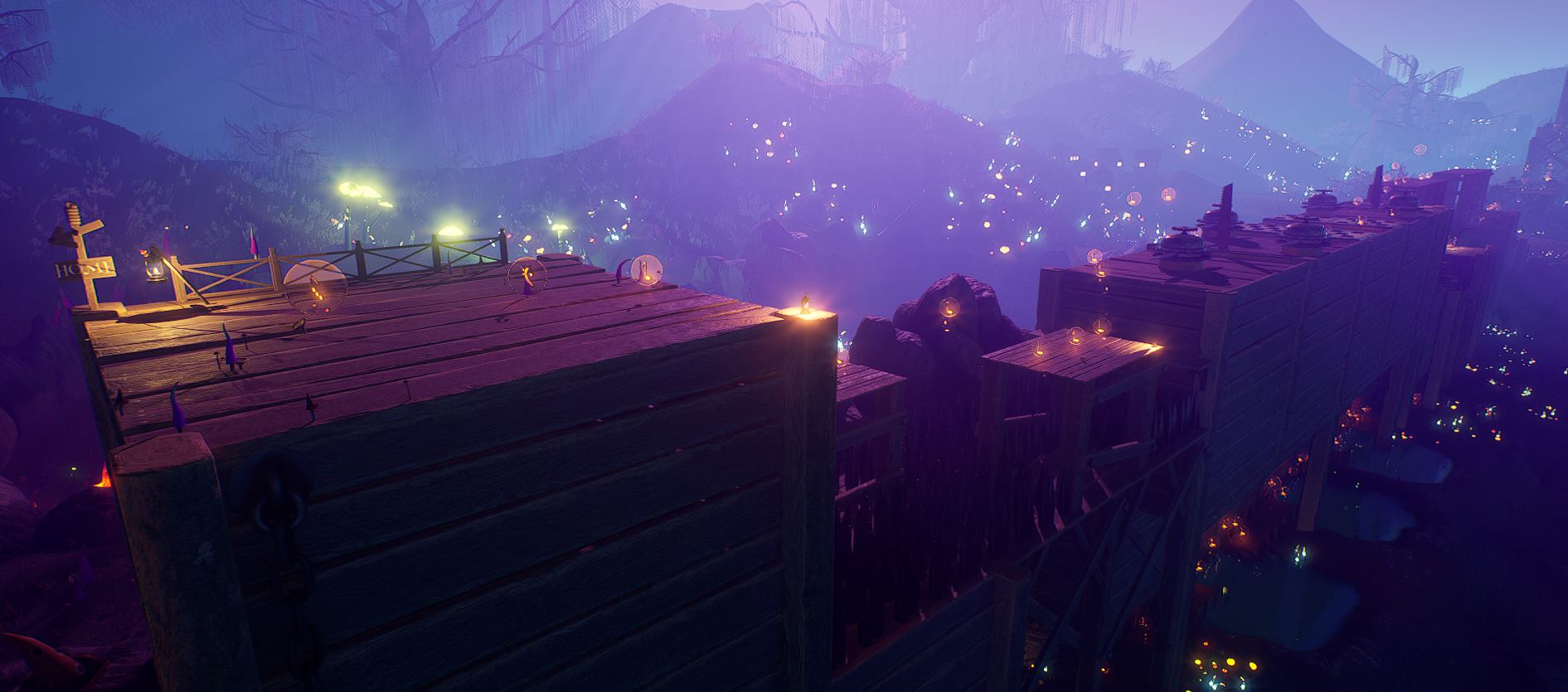
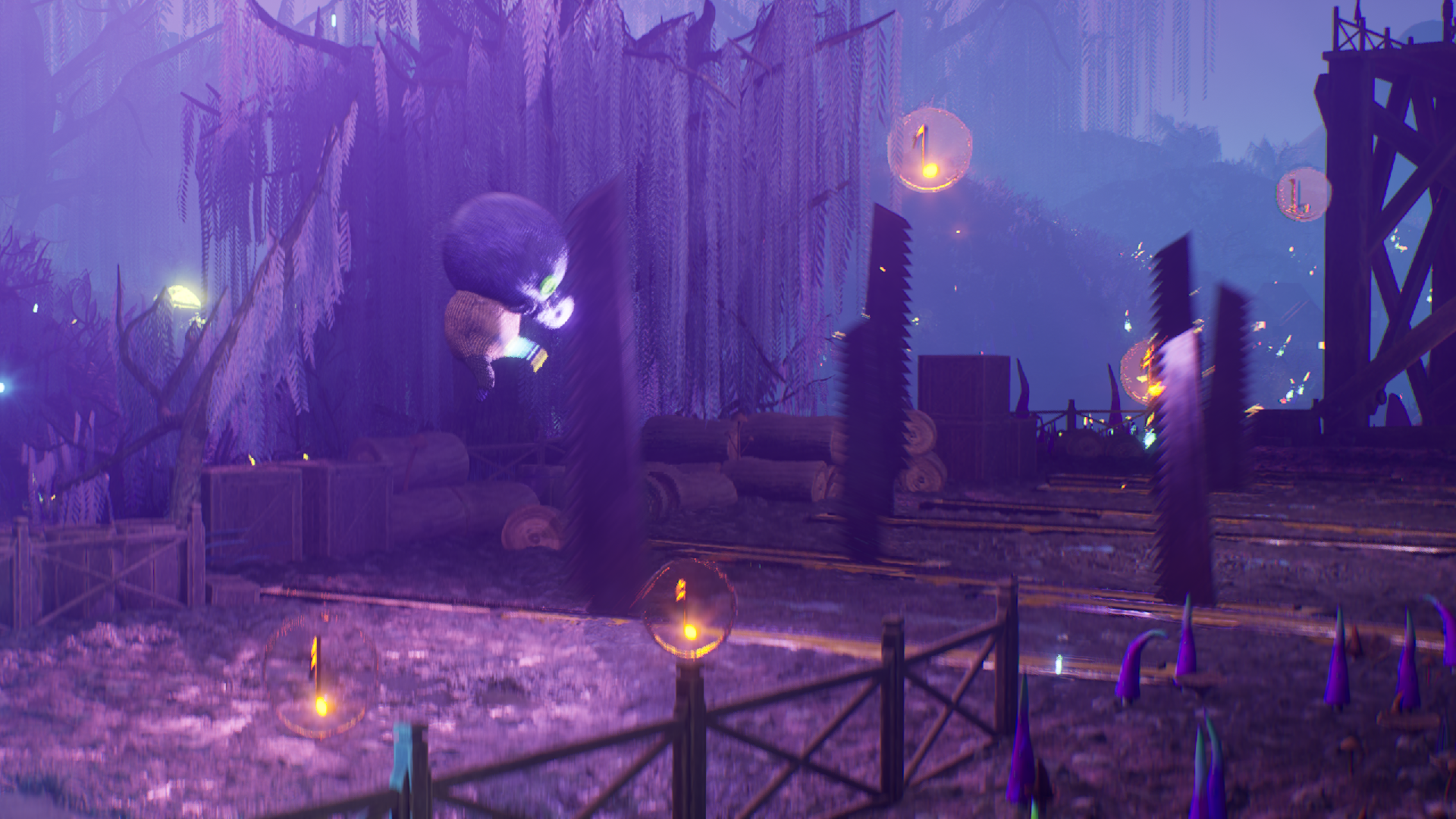
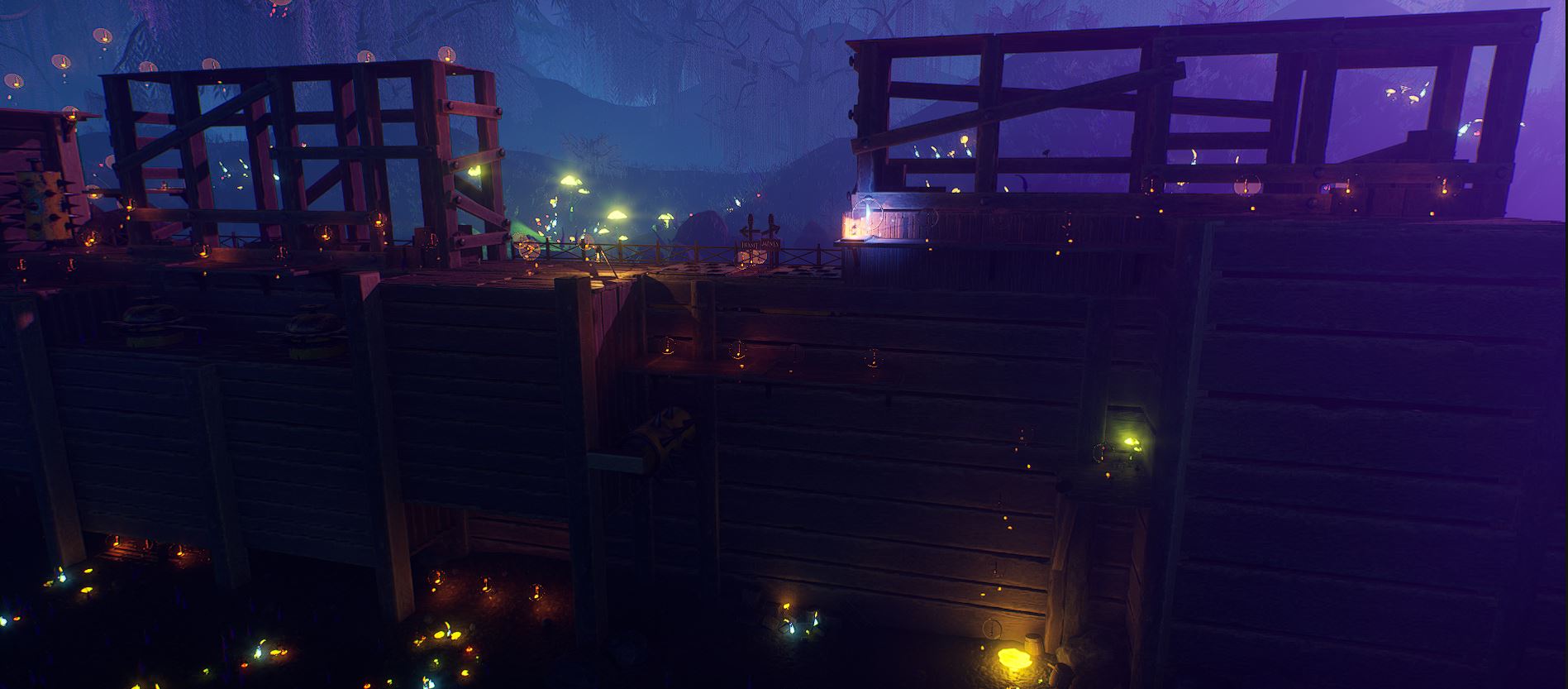
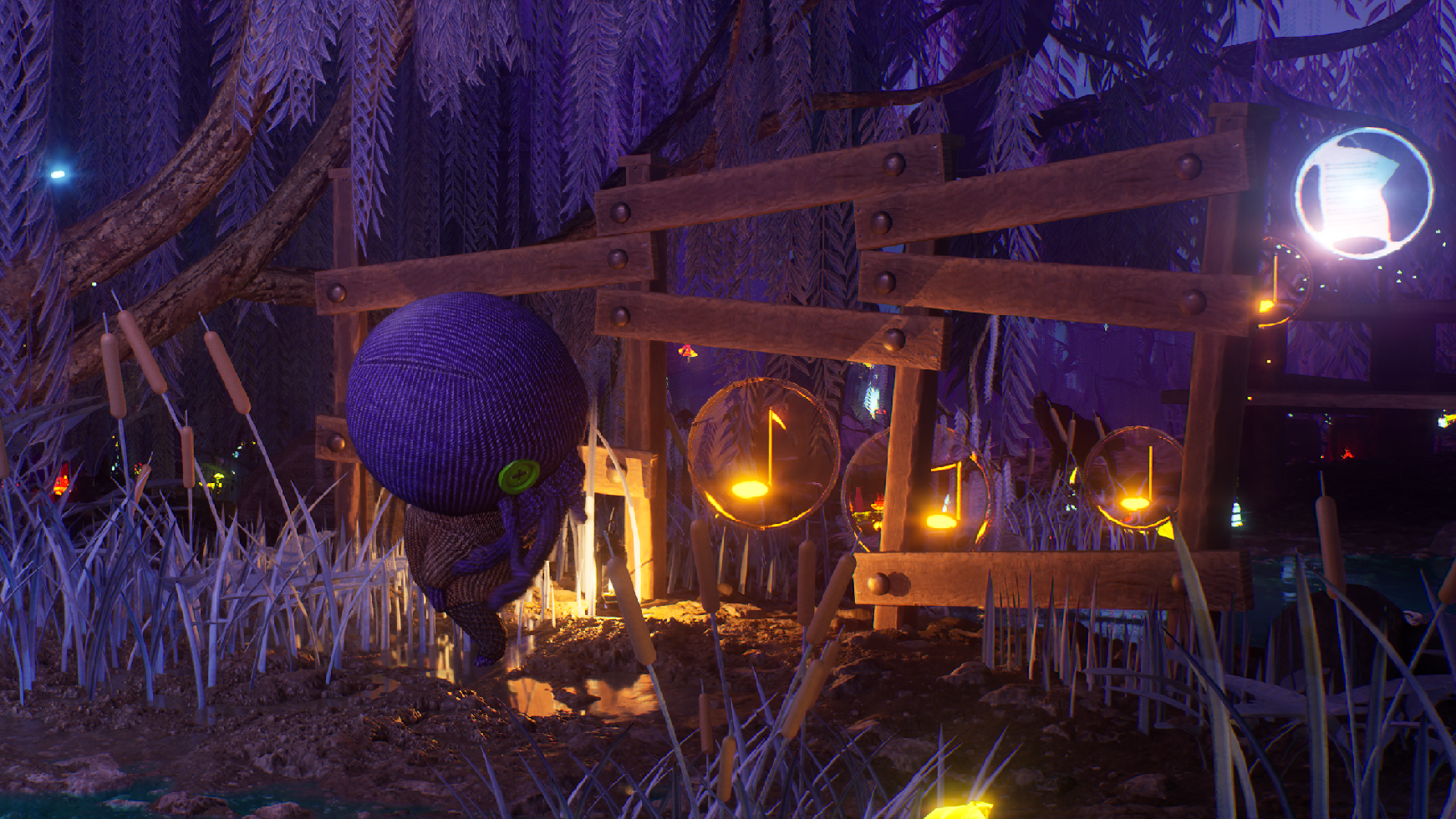
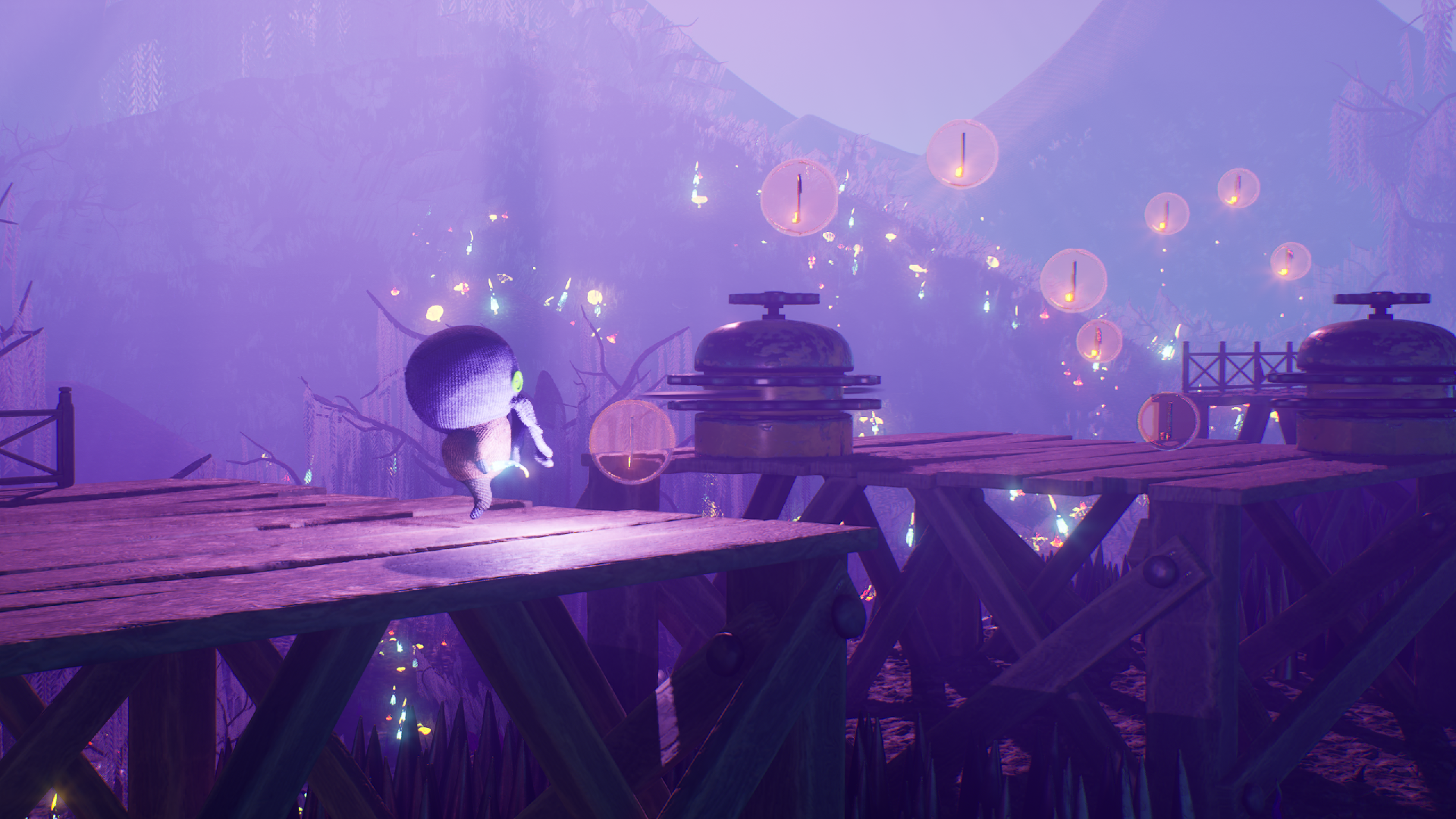
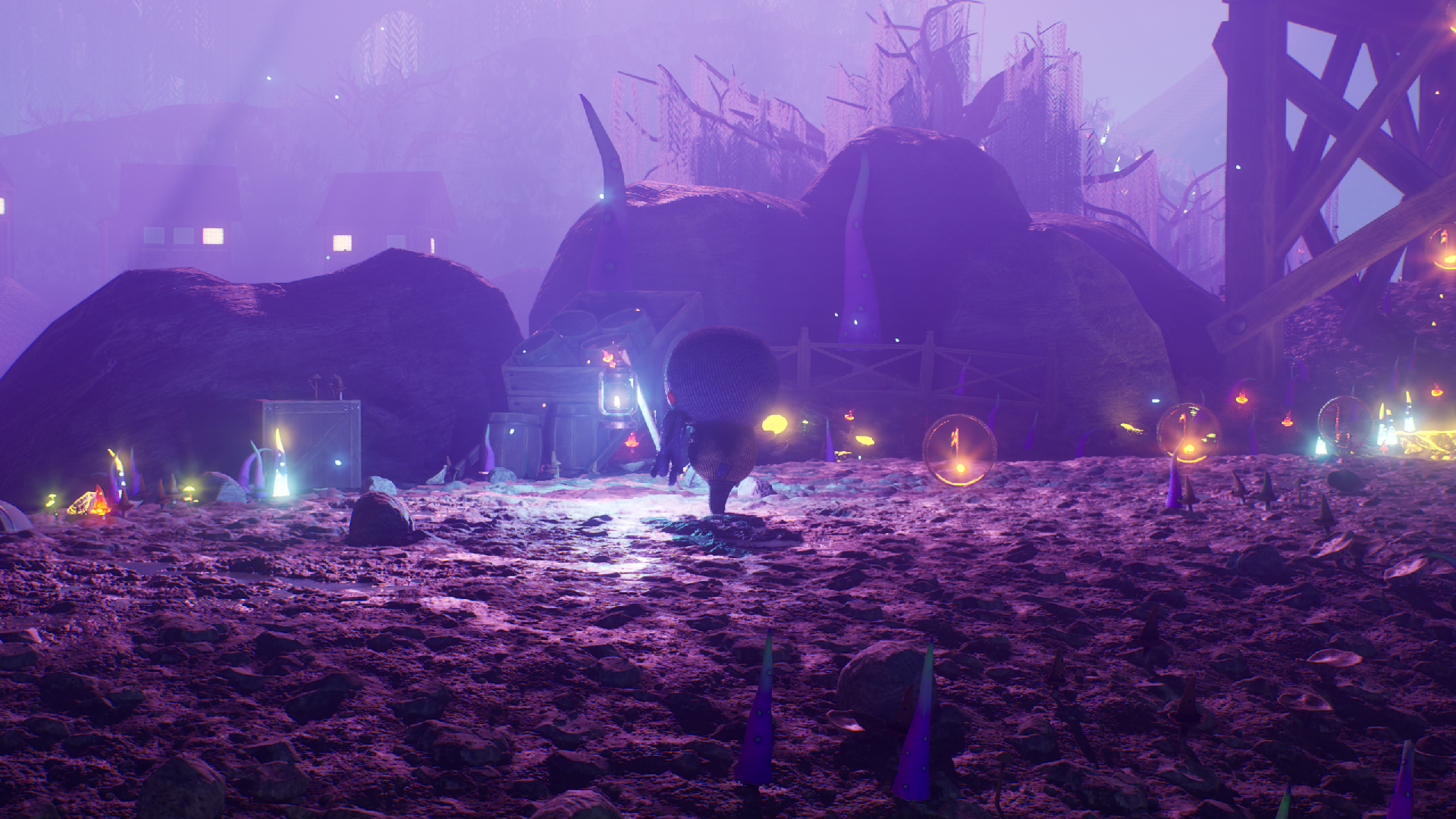
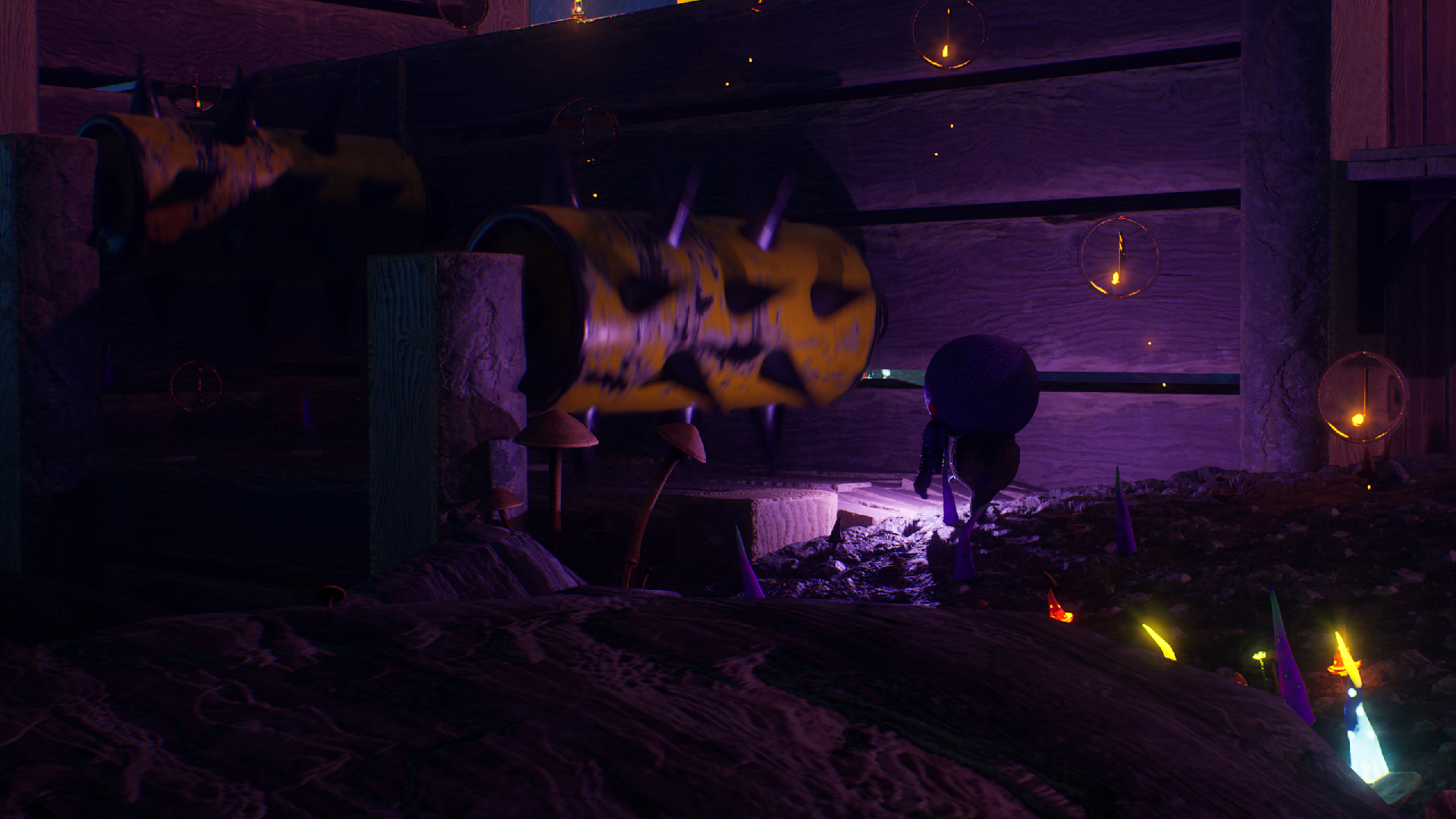
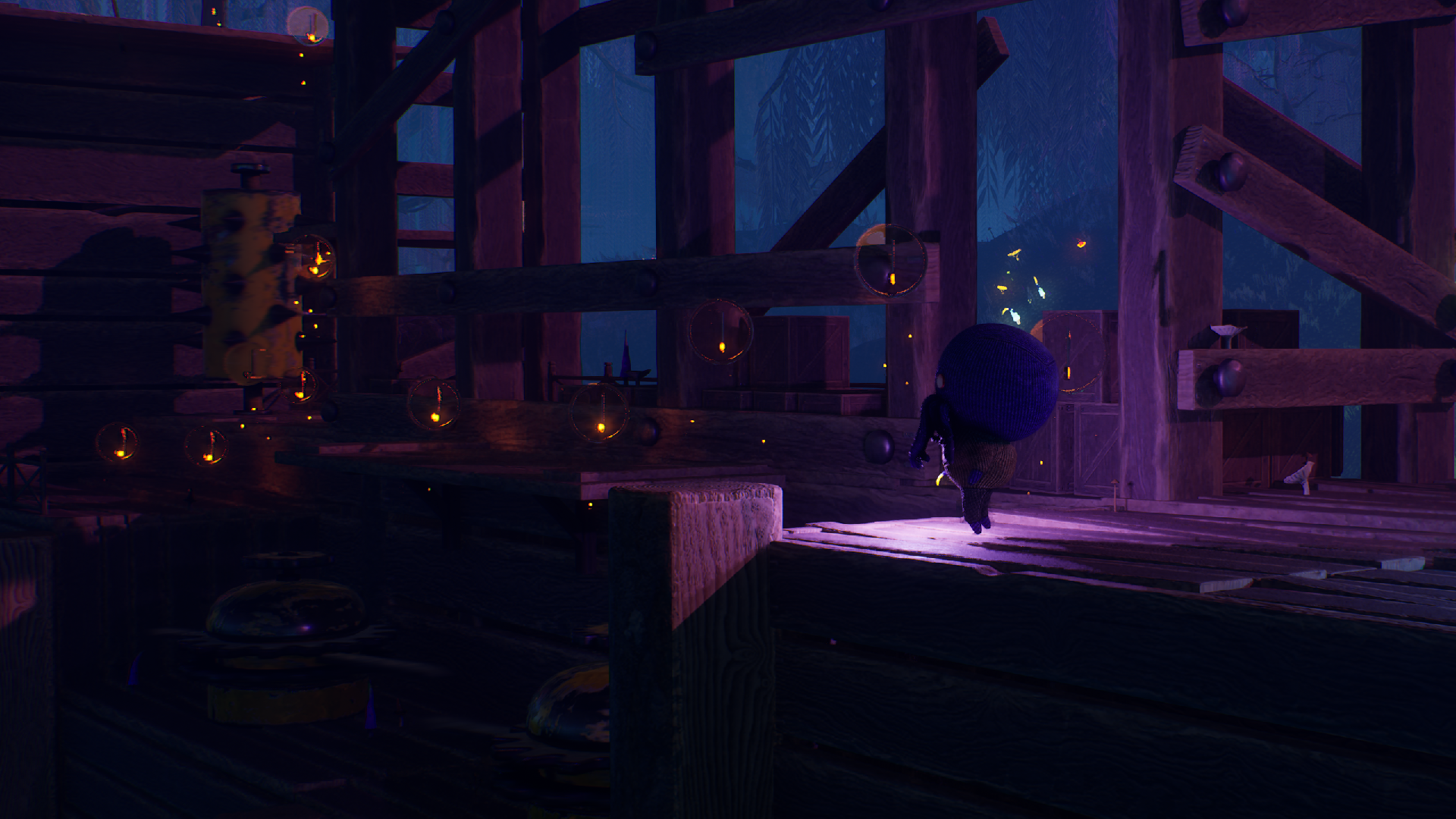
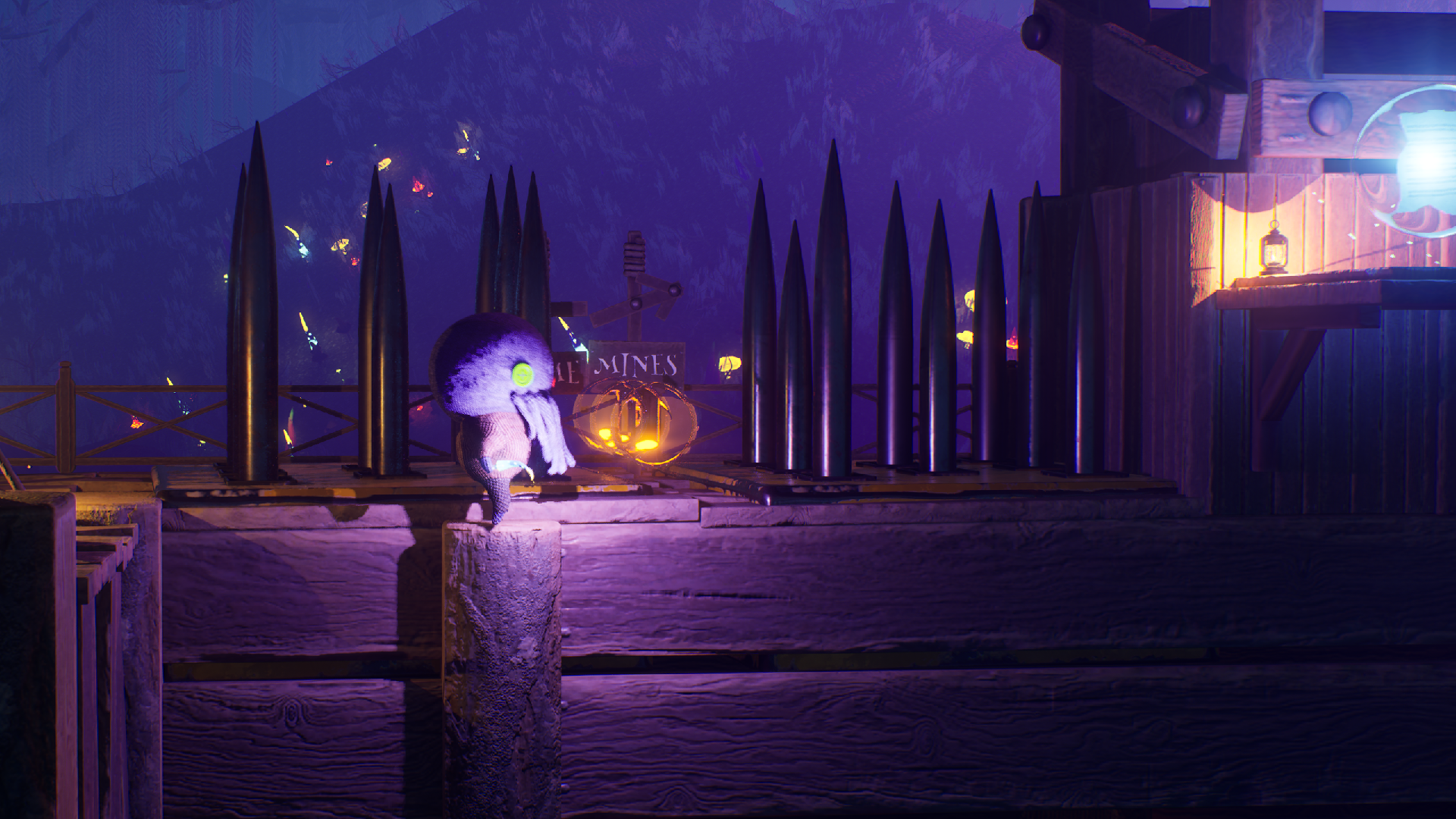
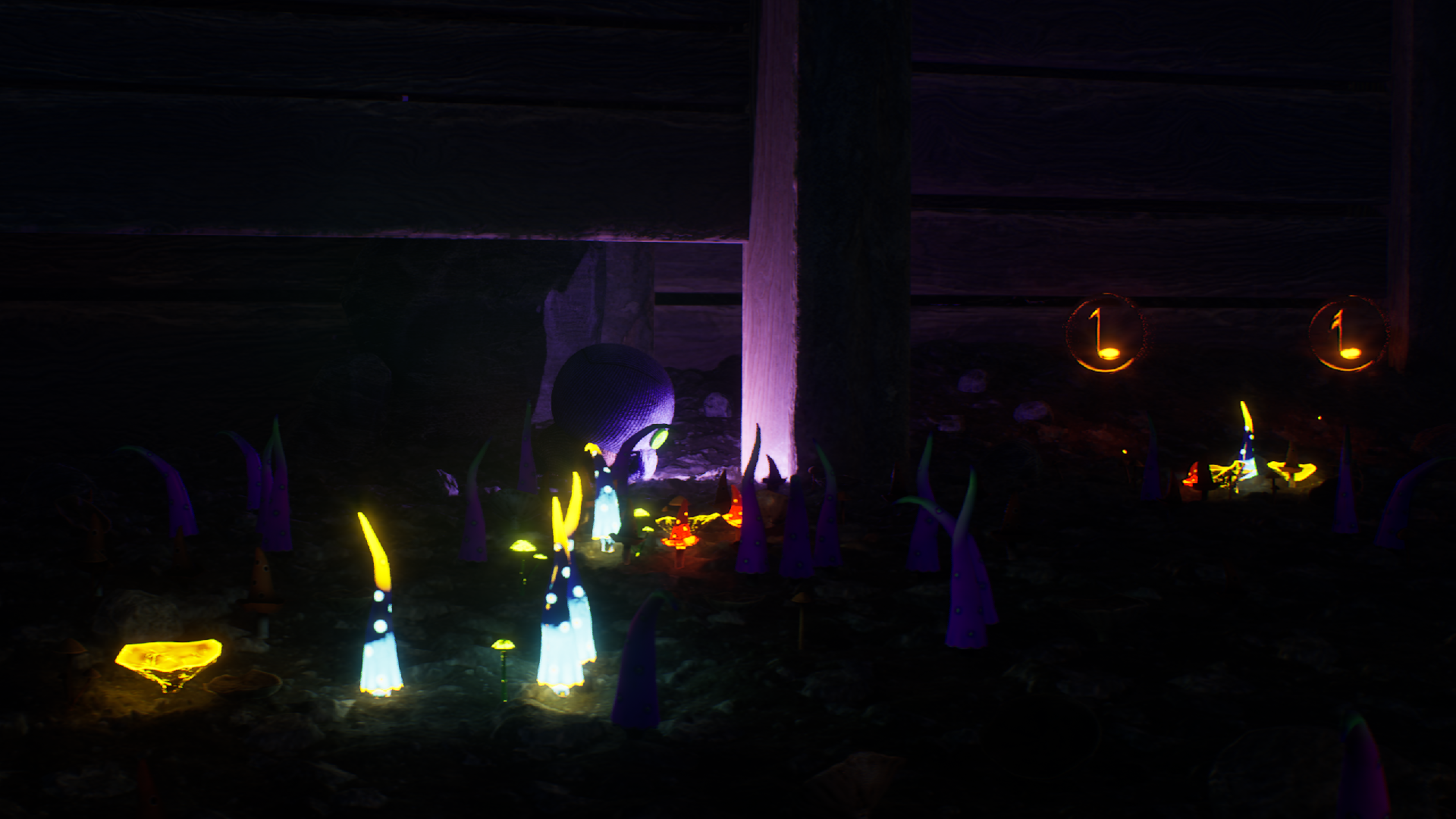
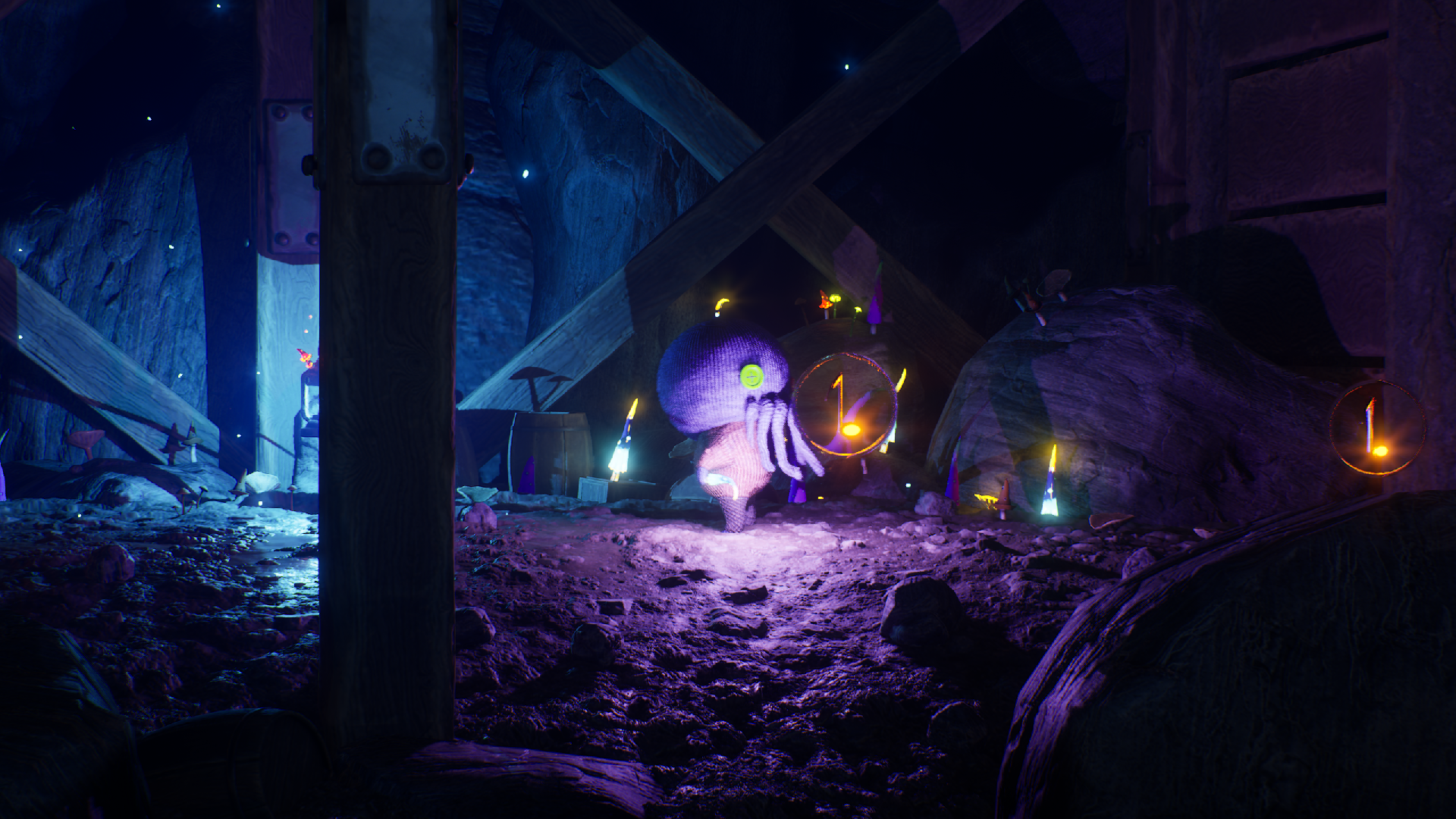
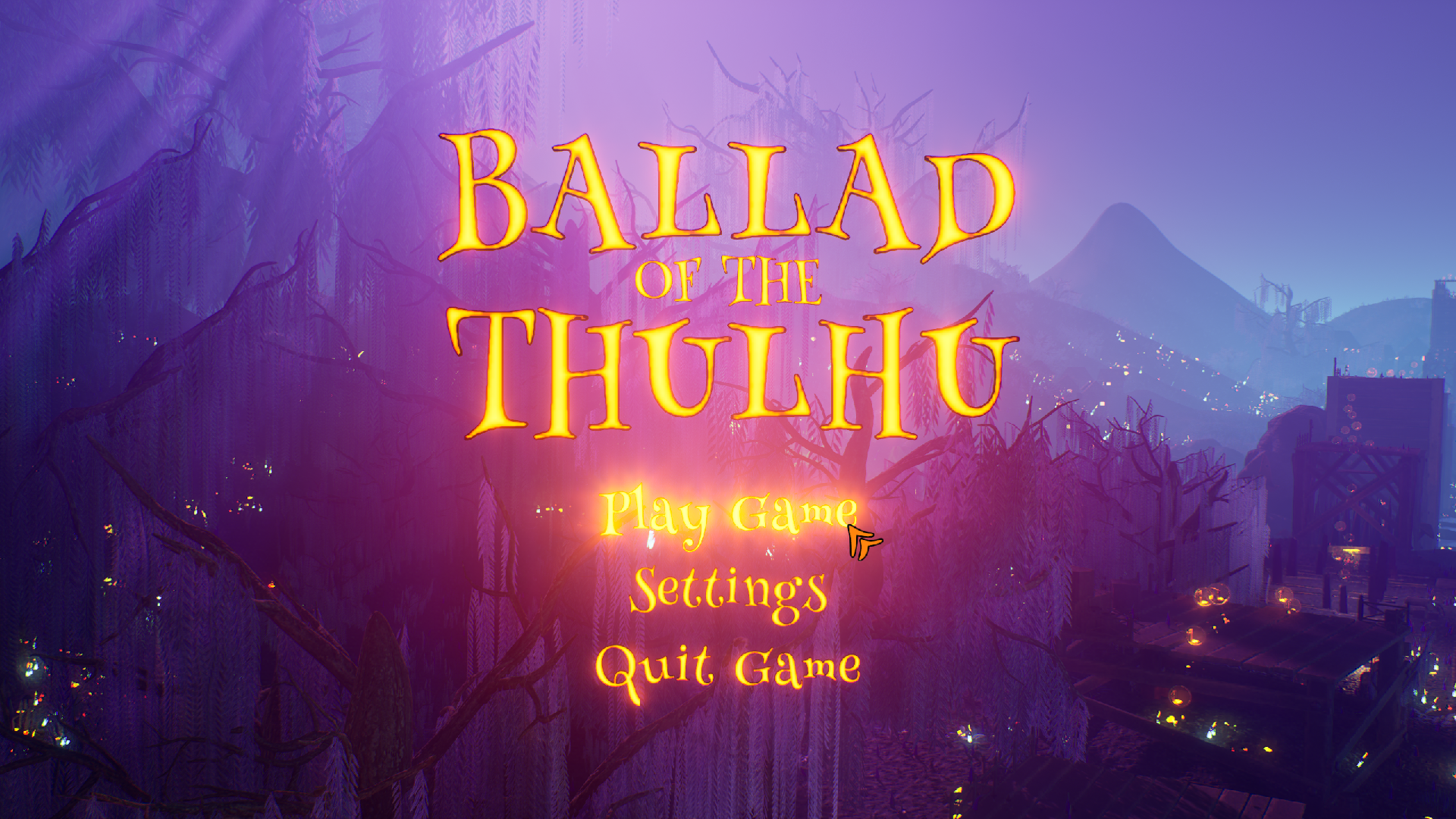
On a 3050 laptop, I couldn't even play on low graphics settings - 6 fps.
Play game
The Ballad Of The Thulhu's itch.io pageTeam Name
TheThulhus
Game Name
The Ballad Of The Thulhu
Link to Gameplay Footage
https://youtu.be/_8nJHTfLM0E
List any content that was created before the jam.
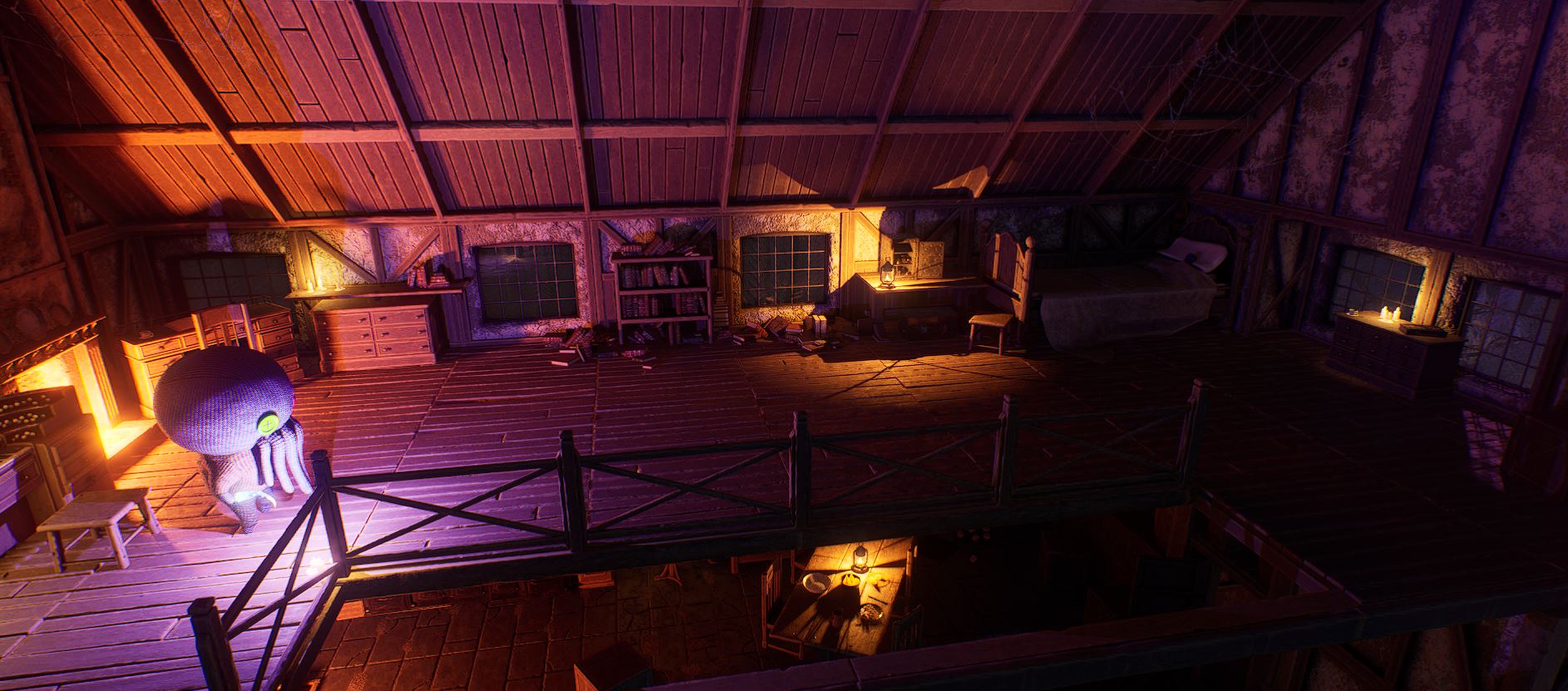
Architecture kits (Wooden structures and Thulhu's house)
Some minor props such as lanterns, barrels and crates.
FMOD project settings duplicated from a template created for a previous game.
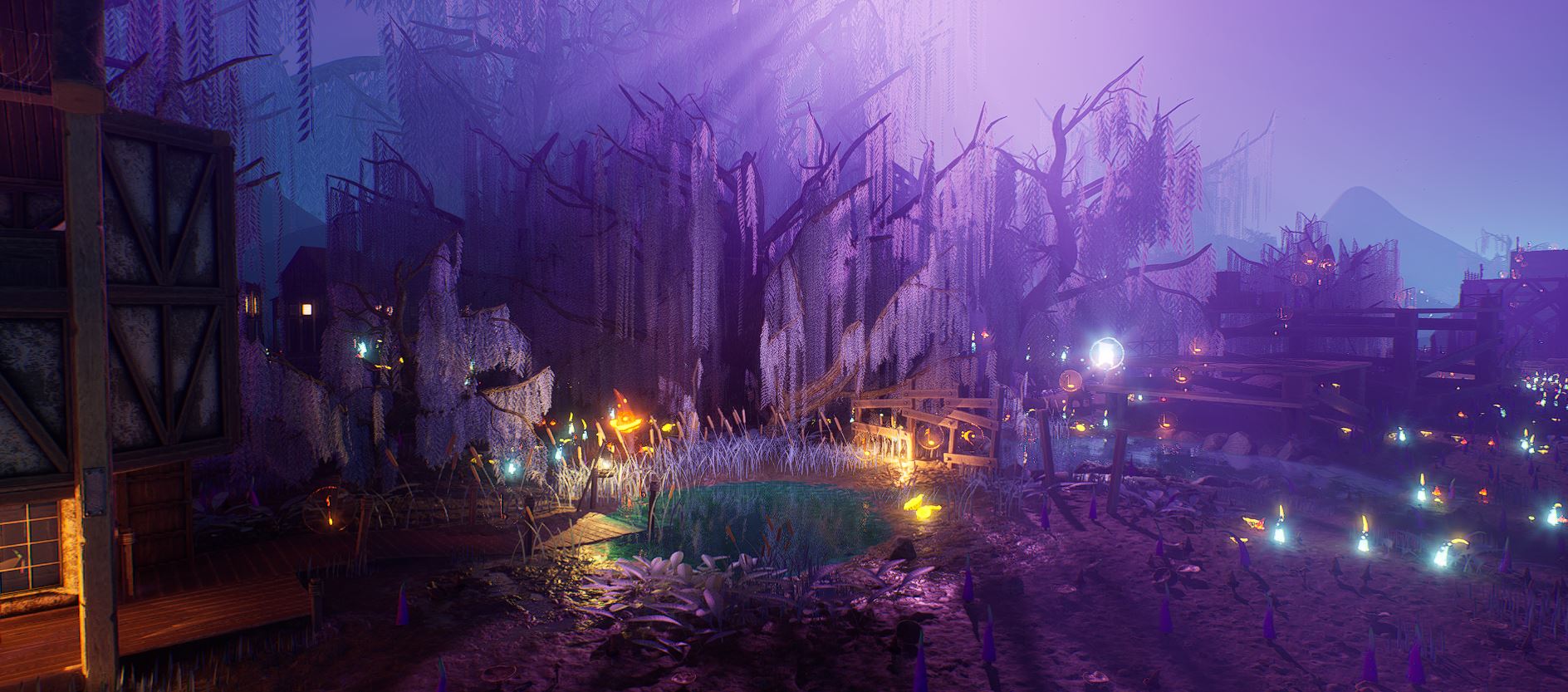
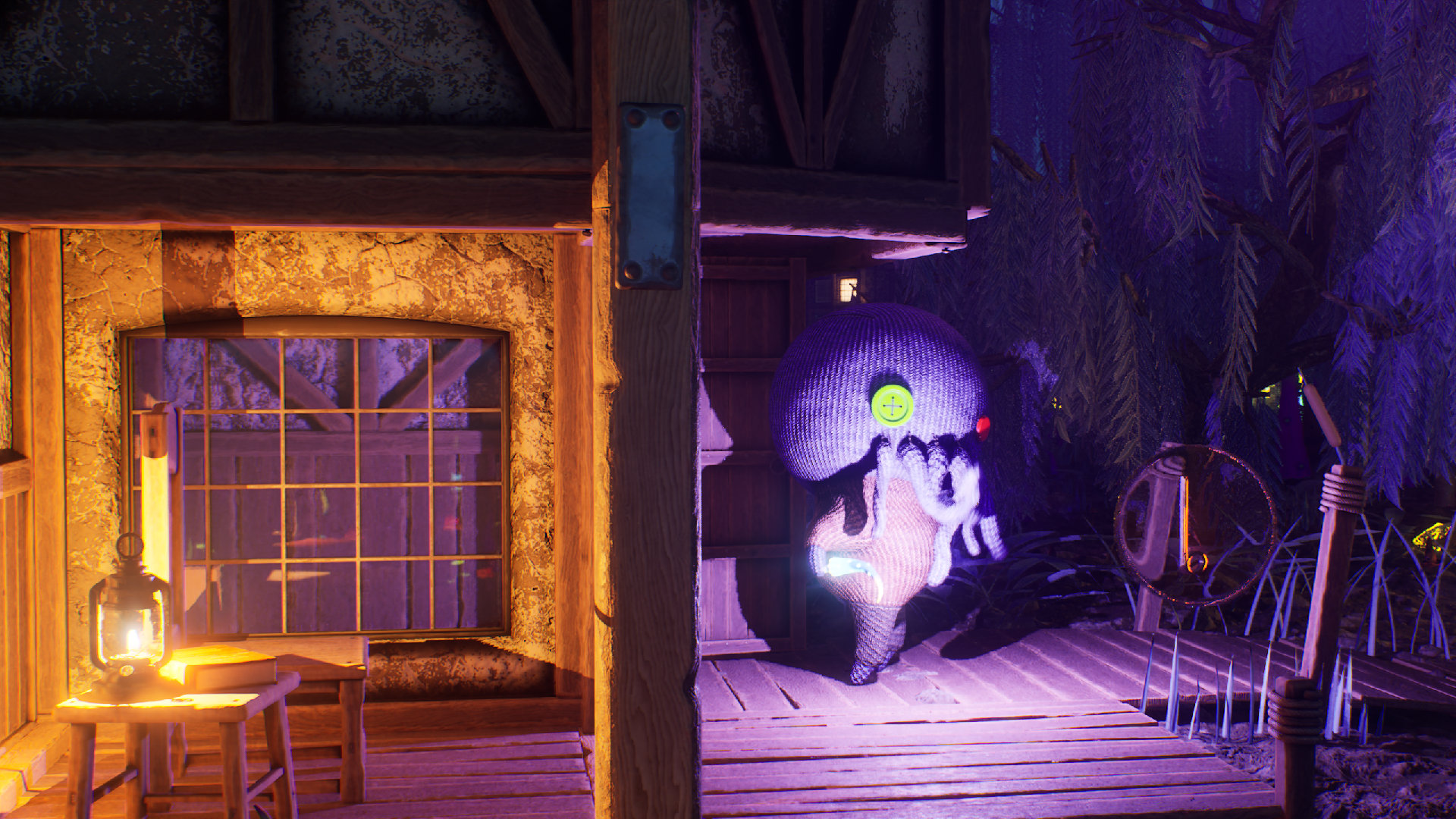
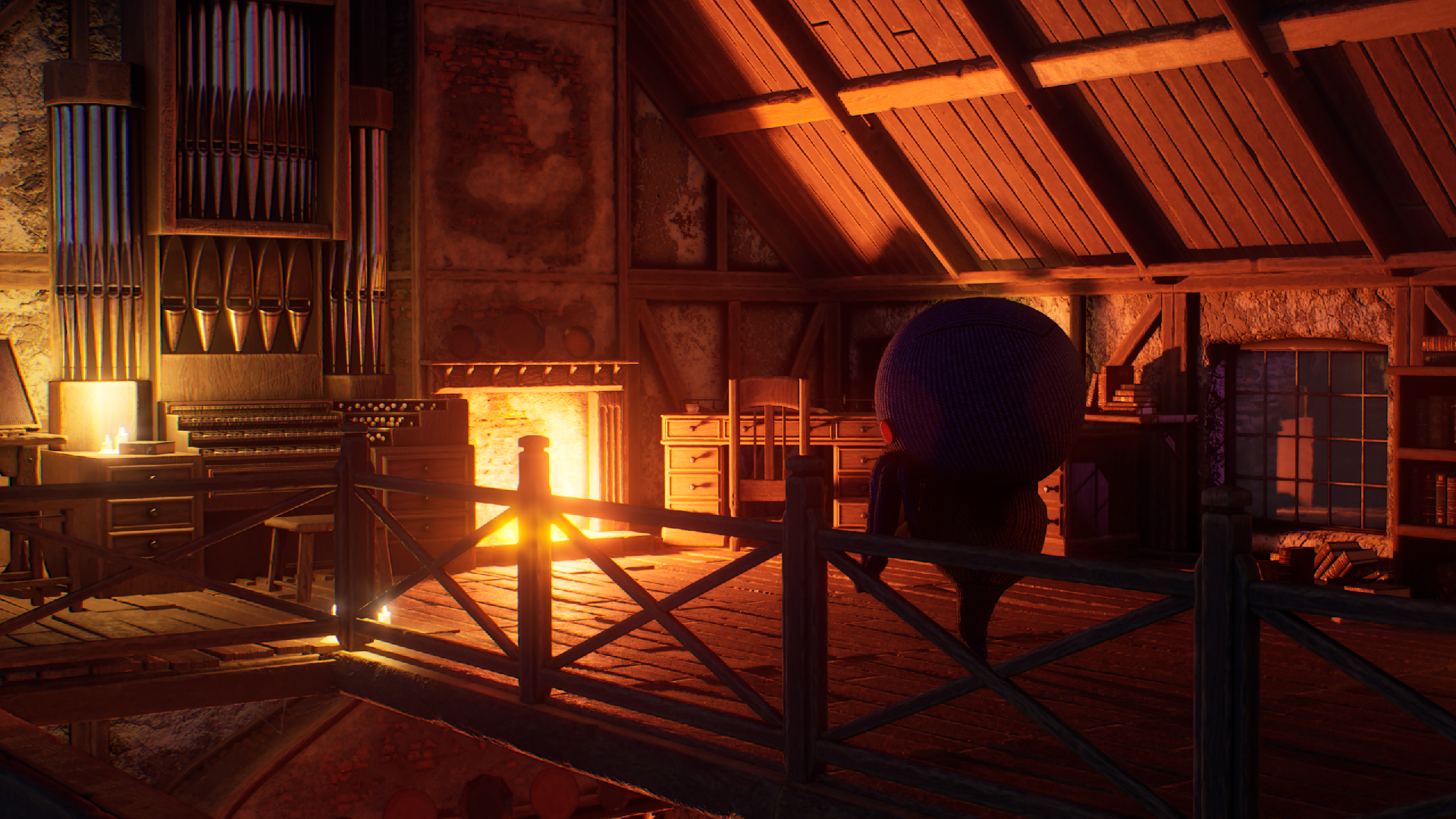
Every 3D Asset was made by the two creators listed, a large majority created within the 7 day limit of the mega jam including all foliage, trees, landscape decor, the character and its animations, the playable organ, the games blueprints, CPP and much more.
The only asset not created by us:
Fire VDB Pack Loop by one.studio2 used in Thulhu's fireplaces.
https://www.fab.com/listings/f28ba983-21d5-4baf-ad39-b5597093b590
Gameplay Instructions
Launching:
It's a full shipping build, simply unzip the files and play.
Notes:
PSO Shader compilation will happen on first time launch.
User settings are saved in:
User\AppData\Local\FallThulhu\Saved\Config\Windows\GameUserSettings.ini
Controls
Regarding player movement. We wanted to try something different for a side scroller where instead of a simple WASD input we experimented with allowing the player to move in and out using the mouse side to side movement, which also aids players in observing their surrounding as it rotates the camera. At first it may take a little getting used to but once you get used to it, it should feel quite satisfying.
Movement & Change Camera Angle:
Keyboard: A & D + Mouse Side to Side
(W & S also move you left or right)
Gamepad: Left Thumbstick Side to side
Jump:
Keyboard: Space
Gamepad: Facebutton Down (A)
Double tap to perform a double jump
Zoom in and out
Mouse: Scroll Wheel Up & Down
Gamepad: Up to down
Toggle Shroom light
Mouse: Right Mouse Button
Crouch:
Keyboard: Space
Gamepad: LeftBumper
Sprint:
Keyboard: Shift
Gamepad: Left Thumbstick Down OR Facebutton Left (X)
Double tap to perform a dash
Interact:
Keyboard: E
Gamepad: Facebutton Up (Y)
Play Organ:
Keyboard: Z, S, X, C, F, V Etc
Music Key C starts at Z and move up in scale on the keyboard
Shift to switch octave
Pause:
Keyboard: Escape or Home
Gamepad: Menu/Start button
Respawn: Automatically via Soul Lanterns
Which Engine version did you use to create your entry?
5.6.1
What platform is your game built for?
Windows
Which Theme did you created your game based on?
Here we go again & However vast the darkness, we must supply our own light
Leave a comment
Log in with itch.io to leave a comment.