

Play game
Scale Test's itch.io pageResults
| Criteria | Rank | Score* | Raw Score |
| Theme | #1 | 4.500 | 4.500 |
| Fun | #3 | 4.000 | 4.000 |
| Overall | #4 | 3.844 | 3.844 |
| Refinement | #6 | 3.375 | 3.375 |
| Creativity | #13 | 3.500 | 3.500 |
Ranked from 8 ratings. Score is adjusted from raw score by the median number of ratings per game in the jam.
Theme
The whole point of the game is you scale things.
Leave a comment
Log in with itch.io to leave a comment.
Comments
This is great - deceptively simple mechanics used in very clever ways, with a well judged increase in difficulty and complexity as the game progresses.
Only a couple of minor things that could be improved: The tutorial text disappears too quickly; I had to restart the game to read it again. Either have the player push a button for it to disappear or integrate it into the environment (e.g. posters on the wall) so the player can look at it for as long as they want. At first I thought the resizing wasn't working because I was trying to pick up an object with the mouse button and then press Q/E while holding it. Perhaps allowing the player to resize an object while holding it could make it more intuitive. The falling boxes are very hard to catch; after trying a few times and failing I assumed that must not be what I was meant to do. You could make the boxes bigger, closer or increase their number or predictability to alleviate this. With some of the jumps in the falling box section it wasn't clear if I could make it or fall to my death; maybe make them a bit shorter so it is more obvious or introduce some kind of safety net (ie a platform underneath with steps back up) so the player isn't afraid to try.
Finally, make more of it! I'm looking forward to playing the completed version.
Good job, the second level, The fallen boxes are not easy to catch. Add gravity feature, such as standing on the wall.
Great concept, the portal vibes are immaculate. I wasn't able to get past the big circular room, I hope there wasn't too much past that! I think the energy recharge mechanic needs a rework, it's a little confusing. Maybe in your full submission, you're not scaling things up and down, but taking little pieces off the cubes and adding them onto other cubes, that way it's easier to understand. Also, a way to increase/decrease the distance you're holding a box at would be helpful, I often had to back up and try again. Great work so far!
Thank you for the feedback! Don't worry the big circular room was the end of the prototype. Though I understand why you weren't able to progress as you would need to increase/decrease the distance of the box you are holding, which is the scrollwheel or if you are using the laptop pad is o/p. I fail to mention that control in the tutorial stage so that is my fault, which I will definitely be adding along with other changes. Im sorry you found the energy rechargde confusing. I have heard it is confusing the first time, the Energy Boxes (the purple ones) are static but can take and give our its energy. It is used basically as a sponge so that you can shrink or grow the blue boxes more when your gun is full. I don't know if that helps explain it any more, but I will think on possible alterations that could be made to the mechanic. And thank you for playing!
I really like the color palette of your game, the cool tones feel very pleasant to the eyes.
The models kinda remind me of Half-Life and Garry’s Mod, and the main mechanic is really fun — changing the cube’s size to help yourself progress.
Hope my suggestions below can help you a bit:
There’s a big issue I noticed — the door can be passed through directly . It’s almost like cheating for us players. I didn’t even need to press the button to open it, I could just walk straight through. Maybe fix that so we can’t skip it, otherwise we’ll miss a lot of the fun mechanics you made.
It would be nice if there’s an option to skip the guide text, like pressing R to skip or something. I kinda missed the instruction in front of that size-changing gun and it made me confused later . At the start my attention was more on the visuals, so having a skip or replay key would make the experience smoother.
About the power-off part, where the jumping platforms are (with that black box): maybe make the platform just a bit larger? When I try to resize the black box, I often have to lift and drop it a few times to get it right in position. The platform feels a bit too small for turning around. Maybe you did it on purpose to make it harder (just guessing tho ).below!
Overall, I really like the mechanic, the background, and the whole vibe of the game. Keep it up, it’s a really cool idea!
Thanks for the feedback. You are right in seeing the similarity to source games, particularly portal really. To comment on your suggestions.
1 - I can't believe I missed that, I must have deactived the collisions by accident before building. I normally deactivated the door collisions so I could skip levels quicker for testing. Must have forgot.
2 - The guide text mechanics I'll definately add, thank you.
3 - I am unsure what you mean. But also the black boxes are static and cannot be resized. Only the blue boxes can be scaled and moved. To get past the part in your screenshot you use a blue box to jump over it and use the scaling mechanic to get to the platform. Though there might be other ways. But I can always make the platforms larger as it won't effect the level that dramatically if there is a problem with movement like you mention.
Thanks again.
Re #3 — that’s on me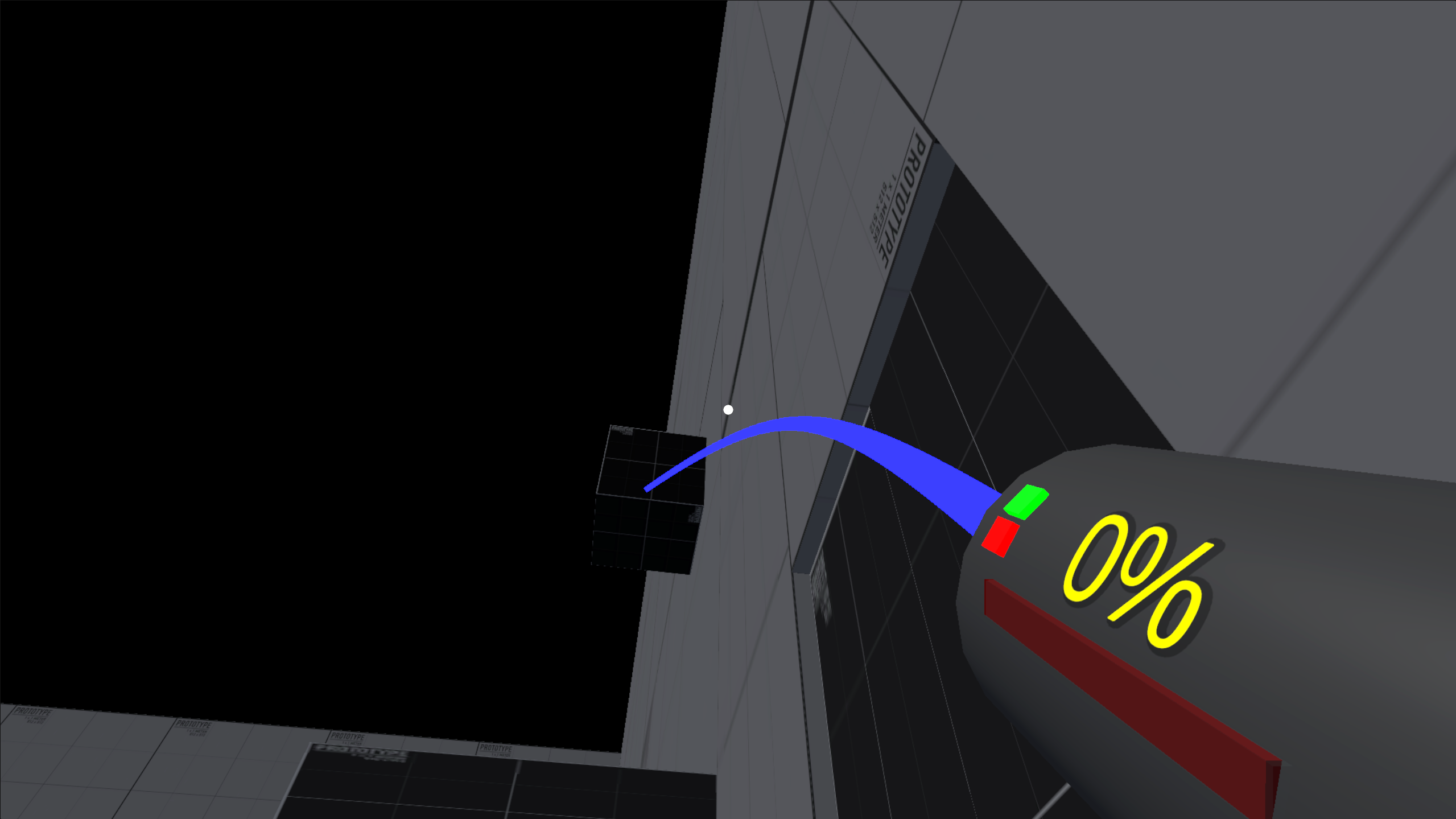
I was trying to resize the black box right in front of me to reach the platform. I didn’t use Q/E at first, just left-click + scroll, so it looked like it changed size but it was just visual.I was trying to move the box around and found it kinda hard to turn, but I realized later you don’t really need to do that anyway.(as above)
The black box can’t actually change size. The right way is to grab the blue box that drops, resize it, and use that to get up.You can ignore my third comment then — I jumped back in and checked. All good!