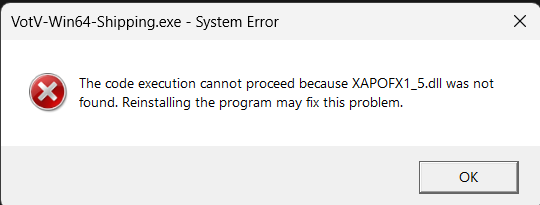
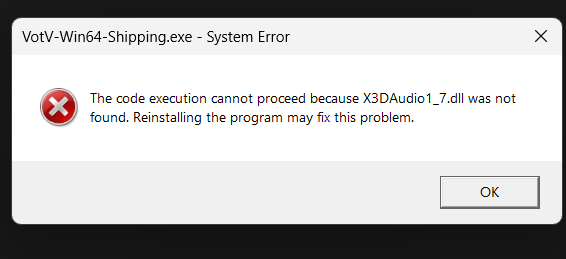
I can't start the game due to this error help pls

Gather unknown signals from deep, silent space · By
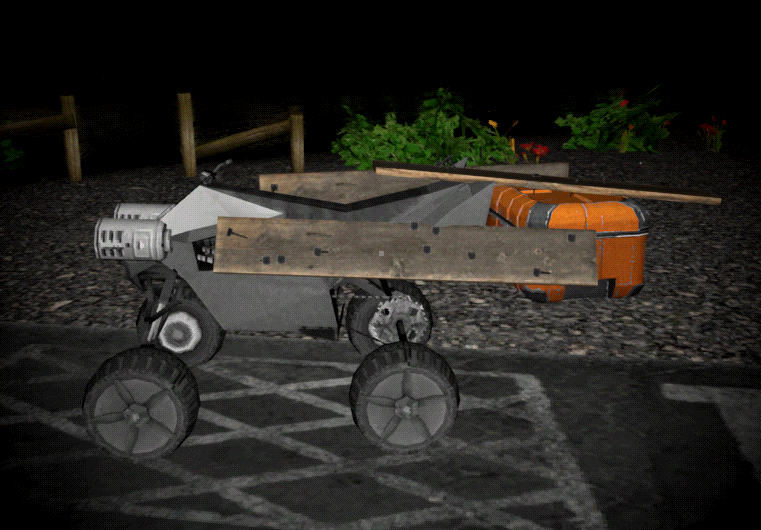
This might be a bit esoteric but I have found that you can "upgrade" the ATV with storage by nailing a crate to it with planks.
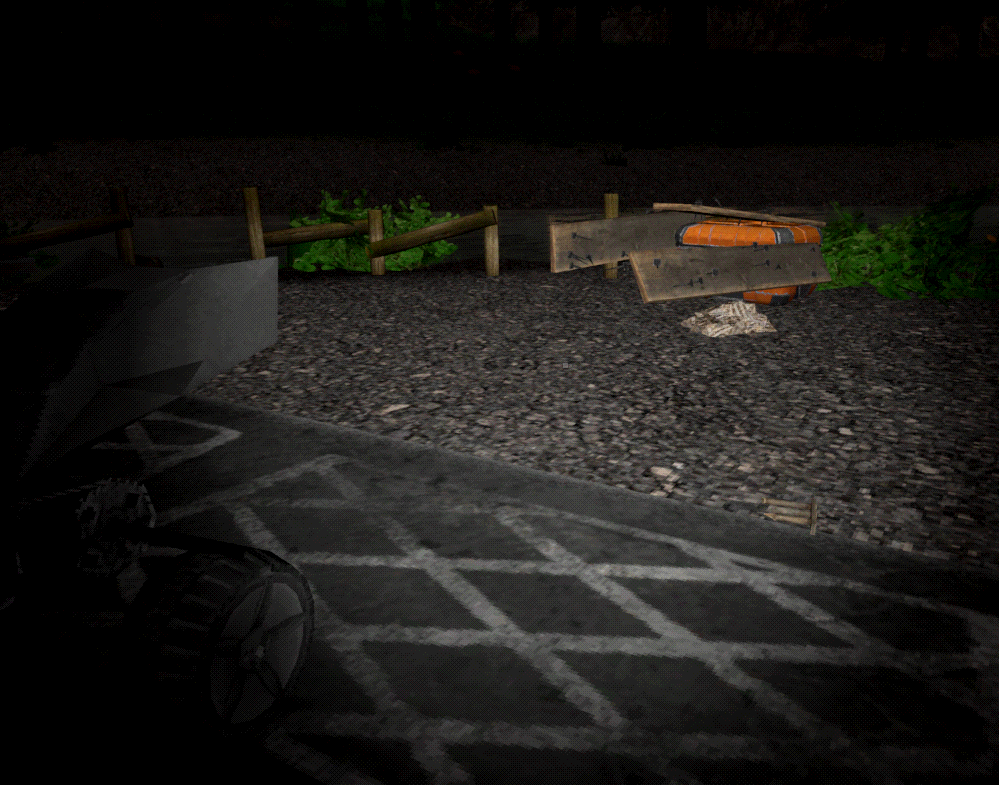
However upon a game save and load, it becomes detached. If you drive the ATV, it will pull away and leave the crate and planks hovering in the air.
I dunno, maybe fixing this on a game load is out-of-scope for the game. Personally I'd love it... it feels fair, a reward for clever use of in-game tools, and also isn't overpowered (it can become detached easily on a crash). But in particular, if it can't be fixed, it might be better to prevent it from working in the first place. Someone might think this is a viable strategy, and later get caught with their pants down loading their game far away from home, and struggle to bring their stuff home.
i put the large and small plates stacked on top of each other away in the lower cupboards to store them, upon quitting and loading my save all the plates were clipping into the floor and being very loud, i assume this is a bug with open containers because storing the plates upside down hasnt had this issue
I added about 40 Gb worth of videos to the TV folder, most of them are short so its like 1500+ videos, and the game is normal, but as soon as I open the video browser on any tv, the game will function as normal, but all of the building and terrain textures become very low quality, to the point where the walls on alpha base only have around 8 pixels worth of details spread the entire wall (bad way of explaining but it almost looks like the textures if they were seen from a very very low render distance).
Custom content doesn't actually use the real %LOCALAPPDATA% but rather what seems to be a hardcoded path using the systems PC Name?
%LOCALAPPDATA% has all the expected save game data etc you'd expect, so it it does use this for save data.
However when we activate custom content and it says that we should add our content to the %LOCALAPPDATA%/Votv/Assets/tv you might not be able to get the assets folder at all.
Instead what the game did, is create a "fake" Appdata using the pc name. In my case it created a new folder path under Users: (PcName)/Appdata/Local/VotV/Assets/tv
That's weird my save data and custom content folders are all located in the same folder which is "C:\Users\"myname"\AppData\Local\VotV". It has always been this way as well at least as long as i have played the game which is about a year. I think you can set your own custom content file path in-game in the settings.
I'm glad that it works for you, but that's not the point of a bug report.
The default settings, aka blank asset path, leads to the game creating and searching for a false Appdata path.
Meaning there is some bug or discrepancy in how the game gets Appdata while accessing custom content, vs how the game gets Appdata while accessing save data etc.
hello, the Google form won't open for some reason, so i decided to leave the report here. i'm not completely sure if this is a bug or intentional, but i found a way under the map. it's on the entrance to the base, and i stumbled on it by accident, even couldn't get out at first. i got it recorded so that you would be able to find it easily, take a look, pls