Indie game storeFree gamesFun gamesHorror games
Game developmentAssetsComics
SalesBundles
Jobs
TagsGame Engines

Nothing is happening?

A topic by Kheldon created Dec 28, 2025 Views: 649 Replies: 12
Viewing posts 1 to 6

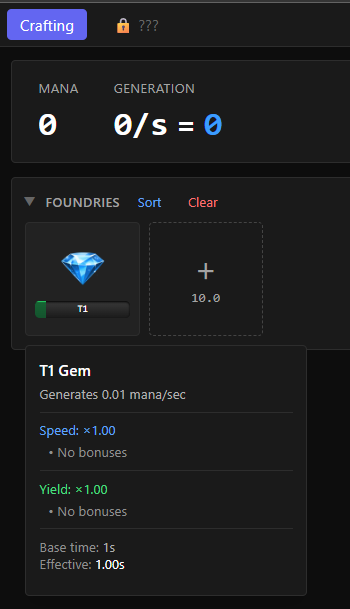
No Mana is generating, I have the T1 Gem in the Foundry and well.. broken as.

Developer

Can you post a screenshot perhaps? Game has had a few hundreds players and you are the first to report this.

(+1)

I can also attest to this issue. When opened in Safari the games plays well, but when opened in Firefox no gems produce anything (I'm on macOS).

Developer

Hmm. sometimes firefox disallows requestAnimationFrame until the iframe has focus. You clicked inside the game and still nothing happened? Any chance you can see if you get any errors/debug info in the console (F12)?

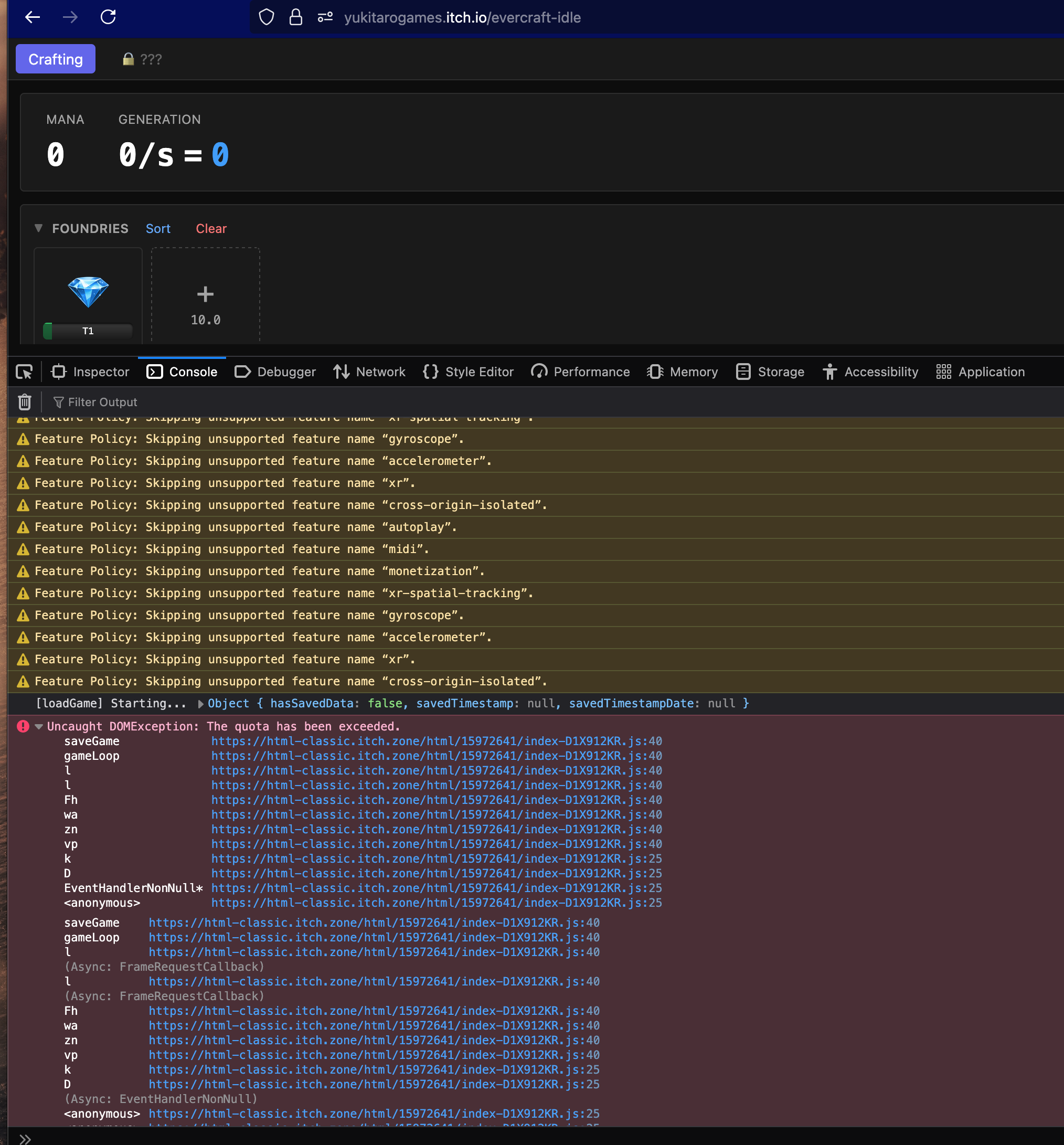
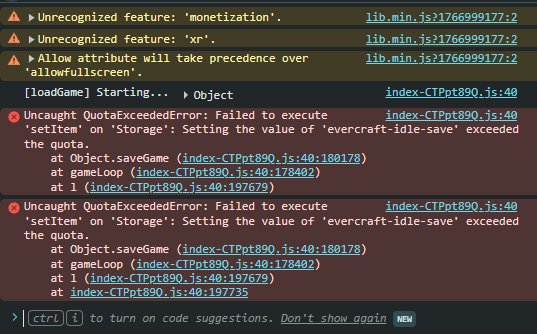
Not a focus thing. I can interact, clear foundries, place a T1 gem back in, but nothing progresses. Here are the errors I'm seeing in the console:


Developer

Thanks for the screenshot. This may have been due to the game saving too frequently triggering a firefox limit. I uploaded a new version please try again.

I hate to say it, but no changes with the new version. Continues to work in Safari, but no progression in Firefox.

Developer(-1)

I added a setInterval fallback - hopefully this fixes the problem.

Seems to still do nothing. Linux mint Firefox.

Developer(-1)

Uploaded a new attempt to fix, please try again if you can.

I am on Windows, using Chrome Version 143.0.7499.170 (Official Build) (64-bit)


same for me on edge

(2 edits)

Warning, this deletes all saved game states, make exports of any game you are currently playing!!!


I followed these steps and it fixed the issue with Chrome (I play a lot of Itch.io games, so full cache maybe?)

How to Fix the Error

  1. Open Chrome settings by clicking the three-dot menu and selecting "Settings" or navigating to chrome://settings.
  2. Go to "Privacy and security" and then "Site settings".
  3. Click on "View permissions and data stored across sites" or "Cookies and site data".
  4. Search for the address of the website causing the error (e.g., example.com or jira.example.com).
  5. Select the site and click the "Delete all data" (trash can icon) button