I'm still chewing through the demo, but I want to give couple of pointers already
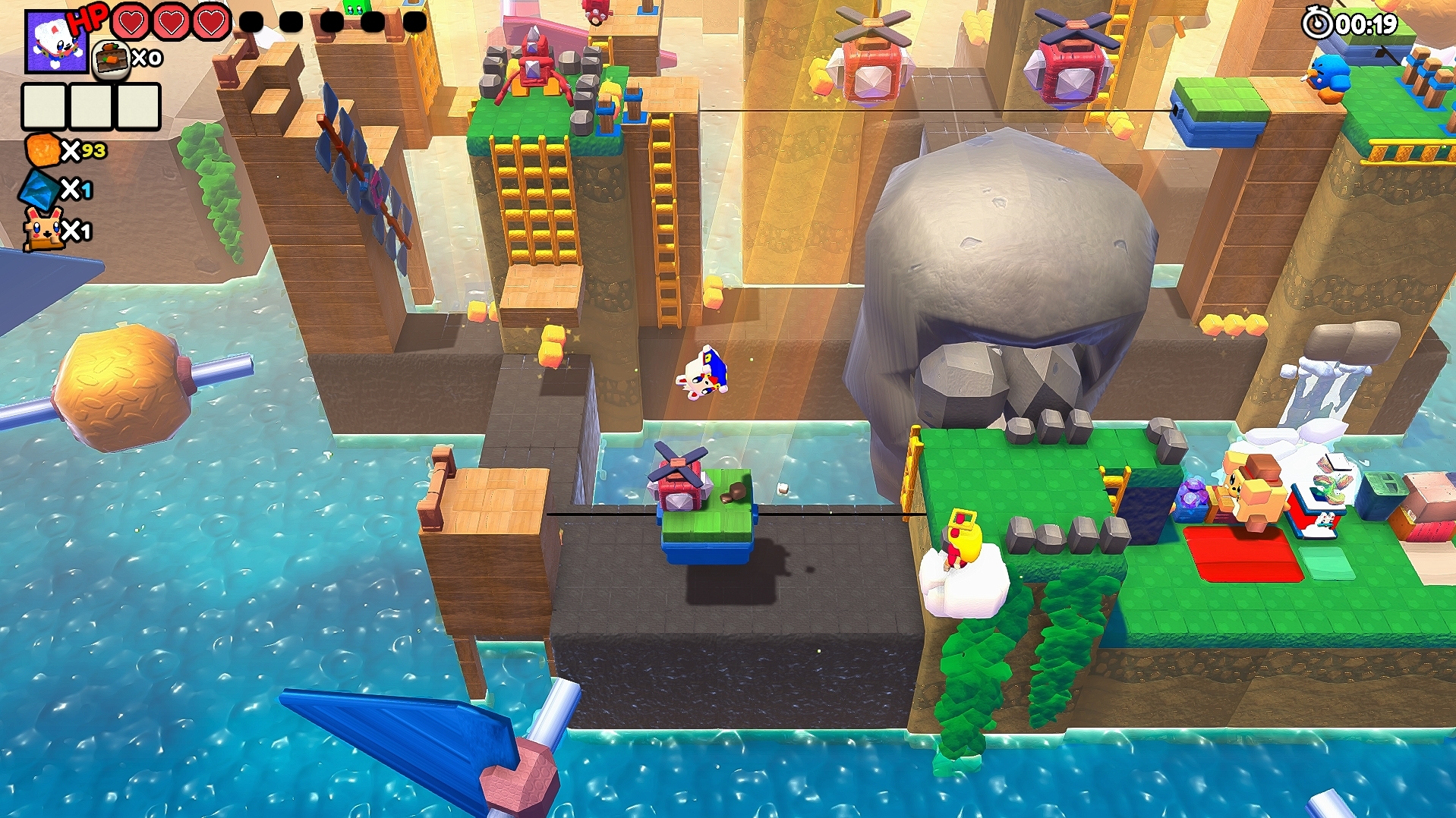
camera should always show your position with the foreground objects transparent or invisible. There were plenty of times when boku was obscured by part of the upper part of levels. Rotation of the camera doesn't help much, we're walking blind.
I constantly tried to forward jump but it was impossible, boku only jumps straight up? Then when we are on the platform we have to time our jumps and now the momentum is preserved. It's kinda strange but I guess you can't jump over obstacles as that would just trivialize puzzles. Maybe add extra tutorial info about your inability to jump forward?
Shop had right part of the screen cropped. I'm using 16:10 monitor, I don't know why the rest works fine.
Level descriptions on the world map look like placeholders. These white rectangles aren't cute, either add some kind of a border or cut a fancier shape.
I enjoy it so far even if it's kinda difficult at the very beginning, I feel you should make your starting levels much easier. If you get the option for foregrounds to disappear when the view is obstructed then I'll be happy.
The tutorial has text that tells you hopping in the game a straight upward hop. If you could jump forward while in the air it would break 90% of the level design puzzles.
Can you send me a screenshot of the shop being screwed up on your 16:10 monitor? On mine it looks fine and im trying to fix all UI to stretch and shrink correctly across different screen sizes but its annoying and hard.
Once I'm done with another guys demo review il reply back to you an update that has changes based on your feedback.
It took me about 10 days of straight work to make these changes are they are pretty big especially in the art/tech changes
Main menu art style changes/polish:
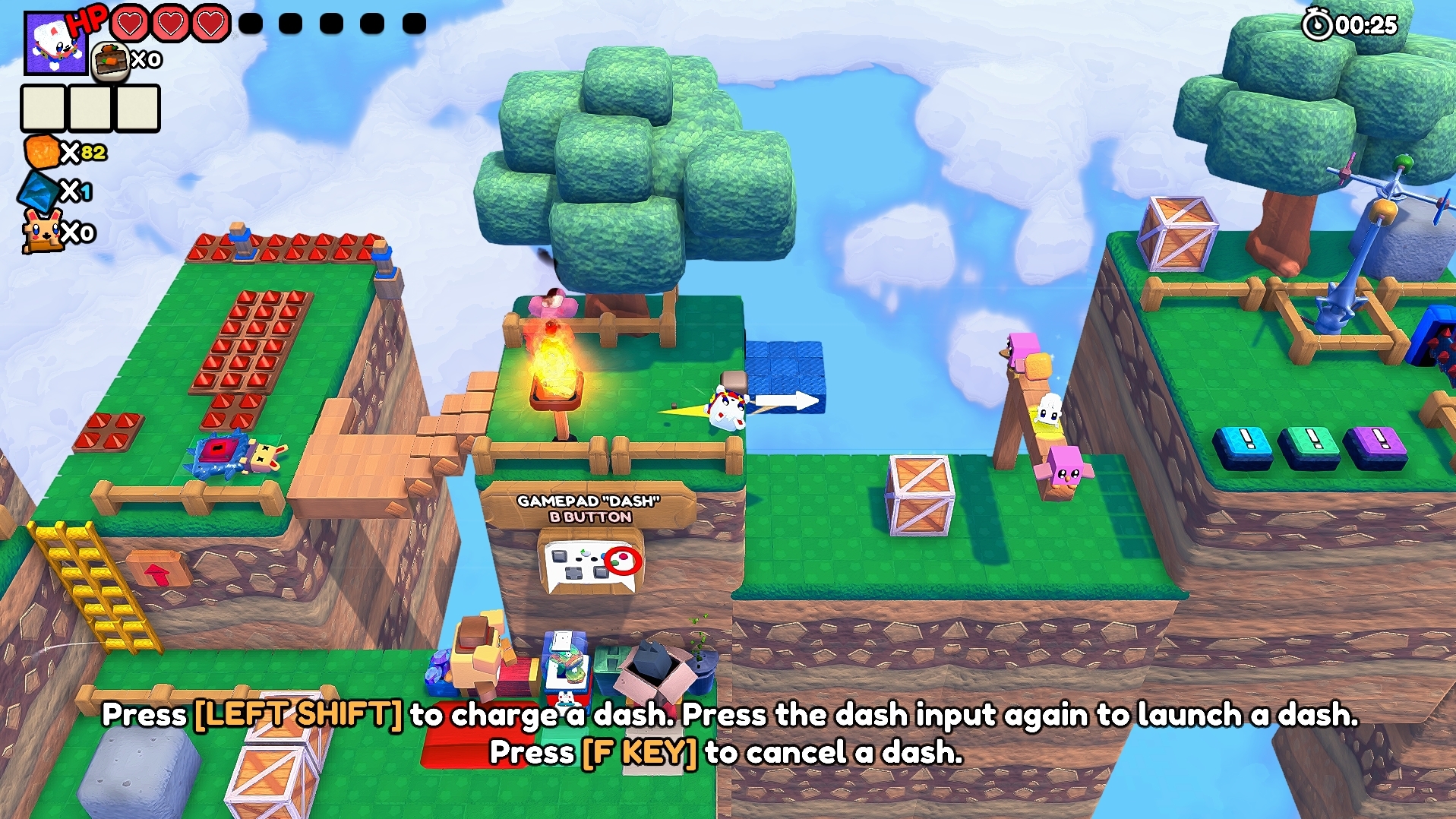
Tutorial Level art style changes/polish:
Level Select art style changes/polish:
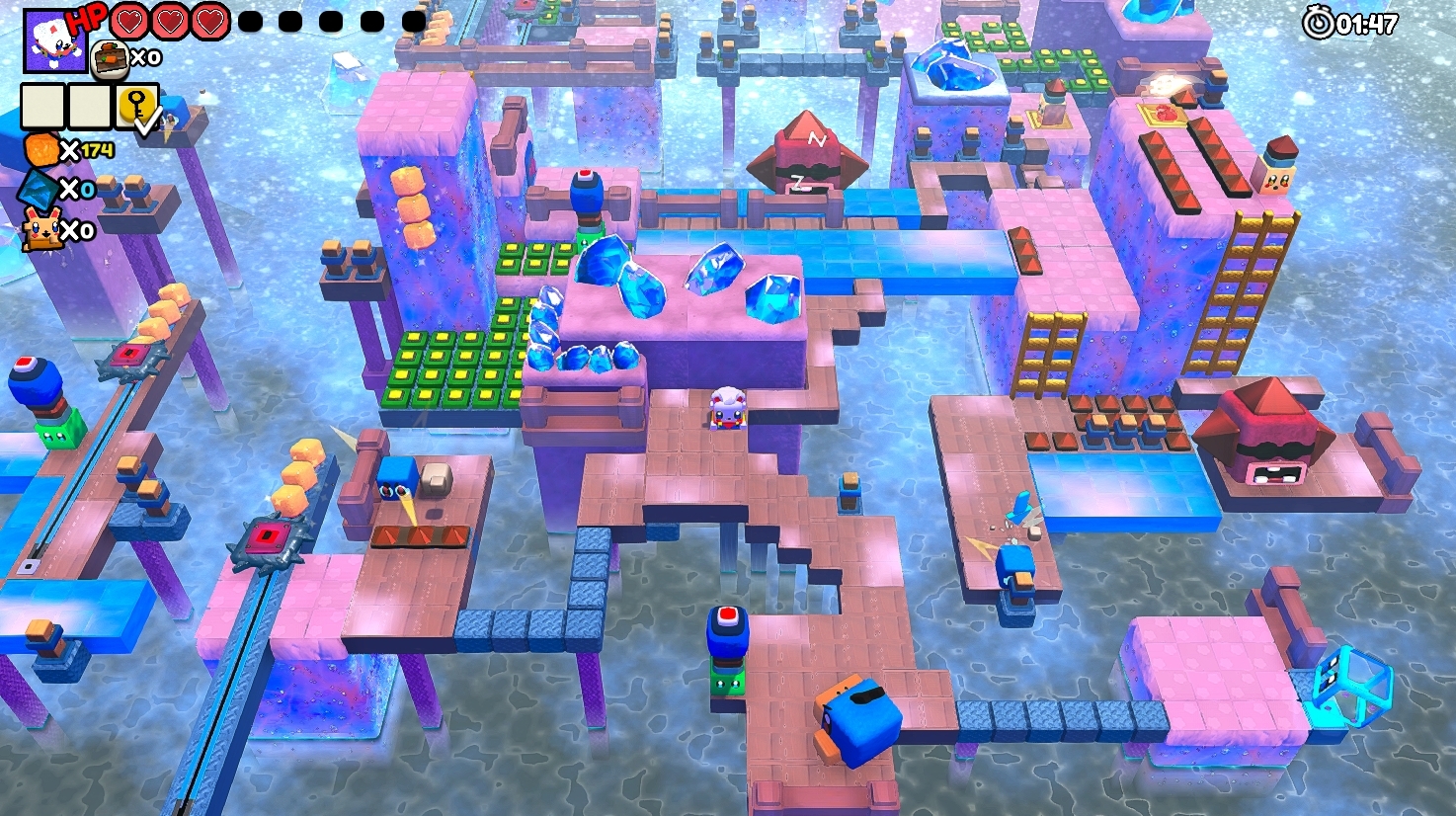
Level 1 of the demo art polish:
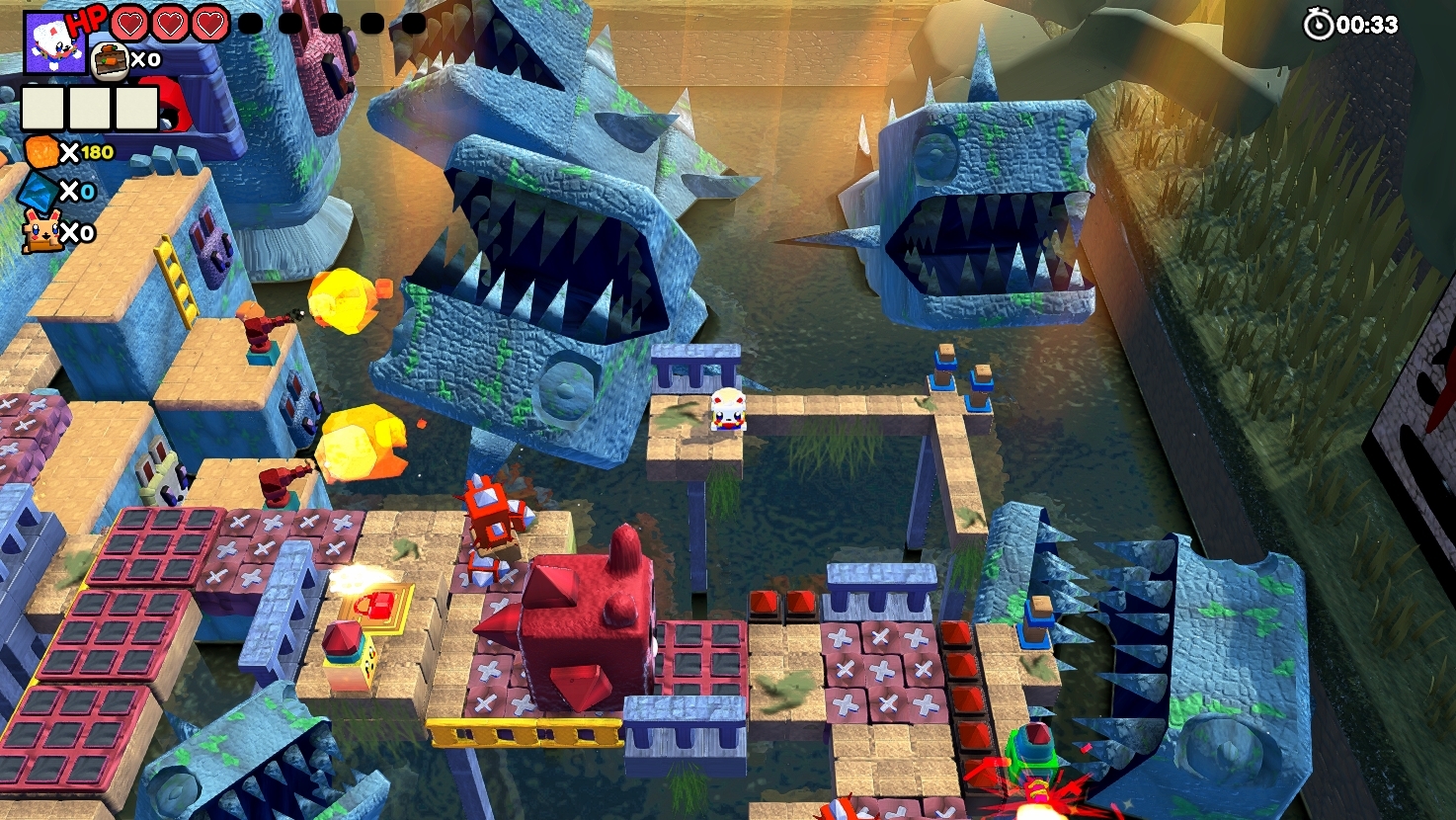
Level 2 of the demo art polish:
Level 3 of the demo art polish:
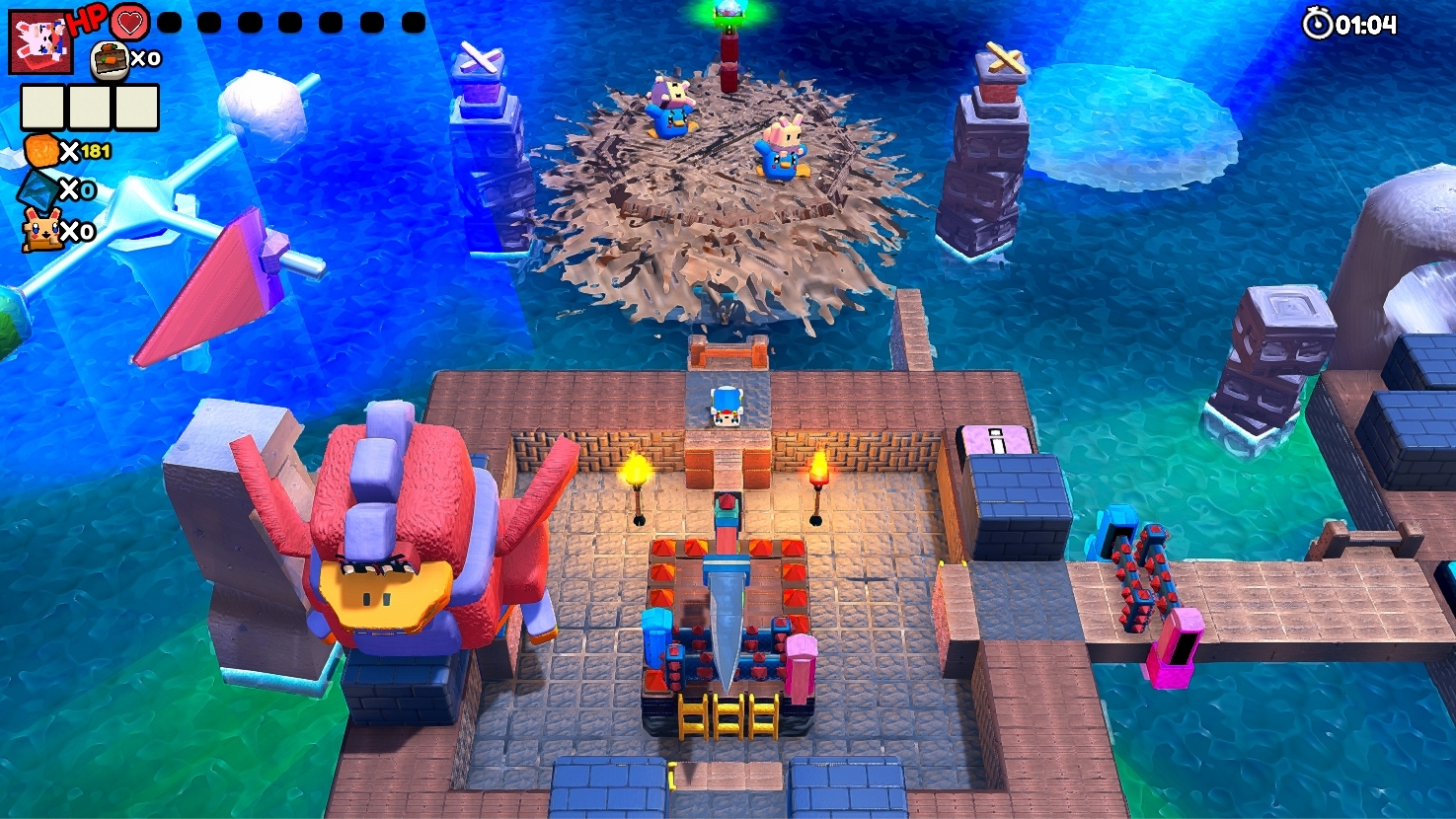
Boss Level of the demo art polish:
Other fixes: -When boku gets behind any wall or bigger object a "mini boku" appears through the wall you can see at all times so you know wheres hes at, can stop yourself and rotate the camera to get a better view then instead of wondering where he went.
-The heart ICONS in the UI were changed to a better more readable design thats simpler than before by removing their eyes too.
-Dog shop UI canvas was adjusted and the UI was moved a little bit to the center to avoid it falling off screen at all.
-Level Select has UI changes like white Boku icons for the backgrounds of level names;
The new double jump is a good fix from last time. Jank is present such as the exe icon being too small, the red bars that wall off lasers in level 1 don't work, Ghost Bokube from level 2 immediately disappearing, the text that tells you how to use the bomb is on top of the shop text, the costume shop extends past a 1920 monitor, 36 costumes are visible when the demo should hide more of those until people get the full game.
The new level 2 is a good change for accessibility. The shield power should be repmapped to LT and RT since those are easier to remember then the left stick. I have the same windowed problem as the other one but it's still there after I deleted the LocalLow folder.
The red walls? Those are lasers themselves I don’t know what you mean. Touching that red line kills you instantly so its working as intended??? I did change up that area so the lasers make a little more sense though.
“Ghost Bokube” (spoiler) happens on every level if you catch it disappearing at the start of every level and is apart of the games story. (spoiler)
The shop text and the bomb text is like that so they dont overlap eachother because the bomb has to tell you its information how to use it in a large area so you understand that you can explode it even if you’re far away from it. Without me pulling one text object above the other you wouldnt be able to read ether when they would have overlapped
Fixed the costume shops screen issues.
The 36 costumes are unlocked by random order for each player and each playthrough so I cant limit them at all but its fine; there's only 5 or whatever diamonds with how little levels there are in the demo so the player wont unlock them all anyway they will just get a random 5. The system was made this way so people can brag about the cosmetic they randomly unlocked to a friend who got a different one by random but you still unlock them all if you find every diamond on every level. (in the full game I mean)
Remapped the shield secret move to left and right triggers.
I fixed the windowed mode issue.
Bokube build number; "013 +fixes" is out now with these changes on both itch and steam demo versions.
2. Refer to this image for a wall clip. This happened from below the pole.
3. There's no flicker effect for disappearing so I think it could have more of a visual effect by turning on and off the renderer 5 times before that one disappears.
Ahhhh I see what you're talking about now. Il fix it now but let it be in the next update once I read another playtesters demo playthrough feedback and make changes based off their review so I don't push out another update for such a small change tonight.
I clicked on windowed mode and it jumped out of my monitor where I can no longer view the game no matter what I do. Clicking on the icon in my taskbar leads it to playing music without any other changes, and it stops playing music when clicking anything else. Closing the game and opening it again starts it off in the smallest resolution before it goes full screen and hides itself from the monitor. No idea what is going on there.




Comments
I'm still chewing through the demo, but I want to give couple of pointers already
I enjoy it so far even if it's kinda difficult at the very beginning, I feel you should make your starting levels much easier. If you get the option for foregrounds to disappear when the view is obstructed then I'll be happy.
The tutorial has text that tells you hopping in the game a straight upward hop. If you could jump forward while in the air it would break 90% of the level design puzzles.
Can you send me a screenshot of the shop being screwed up on your 16:10 monitor? On mine it looks fine and im trying to fix all UI to stretch and shrink correctly across different screen sizes but its annoying and hard.
Once I'm done with another guys demo review il reply back to you an update that has changes based on your feedback.
Bokube Steam Demo version 16 is now out!
It took me about 10 days of straight work to make these changes are they are pretty big especially in the art/tech changes
Main menu art style changes/polish:
Tutorial Level art style changes/polish:
Level Select art style changes/polish:
Level 1 of the demo art polish:
Level 2 of the demo art polish:
Level 3 of the demo art polish:
Boss Level of the demo art polish:
Other fixes:
-When boku gets behind any wall or bigger object a "mini boku" appears through the wall you can see at all times so you know wheres hes at, can stop yourself and rotate the camera to get a better view then instead of wondering where he went.
-The heart ICONS in the UI were changed to a better more readable design thats simpler than before by removing their eyes too.
-Dog shop UI canvas was adjusted and the UI was moved a little bit to the center to avoid it falling off screen at all.
-Level Select has UI changes like white Boku icons for the backgrounds of level names;
The new double jump is a good fix from last time. Jank is present such as the exe icon being too small, the red bars that wall off lasers in level 1 don't work, Ghost Bokube from level 2 immediately disappearing, the text that tells you how to use the bomb is on top of the shop text, the costume shop extends past a 1920 monitor, 36 costumes are visible when the demo should hide more of those until people get the full game.
The new level 2 is a good change for accessibility. The shield power should be repmapped to LT and RT since those are easier to remember then the left stick. I have the same windowed problem as the other one but it's still there after I deleted the LocalLow folder.
Bokube build number; "013 +fixes" is out now with these changes on both itch and steam demo versions.
2. Refer to this image for a wall clip. This happened from below the pole.
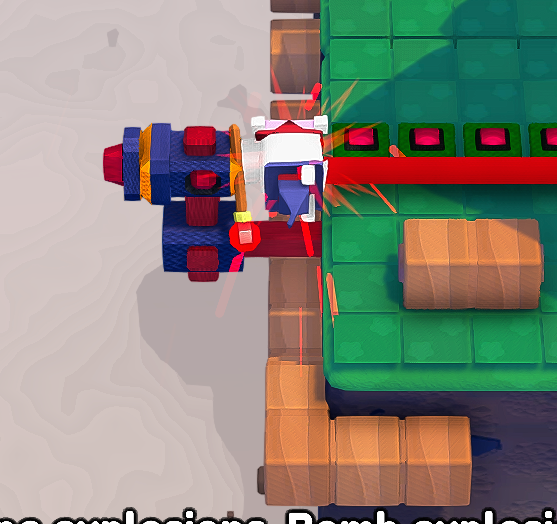
3. There's no flicker effect for disappearing so I think it could have more of a visual effect by turning on and off the renderer 5 times before that one disappears.
Ahhhh I see what you're talking about now. Il fix it now but let it be in the next update once I read another playtesters demo playthrough feedback and make changes based off their review so I don't push out another update for such a small change tonight.
I clicked on windowed mode and it jumped out of my monitor where I can no longer view the game no matter what I do. Clicking on the icon in my taskbar leads it to playing music without any other changes, and it stops playing music when clicking anything else. Closing the game and opening it again starts it off in the smallest resolution before it goes full screen and hides itself from the monitor. No idea what is going on there.
Great music though.
Alright I uploaded a new version of 013 build that fixes the windowed mode.
I'll look at it tomorrow.