
Indie game storeFree gamesFun gamesHorror games
Game developmentAssetsComics
SalesBundles
Jobs
TagsGame Engines
A jam submission

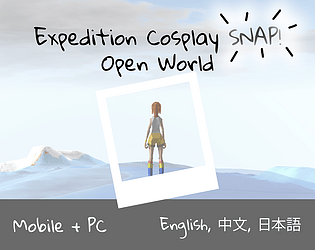
Expedition Cosplay SNAP! - Playtest Jam EditionView game page

Submitted by Total Noob Curiouser Kate — 7 hours, 9 minutes before the deadline
Add to collection

Play game

Expedition Cosplay SNAP! - Playtest Jam Edition's itch.io page

Results

CriteriaRankScore*Raw Score
Playtested this one#15.0005.000

Ranked from 2 ratings. Score is adjusted from raw score by the median number of ratings per game in the jam.

Leave a comment

Log in with itch.io to leave a comment.

Comments

Submitted

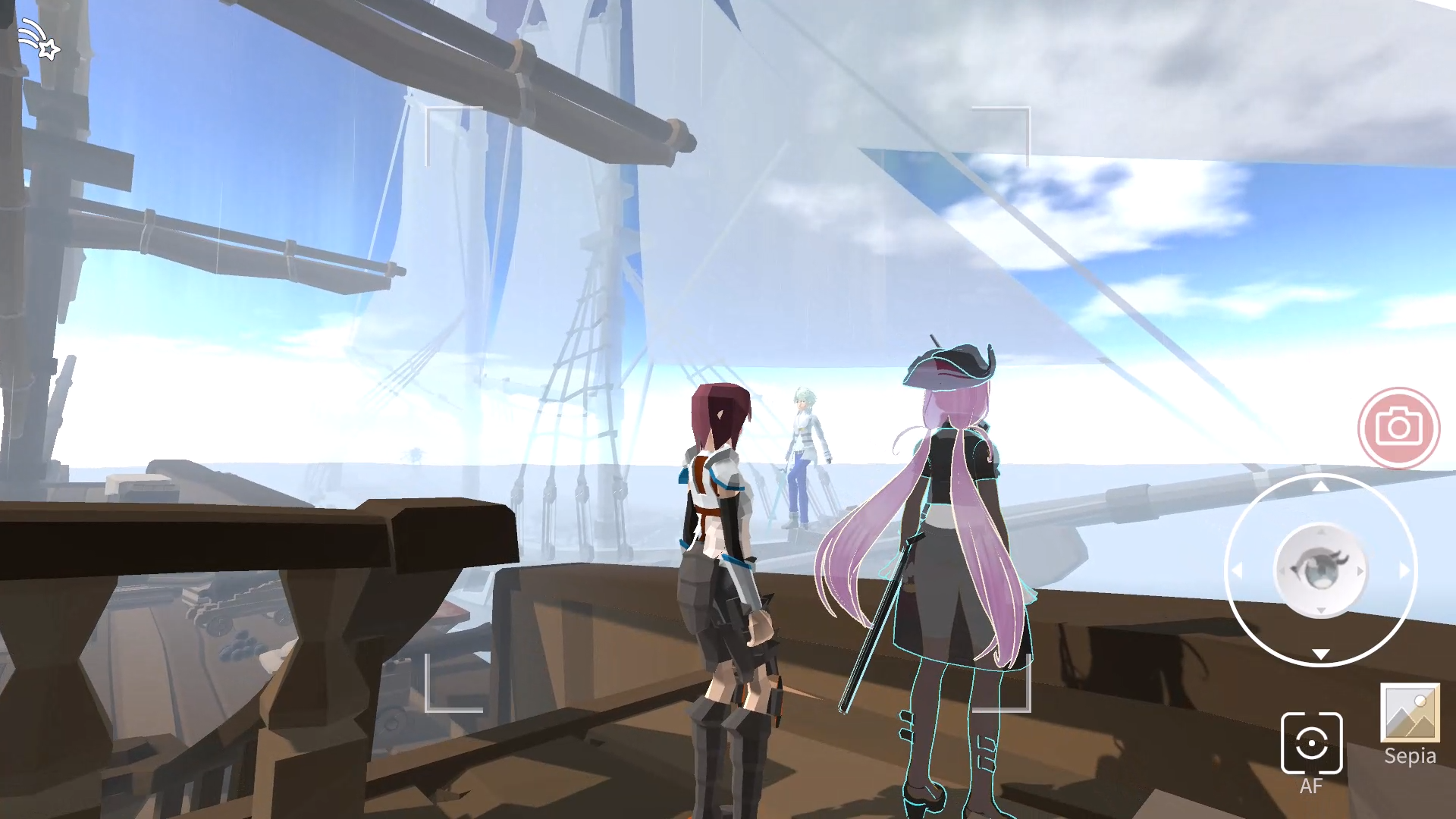
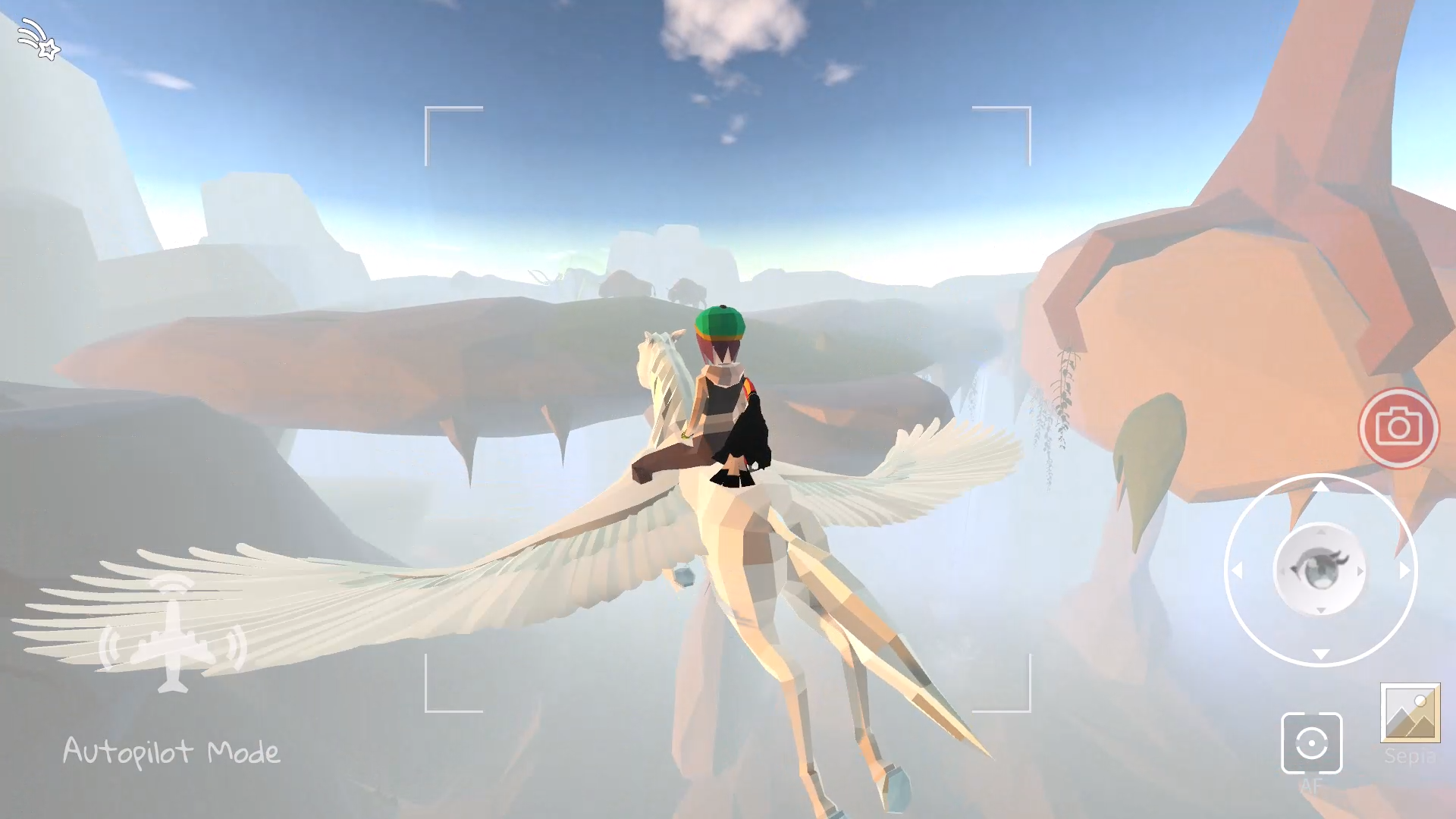
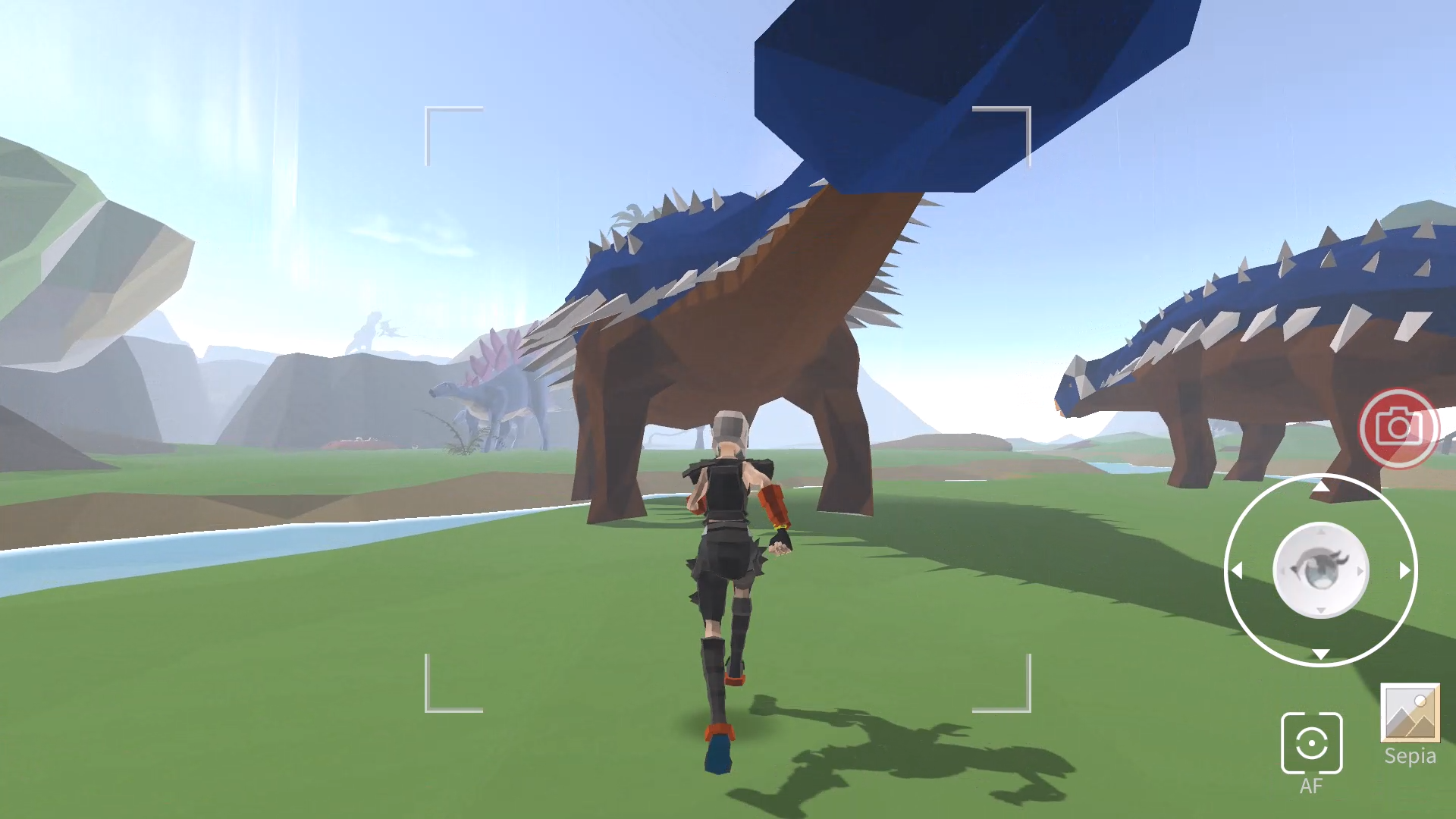
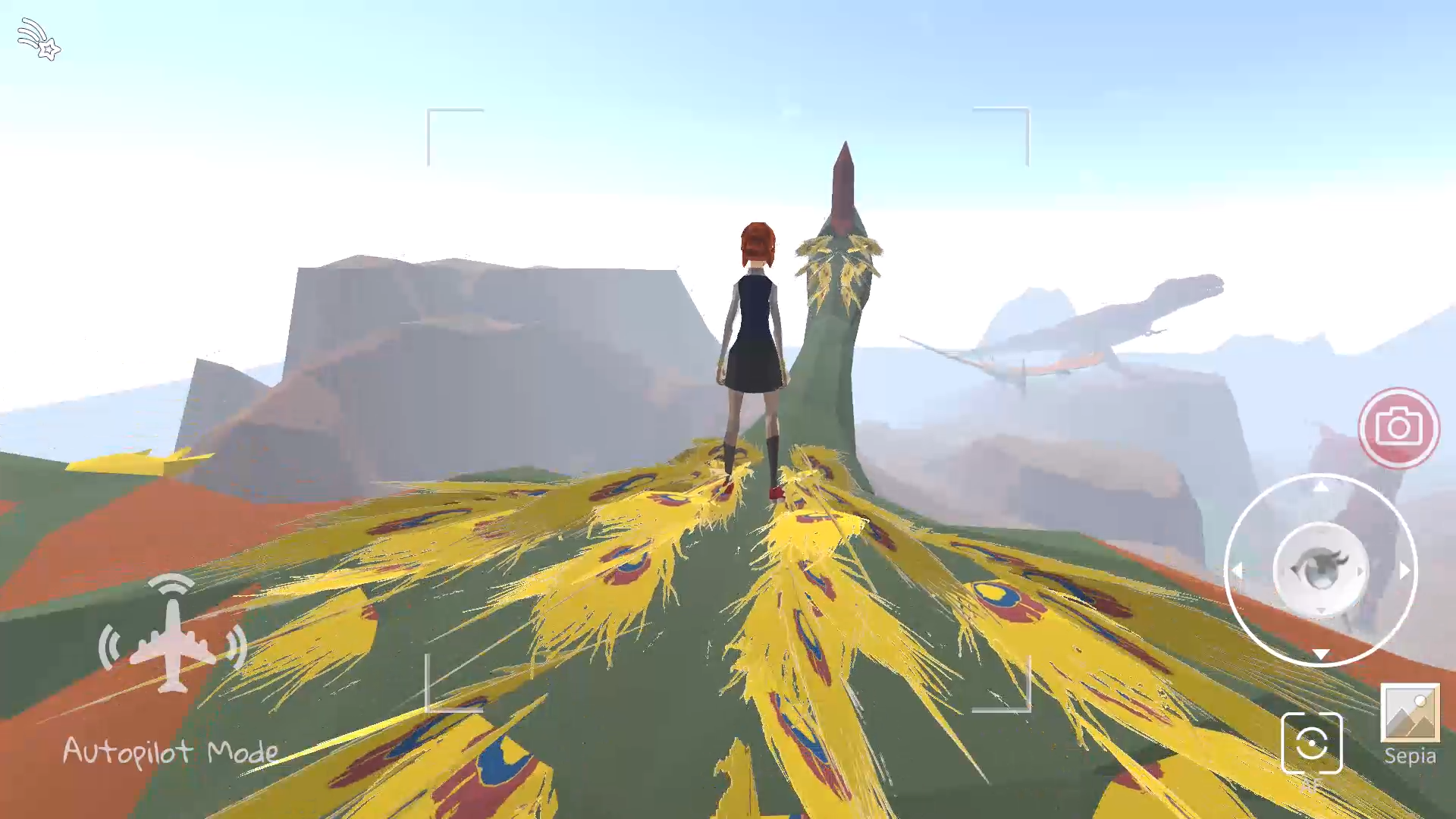
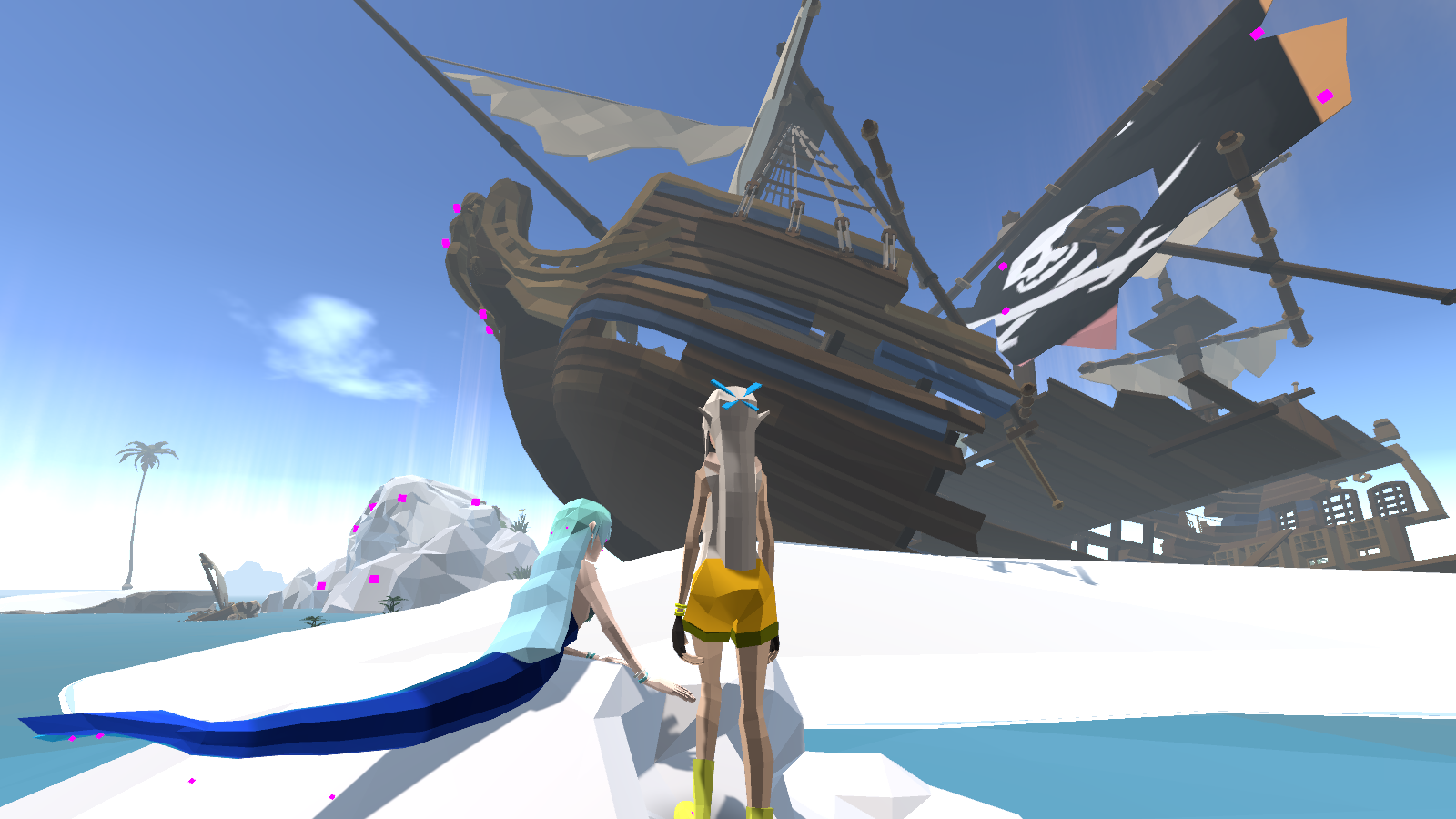
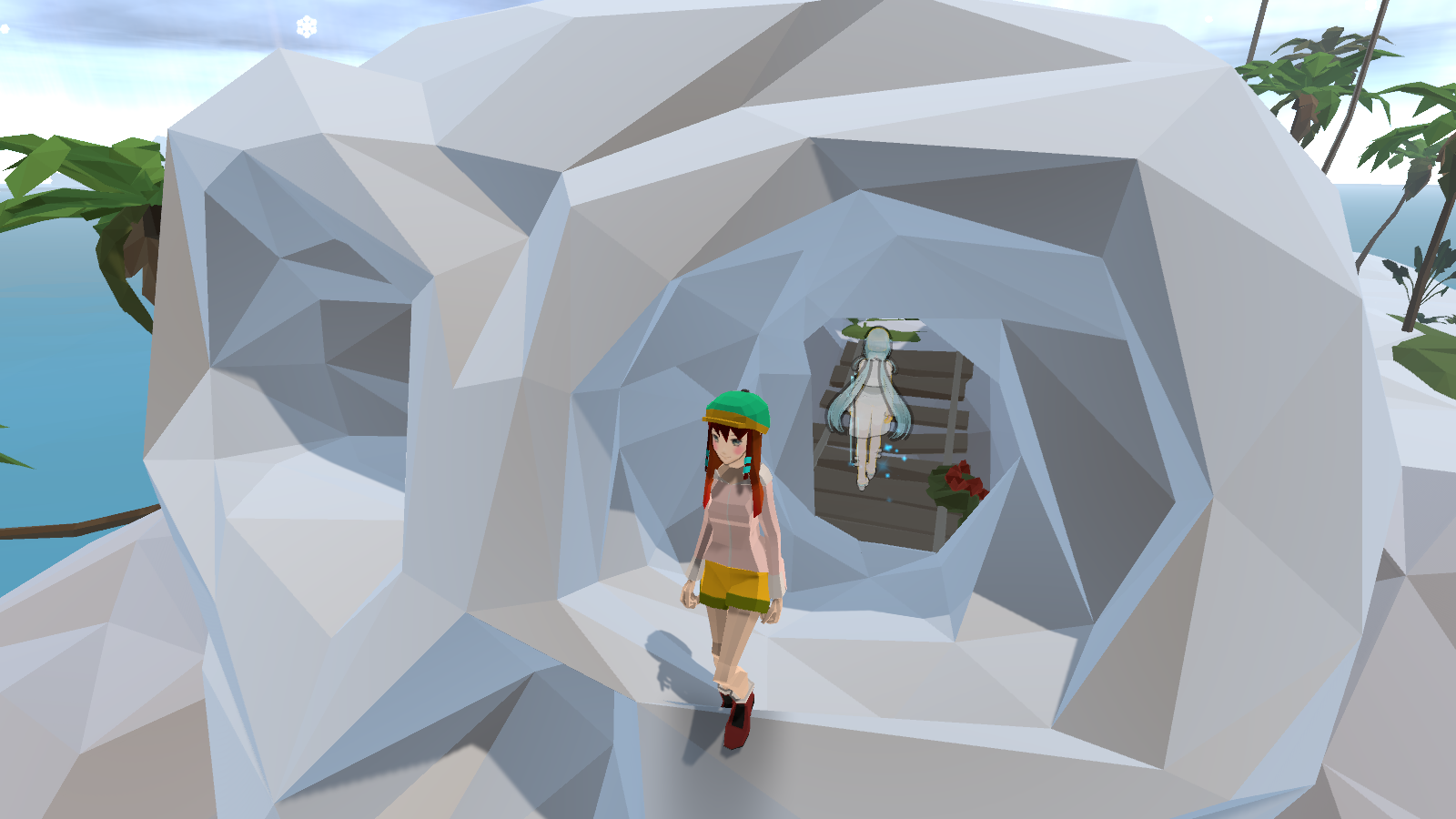
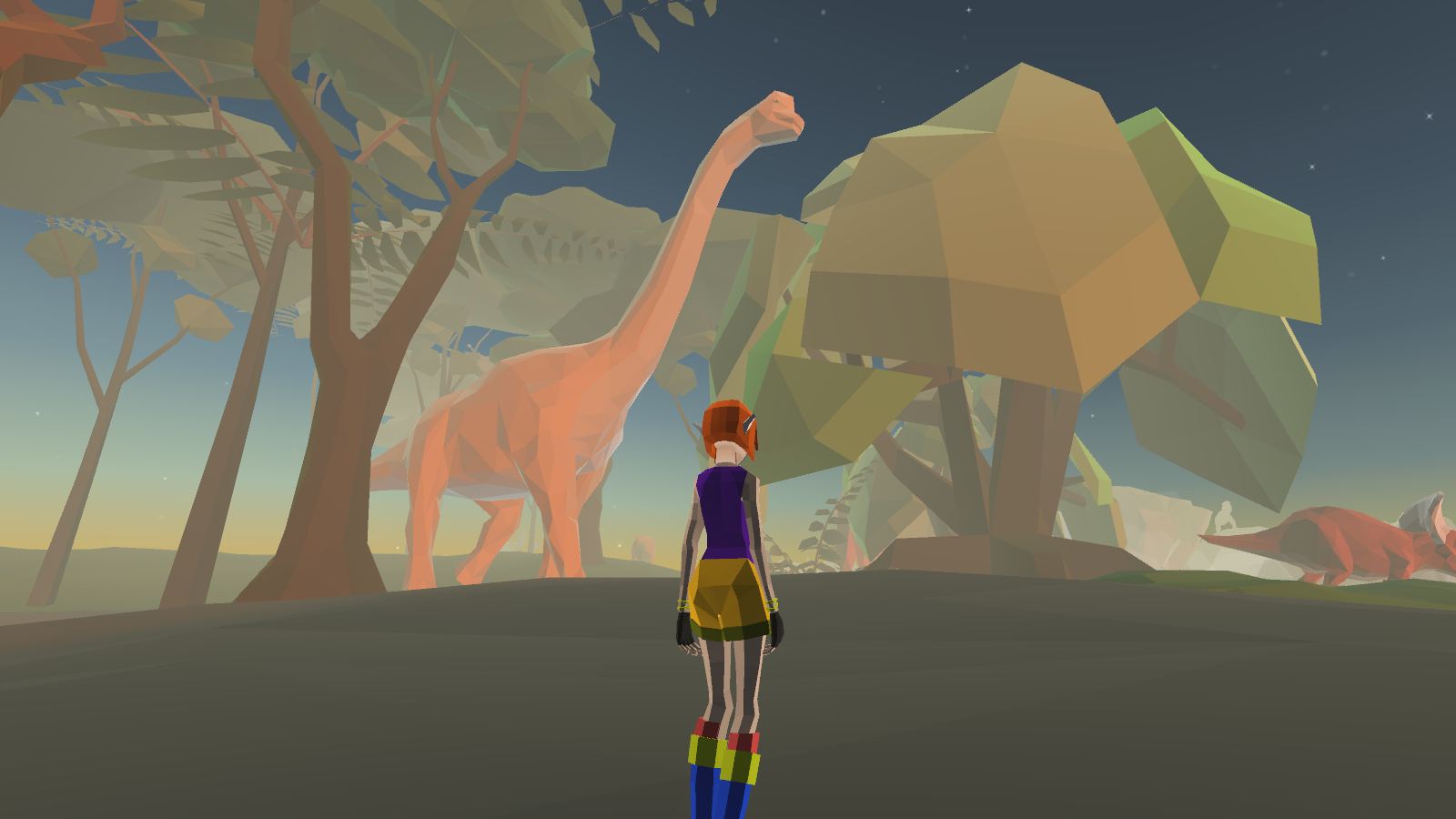
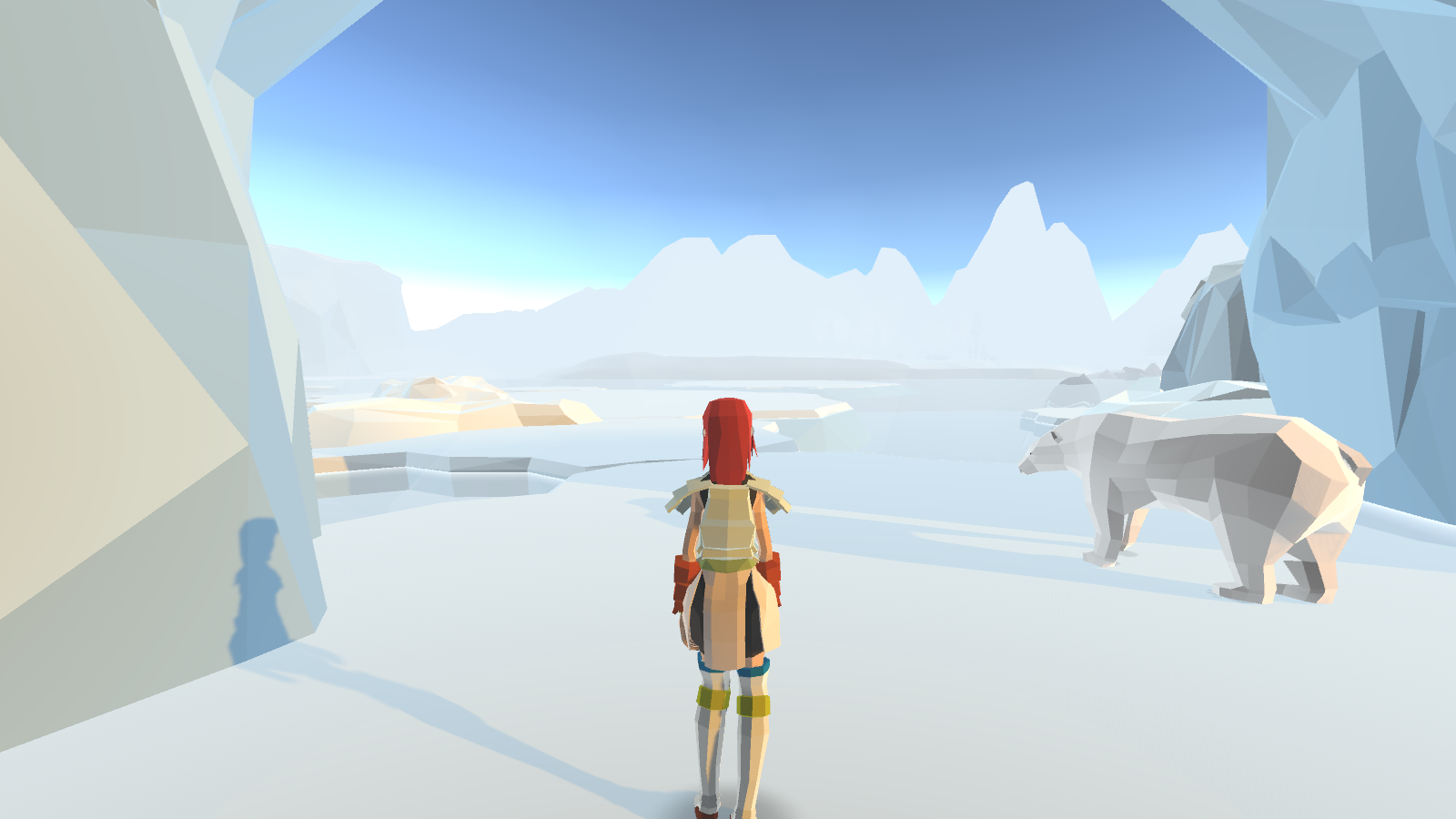
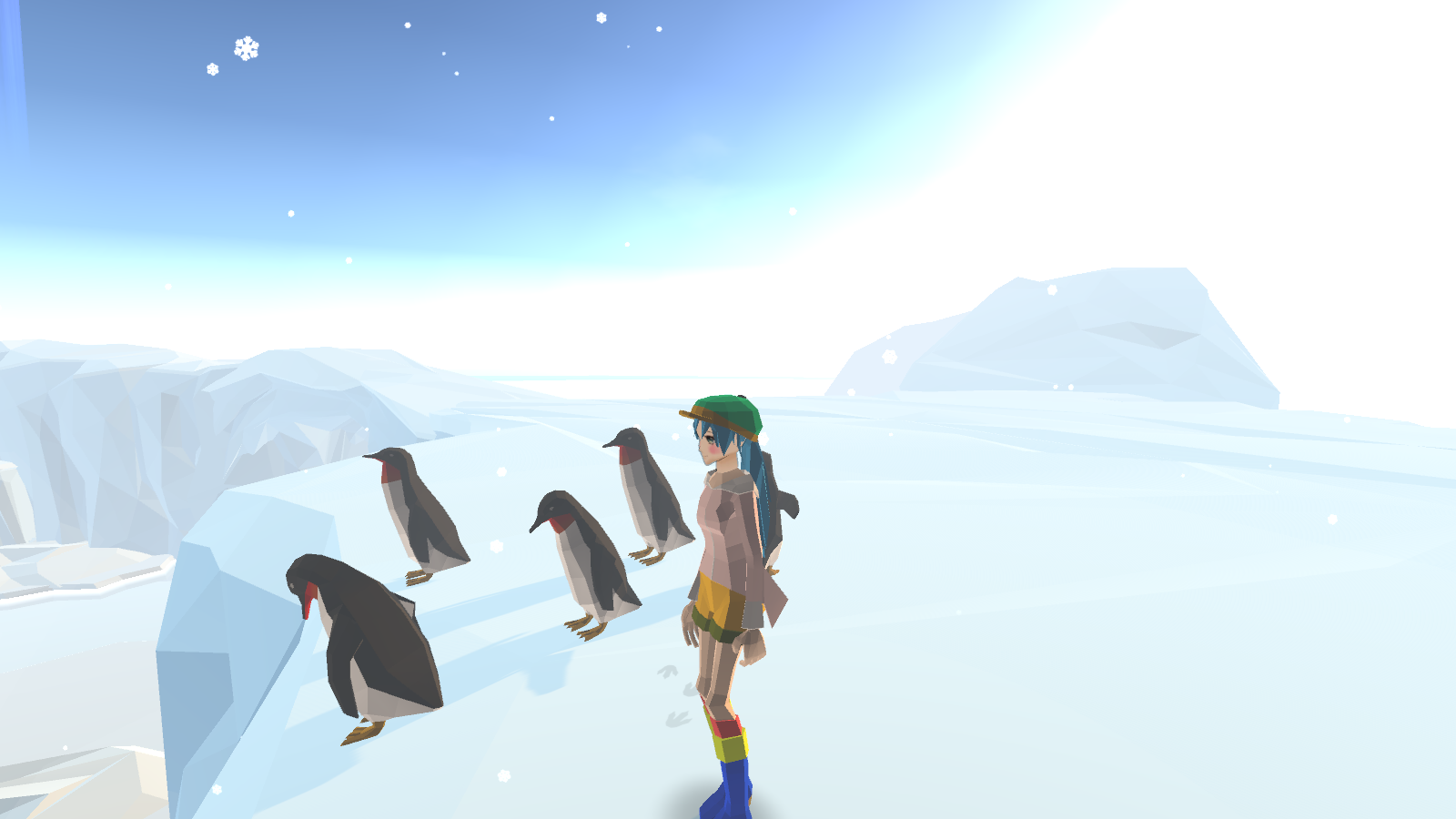
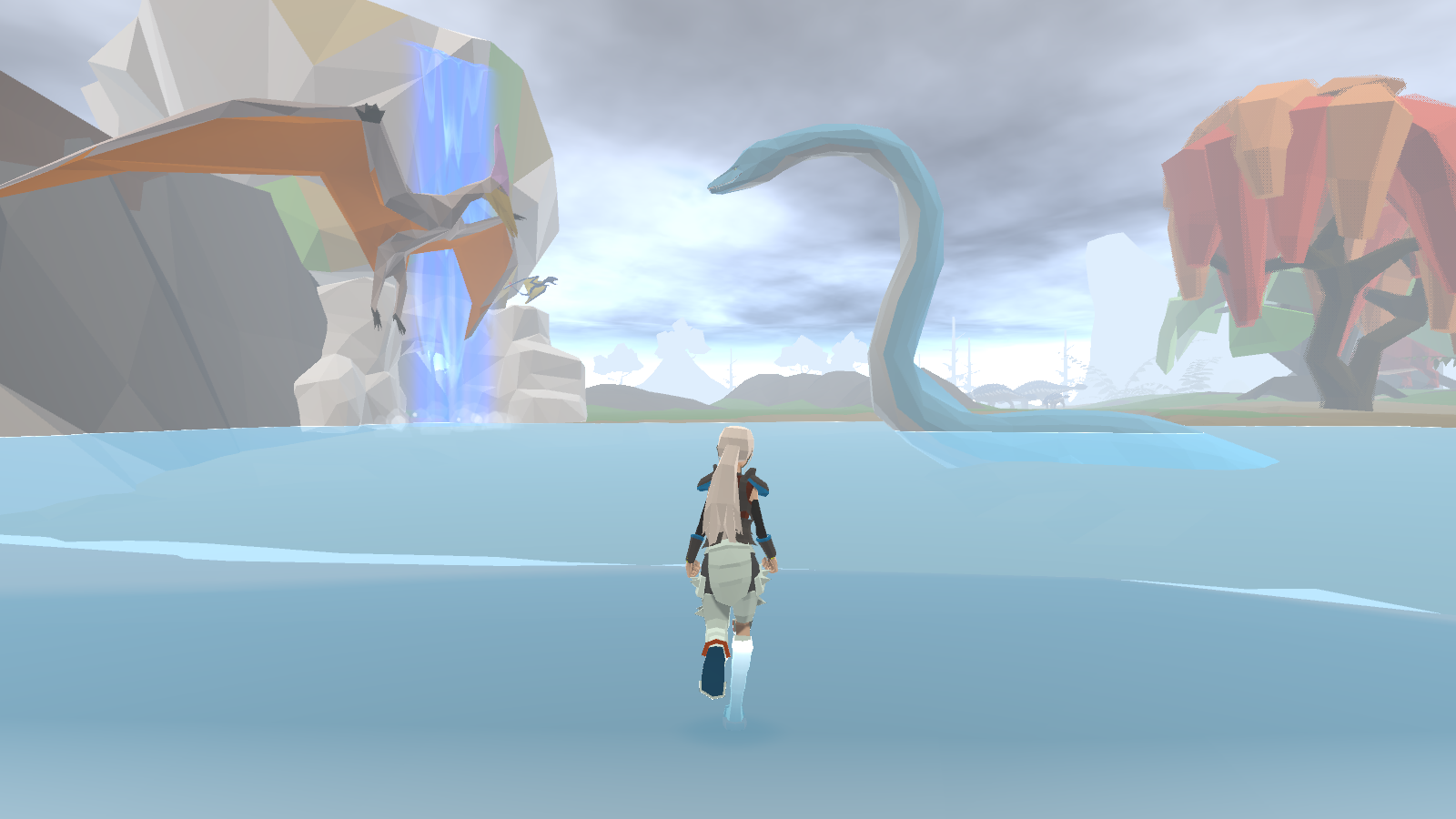
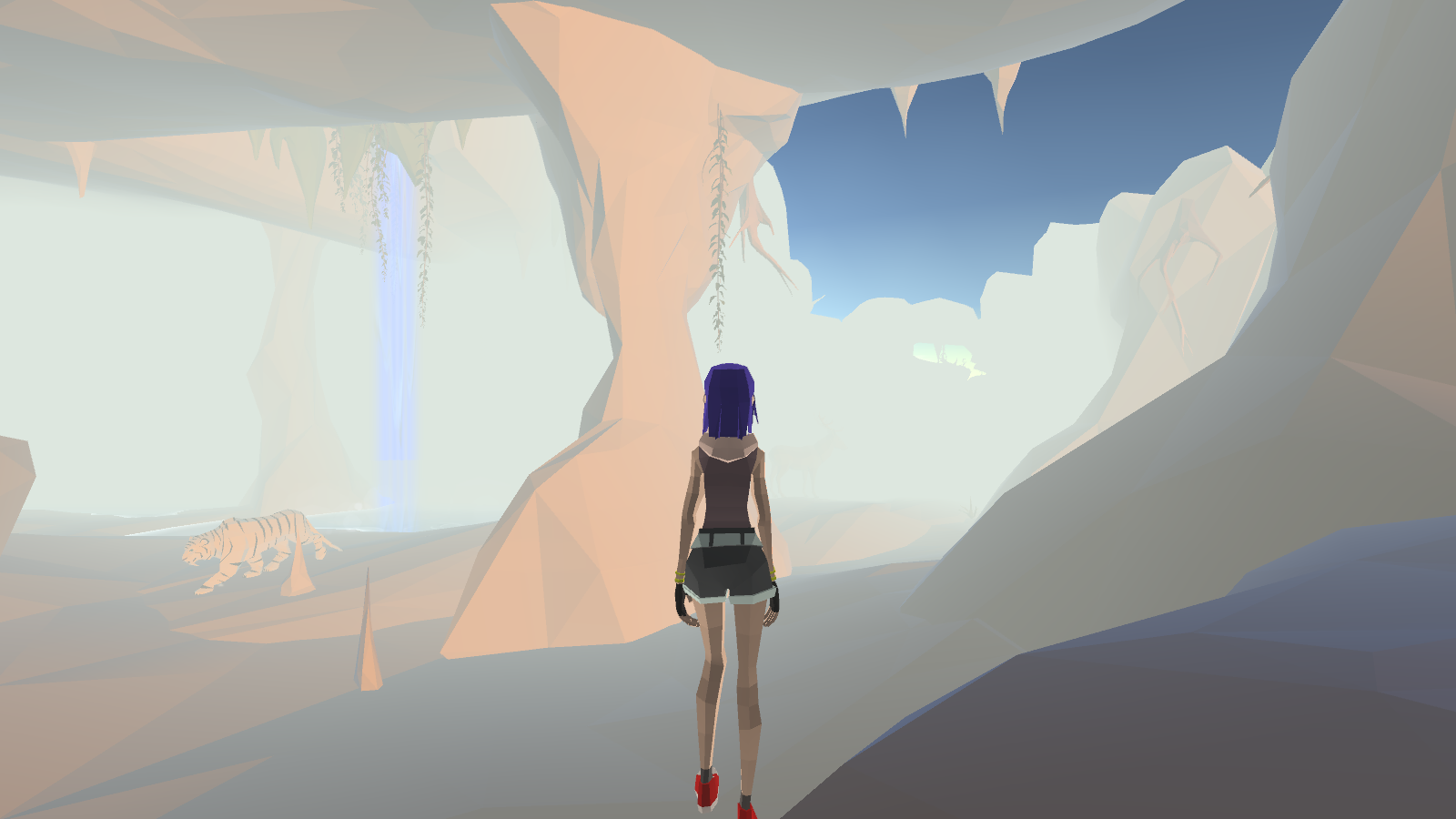
This was so much fun. The story was super cute and gave a nice backdrop for the game play. I liked the interactions between Grandma and McKenzie; they were really sweet and wholesome. The artwork was beautiful and made me want to keep going back to see what else I could see.

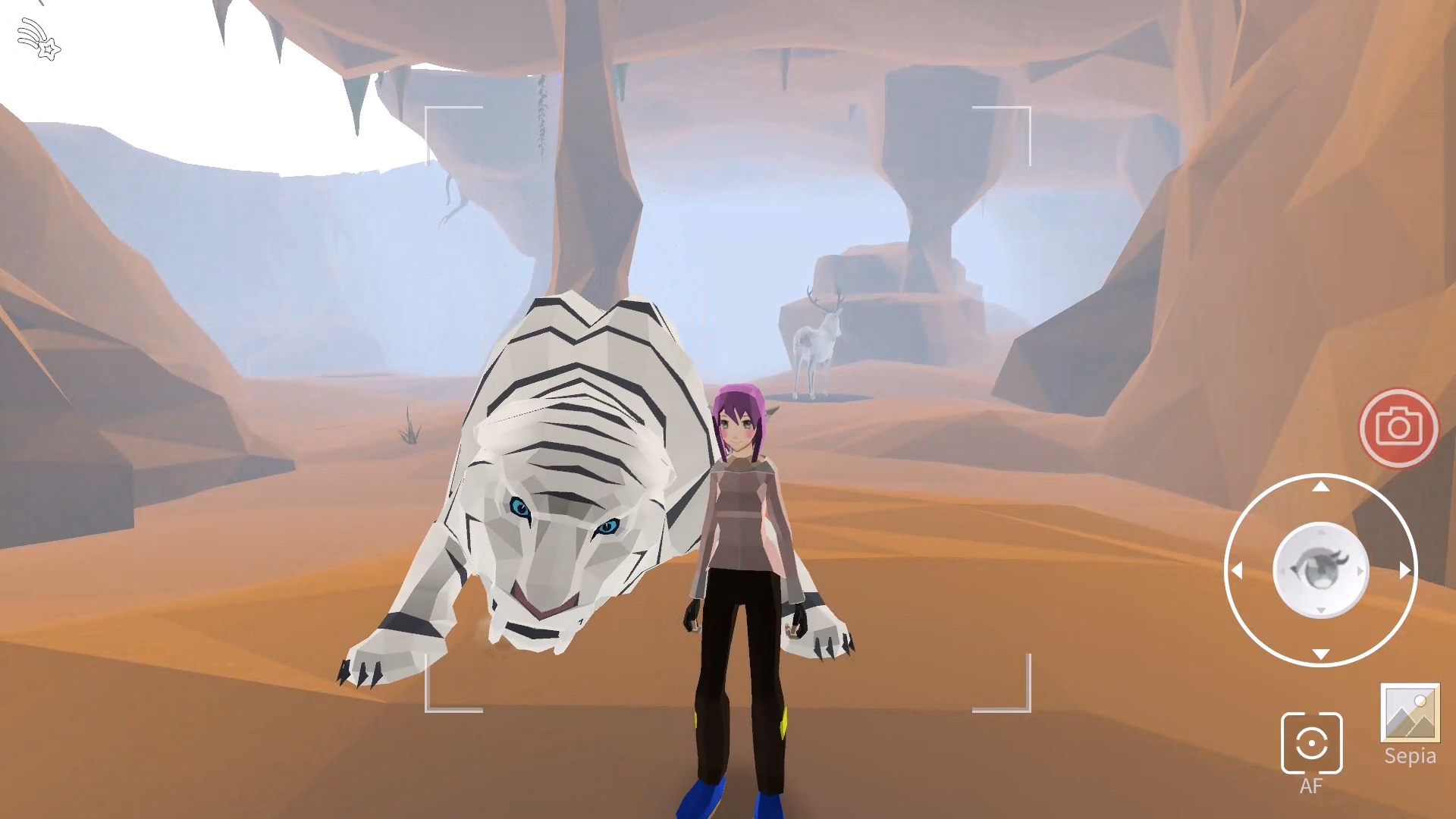
I would have liked a little more control with the camera. There were times where I felt like I got more of my character into the shot than I had thought I would. Maybe include a “no character” mode or something similar, so that you can get pictures without worrying about the character being in the way of the shot.

It would have nice to be able to enlarge the pictures when I got back to Grandma. For me, part of the fun of games with picturing taking elements is being able to take a closer look at the pictures afterwards and look for details I might have otherwise missed before. Similarly, it would have been nice if there was a way to look at old pictures you had taken. I know only being able to keep the last 3 pictures I took in each run was part of the gameplay loop, but I would have loved to have an option to save your best/favorite photos for a photo gallery. Again, for me part of the fun of these kinds of games is being able to take a bunch of pictures and look back over them again. Sometimes I just get that perfect shot, and even if I go back through the level I can’t quite recapture it.

I played on my computer, and mostly used my keyboard. I found the controls to be alright. The in game explanation made sense, and I was able to pick it up fairly easily. I think the biggest thing I was missing was the ability to move backwards. I feel like that would be easy enough to do for keyboard, but I don’t know how best to implement it for mobile/touch. Since you are designing this as primarily a mobile game, I understand why it wasn’t included.

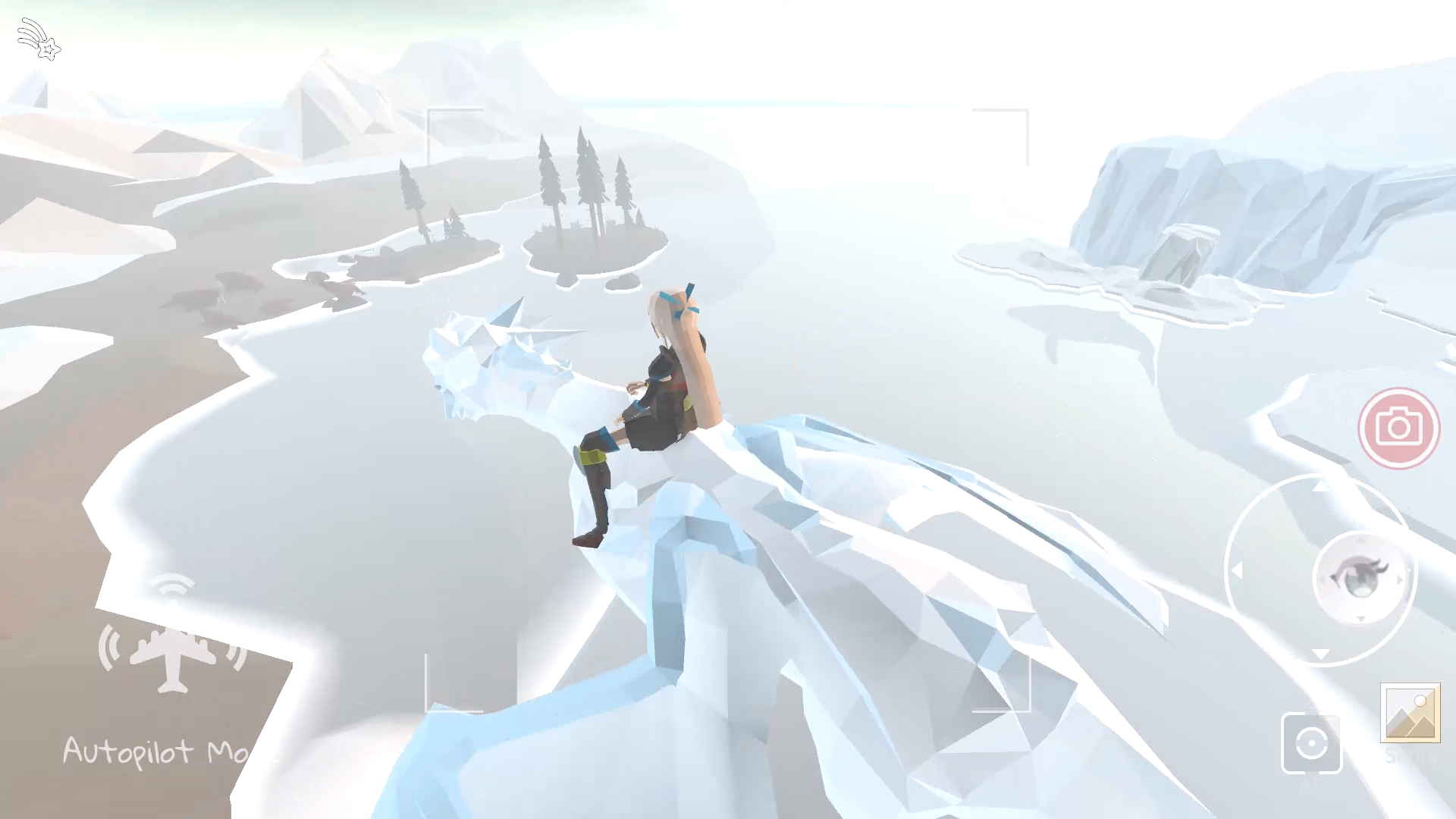
I would have loved to be able to spend more than a minute at each location. They were so beautiful, and I wanted to spend more time exploring and enjoying. Having multiple spawning locations for each world was wonderful, but I still wanted more time. That said, I think the 1 minute time limit lends itself well for a mobile game. It gives players a very clear and defined amount of time they can expect to spend on any one run, and the short time works well for someone who might be on the go and only have a few minutes of game time. It was easy to be able to return to the same location if I wanted to go back to it and spend more time there, and the multiple spawn points did allow for greater exploration.

I liked that you had a score for the photos, without making it a requirement for getting to new locations. They gave a low-stakes goal to work towards, while still encouraging me to just take pictures because I liked the shot.

I wasn’t completely sure how the spyglass worked. Other than letting me see the dwarf NPC that one time, I didn’t really notice it making much different in game. Was I missing something, or is it going to be more of a feature as you continue working on the game?

I really enjoyed playing this one. Sometimes it is nice to be able to just wander and enjoy looking at beautiful things for the sure joy of it.

Developer(+1)

Wow, thank you SO MUCH for taking the time to write up such thorough feedback! And there are really actionable items to me.

Yep, I did think of storing the photos. In fact, I already have the code to save the photos to the computer or photo gallery on the phone. Some screenshots were actually snapshots during my playtest. But I disabled it in the posted game for both technical and privacy reasons. I will rethink keeping this feature in the final game.

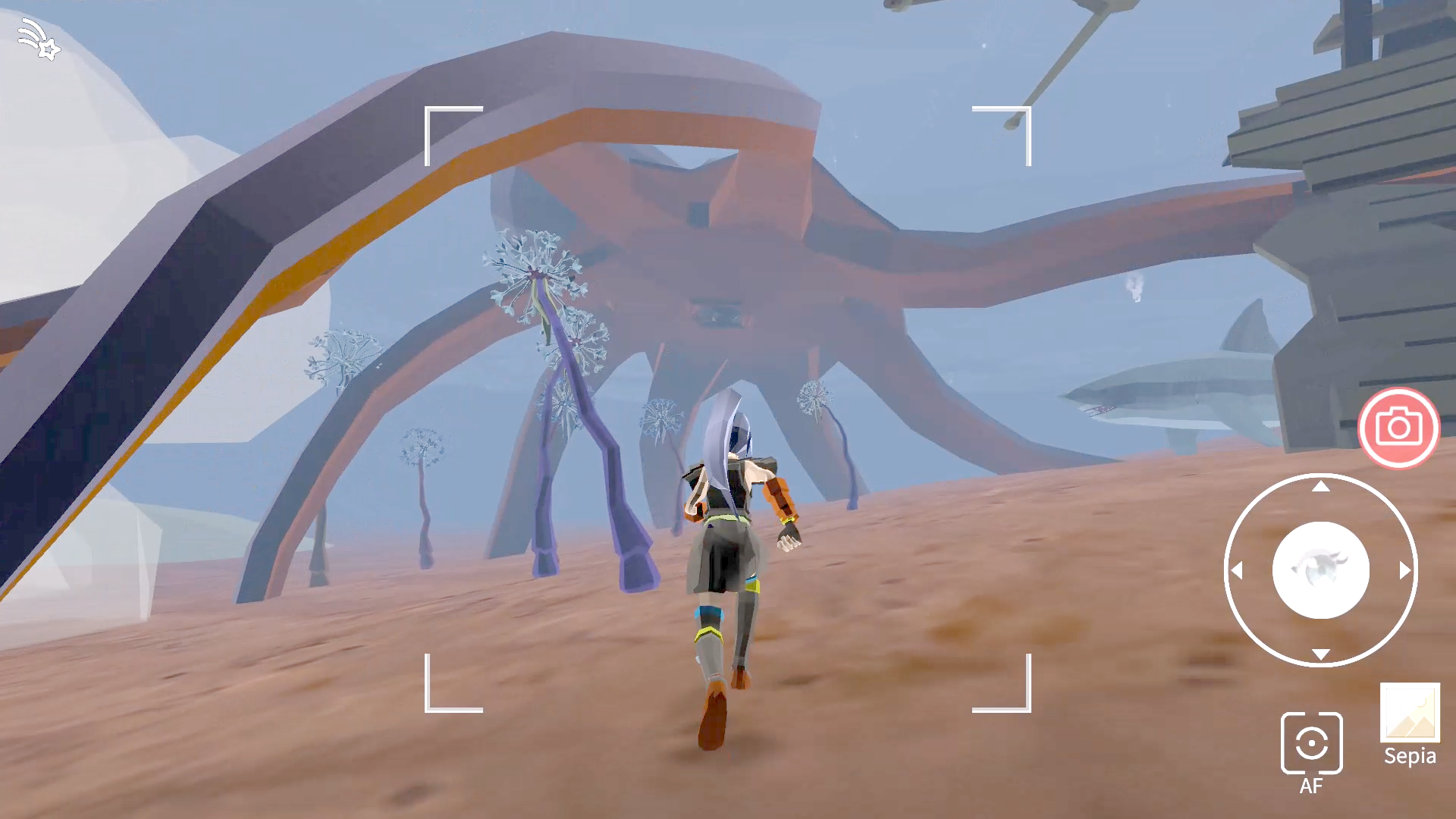
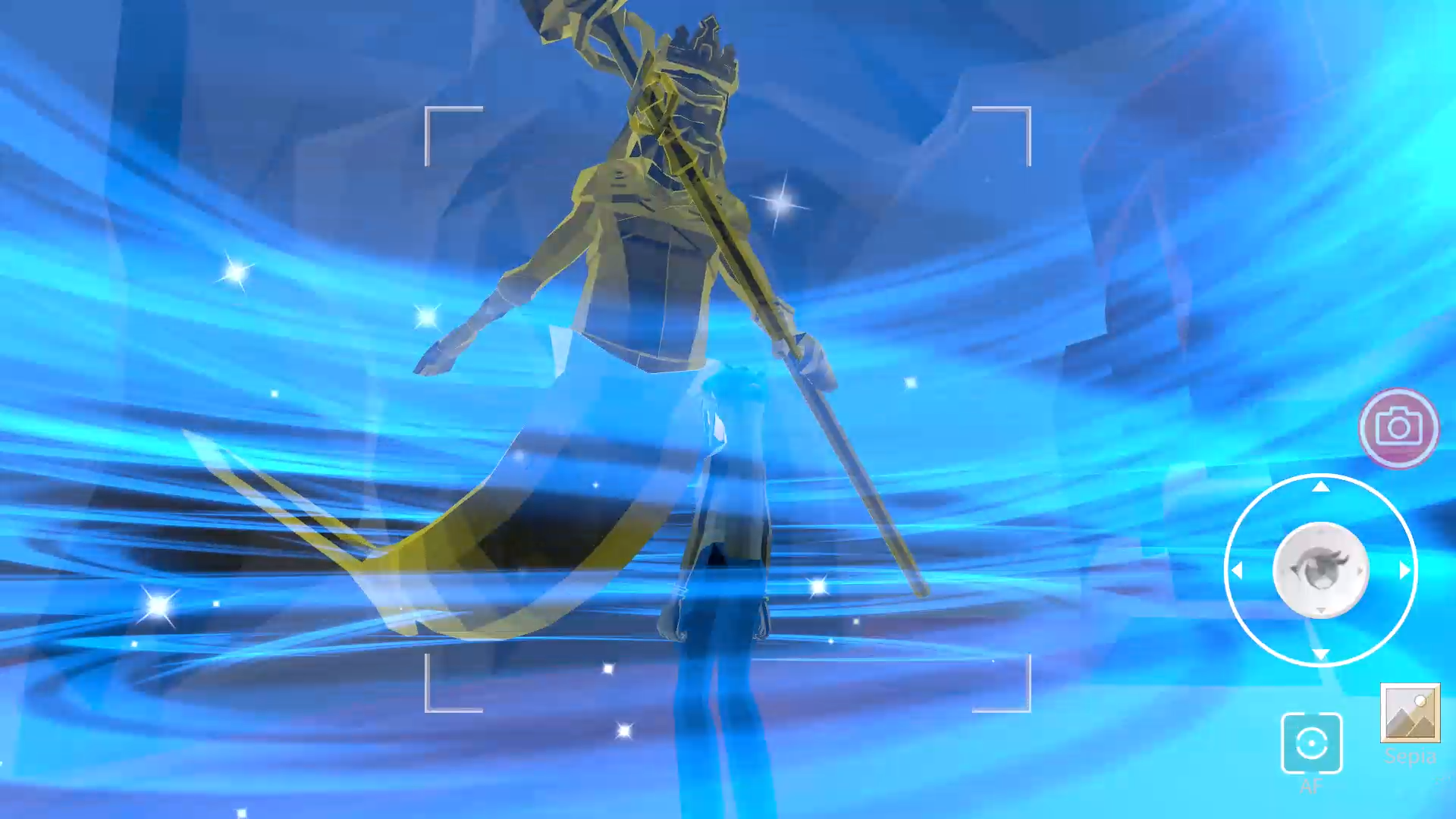
As for the spyglass, you don't need it to see the dwarf. To use it to see "things," click on the spyglass, it will be placed on the side of McKenzie's head. Then, my secret "algorithm" of scoring the photos will be revealed! The key objects to be scored may be rendered in solid white with a black outline, like an ink drawing. All the hot spots that my code checks for scoring are shown as tiny hot pink dots. In general, the more pink dots are included in the photo, the higher the score will be, although each dot may have a different weight and even directional weight. Note that Grandma gives McKenzie the spyglass when she says she wants to get a higher score. So, the spyglass has something to do with getting higher scores. Player may or may not be able to figure it out, but it does not affect the game flow in any way, regardless.

With the spyglass turned on, you may also see some random flying particle trail effect, like what Finn (Grandma's golden retriever) sees in the barn intro scene. (The story in the final game will later reveal that Finn has been sneaking into the game so many times that those magical things follow him out of the portal, and they need to do something about it.)

Click on the spyglass again to toggle it on/off anytime. However, as Grandma tells McKenzie, once you take a snapshot, it will disappear for that run. This constraint makes the player to weigh spending more time watching through the spyglass searching for hot spots vs. just capturing the current fleeting moment they don't want to miss.

But I should (and plan to) add more stuff for the player to see with the spyglass, in case the player never looks in the direction of the photo hot spots. Perhaps some collectibles, like spinning coins.  :D

Yep, I started making the game solely to, as you say it exactly, "be able to just wander and enjoy looking at beautiful things for the sure joy of it." And I even plan to make those worlds into VR for myself to go in to just chill. :D  The photo-scoring was added only to make it more like a game, so it's more likely to be shared with others. Well… I am really glad my game found you!

Submitted

Thank you so much for explaining how the spyglass works.  I completely missed that I could click on it to use it.  I will have to go play around with it!

(1 edit)

The concept and atmosphere are very nice and chill, I can definitely see this appealing to a lot of people. It reminded me of games like Alba: Wildlife Adventure or Heartopia which have lots of camera minigames/features.

The low-stakes aspect of the gameplay was nice, but it did feel a little aimless. It could be cool to have a mini objective to take a picture of X or Y in a level. 

The biggest feature I was wanting was to have a first person view with zoom, so I could frame up some nice shots in the environment that weren't centred around the character. I think this would add a lot more variety to the game, and allow more objective based things. 

The controls also felt a little unintuitive on PC, but would work well for mobile.

Please give my game a go if you get the chance :) 

Developer

Thank you for playing my game and giving me the feedback.

I have bought Alba but forgot about it. Will definitely try it out.

Each spawn point in my game does have an objective: to take pictures that look or give a feeling as close to the particular sketch as possible--the sketch that the player has just selected before going into the wardrobe portal. The closer the photo to that sketch, the higher the score. Every spawn point is right at where you could find what's in the sketch you have selected. Once you get at least a score, then grandma will give you a spyglass that can see "things," and then encounter a new NPC, which will be a key character in the storyline that I am going to implement. But the player does not have to follow all this and could just wander around, take whatever photos they want, and admire their photographs, if they so choose to.

Glad you mentioned the zoom and framing feature. I did experiment with adding zoom and pan sliders, but decided not to go forward as it  made the UI quite busy/confusing. But since you mentioned it, I will re-think the design of it.

I will check out your game later today. I didn't try it earlier because words "chess" and "roguelike" kinda of scared me a little, as I am not a chess or roguelike game person. :D

Submitted

Do you have any plans of releasing a desktop version? Also, do you ever plan on adding the mouse to control the camera for desktop players? Using the keyboard only feels a bit janky.

Developer

It's intended for mobile. The keyboard controls are added only because of WebGL that can allow for more potential playtesters, who, I have found out have been expecting WASD and seem to refuse to use the virtual joystick by dragging the handle with the mouse.

The A/D and Q/Z keys use the exact same code as the virtual joystick. So it should feel the same as the virtual joystick, well... at least to me. Note that the A/D and Q/Z keys are for direction control or look only. You have to hold the W key with the A or D key together to control the direction. You press/release the A/D key when needed to change direction while holding the W. Or better yet, simply hold the W key and use the mouse the drag the virtual joystick. :D  Yep, to a total noob non-gamer like me, what feels natural does not feel natural to the average gamers, and vice versa.  :(