


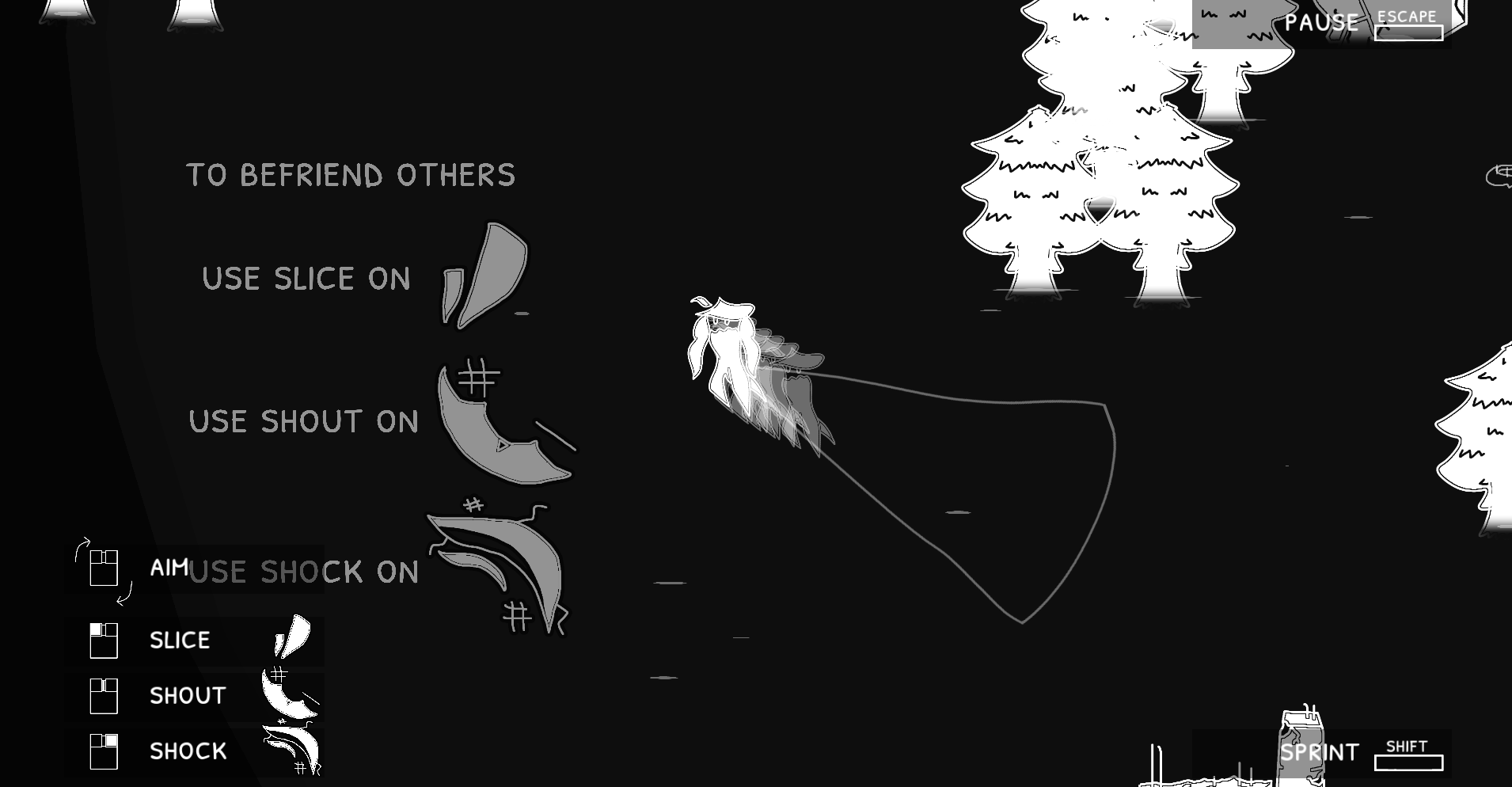
I think that better explanation of how and why you need to use certain actions on other beings is important as it seemed some were friendly but the rest would agro at the start of the game.
The combo of directional, WASD and 123 is unintuitive (holding space *then* pressing number keys especially feels like a specialised action rather than basic attack); perhaps Q/E or using 123 to switch and space to fire would be better.
Really awesome concept and world design. I'd also love to see a few more animation frames on the player character.
Play game
The Harbinger of the Deep Alpha's itch.io pageResults
| Criteria | Rank | Score* | Raw Score |
| Playtested this one | #8 | 4.250 | 4.250 |
Ranked from 4 ratings. Score is adjusted from raw score by the median number of ratings per game in the jam.
Comments
Thanks for the feedback!
I’m gravitating towards default Toggle for Sprint and Action for now, but I will try that style out in the future. There is cooldown to every Action so switching style can be a good option. What kind of animation do you have in mind for the player? I guess I may do something like the typical breathing idle animation? Or maybe some flowy limbs when moving?
The narrative concept about venting and relieving frustrations is super nice. And the overall vibe and aesthetics show promise.
Gameplay-wise I found it a little hard to fully get behind for a couple of reasons:
- The amount of inputs required for the simple attack felt a lot. I was almost always holding directional inputs, space, shift and LMB--the ability menu felt a little redundant as the mouse controls didn't seem to have another use? Unless I missed something. I also stopped using the other two actions as they felt less impactful.
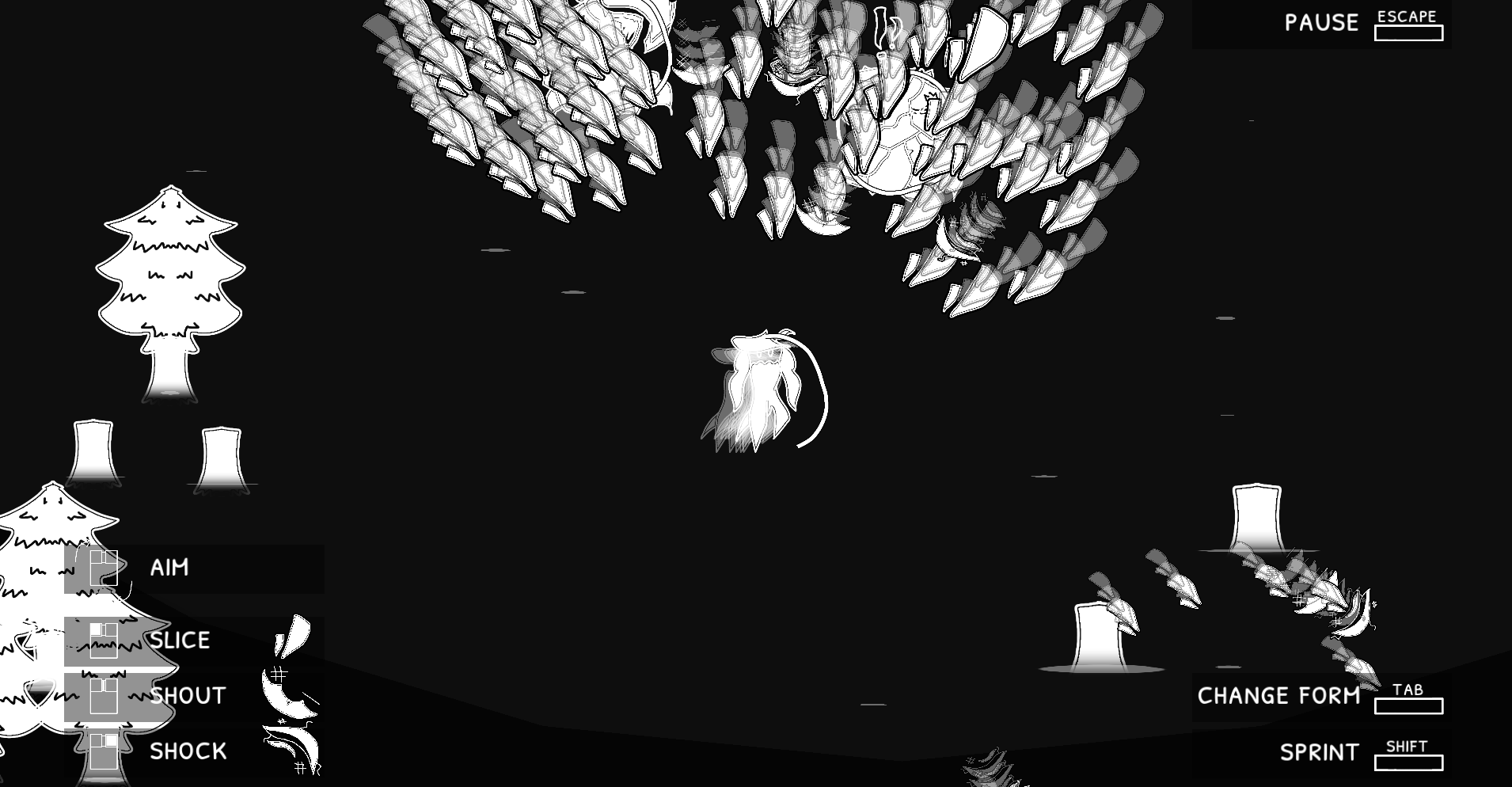
- I found it hard to tell where the player and enemy health was, so was shooting them without any real plan of when they'd die. And I wasn't sure if there was a way for me to recover health.
- I also wasn't sure where to go really
- Some SFX for movement, taking damage, hits, attack, etc would be HUUUUGE as well.
I think the main thing from all that is just clarity, as I felt quite confused about the systems. But I did like what I understood.
Please give my game a shot if you get the chance :)
Thanks for the feedback! More music and sound effects will be added soon of course, I just wanted to focus on the mechanics and worldbuilding.
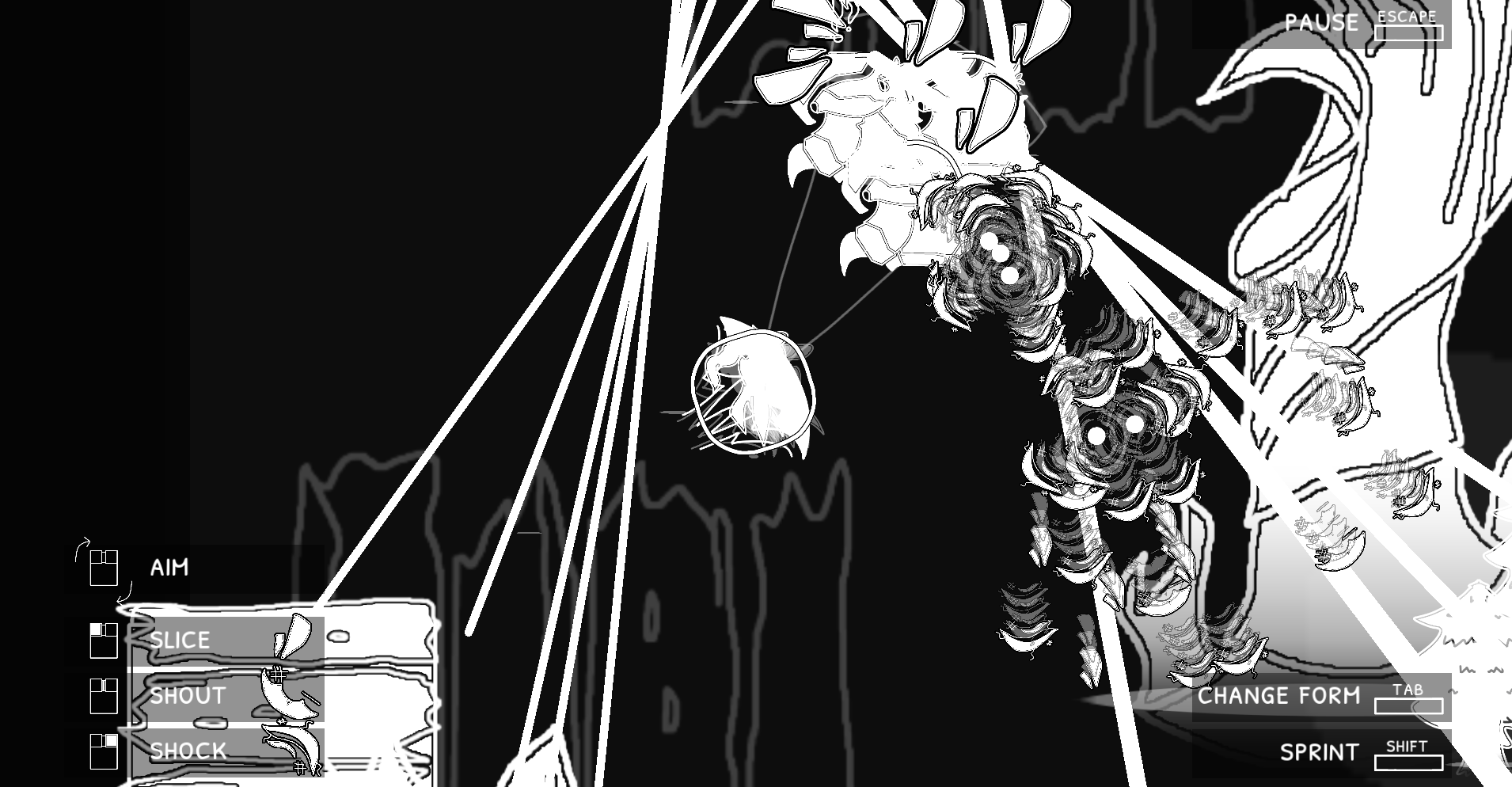
Yep, I will be removing the holding of Sprint and Action to where it will instead be a toggle. I also didn’t really explain how Slice, Shock, and Shout work. Using the right ones corresponding the icons on the Beings will get you closer to befriending them, doing the wrong one 3 times will aggravate them and become an Enemy. Shout and Shock actions can’t effect Enemies and you can no longer befriend them, so you can only Slay them with Slice. I’ll add more text at the start as those are pretty big mechanics.
The health is never actually shown, for the Player only at low health. I did look into adding more states of that Player breaking for higher health but I will still keep the health for Beings hidden. I’ll also add more effects to signify player healing, as the Player does heal over time.
Hey I tried your demo, I played it with mouse&keyboard... pretty cool, it has some potential and the aesthetic is very nice! I'll add now some personal notes:
- In the "Options" menu when I select a checkbox and change its value I cannot see if the tick is there or not because it's white-on-white
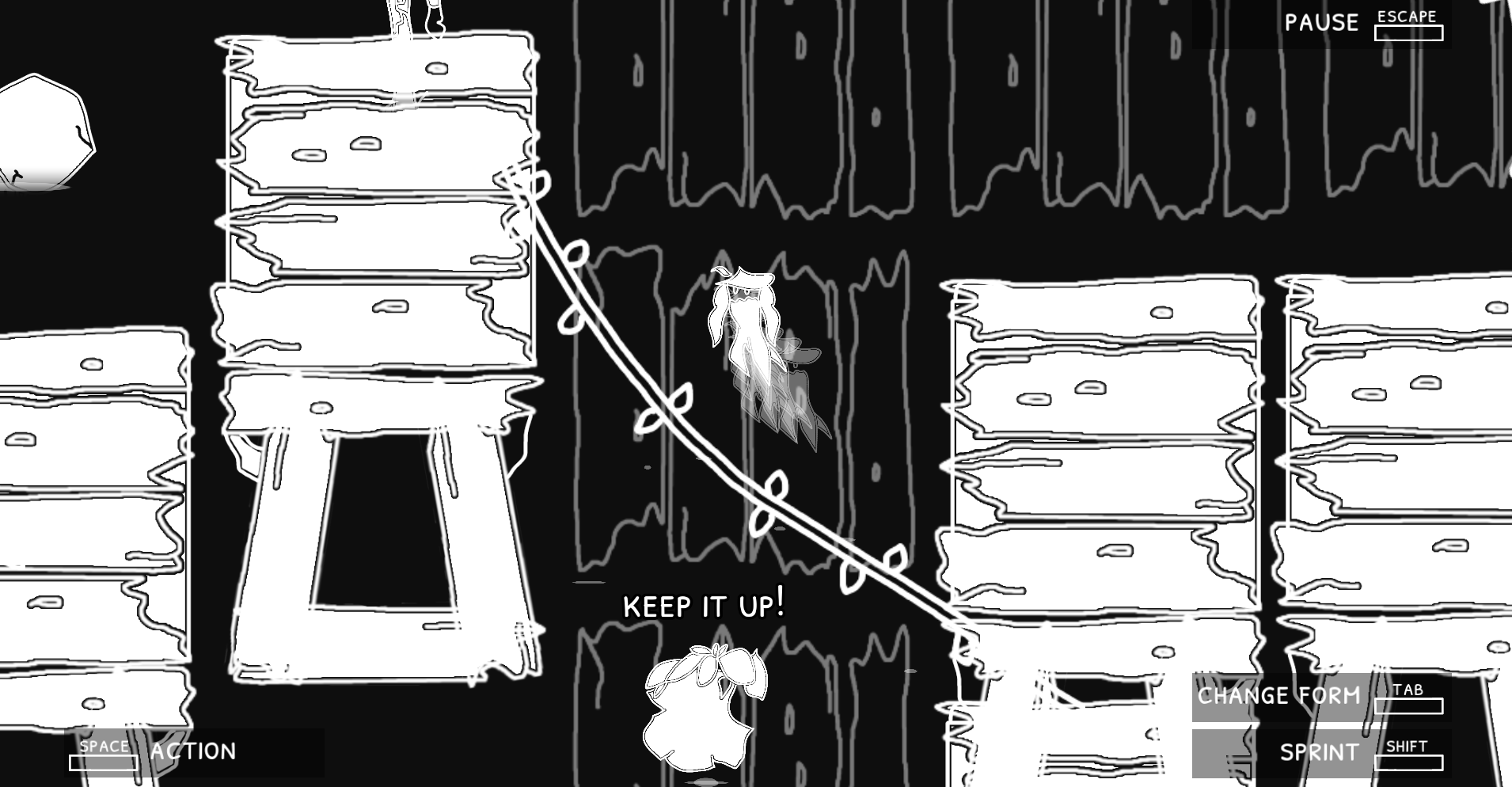
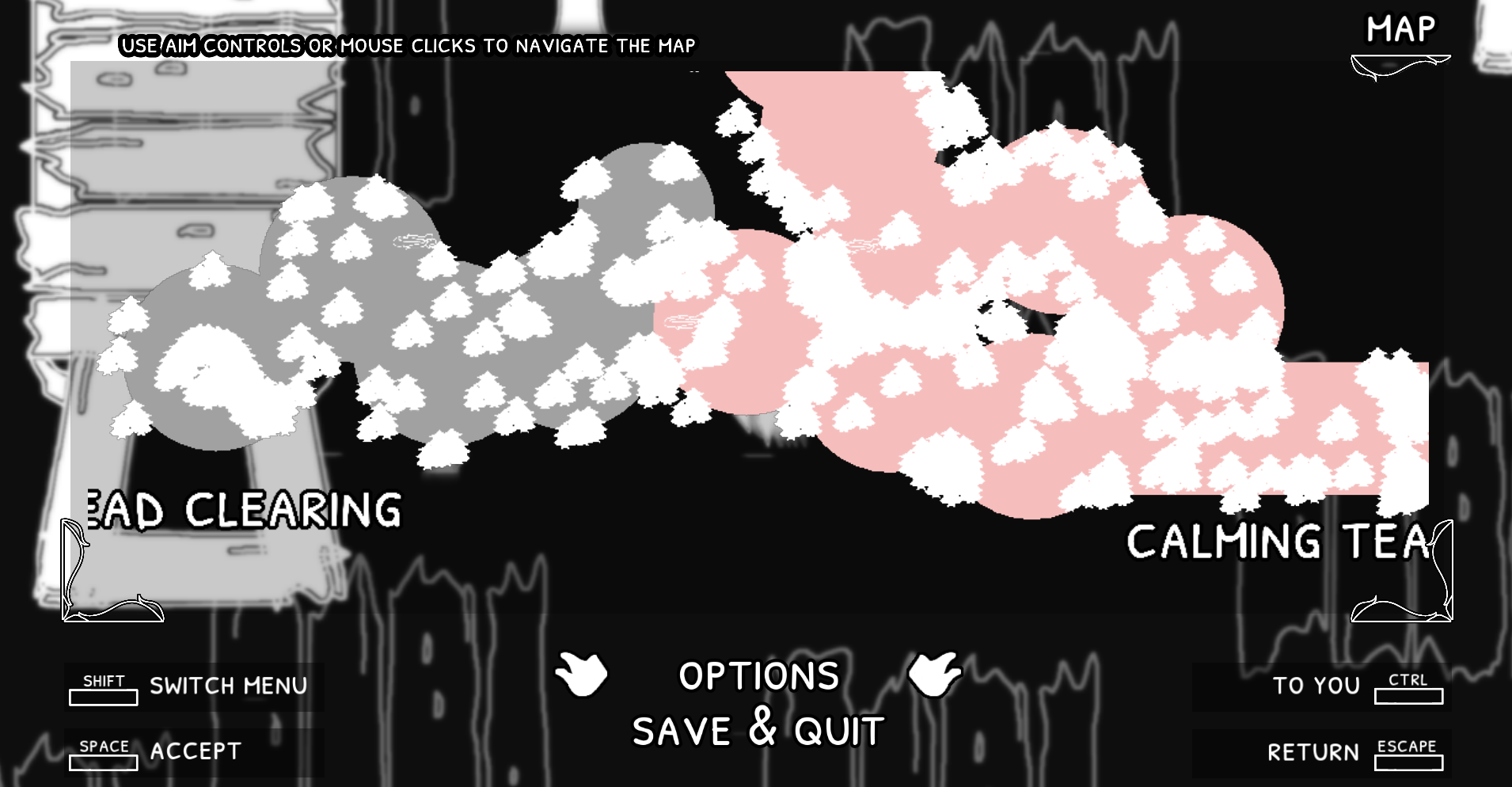
- I would add a bit more contrast between navigable map and black non-navigable "void", sometimes there's no distinction between them and I get kinda confused
- The fact that you have a "health bar" on your body is very cool, I would add more states to that (so for example the more the damage you take, the more the cracks appearing on the body)
- I would add directional arrows on the sprite for "Aim" icon (when pressing Action key) while in Keyboard mode: in the beginning it confused me and I thought it was WASD
- The combat is good but I'm not a big fan of keeping spacebar pressed when you need to perform an action: I could see this game work anyways even with a simple "twin stick shooter" approach, so maybe you can try removing the spacebar action and let the player perform the action immediately, also by adding a mouse cursor and see if it works! Also the "cone of action" that appears when pressing spacebar is futile in my opinion
- I did not understand very well the purpose of "shout" and "shock" actions
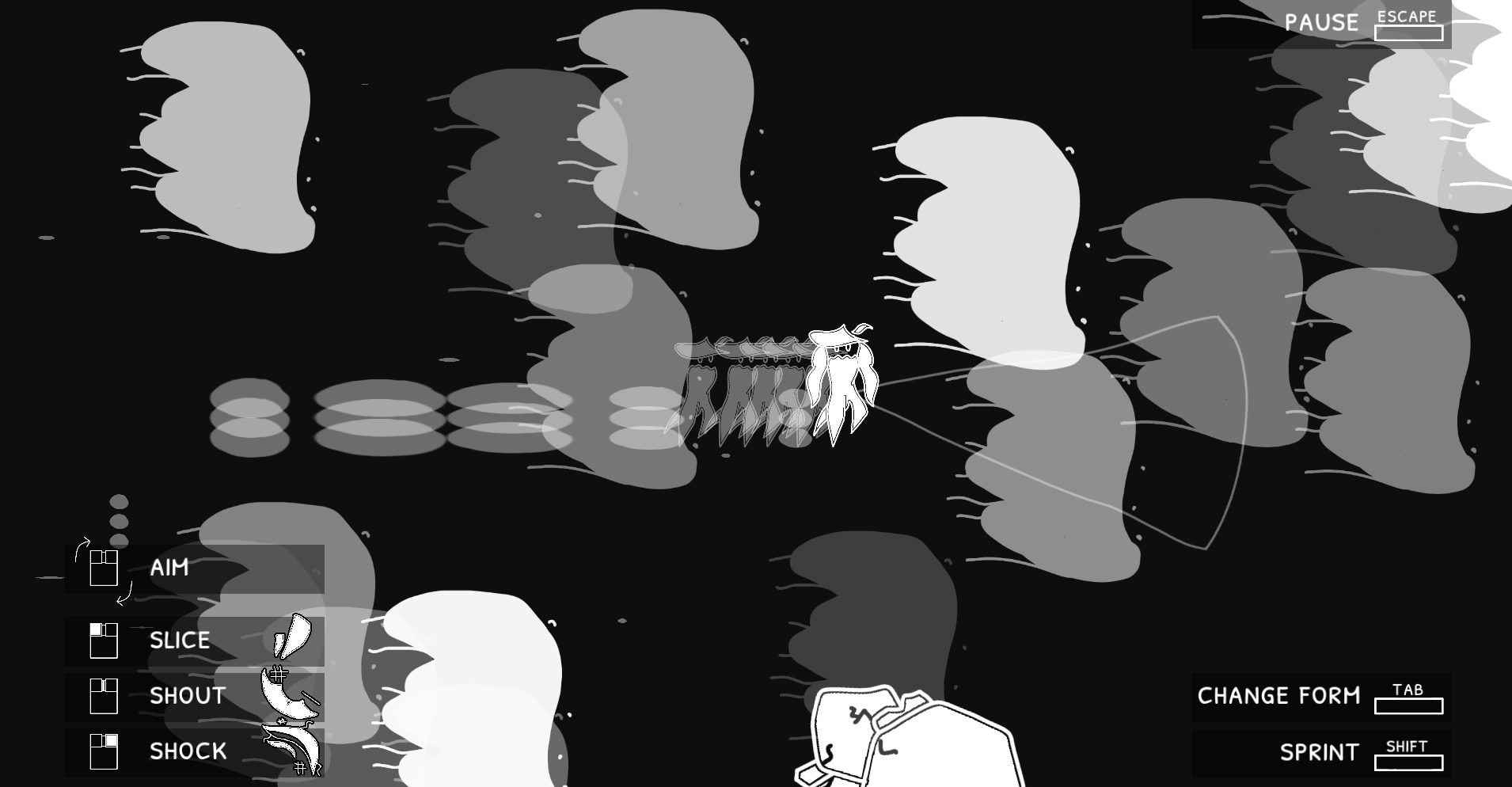
- I would add some variety to the sprites of creatures that are enemies and friend (I see they have some kind of "icon" on their heads but maybe some variety also in their sprite would improve readibility)
- Enemies are very simple and "cheesable", I would add some more variety and unpredictability to their behavior
- Possible bug: music when changing between Dead Clearing and Calming Tears isn't always triggered
Hope it was useful in some ways. Keep up the good work!
Submitted
Project RLS 2.0 - DemoThanks for the feedback and catching those little details such as the Options.
I will remove the holding of Sprint and Action entirely in favor of toggling. I also didn’t clearly explain that the usage of Slice, Shout, and Shock were to allow you to befriend and remove the frustrations denoted by the icons on top of the Beings. Doing the wrong action will make them angered, and after 3, will only allow you to use Slice. Making other actions ineffective. I initially thought that since the HUD showed the icon that had some similarities to the ones on top of Beings, players would gravitate toward trying it but it seems I need to better explain that. So I will be adding some text on it at the starting area.
For these early Beings, I think they’re fine that they are cheesable. If one does choose to befriend instead of slay, I actually did want players to cheese them a little. Maybe slowly drag them out of others’ way so you don’t hit other Beings with the wrong Action. But harder Beings are in the works and I’ll look into more bullet hell style for the later Beings.
I’m still thinking of how to make the cone of action better, but I won’t remove it. I don’t really wanna do the rotating guns like other twin-stick shooters so I still need something for Keyboard-only and Controller. Plus, the Shock action relies on it as it isn’t a projectile. The player must have the Being in that cone for the Shock Action to work.
Oh okay, now that you explained to me the other actions make a lot more sense! For that matter, I once befriended a foe without knowing why, just outside Calming Tears, and I thought it was scripted but now I understand that I did the right action by chance. I will maybe replay it with that knowledge you gave me.
That's ok for the easy enemies in the beginning, totally understand it.
If you really wanna keep the cone of action you could make it a transparent area instead of an outlined one as it is now. Or, if I may suggest again one way to remove it totally, you could make the shock action sprite/animation to be in that cone area in front of the player (also the area of effect of the shock was not very clear to me in the demo).
PS: I approve the toggleable key for actions too!
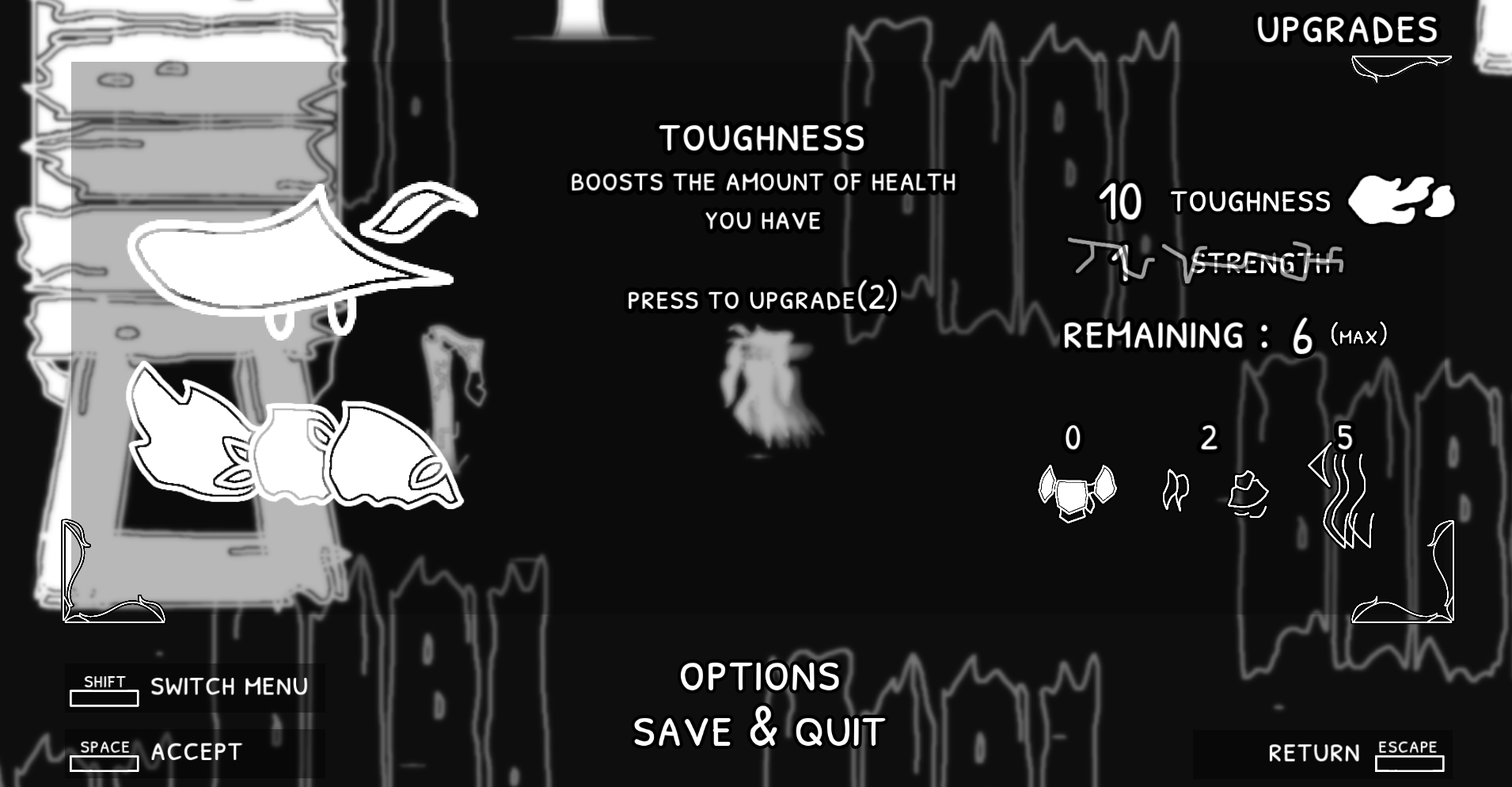
The premise is intriguing. The B&W aesthetic is neat. and works well with the hand drawn art. Some of the text could use a bit more contrast, such as on the Pause screen, when it is over a lot of white. It looks like you have a slight blur effect, but you may want to add a darker semi-transparent Panel Container behind the text to give a bit more contrast when the text is over a lot of white.
When I started I noticed the "0" after "Remaining:" was clipped on the left side, though later, after getting upgrades it looked fine.
It would be nice if your current XP/currency was shown when you hit the upgrade shop. I had not noticed the gained XP on the Pause screen, so was not sure how many I had when talking to the shop and just bought something, then went back and bought the other. Trying again I was told I didn't have enough. After that I went to the Pause screen and saw the upgrades. Knowing it is there, I can now go check it before a shop, but it is generally good to show the currency available in a shop. Similarly, I'd prefer being able to see the current amount of something when able to purchase more. It wasn't hard to guess the upgrades provided by each item, but it also would be nice if the first time you visited the shop they told you what each was for.
After a while the music stopped. You may want to check your import settings for the file and make sure "Loop" is checked.
I saw a note in your devlog about controller issues with web browsers on Linux. I am playing using Vivaldi (Chromium based) on Linux. My controller (8BitDo Pro2) worked fine. I played a bit like that, but found the R3 to Slice messing with my aim and switched to keyboard and mouse. I like that you support many input options. With mouse it really started to stand out that holding space to be able to act was really odd. It didn't feel quite so awkward on joypad, but trying to hold Shift, Space, and use WASD to move was getting unpleasant after a while. I remembered seeing Toggle Hold in the options, and tried it out. That feels much better. With so much of what you are doing needing that aiming, it seem odd that you have the requirement to be in that mode to do things. It might make more sense to allow toggling the display of the cone, but allow use of abilities at all times. For mouse it is obviously easy to see where you are aiming without the display, while I can see that other inputs may need the display to know for sure. Still, I think that action mode being the default seems to be preferred, at least with what I have played so far. If the display of the action cone is problematic, perhaps add an option to adjust its alpha with a slider so players can have it show, but only as faintly as they want.
Finally, the biggest thing that stood out to me was the combat. The description on the web page had me intrigued by the potential options of how to play, seeming to promise the ability to play peacefully or be violent. Asside from the 1 shop I ran into, Everything was trying to kill me, and nothing other than Slice seemed to do anything useful. The trees moved for Shout. But no matter how many times I shouted at enemies, and I did try it a fair number of times, it did not seem to do anything. I tried Shock as well, but that puts you in greater danger and was much harder to do, so was tried less. Still, I did not see any effect from it. After a fair amount of redoing the first part from dying many times trying to find the non-combat options the description implied were available, I went ahead and used Slice. I tried a few more times on different enemies, but always fell back to Slice. I did try running for a while, until I thought I hit a dead end, and may have needed to kill the enemies to proceed. After killing those I could find I did find a path around the top that I had not seen before. I do not know if it was there and I had missed it, or if the killing had opened it up. I had been trying to get through from the left side where there were 2 destructable rocks, and several I could not destroy or pass, and those were what I thought might be tied to killing.
I think it could use with a tutorial, including a bit more info on how and when to use the abilities other than Slice. It could also use with a bit of rewording to better prepare the player for the need to do a lot of fighting, if it is indeed needed. If there are ways to not fight, then a bit more guidance on how would be good.
Submitted
Hungry For LootThanks for the wonderful feedback!
For the combat, I will look into ways to make it more clearer. The idea was for the icons on the Action HUD beside the buttons matching the icons on the Beings would show what Action you needed to do to befriend them. I initially thought that would be enough. I also forgot that I didn’t explain that making 3 mistakes of choosing the wrong action will lead to them being angered, and only allowing Slice. I think I’ll look into adding some text to quickly explain those as you go out of the starting forest. There’s a lot of space before getting to the first Being anyway.
(EDIT) I’m also gonna add some more effects when one does get it wrong and make it more apparent one got it wrong. Like a scaled angry version pulses quickly, sound effects, and all that.
The indestructible rocks needs a nearby Boss Being to be befriended or slain at least once. The first one in Dead Clearing has a very different sprite, and are north of those rocks. I think I will keep this implied for now, but maybe I can think of an easier way for players to know. Maybe some particles leading to the boss or I don’t know.
I think I will remove the Toggle Hold setting entirely and make it where toggling instead of holding is the default. I honestly find myself defaulting once I implemented it too, and see other feedback also struggling with the amount of inputs needing to be held to press.
I’ve added some more information when shopping, adding the experience needed to the side of the item (like Plate (2)), as well as showing the remaining XP available once the shop options appear during dialogue. I think I had that thought at the back of my mind, but I kept forgetting to write it down and actually trying to rectify it so thanks for catching that. I’ve also added some more translucent panels to make the text read better in the Pause Upgrades screen.
Thanks for letting me know on the sound issues and clipping issues on the Remaining Text. Clip Content is enabled by default and the outline went over the boundary of the box so it was a quick fix.
After reading your reply I opened the game in a Private Window to try it fresh, as I did not see a reset/start new game option, and didn't feel like clearing the files manually. You may want to add a new game or reset somewhere for testing like this.
Looking for it, I did see the symbol and was able to befriend the first being. I think the issue is that there is a lot going on with the being's art, and everything overhead. The icon blends in with everything else, and is hard to notice when it appears on screen, especially since you are suddenly being attacked before it is clearly visible. With the B&W art style you have created a limit for yourself. You don't have as large of a pallet to work with to differentiate the icons from the beings. I don't work in B&W myself, so don't know what to suggest, but I think that for the system to work, you will need to find a way to make the icons stand out more as something separate.
I went to the next one and befriended them as well. Again, knowing how it works I was able to do it, but even knowing what to look for, it took time to process what the symbol was and what it meant. Over time I could see getting used to it and it will be easier, but for new players, they just blend into the rest of the being too much for the fast paced attacks coming at you. I died once and was close to death a second time when I befriended it. Thinking on it, the thing that most stands out to me is the exclamation marks above the head, the symbol to befriend, and the head/hat are all close together and slightly detached from the main body. They all kind of blend together as part of the being. I think if the head/hat was more attached to the body, that would help. The double exclamation marks could be reduced to a single one, and possibly moved a bit further away. The other option would be to make all of the befriending/action symbols have something about them that really sets them apart from everything else. They need to be recognizable at a glance, both as different from anything else on the screen, and from each other.
I like the art style, and think it works well for the game. Now that I know how the befriending works I really like it, and that you created such a system. I think it just needs a bit of tweaking of the display a bit to make it easier for new players.
I really like the black-and-white visuals, the animated visual effects of the actions, and the interesting narrative provided at the opening that makes it feel like there are some deep messages like in some anime films. I would love to hear background music and sound effects to go with the actions, which you have probably already thought of.
As a total noob non-gamer, I don't have the average gamer's trained intuition to spot the hot spots in games. I managed to uncover the thing that looked like a castle ruin. But then, I don't know how to interact with it, and nothing new I could uncover.
Thanks for the feedback!
There will be more music and sound effects as I develop it further. I just hadn’t focused on them yet. Maybe once I finish this second area, I’ll look into polishing up that part.
There’s still a lot of building for me to do as these are just 2 of the 8 supposed areas I want to do. So there really isn’t much at the end of this Alpha. Still, thanks for going through it!
Interesting idea. I like the ambiguity of some characters being enemies and other characters are not enemies.
It is hard to see where I can move. A lot of invisible walls.
The controls did not work with my 8bitdo gamepad. Rebinding did not work either. It just kept the control the same as far as I can tell when icons did not change.
Keyboard only controls were difficult to use.
Submitted
False KingsThanks for the feedback!
I’ve looked into adding a very light color change to signify the areas you can travel to, but I may add more effects to it. Maybe add some shore-like particle effects on the ends to better signify them.
I have an option in the Settings, Toggle Hold, for allowing holding actions like Sprint and Action to be held in place instead of needing to hold it. That may help a bit, especially for keyboards who don’t allow many inputs at the same time. I am still trying to think of better ways to do twin-stick on Keyboard only with the 3 actions, as twin-sticks are usually just shoot. Should I make it the default?
Thanks for letting me know on the controller issue. May I ask if you use Linux and which 8bitdo Gamepad specifically? I’ve been trying it out on Windows Firefox and Android Chrome, and both Xbox and PS works fine right for the web build right now. But Linux/SteamOS Firefox doesn’t seem to allow me to use both Xbox and PS on the web build. I’ll look into how to fix that but both gamepads do work fine on a native downloaded build on any platform I try it on though.
Leave a comment
Log in with itch.io to leave a comment.