

Indie game storeFree gamesFun gamesHorror games
Game developmentAssetsComics
SalesBundles
Jobs
TagsGame Engines
A jam submission

DualVerse 86View game page

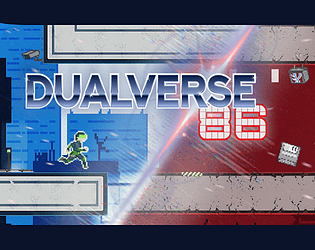
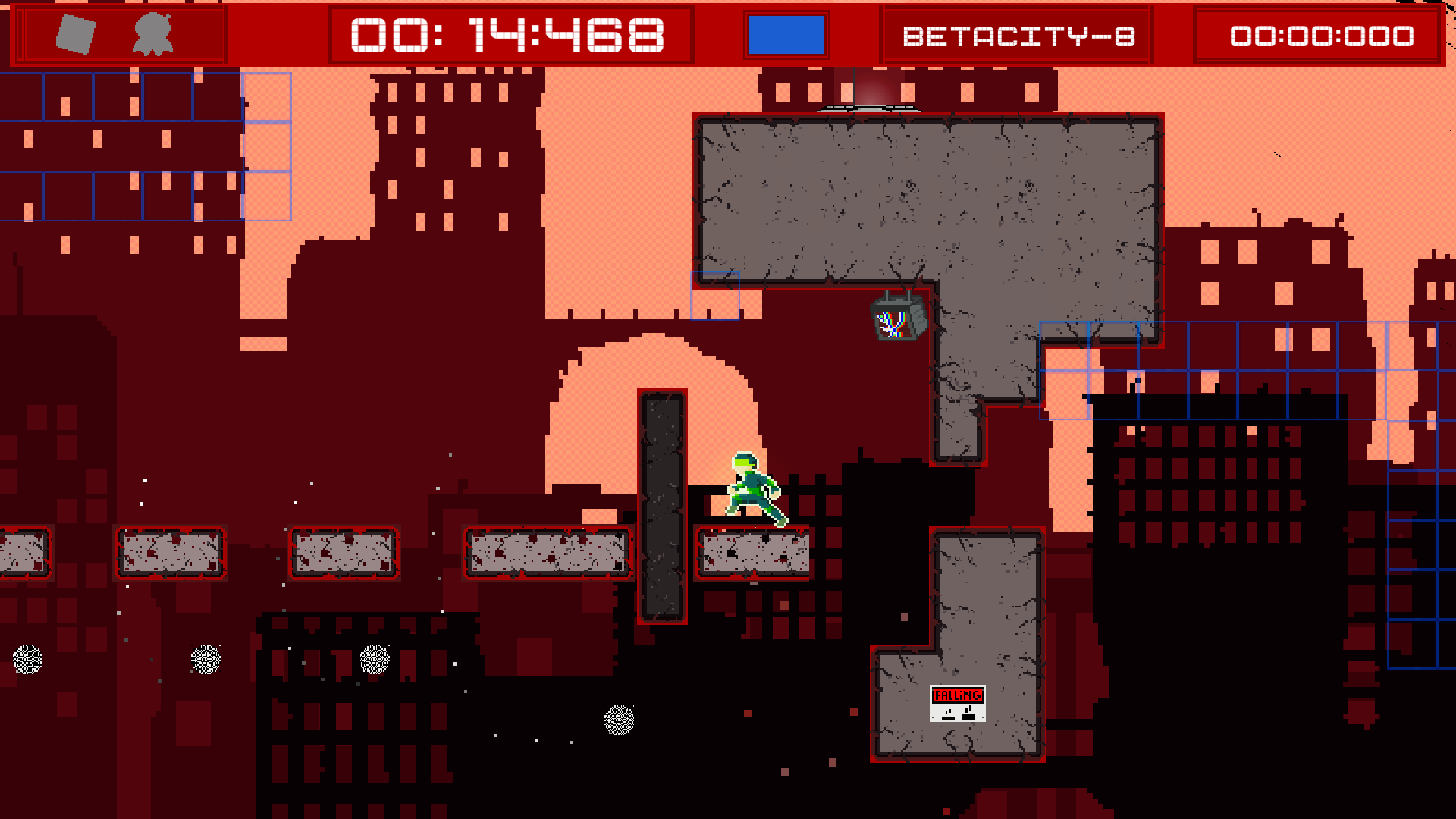
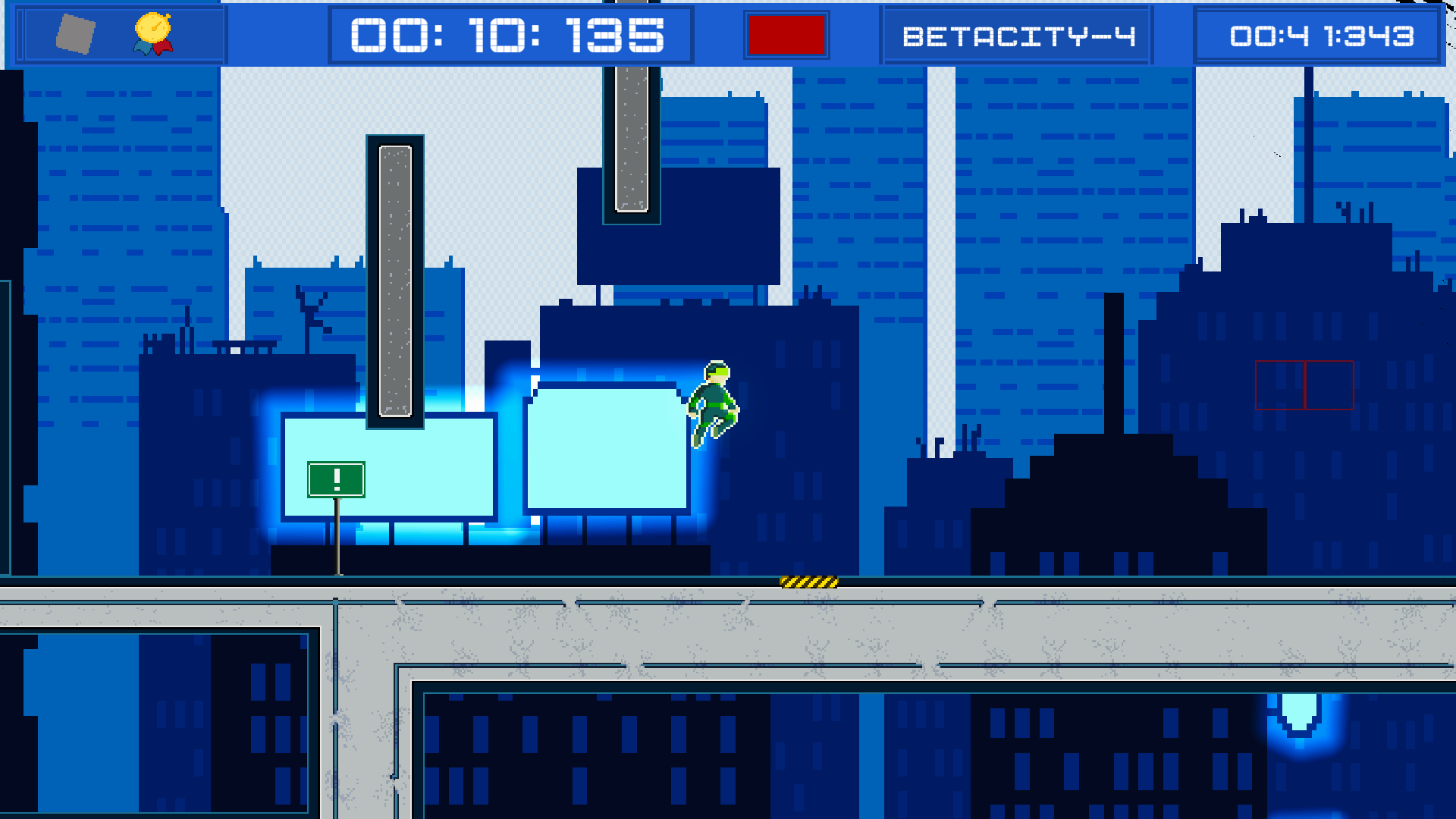
2D parkour platformer, switch worlds, dodge obstacles and race against time.
Submitted by J1GStudio — 22 days, 14 hours before the deadline
Add to collection

Play game

DualVerse 86's itch.io page

Results

CriteriaRankScore*Raw Score
Playtested this one#54.4004.400

Ranked from 5 ratings. Score is adjusted from raw score by the median number of ratings per game in the jam.

Leave a comment

Log in with itch.io to leave a comment.

Comments

Submitted(+1)

I tried the demo, that's a very interesting concept and I liked it a lot. I can easily see this game in some speedrun competition. I was not able to find any of the disks (except one) in the two playable levels. Here are some suggestions from my side:

  • I would add the controller d-pad to navigate between menu options
  • When selecting "Play" in the main menu, I would start immediately with the tutorial before giving the player the possibility to select the stage
  • Sometimes when jumping towards the top edge of a wall, as a platformer player I would expect some sort of "automatic climb" from the character, but instead he held on to it and it broke a bit my flow
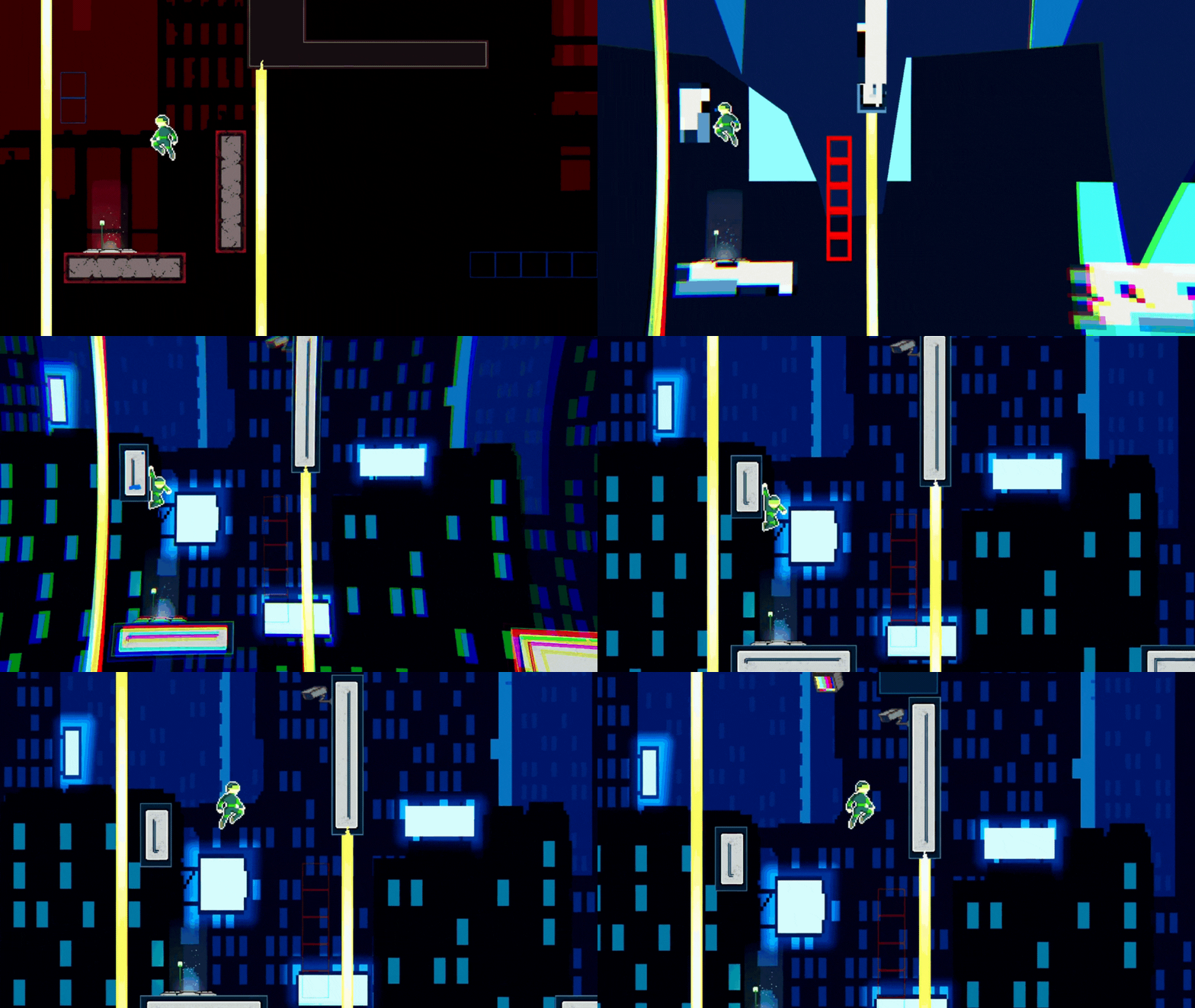
  • See the platforms on the "other reality" with the red/blue wireframed sprites is a nice touch, but I would love to be more precise because sometimes platforms and walls appear even if they were not visible on the other reality. Also, being a little color blind I struggled to see the wireframes sometimes... might I suggest to increase their thickness or add some sort of glow around them?

Keep up the good work!

Developer(+1)

Thank you .

Submitted(+1)

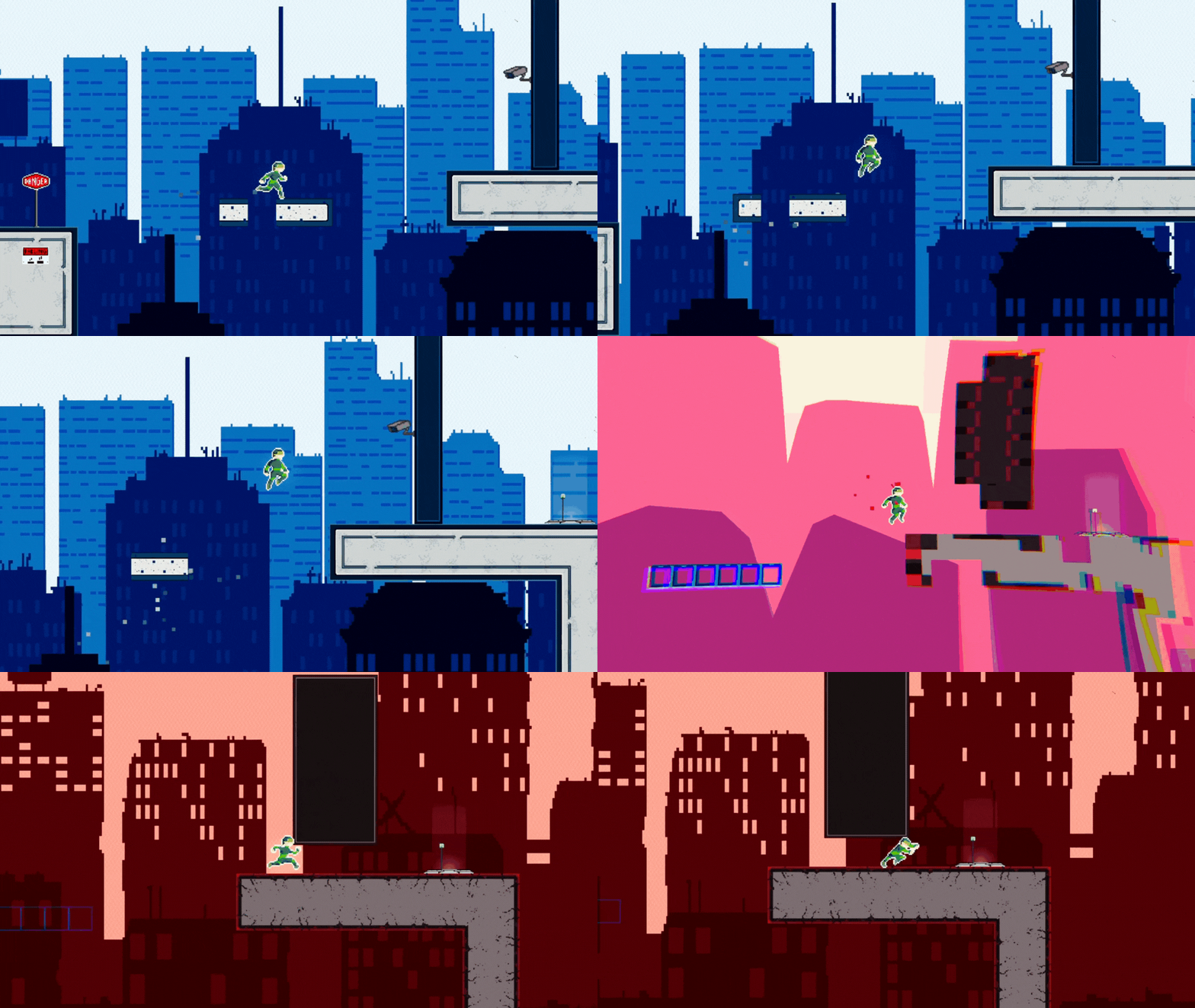
Game play was pretty straight forward. The hollow blocks showing where the platforms will be in the other world is nice, and works well. I did find myself getting stuck on the top edge of things I was trying to jump onto. It was most often when starting close and moving toward it too soon, triggering the wall slide.

The tutorial button could use with looking a bit more button like when not selected. I totally missed it when starting. I had used the mouse to start the game and just continued using it to check out the menu entries, and start playing. Perhaps if I had switched to keyboard or joypad I may have moved the focus to highlight it, but it still wouldn't hurt to have the 2 top buttons on the screen look like buttons when not focused, to draw the eye enough for first timers to notice them.

Since I missed the tutorial, I started level 1 and spent a bit of time messing around with the keyboard trying to figure out what keys did what. I gave up and switched to a controller, which was easy enough to figure out what did what with.

After playing through the first world I had issues with the controller not seeming to be able to move the focus on the buttons. I tried again on another run and initially it also did not seem to work. I tried pressing D-Pad and Analog Stick, and at first did not get anything, though later did. It may have been that I was not pressing them far enough to trigger the movement, though I have not gone back to restest if there was a delay in them working, or it may have just been needing to move the stick further.

Due to the controller selection issues I ended up selecting retry after my first run, which I did not want to do, So quit to the menu, at which point I noticed the Tutorial and did it. I'm not great with wall jumps, and found the wall jumping while switching worlds to be tougher than the first level, though I did make it through. Afterward I redid the first level, finding the disk and getting a much better time.

On the Options screen, The resolution option button is hard to read at the default web viewport size.

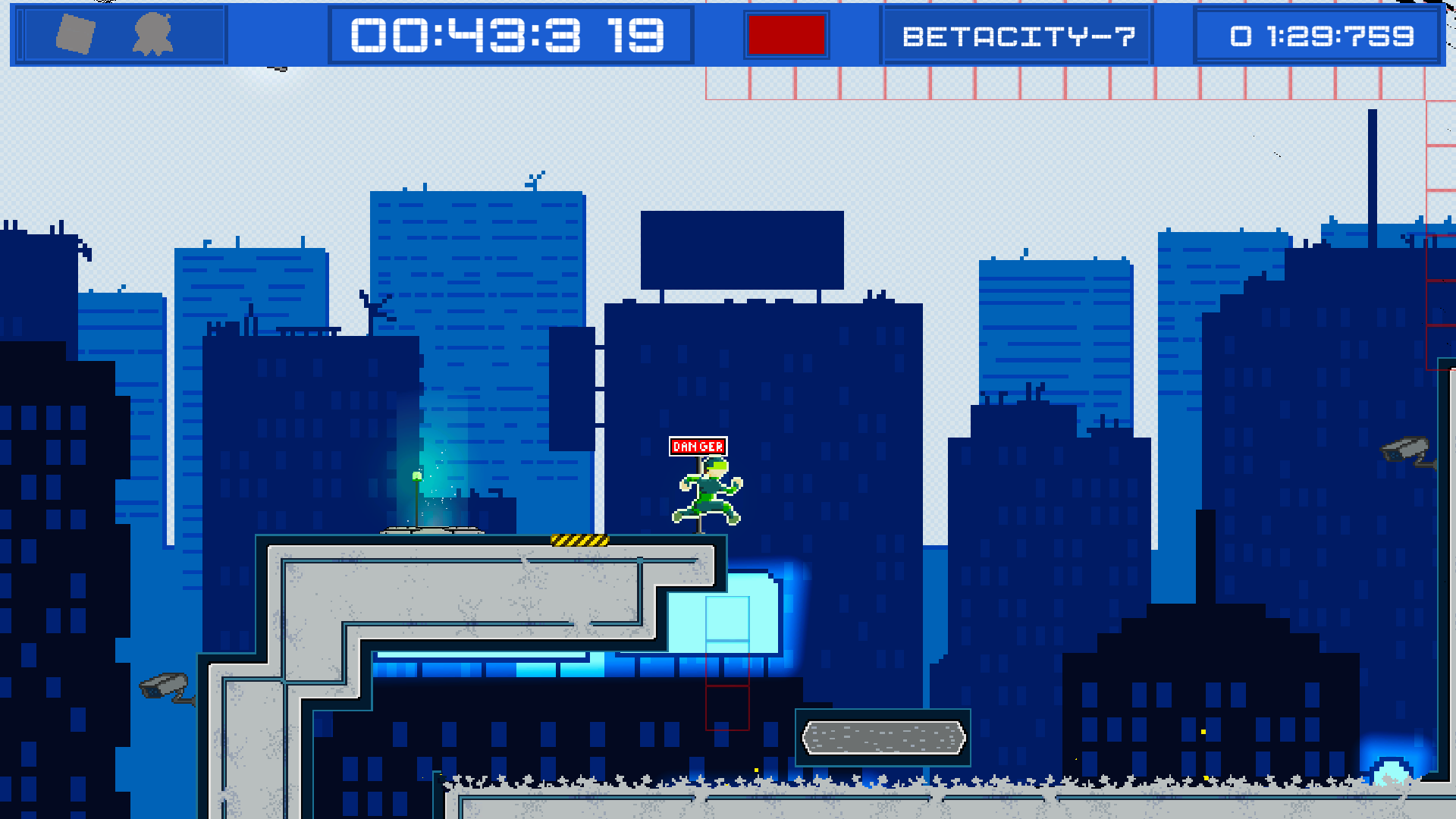
The game aesthetic reminds me of classic Mega Man, without the combat. I don't really play this style of game much anymore, but it felt like it played pretty well. I played through the tutorial and level 1 and the difficulty felt reasonable. The core gameplay mechanic worked. All around looking good.

Developer(+1)

Thank you.

Here's my feedback (:

+  Nice level design, clear tutorial that's teaches you the basics and is also fun to play through. Fun levels that different and gets progressivly harder with new features.
+ polished menu with settings, credits and a button for wishlist! ( maybe move the wishlist away form the title so it sticks out more.)
+ Enjoyed the music and that you had more then one track!
+ The characters walking speed and air controll felt really good

- Controlls, WASD is great but the B&N didn't feel like a natrual placement for my hands, personally I prefer more space between them. Either add re-map in settings or move them to maybe , . or the numberpad 
- Movment: The wall clinging often felt "irritating" when accidently sliding down, at the moment it feels to slow for my liking. Then also when jumping into walls especially during the early learning phase, maybe add some delay into the glide so that jumping upwards is more forgiving.

Really nice game keep the good work up!

Submitted

Really great game, but I found the switch and duck controls to be awkwardly placed. I would be nice if I could re-map them, or use my mouse.

Submitted

Only played through Tutorial and 1st Level, and I can say it’s a quite a fun platformer!

It’s good you have a flashing warning as it was quite jarring the more I played. Especially, when the level needs you to jump and switch mid-air. The wall cling felt quite tight and the slide is a little too slow but I haven’t seen more of the levels, so those tightness and speeds may become useful later on.

Submitted (1 edit) (+1)

This is so cool. I did the tutorial first and played the first 2 levels after that. Felt fully immersed, completely lost track of time. Controls were very smooth and I liked that I picked up right where I left off after a death, kept the flow going.

Submitted

The Game is good but a tutorial might be good like how do i crouch? i pressed every button on keybord and i found out how to change dimension?  ("B" Button)

Submitted(+1)

Great game, but why can't I customize the controls? This game needs a tutorial mode.

Submitted

Good game. Good presentation. 

I like the platforming puzzles. I wish that there were enemies in the game for more challenge and chaos.