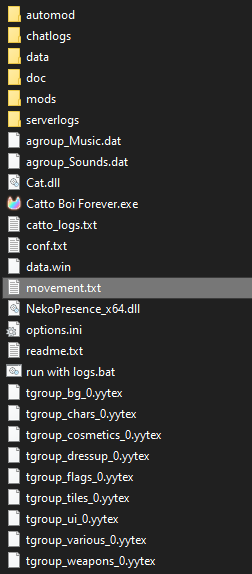
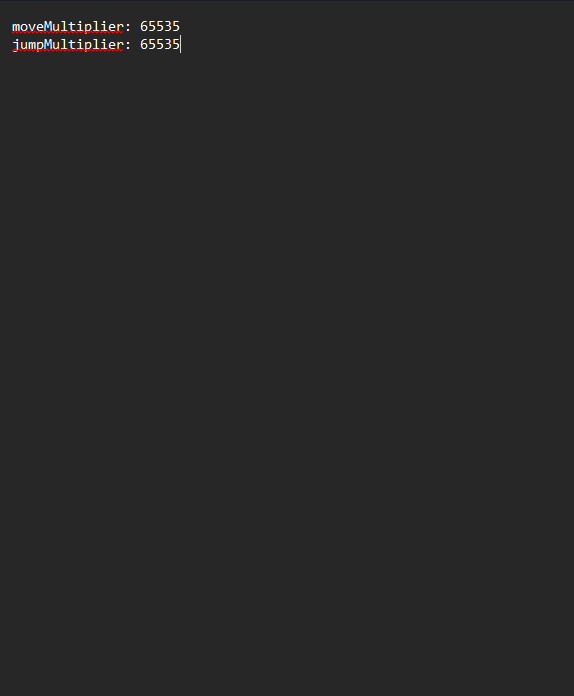
 I'm trying to complete the minori quest, but i am typing the right things that game wants me to type but it won't load, how to i fix this? image link shows what i wrote.
Hi! Not the dev but I can help with this one.
Make sure there's no empty spaces or line breaks before or after the text, like in the example image below: (Ignore the 1 and 2, that's just my text editor's line counter.)
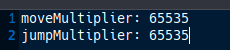
Shouldn't be! I completed this quest in the current game version (v1.1.2.5), works as expected.
One thing you can check is if the file is named movement.txt and not movement.txt.txt (Windows hides common file extensions by default so this is something that can be overlooked with no fault of your own.)
Here is a guide on how to disable that:
https://support.microsoft.com/en-us/windows/common-file-name-extensions-in-windo...
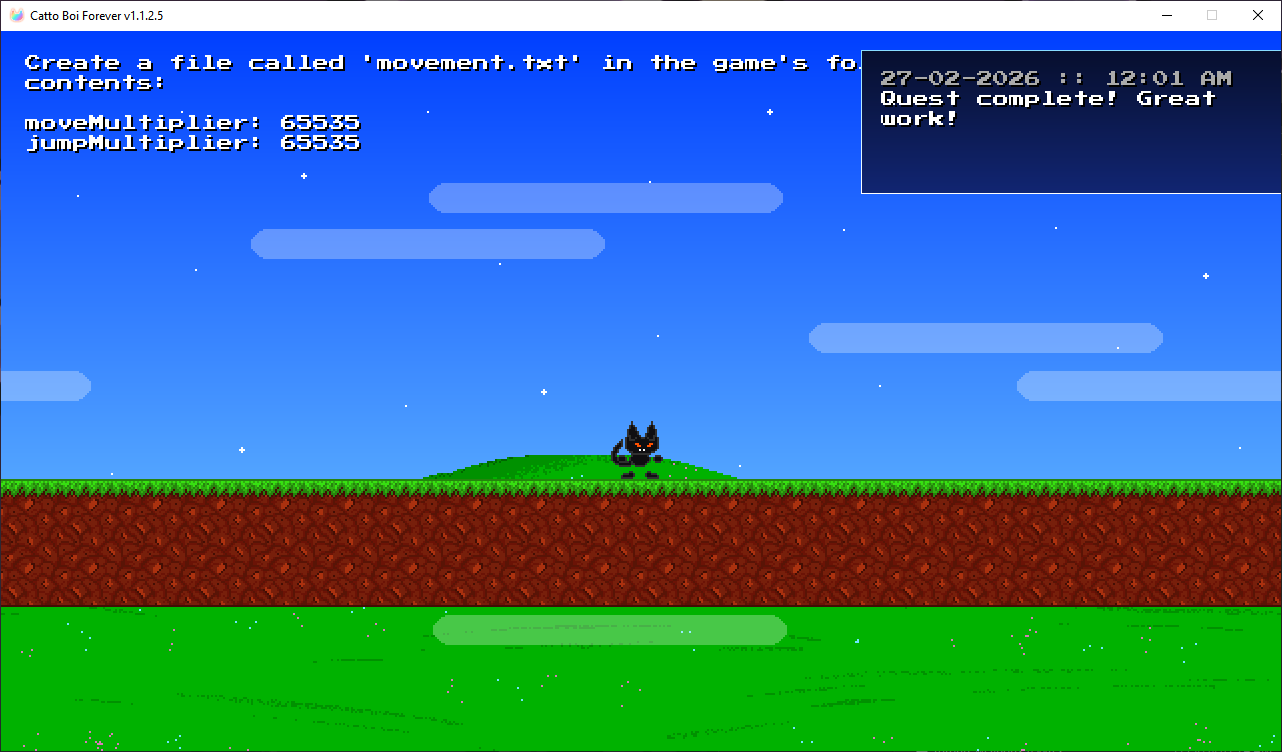
 and file location in core of games folder or in another folder in the files?