I just wanted to document how I made my profile (check it out here), in case anyone else would be interested in using it as a portfolio like I did, or if you're simply curious about how it was made!
Most of these changes can be made through the "edit theme" button that appears at the top of your screen while you're viewing your own page.
I designed all of the assets myself on Aseprite, including this banner which used color palettes & inspiration from Kenmi's Cute Fantasy RPG asset pack.
For the banner, you can either simply have your name written in the font you've chosen for your page, or you can use an image. An image opens up a lot of possibilities for the design of your page, so that's definitely what I'd recommend going with.
You can upload either a gif or a static image. Transparency works and will show your background (more on that later), so feel free to experiment. I personally designed my banner to be 1920px wide to fit most screens, the height is entirely up to you and the design you're going for. Here's what I came up with:

There are many approaches to designing a background for an itch.io page. You can either set a static color or a custom image/gif.
Profile pages will display the entirety of your background image if you choose to set an image, whereas game pages will only display the sides of the image and have a solid color covering the center of the page. This means that we work with a little less restrictions on our profile page since our text doesn't necessarily have to sit on a solid color like it does in game pages. Just make sure that your text remains readable!
The background color you choose for your page will display as an opaque color behind your background image (if you set one). This means that you can once again play around with transparency on your background image if desired.
I decided to go with a wooden plank motif that I drew in Aseprite:
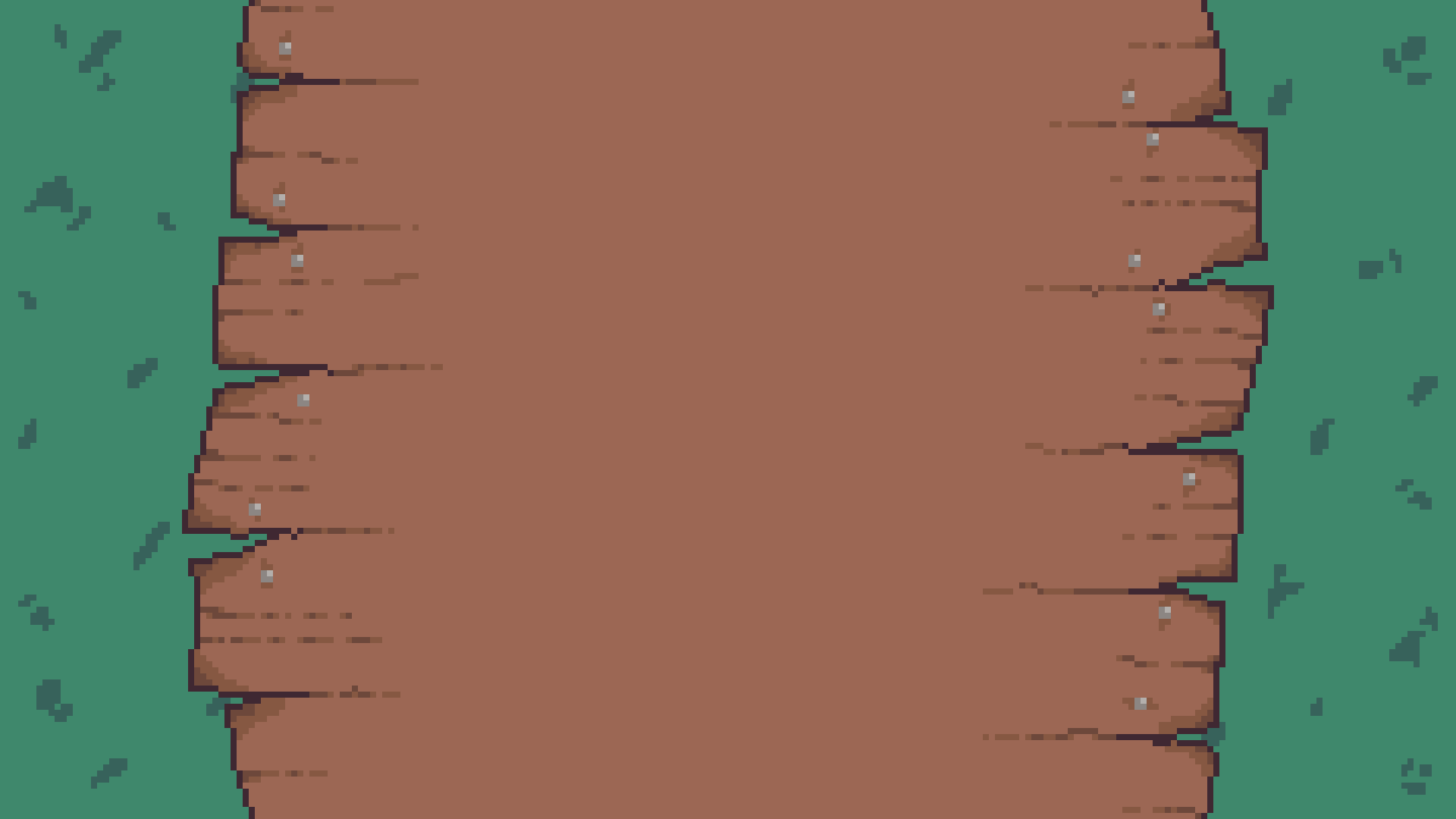
You can also set how you want the background image to be repeated. Feel free to play around with that!
For the paragraphs and dividers, I simply used the HTML editor under "edit profile" and designed my own dividers/icons in Aseprite:

WARNING:
Itch.io has been having issues displaying gifs uploaded through their own site correctly during the past couple of weeks, so I've opted to use jsDelivr through a GitHub repository to serve my gifs on my page. This setup also allowed me to use a custom font using custom CSS, which I'll go into more detail about later.
Custom CSS really opens up the way you can decorate your pages. If you want access to it, please read the CSS customization guide! You'll have to send the itch.io support team an email to request access to custom CSS. This could take a few days or a couple of weeks, but should be accepted easily provided you acknowledge the guidelines concerning custom CSS usage.
Here's my full CSS code, with explanations underneath (keep in mind I'm very much a novice, so you can probably do things much more efficiently than I did):
@font-face {
    font-family: "m6x11";
    src: url("https://cdn.jsdelivr.net/gh/Lesuu/fonts/m6x11plus.woff2") format("woff2");
    font-display: swap;
}
.columns {
    font-family: "m6x11";
    image-rendering: pixelated;
    font-size: 125%;
}
.user_profile div:has(a[href*="managore.itch.io/m6x11"]){
    font-size: clamp(9px, 3.5vw, 18px) !important;
}
.columns img{
   width: clamp(300px, 40vw, 920px);
   height: auto;
   display: block;
   margin: 0 auto;
}
.columns a img{
   max-width: 80px;
   height: auto;
   display: inline;
   margin: 0 auto;
}
/*======================Unsorted games=====================*/
.user_game_grid a img{
  max-width: none;
}
.user_game_grid {
  image-rendering: pixelated;
  display: flex;
  justify-content: center;
}
.game_grid_widget .game_cell {
  width: var(--itchio_grid_cell_width);
}
/*=======================Collections=======================*/
.collection_row,
.game_text,
.game_platform,
.game_genre,
.web_flag {
    font-family: "m6x11";
}
.collection_row,
.game_text,
.game_platform,
.game_genre,
.web_flag {
    color: #9c6754 !important;
}
.inner_column h2 {
    text-align: center;
    margin-bottom: 0px !important;
    padding: 1%;
}
.collection_description {
    text-align: center;
    margin-bottom: -7px !important;
}
.collection_row {
    background: url("https://cdn.jsdelivr.net/gh/Lesuu/fonts@latest/poster_v5.png") center/auto no-repeat;
    background-size: 1150px !important;
    padding: 1.4em !important;
    image-rendering: pixelated;
}
.carousel_wrapper {
    margin-top: 10px !important;
    padding-left: 10px;
    padding-top: 10px;
}
/*=======================Game cells=======================*/
.game_cell {
    padding: 10px;
    border-style: solid;
    border-width: 2px;
    background-color: rgba(255,255,255,0.5);
    transition: transform 0.25s ease, box-shadow 0.25s ease, background-color 0.25s ease;
}
.game_thumb {
    border-style: solid;
    border-width: 2px;
    filter: grayscale(50%);
    transition: filter 0.4s;
}
.game_cell:not(:hover) {
    transform: scale(1);
    filter: grayscale(50%);
}
.game_cell:hover{
    transform: scale(1.05);
    background-color: rgba(255,255,255,1);
}
.game_cell:hover .game_thumb{
    filter: grayscale(0%);
}
.web_flag{
    color: #f7ebaa !important;
}
I used custom CSS for a few things:
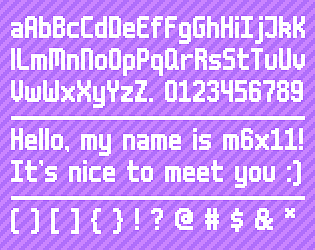
I changed the font to a custom one (m6x11 by Daniel Linssen).
Next, I used it to customize how my games/projects are displayed. You can create collections on itch.io, and display them on your page to organize your projects into categories. To do this, go in your dashboard. From there, open your games' pages and click "add to collection" on the top right corner of the page. From there, you'll be able to create new collections/add your games to existing ones. Make sure your games are also hidden from your profile if you don't want them to appear twice.
Then, navigate to your library and make sure to select "show on profile" on each collection you'd like to display.
From there, you can use custom CSS to create hover effects on your games and add custom backgrounds to your collections as I did, just make sure to respect itch's CSS guidelines.
If you have any questions about my code or anything else regarding customization, leave a comment and I'll try to help out :)
Big thank you to Dan Create's blog post & code that helped me figure a lot of this out. Check out his page!
Here are a couple examples of cool itch profiles I was able to find so that you can get some inspiration for what you'd like to do on your profile page. Feel free to share some more with me in the comments. Please don't steal anything though!!!
Dan Creates: https://dancreatesgames.itch.io/
Tr1ckx: https://tr1ckx.itch.io/
Xilurus: https://xilurus.itch.io/
Fadrik: https://fadrikalexander.itch.io/
Did you like this post? Tell us


Leave a comment
Log in with your itch.io account to leave a comment.
this is so cool, thank you!
Thank you!!
Great template to work off of
Thanks, I'm glad it helped!!
Thanks for the support!
With pleasure! I hope it helped :)
HI, Thank you for creating this it was very helpful!
I didn't completely understand how to create a sideways category for jam games. Could you please help. Thanks :)
Sorry for the very late reply! Itch has a "collections" feature that you can use to organize your projects. If you sort your games into these collections, they'll appear as they do on my profile. That means you can create a "Game Jam" collection and your game jam games will appear grouped on your profile.
To do this, first go in your dashboard. From there, open your games' pages and click "add to collection" on the top right corner of the page. From there, you'll be able to create new collections/add your games to existing ones. Make sure your games are also hidden from your profile if you don't want them to appear twice.
Hopefully that helps! Let me know if that isn't clear enough.
Thanks :)
HI
firstly , I want to say I really liked your work , very cool and unique , one of the best itch profiles I have ever seen
also I was looking for way to add filters to games' thumbnails , I found this post and I took a look at your css code , it helped me so much with that !!
so thanks for posting this
Heyy, thank you so much! I'm glad it was able to help :)