


Play game
The Bait's itch.io pageResults
| Criteria | Rank | Score* | Raw Score |
| Theme | #119 | 2.818 | 2.818 |
| Creativity | #147 | 3.000 | 3.000 |
| Art | #168 | 2.636 | 2.636 |
| Overall | #201 | 2.418 | 2.418 |
| Enjoyment | #204 | 2.273 | 2.273 |
| Audio | #280 | 1.364 | 1.364 |
Ranked from 11 ratings. Score is adjusted from raw score by the median number of ratings per game in the jam.
Leave a comment
Log in with itch.io to leave a comment.
Comments
Interesting idea, although it scared me a little, hehe, I don't know why.
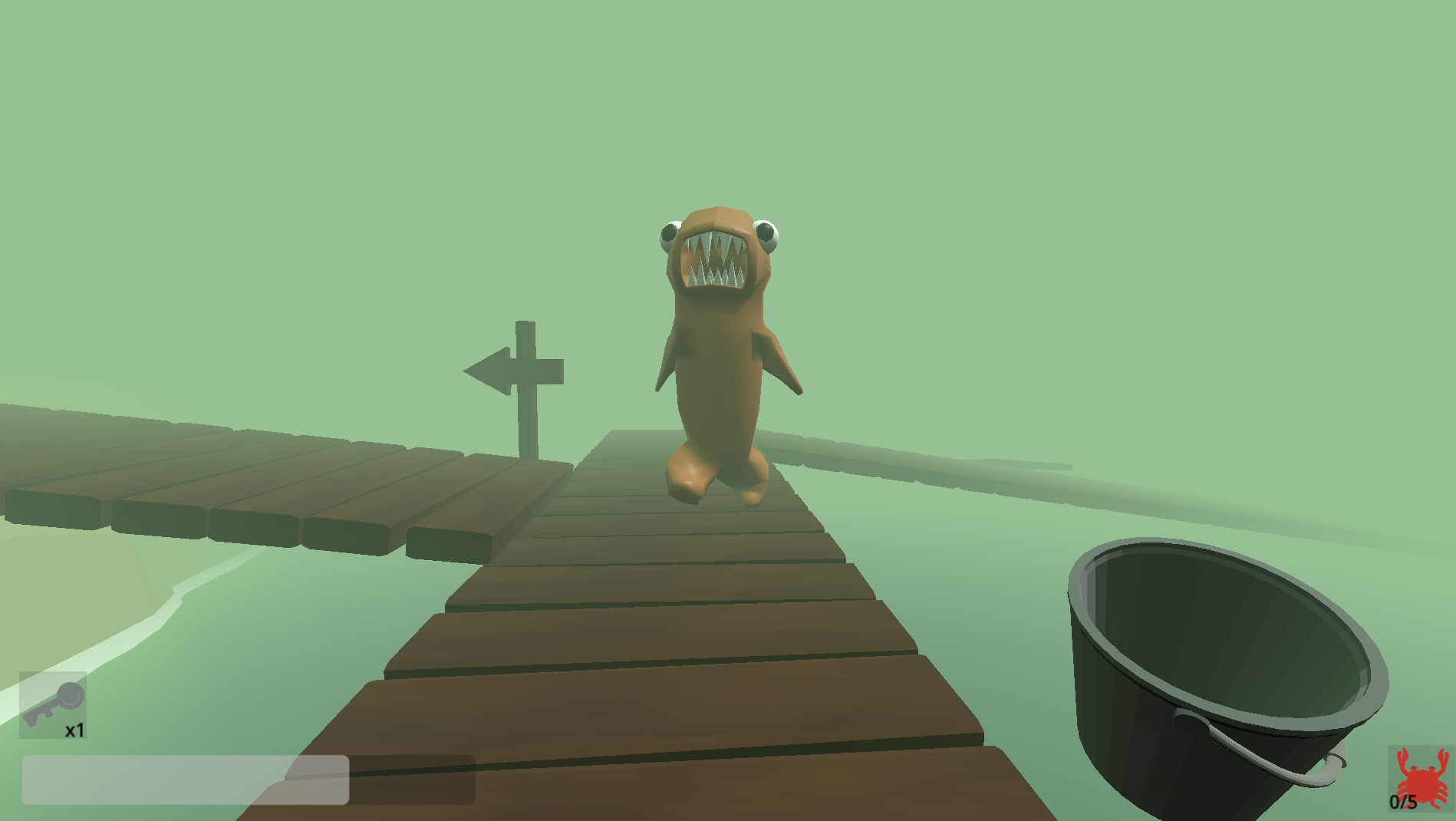
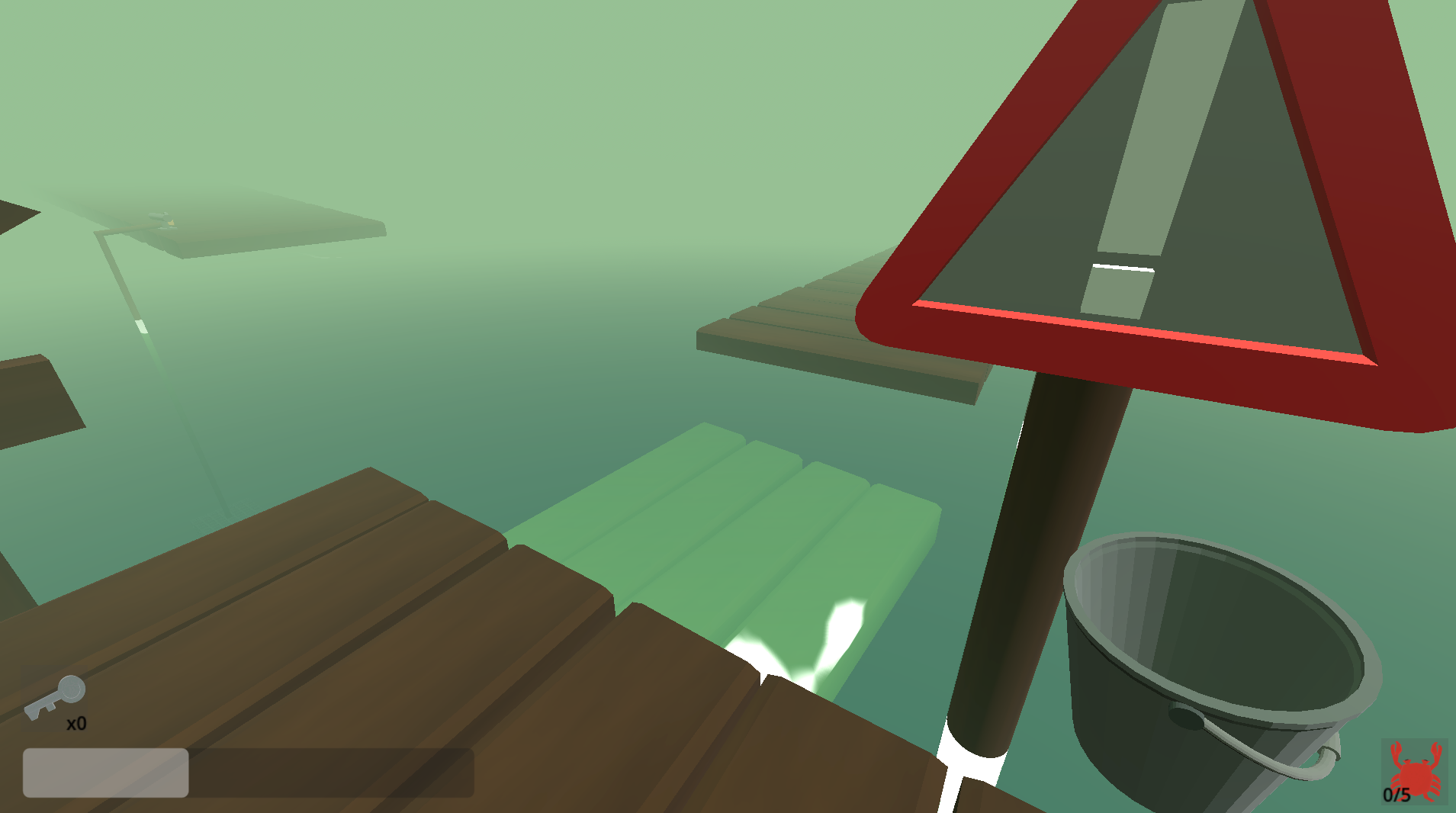
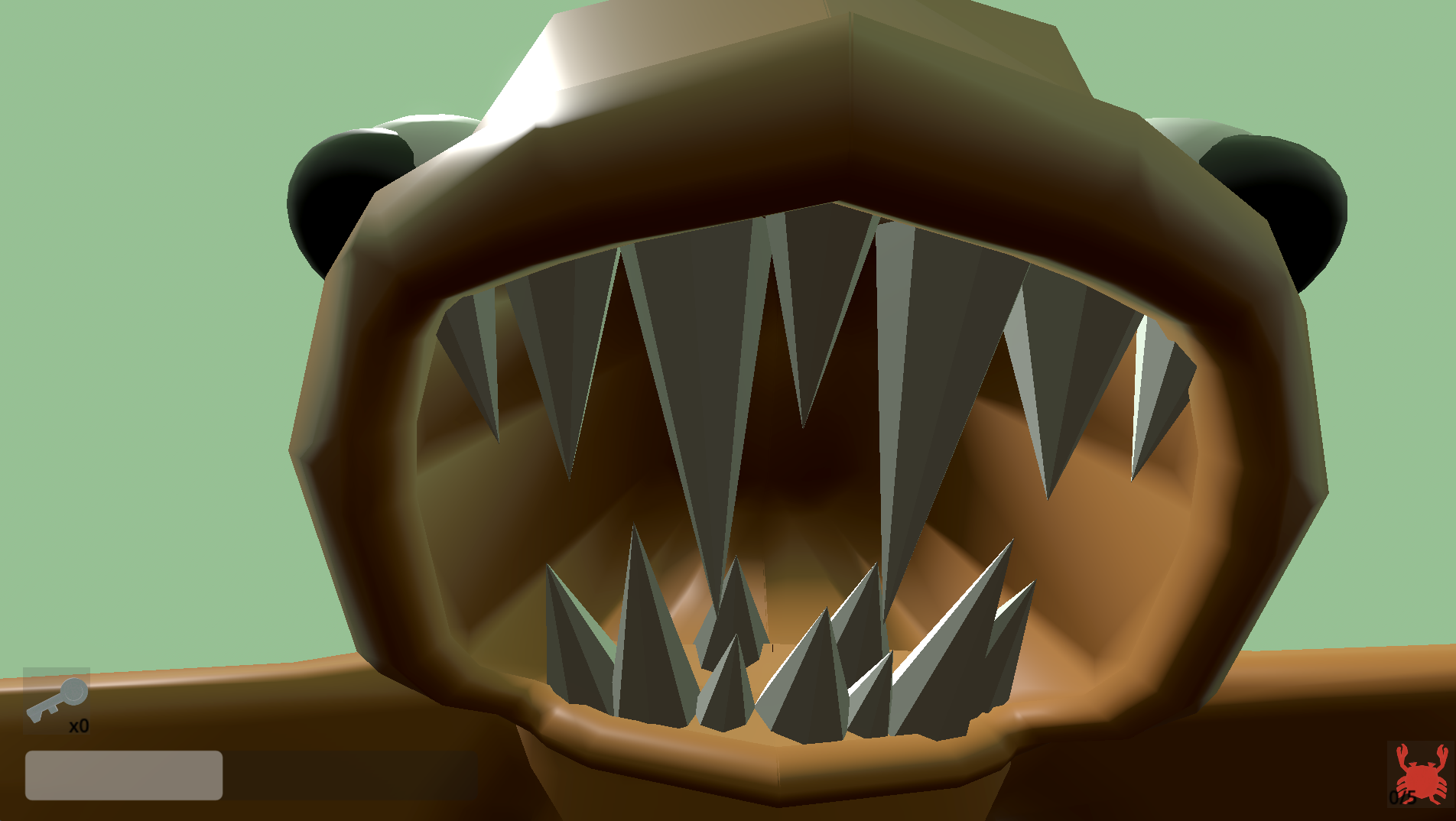
Love the big fish design, the general atmoshpere is cool too. Wish there was some dot or 'crosshair' in the middle of the screen, because I struggled with aiming to interact without it. Great game and good work!!
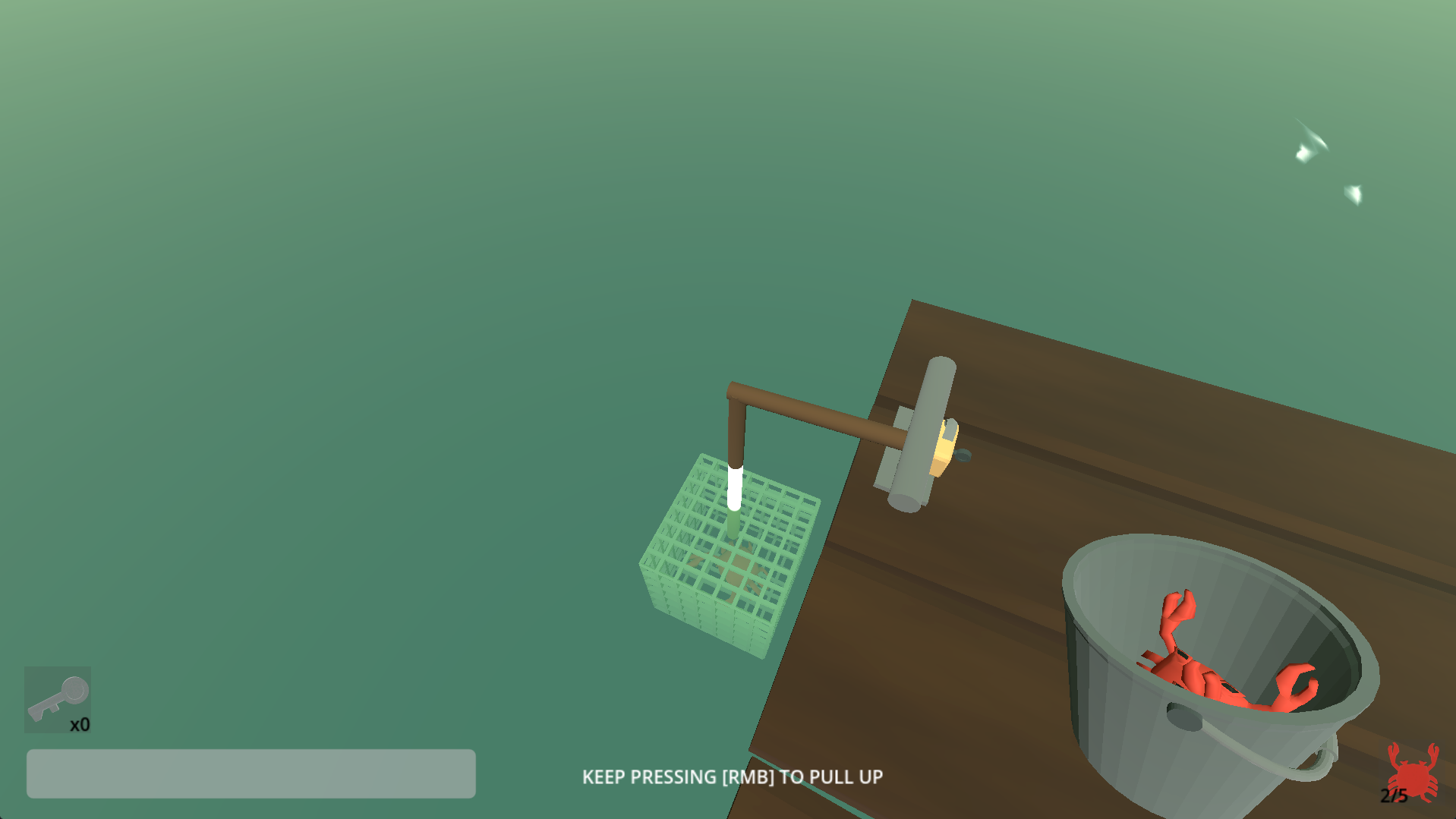
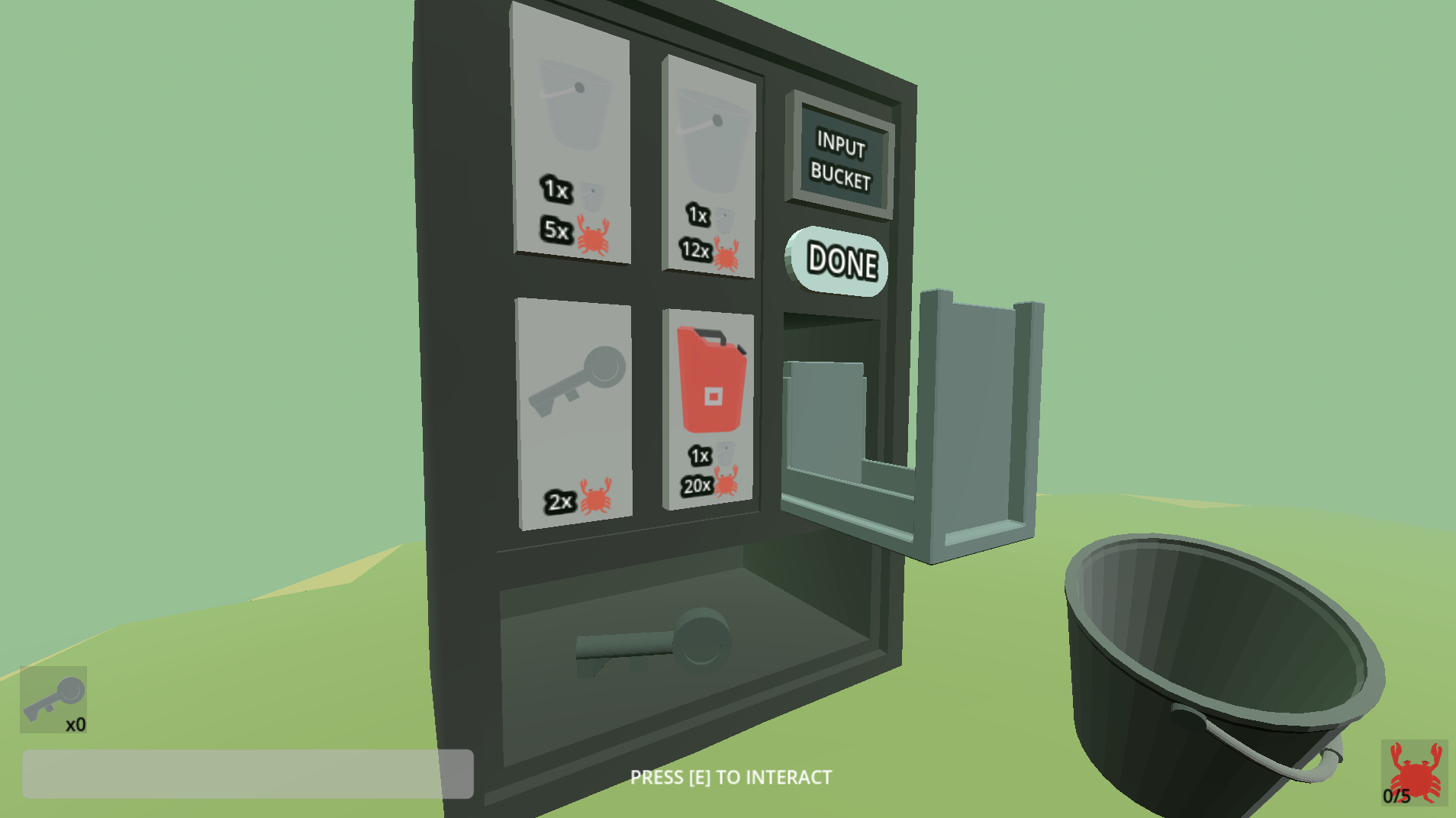
Interesting idea. The art is cool -- I especially liked the crab :D . Glad I saw the description so I don't end up with the Ctrl+W bug. Took me a while to understand how the game works though since I tried a couple of times unlocking cages near the dispenser but they didn't work. But I think it was just a finicky aim to get the "E" prompt instead of the RMB one. I think this could be a cool fishing game once you have the time to flesh it out. Maybe some eldritch horror kind of thing with a mix of the cuteness vibe it has.
Good work!
The visual atmosphere was kinda nice. But why no music or ambience at all? Huge missed opportunity there. And the game crashes quite often.
Did not have time for music or ambience sadly. barely managed to finish it in a playable state.
When did the game crash? Did you play it in browser or downloaded it?
I played it in browser. Can tell exactly why: maybe something to do with crouching and or button spawming.
For the music part: i would always suggest to at least play something.
I have just figured out what makes it crash. Its because the browser closes a tab when ctrl + w is pressed. I didn't know this was a thing. The fix is to play in fullscreen mode via options or pressing w before ctrl. I have added this into the game description now.
Yeah I really wanted to add music, but I tought better none than something rushed that sounds bad or doesn't fit at all.
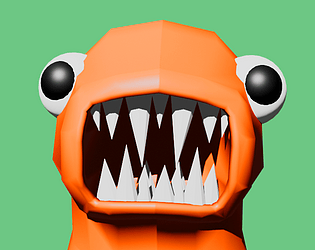
A bit hard to figure out, but I love the big ol monster!
Love the style and the bait enemy is jokes, super creative idea for this theme.
One recommendation if your gonna make the camera rotate via mouse movement for a browser game, make sure you lock the cursor when the player clicks the game window (can unlock when they press ESC or something), otherwise its annoying to keep moving you mouse back over the browser window. I know for unity WebGL there's a built in system called Cursor that's globally accessible that you can access from your script, and you just set
not sure how it works in Godot but guessing its similar.
Thanks for playing! :D
I see what you mean, thanks for mentioning it. It's because itch thinks when you press esc you want to exit the game. But it's also the options menu. I could probably prevent this next time by doing what you said. For now if you press esc again (that opens the options menu) and then click continue the mouse does get locked in the screen again.
In godot it is Input.set_mouse_mode(Input.MOUSE_MODE_CAPTURED). I do use this when the game gets loaded for the first time and when you click on continue in the options menu. But should also use this when you click the game screen again. Good to know for next time! Thank you!
The game kept crashing as soon as I crouched. It looked fun. I was baited.
Thank you for trying to play! I could recreate this in the browser game, and have figured out why it does it. It works now and you shouldn't crash!
I had "click to launch fullscreen" on. And when you then don't press fullscreen in the in game options menu and press ctrl, the game did crash. I have luckily managed to fix this by making the game "Embed in page" instead of "click to launch fullscreen". Now it doesn't crash anymore when pressing ctrl. I would still recommend turning on fullscreen in the options menu, otherwise some of the ui may be cut off the screen.
Thanks for letting me know! :D
Nevermind, this wasn't the issue. The issue is that when you click ctrl + w in the browser, the current tab closes. the only fix is pressing w first and after ctrl or playing the game in fullscreen. I have added this as an issue in the description now.