


Replacing Album Art
In AJ Audio, you can replace the album art for your songs automatically with the click of a button. To do this:
- Right-click on any album or song and select "Find album art"
This will perform a search through all available providers to find the image in question. You can choose to download the maximum quality image via an option in the Settings page ("Prefer large artwork")
Changing providers
There are three available providers. You can remove, reposition, or delete any of these. To do this:
- Enter the Settings page (...) > Settings, and select "Edit" next to the "Album art providers" text. This can be found underneath the "External resources" section
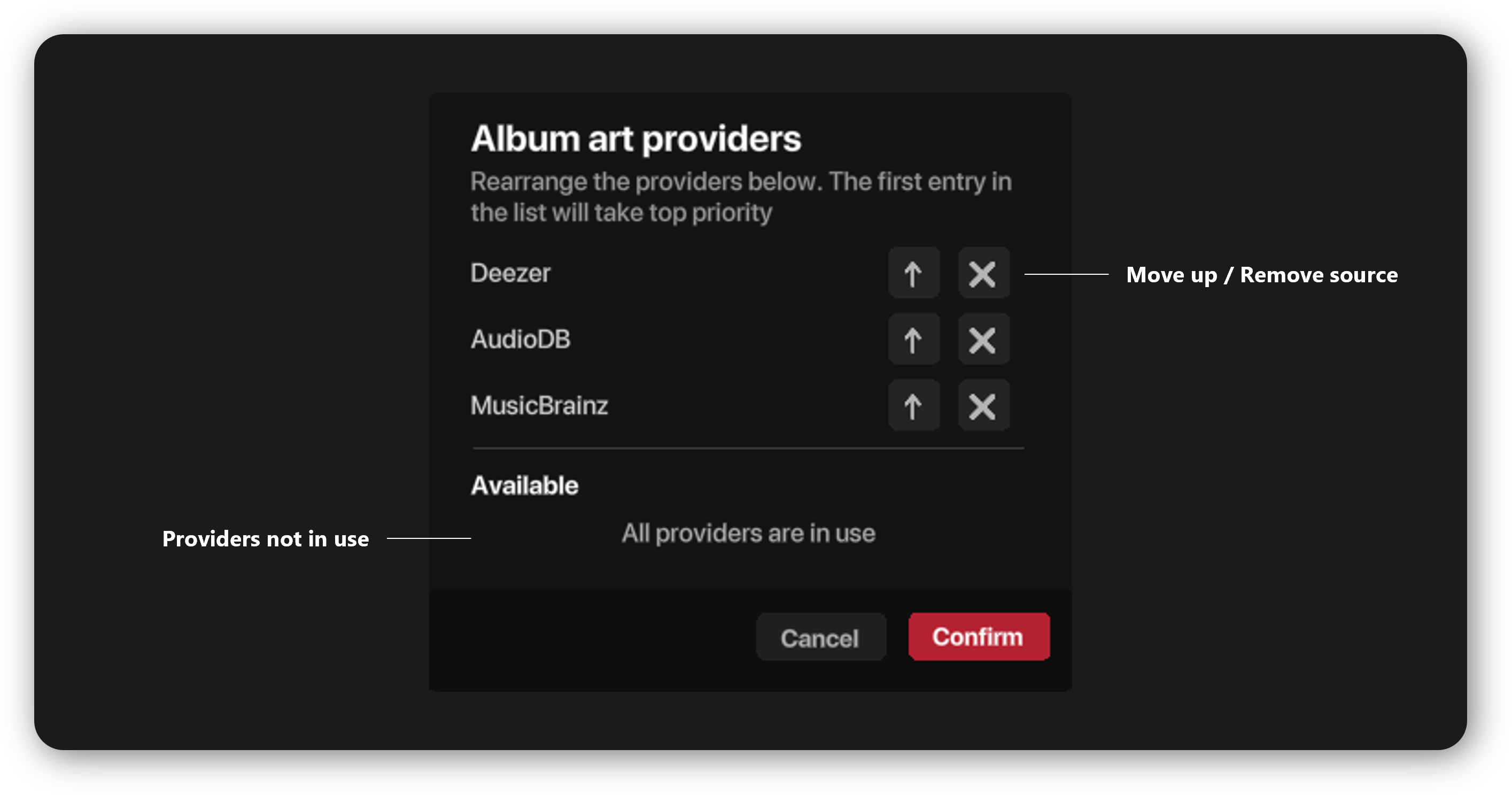
If you choose to disable all providers, then the "Find album art" option will be greyed out on tracks and albums. The first source in the list will take top priority.
- The algorithm will check all providers from top to bottom until an image is found. In the unlikely event that no image is found at all, you will be informed
Replacing art manually
You can also replace art manually via the "Replace art from file" option in the context menu.
- Supported formats: .png, .jpg/.jpeg, .bmp
Writing the album art
The above options work for both media server files and local computer files.
- For local files, the art is written to the track file itself