


Play tool
Godot SSTemplate Project's itch.io pageResults
| Criteria | Rank | Score* | Raw Score |
| User Interface (UI/UX) | #4 | 3.857 | 3.857 |
| Overall | #10 | 3.429 | 3.429 |
| Visuals(Graphics) | #12 | 3.429 | 3.429 |
| Sound/Audio | #14 | 3.143 | 3.143 |
| Fun | #30 | 2.000 | 2.000 |
Ranked from 7 ratings. Score is adjusted from raw score by the median number of ratings per game in the jam.
DevLog Link
https://sourstone-srl.itch.io/sstemplate/devlog/1570020/storing-settings-architecture-and-pain
Developer Feedback Questions
Any feedback is appreciated.
The template will be free for some times so grab it while you can
/s/194588/sour-stones-for-1-year
If you end up using this in one of your games would love to know about your experience.
Leave a comment
Log in with itch.io to leave a comment.
Comments
Hello! As I've written on your page, I think it is a good idea to have a template for people like me who are not good at coding. Like others said, I think useful/common options could be implemented. I'm thinking of a SAVE/LOAD option, which is often absent from little indie games. Maybe a little user manual in text for complete noobs? I've looked for it in your files but didn't find it, just the Licence details.
Good job and good luck for future development!
Thank you very much!
Unfortunately there is no instruction manual atm. It is something that I am considering adding since the previous patch.
I decided to not focus on it until I add input settings and some way of support for controllers.
There is also a dilemma I have on how simple the template should be.
For examples using autoloads is something very useful but also not that friendly with beginners same goes for resources.
They get easier after you use them for a bit but....
If you are planning to use this as is and not add more settings or UI screens I would suggest the following setup:
Start with the same project folder since it already has the Input Map setup for the template. (you can change the project name from the project settings)
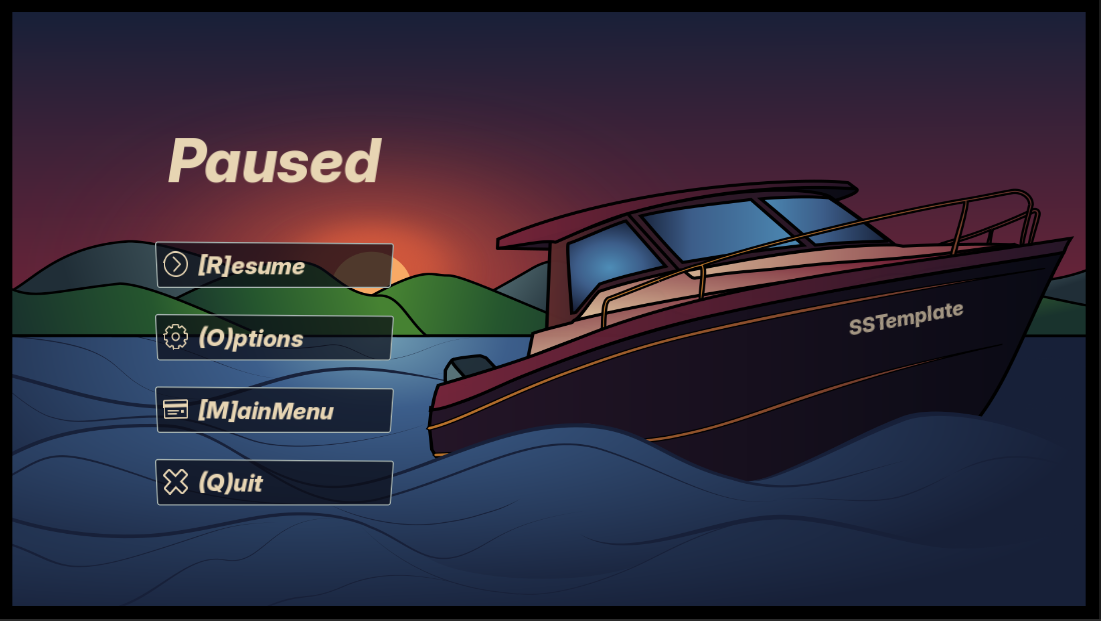
In the Resources/Template folder you will find the theme file ss_simple.tres, from there you can change the aspect of the UI.
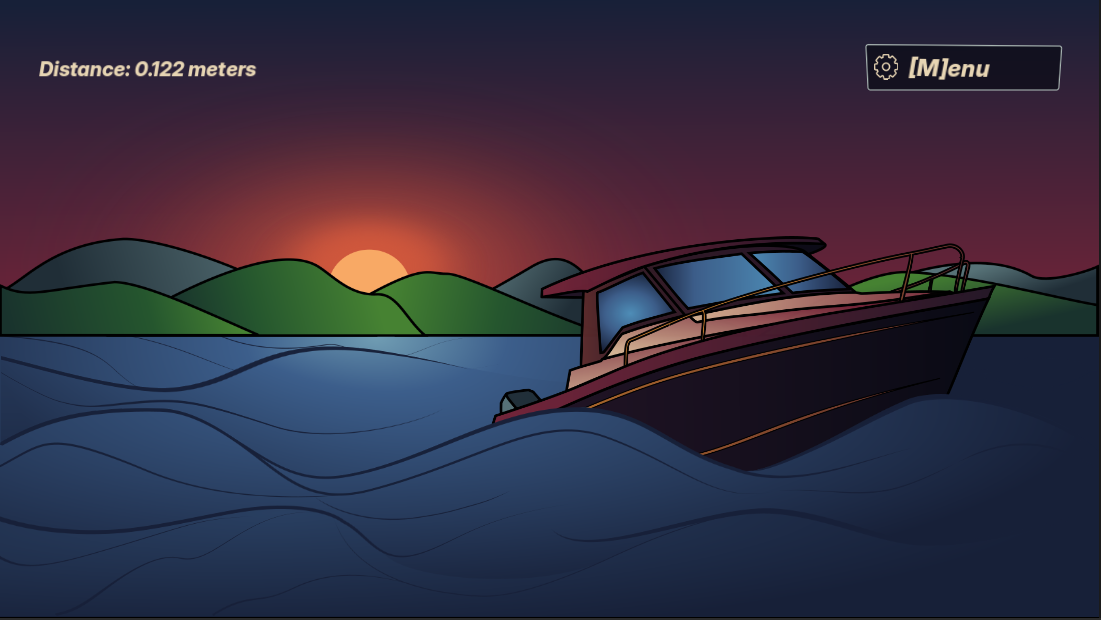
In the main scene (gameworld.tscn) you can place your game as a child of "GameManager" node (basically the UI is on top of it and when you press play it disappears).
As a child of "GameManager" there should be an example control node. Its more of a technical example on how to connect game logic to UI using resources. For your use case I would just remove it.
+ delete all the files that have example in the name (in the folders Scripts and Scenes)
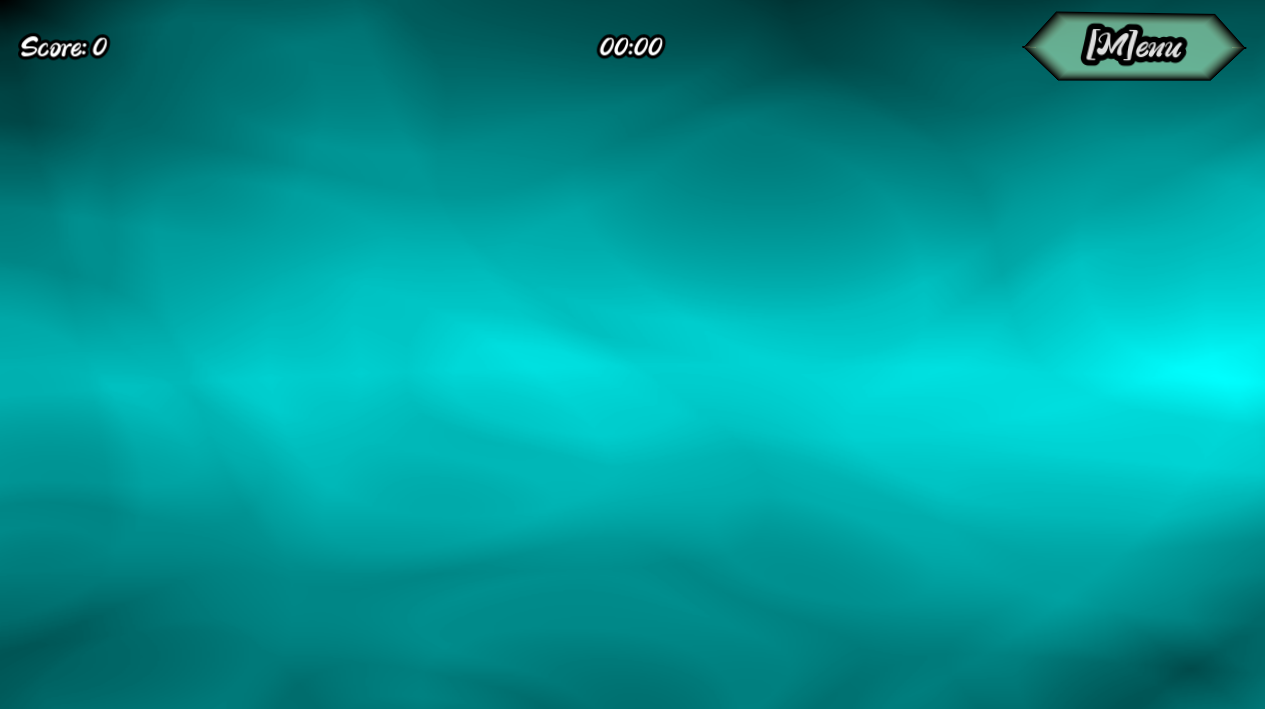
+ open hud.tscn and delete Time node (Label)
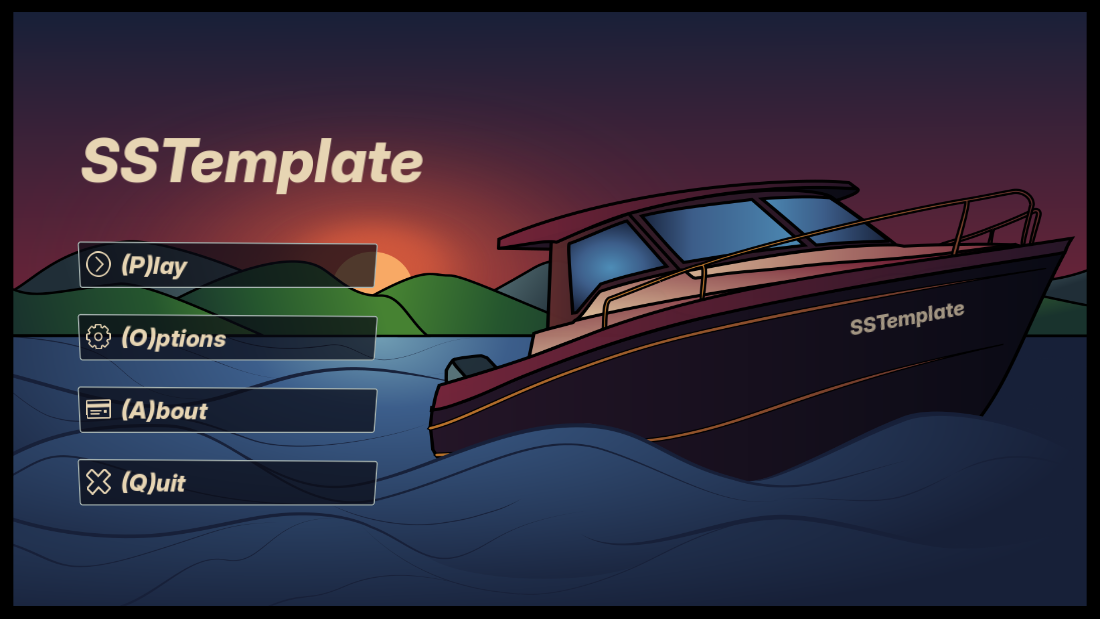
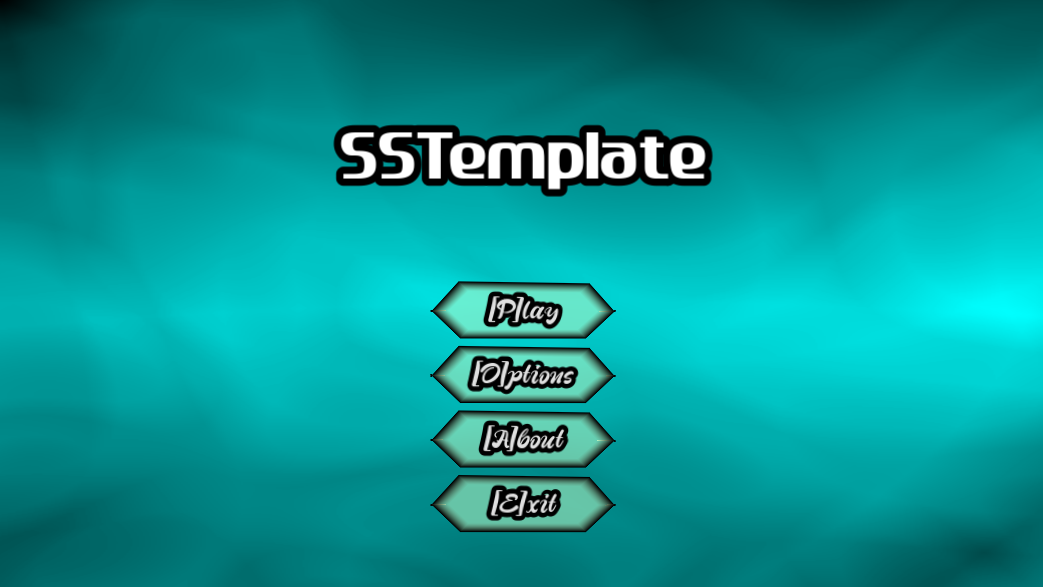
For changing the layout of the menu, mby center the title or place it to the right etc. You can access al the UI screens from the Scenes/UI folder. From there is godot like usual.
You should be able to move around most things without breaking anything. I tried adding BoxContainers for most things in an attempt of making editing this easy.
Changing the music can be done in the same scene, check SoundManager, it has a bunch of audio nodes there.
For example in order to change the background sound you can press on the node called Background and replace the song from the inspector.
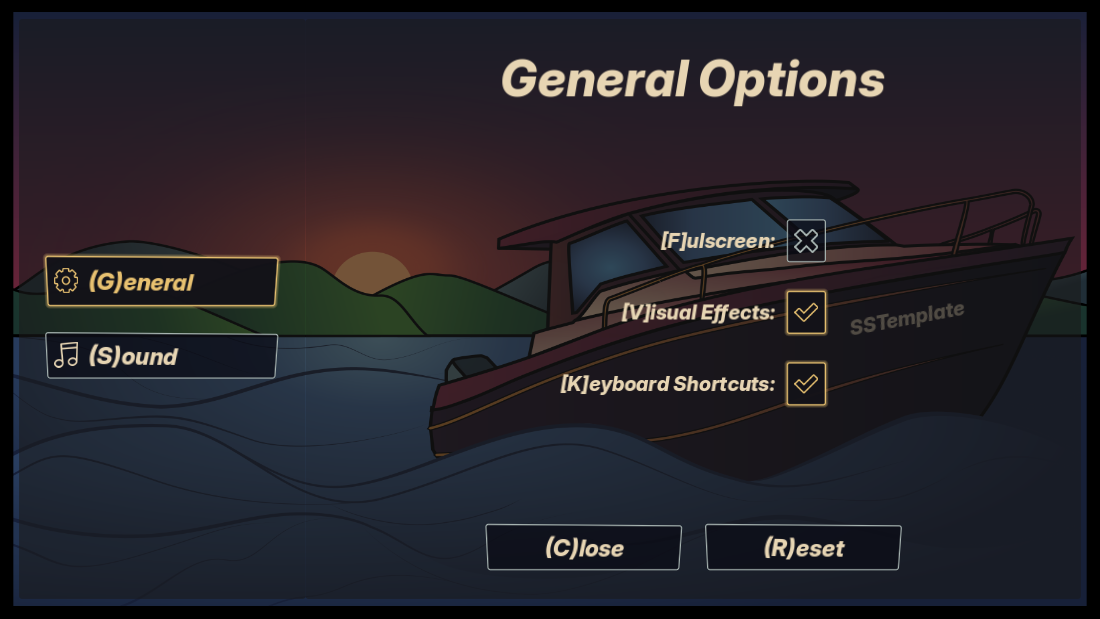
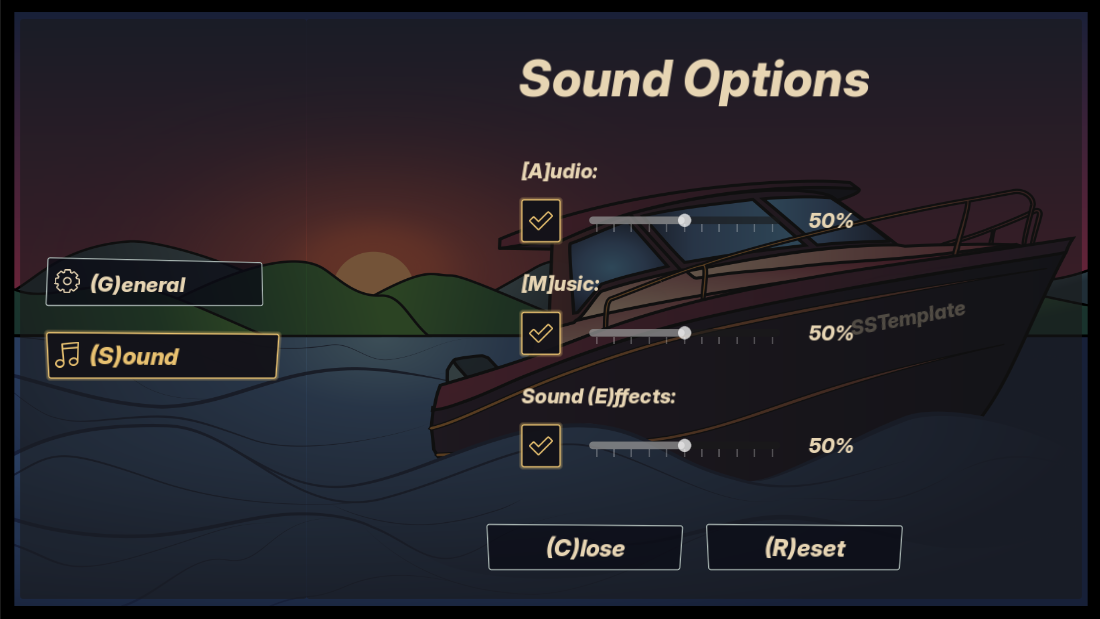
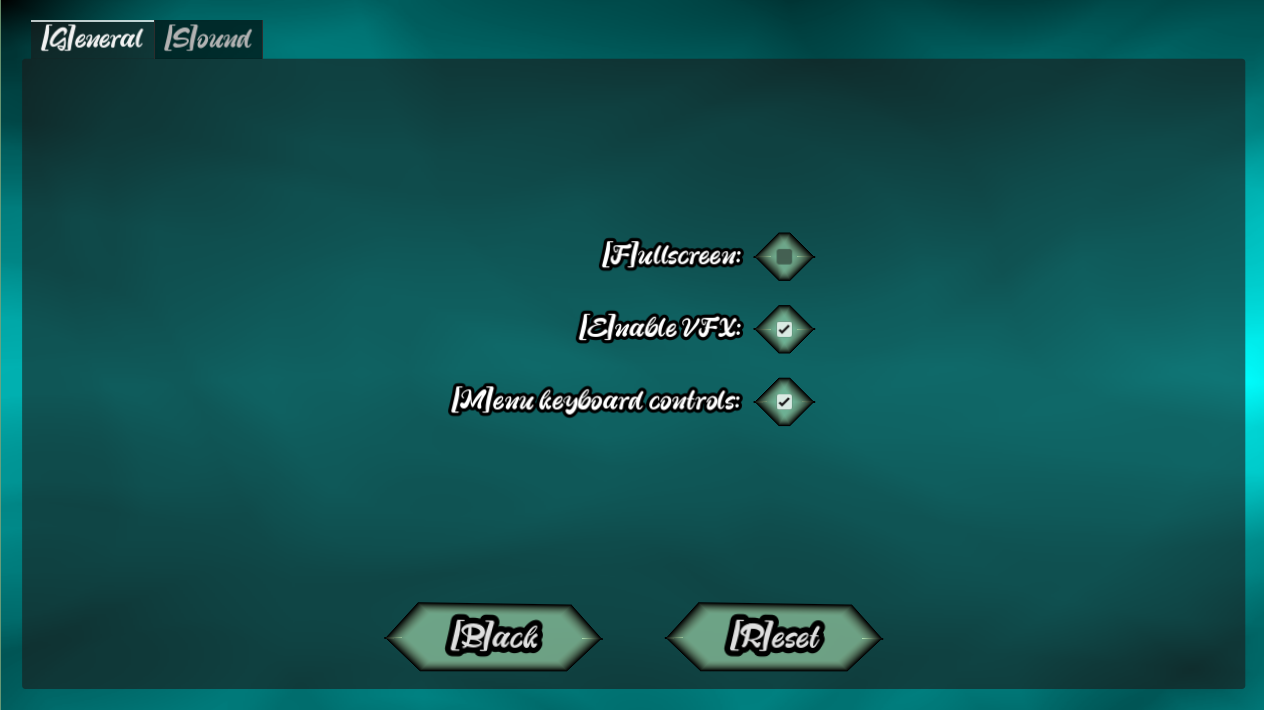
One other thing is changing the default value for the settings. In order to do that you have to open Scenes/Ui/Global -> GameSettings.tscn and press on the any of the children, in the inspector you will be able to see the values for each of the settings.
The hardest thing for you will be to add like an end screen since there isnt anything build already for that.
Most of the magic happens inside UIManager script so if you need to add some UI like a ending screen you can use that, tho here I am getting a bit more technical.
You can just place a custom UI after the GeneralBackground node in the main scene and hide it until time is right.
Or even simpler after the UIManager itself, that way your custom UI will be on top of everything.
The storage is only for the game settings. If that is what you need then that's perfect.
For saving the progress for you game you will probably still need to delve into coding =).
Ah and ofc GeneralBackground and TransitionForeground can be changed with any other image, Atm there is only a noise generate texture.
The TransitionForeground has a shader that makes it fade away.
(+If you delete it by mistake you will need to recreate the node with the same name change the z-index to 1 in the inspector and re add the shader.)
Hope this helps.
Thank you again and good luck with your project!
P.S. If you hit a dead end and have questions about the template feel free to let me know.
I did not download and look at the project files, so this is based solely on looking at what you have on the web.
We've done several jams now, and over time also built our own template for our use out of those projects, so I can appreciate the idea of making a reusable template.
This seems like a decent base. You've got the core elements, and even include keyboard support. You've got some music and SFX, along with some basic visual FX. There are some settings ready to go. All around it looks like something that is ready to be built upon. I did notice that the music has a fairly long delay when it loops, and personally, I'd try to reduce the delay before it loops, or try to have it fade into the next loop.
Depending on your needs this could grow to include more pieces, such as input remapping, or stay as something simple. I've seen some nice and feature rich free templates for Godot, so I do think this is a bit bare and simple to be a paid offering as it is. It seems like it should work fine for small projects, and the things we learn while creating a template are very useful. I don't want to sound dismissive of the template. I'm just not sure that it is quite ready to be a paid offering. Of course that is from my personal view, and for others it may be just what they want. I don't know the code/project design, so don't know how it compares to the others I've seen, and maybe that simplicity will be the thing most valued.
First of all thank you very much for the feedback!
The decision to make this a paid product was not easy, in the end, I decided that while I would like to share this, having to compete in a game jam with another person that uses my template and lose would be kinda of rough =). Giving it the lower possible price felt proper, that way even if I lose at least I know I won something XD.
As for the functionalities, yes it lacks a lot of functionalities. Recently I've been looking at other templates and I have this open question running through my mind "Is my template good alternative or even better?".
I want to add a bunch of settings and stuff to it, hopefully that will make it worth its price. If you have any recommendations of free templates that I should look please do tell.
Also if you manage to take a look at the code and have any feedback, I would love to hear it.
When we switched to doing game dev full time, we started by doing a bunch of game jams. The main one we did was Godot Wild Jam. One of the regulars in the jam, Maack, created a template that the jam now recommends for people starting out who want to use a template. I have not used it myself, as we created our own after our first GWJ submission and before that template was in the recommendations, and maybe before it was released. (I'm not sure on timing of when it was announced, just that we learned of it during the second or third GWJ we took part in). I did look at it when I learned of it, and if we did not already have one we probably would have used it. There are others out there, but this one is the one I recommend to people if they ask for one to use.
Personally, the thing that is missing from yours that I most value, and the reason we created our template, is input remapping. We try to have high accessibility in our games, and input remapping to allow players to use whatever inputs methods and layouts they want was something we saw mentioned a lot. When we started out, most templates and tutorials we found with input remapping only supported a single remapped input for any action, but we wanted to support at least 3, since our defaults would include support for multiple devices. We ended up going with offering 4, but once you have it setup for multiple, the number allowed is largely a UI choice.
The other big thing for a template like this, is going to be customization. We have our own template that is designed for our use. It is not very customizable, as it serves our needs and is not being offered to others. For our stuff we want a certain overall look that ties our games together, while for a template we'd want the dev to be able to personalize the look and feel more for their projects. I admit that I did consider releasing our original template while I was making it, but when I learned of Maack's, it already had all the core things ours had, and in a much more adaptable way. Since I wasn't going to release it, I focused the future template design on our needs, and left out any of the features I'd considered that would have been for making a public one. Having gone through this process myself is why I felt it important to share my thoughts, while trying not to be too critical.
I can totally understand not wanting to lose to someone using your template. Of course, the template is really just meant to be the base allowing you to skip redoing the same things repeatedly and get into making the game. The game itself is what should win or lose the jam, unless the jam is about templates. GWJ does have a category for Accessibility, and that is an area where the template can influence score. But it is only one of many, and in that jam plenty of people will be using the same template.
Good luck with your work on this. A good template is a lot of work, but also can be valuable to many people, especially those just starting out. Having multiple options with a different feel is a good thing and offers devs more choice.
Thank you very much for sharing your thoughts. Getting feedback on this is extremely valuable for me. I truly appreciate the time you took to respond.
I checked out GWJ template, even tho I need to delve deeper into it.
I think I tried it long before starting my own. And somehow I think this template among some others is what made me make my own.
The problem that I have with them is that they are very "heavy" (packed with too many features).
I find it hard to believe that these are easy to use by people starting out (being good for them is something that I will agree to some extend =), learning how those features work is quite helpful in learning godot and probably for making games as well).
Input mapping is something that I want to add soon. And controller support is something that I really want to have in my games.
Especially now that Godot 4.7 has a virtual controller node built in.
My goal is to have a really light template that still covers most of the things I would need in terms of UI.
Hopefully I will achieve it =). Lately it seems that it is getting more complex than it needs to be.
I guess we will see how it goes.
Thank you again for taking your time to discuss things with me! Wish you the best!
Nice work on the template - this looks like it will be really useful for Godot folks. Even if its not yet super easy to edit, just having a resource to study can be really helpful too. From your dev log can see you got loads of improvements done - Great job! It sounds like you had a bit of a rough time at points. As you know, we all have times like that, but I think not enough is spoken about it sometimes! After everything that got thrown at you, you toughed it out and got it working, even with all the engine limitations! Hats off to you for that - keep going!
Thank you very much!
It's kinda weird how some projects keep motivating you while others do the opposite.
Guess its all about finding a good level of complexity
Great game, I liked the user interface design
Great work with that template, unfortunately I can't evaluate the "Fun" part but it looks really good :)