Indie game storeFree gamesFun gamesHorror games
Game developmentAssetsComics
SalesBundles
Jobs
TagsGame Engines

You must be 18+ to view this content

Starmaker Story may contain content you must be 18+ to view.

The creator of this page has specified that it contains mature themes and content. Please enter your birthdate to verify you are 18 or older:

or Return to itch.io

Images 4 Images Sake

A topic by ckyman created Feb 19, 2026 Views: 85,691 Replies: 298
Viewing posts 41 to 60 of 118 · Next page · Previous page · First page · Last page
(+1)(-1)

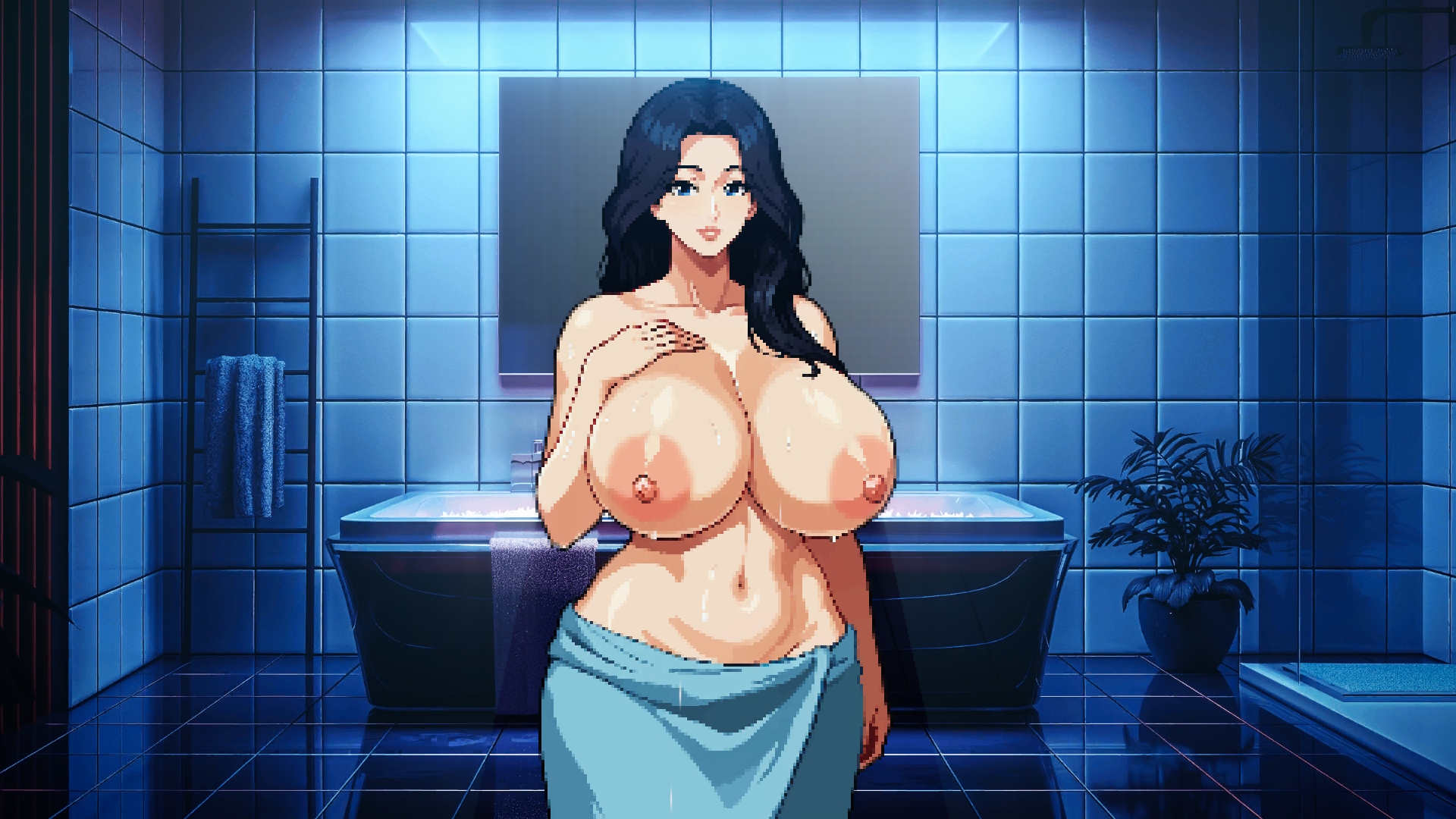
Sorry been posting on X more than Itch lately.  Back to it... I created an extra CG between the cock photo ones to add a little more corruption intent between all the groping...  

Anna - "I guess that wraps it up for today, I will get changed before Joseph gets back from his  job search" - 'Fuck that cock looks so nice and tasty, no stop it Anna that's your MC's...'
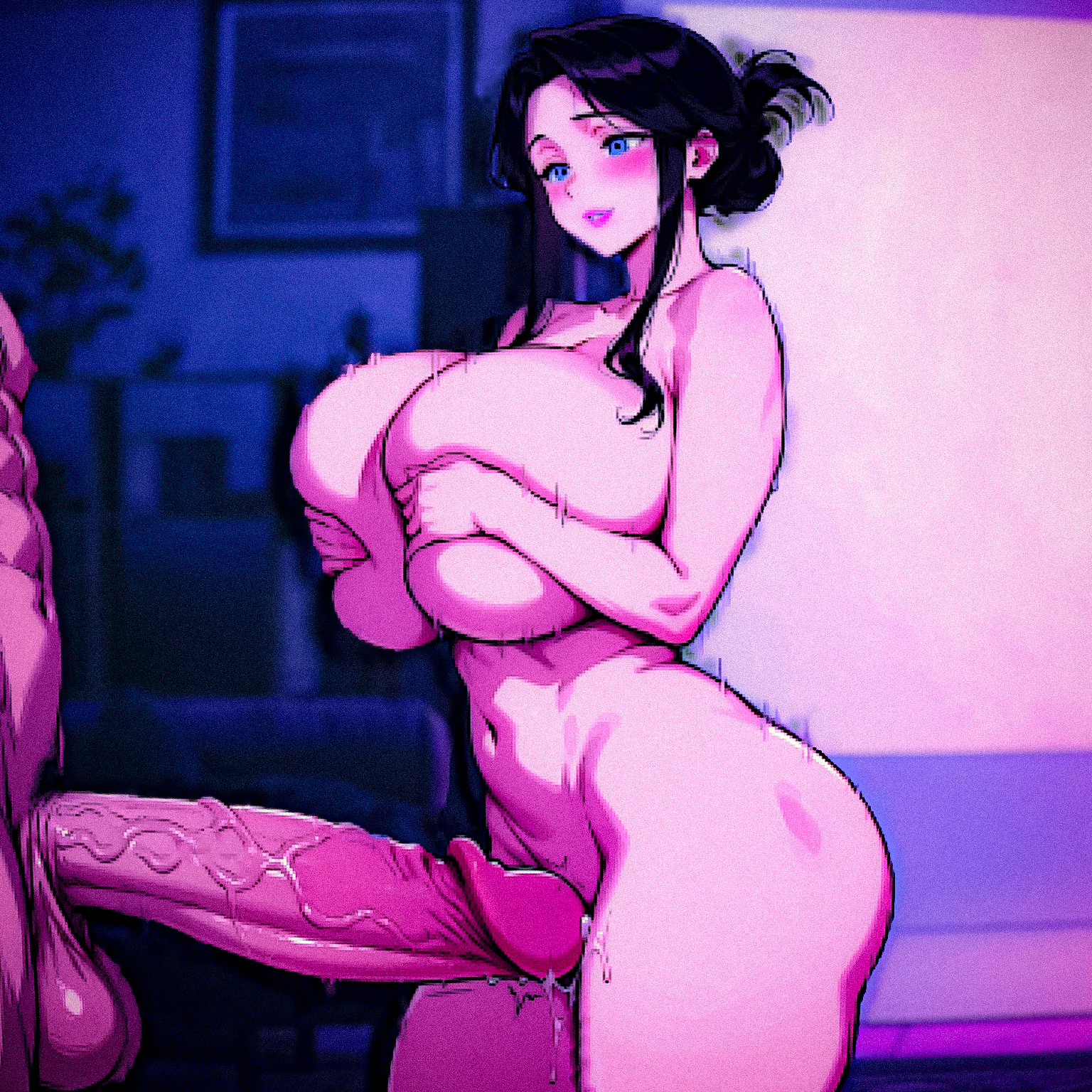
can someone animate this one scene of her, yes I can just record it from the game itself but the UI and dialogues come in the way.

(+1)

Hi guys, is there a fan collection of all the Starmaker Story-themed images? I've created quite a few and would love to share them. Have anyone else done the same?

I think the most dedicate place is in the Discord Channel, though I do not do Discord so I just spam mine here from time to time and the ones I actually put effort into are posted on X with the hashtag #StarmakerStory

Dr.Muramasa might be able to provide more info...

Forgot to say lovely image btw 😅💛

Hello there, 

its fine to make a post and share here, the discord has an ai channel, X is your own account so that would be up to you.

You have a couple places where you can post.

Like right here 

I was trying to be funny sorry 😔

我很喜欢这个贴,但不知道为什么我无法收藏它

Not sure about that, maybe it is a regional restriction? Can you bookmark other threads on itch? 

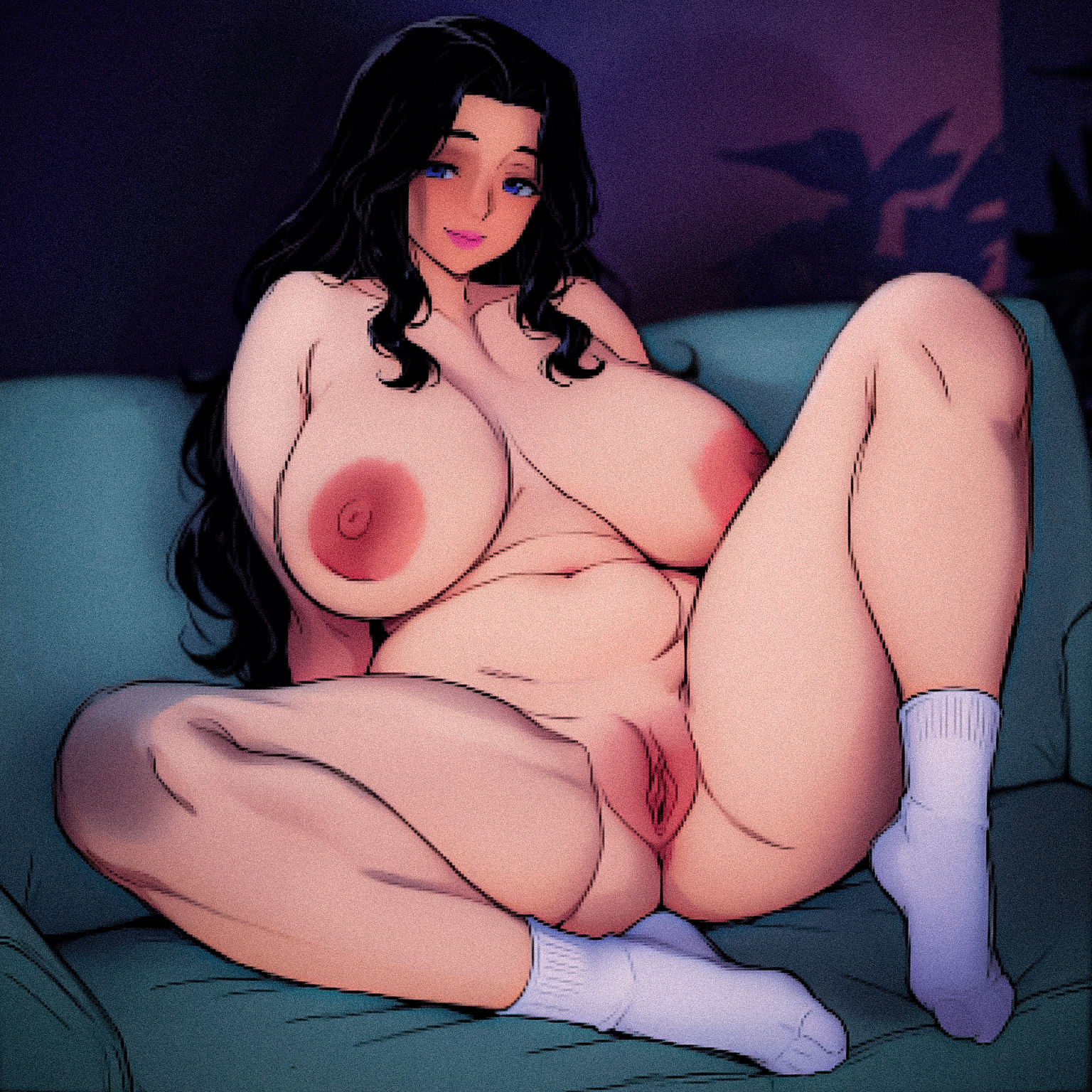
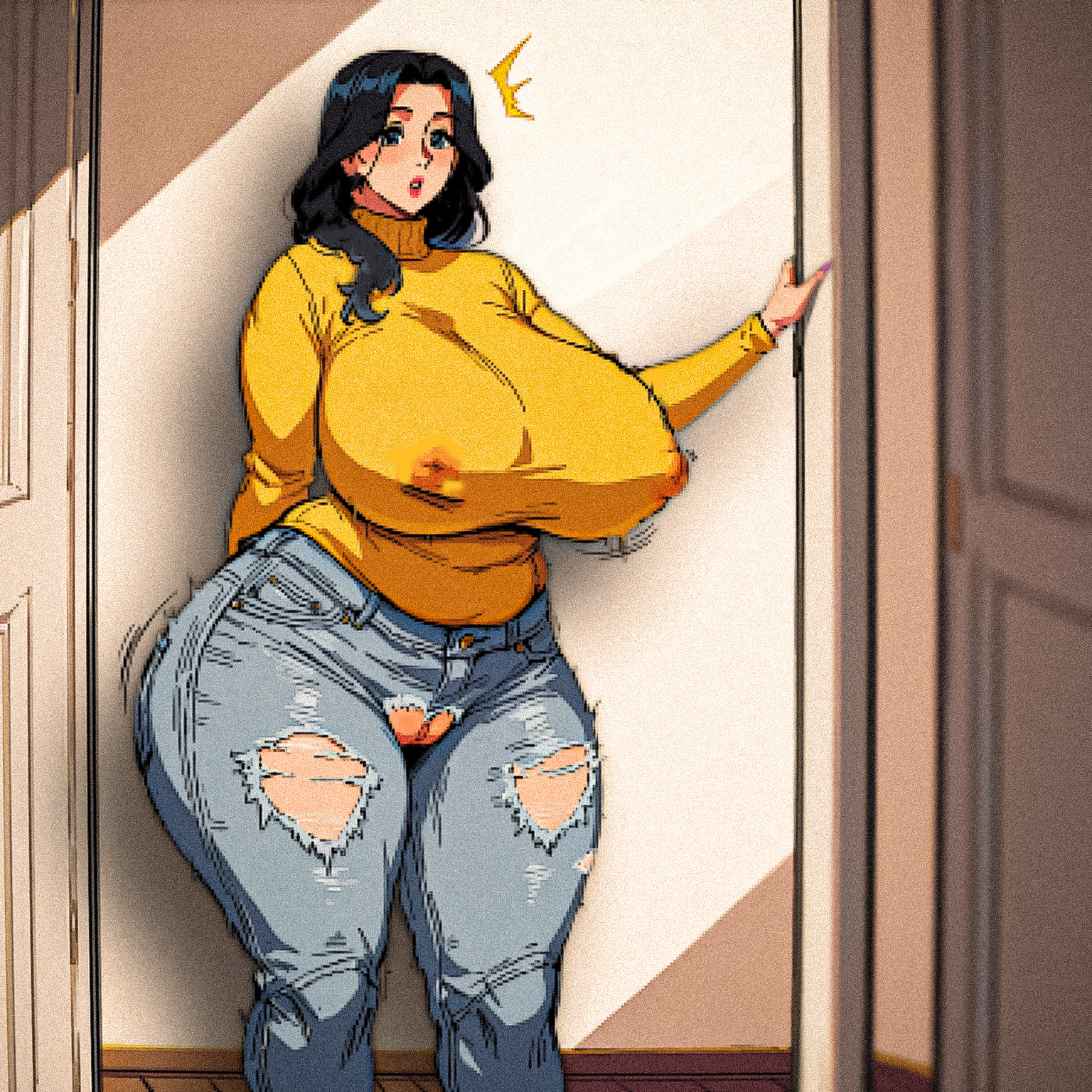
"You seem a little distracted from the movie, what's on your mind?"

Distracted is putting it mildly...

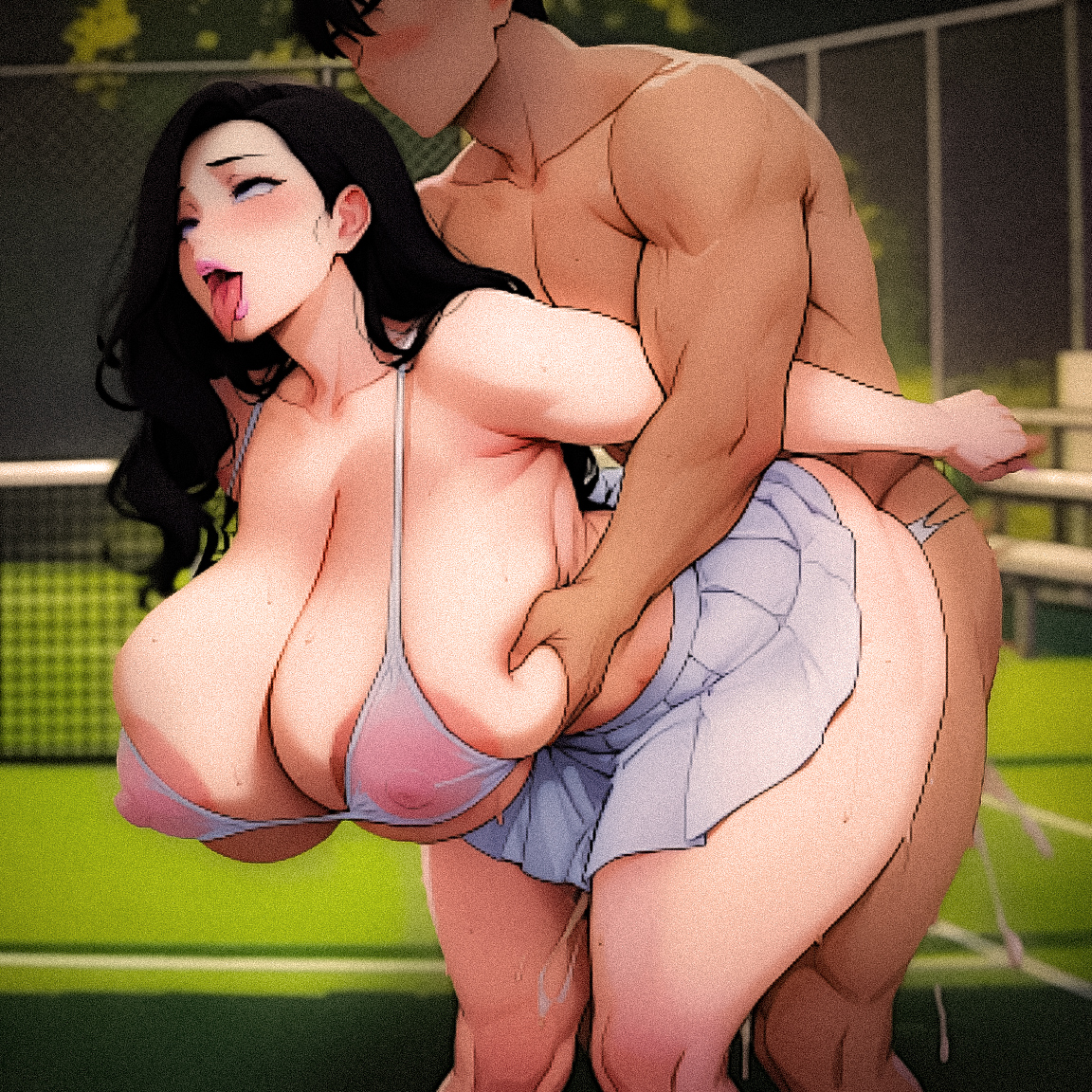
... and that is how you play tennis...


(+2)

Lovely stuff 💛

(+2)

Long time no update

What you want? (Cannot promise it will be good 😅 )

I will note I also post  more Anna than I should on X, link in profile. Though I am taking a week break atm. But happy post quick bits of work here. 

Just followed you~

Cool, cool. You have still not told me what image you want though? 😅

maybe  more Anna ,pls

(+1)

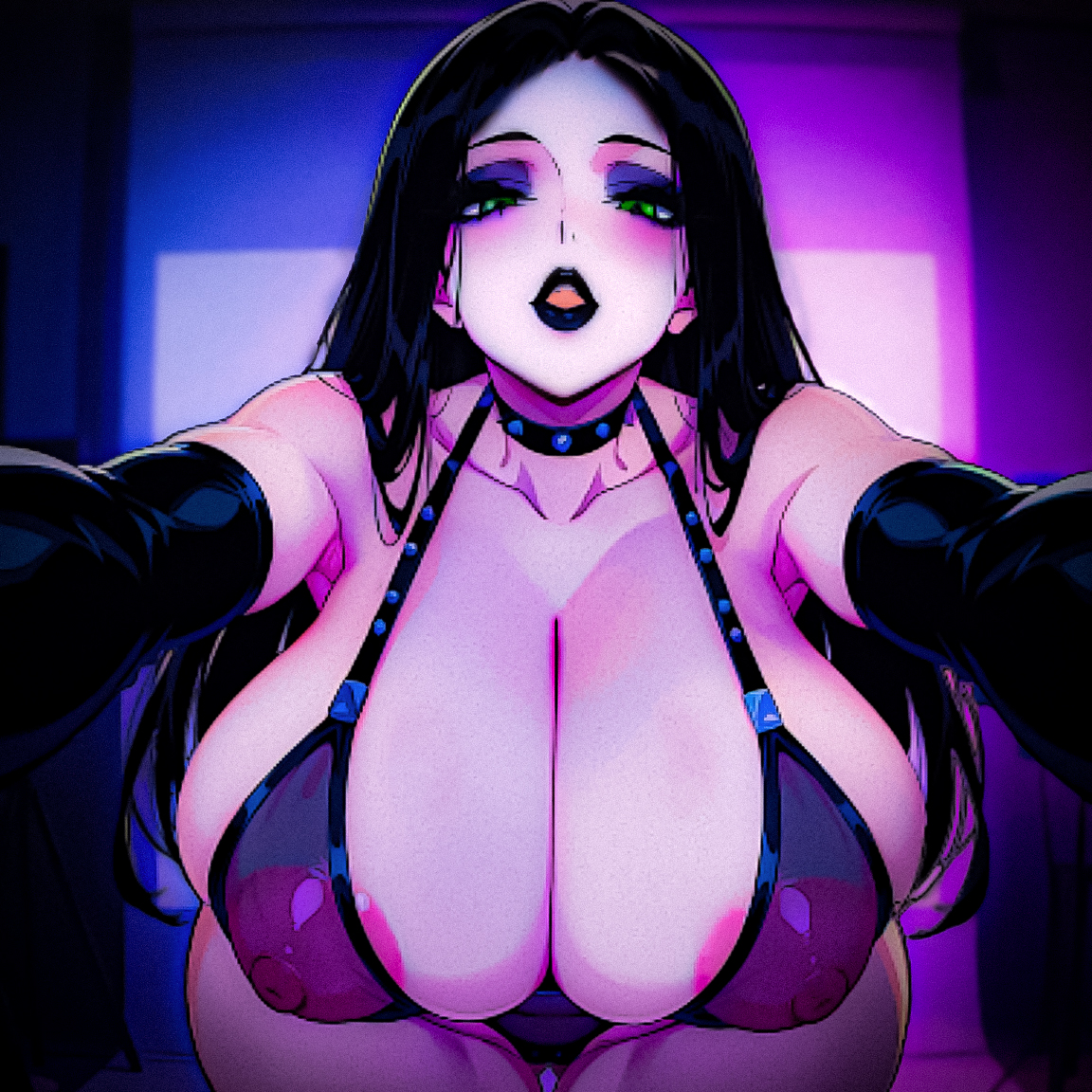
While we wait to see what YAYASAMA wants.. I can talk about my struggles with creating a good Alice image. No matter how much I play with tweaks and edits she just always ends up coming out like a gothed up Anna 😭

i want to know how do you make images like this

If you are just dicking about and want to create some quick images of Anna for you own imagination. 

Simplest way is to install Stability Matrix and try popular Illustrious models. (There are more details on the first page of this thread)


Plus you can find some decent LoRa Models to help on Civitai for Starmaker

Though if you are wanting to simulate actual Starmaker CGs you will need to get your hands dirty in GIMP or Photoshop 


Then for animations you are looking at things like Grok Imagine (Service) or Wan2.2 (Locally)

Hope this helps... 

(1 edit)

Sorry for animations forgot to mention for me these are manually edited again in tools like Clipchamp or Corel VideoStudio 

Starmaker looks like Starmaker because everything is traced or edited 

Cool, but my GTX 1070 says it can't do that.

I've been trying to pull this off with that SDPPP in Photoshop, but I'm still figuring it out.

(+2)

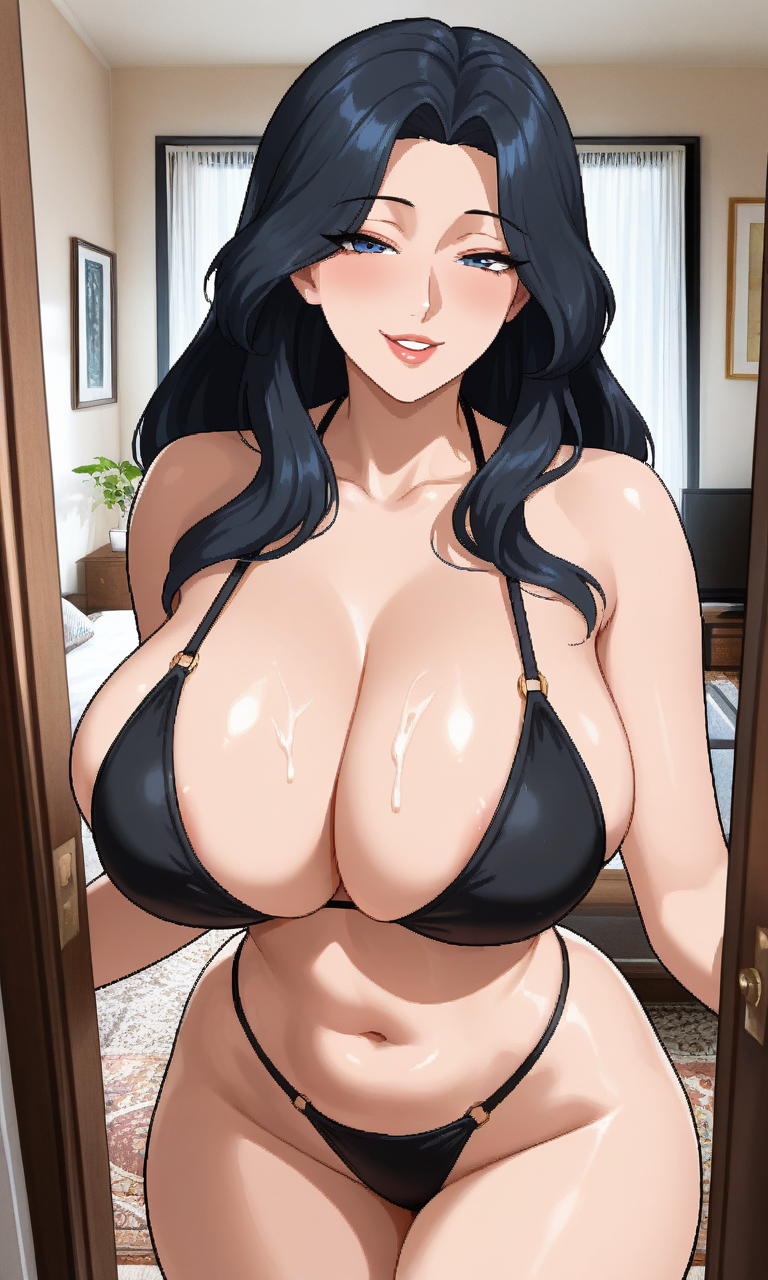
💛Anna looking lovely, someone should tell her she still has a little.. on her chest 😏

Ohh ok

Does it support NSFW??

Yes, though it depends on the model. Some are made for NSFW, others have limitations. But most local models let you create NSFW content.

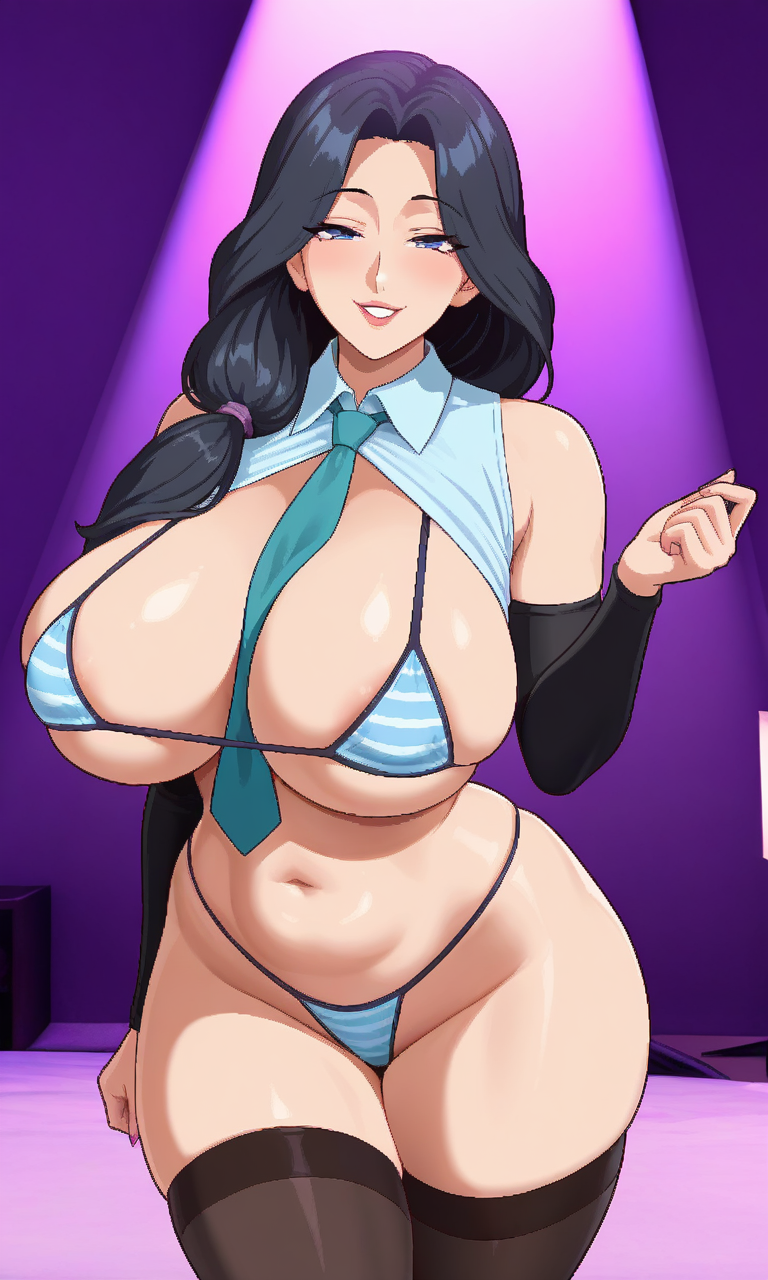
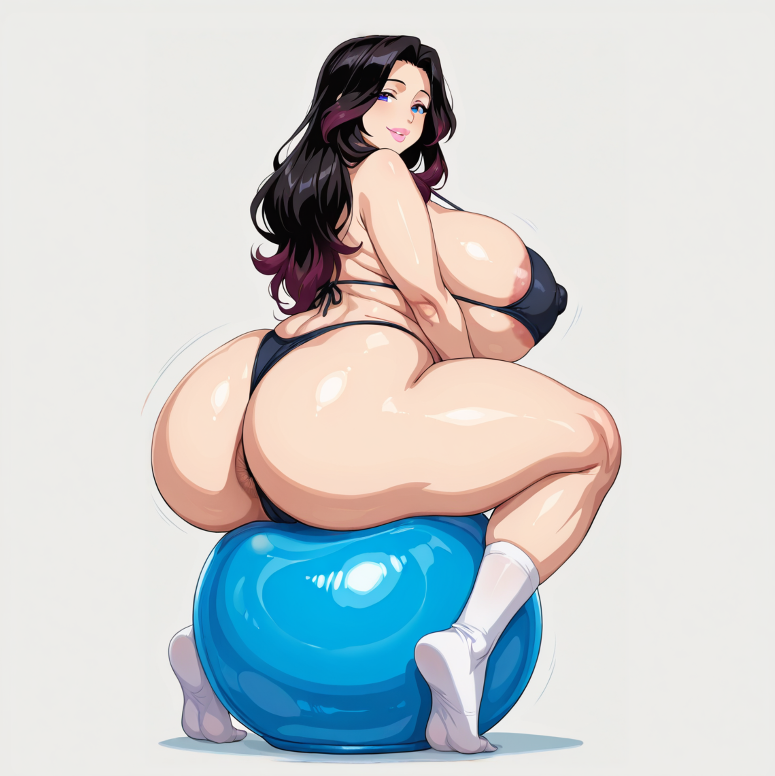
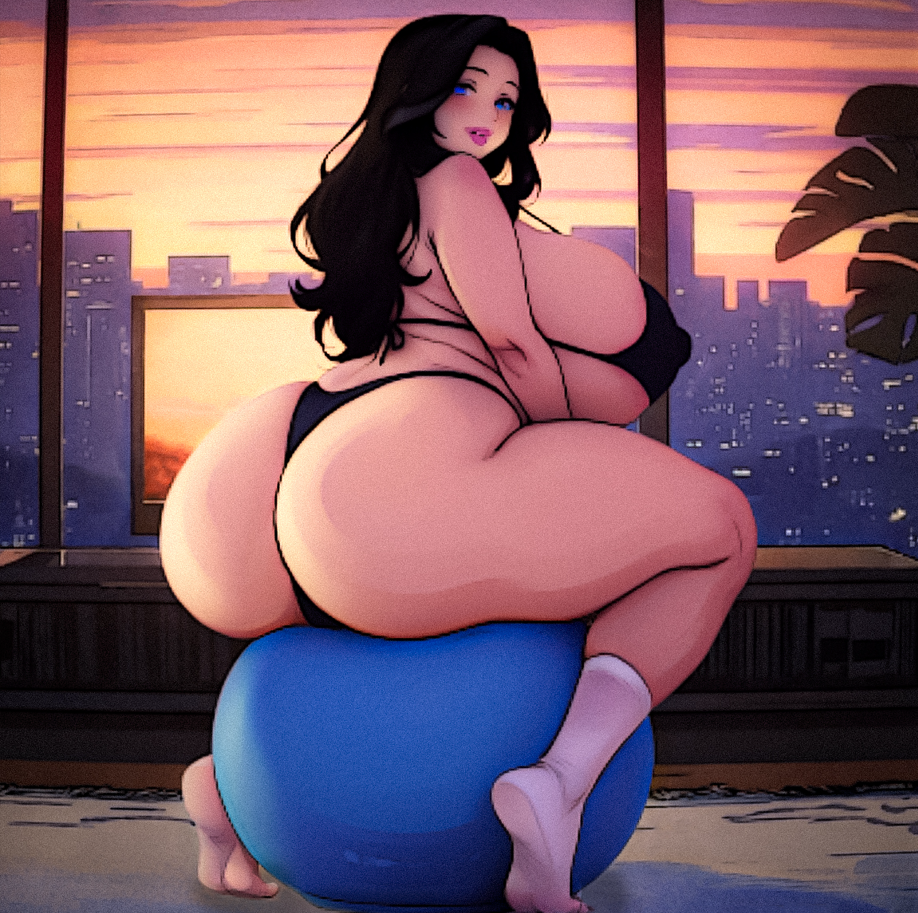
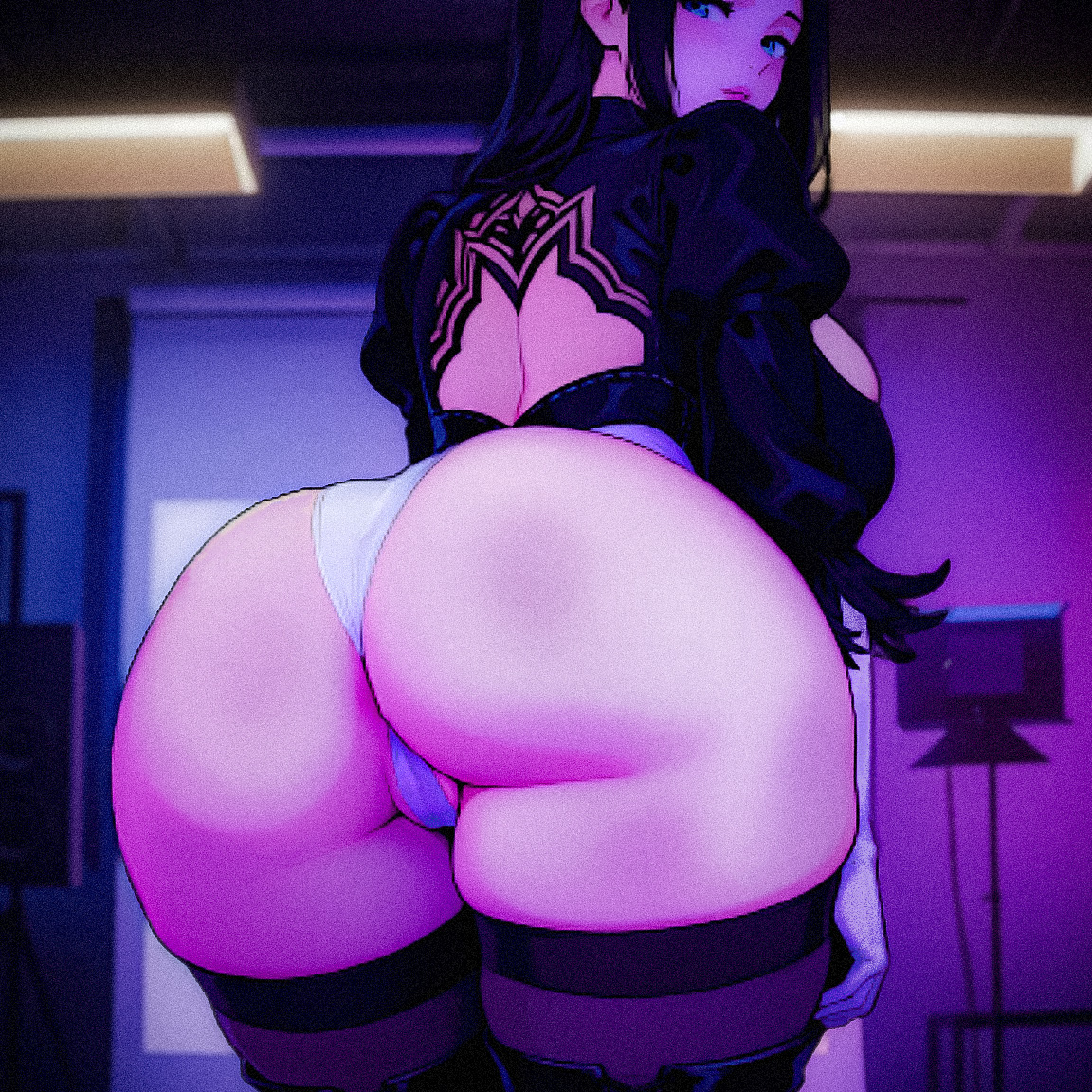
Sorry had a super busy day, seen as YAYASAMA did not add much context on what they wanted besides Anna. Though I would create a quick concept of what it might look like if we got the 2B costume back:


..and the more I look at it now it just looks like an image from the game Snapshot!  😭 I am tired man!

Oh my goodness, it really does look like a screenshot from the game Snapshot! But it's still really awesome — I'd love to see more sexy pictures (maybe with MC) in the future. Keep up the great work!

(+2)

WOW

WOW

(+2)

Lovely stuff 💛

Wow great work men

May I ask what settings you are using to get these results , Im trying to get started with Stability matrix but the stuff Im generating is most shit haha

The images have all the generation metadata embedded. Just load one into a metadata viewer (or back into Stability Matrix/ComfyUI), and you'll be able to see the exact prompt, model, sampler, steps, CFG, seed, LoRAs, and other settings used.

(1 edit)

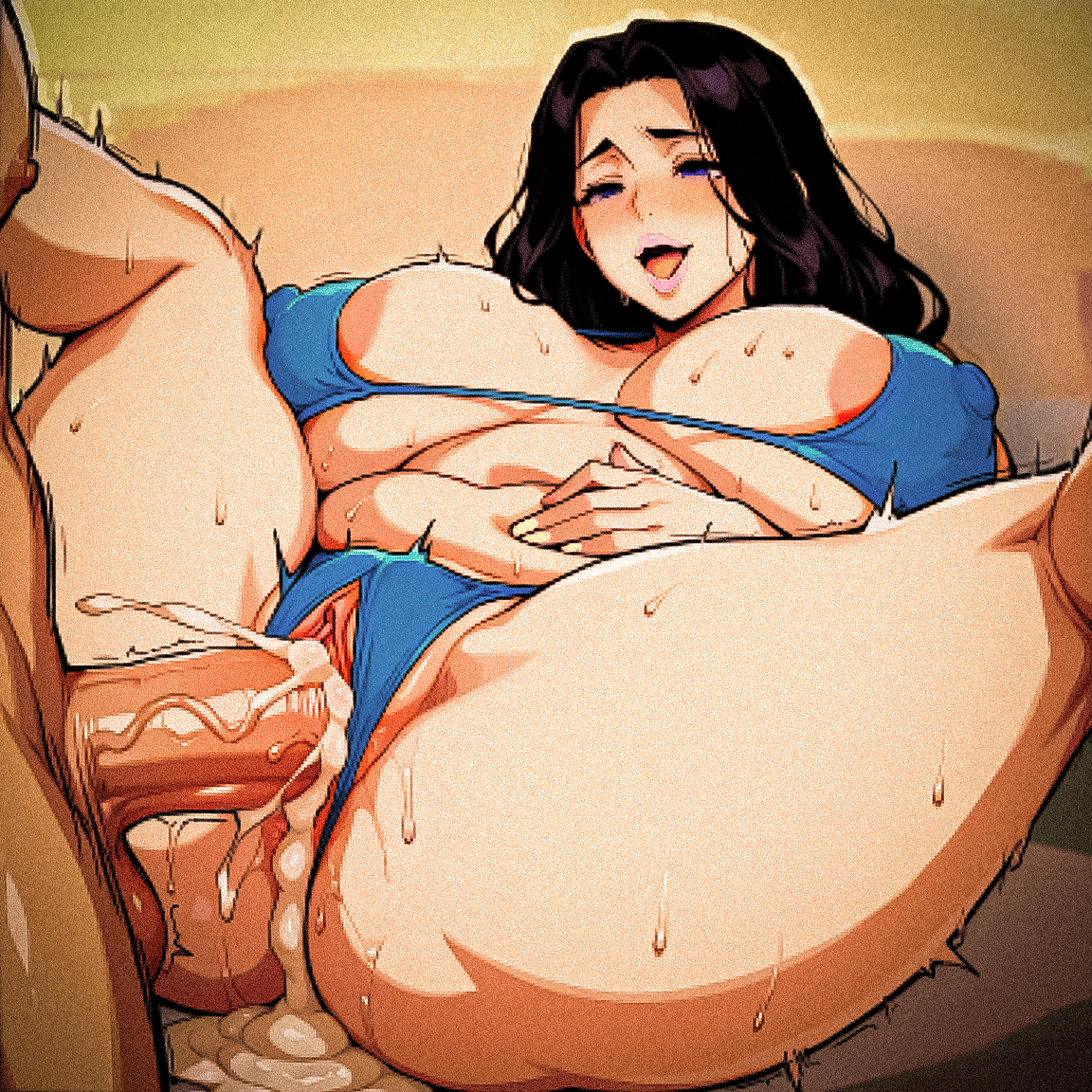
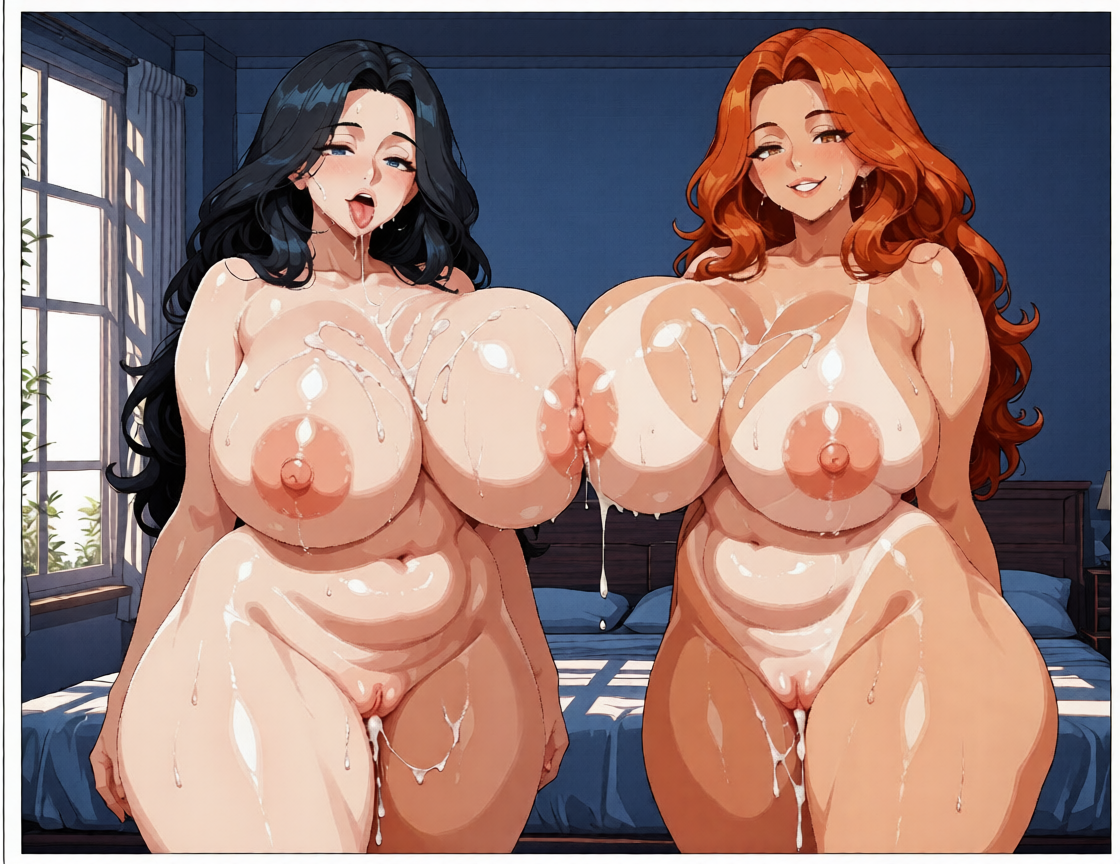
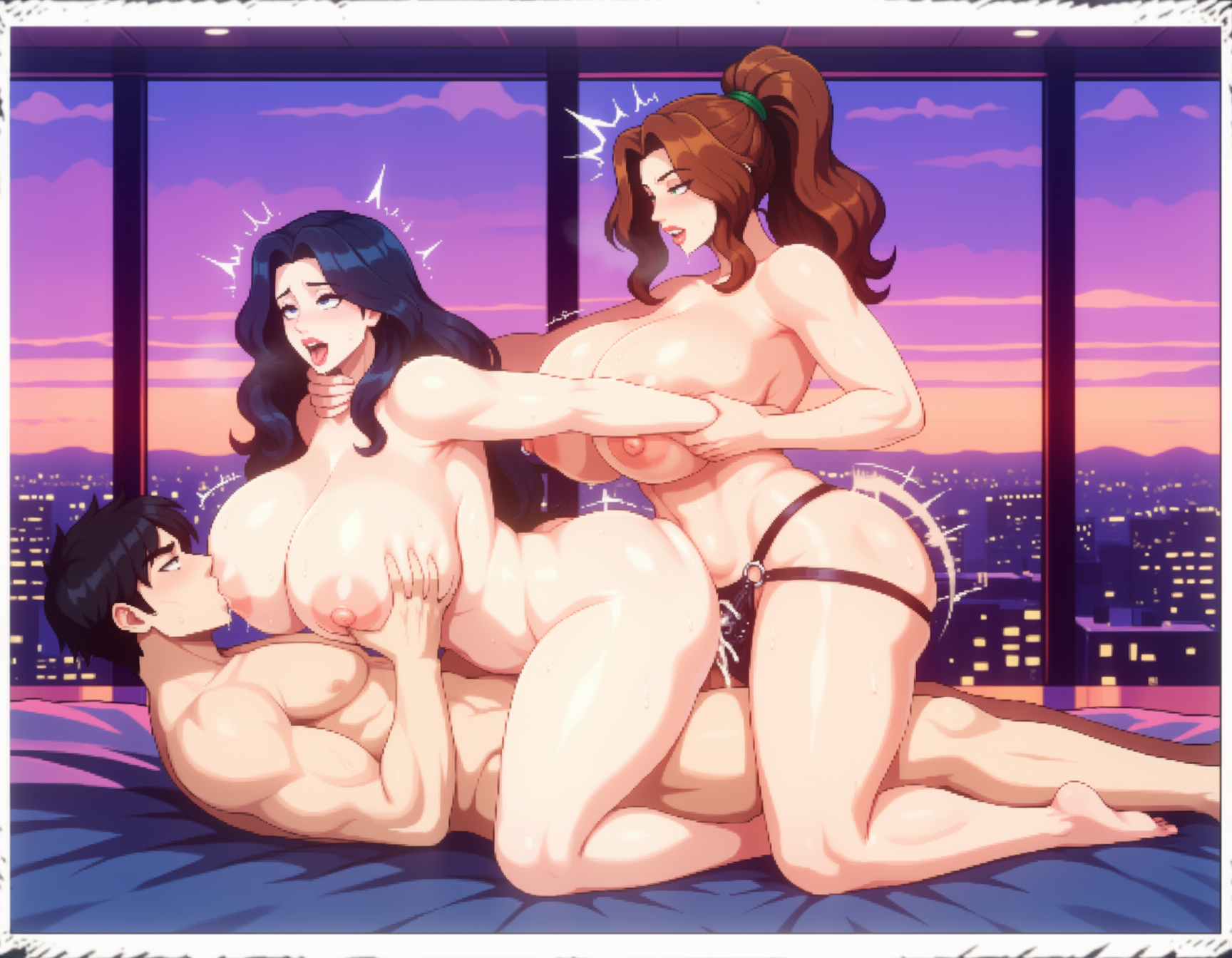
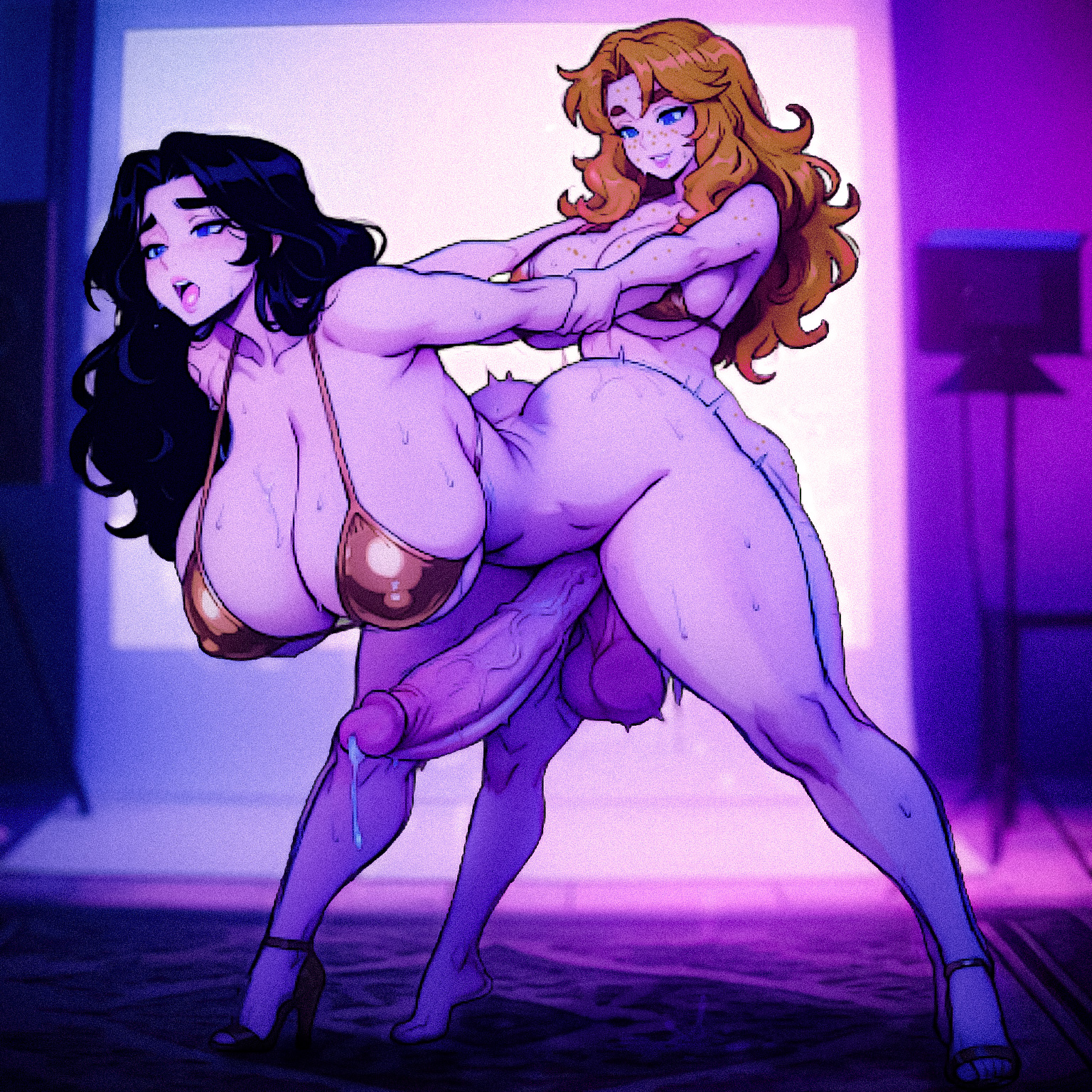
Everything, everywhere & all at once. Kate finds the studio and the futa pills... 


(+3)

Anna, looking a little sad, is waiting for Update 1.9

😞

hey man what kind of site or program are you using for making these?

Hey! I’m using ComfyUI for generating these images. The main model I use is Anima, with a custom LoRA trained for it called “Starmaker Story” to get this specific style and consistency. It gives me more control over the characters, outfits, and overall look compared to using a regular web generator.

Hi Ckyman, maybe you've already answered this type of question, but I've seen a lot of your posts with pictures identical to the game, and I'd like to know how you do it and what programs you use. Lately, I've been using Stable Diffusion WebUI Forge, but I don't know how to preserve or generate certain things like the face or the style from Starmaker Story. I don't need you to tell me all your secrets, but I'd appreciate some help.

(+1)

Yo, sorry for the delay. As mentioned in previous posts I use Stability Matrix but you can absolutely use Stable Diffusion WebUI Forge in the same way. The process is still the same. Use highly descriptive prompts like:

Face 

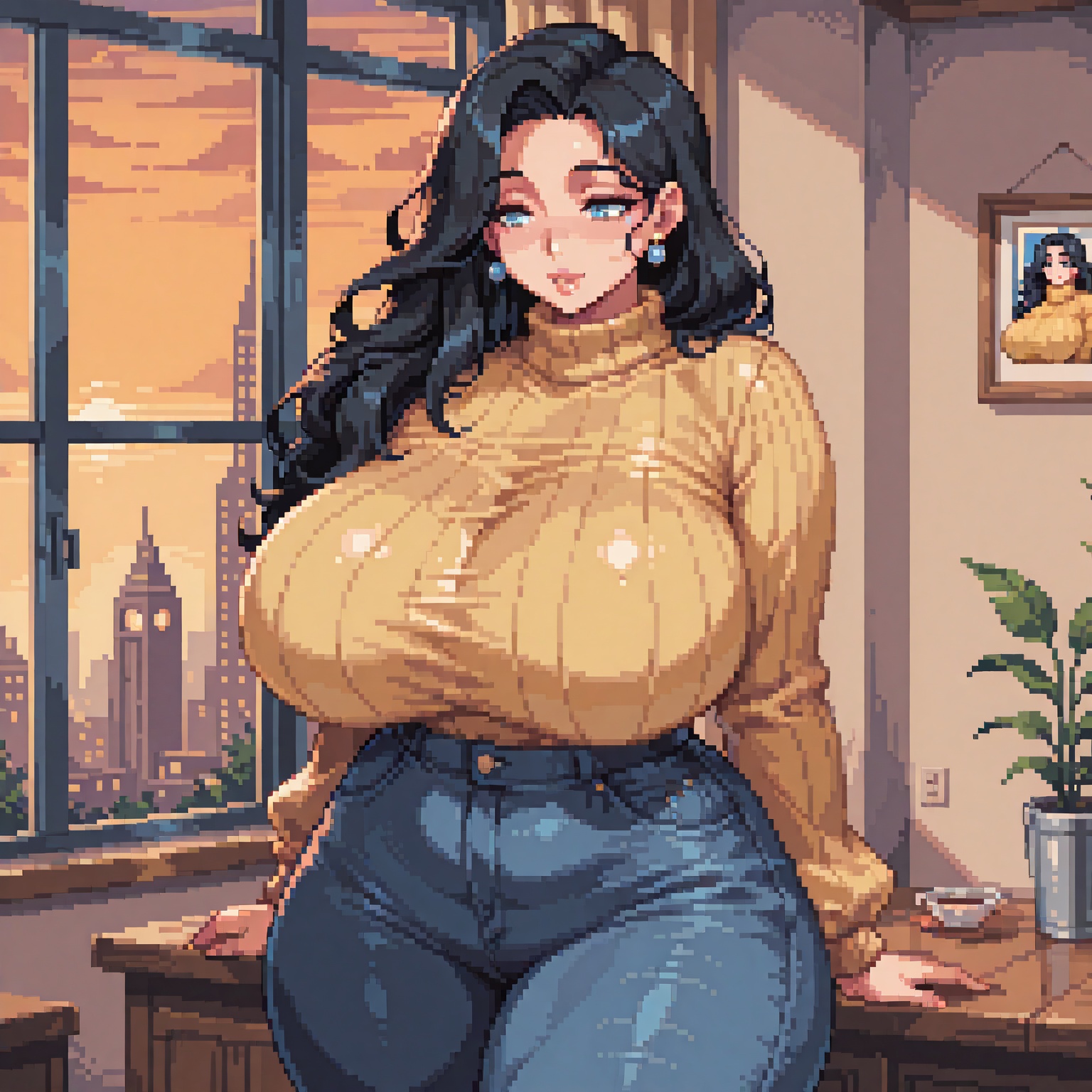
small head, attractive realistic anime face, soft blue eyes with natural highlights, no stars no sparkles in eyes, calm gentle smile, glossy natural pink lips, long voluminous wavy jet black hair cascading softly over shoulders and back, 

Style

masterpiece, best quality, pixel art, detailed pixel art, retro pixel art, chunky pixels, clean sharp pixels, sharp pixel edges, vibrant colors, limited color palette, dithering, pixel shading, pixel highlights, glossy pixel skin, sprite style, no anti-aliasing, hard pixel edges, high resolution pixel art,  
------ YOUR OTHER PROMPTS HERE ----   
highly detailed pixel art, intricate pixel details, fluid physics in pixel style, glossy pixel reflections on skin and fluids, vibrant retro colors,  polished modern pixel rendering

Style Part 2 - Also make sure to use Negatives 

lowres, bad pixel art, blurry pixels, anti-aliased edges, smooth gradients, realistic, photo, 3d render, modern smooth anime, cel shaded smooth, vector art, soft edges, high detail without pixels, deformed pixels, extra pixels, bad dithering, merged pixels, noisy pixels, text, watermark, signature, child, loli, young girl, underage, small breasts, flat chest, horns, ram horns, goat horns, animal ears, pink cap, hat, cap, baseball cap, overexposed, underexposed, bad lighting, extra limbs, bad anatomy in pixels

If you are just starting out try using LoRas like the character and style specific ones listed on Civitai, search "Starmaker Story" 

How to Use LoRAs in Forge

  1. Install LoRAs:
    • Download .safetensors (or compatible) LoRA files from sites like Civitai.
    • Place them in the models/Lora folder (inside your Forge installation; create the folder if it doesn't exist). Subfolders are supported and will appear as filters.
  2. Load and Apply:
    • In the UI, go to the LoRA tab (below the prompt).
    • Click Refresh if needed to see new files.
    • Click a LoRA tile—it automatically adds <lora:filename:weight> to your prompt (default weight is usually 1).
    • You can also manually type it: <lora:your_lora_name:0.7> (adjust the weight; 0.6–0.8 is common for subtle effects).
  3. Generate — Match the LoRA to the base model (e.g., don't use an SD 1.5 LoRA with an SDXL checkpoint, or vice versa). Include any trigger words from the LoRA's description.

A reminder I heavily trace and edit my images, so they will not produce an exact match. Though it is a good starting block and if you are just wanting to live out a fantasy no easier way. GL 👍

(+1)

Hi, it's me again. I've been experimenting a bit with the prompt you gave me and one you uploaded a while ago, and I'd like to thank you for your time. I'm still open to any advice you might have. Now I'll show you a couple of results I liked.

So cool! Hope you post more AI pics soon, I’m hooked!

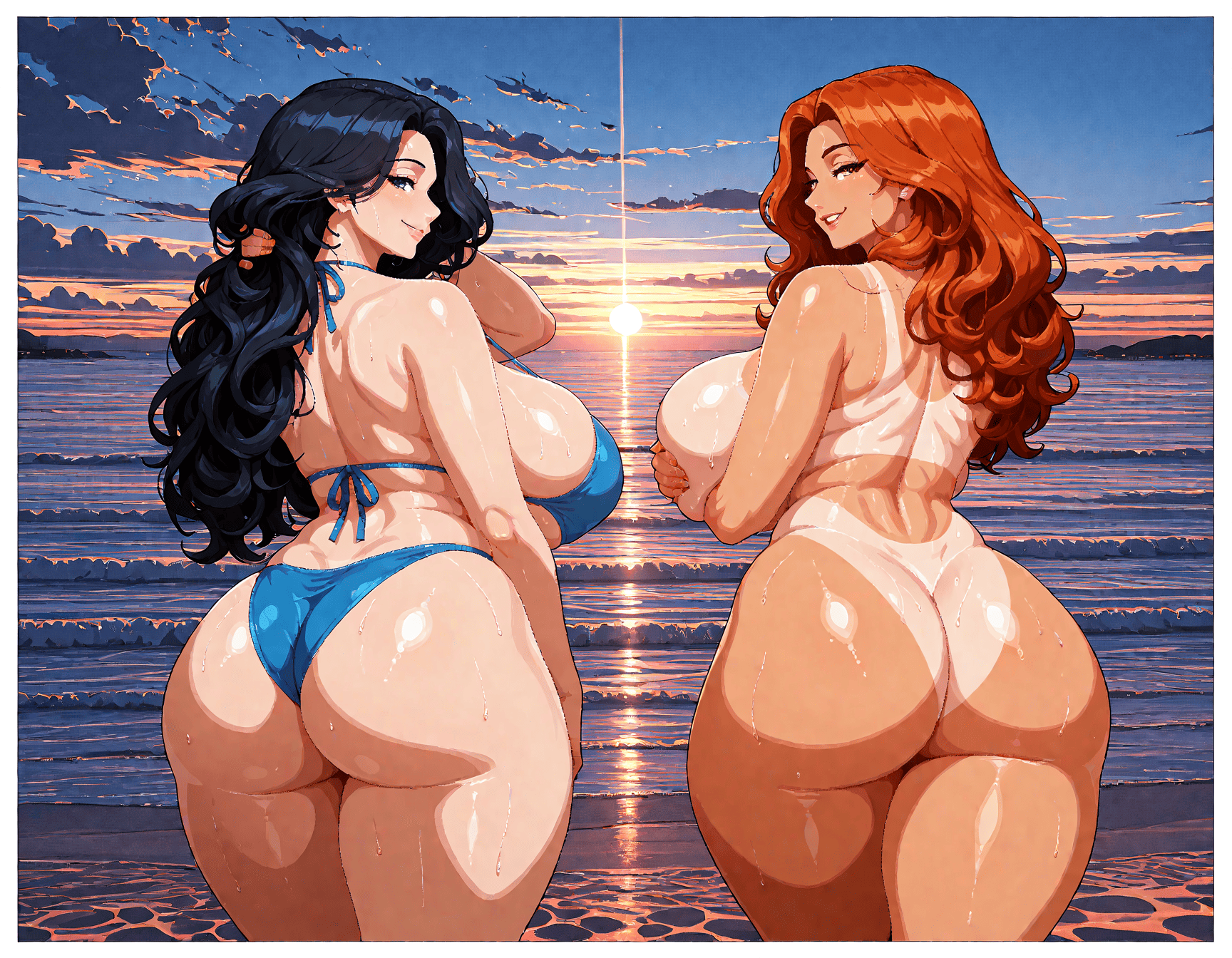
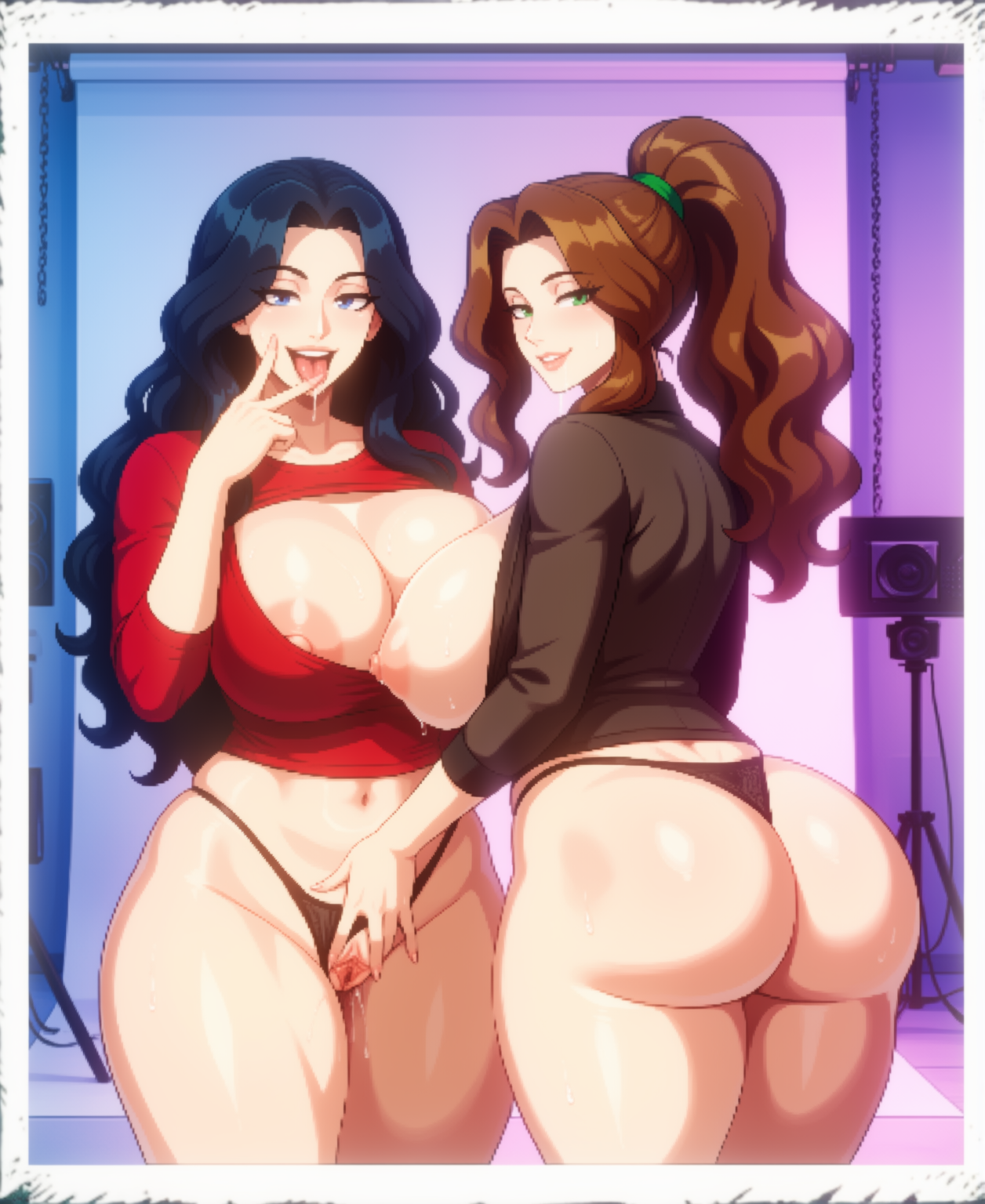
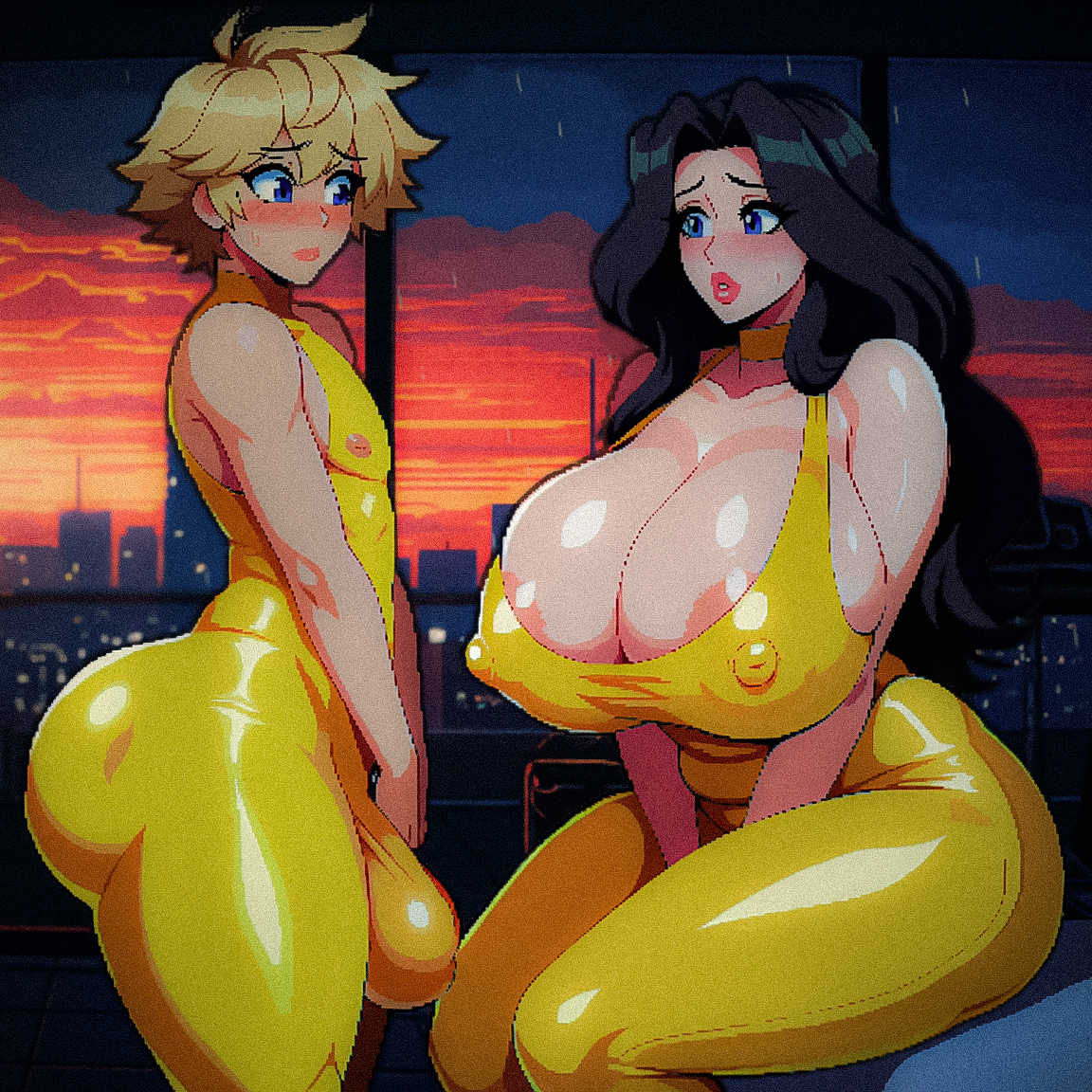
"You know River the work Phoenix has being doing on your rear looks great, but do you not think the amount she is making you store up front is starting to get a little noticeable..."


Viewing posts 41 to 60 of 118 · Next page · Previous page · First page · Last page