


After searching a little for a tutorial of how to play this amazing game on GNU/Linux with no success at all, I decided to share a simple step-by-step of how to achieve it (and playing soooo smooth!):
UPDATE 12/08/2025: you can check it out a super basic video of how to do that:
- Download the game and unzip it to a folder. For example: /home/<you>/Games/VotV/
- Open Steam and click on "Add a game" option (at the bottom-left of the main windows of Steam)
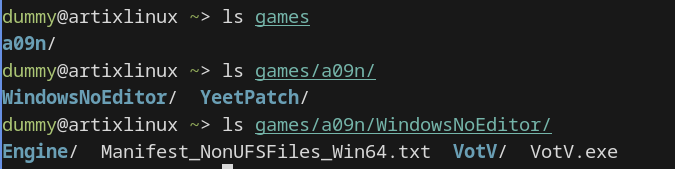
- Click on "Browse" to open the folder where is located the VotV.exe (following the example: /home/<you>/Games/VotV/pa07_0011/WindowsNoEditor/)
- Once is selected you'll find it under the "INSTALLED LOCALY" section of your games library as a "VotV.exe"
- Select it and click the gears icon and select "Properties".
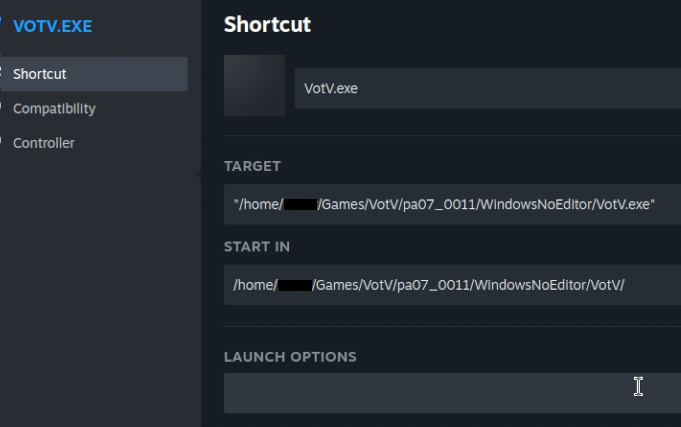
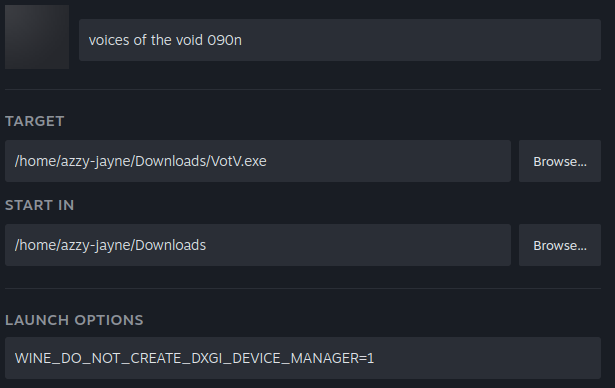
- It open a new window where you have to set two paths as you can see it below:
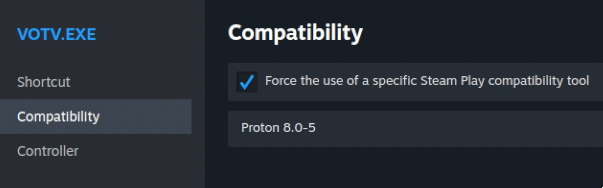
- Don't forget to open the "Compatibility" section to force of using Proton:
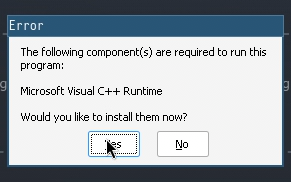
- The first time it'll raise an error of lacking of MVC++ Runtime. Say "Yes"
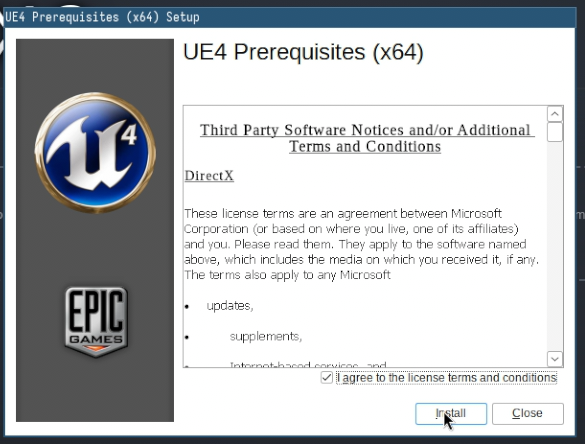
- Wait unitl the installation is completed
- Enjoy!
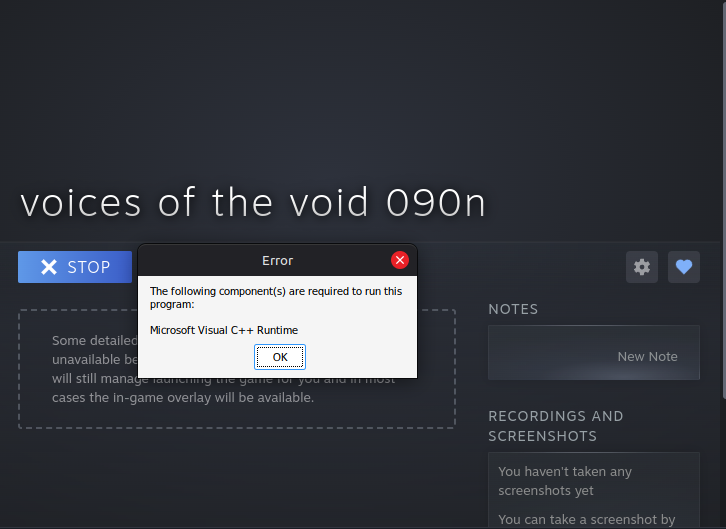
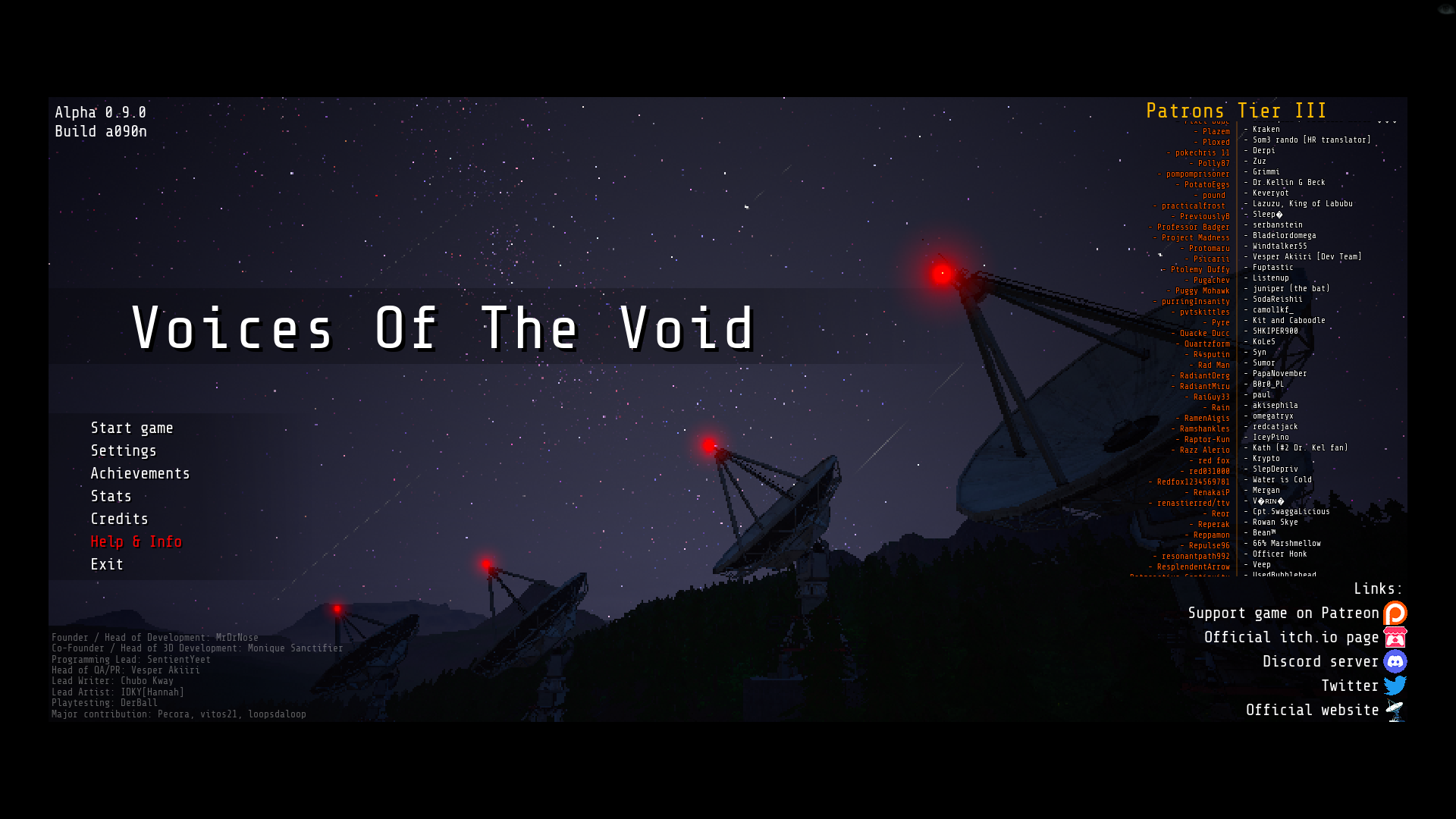
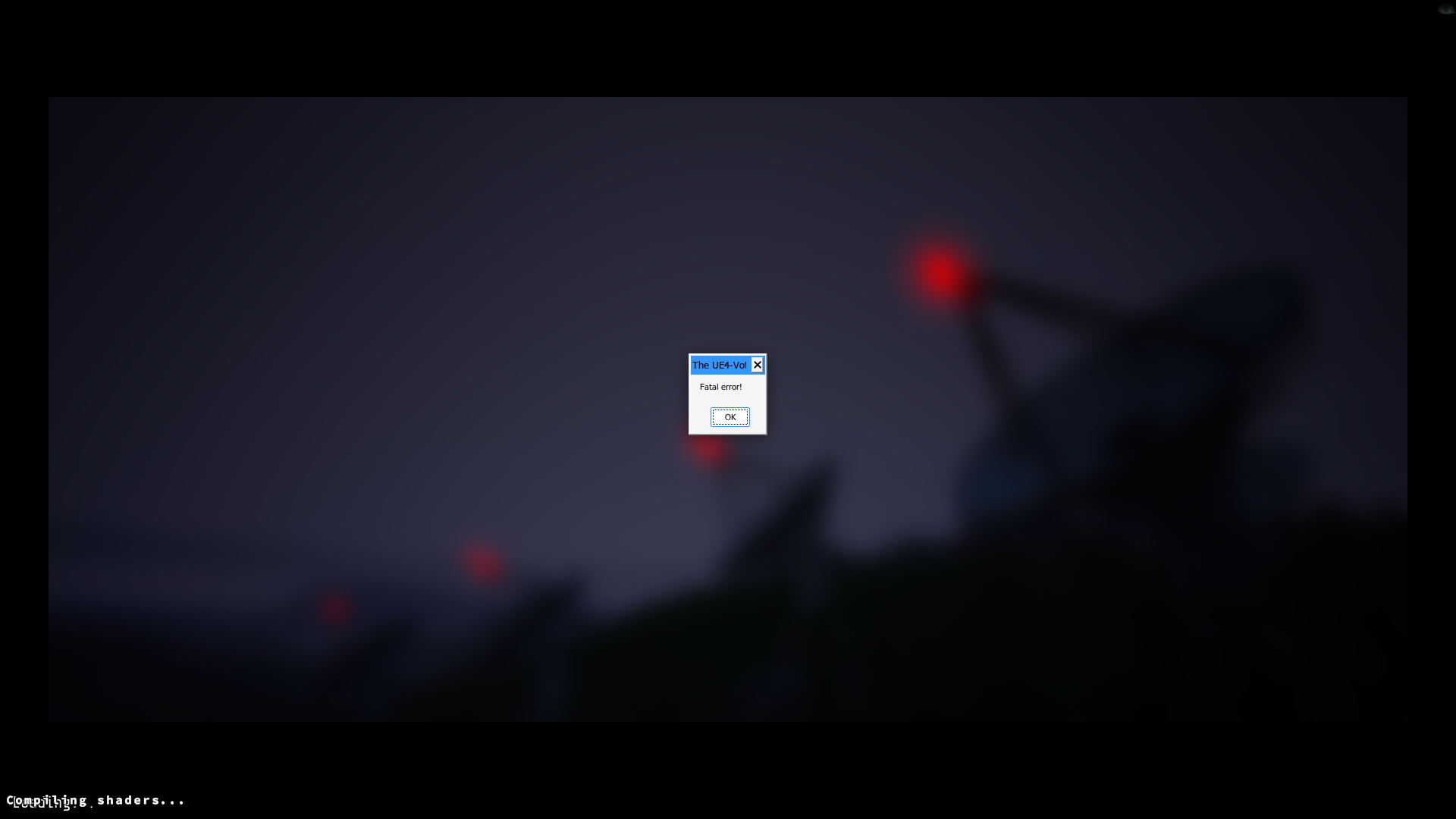 Hi everyone, I'm trying to play the last version on linux mint and is giving me this issue, I have a nvidia geforce 1060 6gb and I have tried with lutris and steam and nothing works, also, it only opens with GE-Proton as I tried other versions of proton and it doesn't even open. I followed all the installations from UE4 and Microsoft Visual Runtime and supposedly everything was installed correctly, and previous versions of VotV worked up until 0.8.2c, after that it stopped working completely.