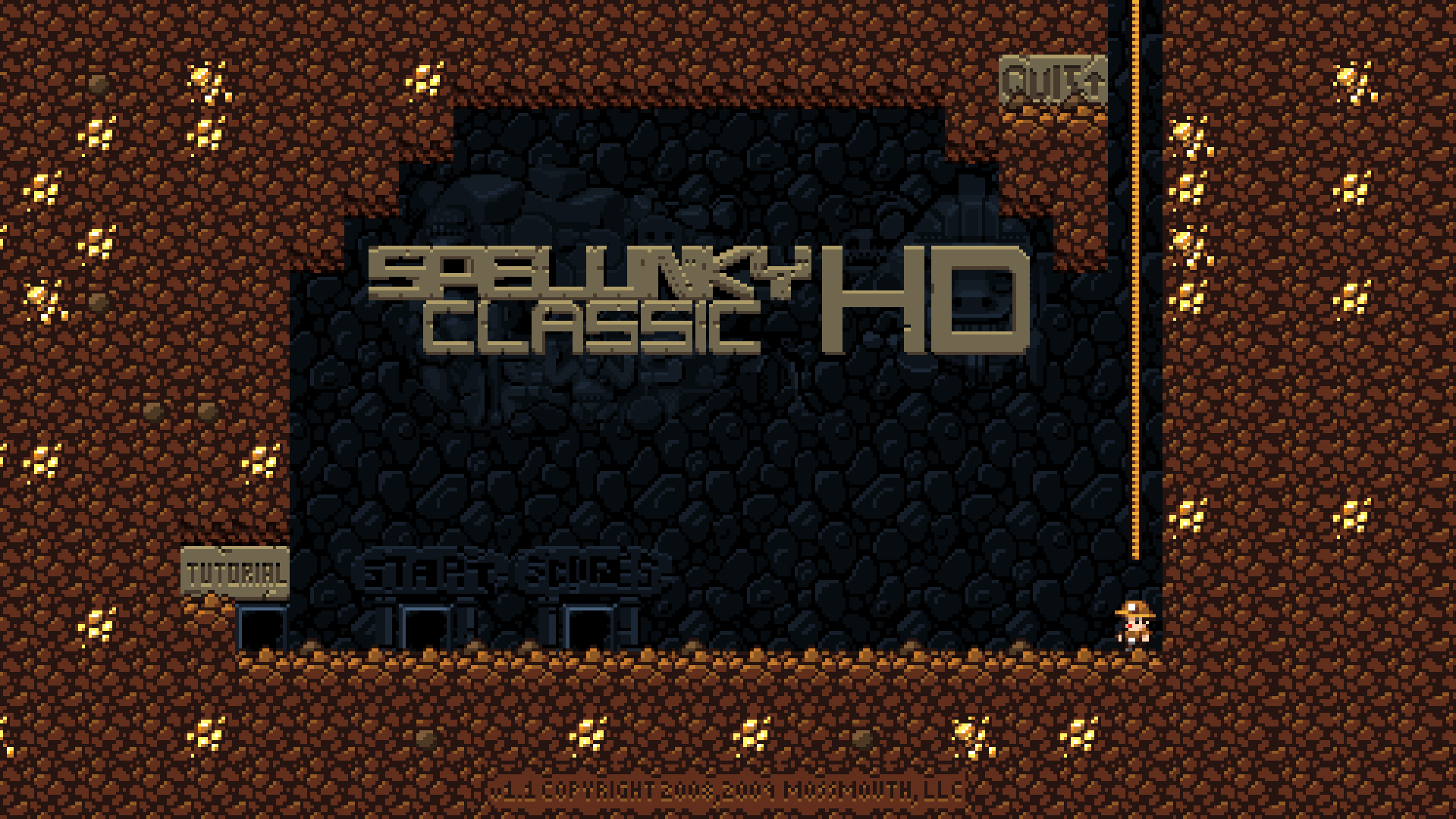
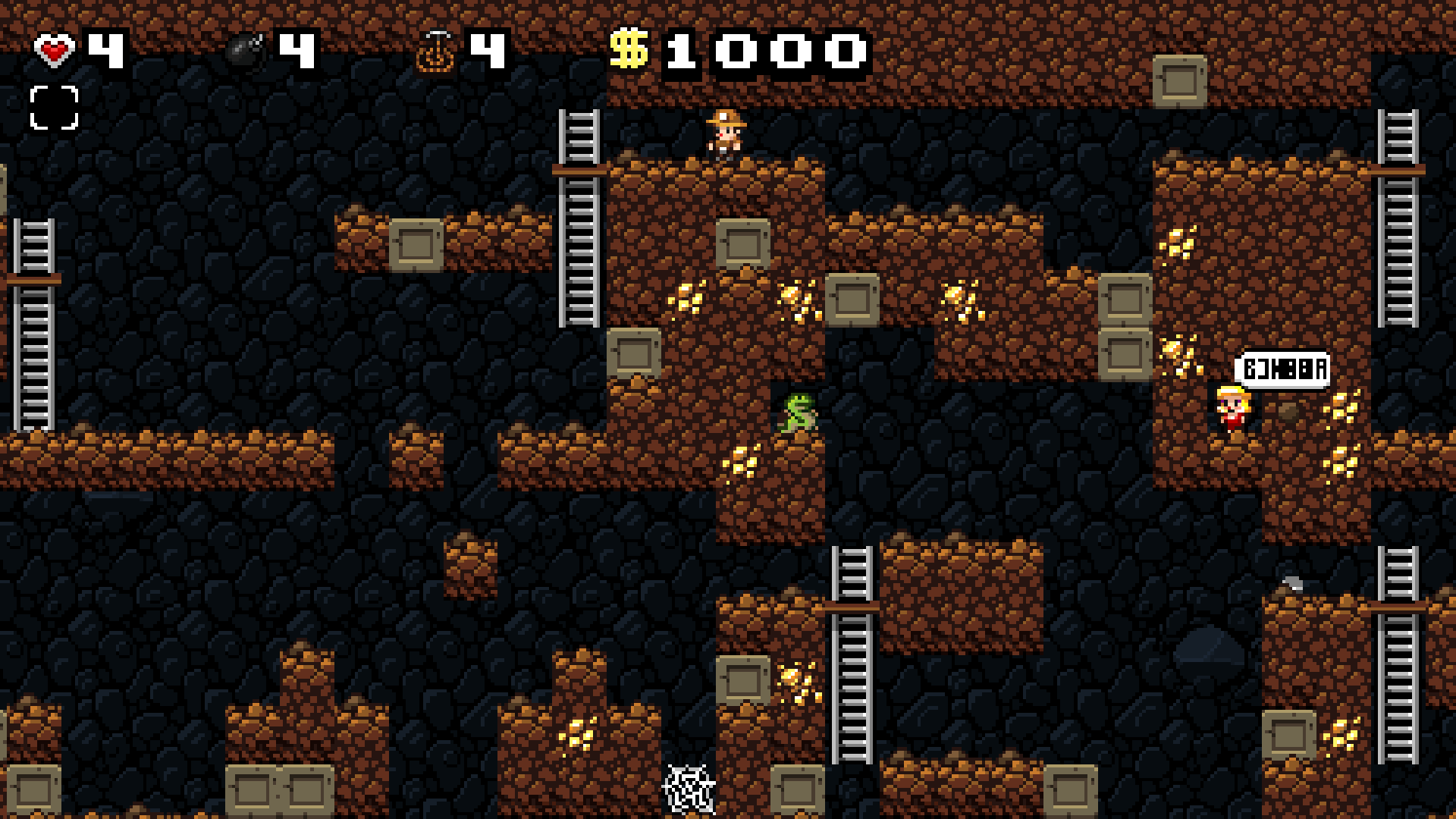
I noticed that on my PC the text on the signs look distorted. This doesn't happen with the white text in the menu. It looks like that in both the browser and the downloadable version, regardless of whether I'm on fullscreen or not.
Likely, this is happening because the game is using non‑integer scaling. I assume you're on Windows with a 1920×1080 display? Here's a build that uses integer scaling - please give it a try.
This one looks fine! I usually play on my second PC that's set to 125% scaling because the monitor's small but on that PC I don't use any scaling. Also, I know this was probably a test build, but there were horizontal bars at the top and bottom of the screen, just so you know.
The black bars are because this build uses integer scaling. The original viewport height is 240, to fill 1920x1080 you'd need 4.5x scaling, which is not an integer. This build uses 4x, so the height is 960 and 120 pixels are black bars. 5x would remove the bars but cut off 120px, I'll test it later, but it's likely not a good idea. Scaling pixel art is tricky. At least we found why the text was distorted for you. I knew about the issue, but usually it wasn't too bad, and I assumed non-integer scaling with slight distortion is better than integer scaling with black bars (integer scaling without black bars may be impossible in this particular case). Probably I should add integer scaling as an option.
Ok, thanks for letting me know. I don't mind the black bars too much. If that makes it any easier for you, you could add an option for a 4:3 aspect ratio, which would create vertical black bars on 16:9 monitors but it would be on par with the original. But anyway free to handle this however you think it's best. I'm really not familiar with how these things work or how they should be done.