

I wanted water that looks stylized and drops into a scene as a single plane - no cutting the pool into a shallow part and a deep part, no mask painted to say where it gets shallow. What came out is a shader for Godot 4, with a demo scene included: a test terrain with a basin for a lake and two pools. Open the project, hit F5, and you are standing over water.
https://emaceart.itch.io/emaceart-cool-water-water-shader-for-godot-4
I wrote the code with Claude: the model typed the shader, I said what should show up on screen.
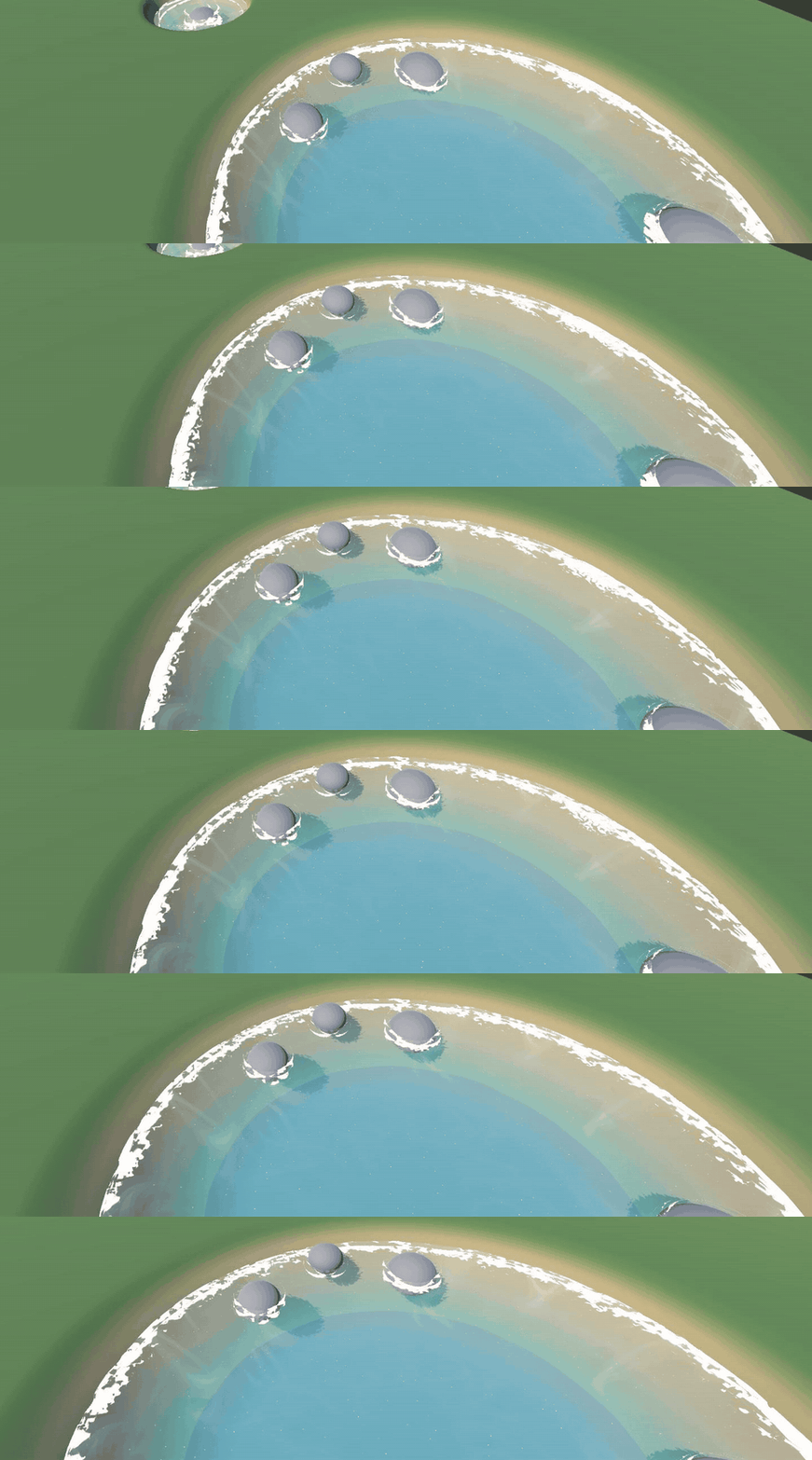
Water in motion: shoreline foam and bands of colour over deeper areas
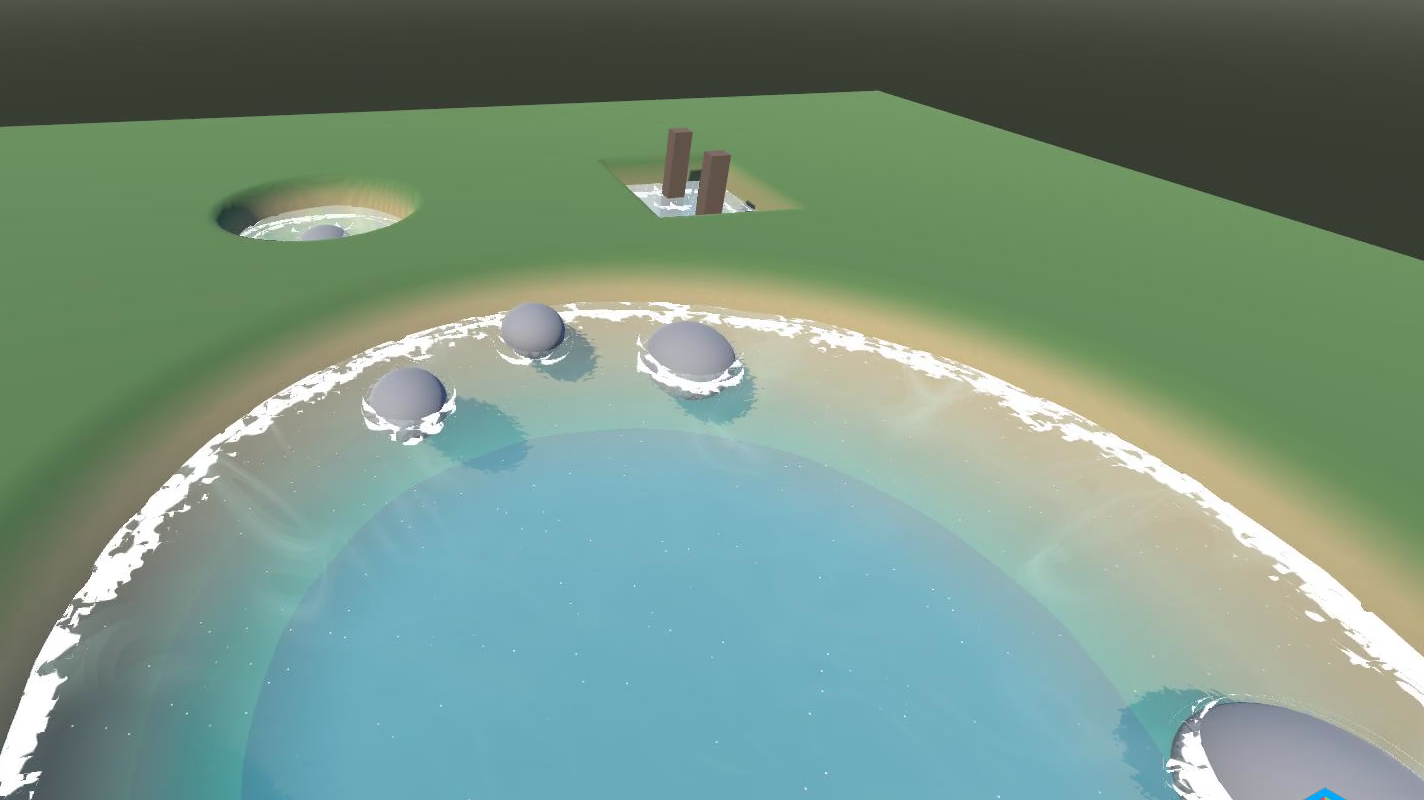
Lake shore: a band of foam along the waterline, rocks with a foam collar of their own
The shader measures the vertical distance between the surface and the bottom, and derives the rest from it. Shallow water is turquoise and clear, deeper water shifts into dark blue, and between them you get distinct colour steps - one to eight bands, as many as you set. A rock or a pier post breaking the surface gets a foam collar on its own, because the water right next to it is shallow.
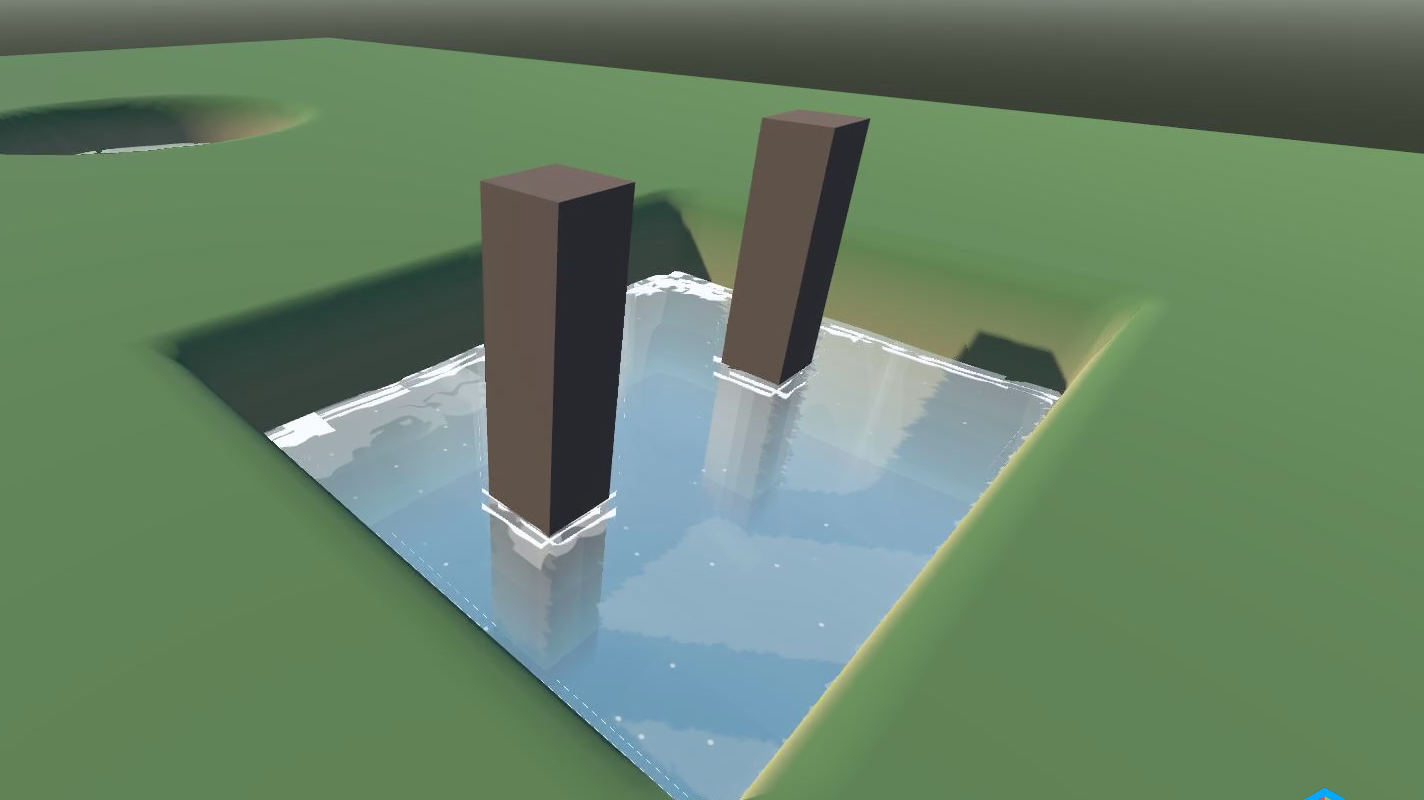
Pool with pillars: every pillar wearing a collar of foam
The caustics are projected onto the bottom in world space. The patches of light sit on the terrain and crawl over submerged rocks instead of sliding along the surface. You can switch on chromatic aberration at their edges - the rainbow fringe you get from real refraction.
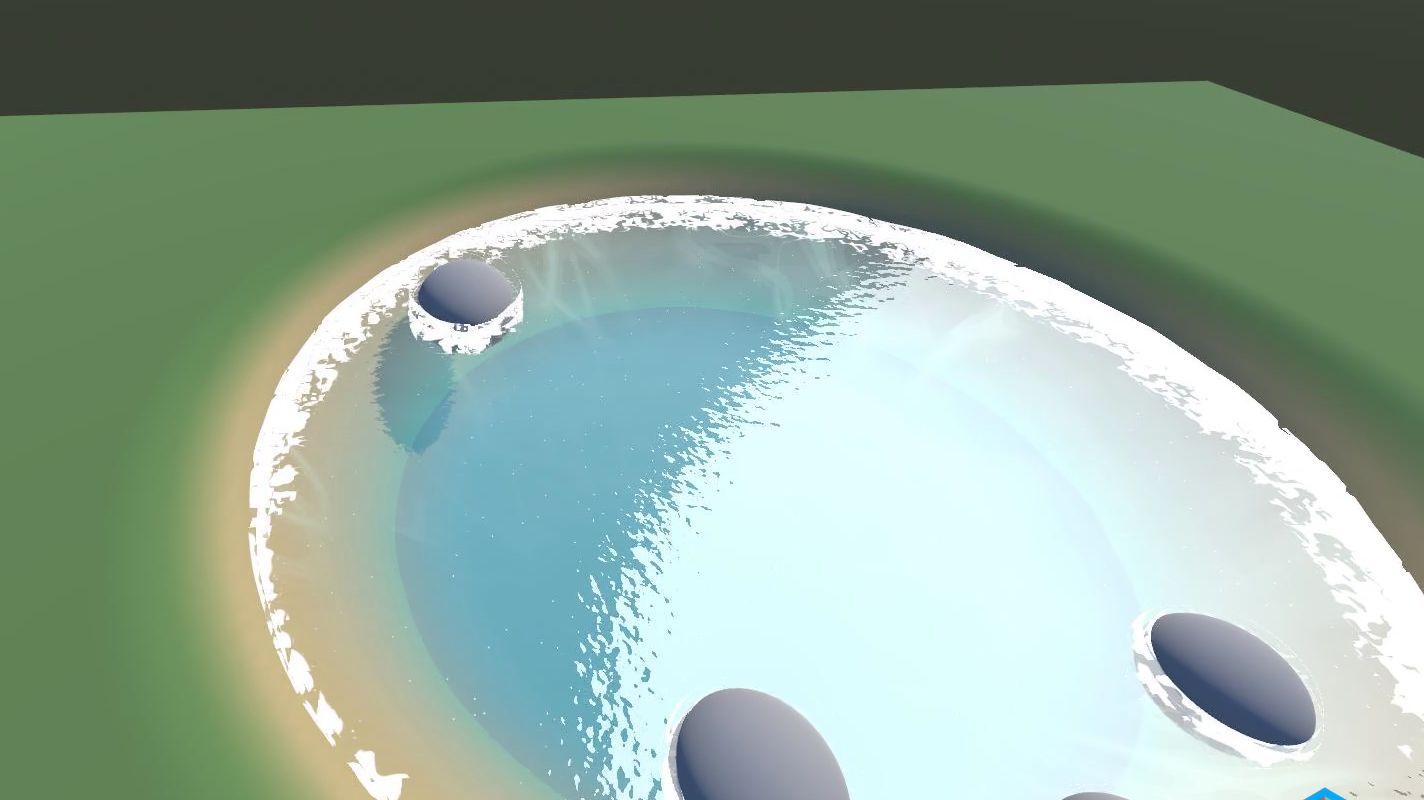
Glow along the shore and caustic patches lying on the bottom
Foam comes in five patterns: one texture and four procedural ones, from soft clouds to fine cells. The specular highlight is toon-shaded, with separate control over size, softness and strength. A separate slider breaks it into glittering specks on the surface.
My worst week came from the round pool. The water drew motionless concentric rings on it - regular circles that reacted neither to time nor to the waves. We checked the noise, the gradients, the curves, rewrote half the shader.
The bottom was the culprit. On a sparse mesh the wall of a round pool descends in steps, and since colour comes from depth, every step became its own band of colour. Subdividing the bottom mesh fixed it in a second.
If you see something similar on your own scene, look at the bottom mesh first, not at the shader.
Tropical turquoise, pool blue and green lagoon. Each body of water in the demo uses a different one, so you can compare them in a single shot.
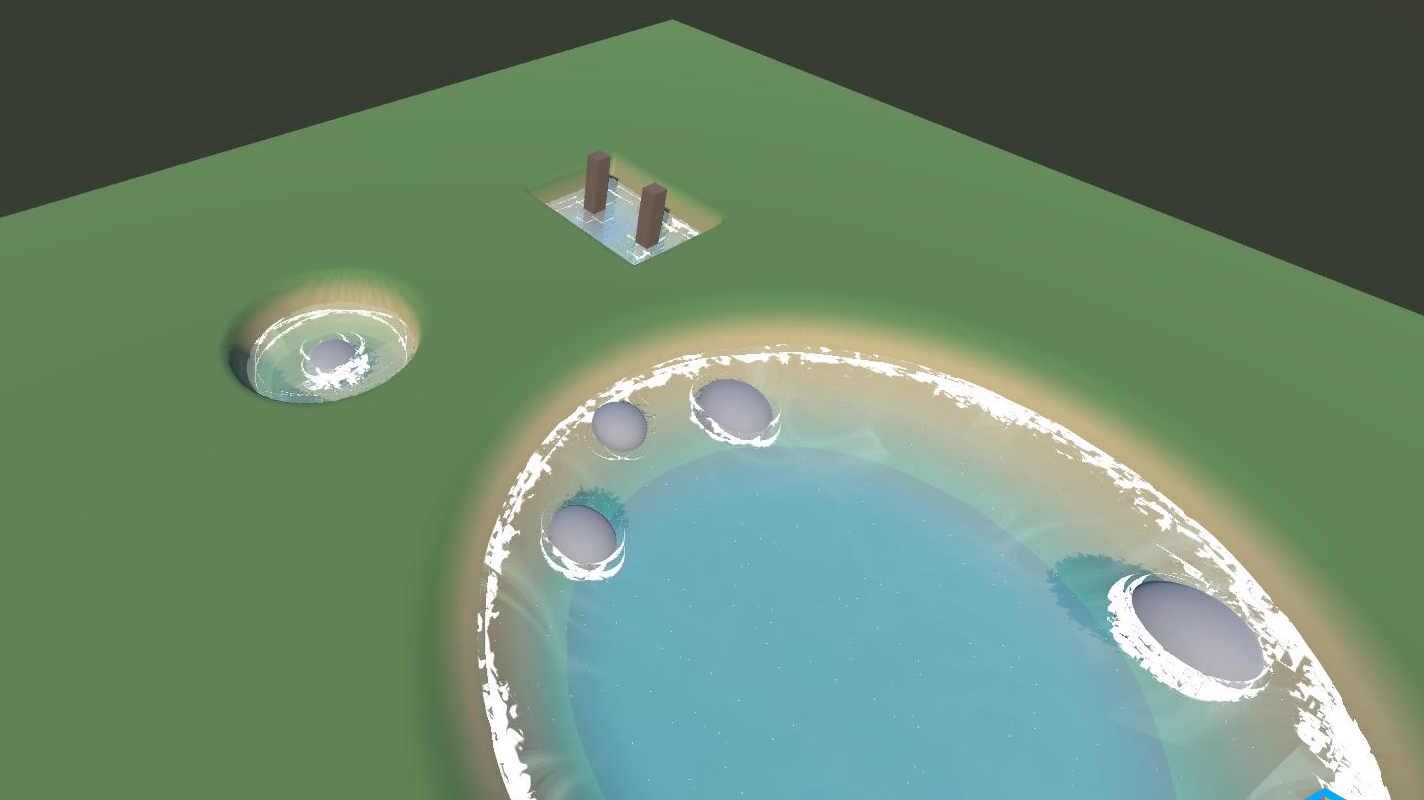
Three bodies of water in one shot: the lake, the round pool and the rectangular pool with pillars
The same water runs in my Unity Asset Store package, where it is paid. Here the shader is written from scratch in GDSL, with the material values carried over one to one, and I am releasing it for free. One note for anyone porting: colours from Unity materials are in linear space, and without converting them to sRGB the whole thing comes out too dark.
Godot 4.7 or newer, Forward+ renderer. The shader reconstructs the position of the bottom from the depth buffer, so it will not start on Compatibility.
If you run it and something looks off, say so - I will fix it.