Hi! I'll need more information to help you with this... but my first thought is to make sure that the addon is enabled in your project settings' addons tab 🙂
If you could send any screenshots of your setup, or any error messages in your console--anything that can help me reproduce the bug, that would help a ton. thanks!
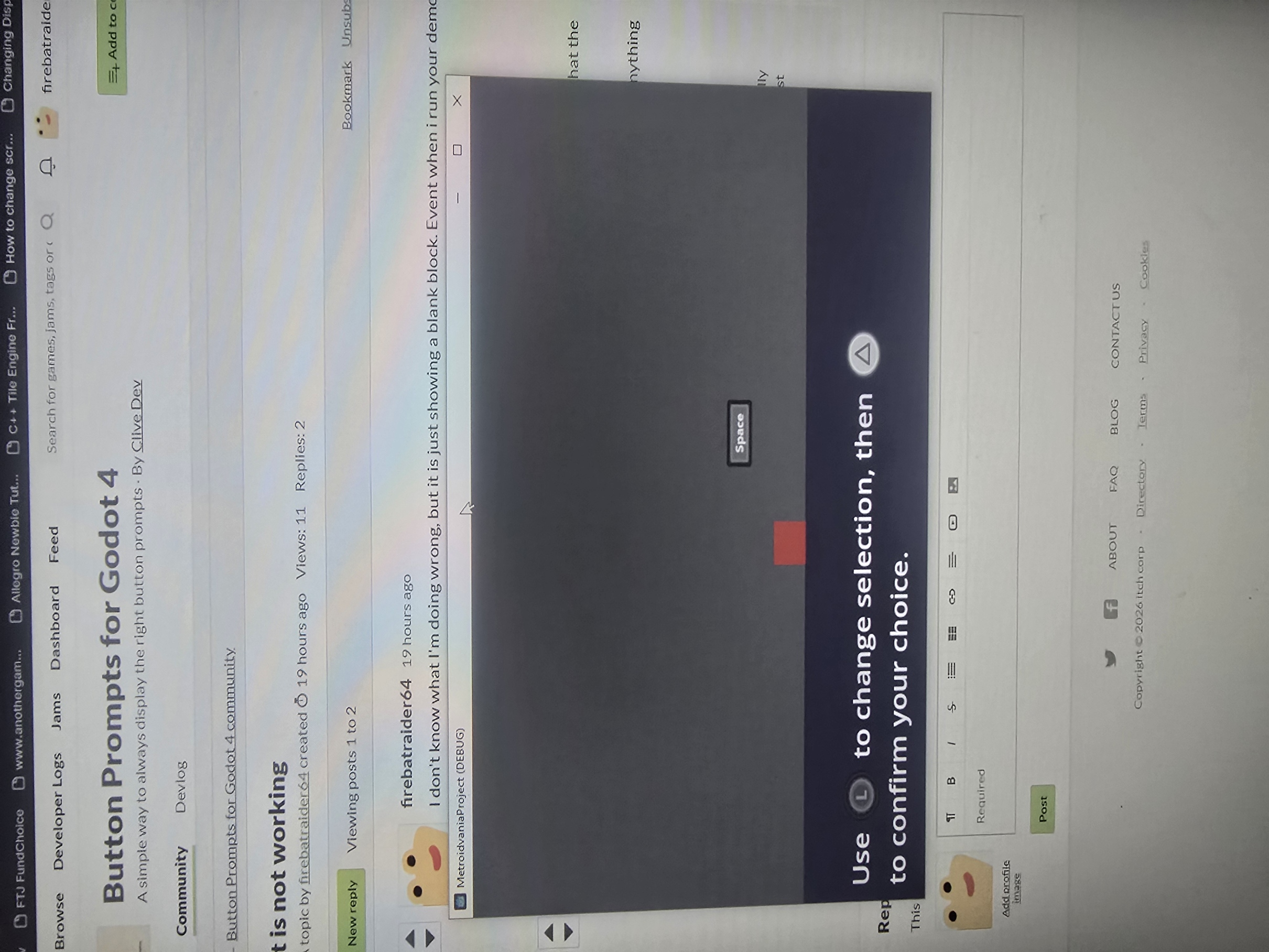
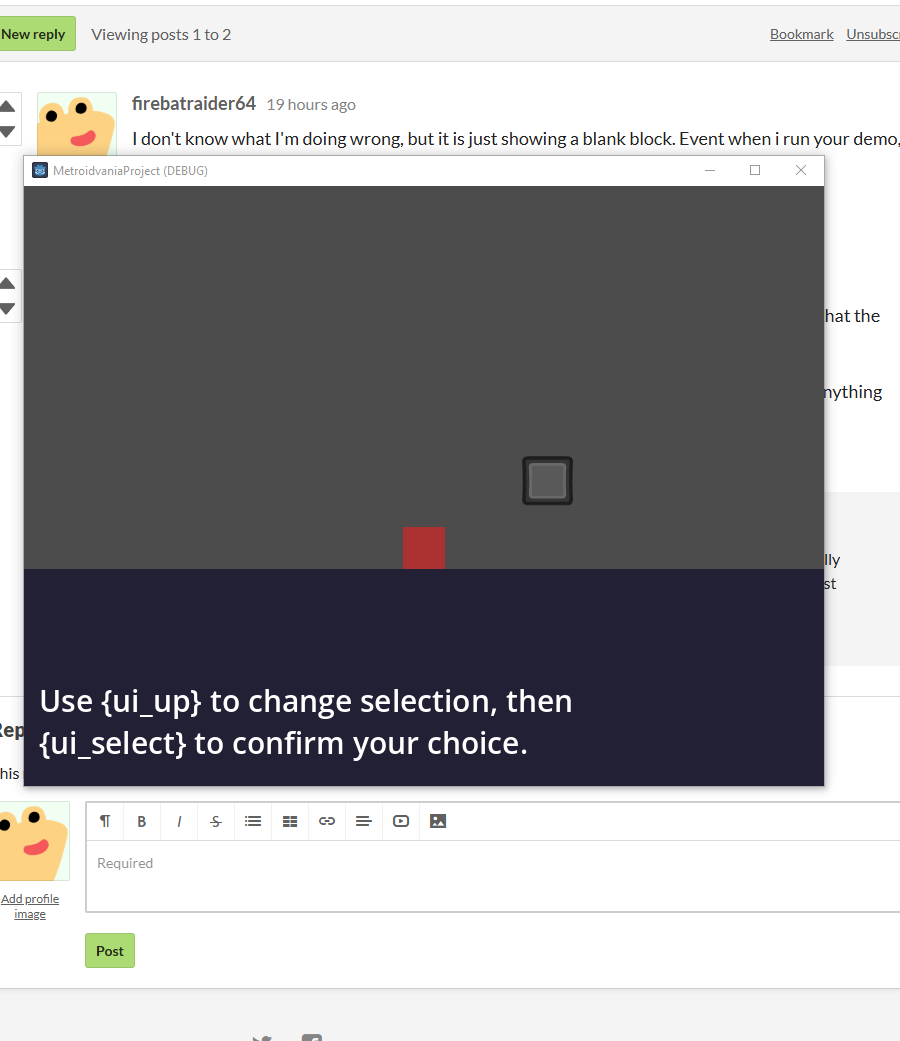
It is all enabled. I'm not exactly new to Godot. I installed the addon and have used it like instructed. I actually found that with your demo, if i hit W on the keyboard, it will switch and show keboard commands, but it just doesn't display correctly
The plugin is enabled, I write in my input like the instructions say. i put in "up" and get nothing. of course im not using the "" i tried the richtextlabel with {} and it didn't work either. I'm not sure what I'm doing wrong, but I'm certain i have followed your instructions. They are pretty straight forward and with it showing when i use a keyboard input I know it partially works
The screen shot i sent you was form 4.7.2 and it was using your demo. the behaviors were not as expected. I'm not sure what im doing wrong, but it does not appear to work as intended