Hi everyone,
I wish to let you know that I've been working on better photo viewer for Windows, with pixel art requirements in mind. It's called SpriteViewer and I'm very happy to announce that it's finished and available! You may find it here.
I put a lot of thought into this to making this tool the best companion app you can request for when viewing pixel art, particularly animations. In it's features you'll find the following:
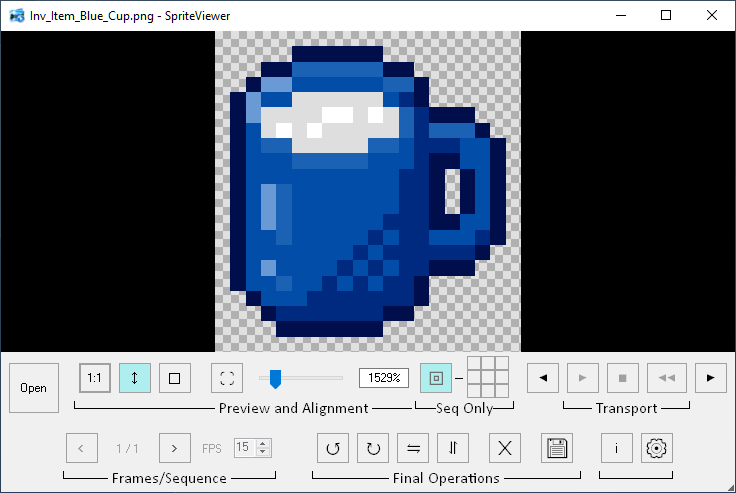
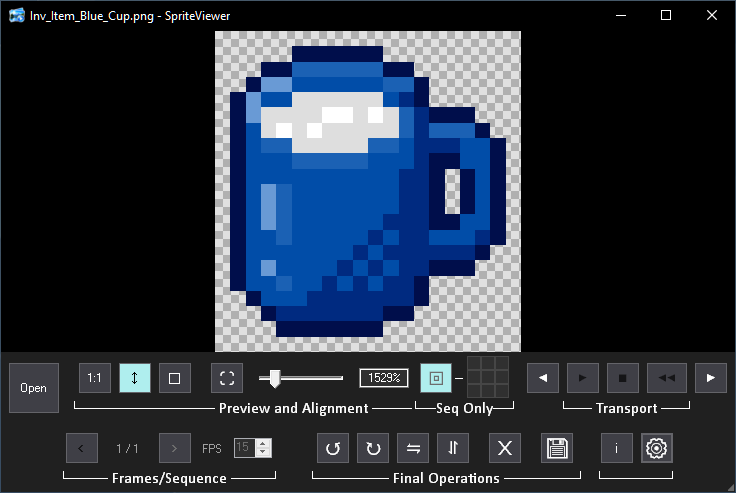
- Light and Dark modes in a clean flat style.
- Rotate and flip buttons, as well as delete.
- Toolbars can be re-arranged amongst each other, and when decreasing the window's size will make a dual-toolbar.
- 1:1 size, Fit-to-Height and Fit-to-Window buttons that will preserve your viewing setting when navigating through files, and even after you restart the program.
- Toggle between either 0-based or 1-based sequence appearance, in case you prefer the first frame to be 0 instead of 1.
- Sequential sprites recognition, based on their naming syntax, which automatically makes the preview a playable animation; you can also edit the patterns file to add your own syntax patterns - see Settings for more details.
- Play/Pause, Reverse and Stop Transport control, as well as stepping frame-by-frame.
- Manual FPS control for sequential images (disabled when viewing GIFs as they have their own frame delays).
- Continuously monitoring for any change made in the folder you opened the file from, so if you changed something that is currently in the preview, it updates it immediately. This is very handy if you want to be focused on editing your sprites in Aseprite, while viewing the result in another window or full screen, so you don't have to stop editing for hitting Play in Aseprite.
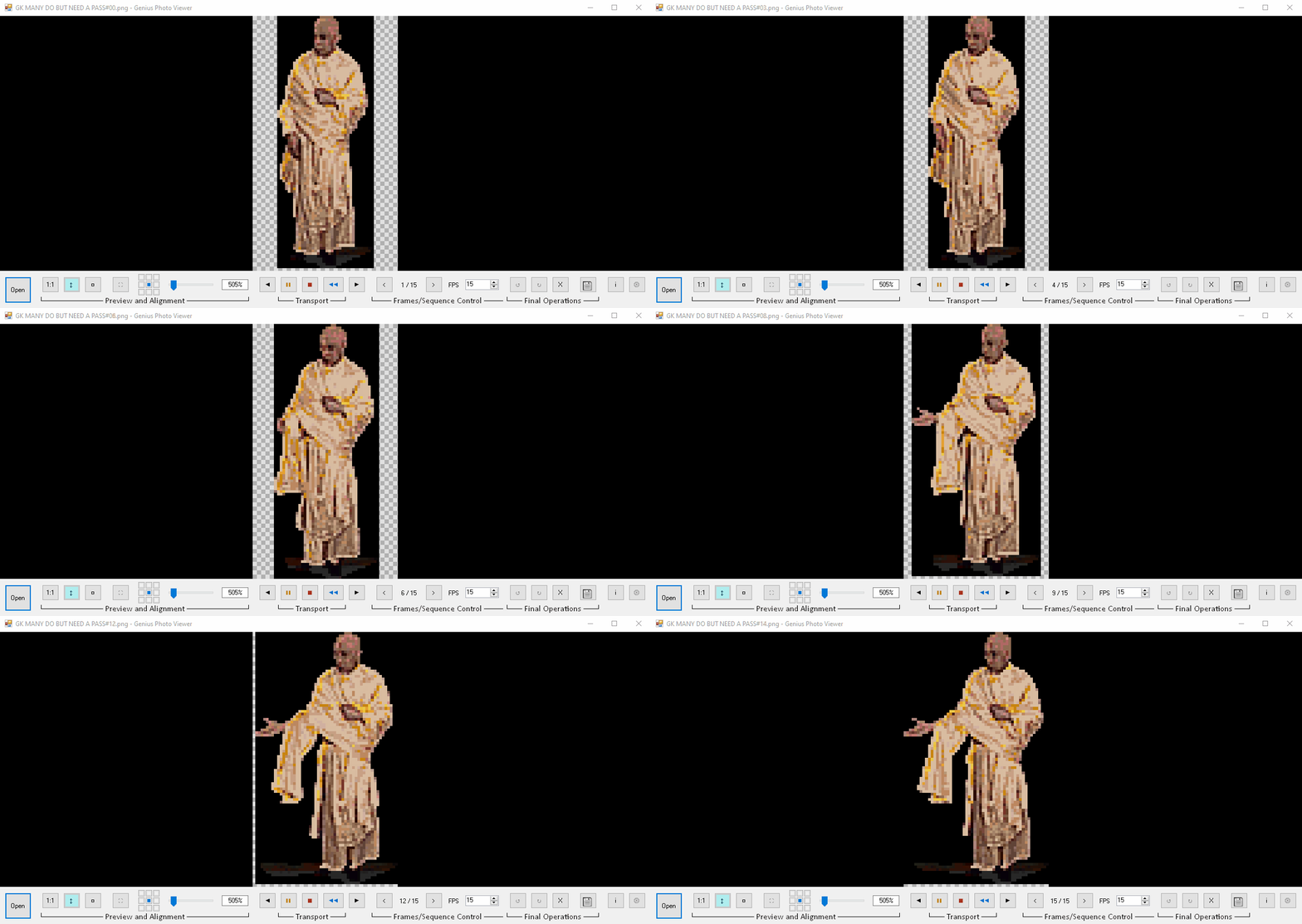
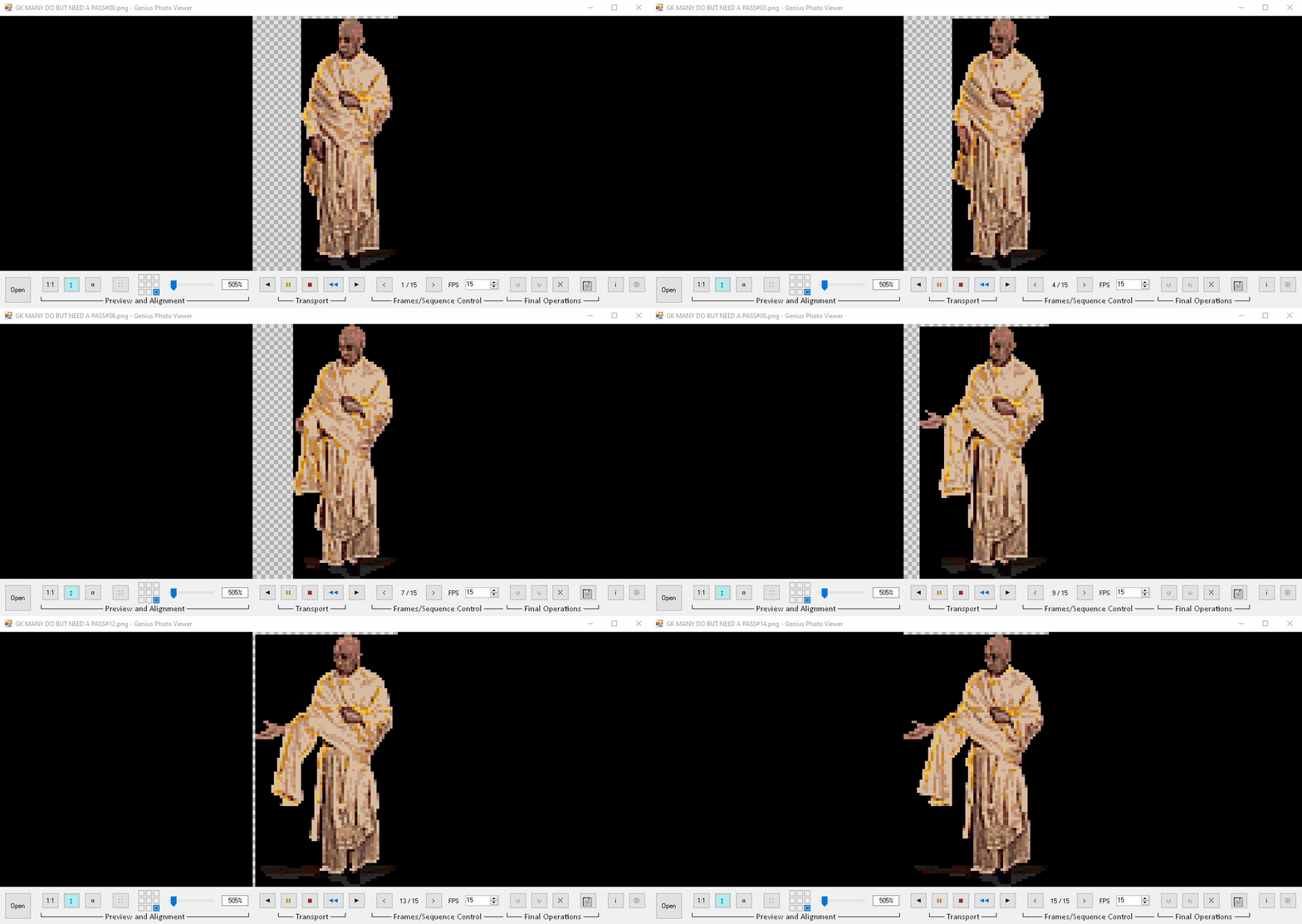
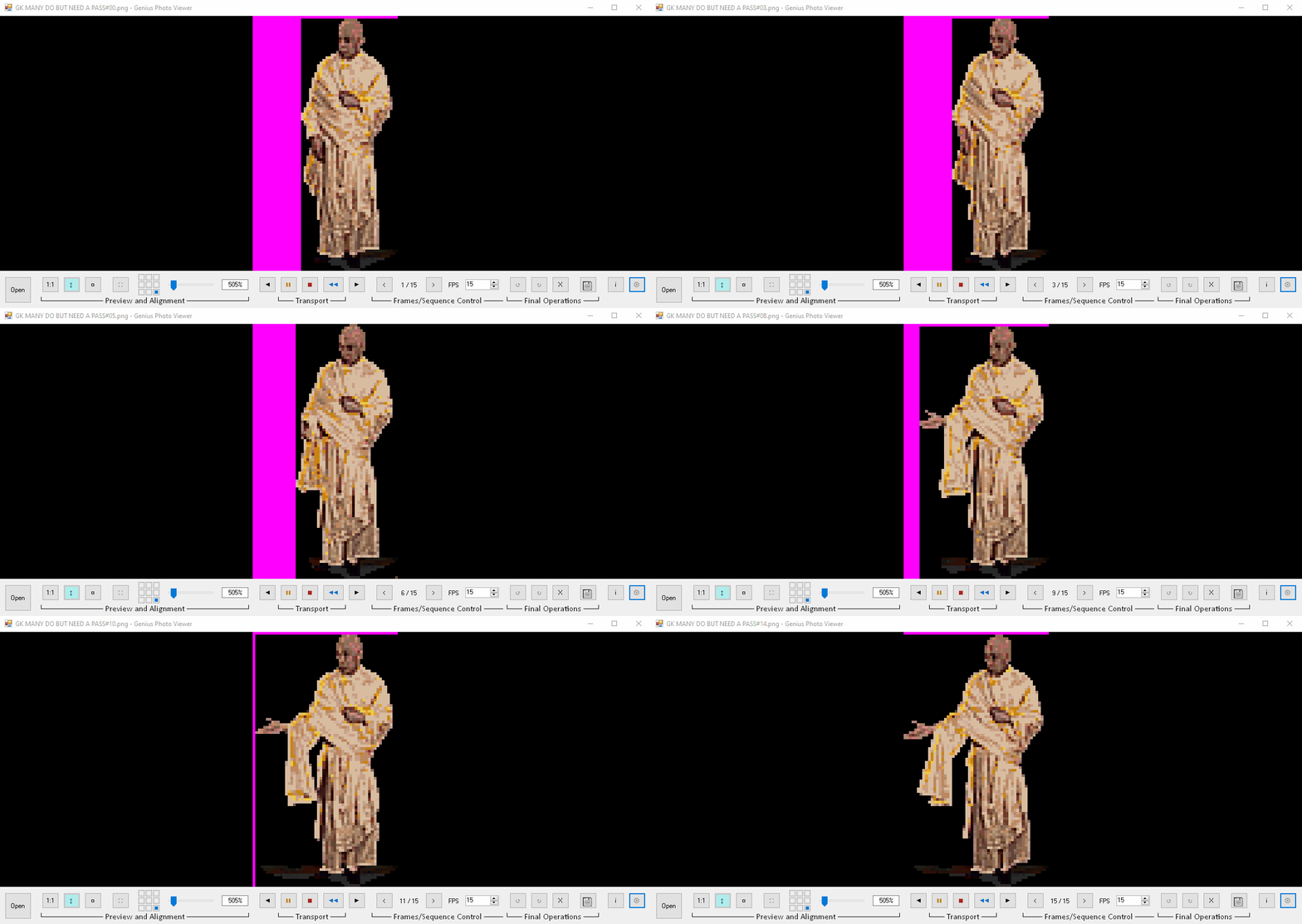
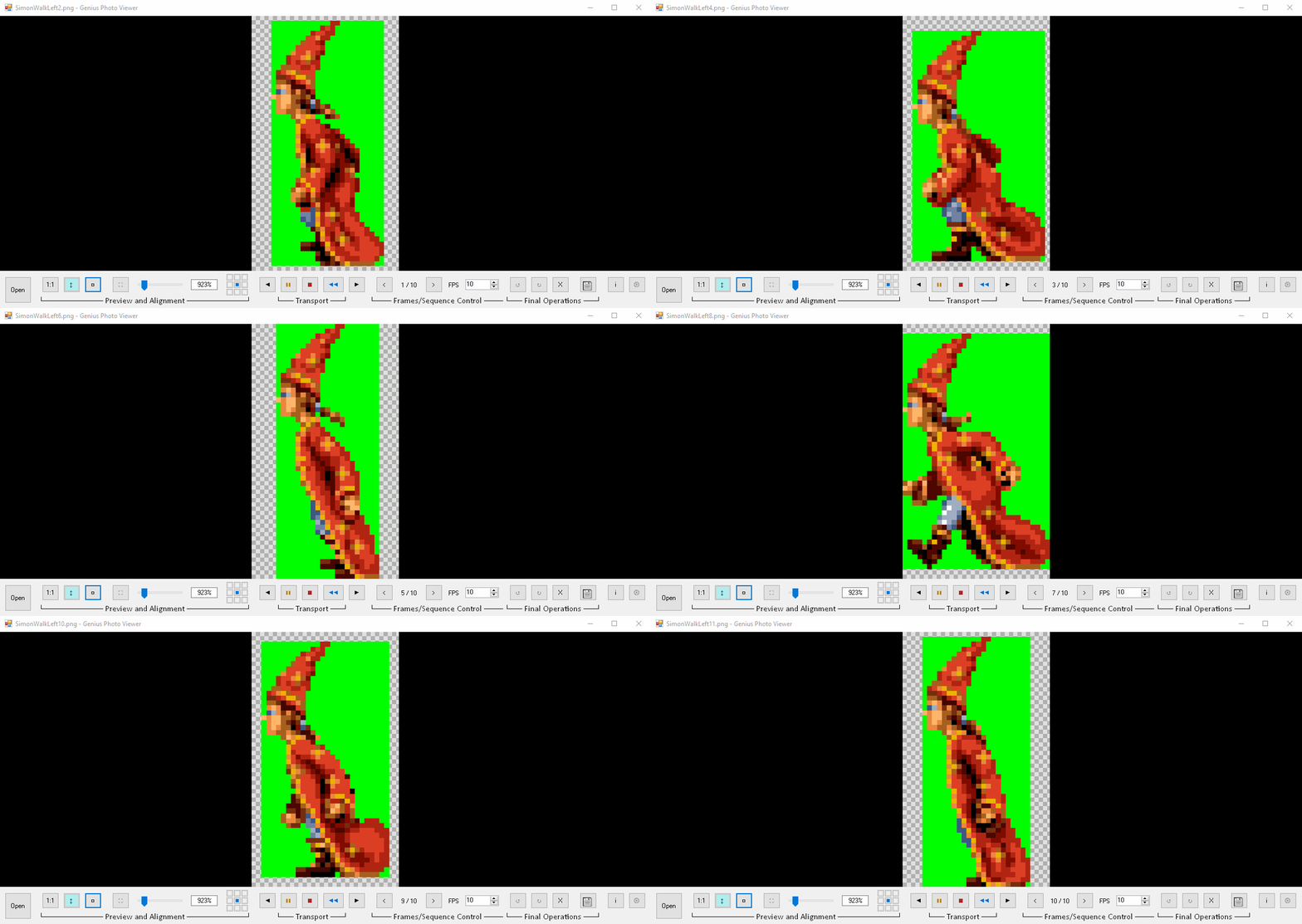
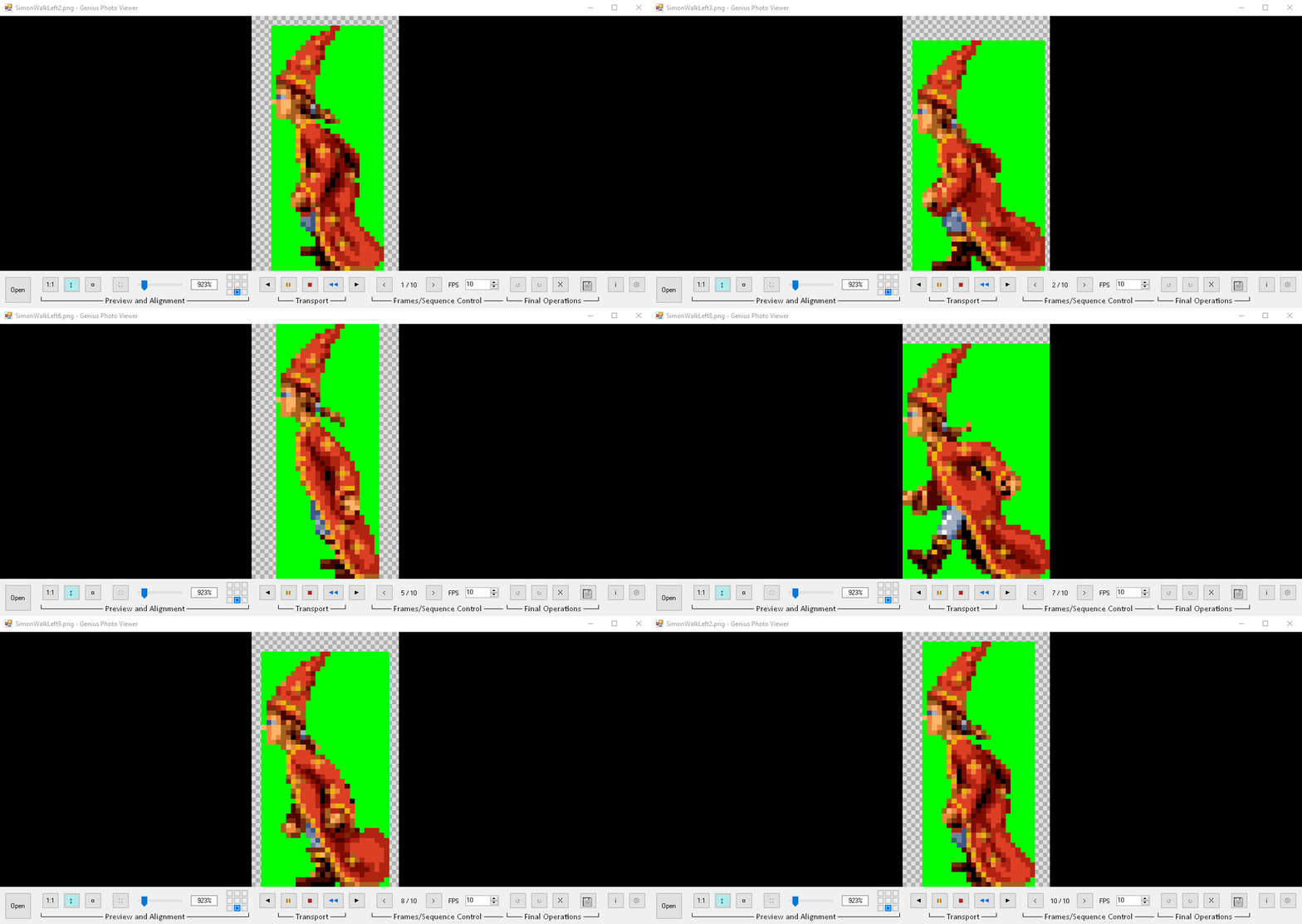
- Common-canvas & Frames-alignment buttons (for sequential images only)! You probably found yourself with an animation sequence where not all frames share the same dimensions, and the animation looked "jumpy" when played. In this viewer, you can set the frames' anchor-point to any one of the 8-directions, as well as the center, without affecting the source file(s).
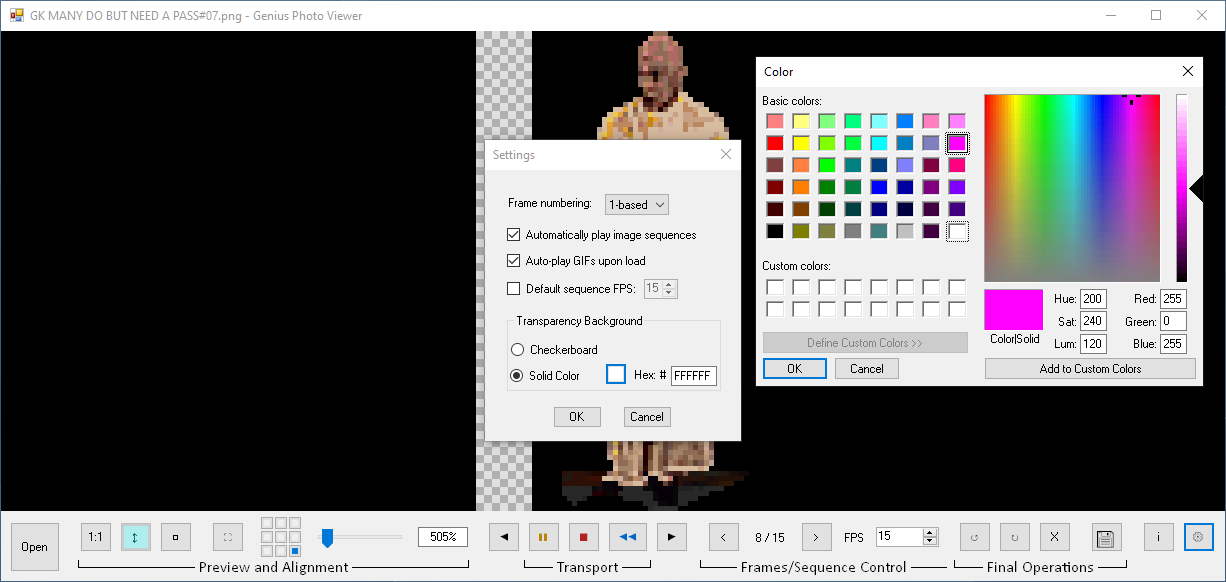
- Custom transparency appearance - you can toggle the preview's transparency between checkboard and a solid-color of your choice. So you could have your source sprites with transparency, while previewing them with a solid color instead.
- Export button from which you can export either a single-PNG, sequential-PNGs, and even GIF! The export will respect whatever setting you have in the preview, including transparency and alignments. And when a sequence is exported to GIF, it will use the set FPS (If it's a GIF you're viewing, manual FPS will be disabled and the GIF will preserve its own frame delays).
All custom settings are saved to an XML and can be reset from the Settings menu.
If you have any suggestions to improve or found a bug, please let me know
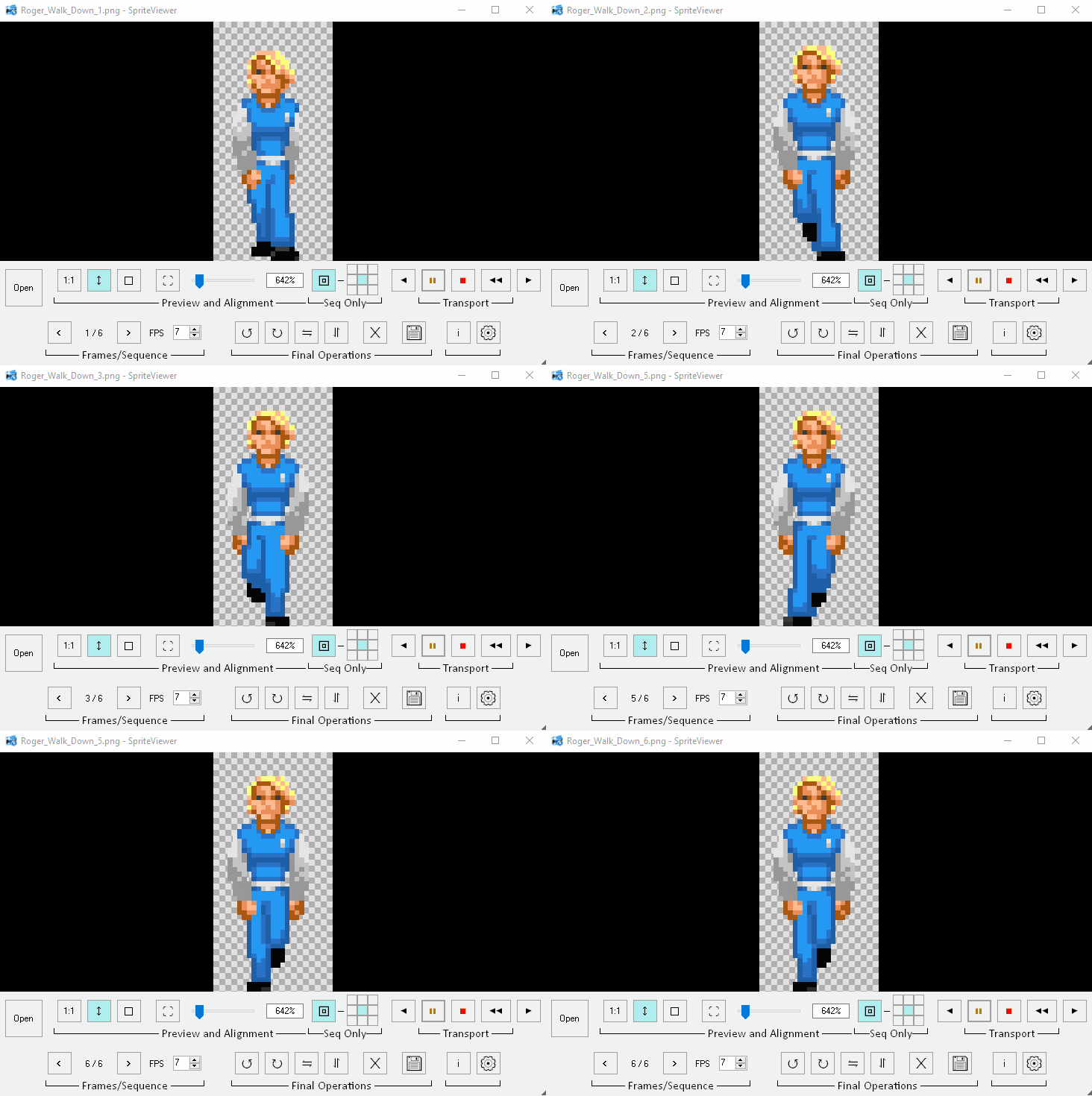
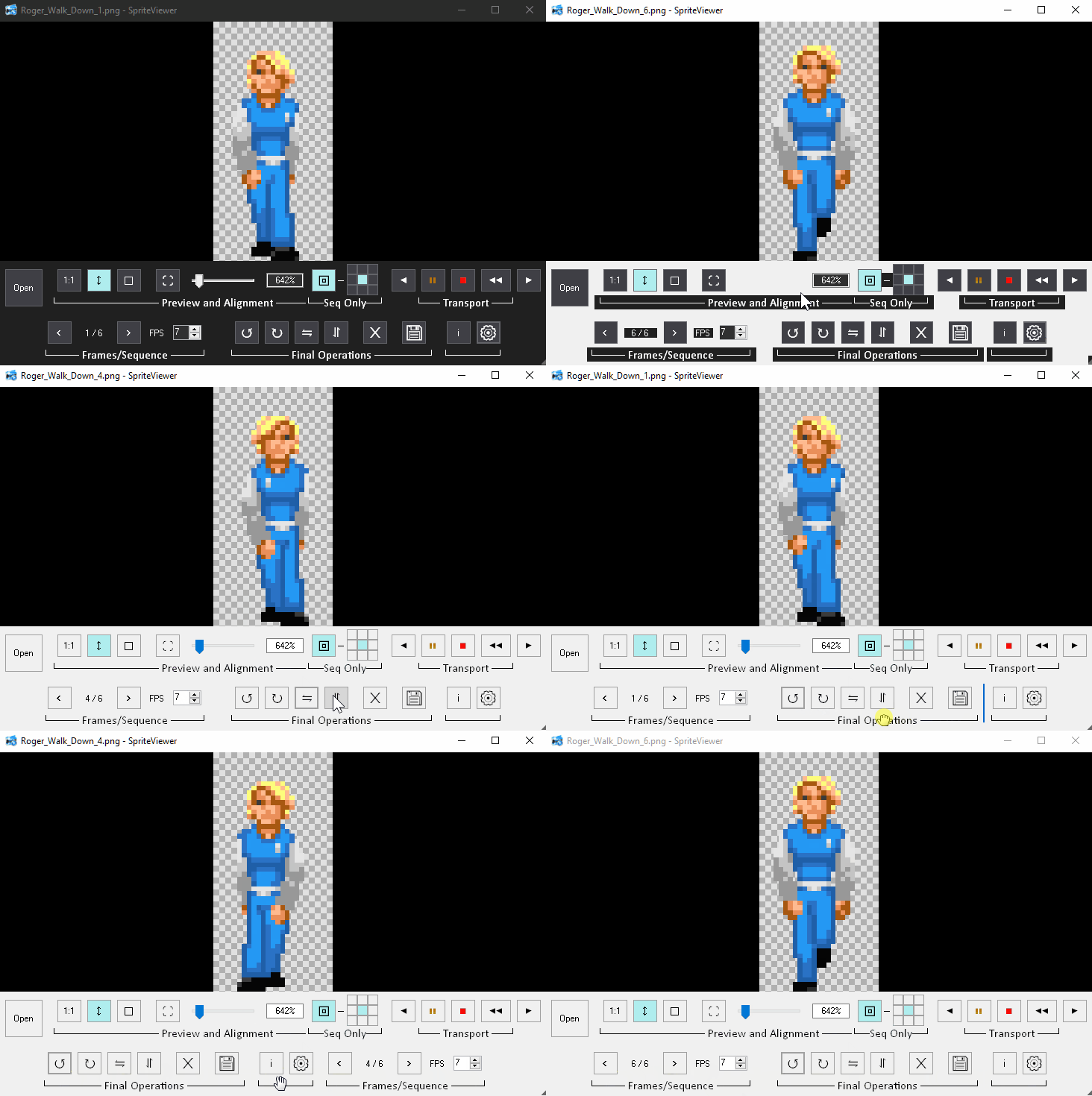
Attached a few screenshots and demos. Please note that some of them were taken from before the final layout of the program; the last video link one which shows it alongside Aseprite is the current layout.
Thanks for looking !