
Indie game storeFree gamesFun gamesHorror games
Game developmentAssetsComics
SalesBundles
Jobs
TagsGame Engines

Playtest Hotfix: Smooth Camera on High-Refresh Monitors

A topic by WASD Games created 9 days ago Views: 443 Replies: 7
Viewing posts 1 to 2

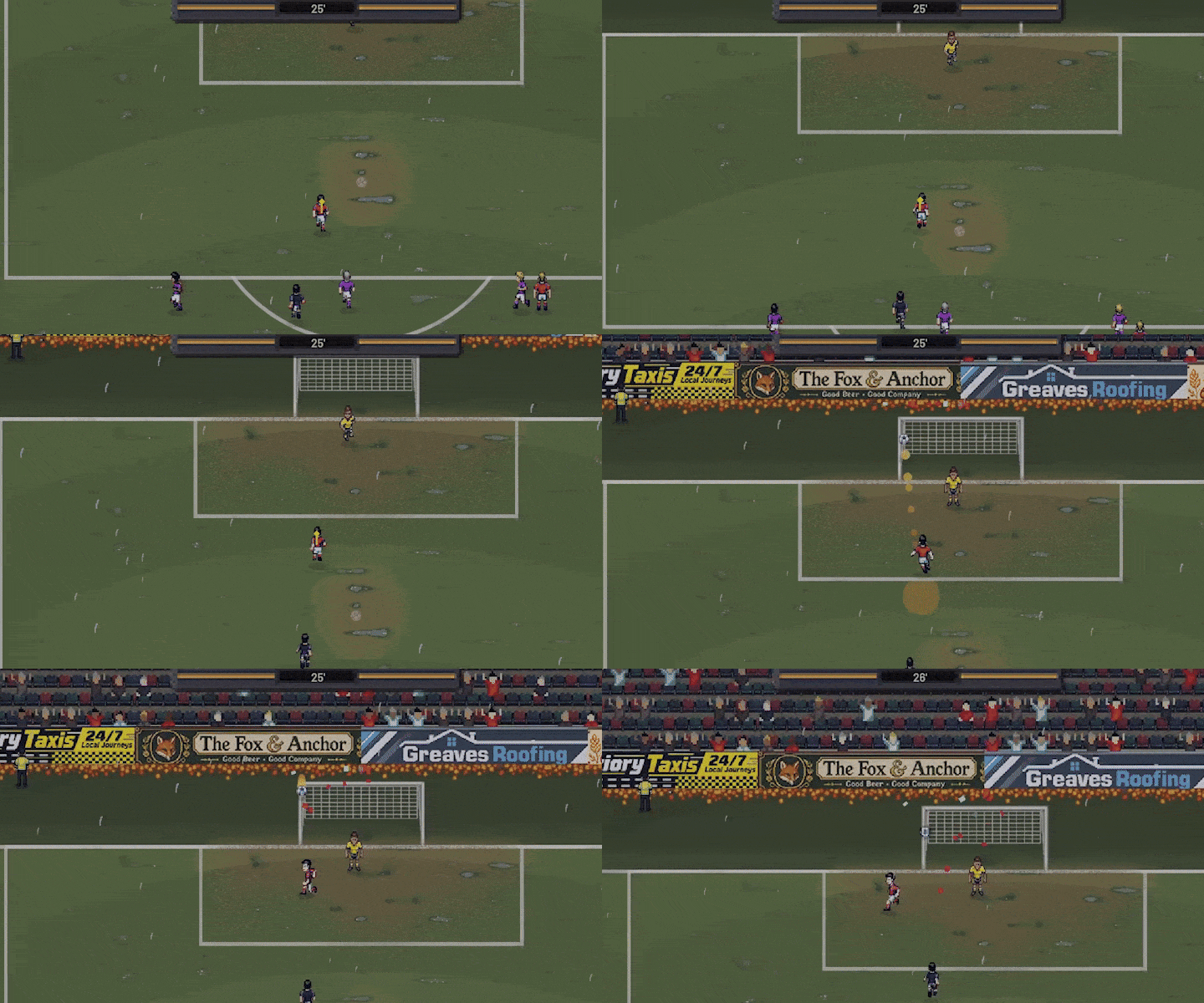
Thanks to jack.left for reporting that matches felt "hyper-speed" - you were right, and you're now in the credits!

Fixed

  • The match camera moved too fast on high-refresh monitors (144 Hz, 240 Hz and up). It was snapping to every touch of the ball, which made the whole match look sped up - even though the players were running at their normal speed. The camera now moves the same on every screen. The training camera and the walk-outs had the same problem and are fixed too.
  • V-Sync is now on by default. The game no longer runs at hundreds of frames per second for nothing, which also keeps your PC cooler and quieter.

...and one more thing ๐Ÿ‘€

  • Someone has moved into the clubhouse. Keep your eyes open.

If the pace still feels too fast after this update, please tell us in the Steam discussions or with the Bug Report button in the main menu - and let us know what monitor you play on.
Join our Official Discord! ๐ŸŽƒ

https://discord.gg/TuUg8RPudt

(+1)

The camera follow looks great now! I think think the way it's moving really matches the feel of the game. 

It's interesting seeing how much work goes into getting a feature like this working properly.

When you're dealing with something that requires a lot of revisions, how do you typically keep track of everything that needs to be changed? Do you have a system for it, or is it more of an informal process?

Thank you! Glad to hear the camera feels right now. ๐Ÿ‘

A list of known issues and testing specific scenarios. For something like the camera, I try to isolate the problem, adjust one thing at a time and then test it under different conditions to make sure the fix doesn't create new problems elsewhere (it did actually so I had to do like 8 revisions...). Sometimes a change that feels better in one situation can make things worse in another so it's a bit of trial and error until everything feels right, at least that was the case here. ๐Ÿ™‚

Nice! I'm curious where are you organizing you list of issues? My husband and I are working on a platform to help organize game devs projects, and I am trying to figure out how devs are organizing their projects now!

Honestly, it's a pretty informal process for me. ๐Ÿ˜… I usually keep a list of known issues and things that need fixing, then test them as I go. Same goes for smaller issues but I usually just go and fix smaller things immediately anyways.

I guess it depends on the size of the project, though. When you're a solo dev or working with a small team, it's easy to get away with a less structured approach but it gets messy pretty quickly if the project is big.

Ya I get that! For me it's usually fine at first but then gets messier and messier as we go! Were actually starting our beta for our project management platform, would you be interested in joining? 

Thanks for the offer! ๐Ÿ™‚ It sounds interesting.

For now, though, I'd prefer to stick with my current workflow, especially since I'm already in the middle of development on my existing projects. Introducing a new tool at this stage would probably create more overhead than it would save.

But I wish you both the best of luck with the beta and the platform! ๐Ÿ‘

(+1)

No worries. If you ever are interested down the road, once we launch you can sign up on pixlquest.com!