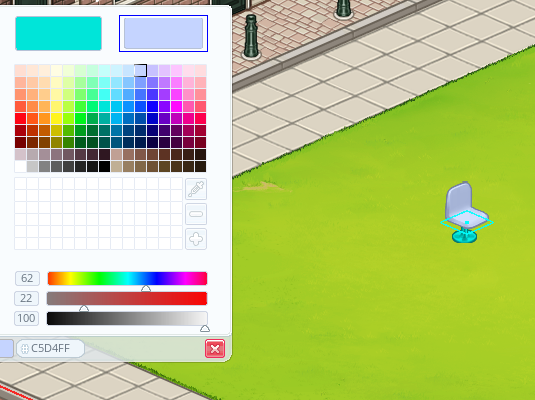
We reused the color system from a previous game we made
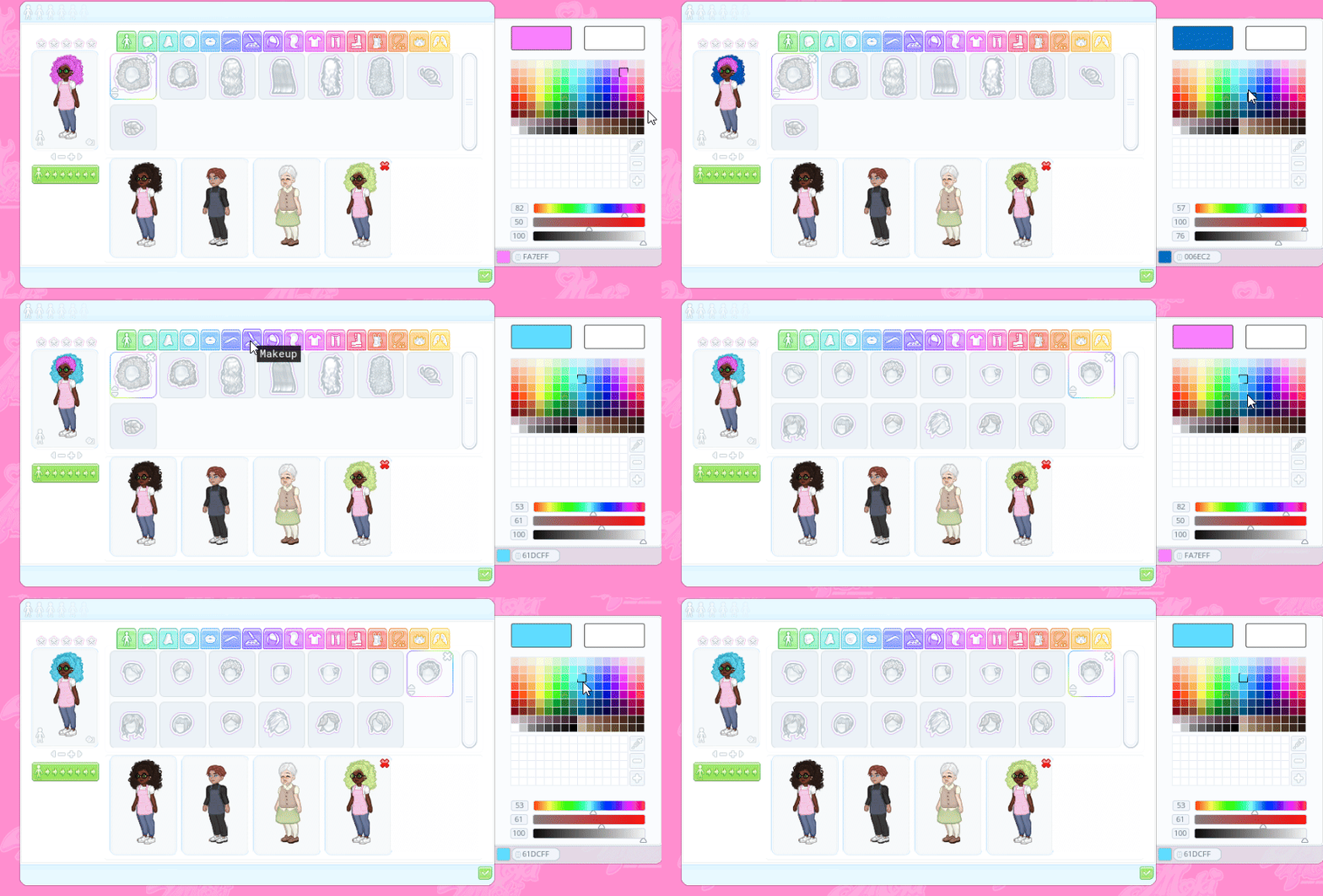
How it works
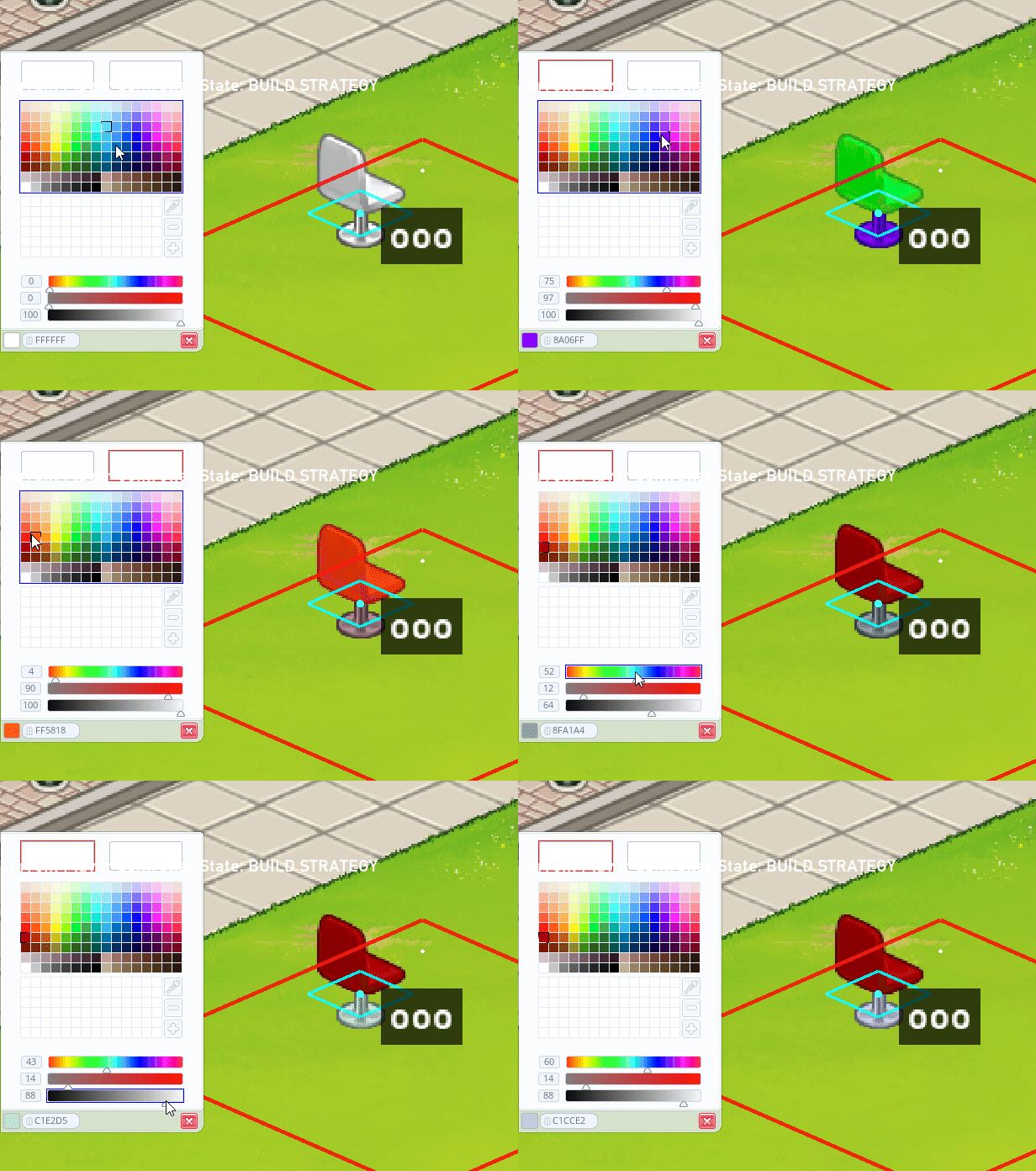
- There is a base sprite which is in grayscale
- A mask sprite with red,green and blue
- A data structure holds the channels. Each channel points at a region of the mask and stores the current colour for it.
- Then a shader reads the mask, checks which channel each pixel belongs to, and applies that channel's colour to the base sprite.
Each furniture, item in the game thats colorable has this component, we simply change the colors in each channel and we get the end result.
            "scr_component_tint": {
                "red": {
                    "r": 255,
                    "g": 255,
                    "b": 255,
                    "a": 255
                },
                "green": {
                    "r": 255,
                    "g": 255,
                    "b": 255,
                    "a": 255
                },
                "blue": {
                    "r": 255,
                    "g": 255,
                    "b": 255,
                    "a": 255
                }
            }
Why not slice the sprite?
The original plan was to slice each furniture sprite into pieces and tint them individually using GameMaker's built-in sprite colour system. That would have been a lot of manual work for the artist, and every piece has the chance for clipping errors when things overlap. Using masks keeps things clean and allows artists to focus more on creating somthing that looks good.
What is next
The UI needs more work and all the furniture, walls, etc need to have masks.
Thinking ahead this will cause the game to double in sprites which is antithetical to the teams goal of a small file size so a solution for that will need to be thought up in the future.
Try the creator
The character creator demo is live and we are interested in NPC ideas, workers to hire, customers to serve. Reply with a screenshot and include their darkest secret.