

Clockwork Workshop is a free browser game where you move a kitten to catch a ball and send it into a clockwork army. Where the ball meets the catcher changes its rebound angle.
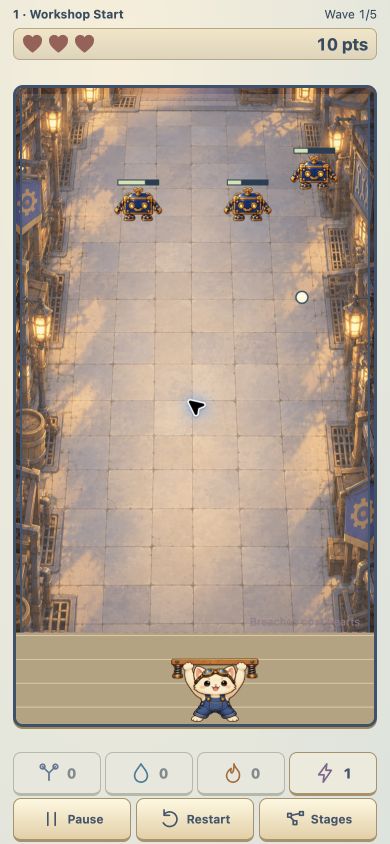
This update focuses on getting to that first fight with fewer interruptions.
Previously, Play opened skill selection, practice was tucked inside How to Play, and a separate preparation screen added another stop. I removed that intermediate screen: Play now leads directly to skill preview and confirmation. When practice is opened from a paused game, leaving it returns to that same paused game.
The preparation screen gave instructions more room, but also gave the player another screen to understand before trying anything. I chose fewer transitions, while keeping practice available.
That change is implemented; whether the opening is easier to understand still needs first-time feedback. My own checks can confirm the buttons work, but not what a new player notices.
With less navigation before the action, my next focus is whether the rebound direction is readable.
If you try the current build, I’d appreciate feedback on one thing: on your first few catches, did the ball bounce where you expected?
Play in your browser: https://xueylee-dotcom.itch.io/clockwork-workshop
Development note: AI tools were used for code and art; I direct the game design and revisions.