


Play game
Treachery's itch.io pageRate this game
In order to rate this submission you must be logged into itch.io and have submitted your own entry. Anyone with an account can leave a comment.
AI Tools Used
Treachery was built by one developer working with Claude Code. Claude wrote nearly all of the code, tests, documentation, art and audio. The art is drawn entirely in code, and the music is synthesized in the browser. I made the calls that needed taste. I set the game's vision and tone, corrected the rules, chose the art and UI direction, approved every haunt design, picked between the art options Claude offered, and decided balance by playing.
Each milestone followed the same loop. Claude wrote a plan with open questions, and I answered them. Claude kept the core design work for itself and handed well-defined pieces, such as new cards, UI components and test suites, to parallel sub-agents. Every change had to pass automated checks: unit and end-to-end tests and thousands of bot-vs-bot games that flag haunts that stall or are lopsided. A separate AI reviewer then audited each milestone. I triaged its findings and playtested the build on desktop and phone with a checklist, and my notes shaped the next plan. Later in the project the loop ran as a pipeline: Claude built the next haunt while I played the last one.
Leave a comment
Log in with itch.io to leave a comment.
Comments
Gave it a quick solo go. One thing I kept noticing, so I'll just say it: the HUD felt busy to me.
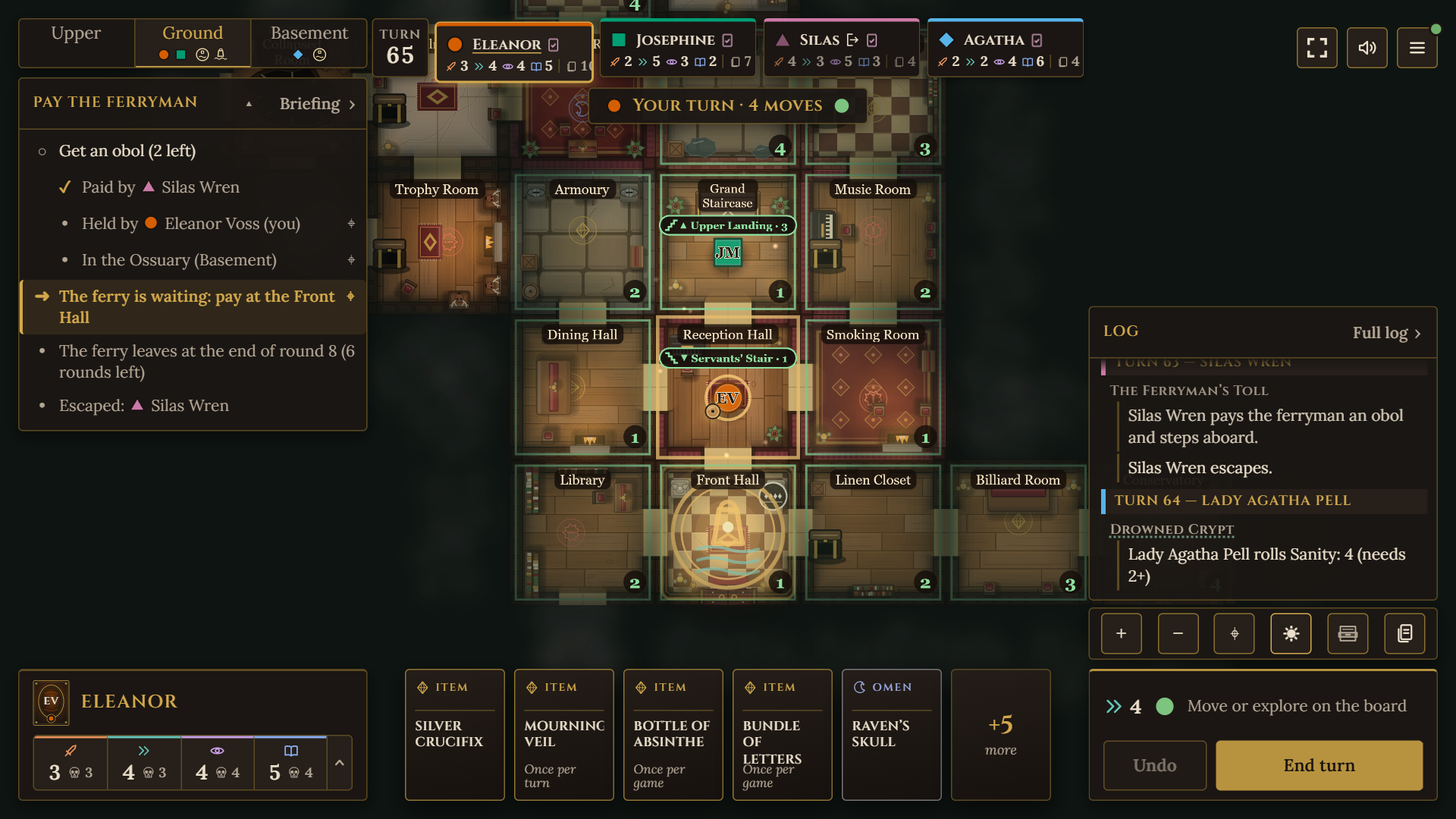
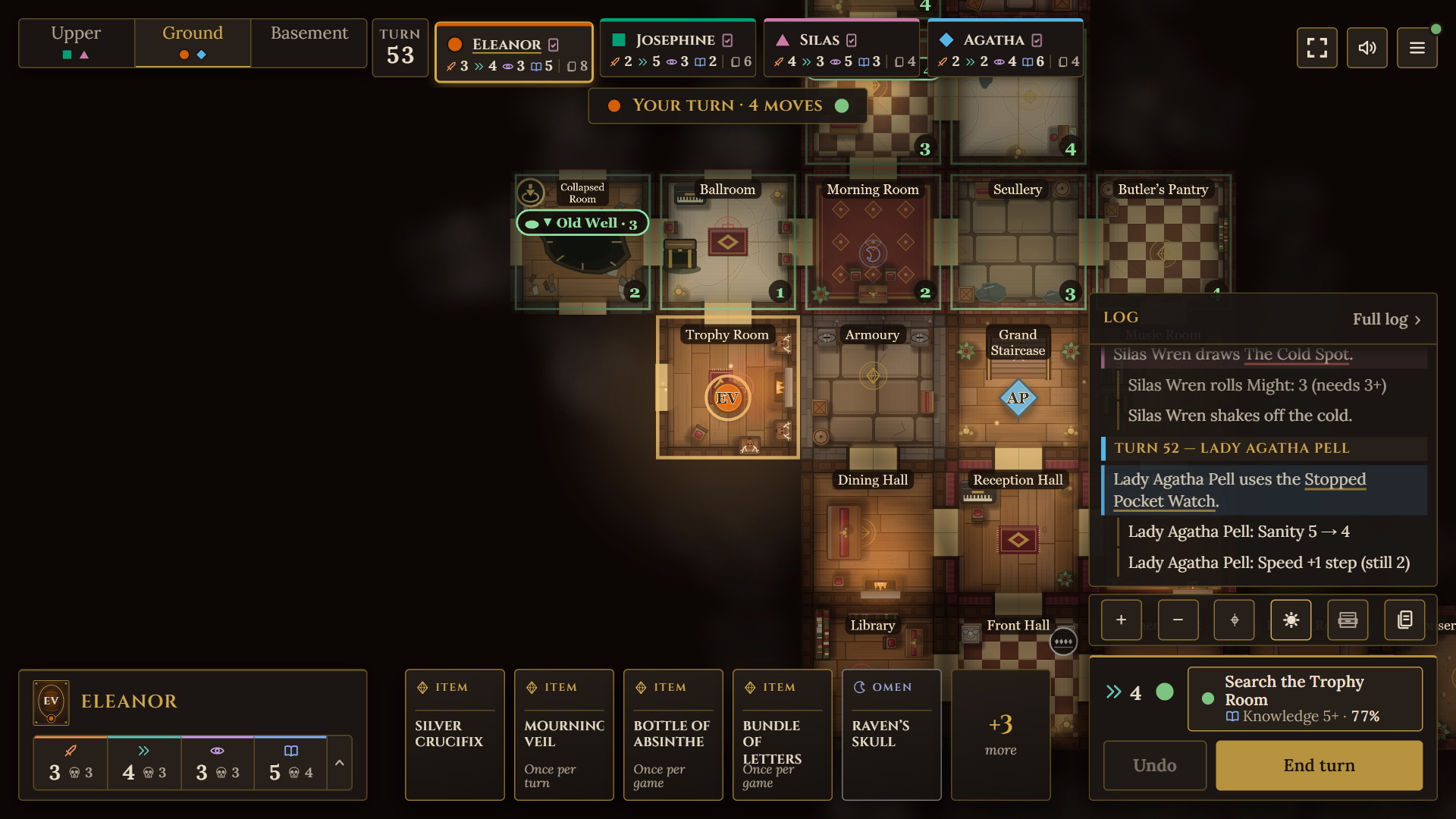
The board is what I'm clicking on every move, but it sits small in a big dark middle, and I was squinting at room names and little arrows. The rotate and "Place here" buttons on the tile are the smallest things on the whole screen, and you can't skip them. If I had one wish it'd be zoom the board up and make those controls as big as your other buttons.
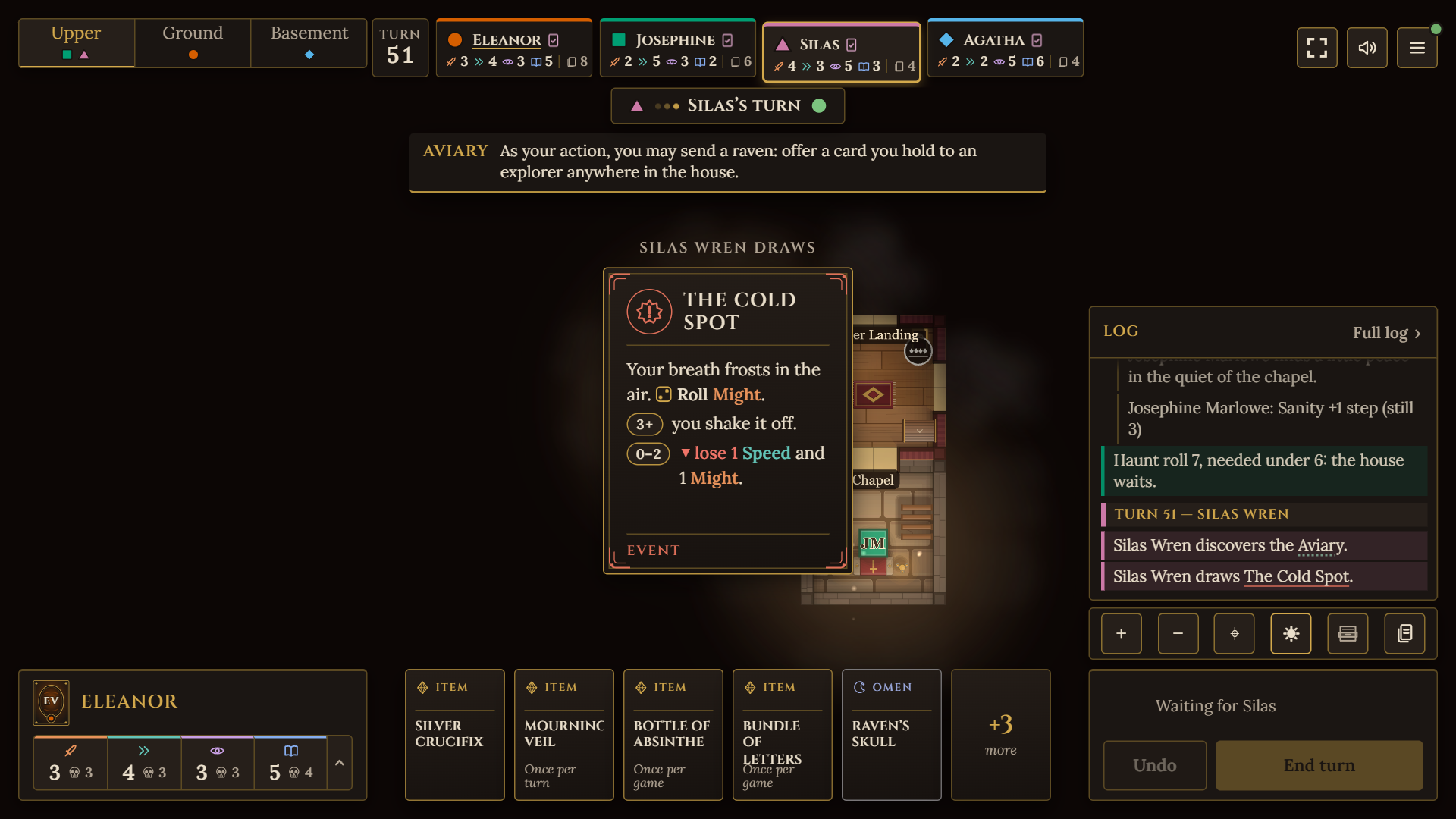
Smaller things: I couldn't tell which stat icon was which without names, and I didn't notice turn 2 had started until the move count reset. One line up top — "Turn 2 · your turn · 5 moves" — would cover both.
End turn being the big bright button is exactly right though, and the lobby and cards are clean. Take it for what it's worth from a short run.
Thanks for the feedback! There are controls for zooming to your heart's content (scroll wheel, or "+/-" buttons in the HUD), but I didn't consider the default zoom level might be suboptimal. Similarly the room placement buttons have a minimum size on touch screens, but not on desktop (where zooming is easier).