Indie game storeFree gamesFun gamesHorror games
Game developmentAssetsComics
SalesBundles
Jobs
TagsGame Engines

Bug report, editor hardlock.

A topic by Mechode created 13 days ago Views: 66 Replies: 4
Viewing posts 1 to 4

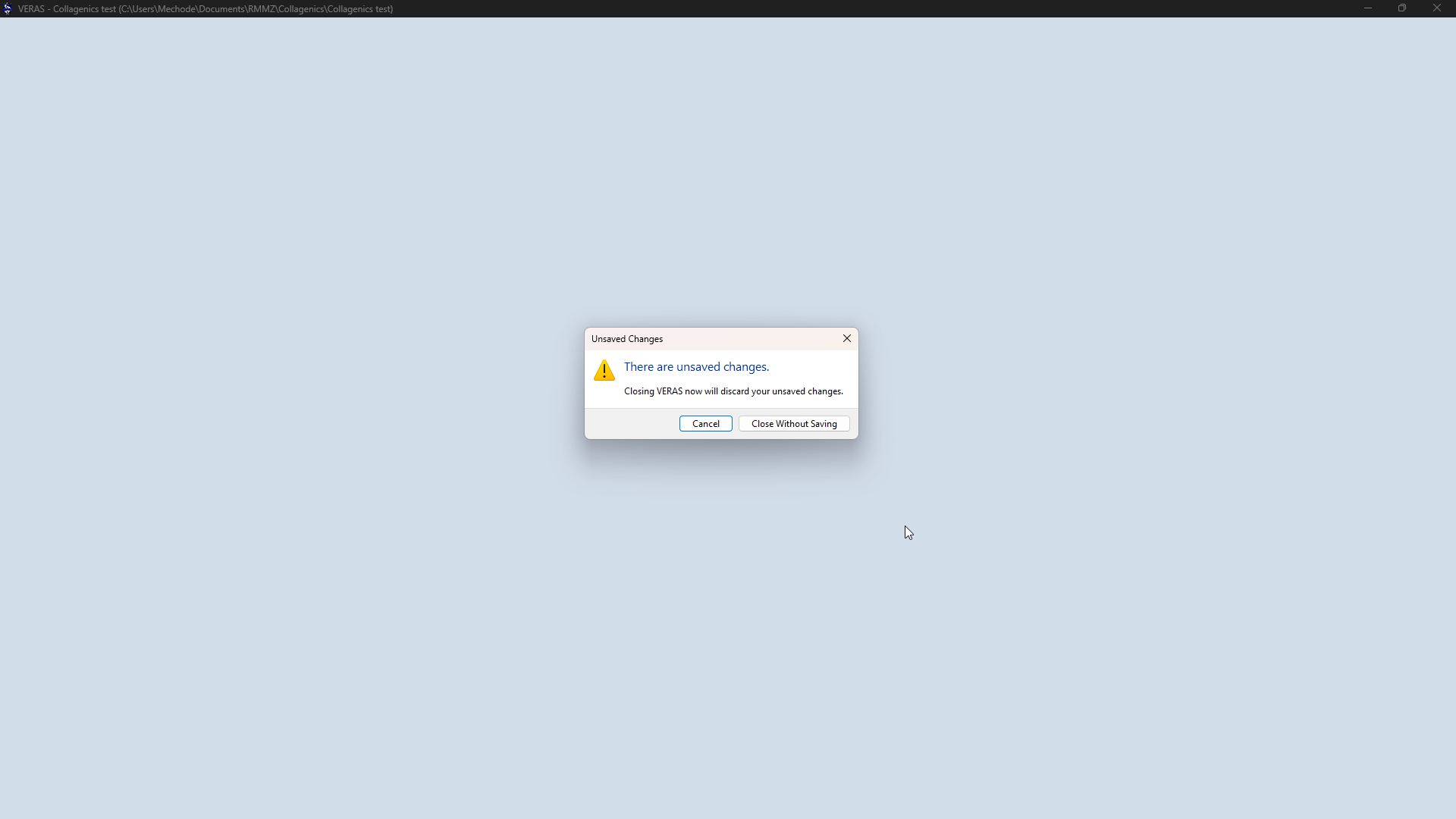
First of all i gotta say. Thank you guys for continuing to suppprt the battle core plugin and all that comes with it. This Plugin is the best action sequence plugin i have used. (that doesnt require you to swear alleigance to one developer *COUGH*) i just wanted to report a bug. During the proccess of editing a skill sometimes the editor would be just a white screen that i cannot escape out of, or close. I could still hear the sequence being played but i cant do or see anything. This is really annoying :/ and i have to close and reopen and redo unsaved bits. I dunno the exact cause.  


Thats about it for now.

Developer(+1)

Thanks for the heads up. I haven't come across an editor lock during my tests, but I will be looking into it. There's not much I can work with based on your report at the moment, but do update me if you have more data leading to the lock. Things like: does it happen during simulation, on a particular action sequence line, or when you're in the middle of editing/adding a new action sequence line, etc.   

Im not currently able to access the editor rn but i will definitely do some detective work when i am able to. Thank you.

Okay i got it again today while i was editing a skill sequence, more specifically moving around some skill sequence blocks. If you guys can't get a fix for it right away a save option on closing would be appreciated.

(Edit) also got it when trying to open a block for editing)

Developer(+1)

Pushed a hotfix for this (v.1.0.1). Send a log my way after you encounter it again. You can do so from the Settings > Preferences > Send logs for diagnostics.