


Recently Decker got the ability to scale sounds, changing their pitch, which is useful if you want to use a sample to play a song. But to adjust the sample to a new pitch you need to know what the original pitch was. How does that work?
It turns out that the algorithm you need is called the Discrete Fourier Transform, and while it’s genuinely very cool, most places that explain it — like Wikipedia — want you to appreciate all its mathematical complexity, rather than just the bits you need in order to detect pitches. But I persevered, got something working, and to make sure I understood it correctly I made an interactive presentation to try and explain it:
A visual guide to pitch detection
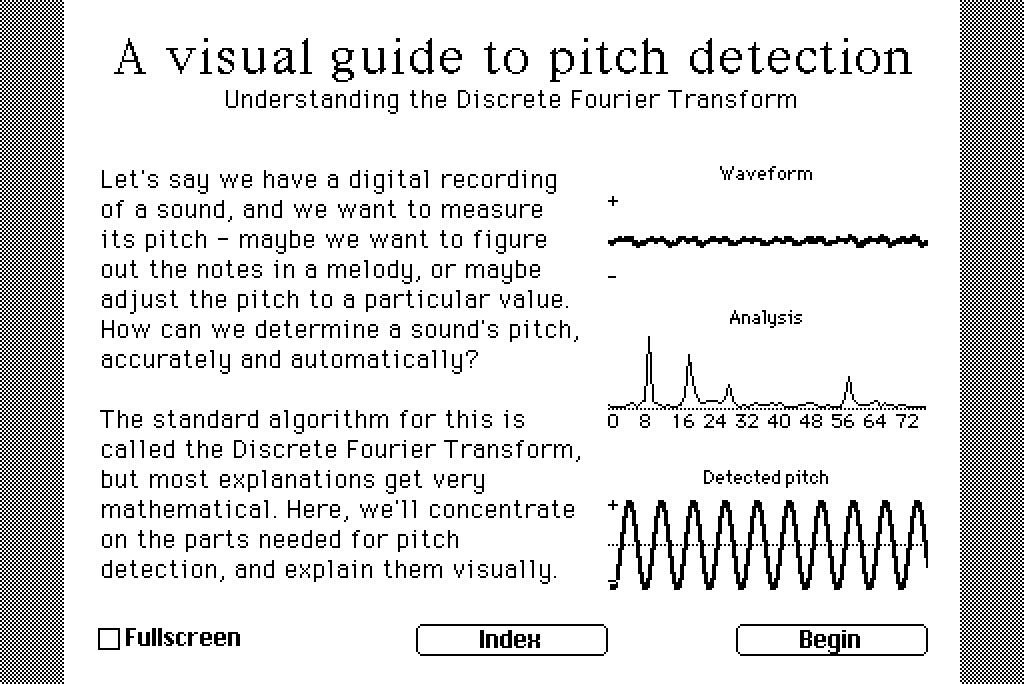
Even if you’re not interested in learning about pitch detection itself, you might be interested in the bonus card at the end where you can click around and make weird sounds.
I will say this is somewhat an abuse of Decker. It’s not really built for this kind of intensive computation, and it took me a while to find a sweet-spot between how to do the analysis, how to display updates, and how big a sample I could handle.
The biggest thing I learned while making this presentation would be the following snippet, in the view[] handler of a widget with the animated property set:
deadline:sys.ms+15
do_work[]
while workremaining[] & (sys.ms<deadline) & !(sys.workspace.live > sys.workspace.heap * 0.9)
 do_work[]
end
This code achieves a number of things:
do_work[]is always called at least once, so we always make at least a little progress- as long as
do_work[]doesn’t take too long, we should stop within a 16ms frame, so we should be able to maintain 60fps (important if you want the player to be able to do other things while calculation is happening) - In Native Decker, we should stop when the heap is 90% full, so it won’t grow and cause Decker to eat all the computer’s memory
The other useful trick I learned was plotting a graph to a canvas. If data is a sequence of numbers between 0 and 1, and you want to plot it in the usual way (with y increasing upwards and x increasing to the right) you can do something like this:
ys:canvas.lsize[1]*1-data
xs:(keys ys)*canvas.lsize[0]/count data
canvas.line[xs join ys]
I’d love to hear what you think! Let me know if you have any questions or comments!