Indie game storeFree gamesFun gamesHorror games
Game developmentAssetsComics
SalesBundles
Jobs
TagsGame Engines

Black Box around Transparent Window Objects

A topic by Silver Monkey Games created 18 days ago Views: 40 Replies: 4
Viewing posts 1 to 2

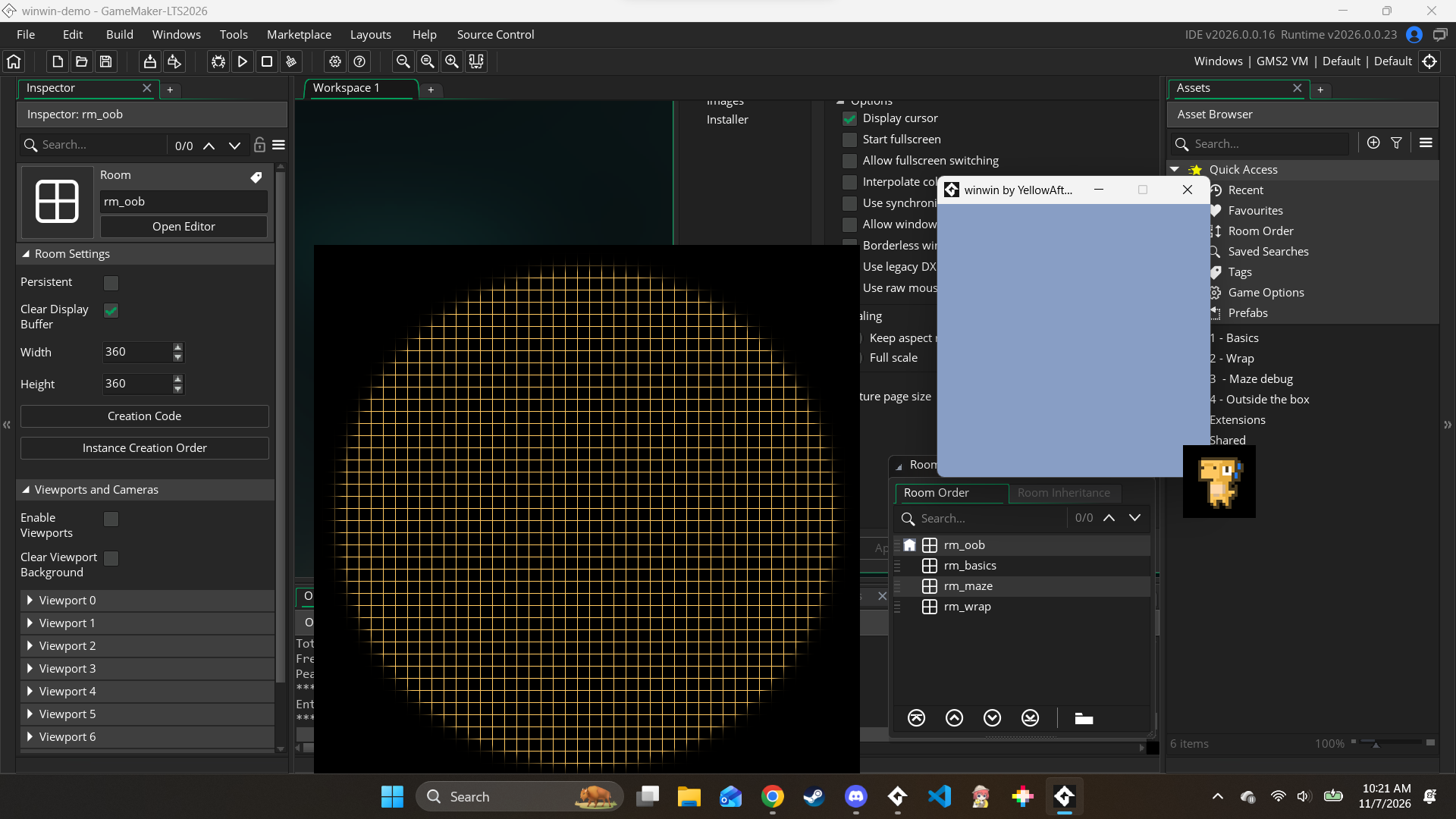
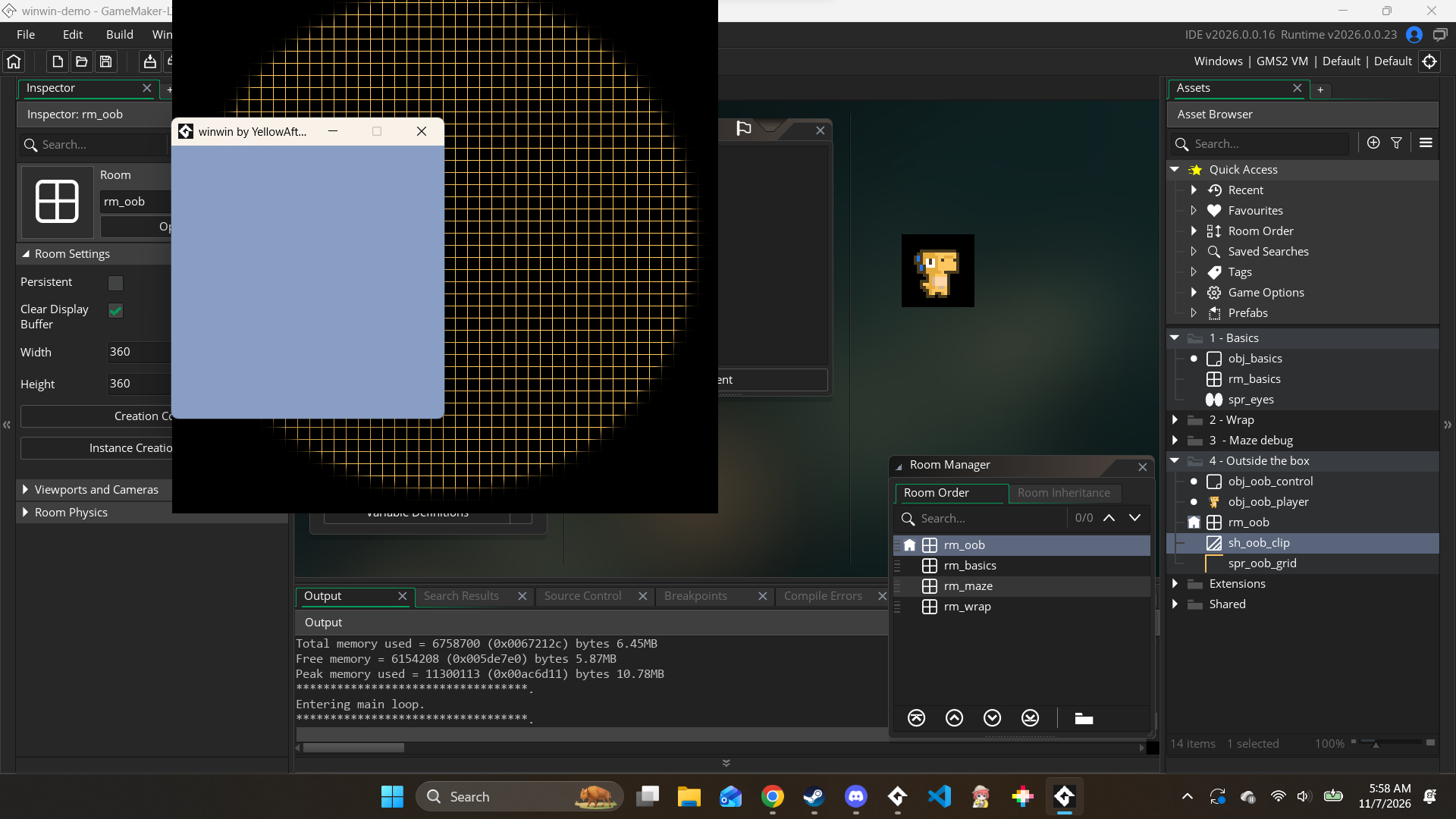
Working on a desktop pet, and while the area around the pet is meant to be transparent, there is a black box around them instead. I even checked the official desktop friend project and the issue persists. I don't know if this is because of some kind of update that was pushed out with game maker, but I feel like I'm going crazy since this wasn't always an issue for me. Any ideas what my problem could be?
Developer

I haven’t updated the docs for Windows’ Windows yet, but see here - you need to tick the “Use legacy DXGI_SWAP_EFFECT_DISCARD” checkbox in Game Options ➜ Windows ➜ Graphics for this to work now.

The square still seems to persist even after toggling the option on (using the official demo for reference). Any other ideas on what could be wrong? I'm at a total loss for what to do here...

Developer

See the “Windows 11” sub-section - depending on your system, you may need to disable “optimizations for windowed games” for transparency to work when running from GameMaker.

Ah, that did the trick! Thanks for your time, YAL!