

art is good
Play game
reseed's itch.io pageRate this game
In order to rate this submission you must be logged into itch.io and have submitted your own entry. Anyone with an account can leave a comment.
Design Statement
I felt the music had a sense of techno-optimism with a twinge of nostalgia. There's a cassette or VHS sound at the start, which made me feel like we were looking back at the past from a better future, especially with the sounds of nature, and the electronic skew to the instrumentation.
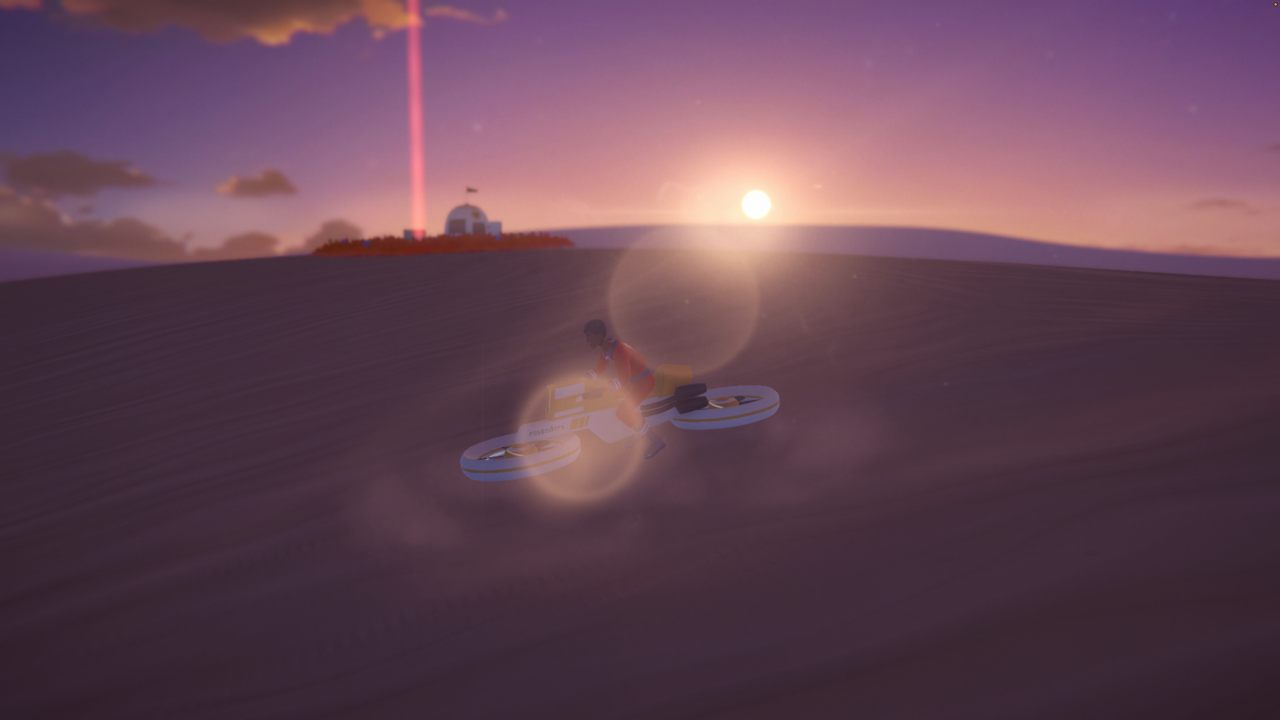
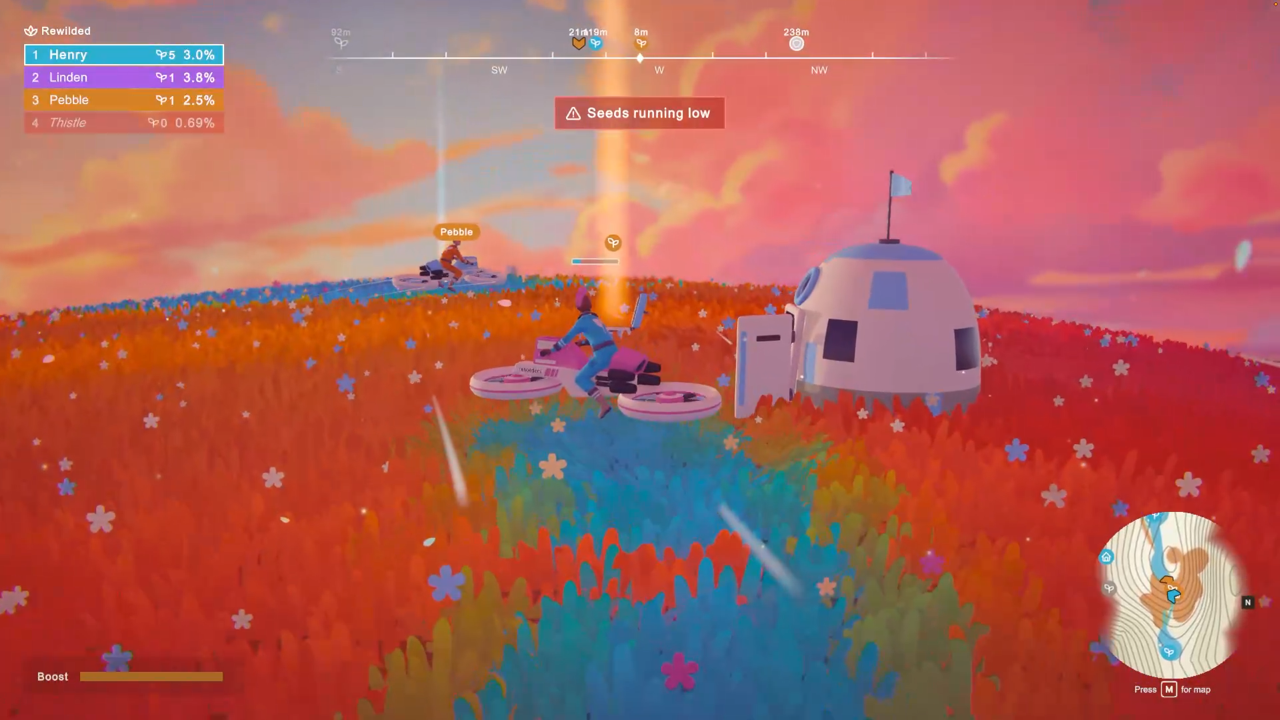
This led me to design 'reseed'*, a game about rewilding a dead planet after failing to care for our own. I researched the goldilocks zone, and potentially habitable planets, and thought about life after earth, and how life could start again.
I took inspiration from the mechanics of Paper.io 2 (which took inspiration from games like Qix!) where you draw a path to capture territories. I thought it was interesting to take what is a sort of militaristic/imperialistic mechanic and flip it in its head and instead make it about growth and abundance.
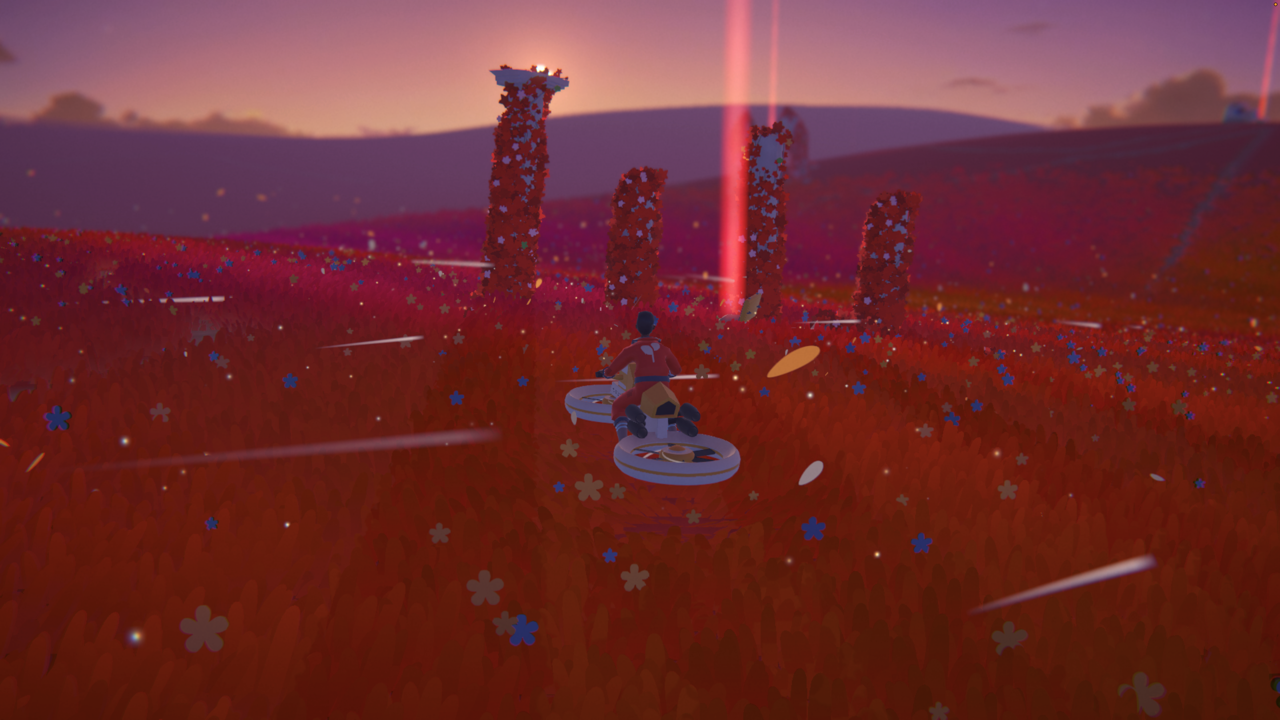
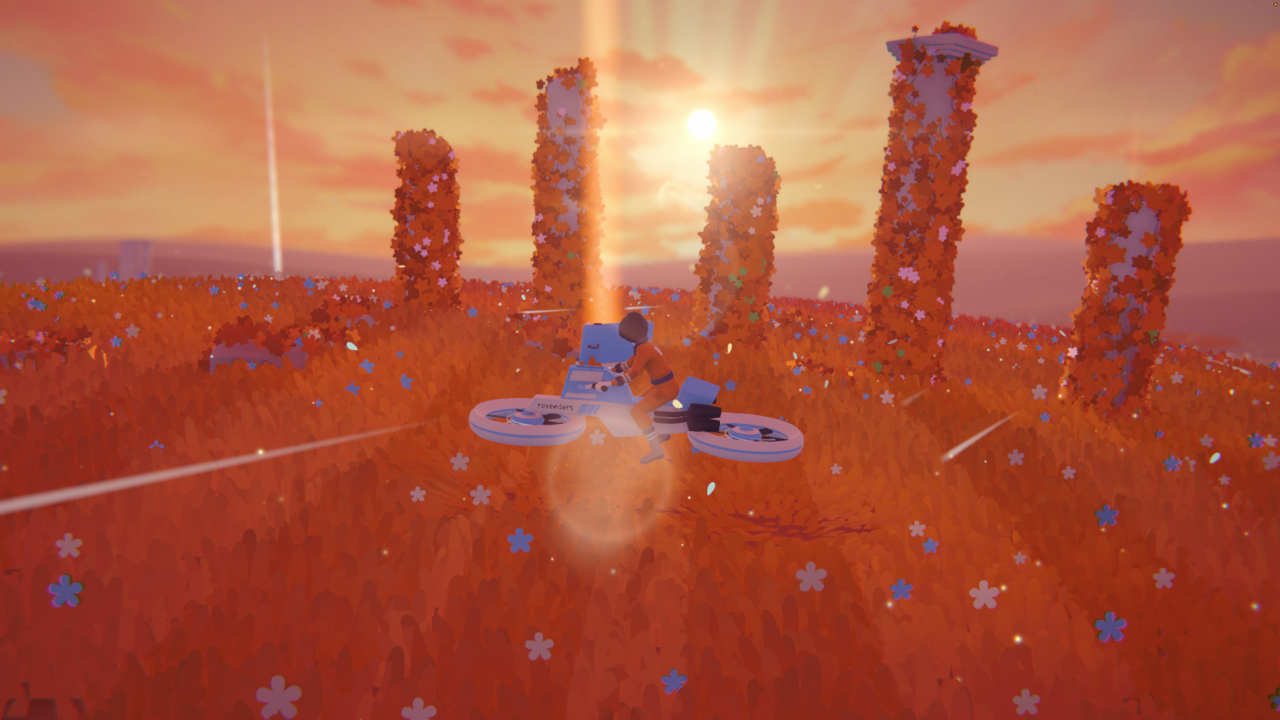
*The idea of 'reseeding' and not 'seeding' implies there was life there before. This is further alluded to with the man-made ruins on the planet. Who or what remains a mystery.
Game Instructions (launch steps, controls, and gameplay overview)
RESEED: HOW TO PLAY
It's 2126. You've landed on a barren planet. Your job is to bring it back to life.
LAUNCHING THE GAME
Recommended: download the game for the best performance.
1. On the game's itch.io page, download the build for your system (Windows, Mac or Linux).
2. Unzip it and open the game:
- Windows: run Reseed.exe
- Mac: open Reseed.app
- Linux: run the Reseed file (you may need to mark it as executable first)
3. Plug in a gamepad before you start if you want to use one.
4. Press Enter (or A on a gamepad), then choose Single Player, or Multiplayer to host or join an online match.
Can't download? Click "Run game" on the itch.io page to play in a desktop browser (Chrome recommended). It runs slower than the download.
GAMEPLAY
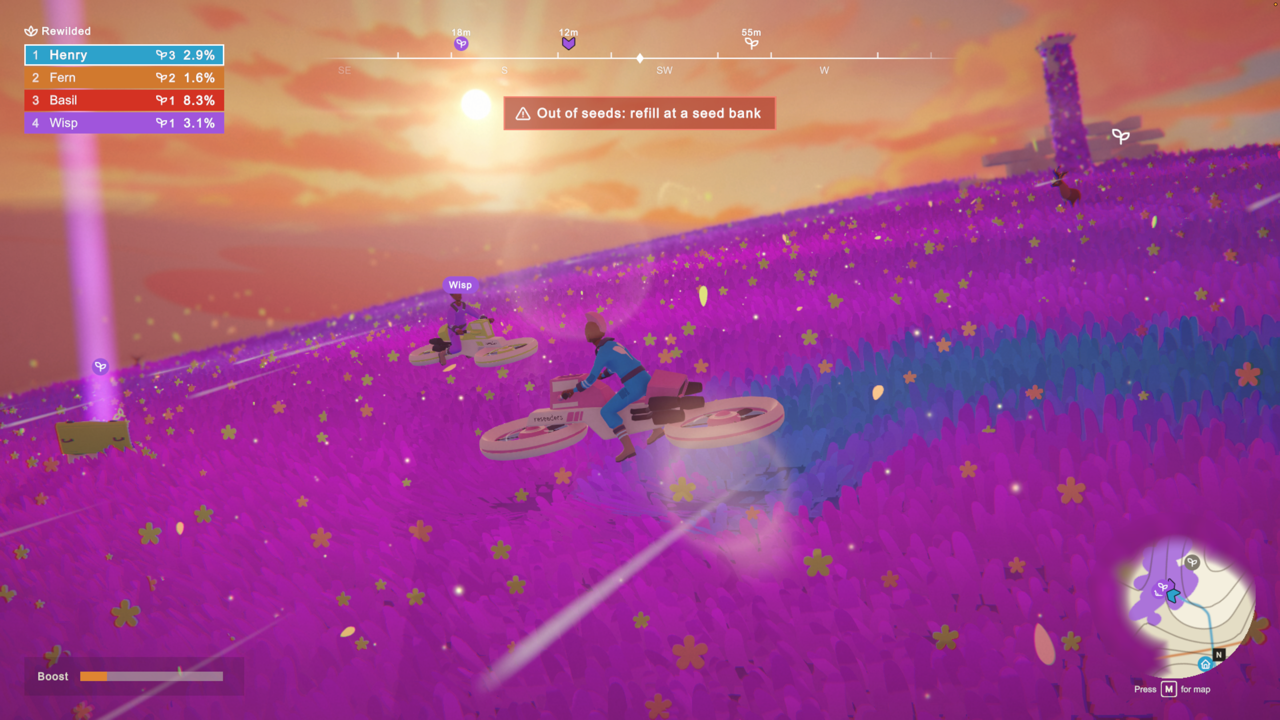
- FILL UP: Drive to your seed bank (the crate by your landing pod) and press Refill.
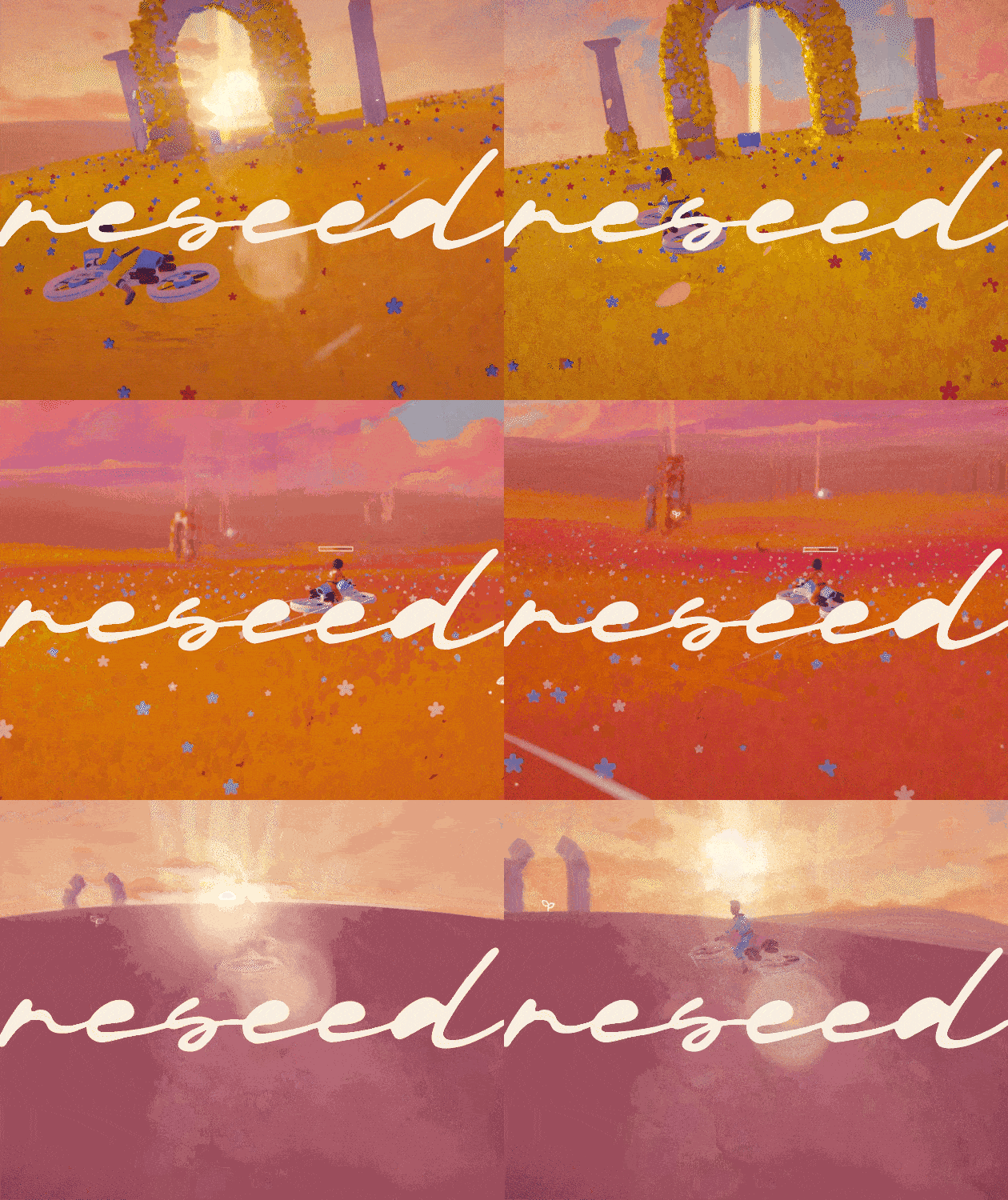
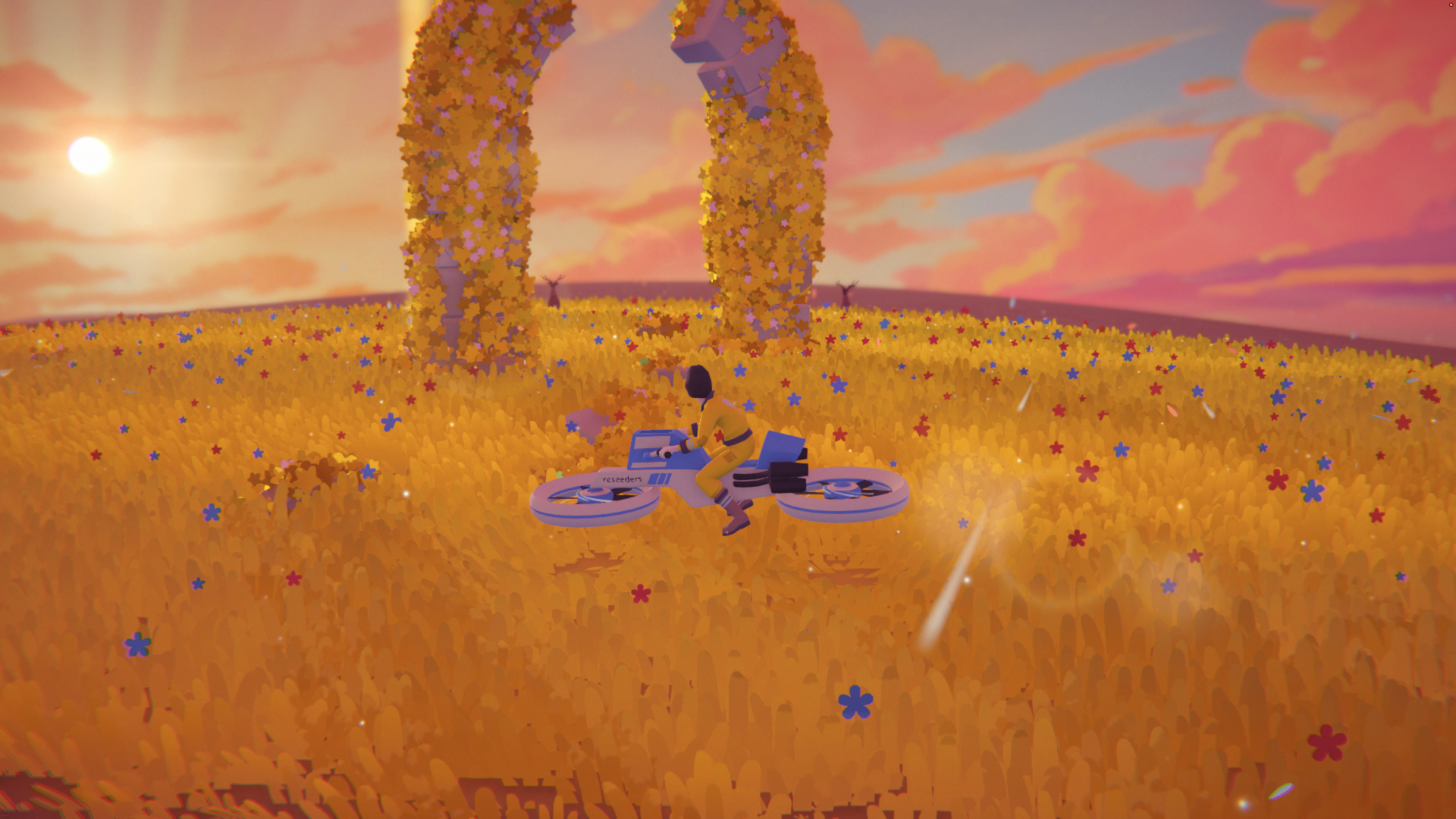
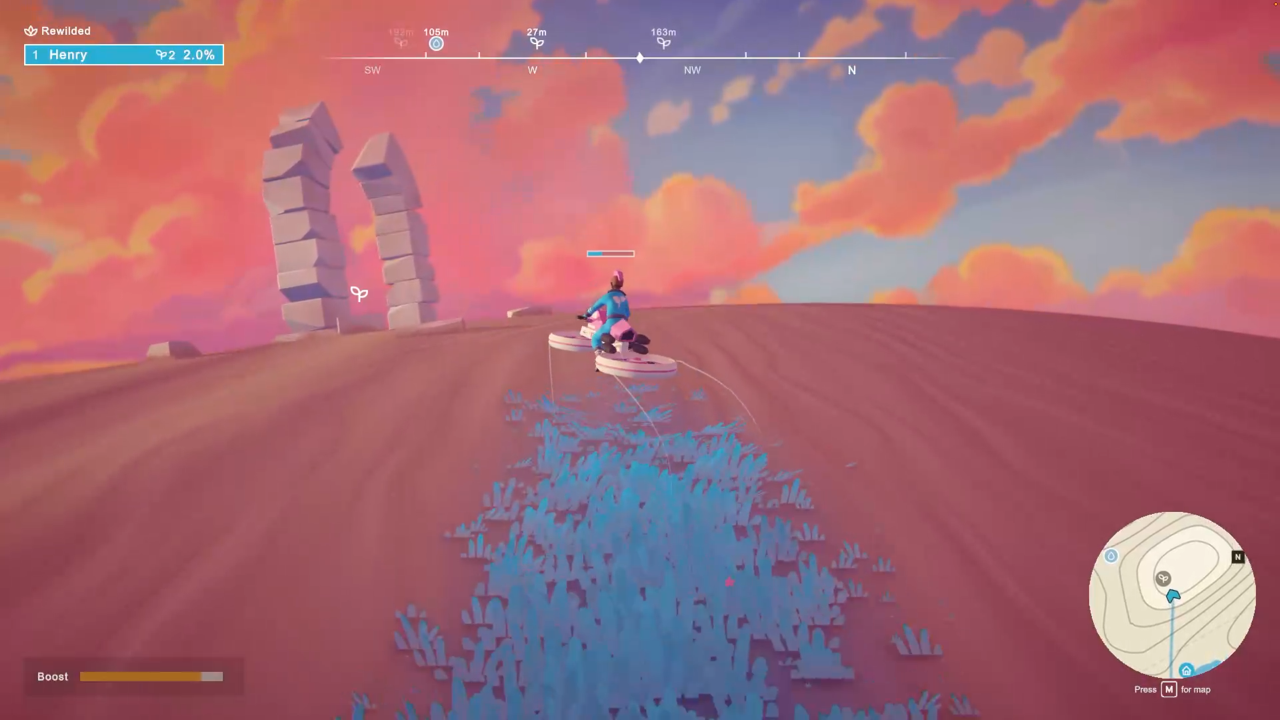
- RIDE TO GROW: Your hoverbike sows your colour of grass wherever it goes.
- CLOSE LOOPS: Ride a loop and join it back up. Everything inside turns to meadow. Bigger loops, bigger meadows.
- CLAIM RUINS: Loop around a ruin to take its seed bank. You can capture other players' pod banks too, so guard your own.
- WATCH YOUR SEEDS: Boosting uses seeds, and a hard crash spills them. Refill at any seed bank you hold.
SEED DROPS (pick these up for a bonus)
- Seed bloom: a burst of your grass
- Seed refill: tops up your seeds
- Speed boost: go faster for a while
- Bigger seed tank: carry more seeds
- Wide tracks: a wider trail for a while
- Steady seeds: crashes don't spill seeds for a while
- Scout flare: reveals the whole map
HOW TO WIN
- Planet won: once every seed bank belongs to someone, whoever holds the most banks wins (ground covered breaks a tie).
- Last one standing: no seed bank and no seeds left means you're out. Be the last player in.
- Time's up: if there's a time limit, race back to your pod before the countdown ends.
TEAMS: Pick another player's colour in Customise to join their side.
CONTROLS (keyboard & mouse / gamepad)
Steer ............ W A S D or arrow keys / Left stick
Look ............. Mouse / Right stick
Boost ............ Shift / RT, B or click left stick
Hop .............. Q / A
Refill seeds ..... E / X
Recentre camera .. Space / Click right stick
Map .............. M / View (Select)
Pause ............ Esc / Start
When you're out:
Watch others ..... Left/Right arrows / D-pad left/right
Quit to menu ..... Enter / View (Select)
Local split screen: in the lobby, each extra player presses Space or A on their own controller to join.
All controls except the gamepad's left stick can be changed in Settings > Controls.
Gameplay walkthrough video
https://youtu.be/32StnZ9muek
Trailer / Other Additional Video Material (Optional)
https://youtu.be/DXDF49tmq4o?si=W0Kdotkyb-Ra2N1D
Did your project use any AI tools or assets? If yes, please specify.
No AI-generated player-facing assets including art, music, sound, writing etc.
I did use AI to help me with some code stuff. A few examples:
- I made a standard grass shader myself, but I needed help from AI to port it to a compute shader so the game would run at a decent framerate.
- I had to use the experimental WebGPU graphics API so I could get compute shader support in browser, but this created some super weird bugs I needed AI help debugging.
- Optimising the flood fill algorithm and making it multi-threaded.
Leave a comment
Log in with itch.io to leave a comment.