

Play game
And Your Lullaby Sounds Again's itch.io pageRate this game
In order to rate this submission you must be logged into itch.io and have submitted your own entry. Anyone with an account can leave a comment.
Design Statement
When I first listened to the jam's theme track, I pictured scattered notes slowly coming together. They met, overlapped, and eventually became something lively and full of emotion. It felt like a whole world was taking shape, one note at a time.
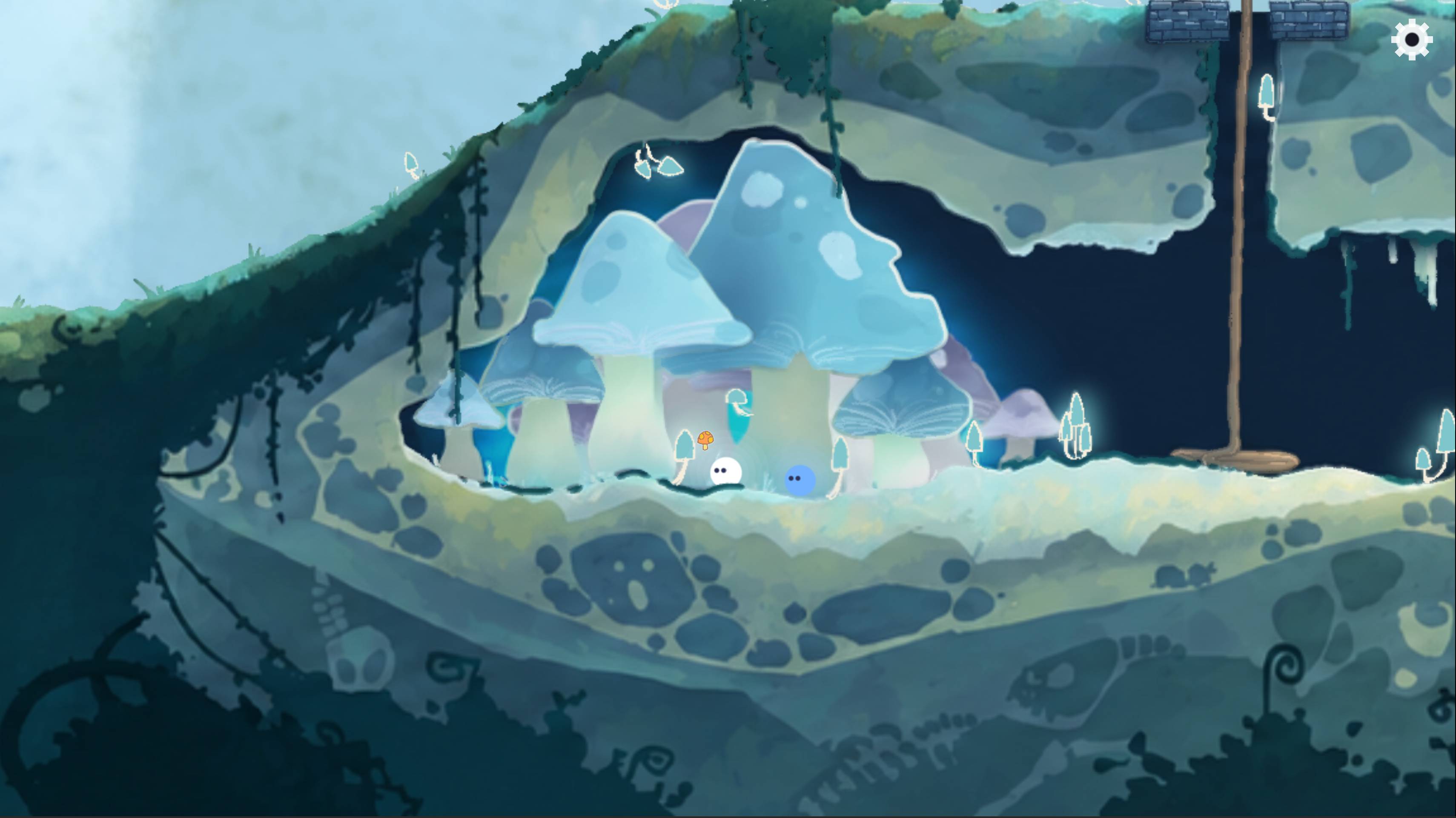
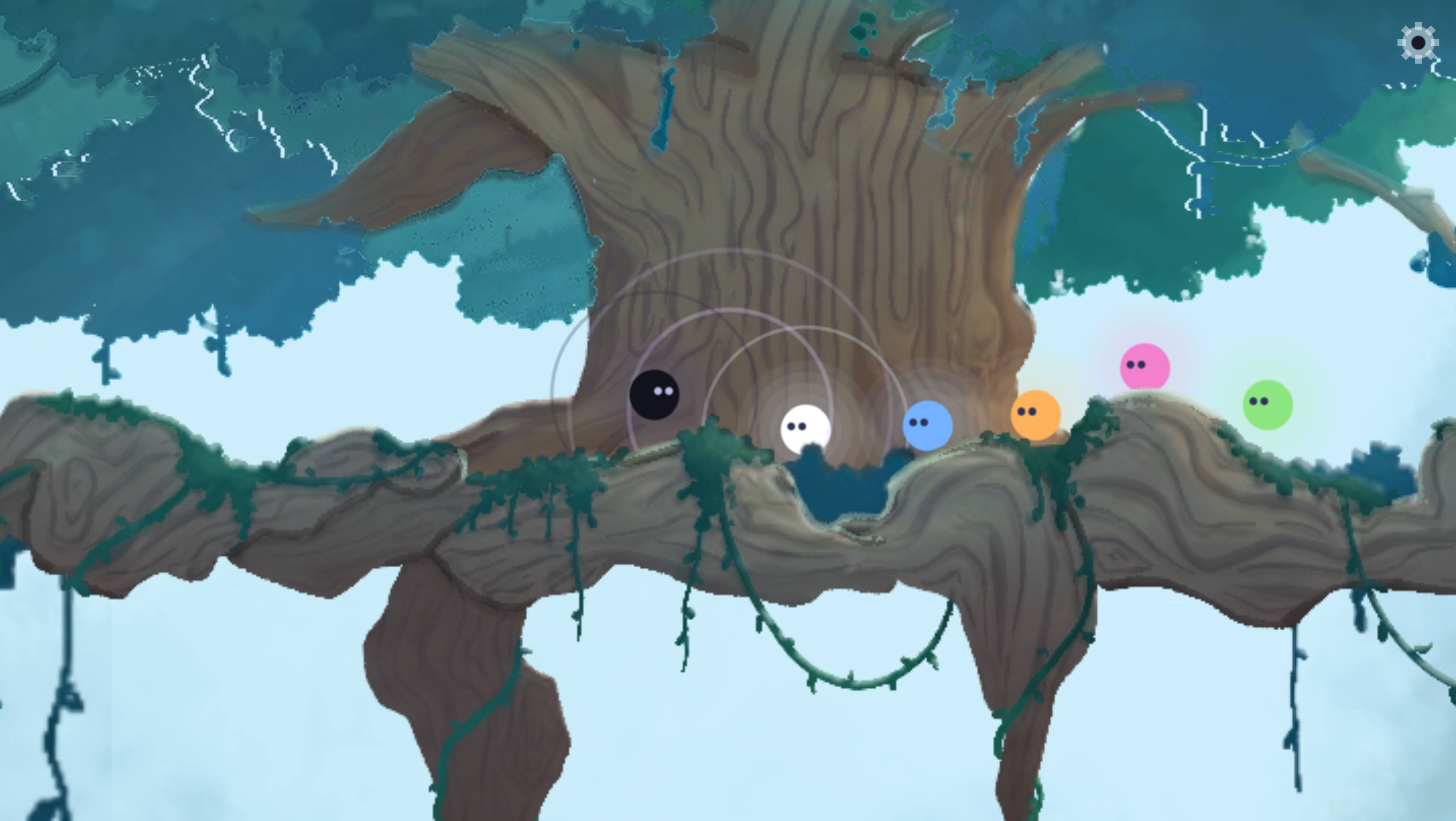
That's where my idea came from: a game about sounds becoming music. Each little spirit carries a single note. By bringing them together, the player creates chords, opens doors, and gradually brings life back to a silent world.
While making the game, I realized growing up feels a little like that too. We leave behind familiar voices, step into a strange silence sometimes. Then we have to make our way to slowly figure out what our own world sounds like.
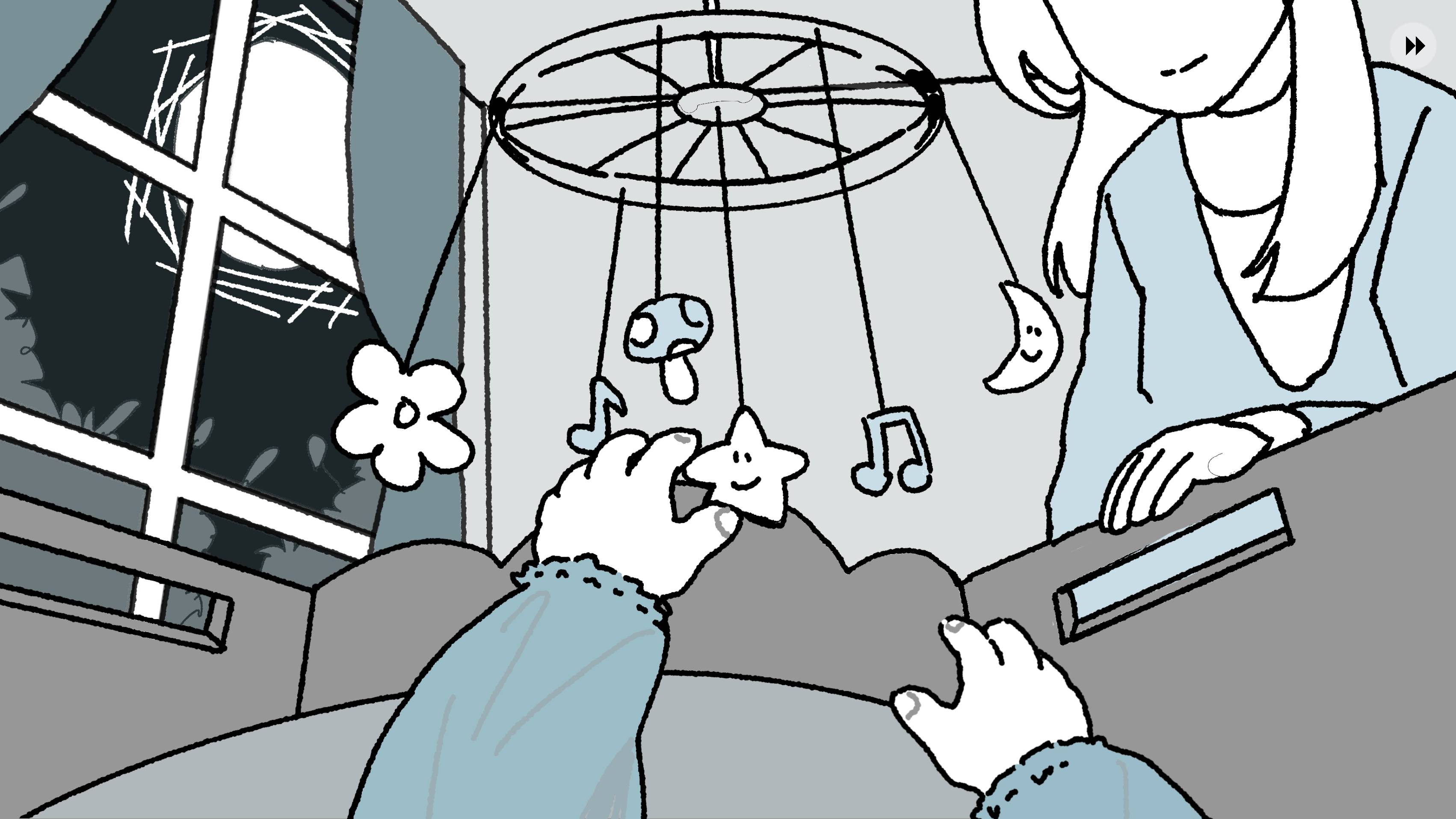
That's why I added a more personal story through the prologue and ending. I didn't use the original theme track. Instead, I chose a lullaby from my childhood that I'd almost forgotten until I heard it again online recently. It reminded me of how peaceful my childhood once felt, and how much I'd been through trying to find that peace again.
Game Instructions (launch steps, controls, and gameplay overview)
Launch
Browser: Click "Run Game" on the itch.io page. Please play on a desktop browser with sound enabled.
Windows: Download and extract the Windows ZIP, then launch Lullaby.exe. Keep the .exe and .pck files in the same folder.
Headphones are recommended.
Controls
A / D: Move left / right.
W / S: (near a ladder) Climb up / down. (during a sing session, when octave keyboard assistance is on) +/- 8 octave
Mouse: Click characters to sing, and click objects to interact.
Settings: Adjust audio volume, on/off color hints , on/off W/S octave assistance
Color hints: color hint is for player with issue choosing the correct chord for a door, the correct notes' color combination will be revealed. Set to OFF by default. Can be changed at title screen or during game play
W/S keyboard octave assistance: W/S assistance is a convenient alternative for player to play a +8 octave or -8 octave note during the game play by simply hold the W/S key while playing notes. Set to ON by default. Can be changed at title screen or during game play.
How to Play
After launching, click start to start the game.
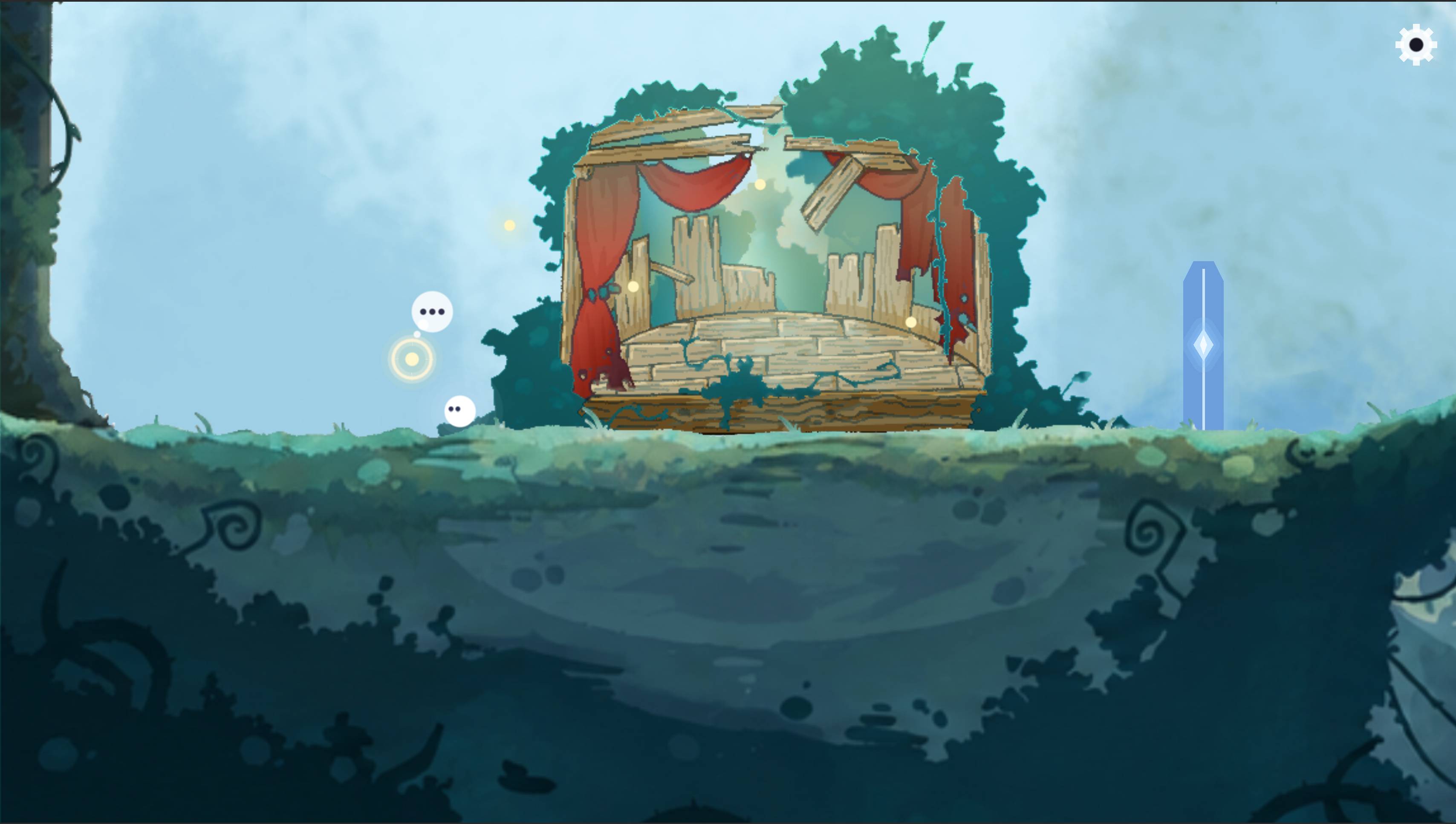
The main gameplay is about controlling your player character (the white spirit) to explore the forest and meet other spirits and solving the note/chord related quests in the map.
Interact with NPC/items: For characters and items that are highlighted, left click to interact with them.
The door: Click a musical door to hear its chord. Sing the matching notes by clicking your companions, then press the checkmark within four seconds to hear the chord you have formed. If it match the door's chord, the door will open.
The flowers: Some flowers respond to singing when you stand close enough. You will see a bell symbol near such flowers.
The melody quest: Sometimes when you interact with an object in the map, you will enter the melody quest. A melody will be played for you, you need to replay the melody following the note map shown on the screen. For long notes, hold your press until it is finished. For notes with triangles on it, play with the correct +/- octave.
The game includes optional tutorials accessible from the title screen and Settings menu.
Estimated playtime: 5–10 minutes.
Gameplay walkthrough video
https://drive.google.com/file/d/1b3B4BPXjhX9MCD-35L1OrQSQTPPk3wIM/view?usp=sharing
Did your project use any AI tools or assets? If yes, please specify.
This game was developed with AI assistance.
AI tools, primarily Claude Code, were used to assist with programming, debugging, UI implementation, procedural graphics, and audio synthesis.
Audio: Some in-game note sounds and sound effects were synthesized using AI-assisted code, rather than generated directly by an AI music or audio model. The script generated-SFX are reviewed and finetuned by the developer at script level. The opening and ending musical arrangements and performances were created by the developer.
Visuals: Some character visuals, UI icons, and visual effects were rendered procedurally using AI-assisted scripts, rather than generated directly by an gen-AI image generation model. The environmental artwork, map, and illustrated dialogue sequences were hand-drawn by the developer.
Text: The Settings and Tutorial descriptions were drafted with AI assistance and subsequently reviewed and edited by the developer.
Game design: The game's concept, narrative, puzzle mechanics, visual direction, and creative decisions were developed by the developer.
Leave a comment
Log in with itch.io to leave a comment.
Comments
Very cool concept! Wish your background images were less pixelated I want to see them better!
I really like how the sounds are combined together, it's so creative! I also like how I can change the notes to higher or lower keys, it's really interesting to play around with. The art is really nice too!
Really beautiful entry! Using sound to bring the surroundings to life is a wonderful idea, and the way the characters talk to each other gives off major Sky kids energy—so cute! Quick question though: how do you get past the second door? I got a little confused about how to actually "call the spirit." Amazing vibe so far!
Hey! Thank you so much for your post! ❤️
To get past the second door, simply click directly on the spirits to make them sing~
Hope this helps, and enjoy the rest of the game!