



Play game
The OmniFolks's itch.io pageDid you build your game with Unreal Engine or UEFN?
Team Name
The Omniverse City
Game Name
The Omnifolks
Gameplay instructions
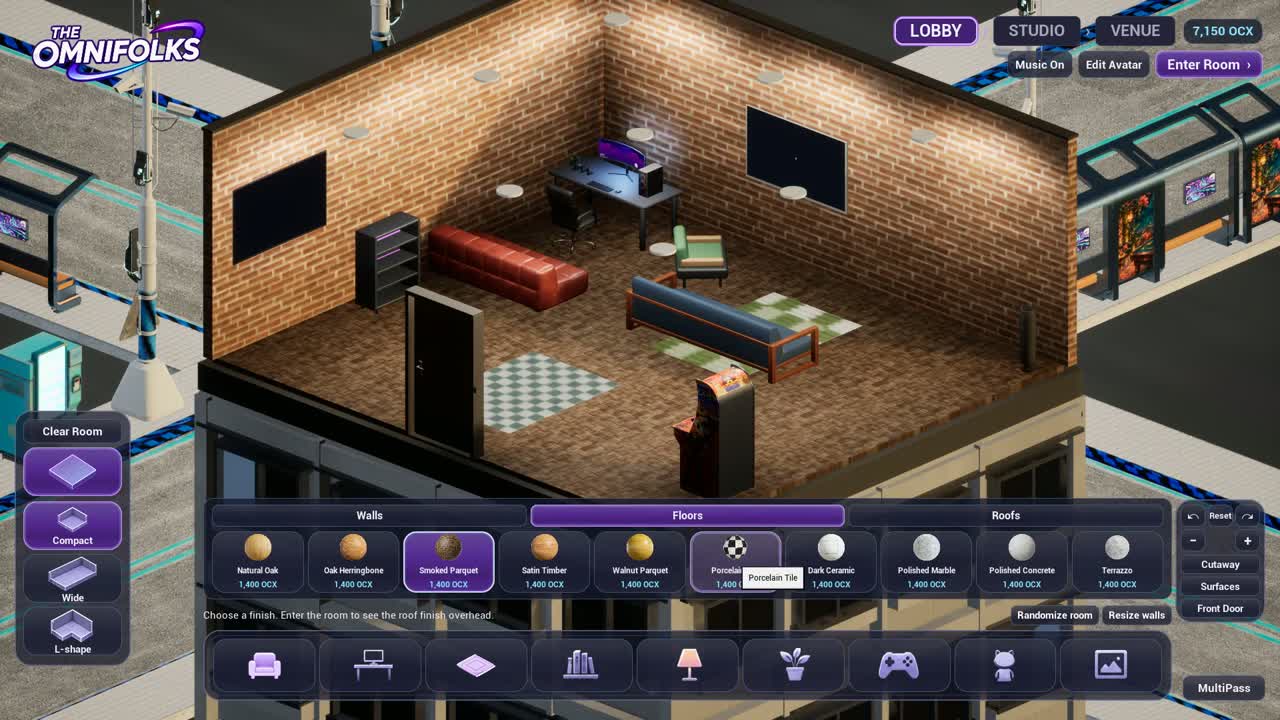
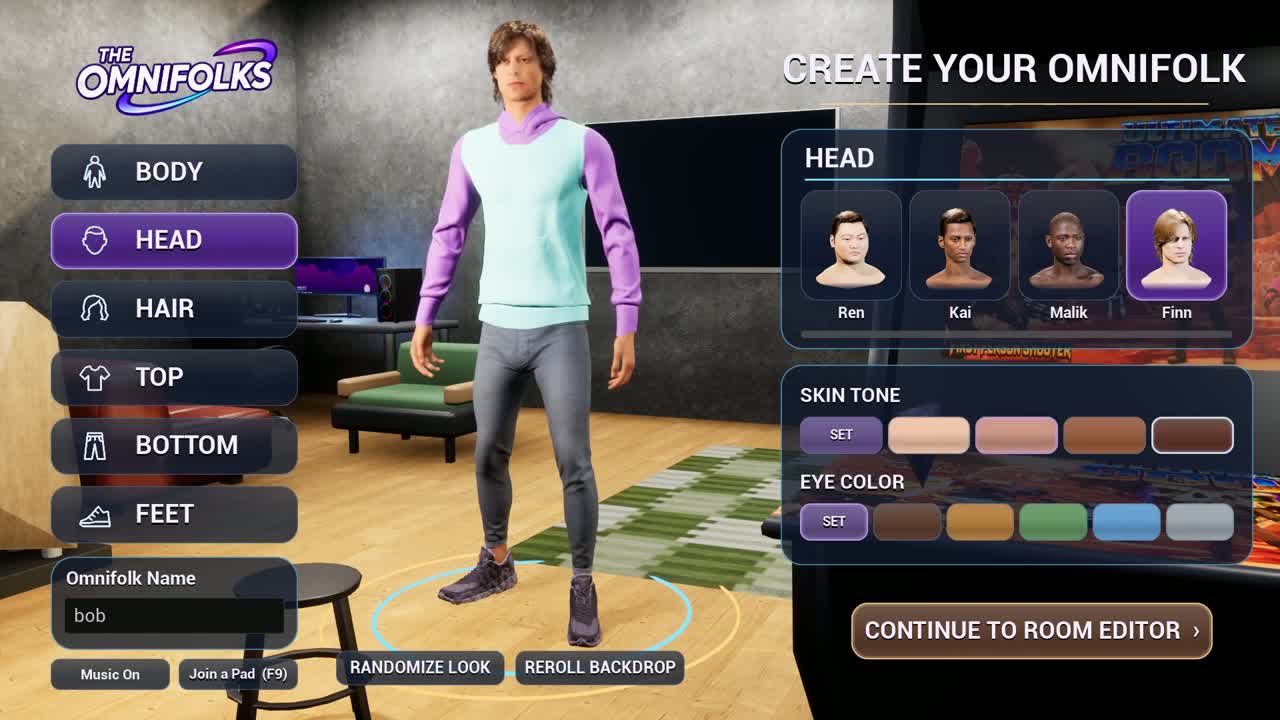
Download and extract the Windows build, then run OmniFolks.exe. Create your avatar, choose Continue to Room Editor, and use your starting OCX to furnish your Gamer Pad. Drag items into the room and select them to move, rotate, or customize their materials. Choose Enter Room to walk around.
- Room Builder — WASD to pan, Q/E to rotate the view, and scroll to zoom.
- Inside your pad — WASD to move, E to interact, F to open the front door, V to switch cameras, and Tab to return to the builder.
- Multiplayer — Press F9, choose Open My Pad, and copy a one-use guest link. A friend can paste it into Join a Pad. Hold T to talk or press Enter to open chat.
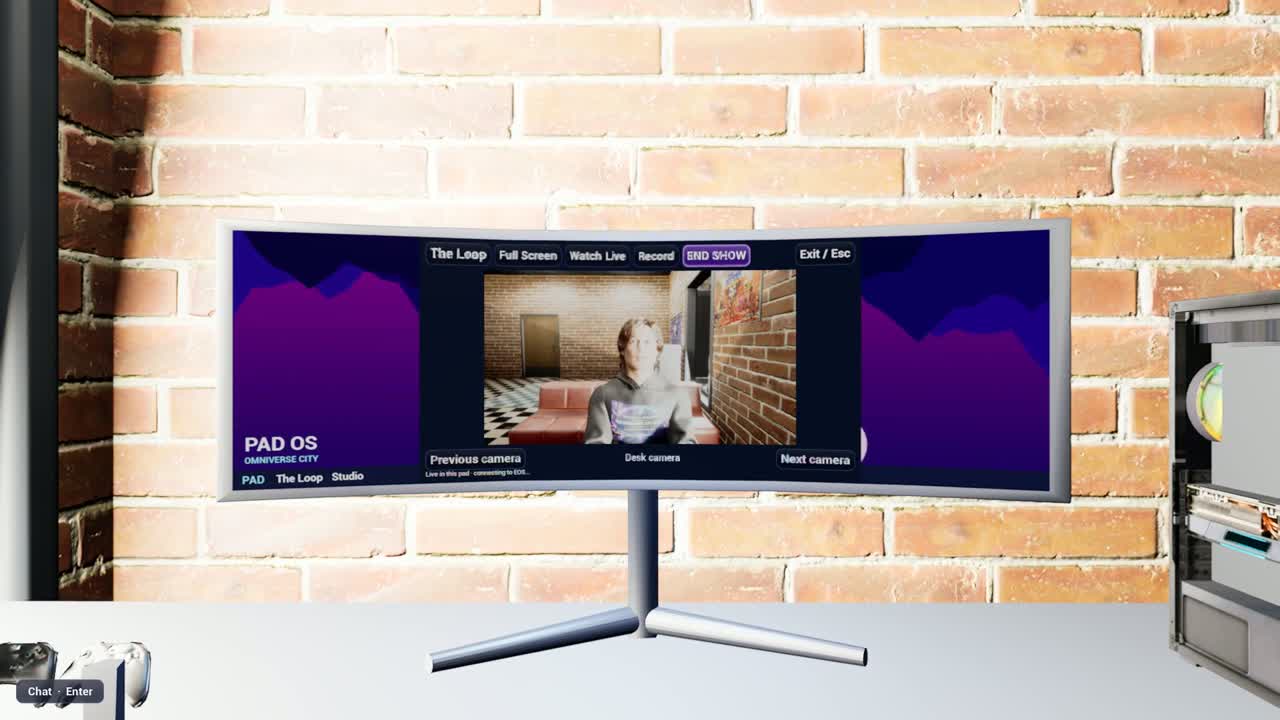
- Streaming — Sit at the computer desk, press X to use it, then click Go Live to start the in-game broadcast.
- MultiPass — Press P to open your profile, contacts, travel, camera, and settings.
What platform is your game built for?
Leave a comment
Log in with itch.io to leave a comment.
Comments
8gb for this bs?
Fully polished final build is coming tonight. I'll drop the link for download in the comment.