


Play game
Director's Slash's itch.io pageDid you build your game with Unreal Engine or UEFN?
Team Name
Bagman Studios
Game Name
Director's Slash
Gameplay instructions
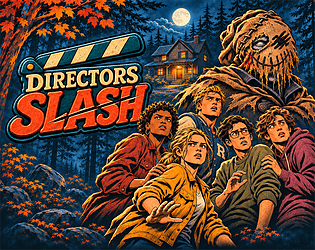
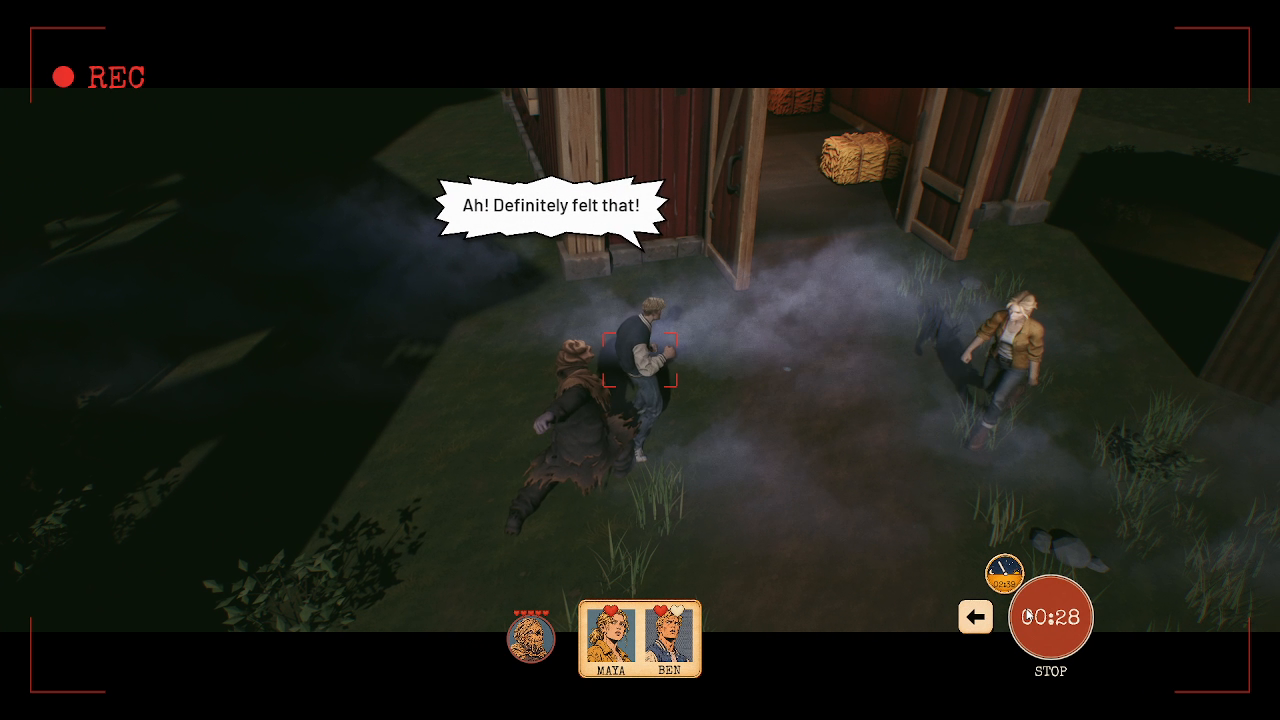
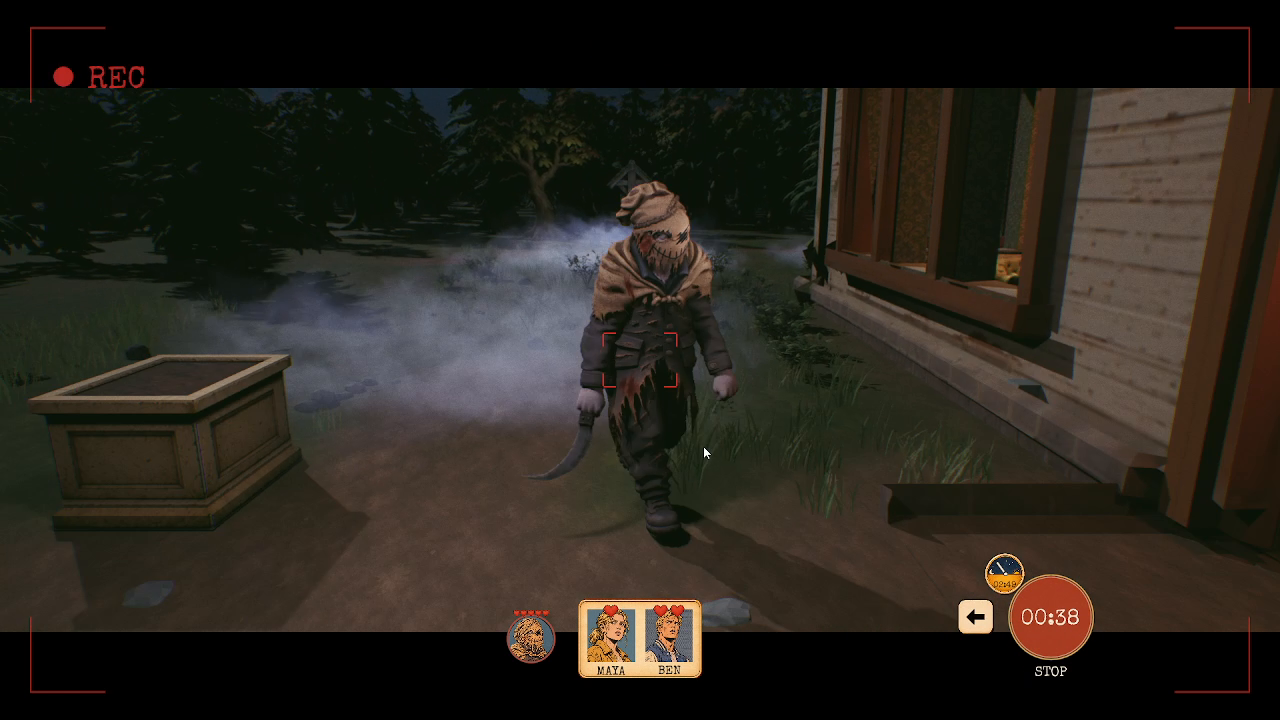
Directors Slash is a horror filmmaking game. You control the production and camera while the cast and monster act independently. Capture the scenes in your script, earn money from your finished film, and fund your next production.
Windows setup: Download and fully extract the Windows ZIP, then launch Directors Slash.exe. Keep the extracted folders together. Unreal Engine is not required. If Windows reports a missing Visual C++ runtime, run the included vc_redist.x64.exe under Engine/Extras/Redist/en-us.
Desktop browser setup: Open the itch.io page in an updated Chrome or Edge browser with hardware acceleration enabled. Allow the initial download and loading process to finish, then click to start. Fullscreen is recommended. The game requires WebGPU; an unsupported browser or GPU may display a compatibility message.
To play:
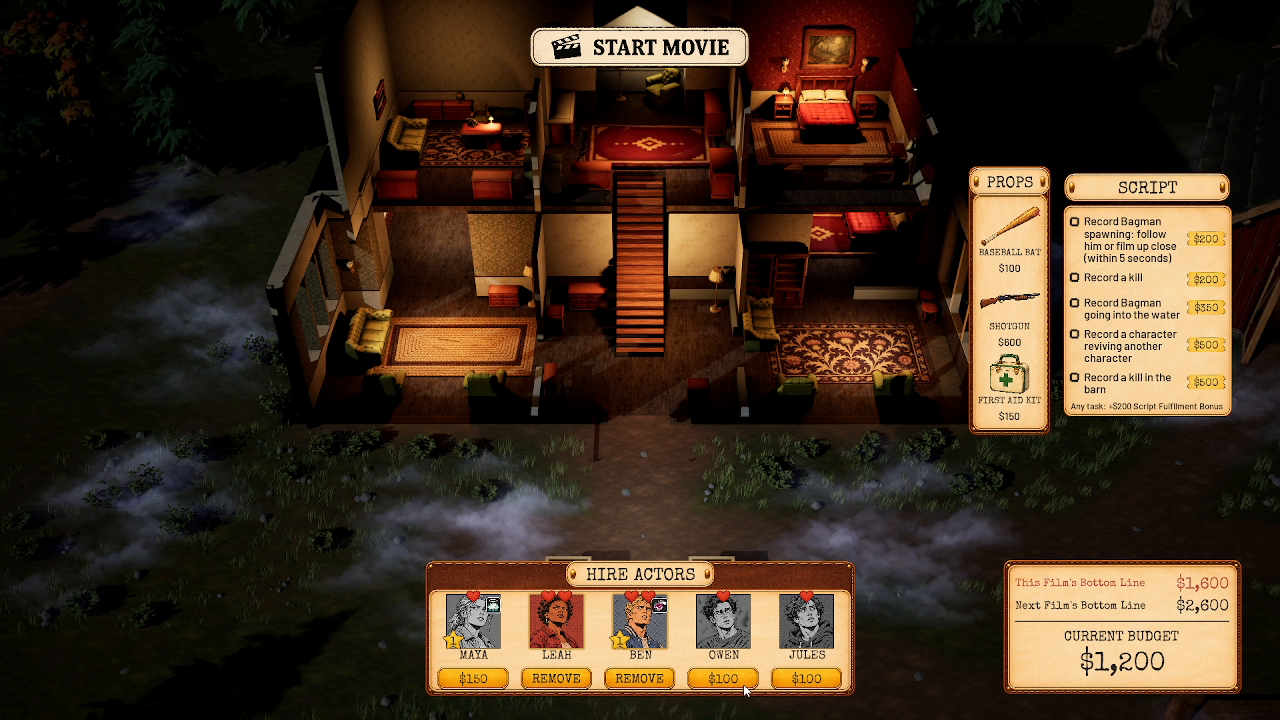
1. Prepare your production. Choose your cast and drag props onto valid placement spots around the property. Pay attention to your remaining budget and the funding target shown on screen. The characters decide how to use the items you provide.
2. Read your script. Open the Script panel to see the moments you need to record. Plan your cast, props, and camera positions around those objectives.
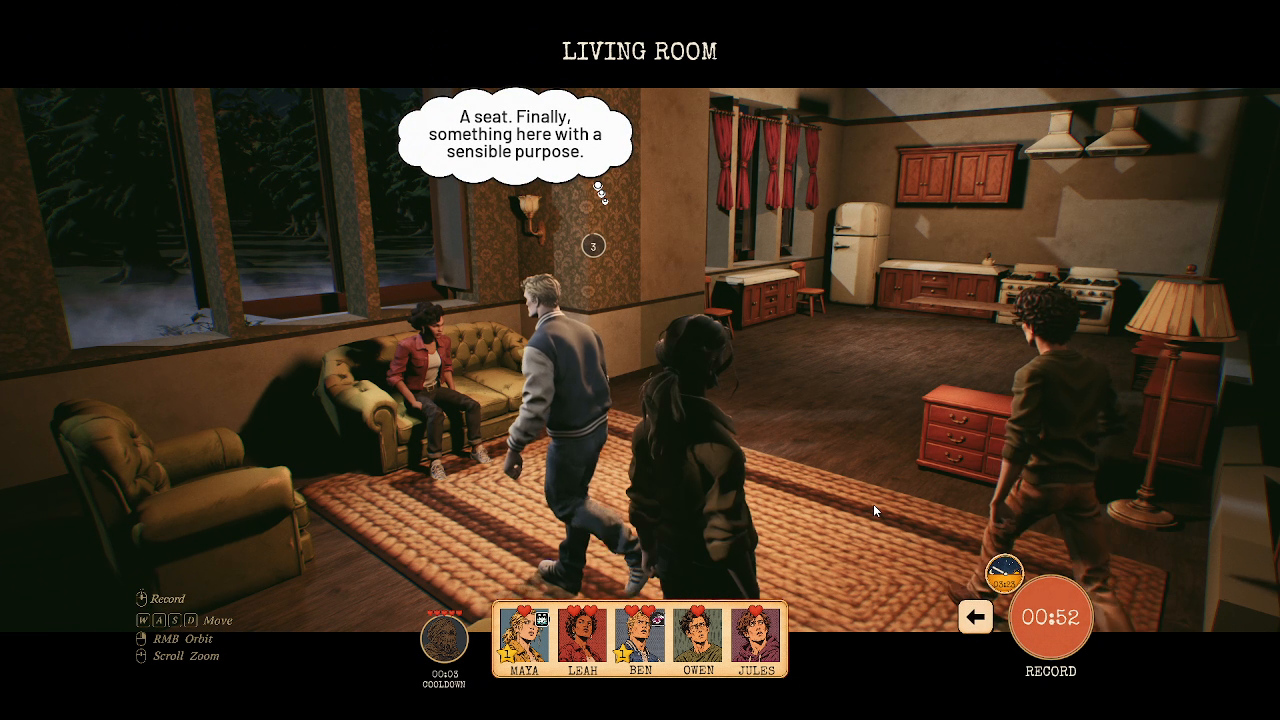
3. Start the movie. Let the cast arrive and begin exploring. Click a room, character, or cast portrait to focus the camera. You must enter a focused camera view before recording.
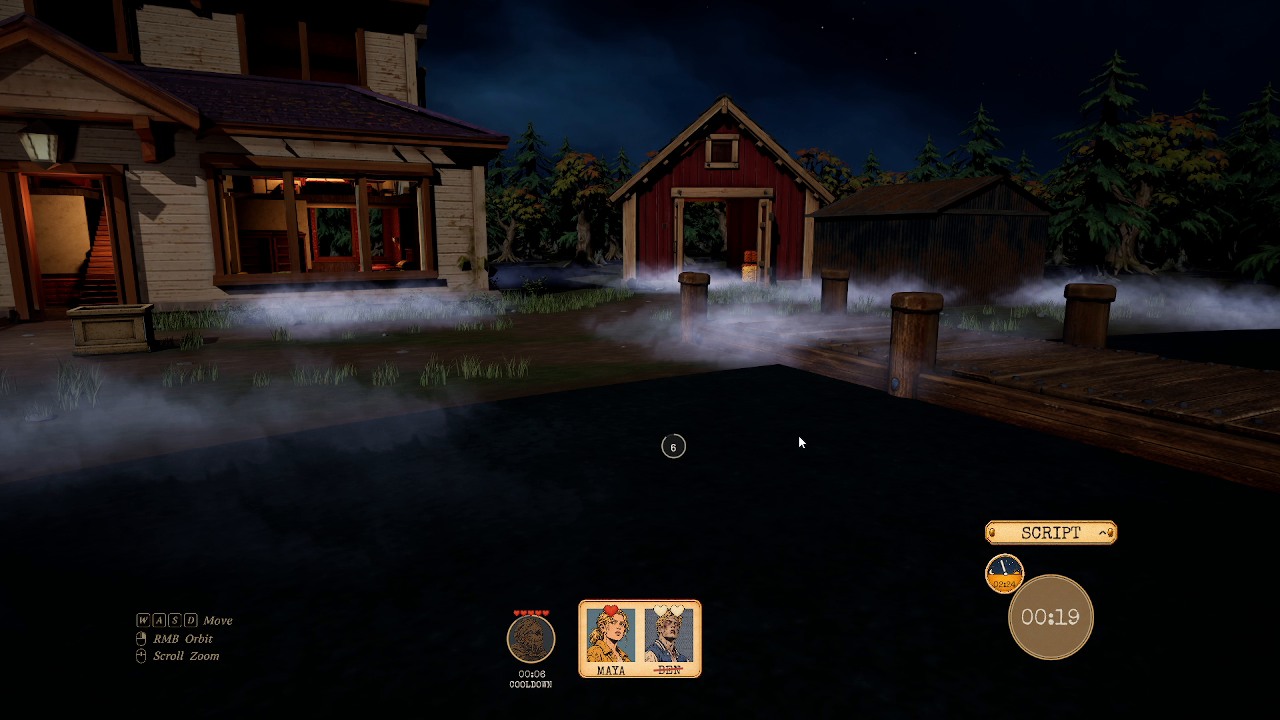
4. Capture the action. Start and stop recording to collect useful clips. Film is limited, so avoid recording everything continuously. Objectives require the relevant action to be visible in your recorded footage—an event happening elsewhere does not count.
5. Release Bagman at the right moment. When he becomes available, select an active spawn marker in the environment. Frame the action before it happens. Bagman has an arrival restriction and cooldown, so unavailable spawn markers are intentional.
6. Review and continue. When the take ends, allow a few seconds for footage and results to finish processing. Watch your assembled movie, review your earnings, and make another production if you meet the funding target.
Control Action
Left click Select UI, focus rooms or characters, and use available spawn markers
Click and drag a prop Place it during preparation
W / A / S / D Move the camera
Hold right mouse button and drag Orbit the camera
Mouse wheel Zoom
R / middle mouse button / Record button Start or stop recording
Back arrow on screen Leave the focused view; stops an active recording
Esc / F10 Open the pause menu
You can move the camera and follow a character while recording. Keep the important characters and actions in frame.
Windows version: Offers the highest overall texture detail and an MP4 export option for completed footage. Export a film you want to keep before starting another production; working footage is temporary.
Browser version: Includes the same core gameplay, recording, and in-game movie playback, with reduced detail on some environmental textures. Downloadable MP4 export is unavailable. Switching tabs pauses the game and stops the current recording; use the resume prompt when returning. Refreshing or closing the page interrupts the current production. Clearing browser site data can remove saved progress. Use F10 for pause if Esc exits browser fullscreen.
Mobile browser version — experimental: Touch controls are included: tap to select or focus, drag with one finger to pan, drag with two fingers to orbit, and pinch to zoom. Drag props from their buttons to place them. Use landscape orientation and Wi-Fi. Recent iPhones—preferably iPhone 16 or newer, with iPhone 15 Pro/Pro Max as an older device to try—require updated iOS and Safari. The current package does not support Android or iPhones older than the 15 Pro. Physical-phone performance has not been verified.
What platform is your game built for?
Leave a comment
Log in with itch.io to leave a comment.
Comments
Cool! I liked the idea you came up with for the theme, it also played well in the browser. Good job 👍
Thank you for playing!
Nice, played in browser. Mine came out with horrible lighting for WASM. Must be the lumen and not baked.
Yeah definitely still experimental, worth keep tinkering with it later after the jam ends!