Version 1.2 — A Mossy Makeover
The Hollow has a fresh coat of moss!
Version 1.2 focuses on giving Wizard of the Mossy Hollow a more consistent woodland look, with a new main menu, a themed health display, and mossy borders that tie everything together.
A new welcome to the Hollow
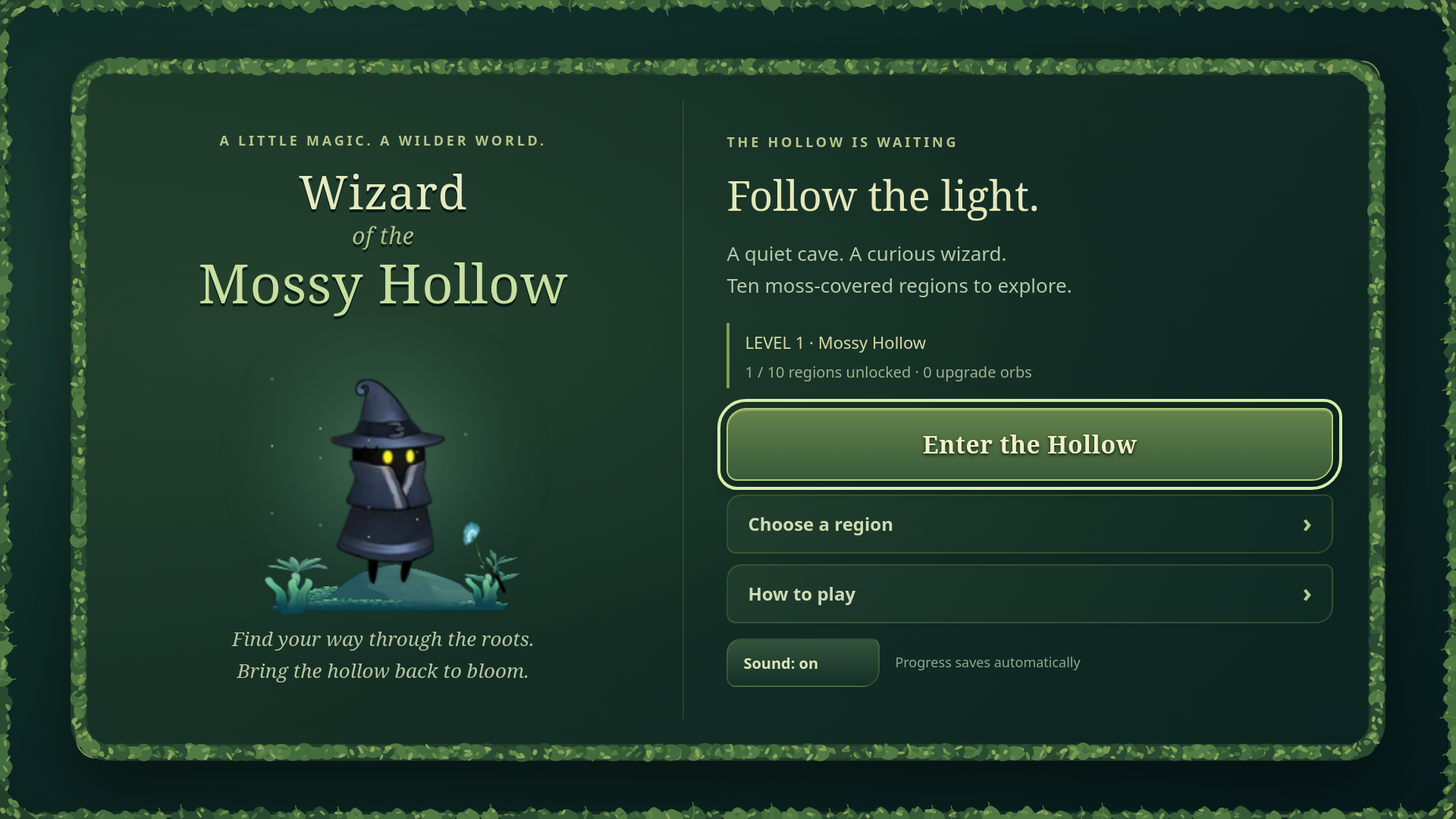
The new main menu brings the game’s moss-and-bark style to the front door, with warm serif lettering, the little wizard, and a continuous moss border around the entire panel.
From the menu, you can:
Start exploring or continue your adventure.
Choose an unlocked region to revisit.
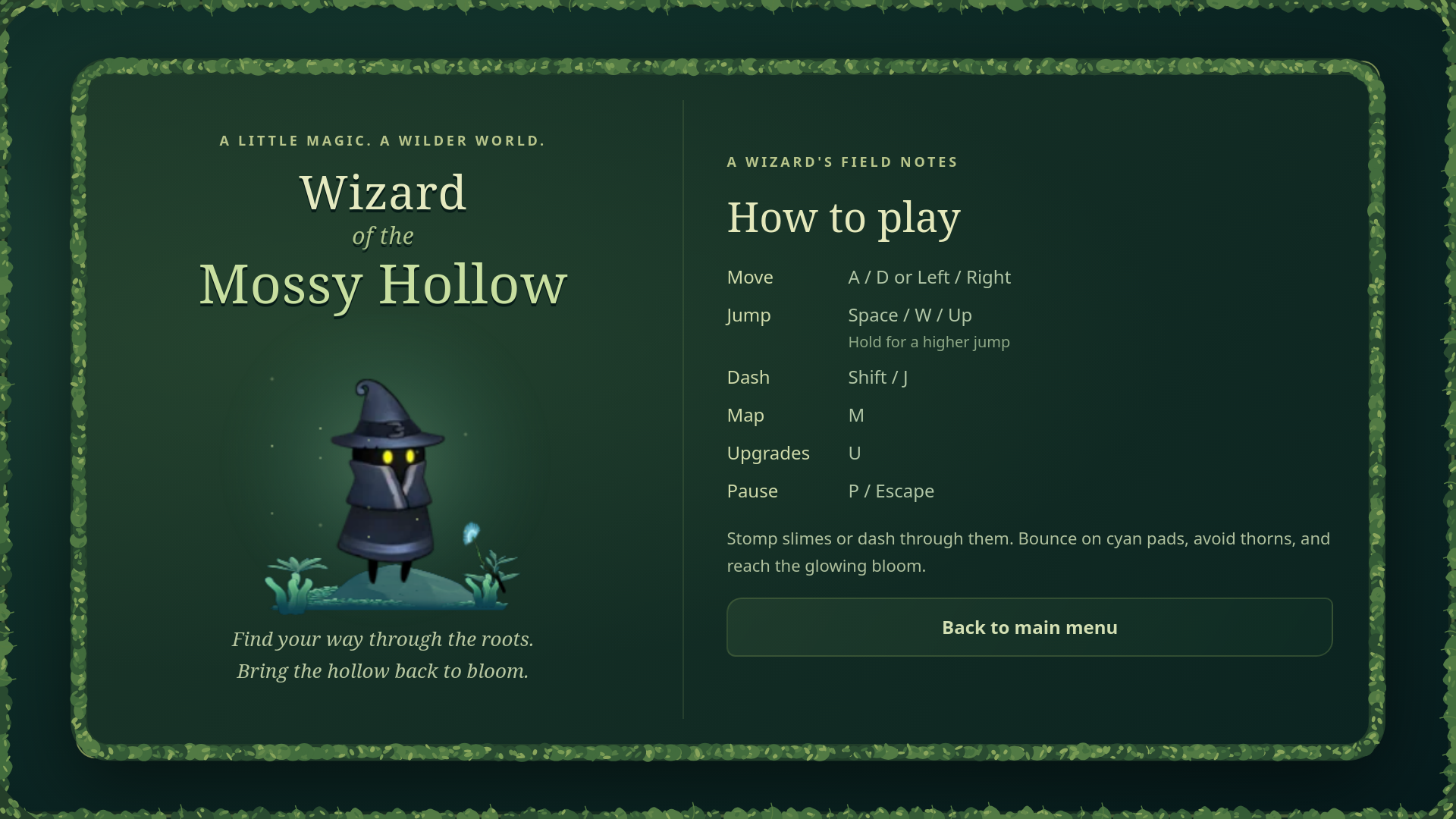
Check the controls.
Toggle sound.
There’s also a Main menu button on the pause screen. Returning to the menu this way keeps your current run paused, and Continue exploring takes you back without restarting the level.
Leafy hearts and woodland details
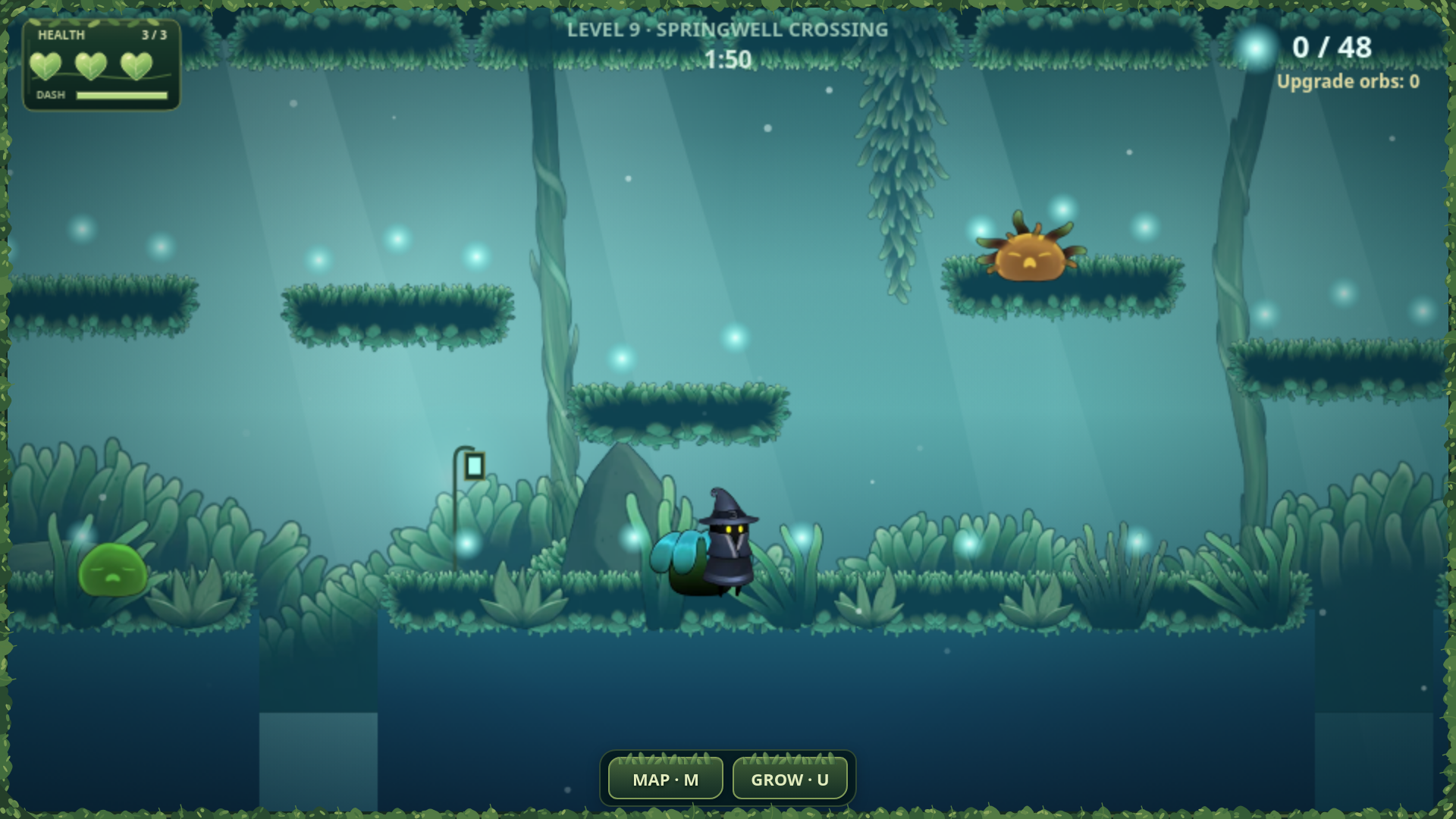
The health display now has its own little wooden frame. Bright, heart-shaped leaves show your remaining health, while depleted hearts become darker, wilted leaves.
The display expands with your maximum-health upgrades, and the dash recharge meter now matches the same woodland colors.
A mossy border also wraps around the game screen. The menu’s hanging vines have been removed in favor of moss around all four edges and corners.
The same adventure underneath
This is a visual and menu-focused update. The ten regions, movement, jumping, collisions, enemies, and upgrade mechanics remain unchanged.
The existing browser-save system and save keys are also unchanged; no progress-reset feature was added.
Fresh page artwork
I’ve also prepared a new menu-style logo, an itch.io-sized cover image, a dark moss-and-stone page background, and matching description and asset-credit panels.
A new screenshot collection shows all ten regions, the updated menus, and the game’s action and end screens.
Thanks for exploring the Hollow. I hope the new look makes it feel a little more like a place worth getting lost in.
Find your way through the roots. Bring the Hollow back to bloom. https://mossfire.itch.io/wizard-of-the-mossy-hollow-demo