When you go to the inn and press on the sign, it says that a night is 3 coins, even though the sign has a 10 on it.
Hello, That's weird. your save file might have been corrupted. have you set the cloud save on? send me a mail at grizzlygamerstudio@gmail.com
If you enable the cloud save with an account (the "multiple device" option), I might be able to help. in the mail, please precise the mail the mail you used to create the account please.
Hey! (not the creator, just a fan of the game). You should be able to open settings and change the resolution QUALITY by scrolling through the different resolution options. I've seen this happen to others elsewhere on this form. The highest resolution option is just likely hidden, which you can fix by scrolling down through the resolution options.
Hello, Yes usually it's because of a lack of memory. Maybe try to lower the graphic settings in the option menu.
I'm playing through the 0.6.0 update, and I got the message that I unlocked underwear from the bandit; however, when I go to the store, none are for sale. Also, there is a black bar in the bottom third or so of the store tab. I've attached a picture. Really like the scene the underwear were from, so any help is appreciated :)
Ah, sorry about that.
I can help you restore your save but for that, if you don't have it enabled already, you'll have to create a cloud save account (Main menu/Play/Synchronisation/Settings/Yes, multiple devices) and send to grizzlygamerstudio@gmail.com the email adress you used to create the account.

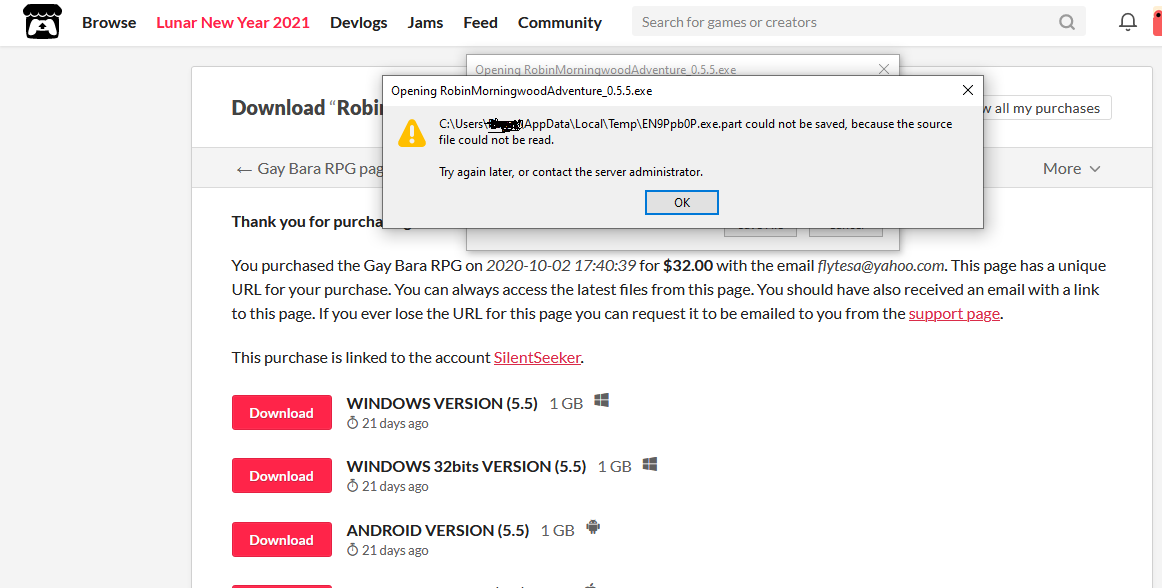
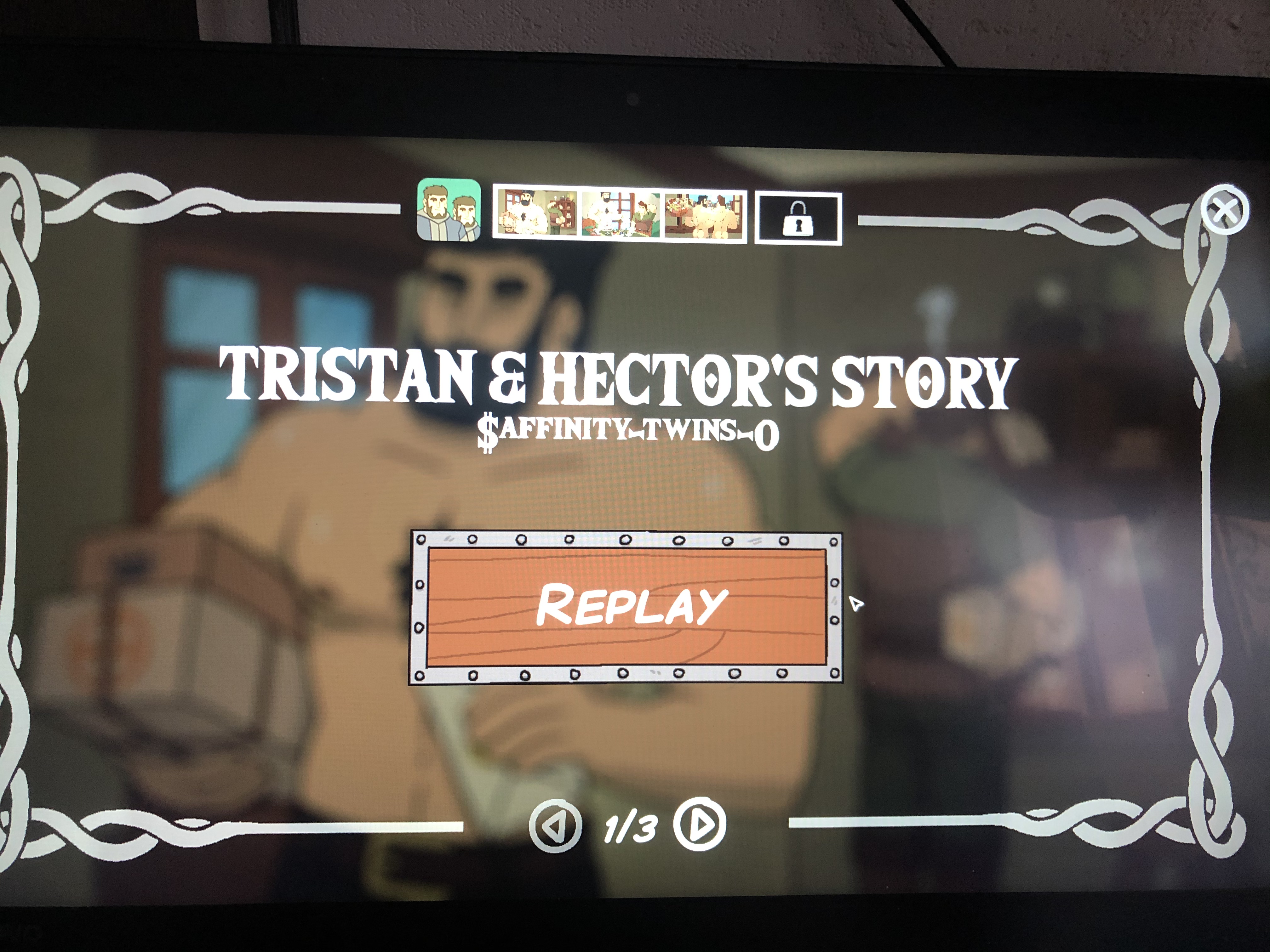
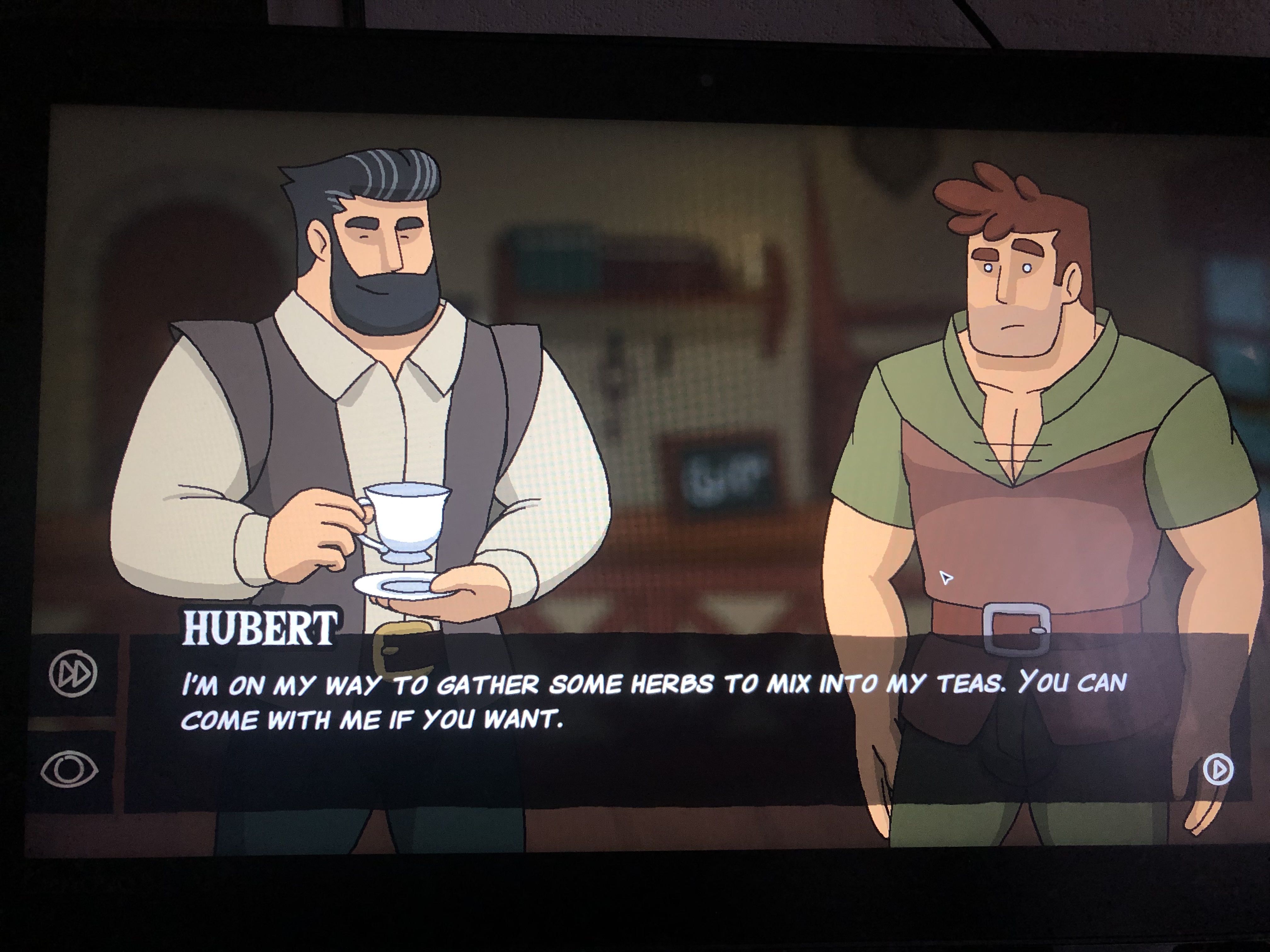 I did everything I could to get a dialogue with the blesnits, but instead, there's nothing. The dialogue with Hubert is repeated. And the same error as the top comment, there is nothing at the thief at night.