Indie game storeFree gamesFun gamesHorror games
Game developmentAssetsComics
SalesBundles
Jobs
TagsGame Engines

Autonauts

Make and teach robots to automate the world! · By Denki

Feedback, Bugs 'n' Stuff Sticky

A topic by Denki created Jul 12, 2017 Views: 83,323 Replies: 1,410
Viewing posts 321 to 340 of 496 · Next page · Previous page · First page · Last page

anyone seen the apple trees yet?

(-1)

coz you can only see them if you change the water digits(16) to the grass digit(0) or any other walk able surface.

lol just use a bridge

you cant place on the blacked out/gray area because you have not "explored" it yet and you cant swim/ move in water to "explore" the area.

(1 edit) (+1)(-1)

if you click and hold on 1 side, then drag to the over, you will have a bridge blueprint that goes into unexplored area

also, i made a fully automatic apple tree farm before you uploaded your post, so IN YOUR FACE

(+1)

oh wow thx for the info bro!

(+1)

Hi,

I first downloaded autonauts at version 6, if I want to download a new version, is there any way I can transfer my civilization from the previous version? Or is there any way to update the version I already have and save my current files? Thanks!

(2 edits) (+1)

if you use windows then download the new version, go to C:\Users\<USERNAME>\AppData\LocalLow\Denki\Autonauts amd take take <your world's name>.txt and put it in the Autonauts file, under the app and not in the data.

if you use macOS then you will need to right click (or press with 2 fingers on the trackpad) on the old version, select the second option (Show Package Contents) and then select <your world's name>.txt 

put that in a place that you would be able to find it, download the new version, right click on it, select the second option and put  <your world's name>.txt BELOW the file called contents, NOT in it.

if you use linux, well, i don't know.

(1 edit)

on windows there is a way easier way to do this.

First go into the new version of the game that you downloaded then press escape then click the load button. After you have click on this C: ( should be on the side bar) and find user. Then find your username. Once done find app data then go localLow then Denki then Autonauts. Your save file should be somewhere in there.

(1 edit) (+1)

I have something to I want to be added to the game, better workerbots the crafting recipe could be something like this

Number of metal gear(s) Number of metal plate(s) Number of metal rod(s) = Expert Bot

EDIT:One thing is never enough, so I got more. one thing  is you need a better Worker assembler (maybe call it a warehouse or a factory) to craft these new bots, another thing is you could upgrade your Bot at the Worker assembler and not need a warehouse or factory (whichever one you choose to name this possible structure.) and it will cost a lot

plz add this in v10 Denki

Developer(+1)

Yep another bot type is high on our to-do list. Not sure when...

Thanks!

Thank's for doing such a great job, by the way, I love the game and like the way it plays

Keep doing a great job!

Developer

\o/ Thanks!

Deleted 90 days ago
Developer(+1)

Wow! Not seen that one before. Yeah at first glance I would blame the gfx card. Looks like it's just the ground tiles not drawing properly. If you could make a video that would be super helpful?

Deleted 90 days ago
Deleted 90 days ago
Developer(+1)

Fantastic video! Thanks for the help. I'll add it to the bug list and see if i can get it fixed.

Deleted 90 days ago

Hello

I found bug. When i place dry stone wall next to end of the world it get that yellow-black think enxt to general storage.

You can that on this video that i create : 

Please fix that.

Developer

Yep this is a known bug and should be fixed in Version 10 on Friday. Thanks for reporting it.

First of all Autonauts is a great game and I like it.

I played version 9.1 and I think there are some things that need to added the game

- Grouping buildings and items.

- Some sort of achievement for unlocking buildings. because having all building at the start is confusing.

- Game need day, night, season, climate, rain, snow and …

it is boring with out these and less challenging.

- Add more modeling. for example the Flour model and Charcoal is a simple cube or Wooden Shovel and Wooden Axe are very similar.

- The color and modeling of most buildings is not good, These colors just doesn’t look right. Generally the game need more color and wise choosing.

- There isn’t harmony between models style. for example compare Boulder with Grass

- Drag and drop from inventory for dropping an item.

- Bot programs need if statement something like this: if cant find Crude Shovel pick up Wooden Shovel

- Bot program need something like: wait for 10 second

- Design of menus isn’t beautiful.

- Does robots really need inventory?

- Add something to inventory for building Crude Axe. The way of combining Stone with Stick is not the best way to do that

- Showing how much left to break a tool in inventory or model.

- Use color image for General Storage

- Rotating building blueprints with mouse

- Rotating camera with arrow keys

- It is better to program bots with flowchart

Developer

Great feedback. Thanks.

I'm not sure what you mean by "Grouping buildings and items"

for example, build menus like this:
Item > Tools > Metal Shovel
Item > Material > Metal Plate

My English is not good so excuse me if I can't  explain better

Developer

Do you mean show what kinds of things each building can make when you hover over the option in the menu?

I've found a bug  in version 9.1. I've looked through the past couple pages of this thread and didn't see it being previously reported, but I could have missed it.

When two bots are set to place an object into a currently-full storage, and you take one object out of the storage, only one succeeds in placing the object in storage, but they both move to the next task in their program, so the other bot is still holding an object and its program gets thrown off. (My two bots are at separate storage boxes, in case that's important.)

Developer

Ah ok I thought I'd fixed that one. Thanks

Developer

Actually I just realised it's already on our bug list! Thanks for reporting

(+1)

Where is the bug list? Searching through that would probably be easier than trying to comb through this thread.

Deleted 90 days ago
Developer(+1)

Try this

https://docs.google.com/spreadsheets/d/1btXfrrRUyzqnH7Ce6kNGWe19pWT7bYGqMbLAqdHH...

Deleted 90 days ago

Thanks; that's perfect.

Hey

I think you should add resolution options to the game, for those who want to play at a lower resolution
Even the game being extremely lightweight, in pcs like mine, which sucks, they lag in large resolution, with lower resolution option I can play without lag
Would it be difficult to put that into the game? By the way, the game has an incredible idea and is very good, if possible, keep adding and improving it.

Bad english, google translate fault

I think it would be nice to have in game the ability to set a specific resolution "H x W" since my monitor doesn't support the preset ones and has black bars on the top and bottom >.< (no the black bars are not graphical problems, I know)

I was reading through the change log and I saw the fix "If you used LMB on a worker while you were teaching it, it would produce recharging instructions."

I was actually very happy when I found that, and considered it a feature. Because I tend to keep a network of recharging bots covering all my other bots, it can be a hassle to actually get a dead bot when I want to train new charger bots.  Would it be possible to add an easier way to train recharging bots? It doesn't have to be the old way, but something easy/straightforward would be nice. Or does this exist already and I just don't know about it?

Developer

In the future I'd like to have all instructions be added to a script by just dragging and dropping them from a selection. This might be a while coming though :(

That sounds like a good solution to me, too. No rush; I really like the game so far! :)

Developer

\o/

Found a small bug, when building something there is no information pop-up to show what is needed build the object. It is just labeled as "foundation". The picture shows the crude bench saw, but it happens with the flooring, storage crate and the crude workbench as well (I haven't tried anything else yet).
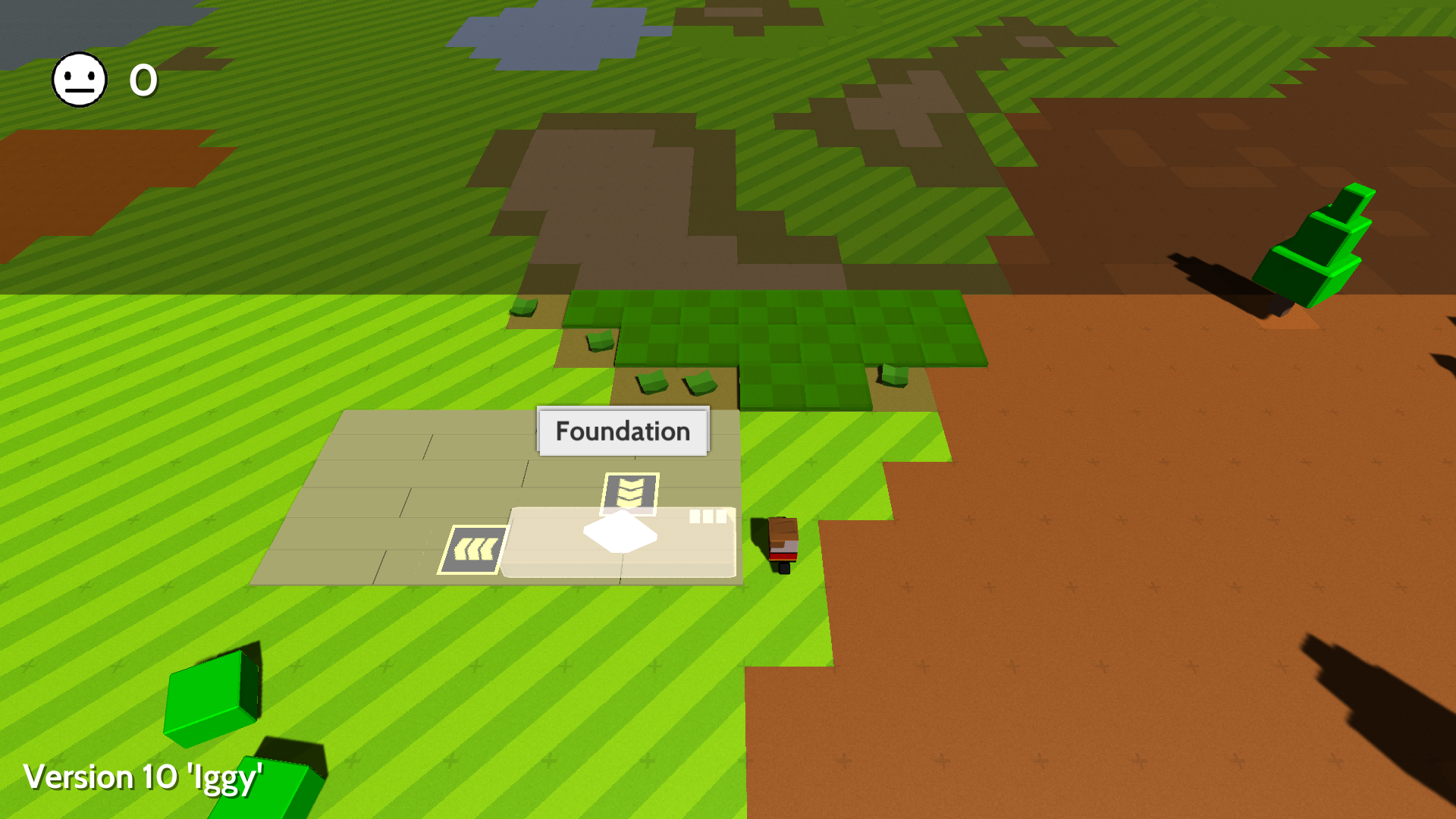
Developer

If you hover over the name you'll get the extra information you're looking for :)

Ow! That is very fancy! Awesome!

I SO cannot wait to play v10.  I'm stuck out work.  ARG!

When you hover over the name and finish building the popup info doesn't go away until you save, quit and load.

(╯°□°)╯︵ ┻━┻

Developer

Thanks. Yep, we have that bug logged and will sort it soon :)

(2 edits)

Hello, I have found something that could cause confusion to (mostly new) players.

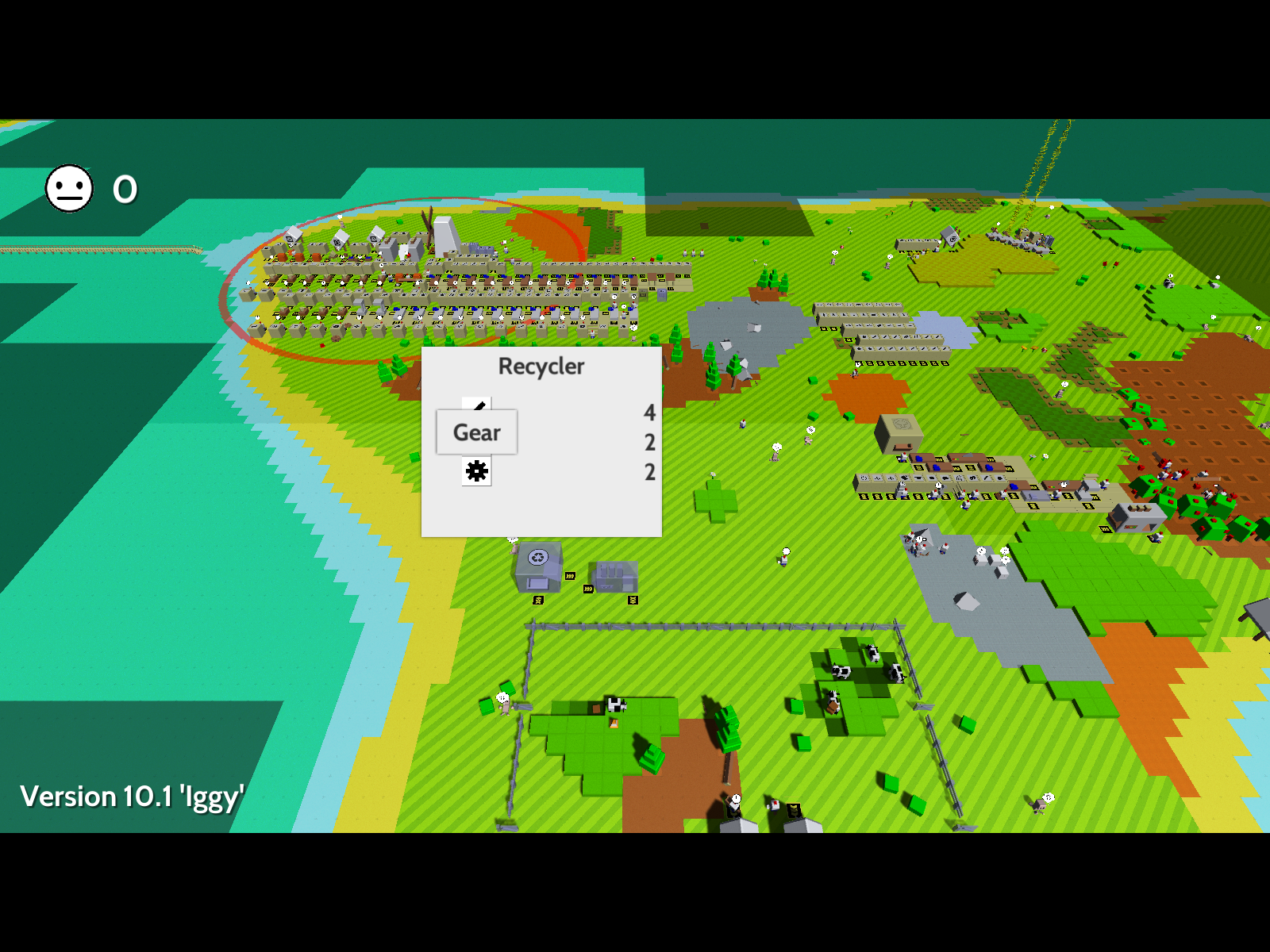
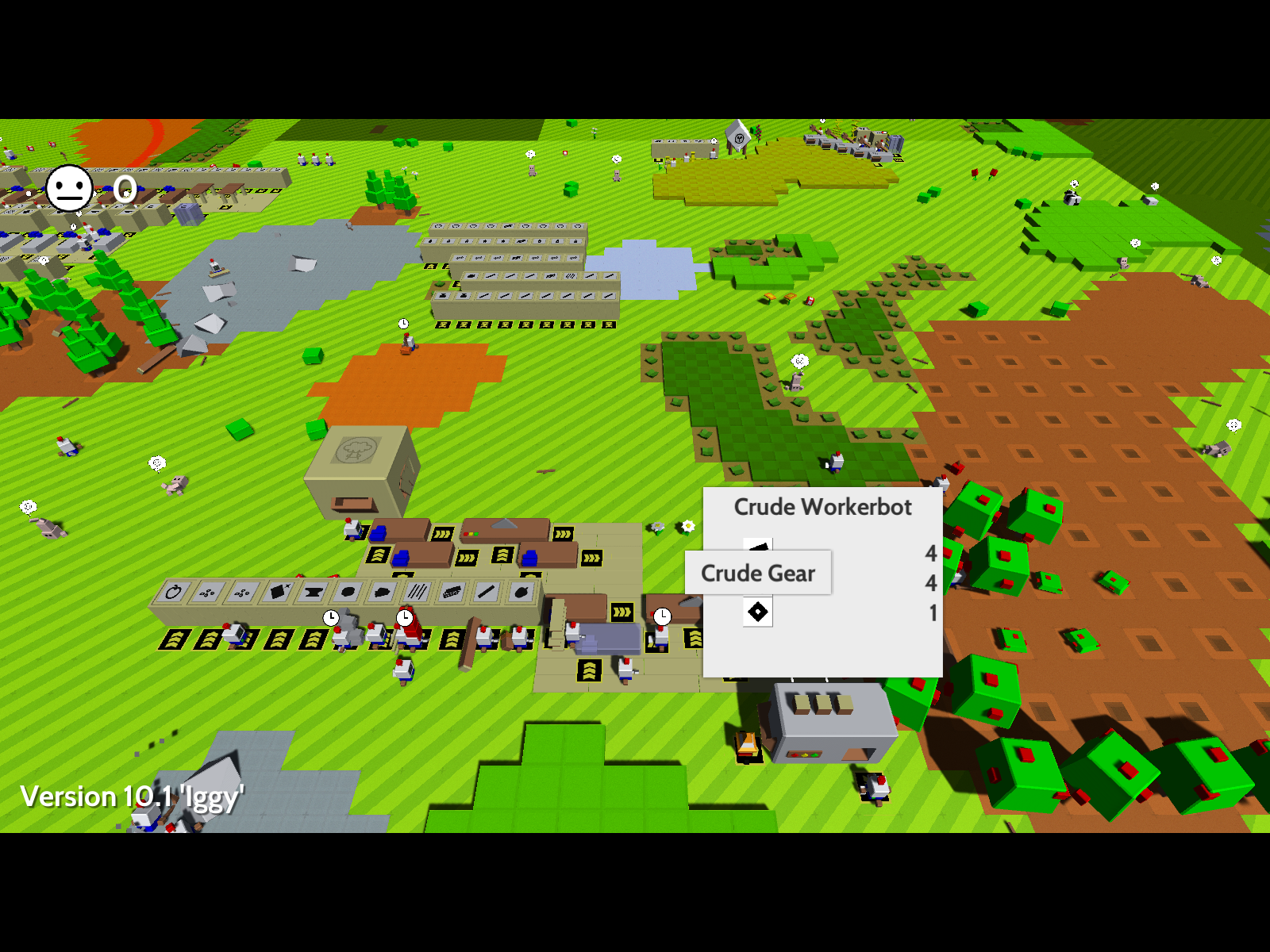
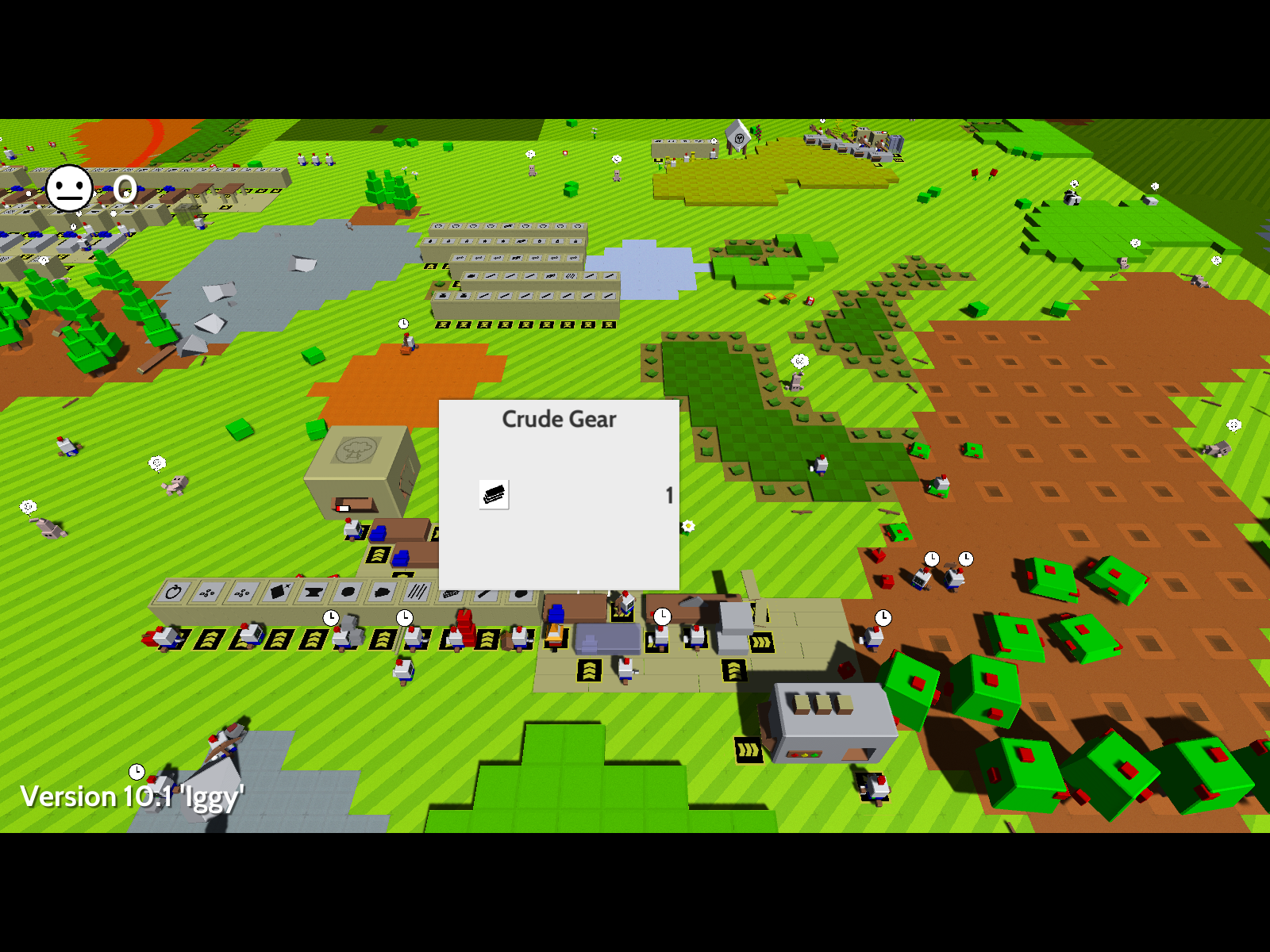
I don't know in what update it got changed but at the Worker assembler(for example) you need a "CrudeCog", but at the Workbench it's still called "Crude Gear" and it would be good it you could change that.

lol

it does not use gears and

and on blueprints it is called a gear

and it is called a Crude Gear

also it is called a crude gear when you craft it

Hi,


Found a bug: Some bots making really, really long bridges will go to the upper-left corner. They even did this when the map was black. Attached is a save and an image. Also, lag, but it goes away when I press space.


https://filebin.ca/3Z9bImvSDnYi/pathfinding-0x-0y-bug.txt is the save URL.
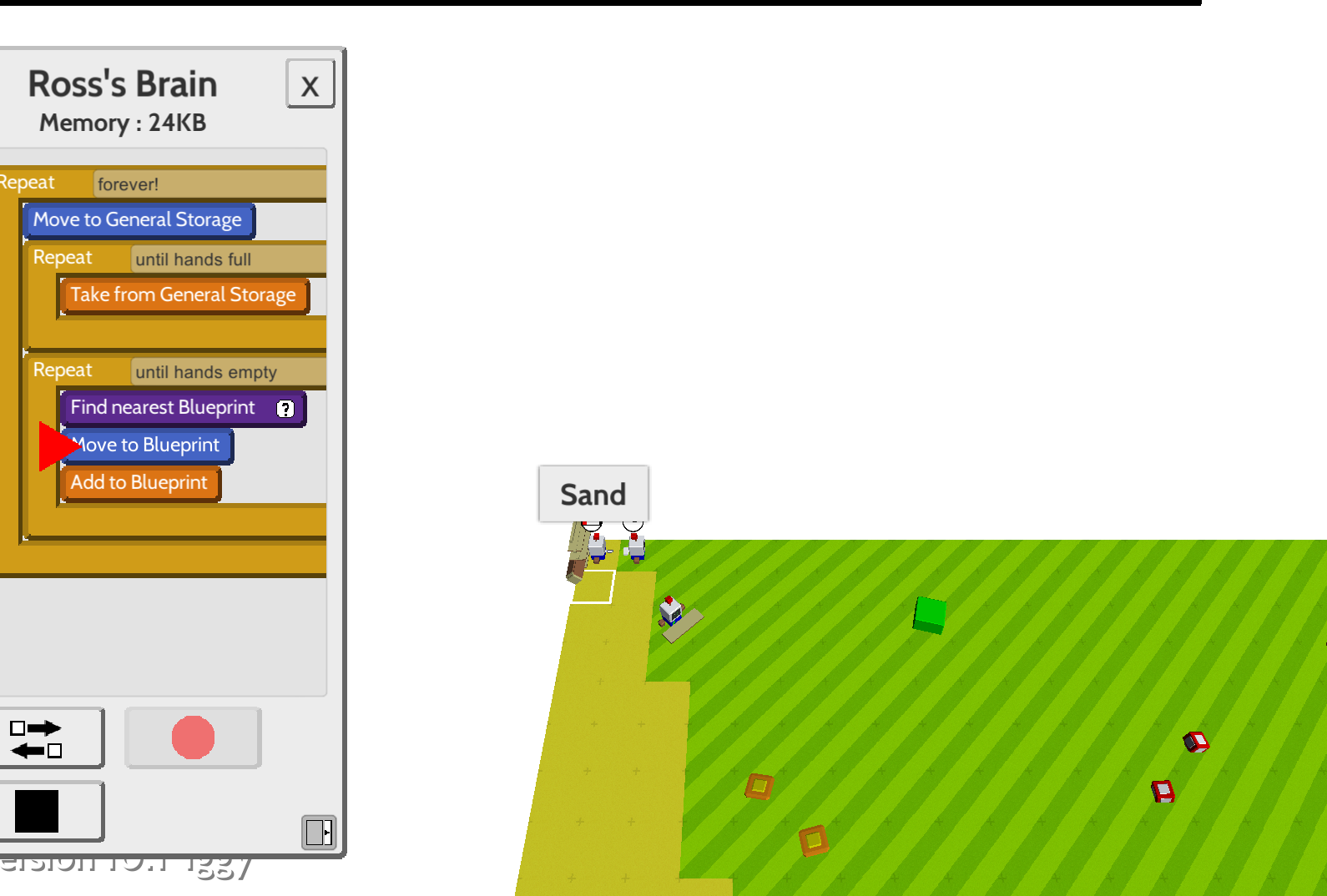
Developer

Thanks, @henryfbp. That one's already on our list :)

(+1)(-1)

i hope one day this game will be on ios and android

(+1)

that would be really nice ...

hallo denki, i think this is a bug:

i would build the brigde to left - but my robots going over the other bridge to the upper left corner from the map and hangs there->> http://prntscr.com/ggzkwp so i must manually hole back the robots - because i tell the bots find blueprints around beacon

hope i could help you - the game is very nice und makes fun

This has already been reported. In fact look at the post above yours and you will see that it has been reported MULTIPLE times.

sry for this - i have only klick the report botton on the first page :-( - next time i will look before

Developer

Hey, no problem, @telekar!

Is the thing where my people refuse to eat still a thing? I constantly make them porridge but they get bored.

Developer

They also like milk, bread, fruit and pie.

Thanks guys

I have the same problem before.My solution is take all the villagers and put they down on Crude Huts again,then they will be happy and eat food.

(1 edit)

Hey, @Denki

I don't know why have you implemented "the two steps" on hover information on buildings. I mean on first hover it gives only the name. To have more information you need to hover again on name. Is it something about game performance?

In my case that only increase the time that you need to achieve information. Even the basic ones on storage depots which you constantly check. It really annoys me. 

It's really a way to combat a fairly common graphic bug where the hover info never disappeared. Maybe when the game is further developed or is requested enough times, then a new UI may be implemented or the old one would be restored.

To achieve two step hovers, you need to keep the first opened window for a while, to be able to leave the hovered item and hover the opened window again. So there is a timeout on each hover window to be disappeared. This also cause another annoying issue. even on every tile of the map mouse hover gives you an info. You need to wait for it to get closed to reach if anything below it. That is also causing the hover bug. On some situations timeout resets and the hover window never be closed again. To fix this you need to open another "type" of that window. That system is totally annoying for me... Forget the names just open the info window...

Developer(+1)

Yes we were trying something new out to stop having an enormous panel on screen. We'll probably end up having a second panel in the corner somewhere instead.

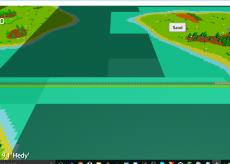
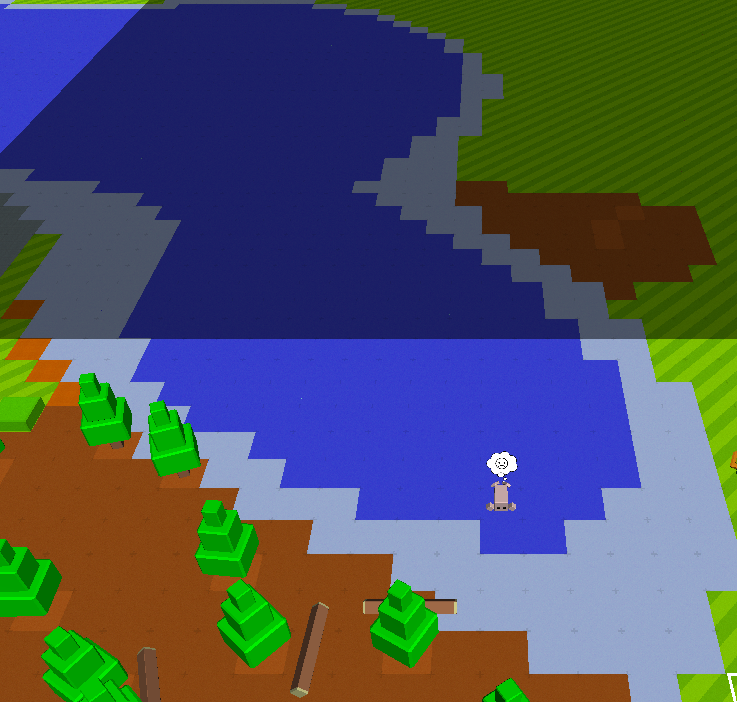
Folks still appearing on deep sea/water

Developer(+2)

Yep that's a known bug, thanks for reporting

Developer(+3)

More impressive is how they don't drown.

lol

(1 edit)

I have a bugged out steambot. He needs charged for some reason (not sure why as I set them up to retrieve a full inventory of wood). I can't charge him or trade with him to give him wood. I can't interact with him at all to see what's wrong with him. Oh, also I had to download the game manually (no update came through itch.io app.)

Developer (2 edits)

You need to have wood in your hands and then RMB on him to give it to him

Developer (1 edit)

Ok the autoupdate through Itch should work now. Thanks

Viewing posts 321 to 340 of 496 · Next page · Previous page · First page · Last page