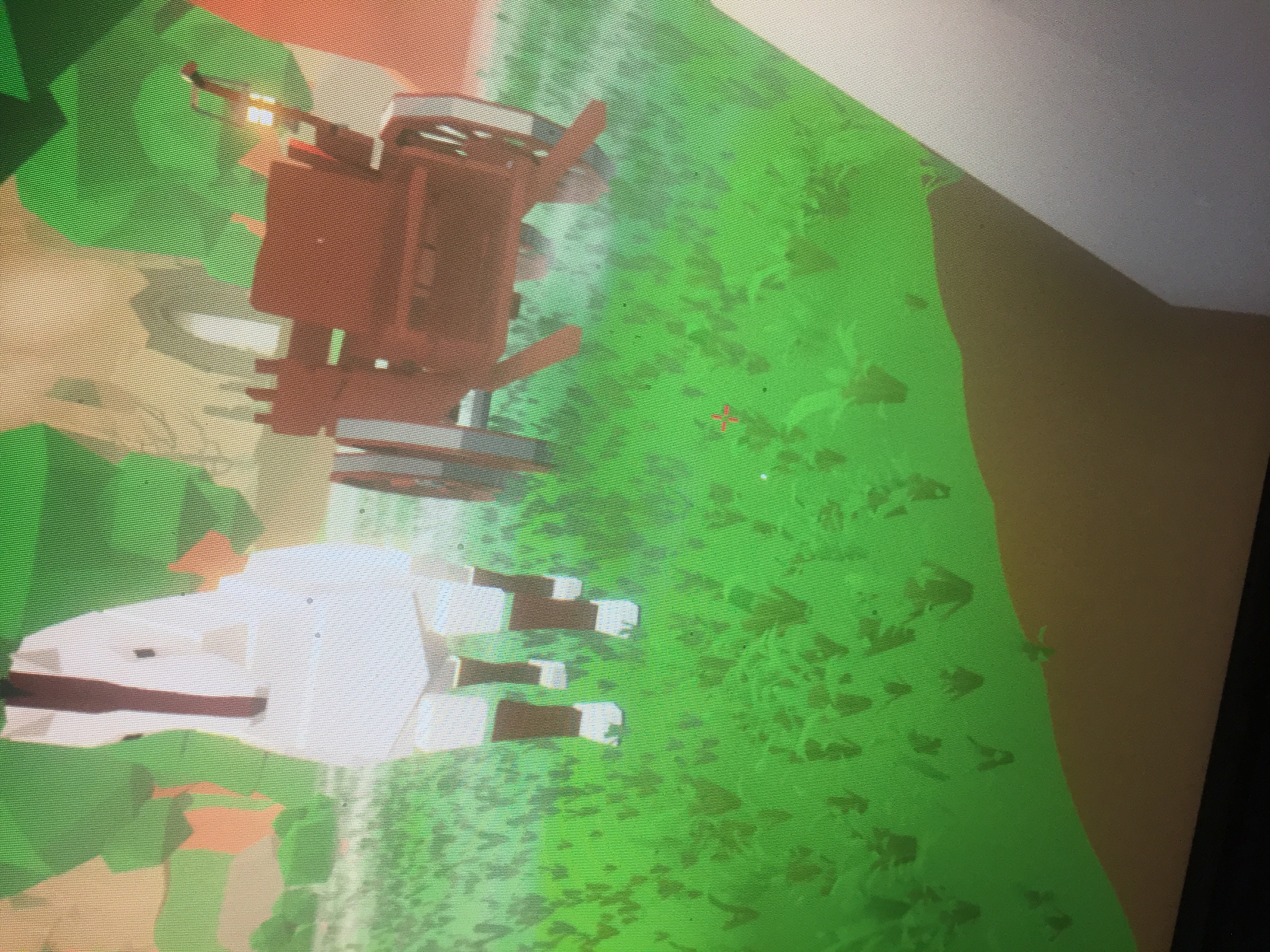
In general anything relatied to horse/cart and or "Rotation" of character/horse - can be fixed, for now, with slipcor's save fixer
You can find it on the game-page from the link text "All here" near the mention for slipcor there - and one of the last two/most recent versions should work for your situation.
( also just in case - http://mlbs.slipcor.net/ )
also be wary - as the Horse in general is still one of the buggiest parts of the game, and will likely be so for a few updates until more important aspects are hammered in and ironed out.
If you, for example, ride the cart - You may end up with player rotation being off and/or player sheet being inacessible - both can be fixed with the same save fixer program, and in general, both (the player rotation and horse freakout/rotation/etc) are caused by the horse
you'll need a New hammer for each tier.
Until you make and equip a hammer of that type, they won't buy.
I don't know if they'll spring for inbetween if you somehow jump a few tiers though. Like if you went from Copper to Titanium, somehow, if they'd still ask for steel, with never having equipped steel
Caused mostly by Cart/riding - Fix with Slipcor's save fixer, linked in game homepage ( http://mlbs.slipcor.net/ )
3rd fixer specifically for Player issue - 4th fixer should have everything (though I could be wrong) that is seen in other 3
hopefully the context of this statement isn't that you restart - get somewhere in game, break - restart - get somewhere.
From what I've seen, although result times vary, generally the door fixes itself without having to start over.
Things that may be contributing to it are
Informative reply. The first time I experienced the issue I made sure that doors and shop were closed when sleeping and moving around or even exiting and therefore I THINK I can rule that one out for now. However,, sometimes I do save with the door open so I will avoid that.
Perhaps the misclick might be responsible but most of all I just think its some sort of Hardware or Software issue on my PC. There is no other logical explanation.
Honestly I don't think I will escape this plague... but either way as the game progresses I'm sure these minor issues will fix themselves.
Thanks for your timely reply and easily understood information.
Good job ! Gold Star Kurzidan XD
Thanks, I do love this game. I don't know if this helps, but I am headed off to a school for authors and creative writing, if you guys ever need a writer let me know. I know you guys will make this something really amazing. Thanks for the hours of fun Dasius.
When I launch the game It apears in a window, my screen is 1920x1080p. It opens the menu, it's in really bad quality and is still windowed. I click normal and go into the game. As it's loading it switches over to fullscreen at 1920x1080p. Graphics are Epic and looking good. Now the problem is the game still thinks i'm in windowed. I can't click on the outer edges of the screen. The game doesn't keep my mouse in the center either while looking. So If I try and click the ground it will click off screen. I tried messing with the resolution and switching back and forth between windowed but nothing works.
And everytime I changed the qaulity while in windowed it would shrink the screen more and off sync where my mouse was to where it was showing me where I was. Everytime I changed res it make a larger black border on the bottom and right side. It also put the window in the top left of the screen.
I don't know the cause of this but when the game first launched I downloaded the game and the same thing happened which made the game unplayable. It is still unplayable.
To summarize (wierd res switching while in windowed makes a black border that gets bigger every time you switch) and (mouse tracking and clicking off screen while in full).
Also might note that while in windowed it didn't keep my mouse center with the reticle it made it go along the edge of the border. BUT it didn't go off screen onto my desktop.
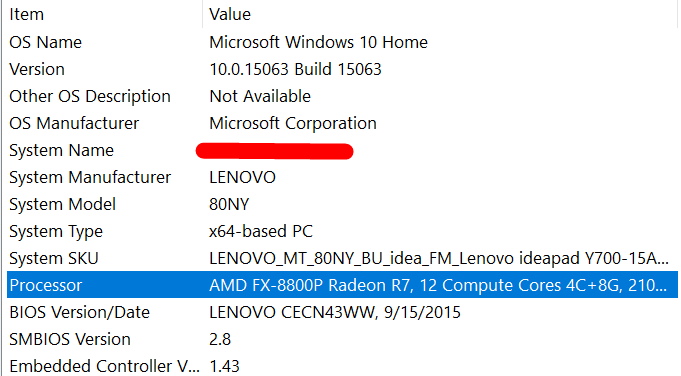
If you need more information or specs please ask.
Hey derpyfighthing,
Thank you for your bug report. The fix will be in the next update. I unfortunately, do not have a time frame yet of when that will be but for the moment, you can use Slipcors fix. http://mlbs.slipcor.net/
Cheers!
Hey ConquerorDude21,
Really appreciate the support. I'm glad this game helps you relax.
Also, really appreciate the report. We are aware of the issue and have fixed the door issue for the next update.
Cheers and thank you for playing!!
Thank you for the quick response!
I can't wait for the update that irons out this bug so I can finally progress without any roadblocks.
ensure your java is path'd up correctly, and/or update/reinstall it.
It's a .jar - which win-rar can usually read and extract classes and such from it, but it should be runnable like a normal application, it has its own little java applet window for executing its functions with. - if its not running at double click, it likely means either that which I said above, or something else is forcibly taking .jar hooks, but I believe update/reinstall will still address that as well
current version: 0.0.82
When I use P to open the character sheet, the camera looks waay too far down. I can't get the camera to move back up, even with restarting the game. It makes selecting any of the options on the sheet impossible.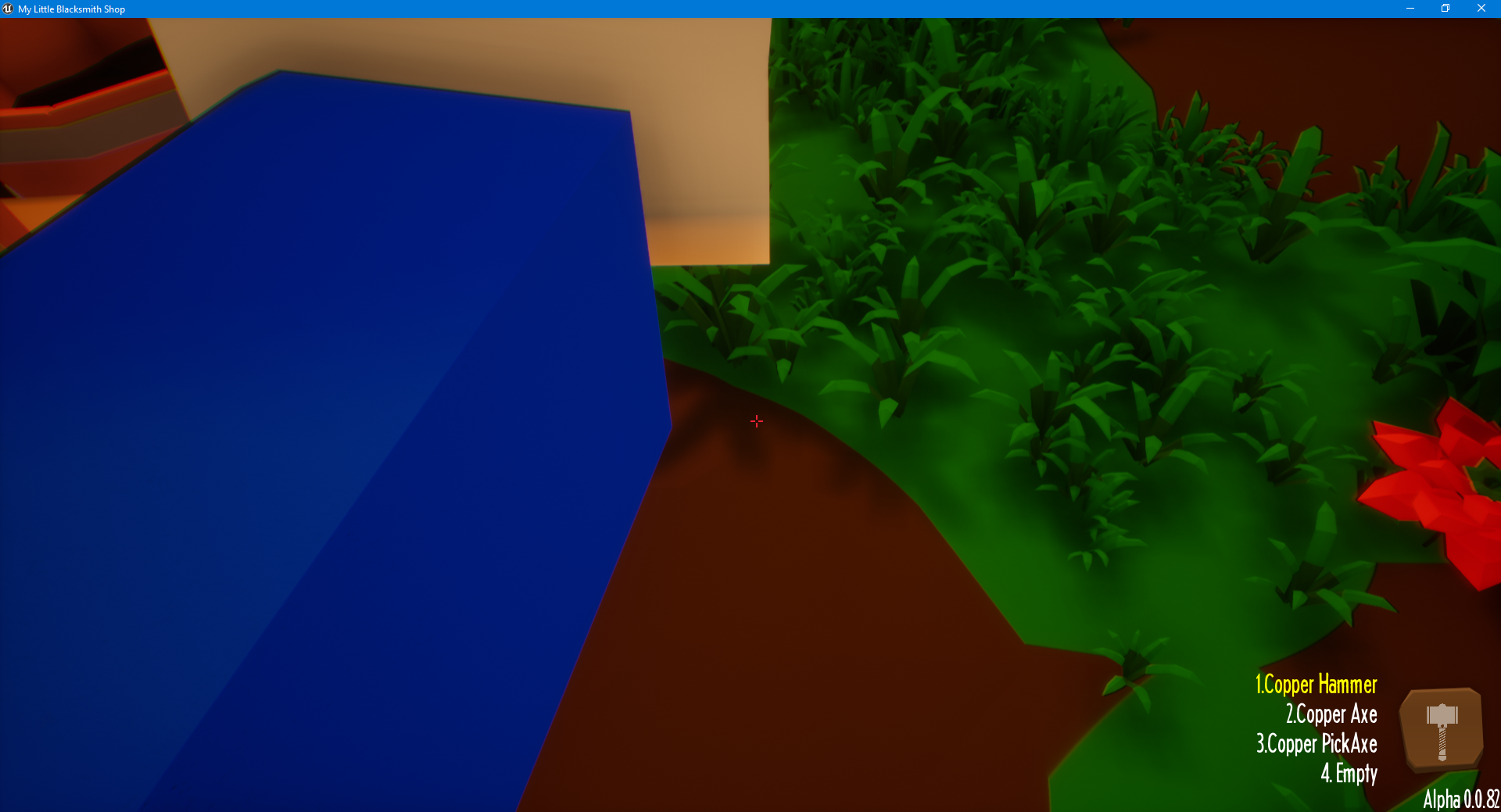
Specs:
Windows 10 (x64)
Intel i5-7600K 3.8GHz
GeForce GTX 1070
16GB ram
Hey Thomas288,
Try this fix as well and let me know if this helped you with your problem. In the next update, this will not happen again.
Thank you for playing.
Its known - Restarting session breaks completed items (they'll need to be reassembled) - And You'll need to ensure that only the matching item is offered - If you have a steel greatsword and an iron greatsword both in the customer area, and they want iron, but see the Steel first -they will get stuck - trying to buy the steel but being denied because its not iron. - Its best to just have the parts made/bought - but not assembled, and then assemble them when a customer asks.
It's a character position issue, Check out Slipcor's little save fixer over at http://mlbs.slipcor.net/ get one of the last two and reset character position. - This should fix it for you.
It occurs (for now) when you start and stop being on ground in odd ways - Swimming sorta, toggles that effect off and on as it tells the game "You've gotten in water" and "you've gotten out of water" so to say - but anywhere else - and there's nothing to do that......
....
I.e - The Cart. Don't ride the cart, really, If you get thrown off it or even if you just ride it uneventfully, you can break a lot of things. - Most commonly it seems more connected (or more noticeable) with going over uneven surfaces that may cause the cart to freak out even slightly
Some surfaces of course REALLY freak it out, and send it off to the cosmos.
Your level sheet probably also is off-set because of your character issue, the Save-game fixer should fix that too.
Hey BadPaint,
Thank you for your bug reports.
However, the game is no longer cancelled. People from the community have reached out to me to aid in the development and we have been making progress for more then a month now. So far, we have removed the cart and horse, for the time being so we can fix the outstanding issues with it. But the other issues have been solved. We're working hard to get a version out as quickly as possible.
Thank you, again!!
:)
Hey Gnar1012,
This issue, I believe is tied to your rotation being messed up. You would need to download Slipcors fix to get it working.
http://mlbs.slipcor.net/