


Deleted 3 years ago
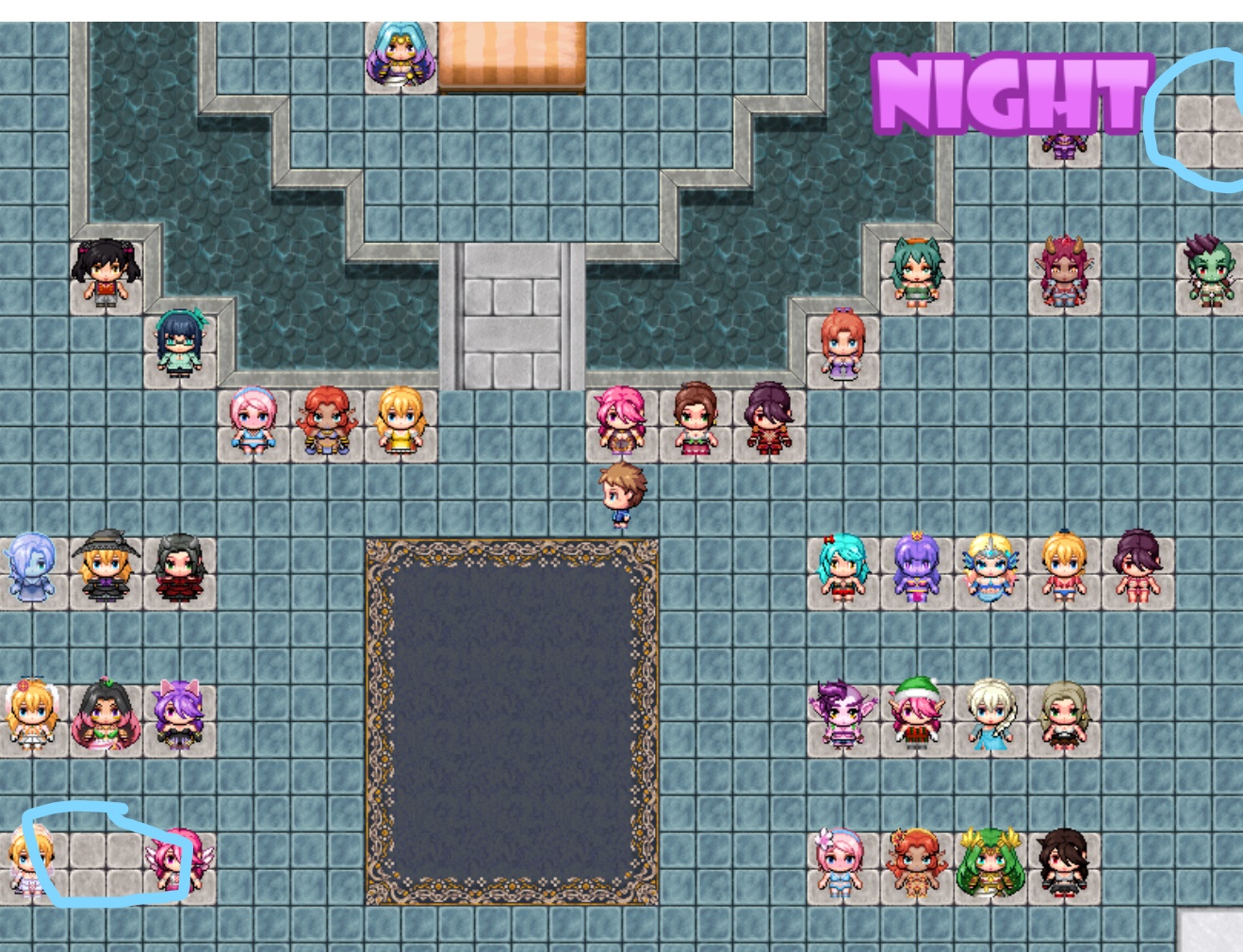 Hey, I followed all the steps in this guide and in the theatre room I'm still missing two scenes, will this be scenes added later or did I miss some steps
The lower left one is Santa Mary. To get it, have Mary wear the Adventuring Outfit and ask her to go Explore during the Morning or Midday. Exit through the Green Barrier with her and go south; you should find a portal next to the column that says "Let maternal hands guide you." Go through and explore to find the Charm that lets you create the outfit, have her wear it, and talk to her to get the scene.
The upper right one I've explained before, but it's a random Night Elf (and an echo of Maya's - the treasure-hunter - scene). Go to the Snowy Ridge during the Morning or Midday (either by going through the blue door and making your way past the moth girls, or by using the warp crystal). North of the crystal is a weak spot in the wall; break it and go in to spy on two Night Elves scissoring. Once you've watched the (sprite) scene and listened to their dialogue, go talk to the Night Elf outside (just south of the crystal) to get the scene.
Just to confirm - within [Game Folder]\www\save\ you have config.rpgsave (if you've modified the settings), save1.rpgsave, and global.rpgsave, right?
I'd recommend creating a "backup" folder. Put all the files from [Game Folder]\www\save\ into that, then start a new game and save into whatever slot the save you're trying to recover is in (so slot 1 in your case). Copy your save1.rpgsave from the backup folder and overwrite the one in the save folder. Unless that save file is broken/corrupted, it should work (I tested with my save files). If the save file is broken/corrupted, you've probably lost all your progress - but on the bright side, it's fairly easy to get back where you were, now that you know what to do. Oh, and your computer may be having issues, such as a virus, a too-full harddrive, a harddrive that's on its last legs, etc.
I don't know what you're trying to say here, and I'd imagine others are having the same problem (hence nobody responding to you last time). What section are you stuck at? I don't think you automatically exit the scenario once you've finished, but need to return to the start and use the portal to leave.
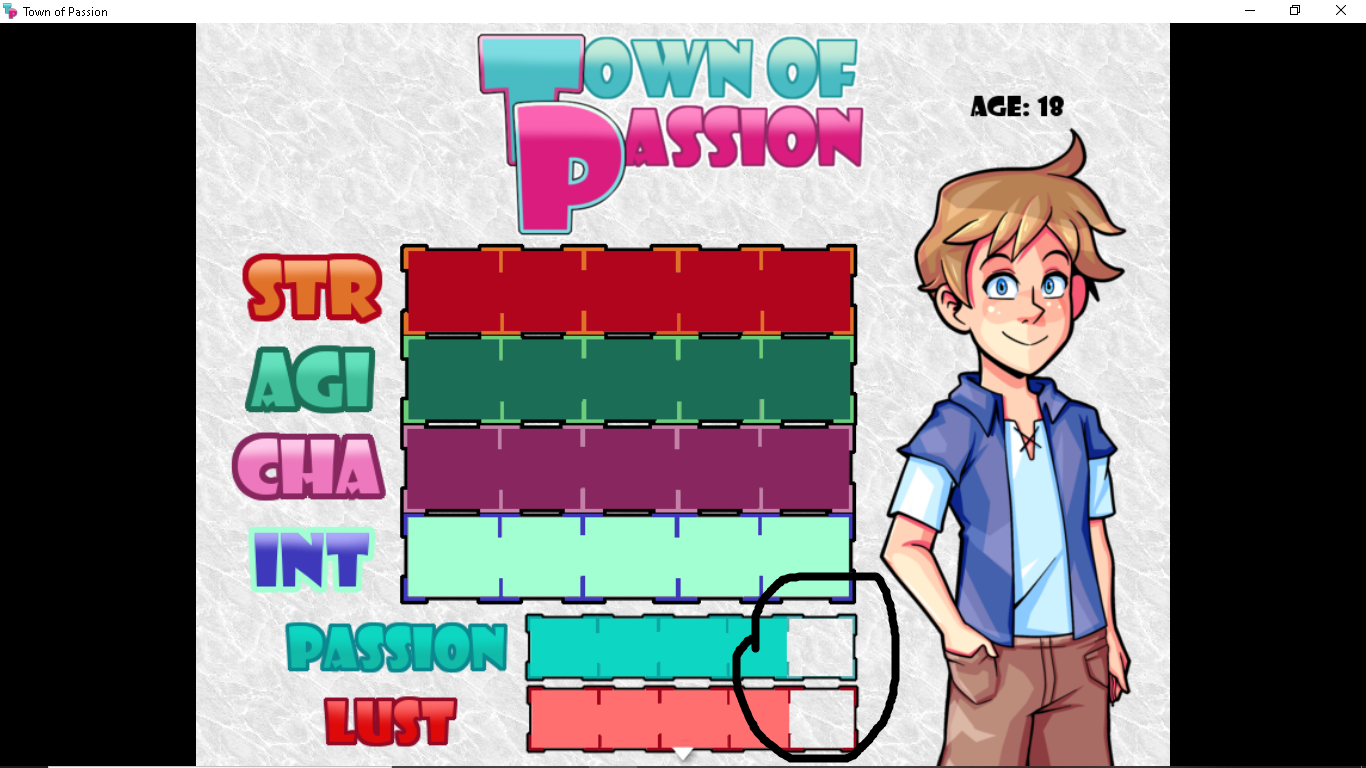
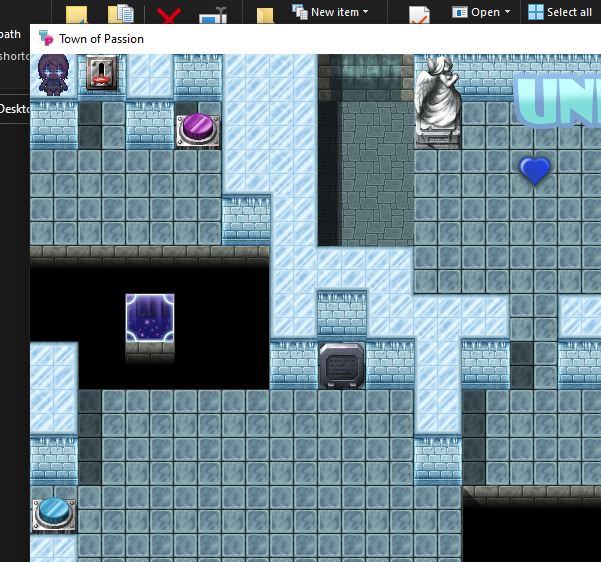
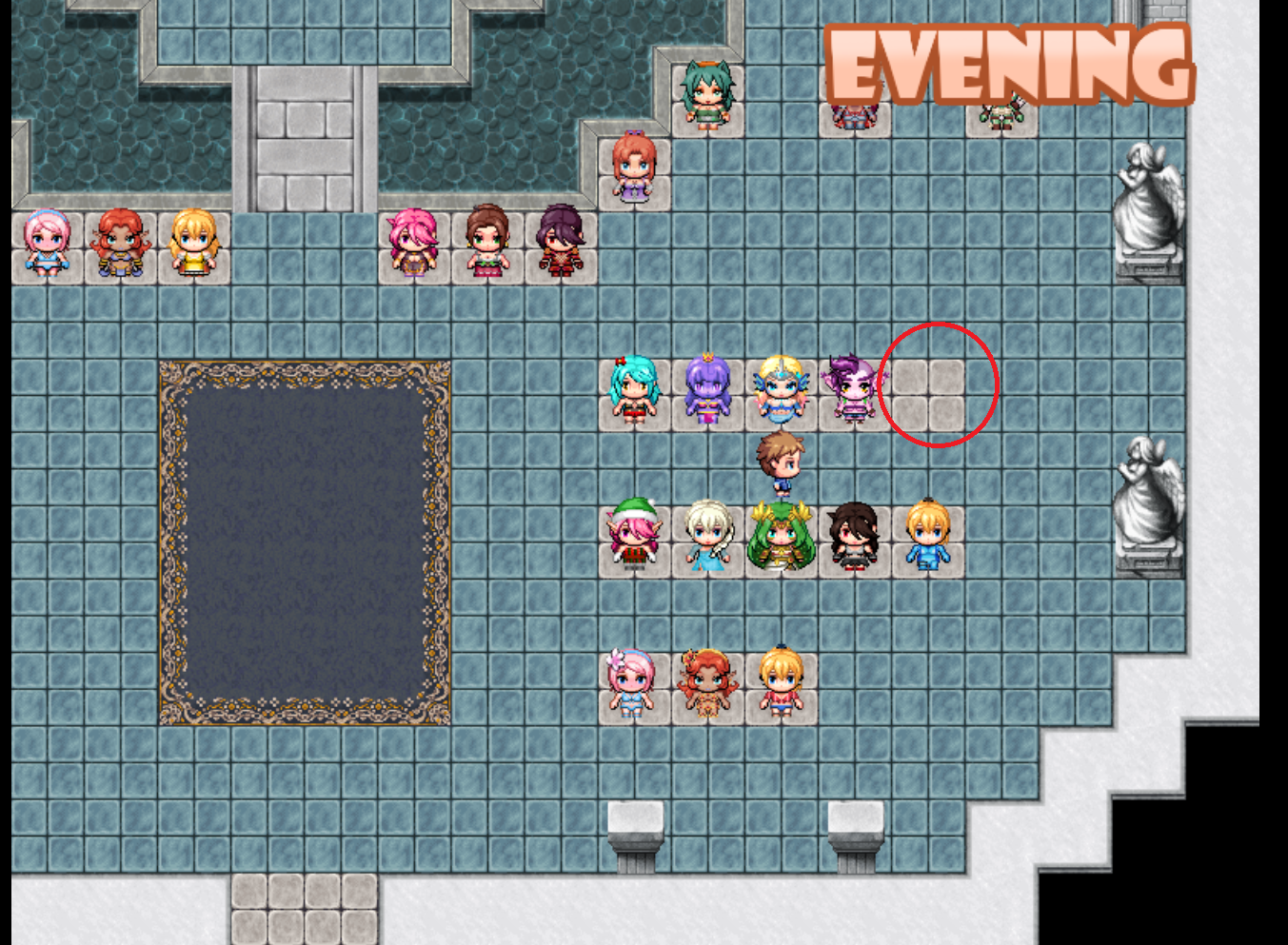 ?
?