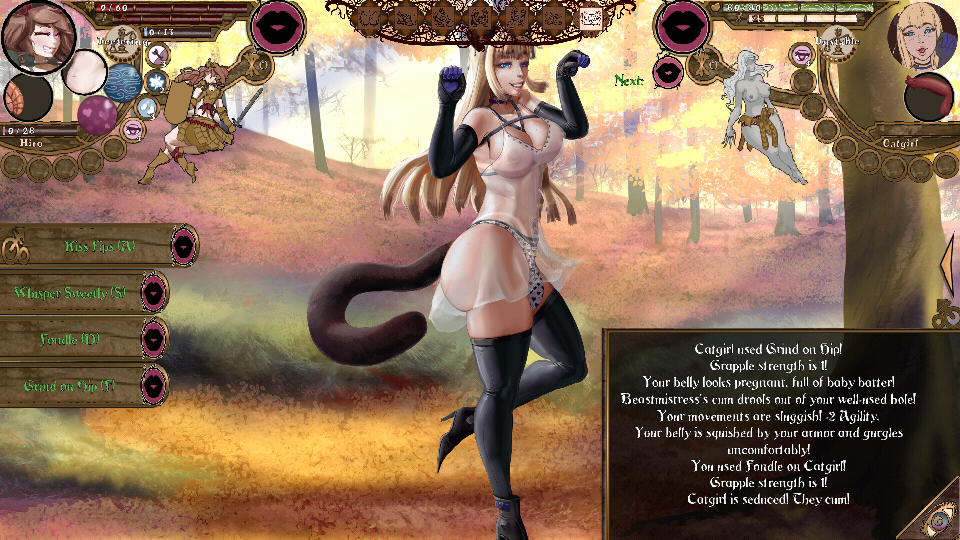
(ver3.10) got the male goblin victory sex despite being in a cage. Also allowed centaur to sex me upon meeting and it loaded the noncage cg (when clicking xray)
Tales of Androgyny may contain content you must be 18+ to view.
The creator of this page has specified that it contains mature themes and content. Please enter your birthdate to verify you are 18 or older:
Bugs I've experienced in 3.10.0
1. Minotauress spamming Grip after using Full Nelson, regardless of whether I use Submit or Struggle. It is infinite, thus it forces a reload
2. Armor of Anal Torment sometimes does not equip after scene (worked as intended, then reloaded to redo the scene and the bug was there until restarting the game)
3. Arena harpy intoxication leads to defeat and elimination
4. Footing charm doesn't seem to have an effect
5. Upgrading the Gladius +2 from the Arachne doesn't seem to have an effect
6. Double audio bug. Sometimes, two different background musics play at a time.
Im getting a "java.lang.ClassCastException: com.majalis.save.SaveManager$Outfit cannot be cast to java.lang.String" CTD error every time I beat the demon king in 3.11.3. on PC:
java.lang.ClassCastException: com.majalis.save.SaveManager$Outfit cannot be cast to java.lang.String
at com.majalis.save.SaveManager.saveDataValue(SaveManager.java:86)
at com.majalis.save.SaveManager.saveDataValue(SaveManager.java:77)
at com.majalis.screens.VictoryScreen.buildStage(VictoryScreen.java:63)
at com.majalis.screens.AbstractScreen.switchScreen(AbstractScreen.java:143)
at com.majalis.screens.LoadScreen.switchFade(LoadScreen.java:46)
at com.majalis.screens.AbstractScreen.showScreen(AbstractScreen.java:114)
at com.majalis.screens.LoadScreen.render(LoadScreen.java:52)
at com.badlogic.gdx.Game.render(Game.java:46)
at com.badlogic.gdx.backends.lwjgl.LwjglApplication.mainLoop(LwjglApplication.java:233)
at com.badlogic.gdx.backends.lwjgl.LwjglApplication$1.run(LwjglApplication.java:128)
When i try to enter in General Store on Town of Silajam the game crashes
java.lang.NullPointerException
at com.majalis.scenes.ShopScene$Shop.access$2200(ShopScene.java:87)
at com.majalis.scenes.ShopScene.getShopRestock(ShopScene.java:708)
at com.majalis.scenes.ShopScene.initShop(ShopScene.java:692)
at com.majalis.scenes.ShopScene.<init>(ShopScene.java:233)
at com.majalis.encounter.EncounterBuilder$Branch.upsertScenes(EncounterBuilder.java:593)
at com.majalis.encounter.EncounterBuilder$Branch.getScenes(EncounterBuilder.java:786)
at com.majalis.encounter.EncounterBuilder$Branch.weld(EncounterBuilder.java:450)
at com.majalis.encounter.EncounterBuilder$Branch.upsertScenes(EncounterBuilder.java:622)
at com.majalis.encounter.EncounterBuilder$Branch.getScenes(EncounterBuilder.java:786)
at com.majalis.encounter.EncounterBuilder$Branch.getEncounter(EncounterBuilder.java:813)
at com.majalis.screens.ScreenFactoryImpl.getEncounter(ScreenFactoryImpl.java:240)
at com.majalis.screens.ScreenFactoryImpl.getCurrentContextScreen(ScreenFactoryImpl.java:295)
at com.majalis.screens.ScreenFactoryImpl.getScreen(ScreenFactoryImpl.java:139)
at com.majalis.screens.AbstractScreen.switchScreen(AbstractScreen.java:141)
at com.majalis.screens.LoadScreen.switchFade(LoadScreen.java:46)
at com.majalis.screens.AbstractScreen.showScreen(AbstractScreen.java:114)
at com.majalis.screens.LoadScreen.render(LoadScreen.java:52)
at com.badlogic.gdx.Game.render(Game.java:46)
at com.badlogic.gdx.backends.lwjgl.LwjglApplication.mainLoop(LwjglApplication.java:233)
at com.badlogic.gdx.backends.lwjgl.LwjglApplication$1.run(LwjglApplication.java:128)
My pc does not have an opengl compatible video card driver and this leads to a lot of crashes. Ok, i know you already aware about this, although everytime it crashes, i simply restart it and it works again. Exceptly in one case: "com.badlogic.gdx.utils.GdxRuntimeException: com.badlogic.gdx.utils.GdxRuntimeException: Couldn't load file: animation/SplurtGO.png" this splutGO.png does not load even when i restart the game, and it seems to be important to interact with people in the village. Don't know if there is something to do with it, but i think i should notice you about it. Thanks
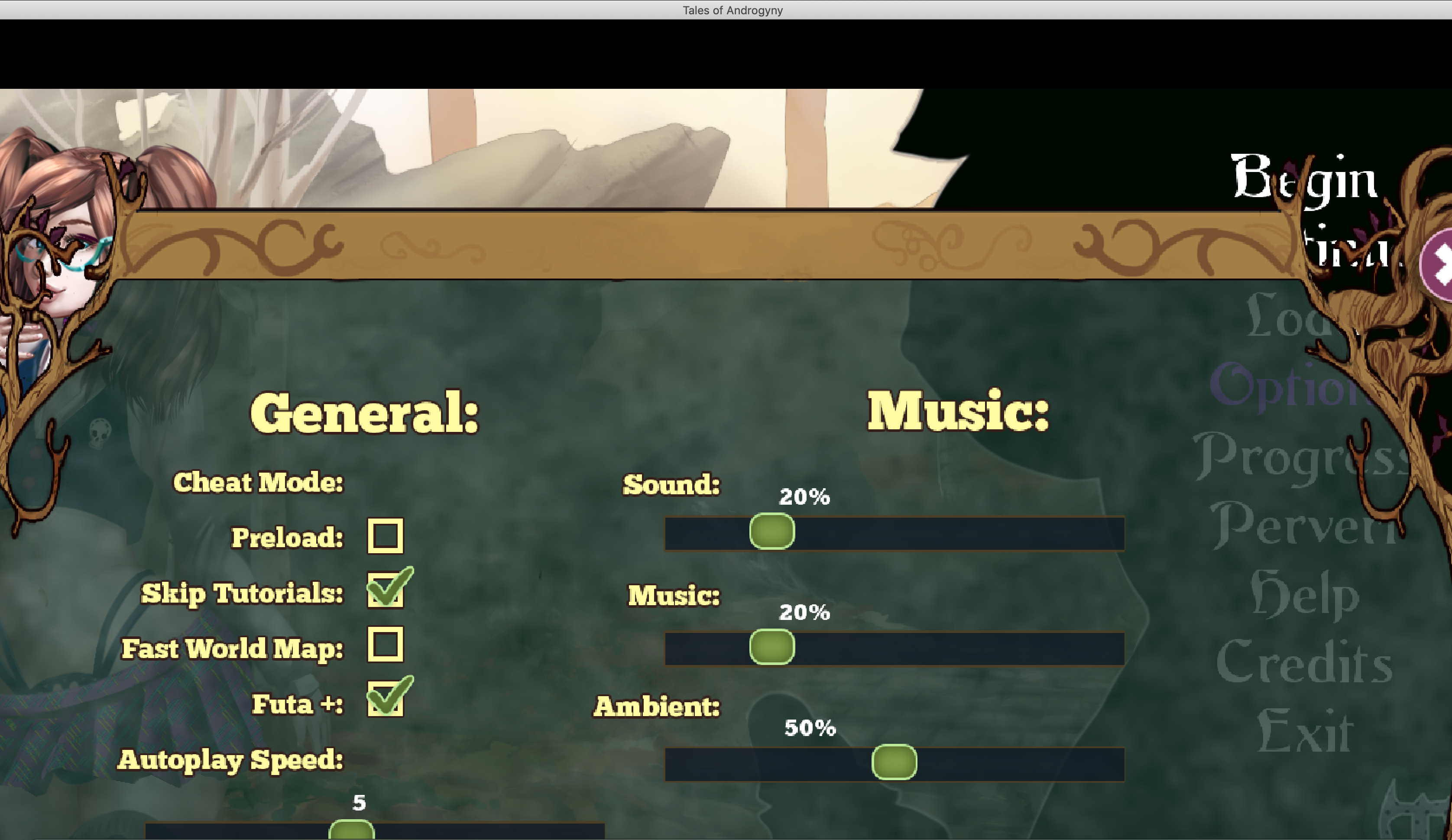
Think this might be related to DPI scaling. In the next patch there'll be some stuff that'll help address this, though not entirely. If you look for the hidden .prefs folder and open tales-of-androgyny-preferences you can edit or create a "width" and "height" entry and specify what resolution you want - try 960 width and 540 height, and just go smaller if it still doesn't fit.
Hey, I've been attempting to set the resolution in the preferences but since there isn't any resolution entry already there for me to edit I don't know exactly what to type in order to create the width and height entry. Could you send what I need to paste in exactly to do this because all I have for reference are some of the options I was able to get to show up in . prefs by toggling them in the in-game options. Im lacking the knowledge on how to fill in the entirety of the resolution entry/key in tales-of-androgyny-preferences. For example ill try to show what I am asking for but its for the volume entry. I am Sorry for the dumb question just couldn't figure it out
<entry key="volume">0.5</entry> (what would this look like, but for the resolution entry)
Great game, love the writing, love the art!
### Memory leak
There is a memory leak when running on Ubuntu. Memory usage climbs until the process is killed or the system crashes - I have seen ToA use 6GB+.
Could be loaded resources are not being released?
### Borked Linux packaging
When attempting to run the Linux version, the following error occurs. Note that running the jar directly using the system-installed Java works just fine.
```
$ ./TalesOfAndrogyny
jre/lib/amd64/server/libjvm.so: cannot open shared object file: No such file or directory
Error: failed to load VM runtime library!
### System info
Ubuntu 21.04, OpenJDK 1.8.0_292, with OpenJFX installed.
Note that the game will not run using OpenJDK 11 due to JavaFX not being bundled with the JDK anymore.
### Suggestions
I am a software engineer, so I have a couple of suggestions if you are interested:
1) Bump the Java version to latest LTS release. Java 11 is supported through 2026, Java 17 (the next LTS version) will be released in a few days.
- This may or may not fix the memory issue, but newer versions of Java do bring other nice things - language features, packaging, etc.
2) Pull in JavaFX dependencies via gradle. There is a gradle plugin for doing this that you may be interested in: https://openjfx.io/openjfx-docs/#gradle
- Newer versions of JavaFX have many new features and bug fixes, potentially improving memory usage.
3) The `jpackage` tool was introduced in Java 14. This tool can create installers for any platform and bundles the JRE with the application. This is very nice from a user perspective since ToA would behave like any other app - no need to download Java first, able launch from spotlight/start menu, etc.
- I have used a gradle plugin to package JavaFX applications and it went very smoothly: https://badass-jlink-plugin.beryx.org/releases/latest/
4) Place save/config data in the expected platform-specifc directories instead of dropping data in the current directory. There's even a library to fetch these directories:: https://github.com/harawata/appdirs
I recently bumped up the versions of various dependencies, including the packaging tool (packr), and the Java version is next. We've been debating putting the user specific files in a user-specific folder, but there isn't actually an industry standard place to do that on Windows - different games drop their save files in Documents, My Games, and AppData, and Steam games typically drop their save files in the Steam userdata folder! Given that this is also a porn game, I would rather people not be surprised to find their save files give them away even if, for instance, they delete or hide the folder or directory containing the game files. So it's not as straightforward a decision as it seems.
Yeah the location of application data on Windows is a mess, and you make a good point about users potentially wanting to hide the game.
To be pedantic, there is documentation from Microsoft as to where files should be placed, and there are standard locations for macOS and Linux as well.
Not a my hill to die on, just pointing it out :smile:
Fingers crossed that updated dependencies and Java will fix the memory leak without any extra effort - memory leaks can be really *fun* to track down :laughing: